






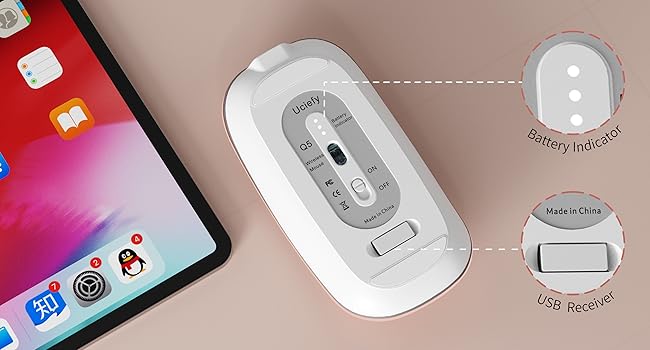
Battery Indicator
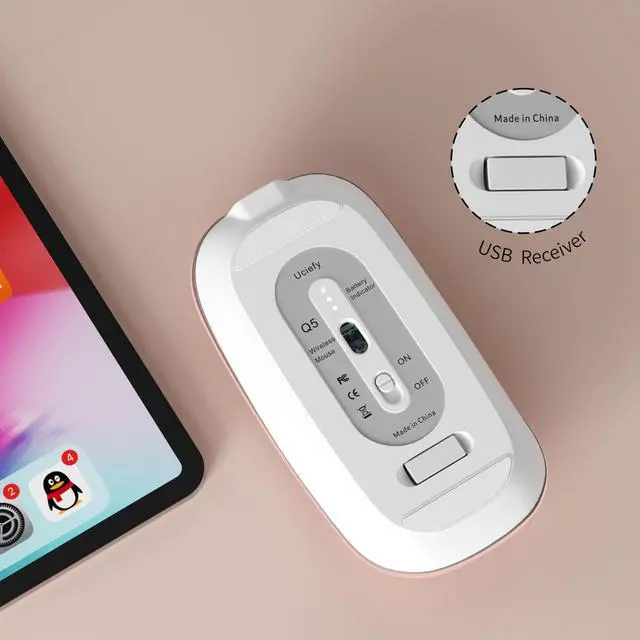
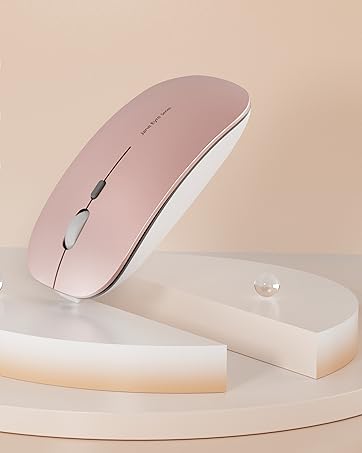
- Battery indicator light tells you the power level.
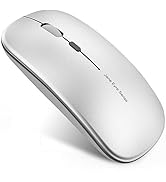
- The USB receiver is stored at the bottom of the mouse.
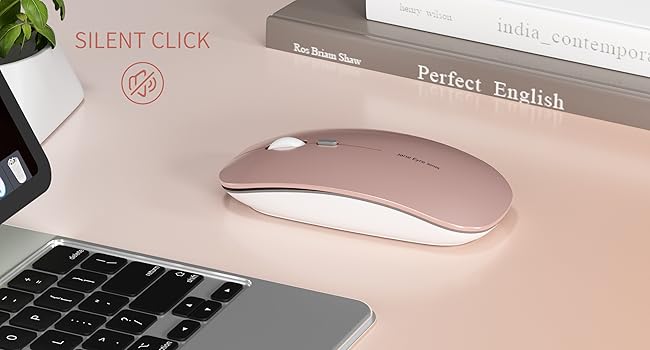
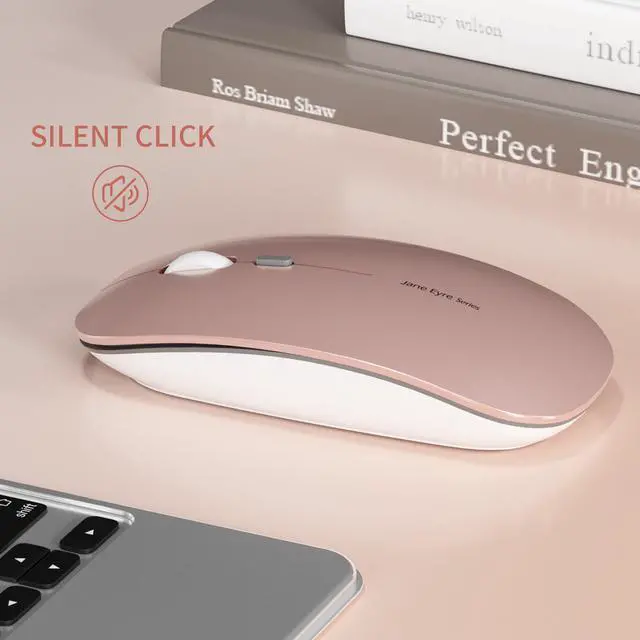
Silent Click
- Silent click for left and right buttons creates a quiet environment at home or office.
- Yon can use the mouse efficiently and won’t be bothered by the annoying clicking sound.
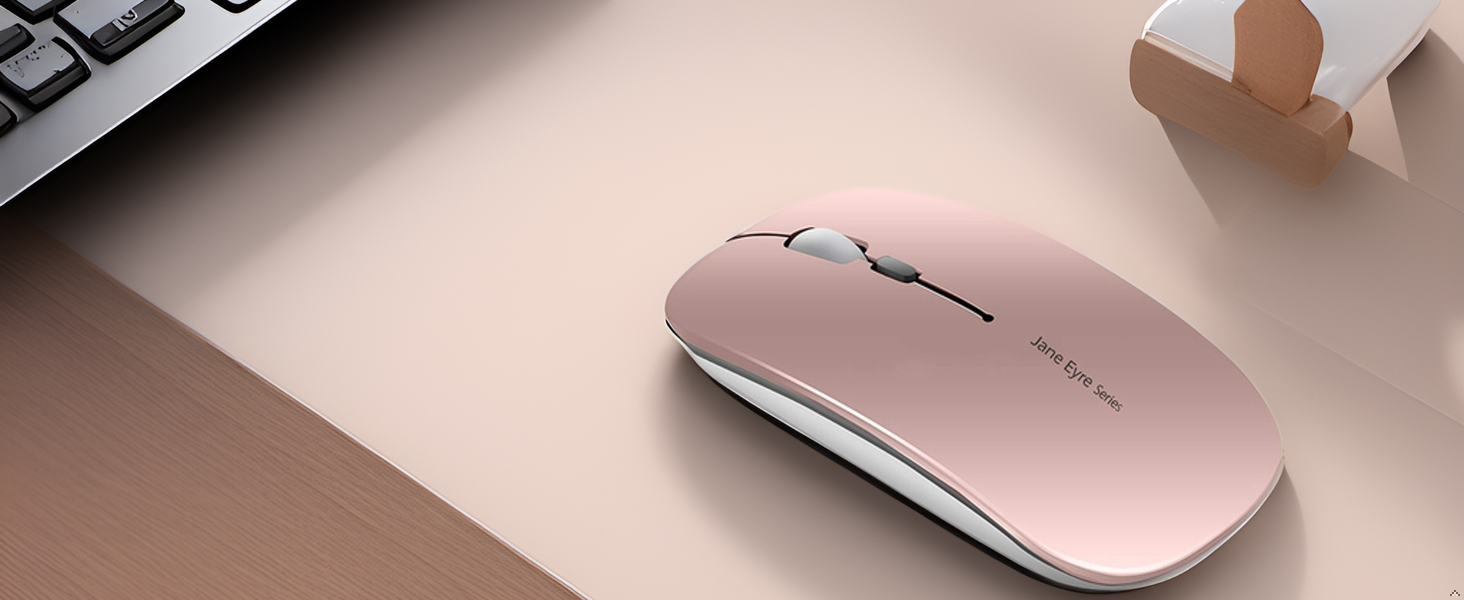
Wireless Mouse
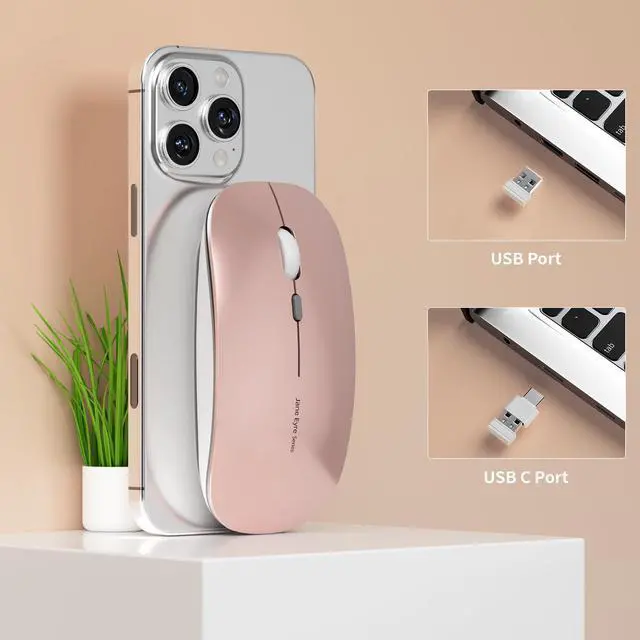
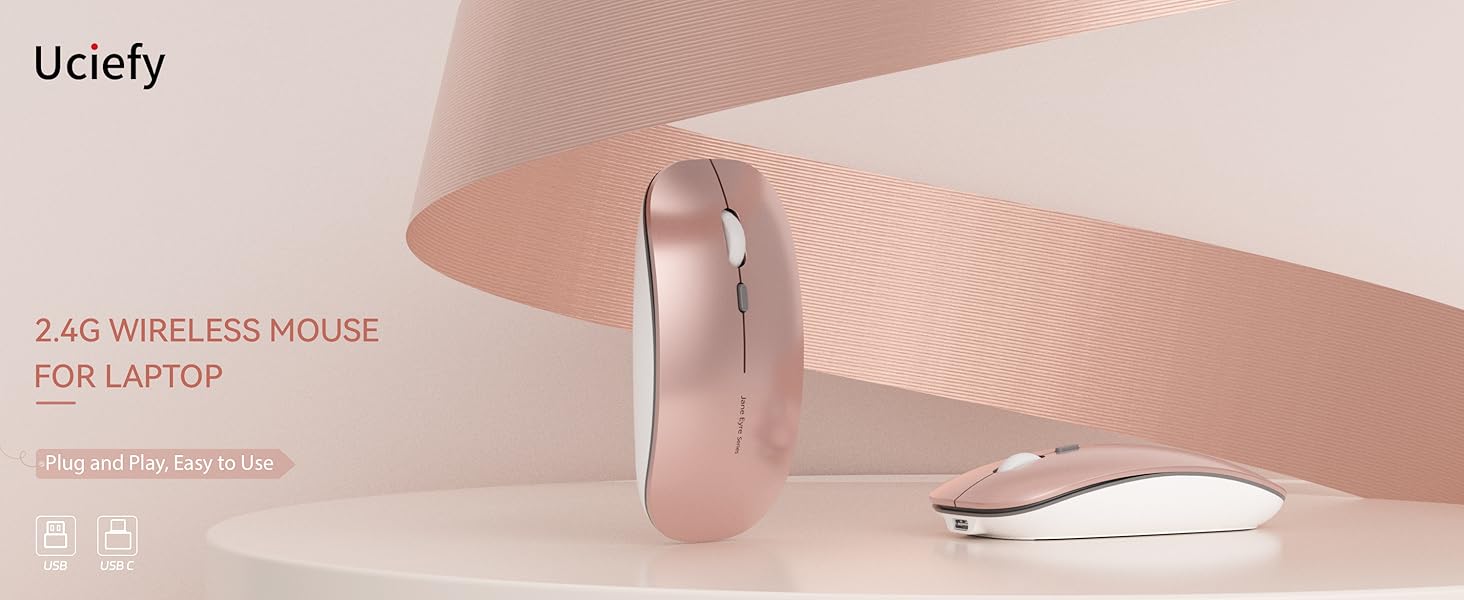
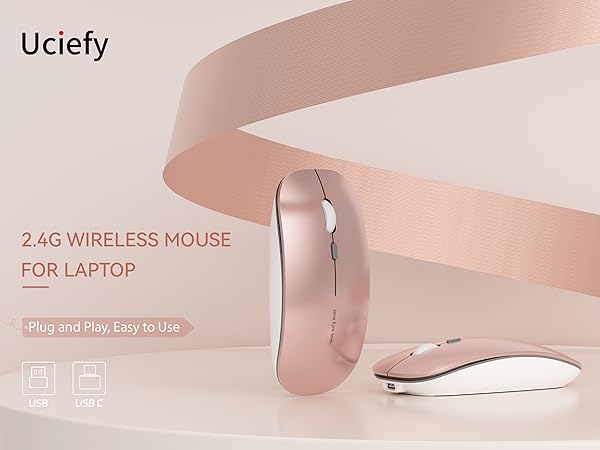
Plug and play, easy to use.
Note: The USB receiver is stored at the bottom of the mouse.
Note
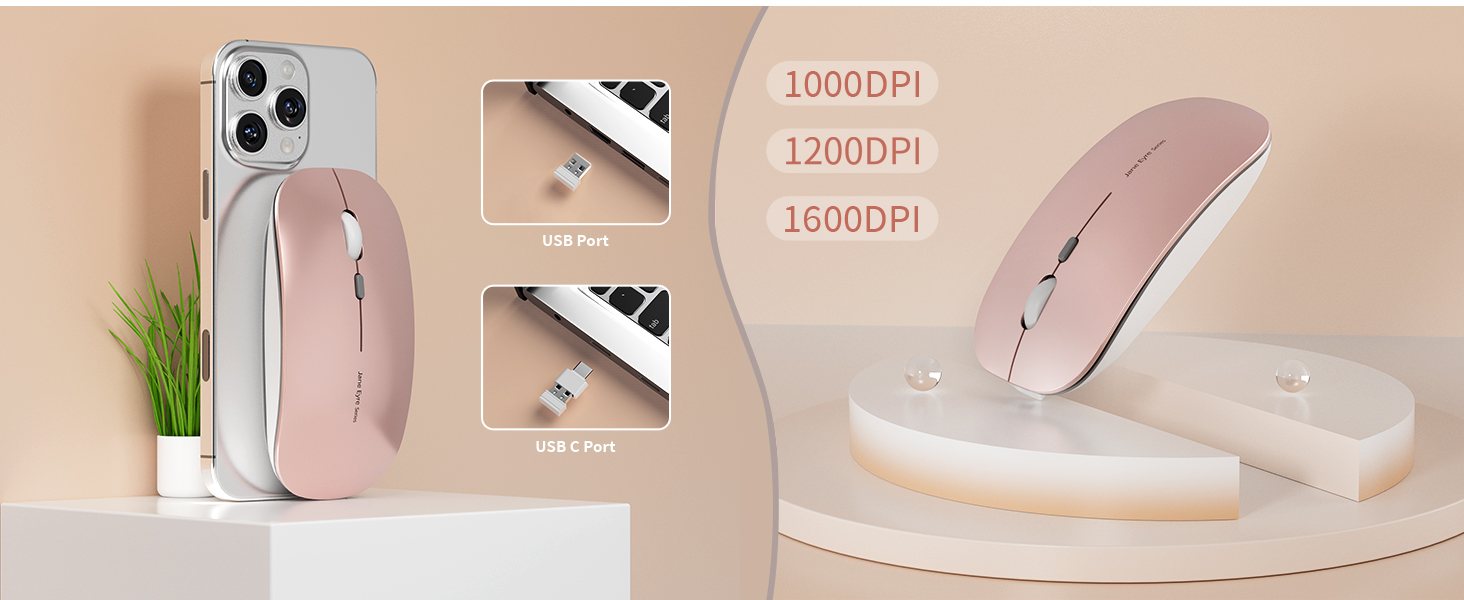
1. For USB C connection, simply plug the USB receiver into the type c adapter, then plug adapter into your device.
2. It's out of power if the mouse cursor moves slowly or stop moving.
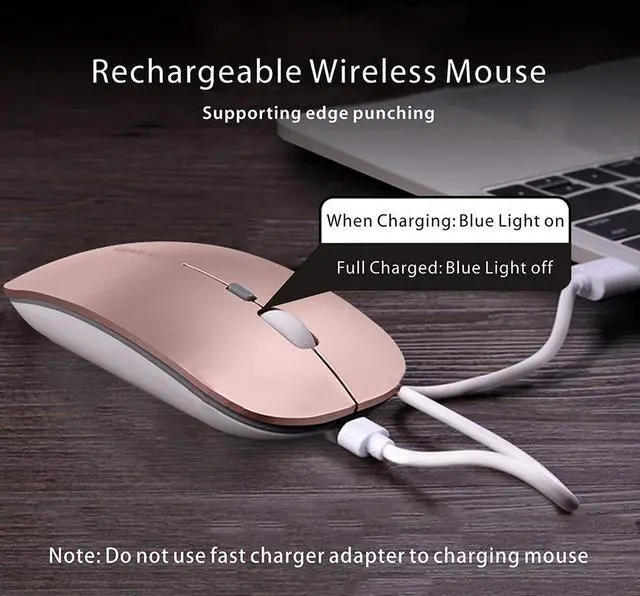
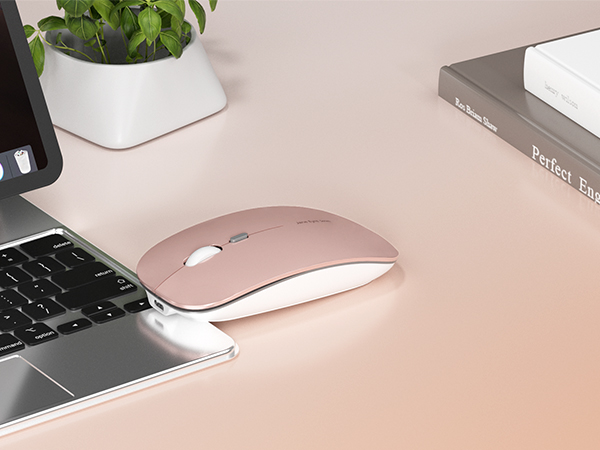
3. The blue light beside the scroll wheel will be on while charging, and then goes off when the mouse is fully charged.
4. Please use computer's USB interface to charging the wireless mouse.
[The charging current of the mobile phone charger or other chargers is large, which will burn the charging IC and reduce the battery life and the mouse life.]
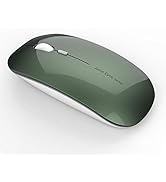
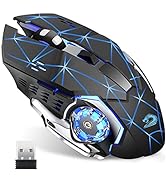
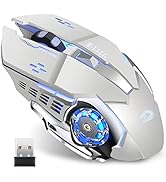
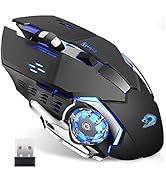
Uciefy Wireless Computer Mouse
 Q5 Wireless Mouse |  Q5 Wireless Mouse |  Q5 Wireless Mouse |  Q85 Wireless Mouse |  Q5 Wireless Mouse |  Q5 Wireless Mouse | |
|---|---|---|---|---|---|---|
Customer Reviews | — | — | — | — | — | — |
Price | — | — | — | — | — | — |
2.4 Wireless | ? | ? | ? | ? | ? | ? |
Connection | USB Receiver & Type C Adapter | USB Receiver & Type C Adapter | USB Receiver & Type C Adapter | USB Receiver | USB Receiver & Type C Adapter | USB Receiver & Type C Adapter |
Charging Type | USB C Charging | USB C Charging | USB C Charging | USB Charging | USB C Charging | USB C Charging |
Breathing Light | No LED Light | No LED Light | No LED Light | LED Light | No LED Light | No LED Light |
Silent Click | ? | ? | ? | ? | ? | ? |

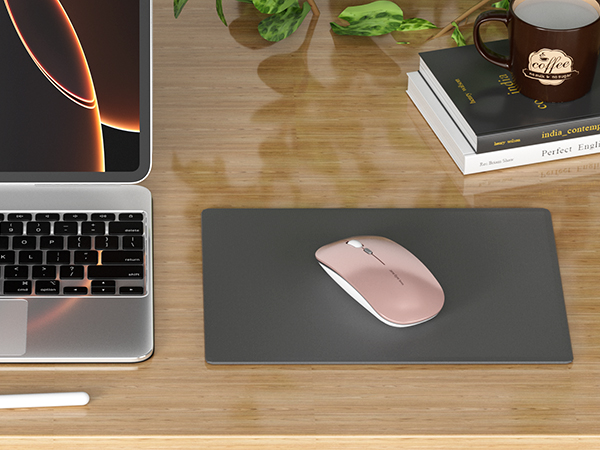
Battery Indicator
- Battery indicator light tells you the power level.
- The USB receiver is stored at the bottom of the mouse.
Silent Click
- Silent click for left and right buttons creates a quiet environment at home or office.
- Yon can use the mouse efficiently and won’t be bothered by the annoying clicking sound.
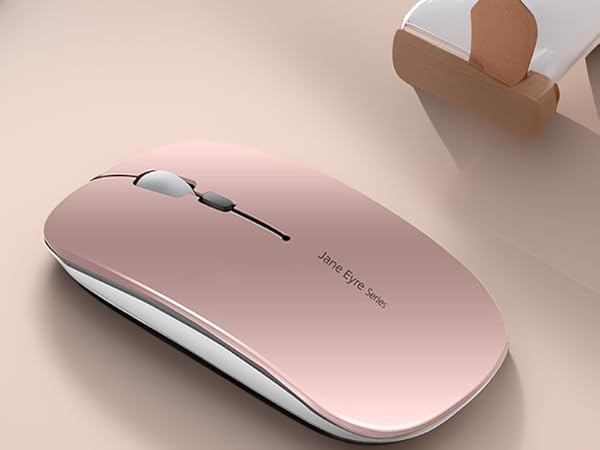
Wireless Mouse
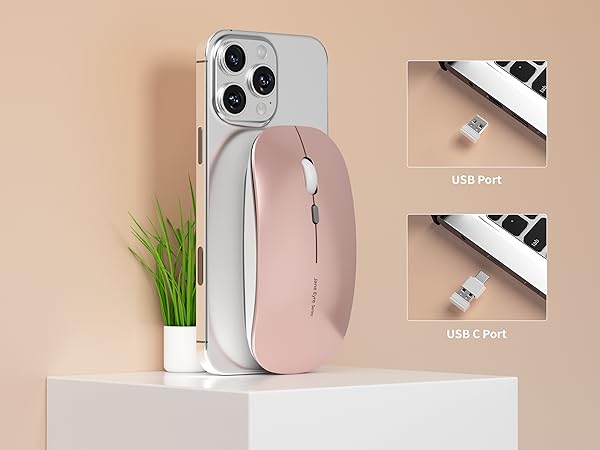
Plug and play, easy to use.
Note: The USB receiver is stored at the bottom of the mouse.
Note
1. For USB C connection, simply plug the USB receiver into the type c adapter, then plug adapter into your device.
2. It's out of power if the mouse cursor moves slowly or stop moving.
3. The blue light beside the scroll wheel will be on while charging, and then goes off when the mouse is fully charged.
4. Please use computer's USB interface to charging the wireless mouse.
[The charging current of the mobile phone charger or other chargers is large, which will burn the charging IC and reduce the battery life and the mouse life.]
Uciefy Wireless Computer Mouse
Q5 Wireless Mouse | Q5 Wireless Mouse | Q5 Wireless Mouse | Q85 Wireless Mouse | Q5 Wireless Mouse | Q5 Wireless Mouse |
|---|---|---|---|---|---|
| Customer Reviews | |||||
| — | — | — | — | — | — |
| Price | |||||
| — | — | — | — | — | — |
| 2.4 Wireless | |||||
| ? | ? | ? | ? | ? | ? |
| Connection | |||||
| USB Receiver & Type C Adapter | USB Receiver & Type C Adapter | USB Receiver & Type C Adapter | USB Receiver | USB Receiver & Type C Adapter | USB Receiver & Type C Adapter |
| Charging Type | |||||
| USB C Charging | USB C Charging | USB C Charging | USB Charging | USB C Charging | USB C Charging |
| Breathing Light | |||||
| No LED Light | No LED Light | No LED Light | LED Light | No LED Light | No LED Light |
| Silent Click | |||||
| ? | ? | ? | ? | ? | ? |
Uciefy
Wireless Computer Mouse
Wireless Mouse for Laptop
Wireless Computer Mouse
Q5 Wireless Mouse
