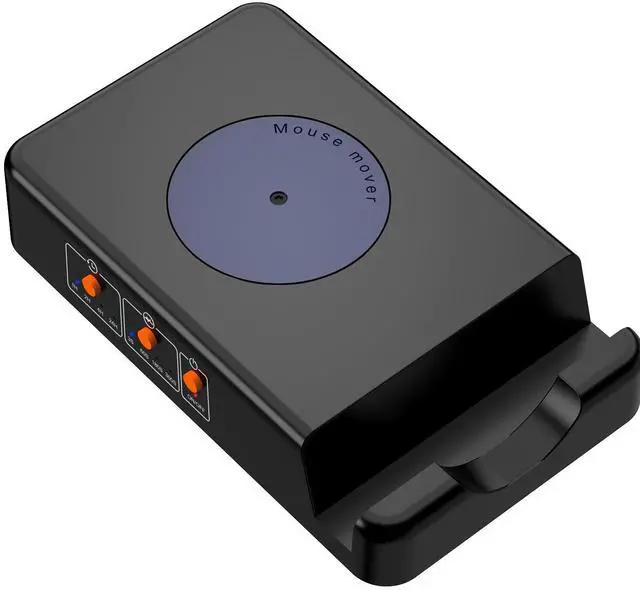
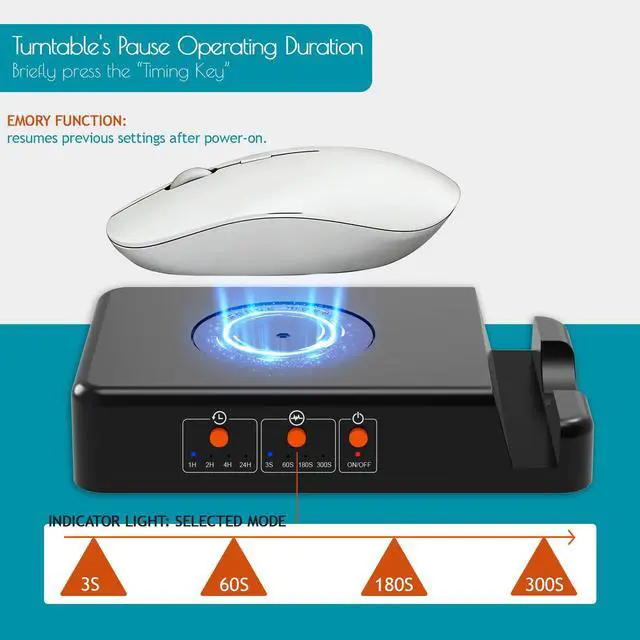
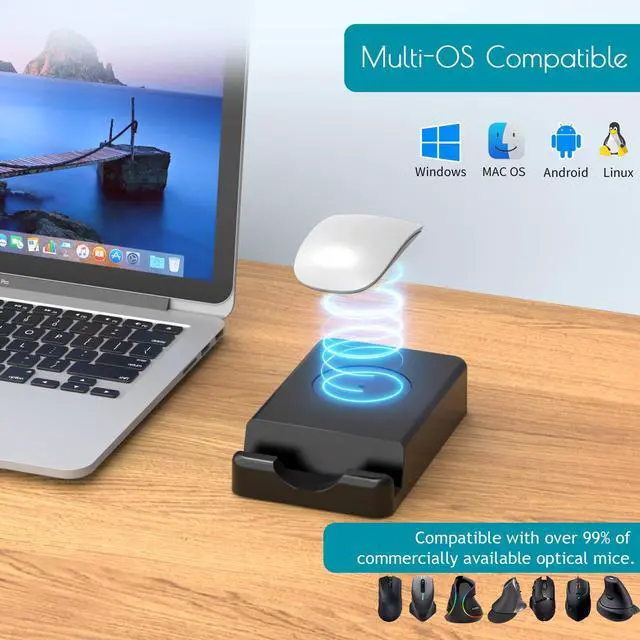
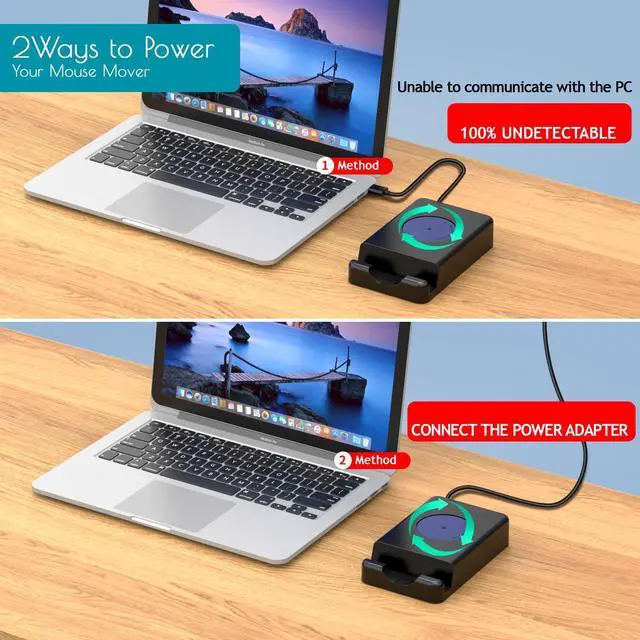
[Completely Undetectable] Mouse Jigger can be powered by an external power adapter or your PC's USB port. No software installation, keyloggers, programs, or Bluetooth are required. It simulates physical mouse movements and is undetectable by hardware scans or corporate IT.
[Improved Productivity] Whether you're grabbing a coffee at work or relaxing outside, randomly moving your optical mouse from the mouse mover will stop your screen saver from triggering. Prevents you from being logged out of your Microsoft, Skype, Teamviewer, and other accounts.
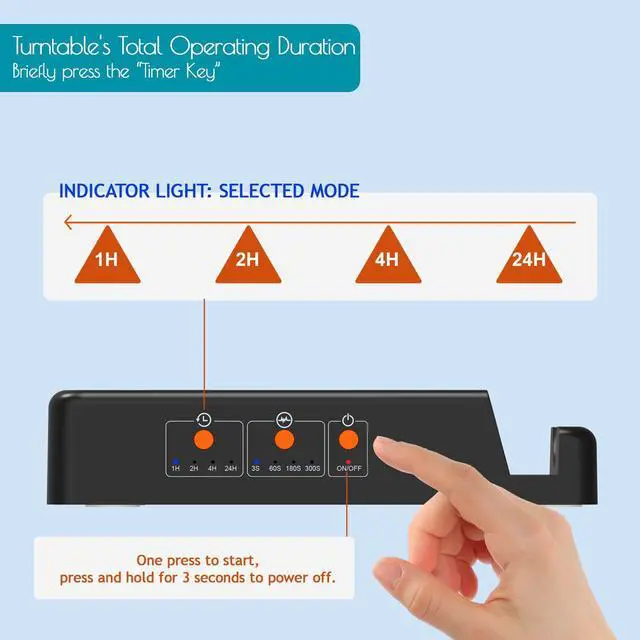
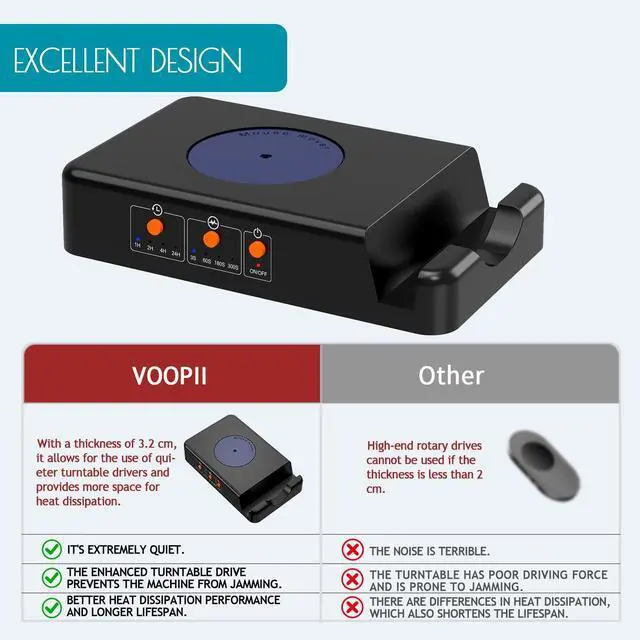
[With On/Off Switch] No need to repeatedly plug and unplug. Press the switch button to start working, and press it again for another 3 seconds to stop. Just position the mouse sensor so it responds to the mouse mover's turntable before activation, Very useful office gadgets.
[With Operating Time Switch] Short-press the operating time button to select the turntable's continuous operating time (the corresponding indicator light will light up: 1H, 2H, 4H, 24H).
[With Operating Time Switch] Short-press the operating time button to select the turntable's continuous operating time (the corresponding indicator light will light up: 1H, 2H, 4H, 24H).
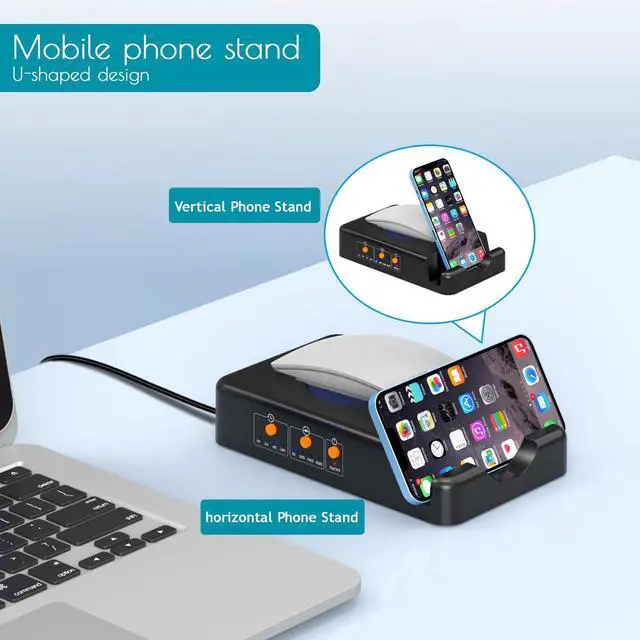
[With Smartphone Stand] Make sure your gadget is 15mm thick or less. Place devices (4"-6") in landscape or portrait orientation, and devices (6"-10") in landscape orientation.
+
+
Overview
Specs
Reviews
Any questions? Our AI beta will help you find out quickly.
Try me now
Mouse Jiggler with Adjustable Interval Timer, Driver-Free Mouse Mover Simulating Realistic Mouse Movement to Keep PC Active (Black)
Learn more about the VOOPII
Model
Brand
HP
Name
VOOPII
Model
QT01
Type
PC Keyboard\Mouse Combos
Details
Interface
USB
Color
Black
Hand Orientation
Right Hand
Tracking Method
Optical
Sensor
Optical
Buttons
3
Scrolling Capability
Touch Scroll
OS / System Requirement
System Requirement
USB port
Additional Information
First Listed on Newegg
April 14, 2026
Customer Reviews of VOOPII
There are no reviews yet.
Do you own this product?
Warranty & Returns
Warranty, Returns, And Additional Information
Warranty
Please contact the Seller directly for warranty information. Warranty information may also be found on the Manufacturer's website.