




How to Connect via Bluetooth?
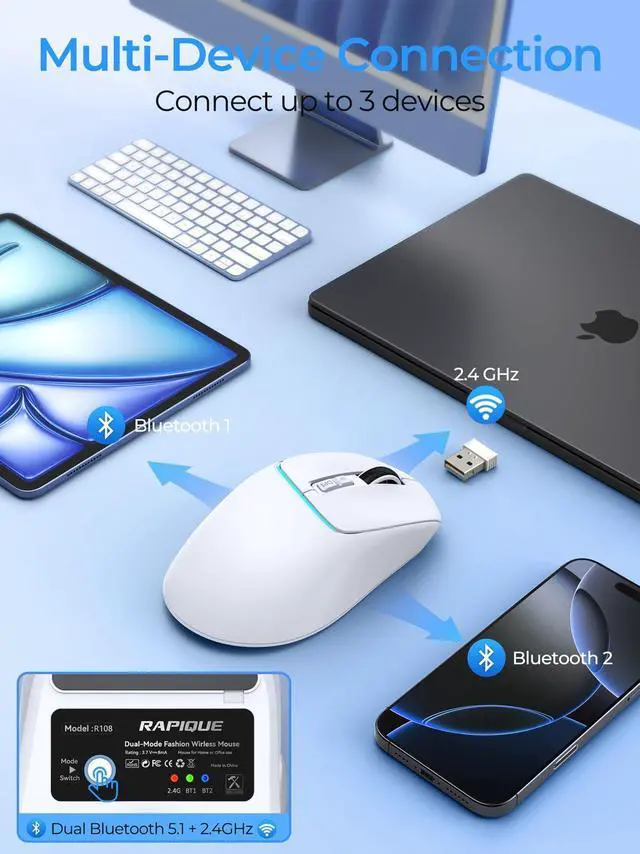
- Press the mode button to choose BT1 or BT2.
- Hold the mode button for 3 seconds until the indicator light flashes quickly.
- Open your device’s Bluetooth settings, select "R108 Mouse", and confirm pairing. Tap the mode button to toggle between connected devices instantly.


RAPIQUE is a keyboard and mouse brand created in 2017 by a group of young people with dreams whose average age is in their 30s. It is young, fashionable and easy to use. It has a range of computer mice, such as Bluetooth mouse, ergonomic mouse, business mouse, travel mouse and compact mouse. It can be a gift to your friends, a good computer input device in the office, a good device for your kid's online class and can be used when playing games.
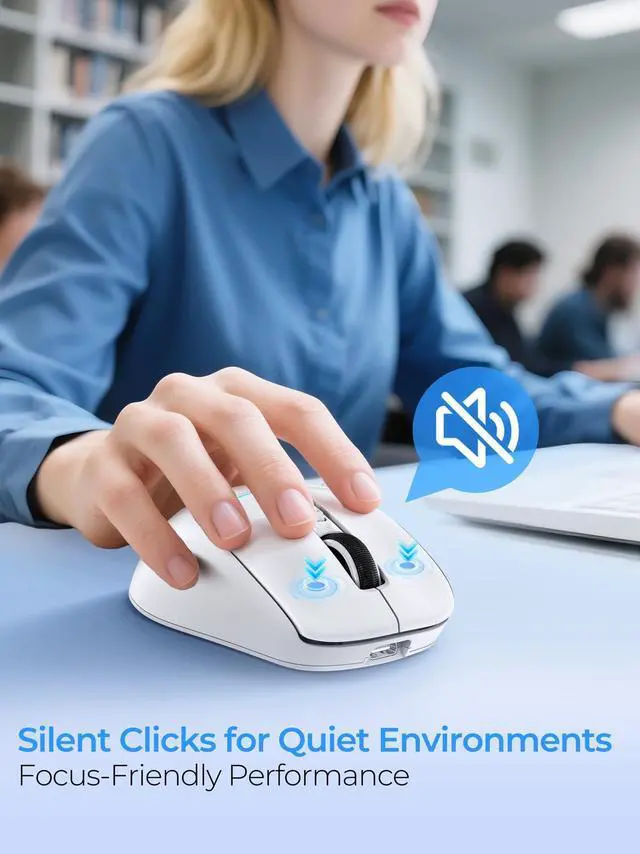
Noiseless Click
We truly understand your demands for a quiet mouse, so we have reduced the clicking and scrolling noise up to 90% while you enjoy the same click feel. You will never hear any click or scroll noise whether you are in the office, library, or at home.
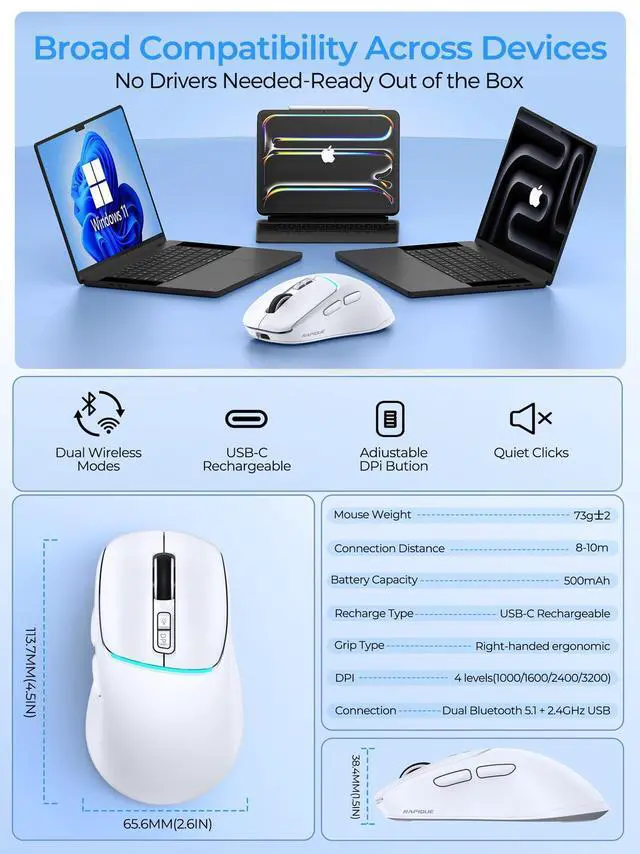
Ergonomic Design
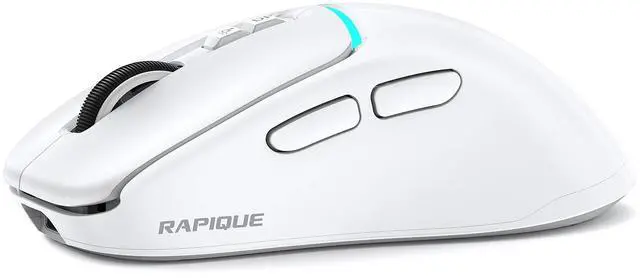
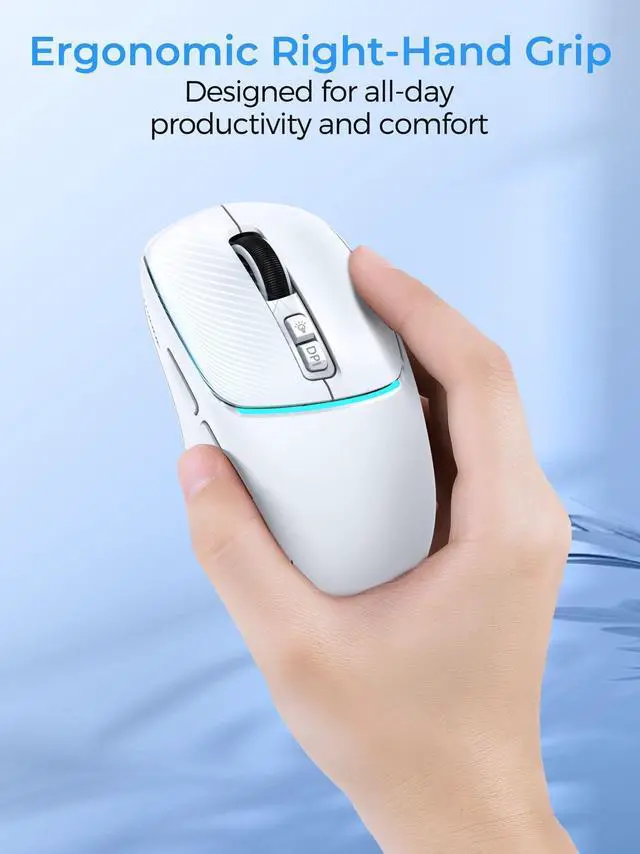
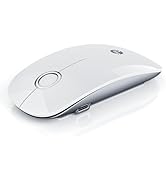
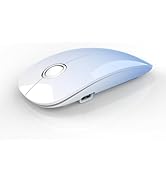
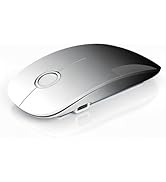
The ergonomic & compact design will fit comfortably in your palm which will keep your hand from getting tired.
Multiple colors and styles to choose
We offer various wireless mice: dual-mode (R306), multi-device (R110, R09), USB-C (R306C), and ultra-light (R102)—in diverse sizes, shapes, and colors for any setup.
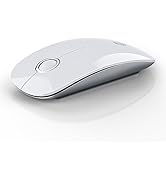
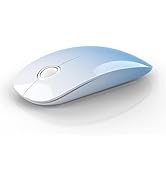
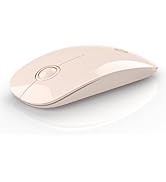
R306 Dual Mode Wireless Mouse
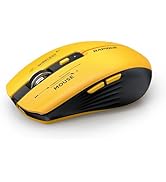
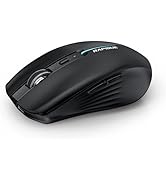
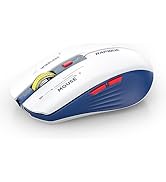
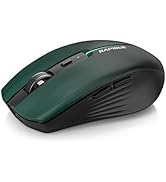
R110 Multi-Device Mouse
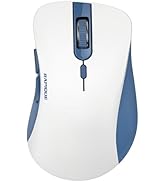
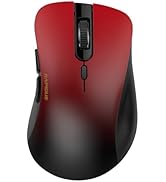
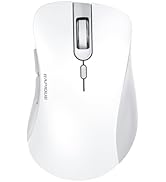
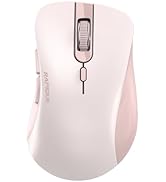
R09 Multi-Device Mouse
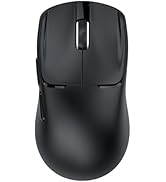
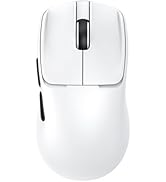
R102 Ultra-Light Wireless Mice
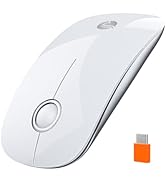
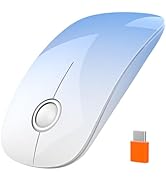
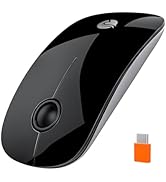
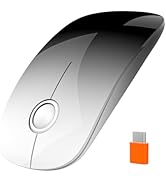
R306C USB C Wireless Mouse
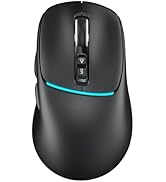
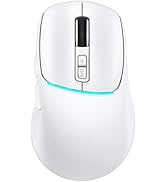
R108 Multi-Device Mouse
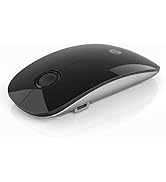
R306 PRO Multi-Device Mouse


Smart Details
Cmpact Size


How to Connect via Bluetooth?
- Press the mode button to choose BT1 or BT2.
- Hold the mode button for 3 seconds until the indicator light flashes quickly.
- Open your device’s Bluetooth settings, select "R108 Mouse", and confirm pairing. Tap the mode button to toggle between connected devices instantly.
RAPIQUE is a keyboard and mouse brand created in 2017 by a group of young people with dreams whose average age is in their 30s. It is young, fashionable and easy to use. It has a range of computer mice, such as Bluetooth mouse, ergonomic mouse, business mouse, travel mouse and compact mouse. It can be a gift to your friends, a good computer input device in the office, a good device for your kid's online class and can be used when playing games.
Noiseless Click
We truly understand your demands for a quiet mouse, so we have reduced the clicking and scrolling noise up to 90% while you enjoy the same click feel. You will never hear any click or scroll noise whether you are in the office, library, or at home.
Ergonomic Design
The ergonomic & compact design will fit comfortably in your palm which will keep your hand from getting tired.
Multiple colors and styles to choose
We offer various wireless mice: dual-mode (R306), multi-device (R110, R09), USB-C (R306C), and ultra-light (R102)—in diverse sizes, shapes, and colors for any setup.
R306 Dual Mode Wireless Mouse
R110 Multi-Device Mouse
R09 Multi-Device Mouse
R102 Ultra-Light Wireless Mice
R306C USB C Wireless Mouse
R108 Multi-Device Mouse
R306 PRO Multi-Device Mouse