





Designed for Everyday Comfort and Control
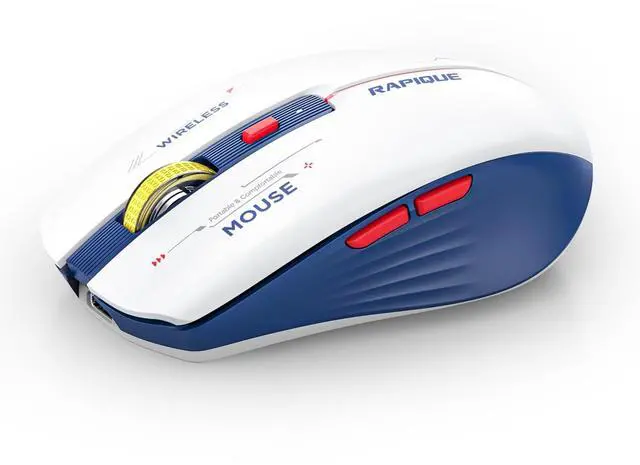
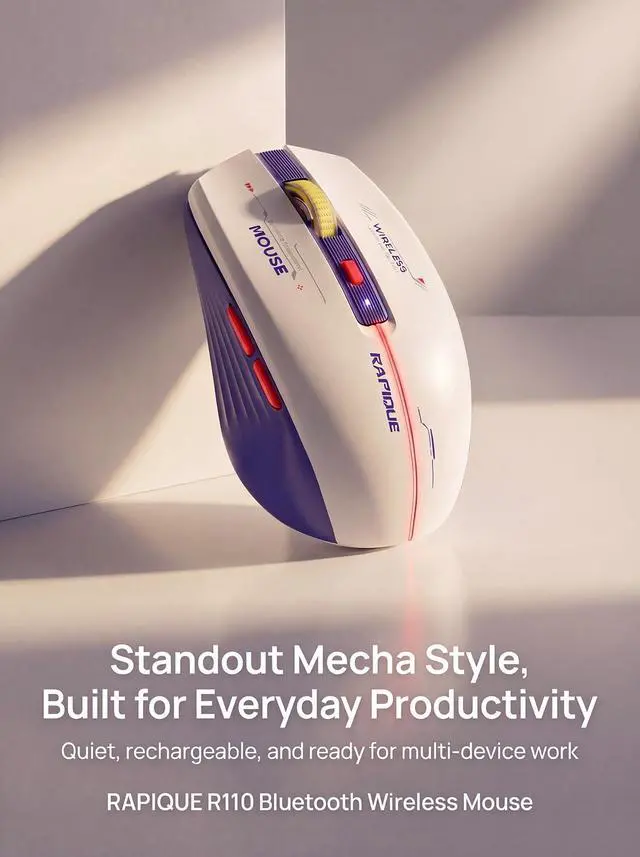
RAPIQUE R110 combines a symmetrical shape with practical features for modern work. Its compact body, measuring approximately 4.17 × 2.51 × 1.37 inches, is designed to fit comfortably in most hands while remaining easy to carry.
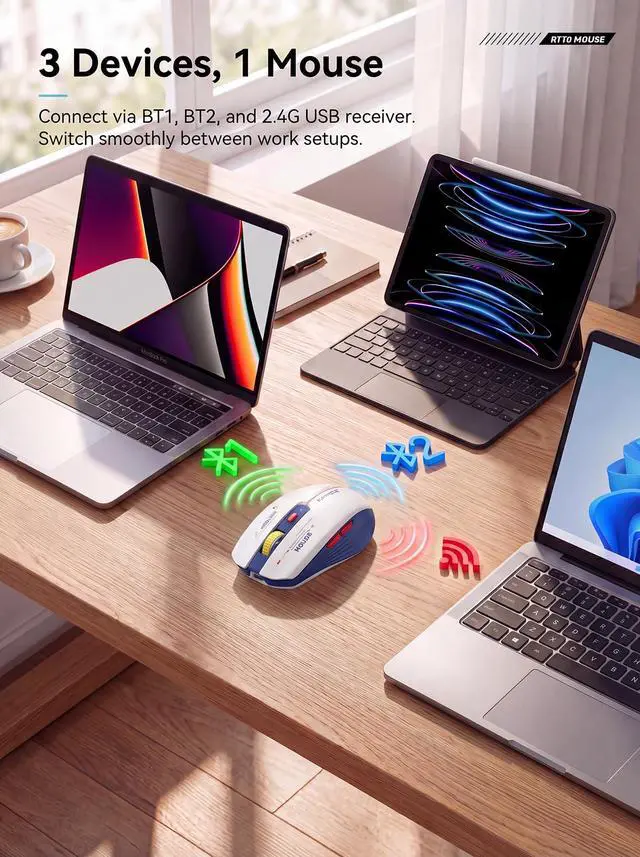
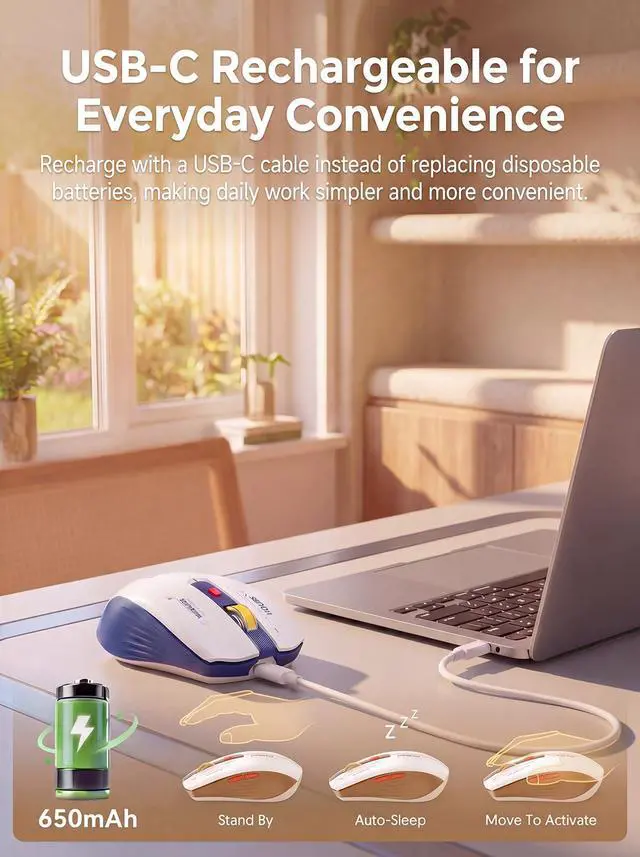
With quiet clicks, tri-mode connection, and USB-C charging, it delivers a smooth and reliable experience across multiple devices.
Simple. Comfortable. Connected. Ideal for everyday office use, travel, and compact work setups.
How to connect to iPad Pro/iPad Air/ Mini/ iPhone (ios 13/ios 14) via Bluetooth Mouse:
First slide the button at the bottom of the mouse to the bluetooth position. ( bluetooth mode)
(1) open ipad Settings >Accessibility>Touch >AssistiveTouch>Click to open (An auxiliary dot will appear on the screen)
(2) Go back to Settings>Click on the bluetooth>Click to open>BT MOUSE-1/2>connect and Pair.
Note:
- Please recharge for 2~3 hour when the mouse is new before use.
- Please remove the protective film on the footpad before using it.
- The charging indicator light is blue, blue light means charging is normal, and light off means fully charged.
- If the Bluetooth occasionally disconnects when the mouse is in use, it means that the battery of the mouse is low, and charging can solve the issue.


RAPIQUE is a keyboard and mouse brand created in 2017 by a group of young people with dreams whose average age is in their 30s. It is young, fashionable and easy to use. It has a range of computer mice, such as Bluetooth mouse, ergonomic mouse, business mouse, travel mouse and compact mouse. It can be a gift to your friends, a good computer input device in the office, a good device for your kid's online class and can be used when playing games.
Noiseless Click
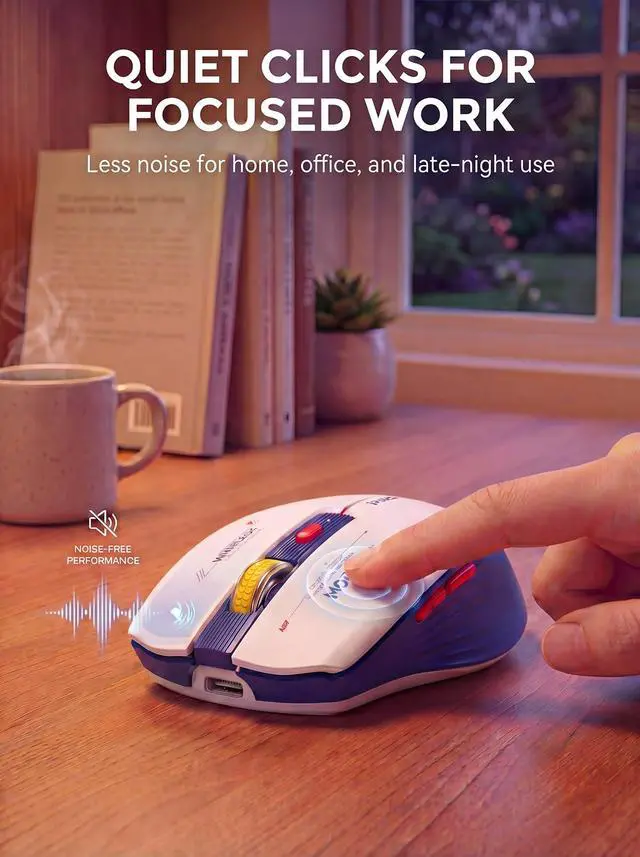
We truly understand your demands for a quiet mouse, so we have reduced the clicking and scrolling noise up to 90% while you enjoy the same click feel. You will never hear any click or scroll noise whether you are in the office, library, or at home.
Ergonomic Design
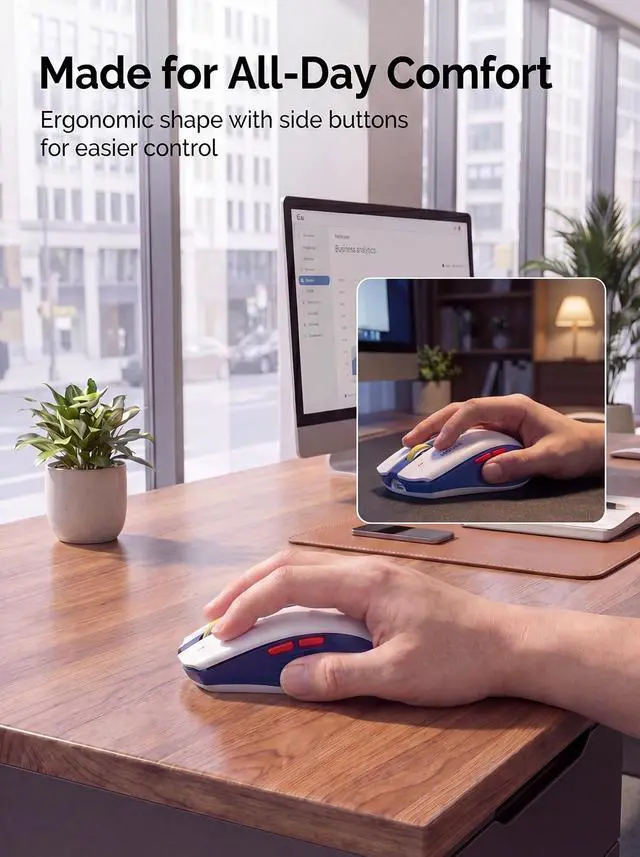
The ergonomic & compact design will fit comfortably in your palm which will keep your hand from getting tired.
Multiple colors and styles to choose
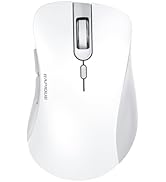
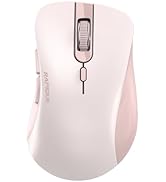
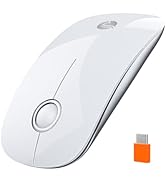
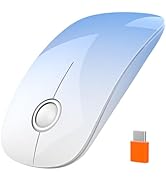
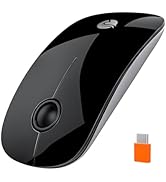
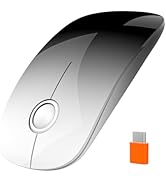
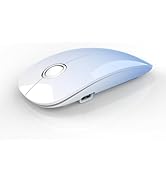
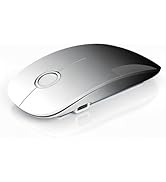
We offer various wireless mice: dual-mode (R306), multi-device (R110, R09), USB-C (R306C), and ultra-light (R102)—in diverse sizes, shapes, and colors for any setup.
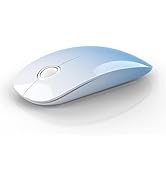
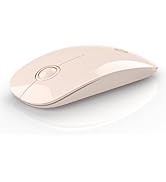
R306 Dual Mode Wireless Mouse
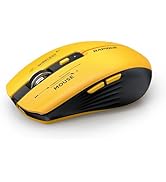
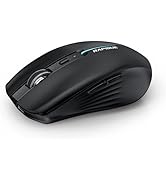
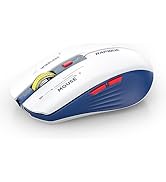
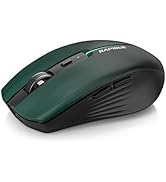
R110 Multi-Device Mouse
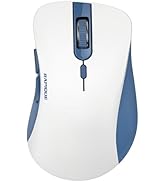
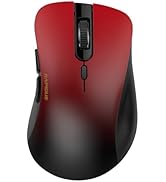
R09 Multi-Device Mouse
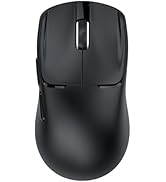
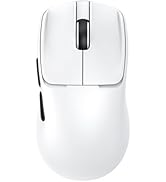
R102 Ultra-Light Wireless Mice
R306C USB C Wireless Mouse
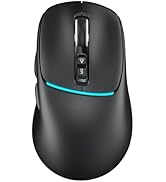
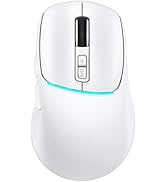
R108 Multi-Device Mouse
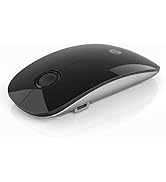
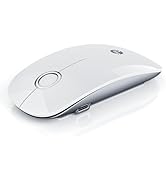
R306 PRO Multi-Device Mouse
Designed for Everyday Comfort and Control
RAPIQUE R110 combines a symmetrical shape with practical features for modern work. Its compact body, measuring approximately 4.17 × 2.51 × 1.37 inches, is designed to fit comfortably in most hands while remaining easy to carry.
With quiet clicks, tri-mode connection, and USB-C charging, it delivers a smooth and reliable experience across multiple devices.
Simple. Comfortable. Connected. Ideal for everyday office use, travel, and compact work setups.
How to connect to iPad Pro/iPad Air/ Mini/ iPhone (ios 13/ios 14) via Bluetooth Mouse:
First slide the button at the bottom of the mouse to the bluetooth position. ( bluetooth mode)
(1) open ipad Settings >Accessibility>Touch >AssistiveTouch>Click to open (An auxiliary dot will appear on the screen)
(2) Go back to Settings>Click on the bluetooth>Click to open>BT MOUSE-1/2>connect and Pair.
Note:
- Please recharge for 2~3 hour when the mouse is new before use.
- Please remove the protective film on the footpad before using it.
- The charging indicator light is blue, blue light means charging is normal, and light off means fully charged.
- If the Bluetooth occasionally disconnects when the mouse is in use, it means that the battery of the mouse is low, and charging can solve the issue.
RAPIQUE is a keyboard and mouse brand created in 2017 by a group of young people with dreams whose average age is in their 30s. It is young, fashionable and easy to use. It has a range of computer mice, such as Bluetooth mouse, ergonomic mouse, business mouse, travel mouse and compact mouse. It can be a gift to your friends, a good computer input device in the office, a good device for your kid's online class and can be used when playing games.
Noiseless Click
We truly understand your demands for a quiet mouse, so we have reduced the clicking and scrolling noise up to 90% while you enjoy the same click feel. You will never hear any click or scroll noise whether you are in the office, library, or at home.
Ergonomic Design
The ergonomic & compact design will fit comfortably in your palm which will keep your hand from getting tired.
Multiple colors and styles to choose
We offer various wireless mice: dual-mode (R306), multi-device (R110, R09), USB-C (R306C), and ultra-light (R102)—in diverse sizes, shapes, and colors for any setup.
R306 Dual Mode Wireless Mouse
R110 Multi-Device Mouse
R09 Multi-Device Mouse
R102 Ultra-Light Wireless Mice
R306C USB C Wireless Mouse
R108 Multi-Device Mouse
R306 PRO Multi-Device Mouse