



• $29.99
  • Free 30-day Returns
  • Price alert
    Shop it at NeweggBusiness.

    Meet Your Seller

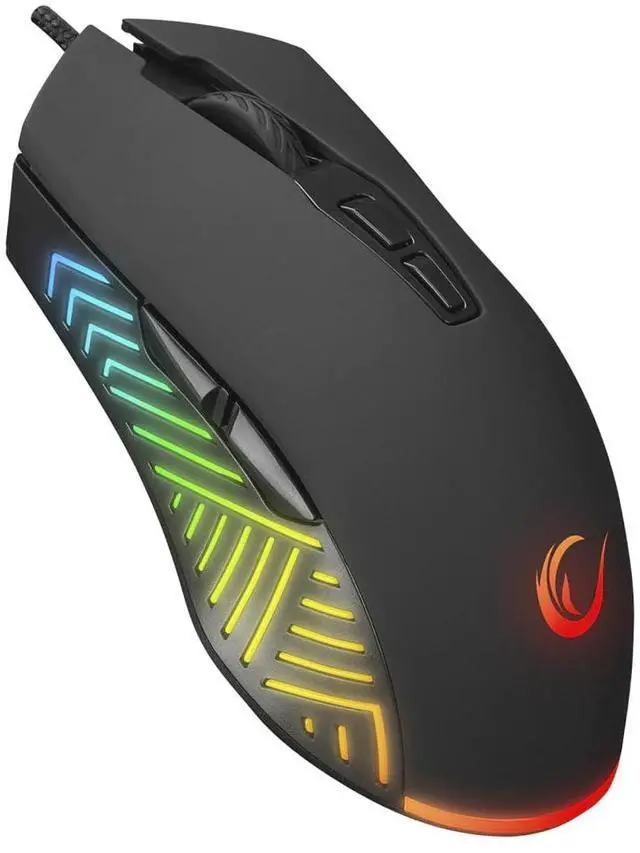
    Spear V2 Black Wired Gaming Mouse with RGB Lighting 12800 DPI, 7 Programmable Buttons, Lightweight Ergonomic Gaming Mouse for PC/Mac/Laptop Gamers

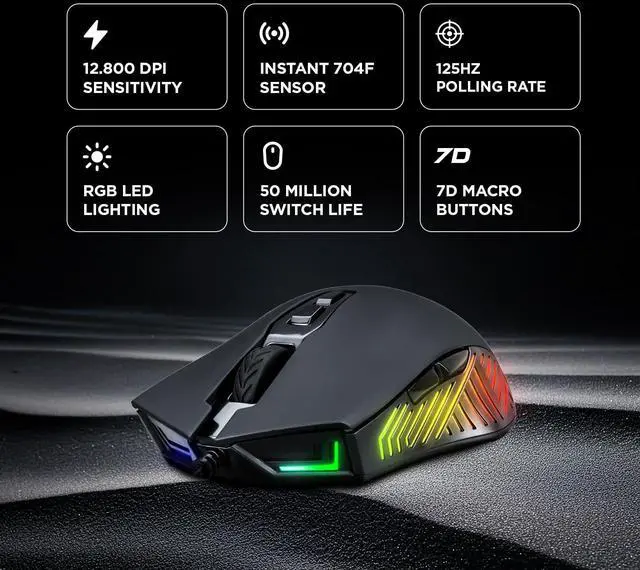
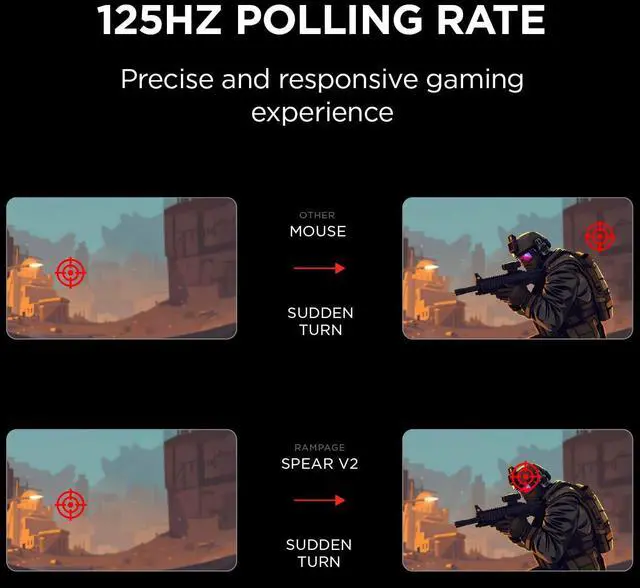
    • {Smooth, Customizable Gaming Precision} Enjoy ultra-responsive control with adjustable 20012,800 DPI and a steady 125Hz polling rate that keeps every movement sharp and lag-free. This wired gaming mouse is perfect for beginners and pro gamers alike ideal for FPS, MOBA, and everyday PC gaming. Whether you need a reliable wired computer mouse for work or a fast, accurate gaming mice for intense matches, it delivers comfort, speed, and performance every mouse gamer will love.
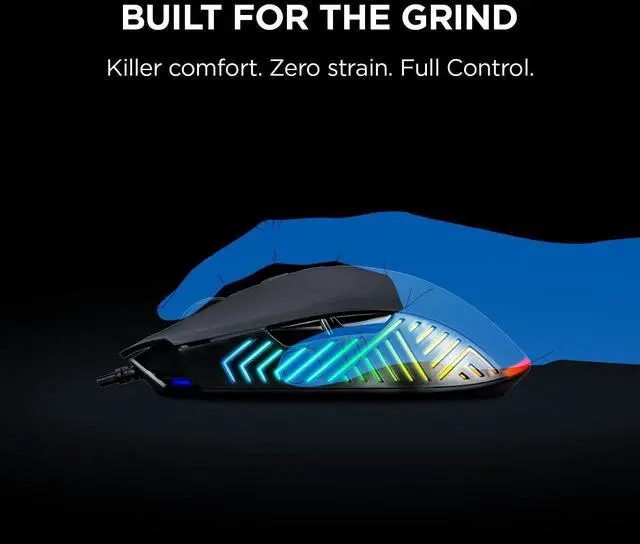
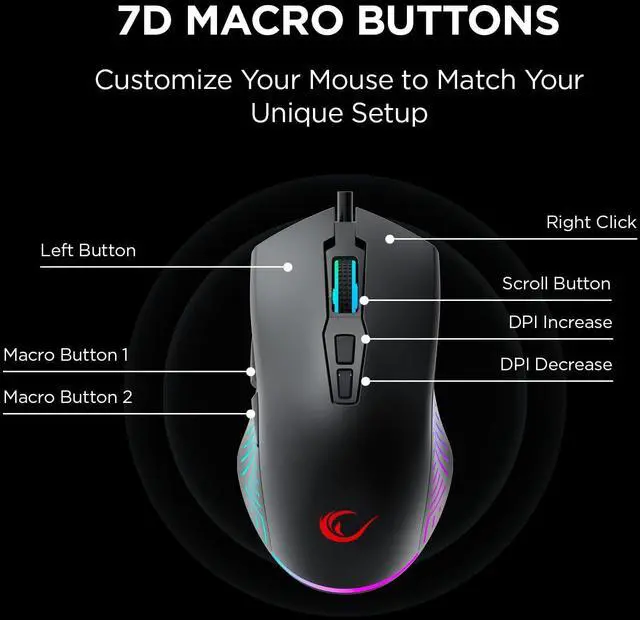
    • {7 Programmable Buttons for Pro-Level Control} Take full command of your gameplay with 7 programmable buttons and ergonomic side controls designed for better grip, faster reactions, and smoother accuracy. Whether youre into MMO, FPS, RTS, or MOBA, this lightweight wired gaming mouse gives every mouse gamer a real performance advantage. Its the perfect addition to any setup serving as a dependable PC gaming mouse, a precise desktop wired computer mouse, and a feature-packed option for fans of RGB gaming mice, laptop gaming mice, and overall ergonomic gaming accessories.
    +
    +
    Overview
    Specs
    Reviews
    avatar

    Any questions? Our AI beta will help you find out quickly.

    gaming mouse gaming accessories wired gaming mouse mouse gaming
    Rampage Spear V2 white RGB wired gaming mouse with ergonomic shape and side buttons

    Installation Steps: How to download Spear Gaming Mouse software?

    1. Enter the URL bit.ly/m/rampage 2.Select model "Spear gaming mouse" 3.Download the zip file. 4. Open Task Manager with Ctrl + Shift + Esc. 5. Go to File ? Run new task. 6. Click Browse and select Rampage SPEAR V2 Gaming Mouse.exe from Desktop. 6. Press OK to launch the software.

    gaming mouse gaming accessories wired gaming mouse mouse gaming
    wired gaming mouse mouse gaming gaming mouse wired wired computer mouse wired mouse for computer
    pc gaming mice mouse gamer gaming mice pc mouse
    gaming mouse gaming accessories wired gaming mouse mouse gaming
    Rampage Spear V2 white RGB wired gaming mouse with ergonomic shape and side buttons

    Installation Steps: How to download Spear Gaming Mouse software?

    1. Enter the URL bit.ly/m/rampage 2.Select model "Spear gaming mouse" 3.Download the zip file. 4. Open Task Manager with Ctrl + Shift + Esc. 5. Go to File ? Run new task. 6. Click Browse and select Rampage SPEAR V2 Gaming Mouse.exe from Desktop. 6. Press OK to launch the software.

    gaming mouse gaming accessories wired gaming mouse mouse gaming
    wired gaming mouse mouse gaming gaming mouse wired wired computer mouse wired mouse for computer
    pc gaming mice mouse gamer gaming mice pc mouse
    Spear V2 Black Wired Gaming Mouse with RGB Lighting 12800 DPI, 7 Programmable Buttons, Lightweight Ergonomic Gaming Mouse for PC/Mac/Laptop Gamers

    Warranty & Returns

    Warranty, Returns, And Additional Information

    Warranty

    • Please contact the Seller directly for warranty information. Warranty information may also be found on the Manufacturer's website.
    • CONTACT

    Return Policies

    Manufacturer Contact Info

    LOADING...