


FOCUS ON FABRICATION 20 YEARS
TaIYanG is a professional manufacturer within Your Reach!
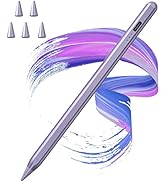

TaiYanG iPad Pencil for Apple
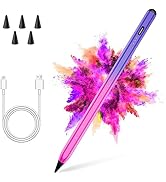
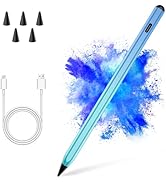
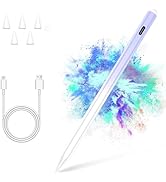
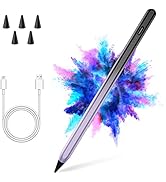
Gradient Color Apple pencil
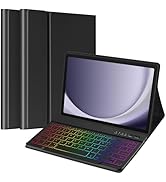
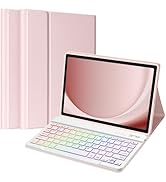
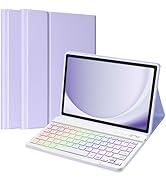
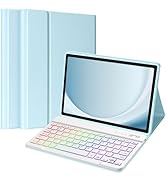
TaiYanG Samsung A9 11‘’ case
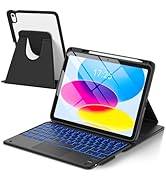
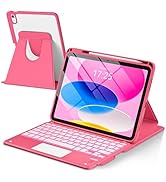
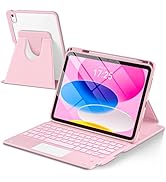
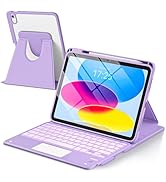
Turn your tablet into a laptop
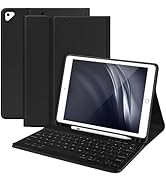
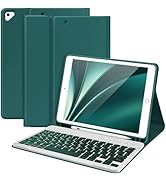
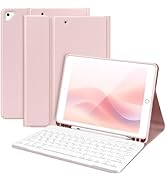
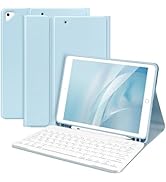
TaiYanG Case for iPad 9th 8th

- TaIYanG is a reliable online seller in global electronic technology products and accessories.
- We strive to reach every single customer with our quality products and superior service.
- We are committed to produce products that are affordable without sacrificing quality.
- Our direct sales model without middleman to pass significant savings to our customers.
- Our reliable service support team is here to help you with any questions
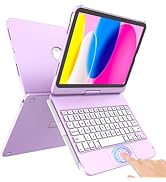
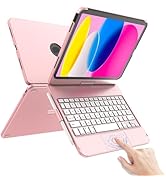
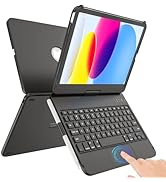
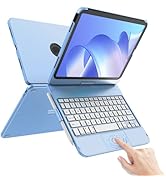
New iPad 10th Gen
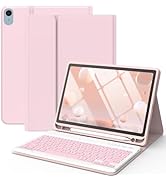
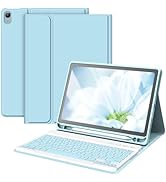
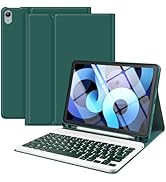
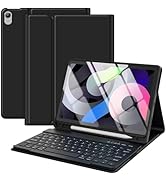
iPad Air 5th/4th/Pro 11 1st G
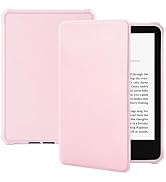
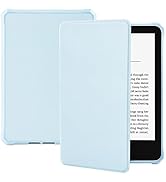
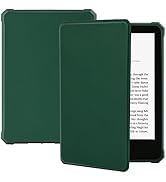
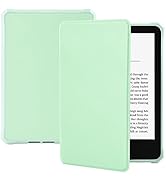
Case for 6"All-New Kindle 2022
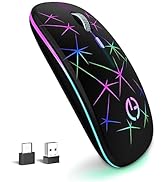
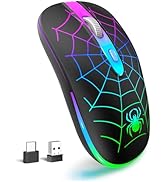
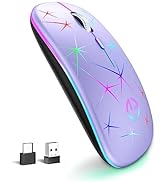
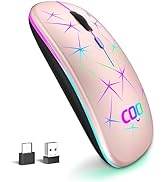
More products from TaiYanG
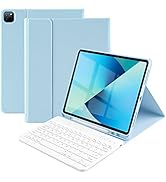
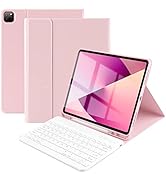
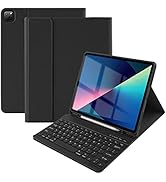
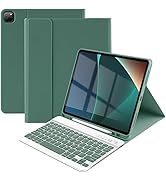
Keyboard Case for iPad Pro12.9
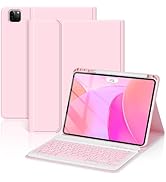
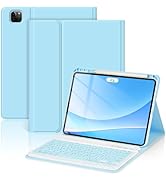
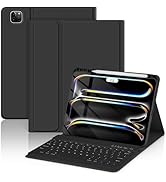
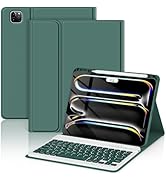
TaiYanG Case for iPad Pro 11"
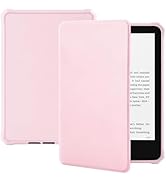
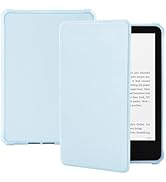
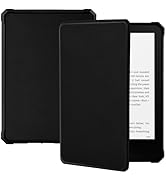
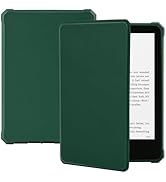
Case for 7"All-New Kindle 2024





Specification
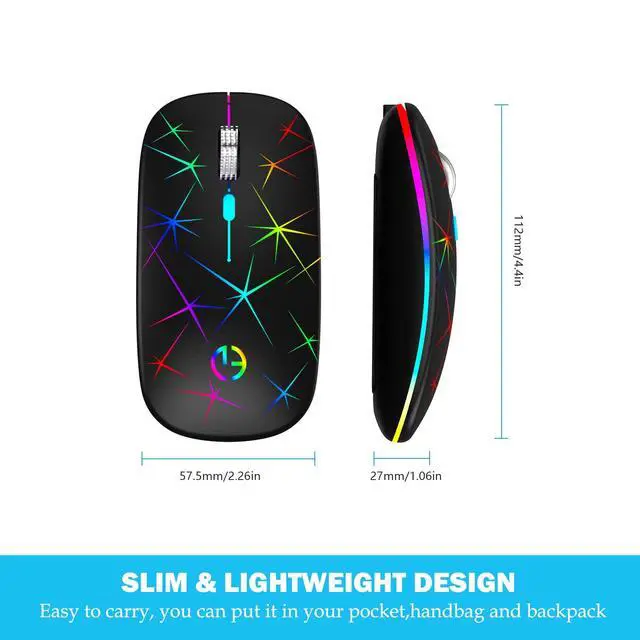
Working Manner: Wireless 2.4GHz
- Warking voltage:3.7v
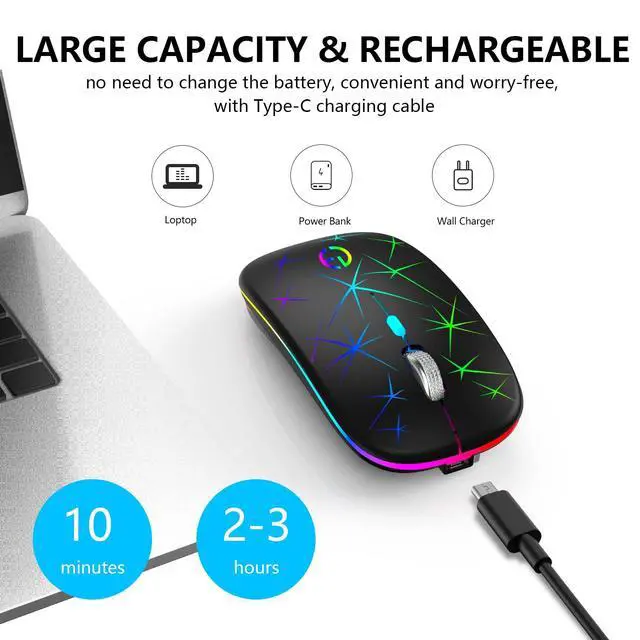
- Charging Time: 2-3H
- Battery: Rechargeable lithium battery
- Backlit LED:7 Color Breathing lights
- Battery Capacity:50CmAh
- Life Time: Over 30days
Package
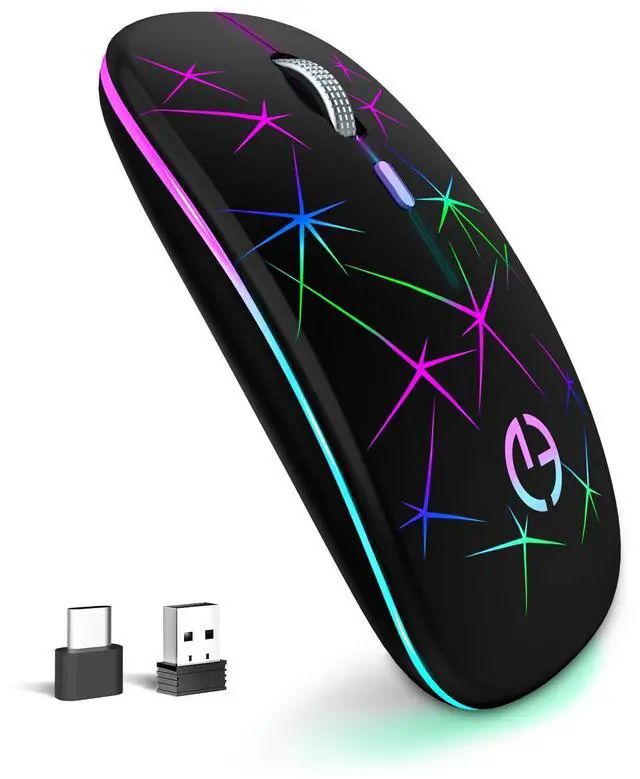
- 1x Rechargeable Wireless Mouse
- 1x TYPE-C Charging Cable
- 1x USB Receiver (Placed on the bottom of the mouse)
- 1x Type-C to USB Adapter
- 1x User Manual
- 1x Card
Frequently Asked Question
- lf the wireless mouse does not light up, the mouse usb connection failure, it may be insufficient battery power in the mouse, please use the charging cable to the mousefull charge first.
- To Save power and provide long-term usage, the wireless mouse will fall asleep after 10 minutes of no-operation.
- If you do not use the mouse for a long time, please turn off the OFF- button to save power.
System Requirements
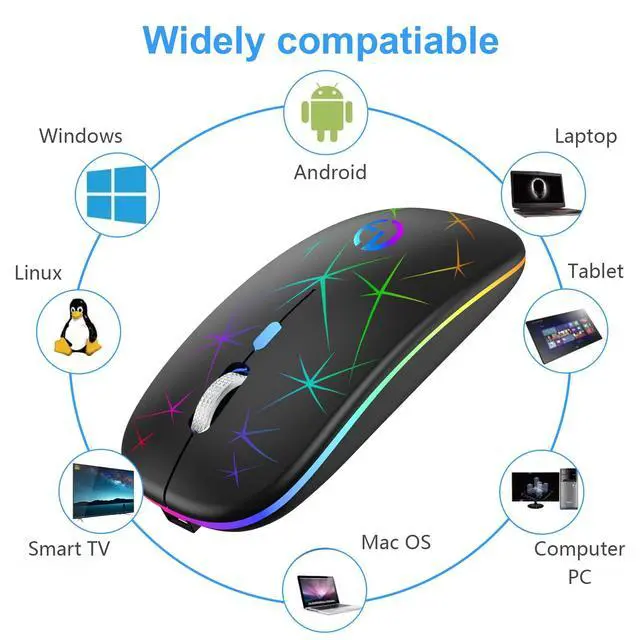
- The scroll wheel only works under the operating systemslisted above. If you use the mouse under a different operatingsystem, the mouse neither works nor keeps its enhanced features.
- The USB receiver can be reserved on the bottom of the mouse after using. prevent losing it.
- If you are using a desktop computer, it is recomimended that you plug the USB receiver into the host computer so that you can use it better.

Suitable for Most Devices
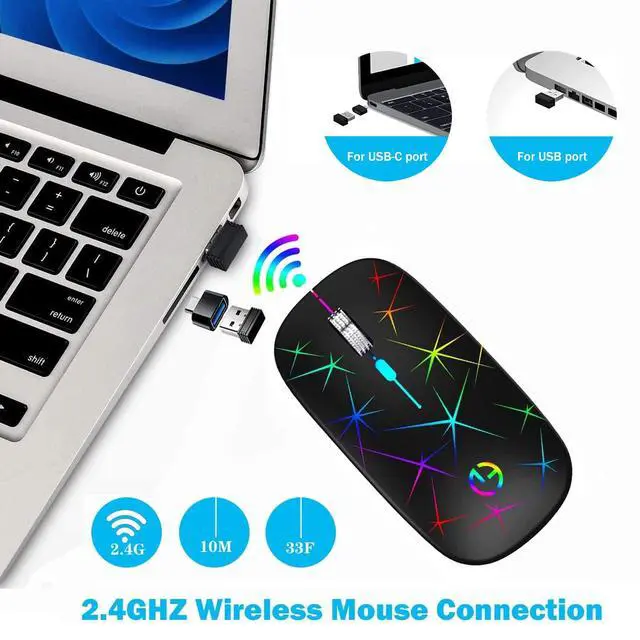
The wireless mouse has a Type-C adapter, which can be applied to most devices with USB ports and Type-C ports.

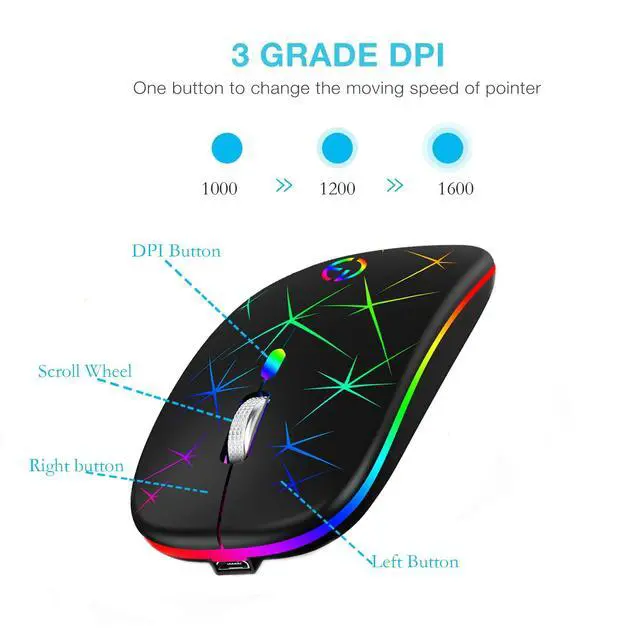
3-Level DPI
With a DPI switch button on the top of the mouse, and you can adjust the DPI level 1000-1200-1600 dpi to meets various needs

Quiet Click
Quiet clicks free your worry about bothering others, and the click lifespan for left/right button would be 5 million times


2.4GHz Stable Connection
This Laptop mouse stable wireless transmission distance up to 10m/33ft. Plug and play, no delay or drop out
How to Use
- Charge the Computer Mice for about 2 -3 hours before using it for the first time.
- Take the usb receiver out, which is stored under the back of the mouse.
- Insert the usb receiver into the USB port of your PC, If type-c port, please use the type-c adapter with USB receiver.
- Turn on the wireless mouse, the switch is at the bottom of the mouse.
Specification
Working Manner: Wireless 2.4GHz
- Warking voltage:3.7v
- Charging Time: 2-3H
- Battery: Rechargeable lithium battery
- Backlit LED:7 Color Breathing lights
- Battery Capacity:50CmAh
- Life Time: Over 30days
Package
- 1x Rechargeable Wireless Mouse
- 1x TYPE-C Charging Cable
- 1x USB Receiver (Placed on the bottom of the mouse)
- 1x Type-C to USB Adapter
- 1x User Manual
- 1x Card
Frequently Asked Question
- lf the wireless mouse does not light up, the mouse usb connection failure, it may be insufficient battery power in the mouse, please use the charging cable to the mousefull charge first.
- To Save power and provide long-term usage, the wireless mouse will fall asleep after 10 minutes of no-operation.
- If you do not use the mouse for a long time, please turn off the OFF- button to save power.
System Requirements
- The scroll wheel only works under the operating systemslisted above. If you use the mouse under a different operatingsystem, the mouse neither works nor keeps its enhanced features.
- The USB receiver can be reserved on the bottom of the mouse after using. prevent losing it.
- If you are using a desktop computer, it is recomimended that you plug the USB receiver into the host computer so that you can use it better.
Suitable for Most Devices
The wireless mouse has a Type-C adapter, which can be applied to most devices with USB ports and Type-C ports.
3-Level DPI
With a DPI switch button on the top of the mouse, and you can adjust the DPI level 1000-1200-1600 dpi to meets various needs
Quiet Click
Quiet clicks free your worry about bothering others, and the click lifespan for left/right button would be 5 million times
2.4GHz Stable Connection
This Laptop mouse stable wireless transmission distance up to 10m/33ft. Plug and play, no delay or drop out
How to Use
- Charge the Computer Mice for about 2 -3 hours before using it for the first time.
- Take the usb receiver out, which is stored under the back of the mouse.
- Insert the usb receiver into the USB port of your PC, If type-c port, please use the type-c adapter with USB receiver.
- Turn on the wireless mouse, the switch is at the bottom of the mouse.
FOCUS ON FABRICATION 20 YEARS
TaIYanG is a professional manufacturer within Your Reach!
TaiYanG iPad Pencil for Apple
Gradient Color Apple pencil
TaiYanG Samsung A9 11‘’ case
Turn your tablet into a laptop
TaiYanG Case for iPad 9th 8th
- TaIYanG is a reliable online seller in global electronic technology products and accessories.
- We strive to reach every single customer with our quality products and superior service.
- We are committed to produce products that are affordable without sacrificing quality.
- Our direct sales model without middleman to pass significant savings to our customers.
- Our reliable service support team is here to help you with any questions
New iPad 10th Gen
iPad Air 5th/4th/Pro 11 1st G
Case for 6"All-New Kindle 2022
More products from TaiYanG
Keyboard Case for iPad Pro12.9
TaiYanG Case for iPad Pro 11"
Case for 7"All-New Kindle 2024