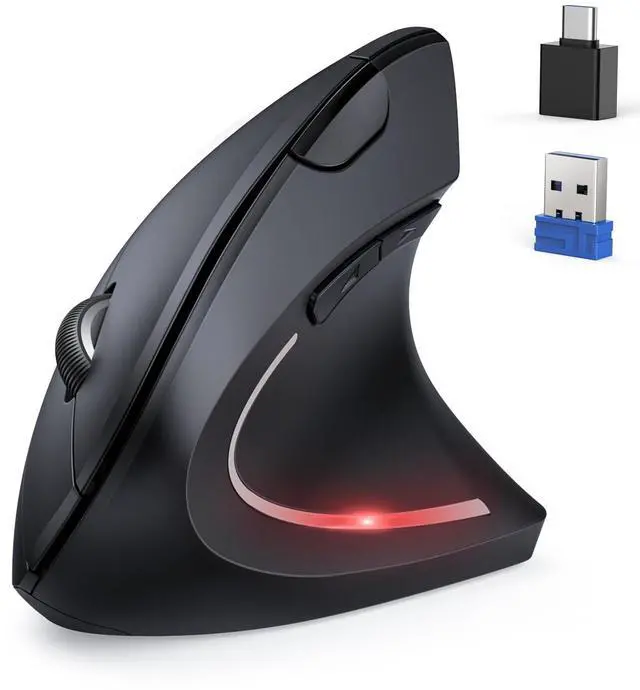
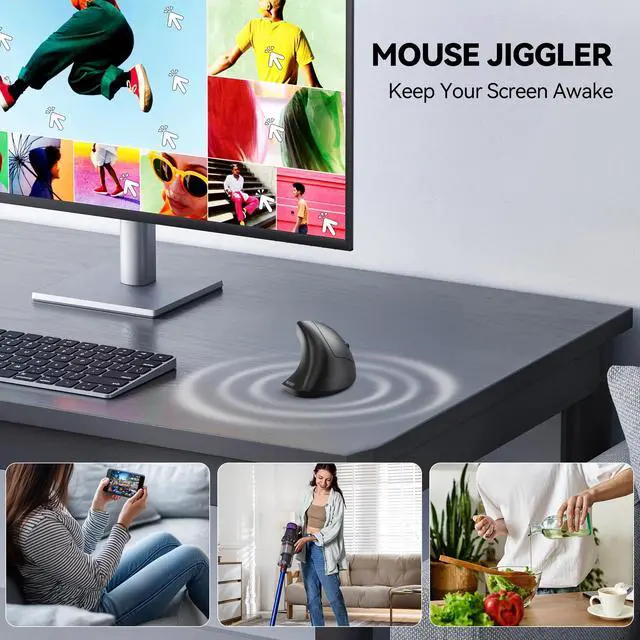
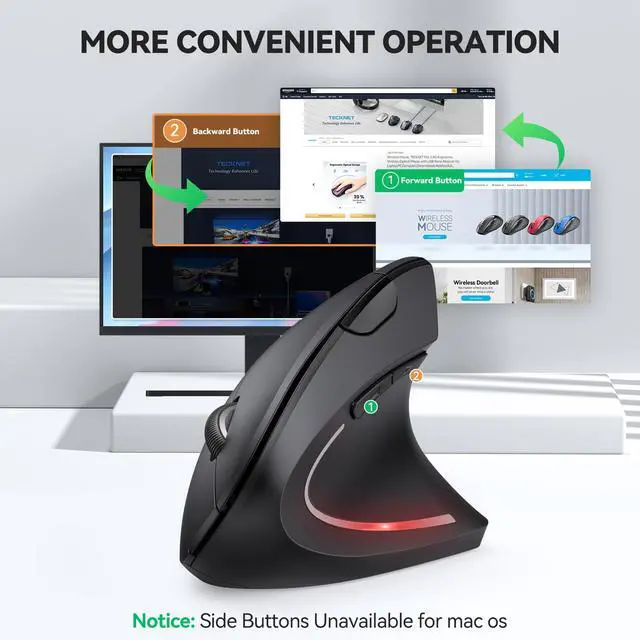
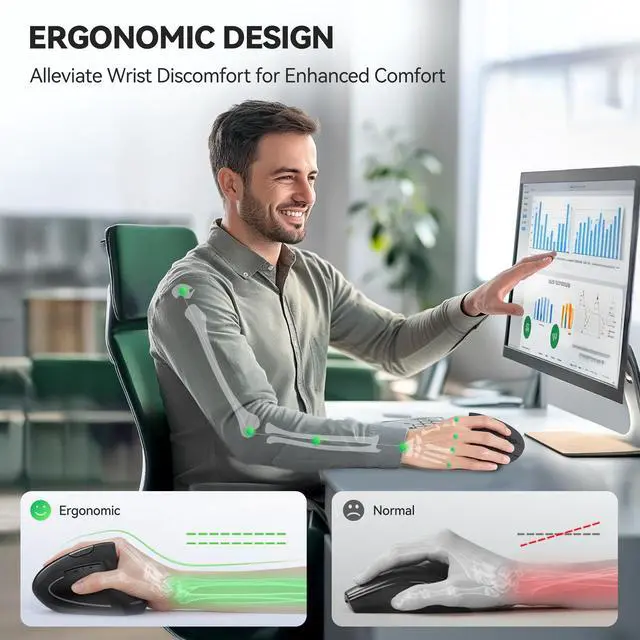
Ergonomic Design & Jiggler ModeThe wireless mouse's ergonomic design offers ultimate comfort by placing your palm at a near-vertical angle on the desktop, reducing pressure and pain on your wrist caused by prolonged inverted mouse usage. Press and hold the DPI button for 3 seconds to enter Jiggler mode, where the mouse moves randomly on the screen. You can interrupt Jiggler mode and use the mouse normally without turning it off. However, it will return to Jiggler mode after 10 seconds of mouse inactivity. If you want to turn off the Jiggler completely, press and hold the DPI button again for 3 seconds.(Note: Mouse is designed for right-handed use only.)
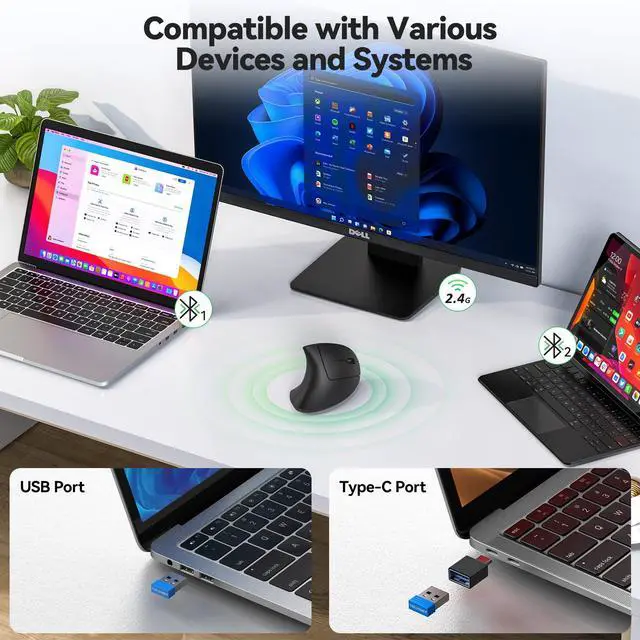
Seamless Switching Between Three DevicesThe ergonomic mouse features Bluetooth (5.0/3.0) and 2.4GHz USB modes for connectivity. When connected via Bluetooth, The vertical mouse can effectively reduces the usage of your USB-A or C port (Bluetooth mode can connect to two devices simultaneously), which is convenient for devices without USB ports. To switch to 2.4GHz mode, simply plug in the USB receiver for quick connection without the need for additional software installation. With just a press of a button, you can easily switch between these two modes, enhancing your work efficiency.
+
+
Overview
Specs
Reviews
Any questions? Our AI beta will help you find out quickly.
Try me now
TECKNET Ergonomic Mouse with Bluetooth & Jiggler
TECKNET Vertical Mouse Connects to 3 Devices at Once,One-Click Easy Switch
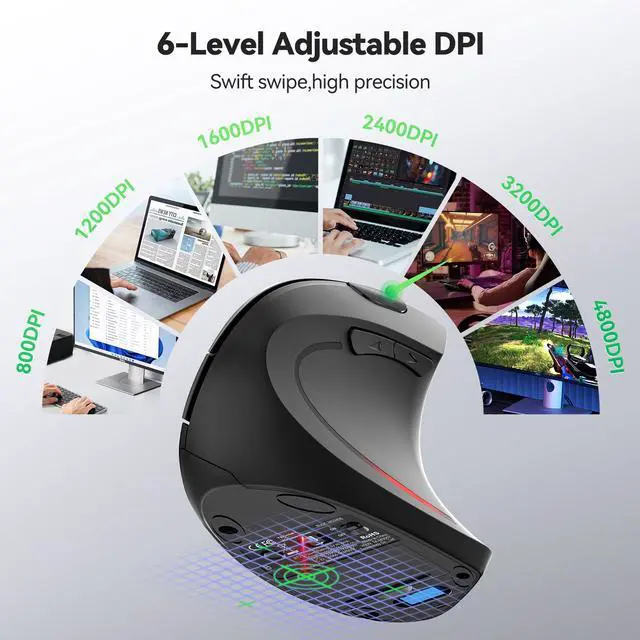
TECKNET Bluetooth Ergonomic Mouse with 6 DPI Levels Adjustment