


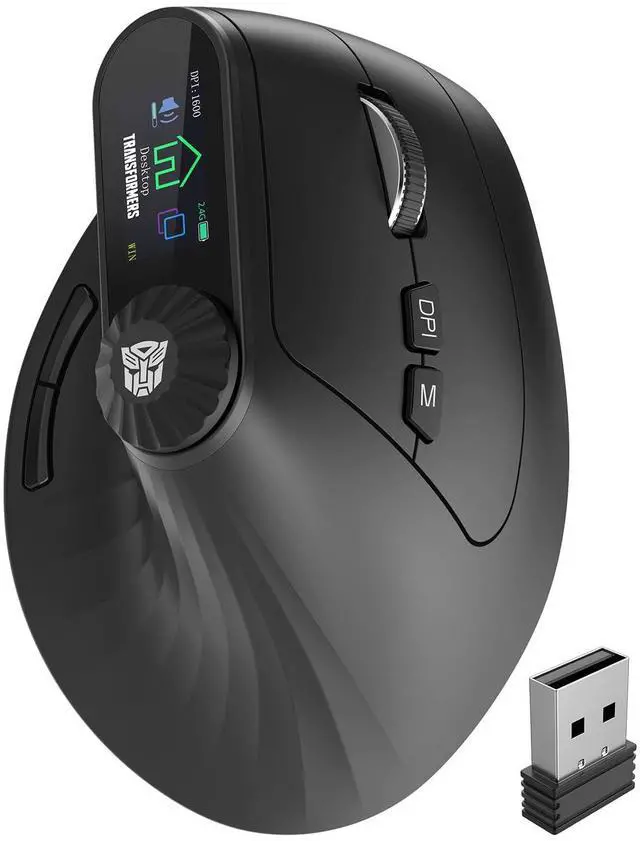

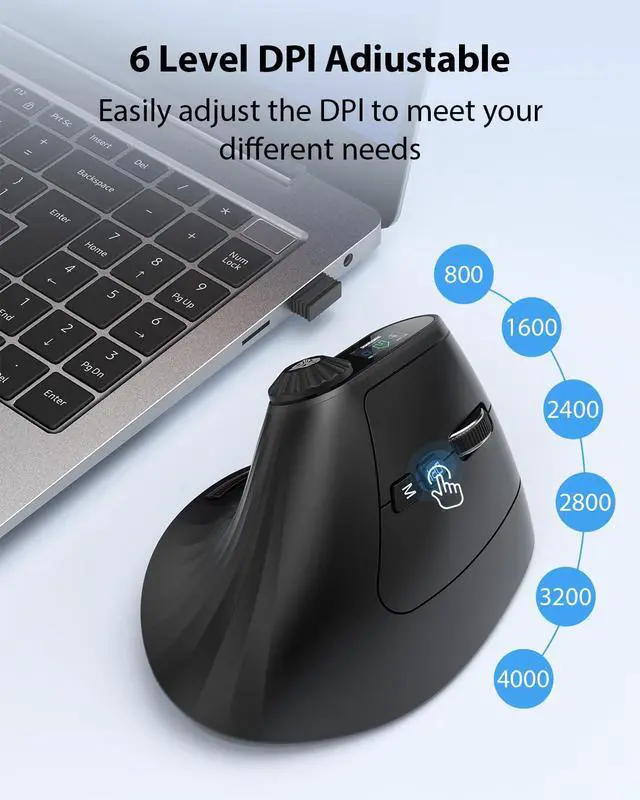
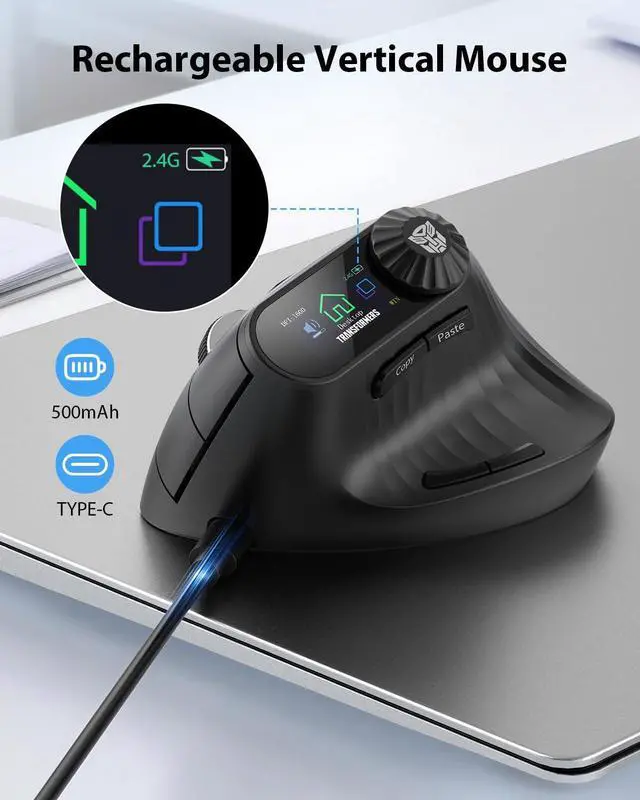


Transformers Ergonomic Rechargeable Mouse with LED Screen

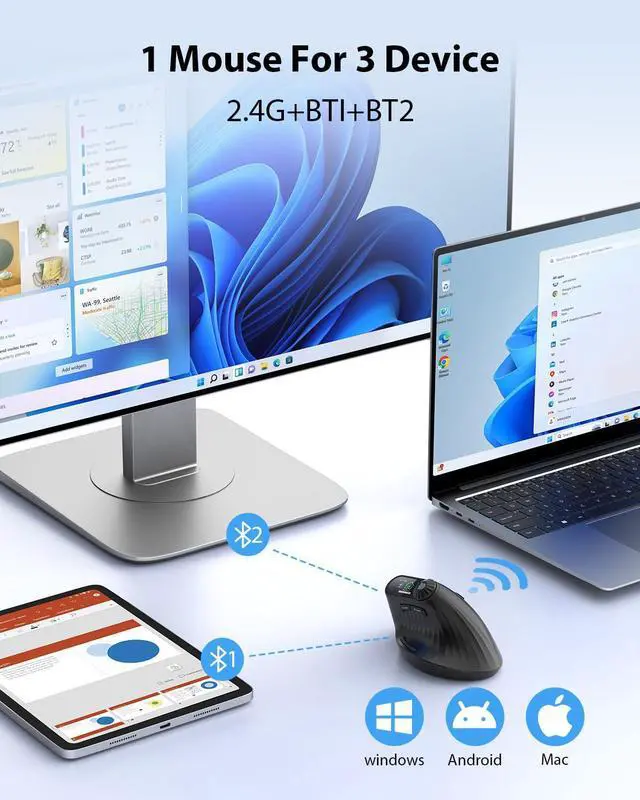
3-Device Connectivity: 2.4 GHz + Dual Bluetooth


Why does the ergonomic mouse feel uncomfortable?
1.Transitioning from a traditional mouse to an ergonomic design may require a 3-7 day adaptation period.
2.Please adjust your grip so your palm fits naturally against the curve of the mouse; this helps minimize hand fatigue.
Why is the wireless mouse not working?
1.Turn on the power switch.
2.Replug the USB receiver or restart the computer.
3.Recharge the battery.
4.Long press the DPI button to switch Windows/Mac mode.
Why does the mouse disconnect, lag or lack precision?
1.Recharge the mouse.
2.Use within 10 meters of the computer.
3.Avoid strong wireless interference.
4.Re-pair: long press the M button for 5 seconds, then reconnect the receiver (2.4G) or re-pair via Bluetooth.
How do I switch between 2.4G and Bluetooth modes?
Double-click the M Button to cycle through 2.4G, BT1, and BT2 modes
Why are some functions unavailable on my Apple computer,and why is the scroll wheel direction reversed?
Due to systemn incompatibility, please long press the DPl button to switch between Windows and Mac modes.

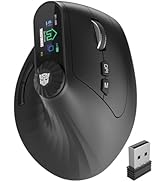
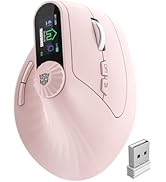

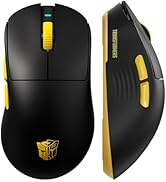





Transformers Ergonomic Rechargeable Mouse with LED Screen

3-Device Connectivity: 2.4 GHz + Dual Bluetooth

57° Vertical Ergonomic Mouse


Ergonomic design for smoother movement and reduced strain on wrist


Why does the ergonomic mouse feel uncomfortable?
1.Transitioning from a traditional mouse to an ergonomic design may require a 3-7 day adaptation period.
2.Please adjust your grip so your palm fits naturally against the curve of the mouse; this helps minimize hand fatigue.
Why is the wireless mouse not working?
1.Turn on the power switch.
2.Replug the USB receiver or restart the computer.
3.Recharge the battery.
4.Long press the DPI button to switch Windows/Mac mode.
Why does the mouse disconnect, lag or lack precision?
1.Recharge the mouse.
2.Use within 10 meters of the computer.
3.Avoid strong wireless interference.
4.Re-pair: long press the M button for 5 seconds, then reconnect the receiver (2.4G) or re-pair via Bluetooth.
How do I switch between 2.4G and Bluetooth modes?
Double-click the M Button to cycle through 2.4G, BT1, and BT2 modes
Why are some functions unavailable on my Apple computer,and why is the scroll wheel direction reversed?
Due to systemn incompatibility, please long press the DPl button to switch between Windows and Mac modes.
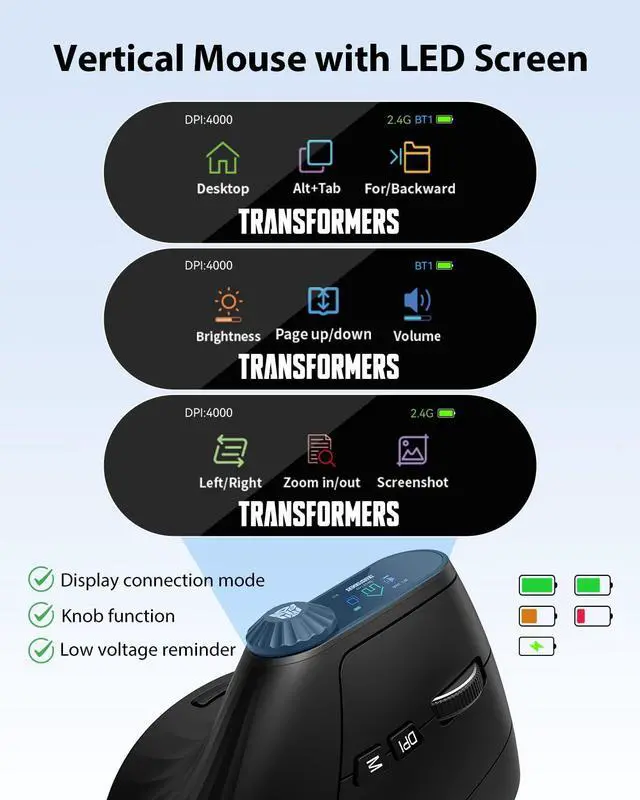
Vertical Mouse with LED Screen
Gaming Keyboard and Mouse
Themed Mechanical Keyboard
