


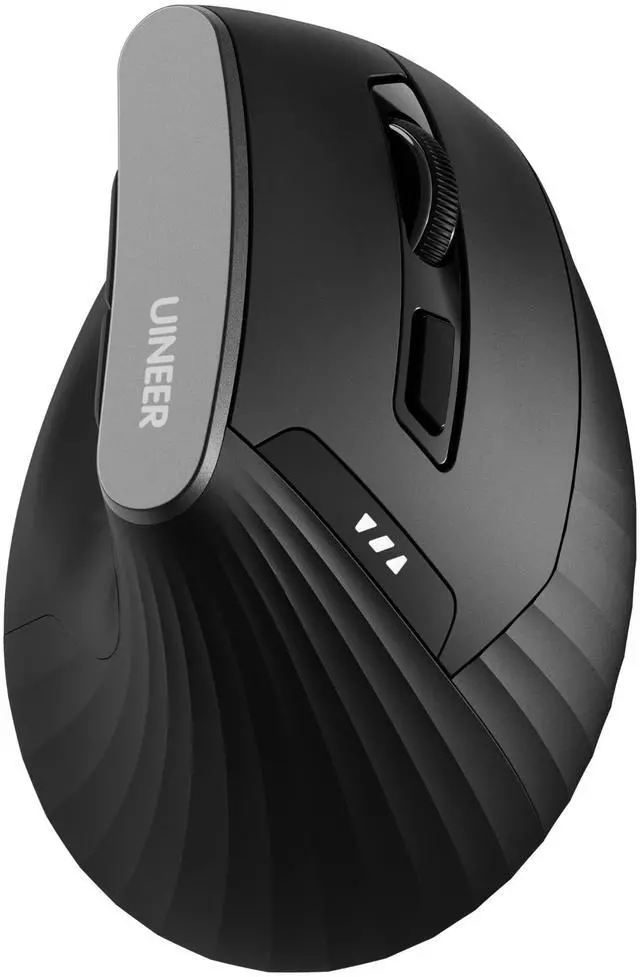


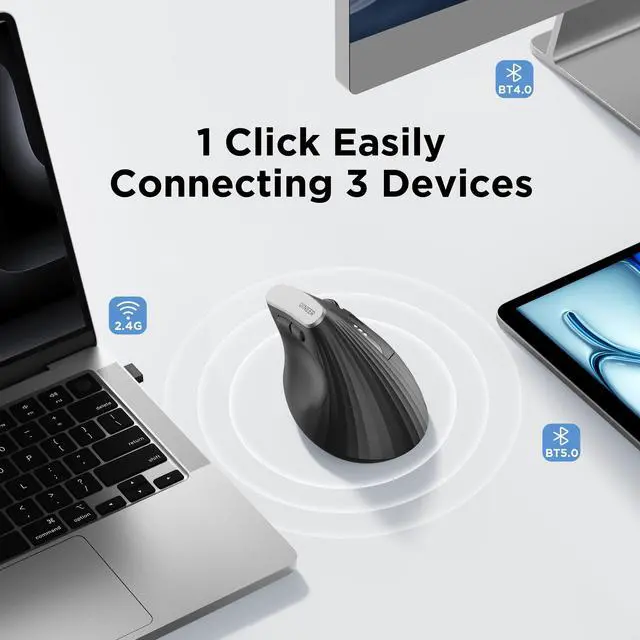


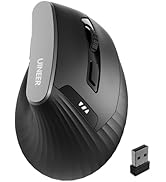
Wireless Ergonomic Bluetooth Mouse
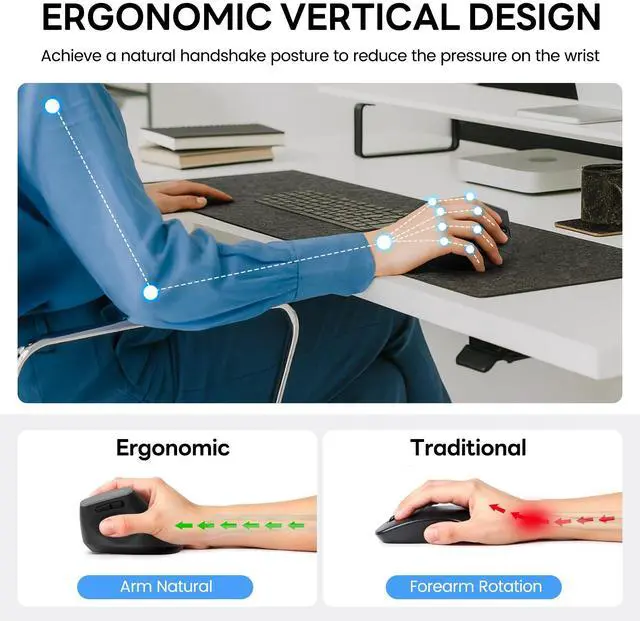
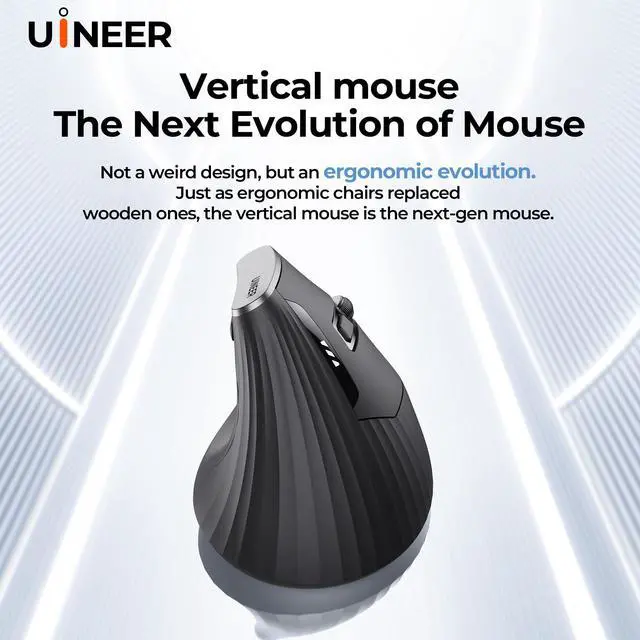
Merchant Videovertical mouse allows you to hold it in a "natural handshake" position at your desk, providing an unprecedentedly comfortable experience and making your workday more relaxed and enjoyable.


My mouse sometimes loses connection, what should I do?
The mouse will enter sleep mode after 8 minutes of inactivity.press any key to wake it up, and then click again to use it normally. Note: This is not a disconnection, it's just entering power-saving mode.
The package includes a USB receiver, but the link mentioned a Bluetooth mouse. Is this a Bluetooth mouse or a USB mouse?
This mouse offers USB-A receiver and Bluetooth connection. The BT mode supports devices with Bluetooth connection functions such as Mac Book/Chrome Book/tablet/phone, and the USB-A mode supports devices with a USB-A port such as desktops/laptops
The mouse pointer is too slow or too fast, how can I adjust it?
This wireless mouse has 4 levels of DPI adjustable: 800-2400DPI. It is recommended to use 800/1200 for browsing and 1600/2400 for precision. You can adjust the appropriate DPI by pressing the button below the scroll wheel
The Bluetooth mouse includes a USB receiver, but I cannot find the receiver in the package I received. what should I do?
The USB receiver of the mouse is stored at the bottom of the mouse.

UINEER
![Uineer Bluetooth Mouse,[Upgraded] Rechargeable Wireless Mouse Tri-Mode (BT 5.0/4.0+2.4G Hz),Visib...](//c1.neweggimages.com/sellingpilot/modules/product/a-plus/e2a9274d654cf151a36b59d2c91dc8bc32dd4d4032d76f31f34fd0b7c91d74f6.jpg)
![Uineer Wireless Mouse, [Upgraded] Visible Battery Display,Rechargeable Laptop Mouse Wireless 2.4G...](//c1.neweggimages.com/sellingpilot/modules/product/a-plus/79c95601f448587ebd8e13c8c460587e057cae6a58b727008708bdb88682ca33.jpg)
Wireless Mouse
![Uineer Rechargeable Wireless Mouse,[Upgraded] 2.4GHz Wireless Mouse(Battery Level Visible) Ergono...](//c1.neweggimages.com/sellingpilot/modules/product/a-plus/4f1afb53010cd9eff3de1191477dc3d970474a5f927d968d8ddbed2125935324.jpg)
![Uineer Bluetooth Mouse,[Upgraded] Multi-Device Wireless Mouse,Visible Battery Level,Tri-Mode (BT ...](//c1.neweggimages.com/sellingpilot/modules/product/a-plus/92015f9adef0b08f2a538c0c8477558f36d26e9632384a02d3220b1a53b79f82.jpg)
Wireless Mouse

![Uineer Wireless Mouse,[Upgraded] Rechargeable Mouse 2.4GHz (Battery Level Visible) Ergonomic Comp...](//c1.neweggimages.com/sellingpilot/modules/product/a-plus/98acb6bde1e6d166ac5748b21a14689a3389f45f244b3f9bc42e10181ab2bcd6.jpg)
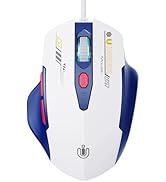
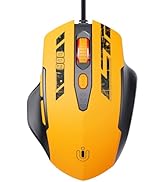
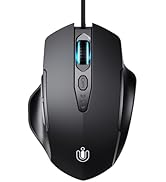
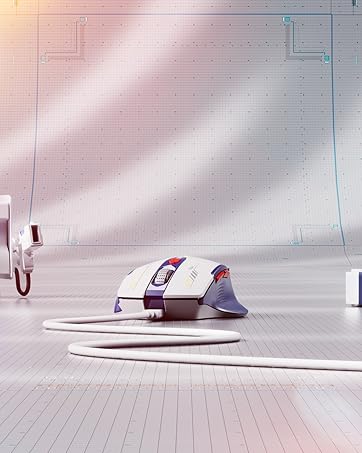
Wired Mouse

About UINEER
Founded in 2016,started out as a small retailer store in local.Later,our founder changed our name to Uineer. We strive to become an outstanding input devices peripheral company.
Now,We has expanded our customer base to the worldwide market.We know that our story is an ordinary one, but without the customer like you, we wouldn't be able to share our experience with the world.
What’s our top concerns ?
We create our Brand with two things in mind,Service and Quality.
Our Value
Uineer’s culture is driven by respect, Cooperation and direct feedback. We treat every customer with attention, consideration and respect.We love listen, feedback and improvements, and believe that success is measured by the value we create for our users.
Our Mission
Provide more valuable and more user-friendly products for many people. To help customers work faster and more conveniently.
![Uineer Bluetooth Mouse,[Upgraded] Rechargeable Wireless Mouse Tri-Mode (BT 5.0/4.0+2.4G Hz),Visib...](http://c1.neweggimages.com/sellingpilot/modules/product/a-plus/e2a9274d654cf151a36b59d2c91dc8bc32dd4d4032d76f31f34fd0b7c91d74f6.jpg)
![Uineer Wireless Mouse, [Upgraded] Visible Battery Display,Rechargeable Laptop Mouse Wireless 2.4G...](http://c1.neweggimages.com/sellingpilot/modules/product/a-plus/79c95601f448587ebd8e13c8c460587e057cae6a58b727008708bdb88682ca33.jpg)
![Uineer Rechargeable Wireless Mouse,[Upgraded] 2.4GHz Wireless Mouse(Battery Level Visible) Ergono...](http://c1.neweggimages.com/sellingpilot/modules/product/a-plus/4f1afb53010cd9eff3de1191477dc3d970474a5f927d968d8ddbed2125935324.jpg)
![Uineer Bluetooth Mouse,[Upgraded] Multi-Device Wireless Mouse,Visible Battery Level,Tri-Mode (BT ...](http://c1.neweggimages.com/sellingpilot/modules/product/a-plus/92015f9adef0b08f2a538c0c8477558f36d26e9632384a02d3220b1a53b79f82.jpg)
![Uineer Wireless Mouse,[Upgraded] Rechargeable Mouse 2.4GHz (Battery Level Visible) Ergonomic Comp...](http://c1.neweggimages.com/sellingpilot/modules/product/a-plus/98acb6bde1e6d166ac5748b21a14689a3389f45f244b3f9bc42e10181ab2bcd6.jpg)
Wireless Ergonomic Bluetooth Mouse
Merchant Videovertical mouse allows you to hold it in a "natural handshake" position at your desk, providing an unprecedentedly comfortable experience and making your workday more relaxed and enjoyable.


My mouse sometimes loses connection, what should I do?
The mouse will enter sleep mode after 8 minutes of inactivity.press any key to wake it up, and then click again to use it normally. Note: This is not a disconnection, it's just entering power-saving mode.
The package includes a USB receiver, but the link mentioned a Bluetooth mouse. Is this a Bluetooth mouse or a USB mouse?
This mouse offers USB-A receiver and Bluetooth connection. The BT mode supports devices with Bluetooth connection functions such as Mac Book/Chrome Book/tablet/phone, and the USB-A mode supports devices with a USB-A port such as desktops/laptops
The mouse pointer is too slow or too fast, how can I adjust it?
This wireless mouse has 4 levels of DPI adjustable: 800-2400DPI. It is recommended to use 800/1200 for browsing and 1600/2400 for precision. You can adjust the appropriate DPI by pressing the button below the scroll wheel
The Bluetooth mouse includes a USB receiver, but I cannot find the receiver in the package I received. what should I do?
The USB receiver of the mouse is stored at the bottom of the mouse.
UINEER
Wireless Mouse
Wireless Mouse
Wired Mouse
About UINEER
Founded in 2016,started out as a small retailer store in local.Later,our founder changed our name to Uineer. We strive to become an outstanding input devices peripheral company.
Now,We has expanded our customer base to the worldwide market.We know that our story is an ordinary one, but without the customer like you, we wouldn't be able to share our experience with the world.
What’s our top concerns ?
We create our Brand with two things in mind,Service and Quality.
Our Value
Uineer’s culture is driven by respect, Cooperation and direct feedback. We treat every customer with attention, consideration and respect.We love listen, feedback and improvements, and believe that success is measured by the value we create for our users.
Our Mission
Provide more valuable and more user-friendly products for many people. To help customers work faster and more conveniently.