


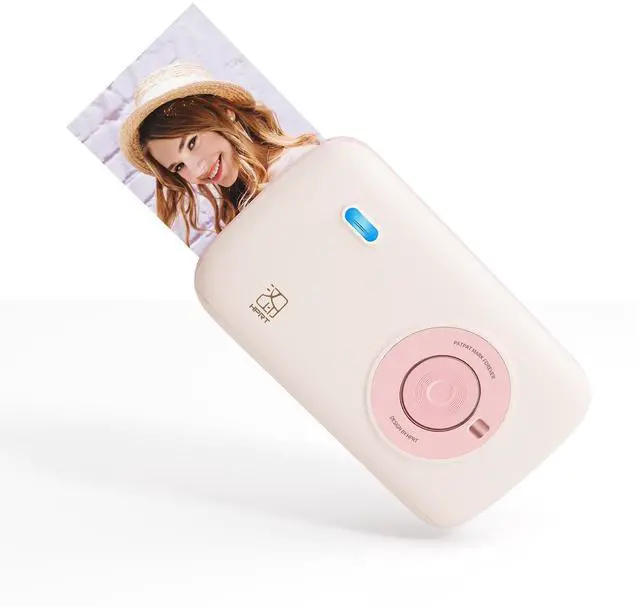



HPRT CP2100
Portable Photo Printer on the Go.


CP2100 Photo Printer
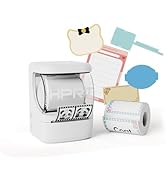
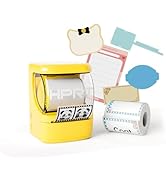
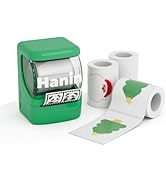
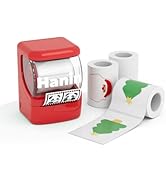
NEW1 Label Printer
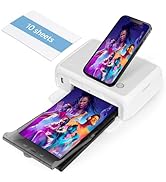
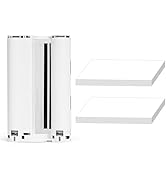
HPRT 4x6 Photo Printer
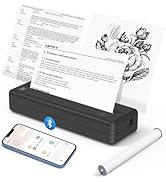
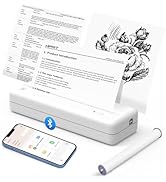
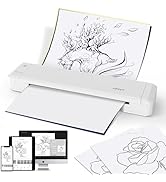
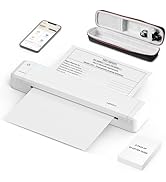
HPRT Portable Printer Wireless
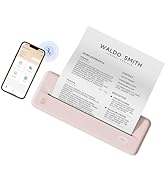
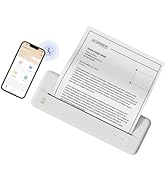
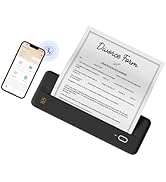
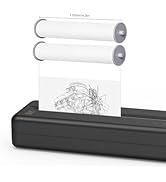
HPRT Wireless Portable Printer

HPRT has 18 years of experience in the printing industry and is an excellent manufacturer of system printing solutions. With the corporate philosophy of "continuous improvement and excellence," HPRT provides secure, reliable, efficient, and economical printing solutions for various applications such as home, commercial, and industrial, allowing everyone to print as they please.
Pocket Mini Photo Printer – A Sweet Gift for Every Moment
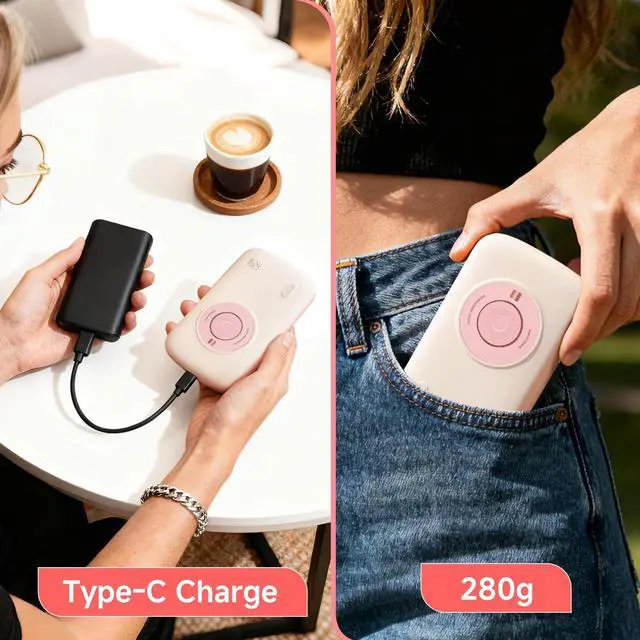
HPRT CP2100 Portable Photo Printer
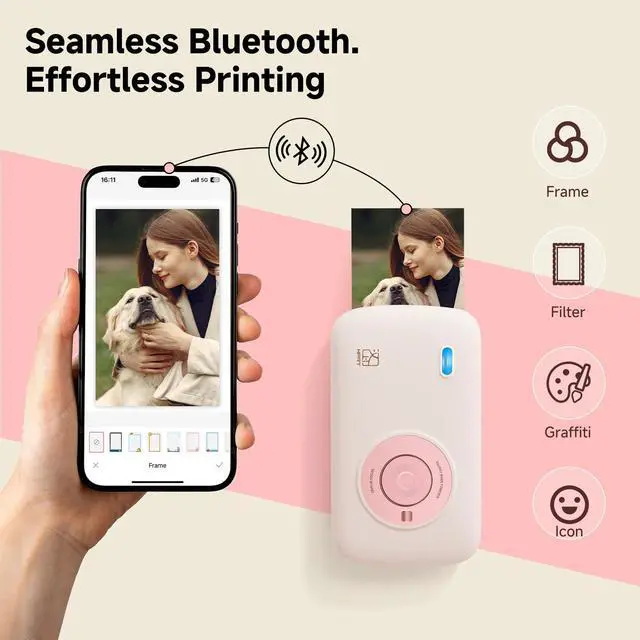
Merchant Video5.0 Bluetooth connectivity - Easy connectivity at home and on the go


Find Out More about Our Products
 HPRT CP2100 PINK |  HPRT CP2100 GREY |  HPRT CP2100 Photo Paper |  HPRT CP2100 Case |  HPRT 4x6 Photo Printer |  HPRT 4x6 Photo Printer |  4X6 Photo Paper 54 Pieces | |
|---|---|---|---|---|---|---|---|
Customer Reviews | — | — | — | — | — | — | — |
Price | — | — | — | — | — | — | — |
Portable Photo Printer | ? | ? | ? | ? | ? | ? | ? |
HPRT Glossy Photo Paper | ? | ? | ? | ? | ? | ? | ? |
Bluetooth Connectivity | ? | ? | ? | ? | ? | ? | ? |
Wi-Fi Connectivity | ? | ? | ? | ? | ? | ? | ? |
Thermal Dye Sublimation | ? | ? | ? | ? | ? | ? | ? |
Photo Paper | 10 Sheets | 10 Sheets | 10 Sheets | No Sheets | 108 Sheets | 54 Sheets | 54 Sheets |
Are photo papers from other brands compatible with this photo printer?
No, they are not compatible. This printer only supports HPRT brand photo paper and ribbons.
What should I do if there is a paper jam?
Please restart the printer first, wait for the printing task to resume, then take out the photo paper. You can also try reinstalling the consumables or tapping the ribbon gently to troubleshoot the issue.
How many sheets of photo paper are included with the CP2100 printer?
The CP2100 comes with 10 sheets of photo paper and 1 roll of ribbon.
How to connect the CP2100 to a mobile phone for photo printing?
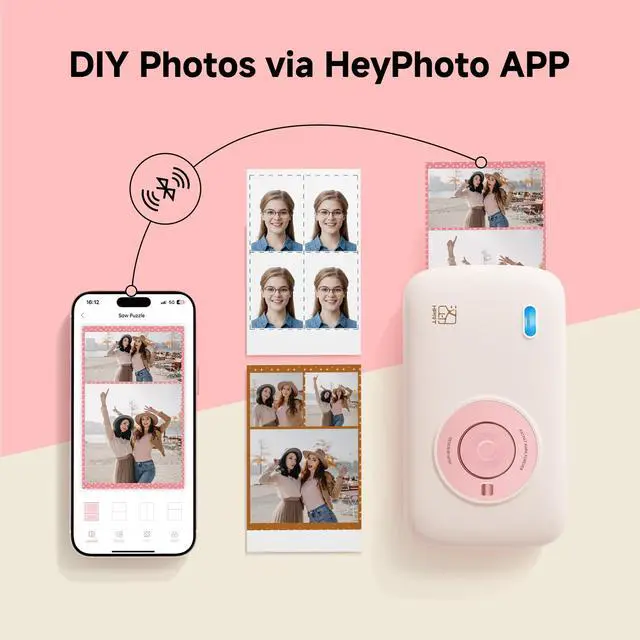
Please download our HEY PHOTO app and follow the guidelines in the app to connect your mobile phone to the printer and print photos.
What should I do if there is color difference in the photos printed by the printer?
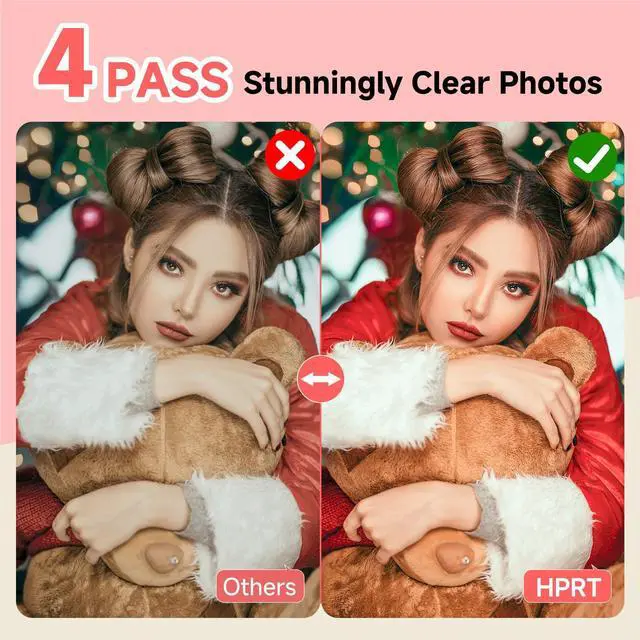
If there is color difference in the printed photos, try clicking the "Firmware Upgrade" function in the upper left corner of the app. Please note: Do not forcibly pull out the photo paper, as this may damage the ribbon!
Pocket Mini Photo Printer – A Sweet Gift for Every Moment
HPRT CP2100 Portable Photo Printer
Merchant Video5.0 Bluetooth connectivity - Easy connectivity at home and on the go


Have Fun with the HeyPhoto App: Edit and DIY Your Photos Intuitively


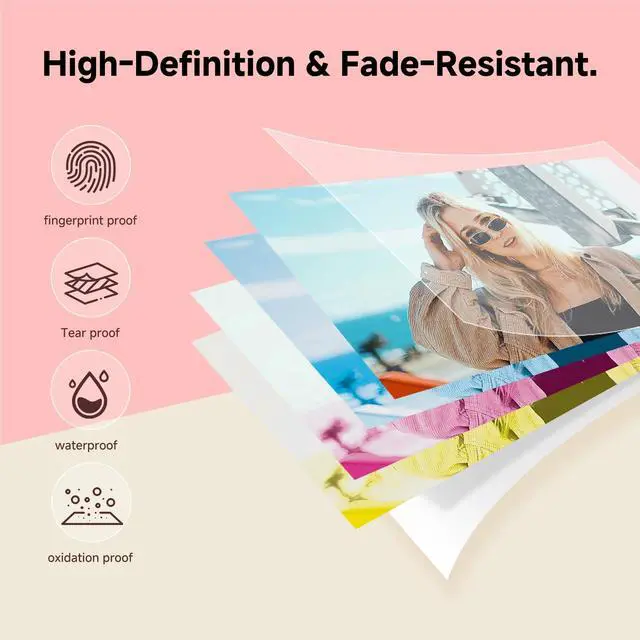
Prints Delightful Moments and Makes loved Memories Tangible


Find Out More about Our Products
HPRT CP2100 PINK | HPRT CP2100 GREY | HPRT CP2100 Photo Paper | HPRT CP2100 Case | HPRT 4x6 Photo Printer | HPRT 4x6 Photo Printer | 4X6 Photo Paper 54 Pieces |
|---|---|---|---|---|---|---|
| Customer Reviews | ||||||
| — | — | — | — | — | — | — |
| Price | ||||||
| — | — | — | — | — | — | — |
| Portable Photo Printer | ||||||
| ? | ? | ? | ? | ? | ? | ? |
| HPRT Glossy Photo Paper | ||||||
| ? | ? | ? | ? | ? | ? | ? |
| Bluetooth Connectivity | ||||||
| ? | ? | ? | ? | ? | ? | ? |
| Wi-Fi Connectivity | ||||||
| ? | ? | ? | ? | ? | ? | ? |
| Thermal Dye Sublimation | ||||||
| ? | ? | ? | ? | ? | ? | ? |
| Photo Paper | ||||||
| 10 Sheets | 10 Sheets | 10 Sheets | No Sheets | 108 Sheets | 54 Sheets | 54 Sheets |
Are photo papers from other brands compatible with this photo printer?
No, they are not compatible. This printer only supports HPRT brand photo paper and ribbons.
What should I do if there is a paper jam?
Please restart the printer first, wait for the printing task to resume, then take out the photo paper. You can also try reinstalling the consumables or tapping the ribbon gently to troubleshoot the issue.
How many sheets of photo paper are included with the CP2100 printer?
The CP2100 comes with 10 sheets of photo paper and 1 roll of ribbon.
How to connect the CP2100 to a mobile phone for photo printing?
Please download our HEY PHOTO app and follow the guidelines in the app to connect your mobile phone to the printer and print photos.
What should I do if there is color difference in the photos printed by the printer?
If there is color difference in the printed photos, try clicking the "Firmware Upgrade" function in the upper left corner of the app. Please note: Do not forcibly pull out the photo paper, as this may damage the ribbon!
HPRT CP2100
Portable Photo Printer on the Go.
CP2100 Photo Printer
NEW1 Label Printer
HPRT 4x6 Photo Printer
HPRT Portable Printer Wireless
HPRT Wireless Portable Printer
HPRT has 18 years of experience in the printing industry and is an excellent manufacturer of system printing solutions. With the corporate philosophy of "continuous improvement and excellence," HPRT provides secure, reliable, efficient, and economical printing solutions for various applications such as home, commercial, and industrial, allowing everyone to print as they please.