








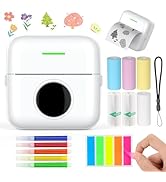

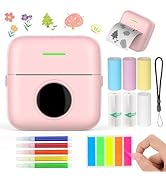



Multifuctional Mini Pocket Printer
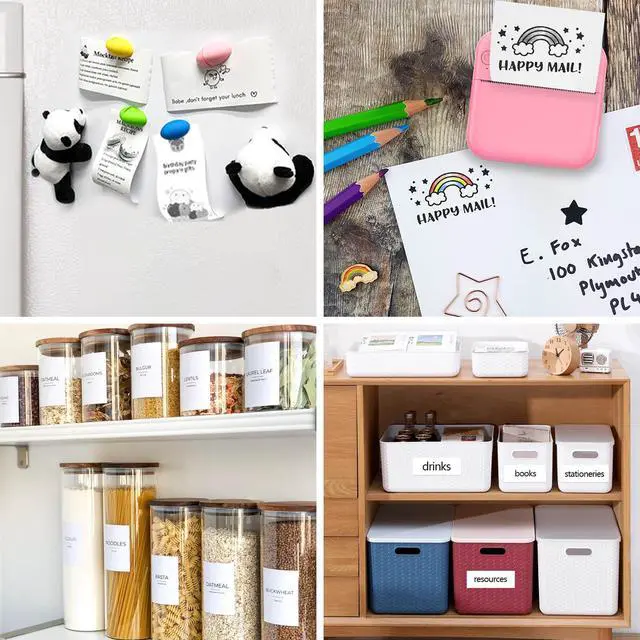
- This mini thermal printer is very suitable for various applications such as office, home, students, teachers, children and busy moms.
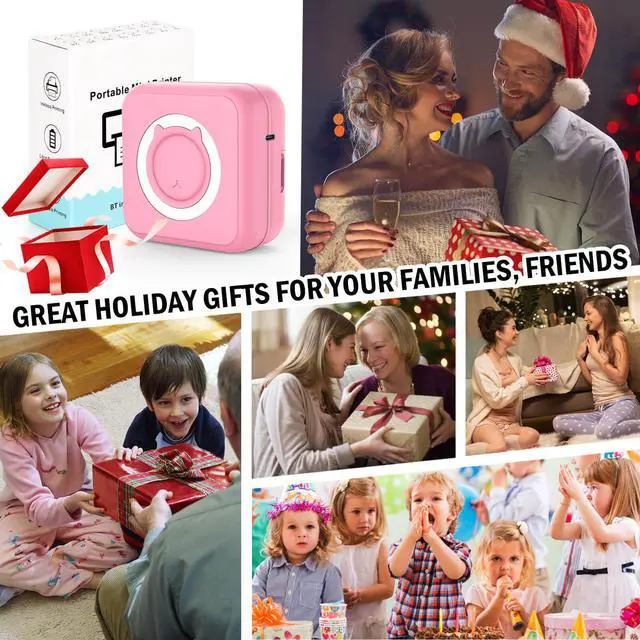
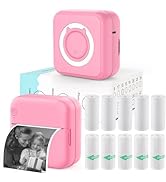
- Our pink mini photo printer also makes an excellent gift for kids espeically for girls on some big halidays, such as Christmas, New Year and even birthdays. This lovely pink color will be loved by your girls.

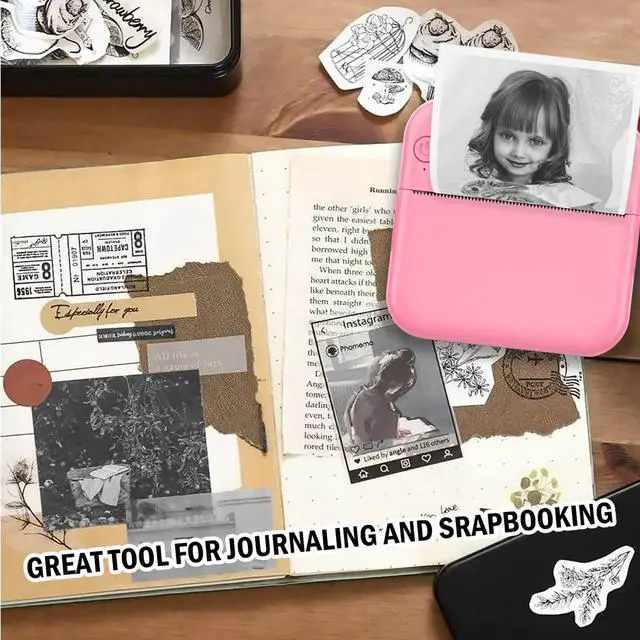
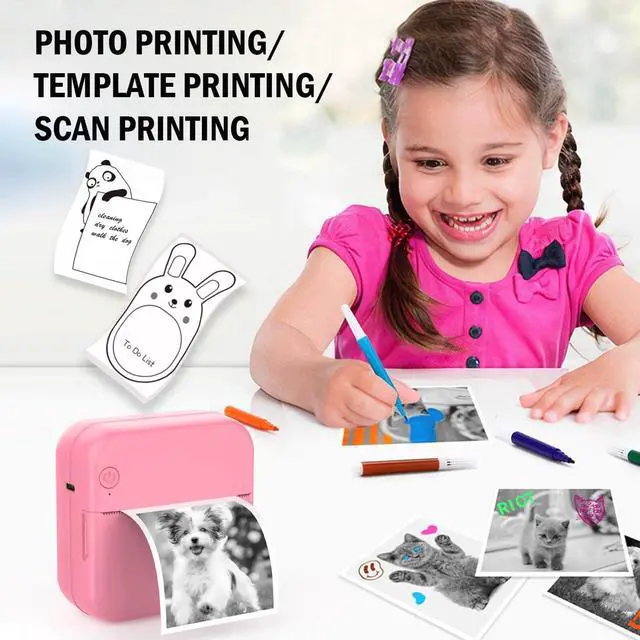
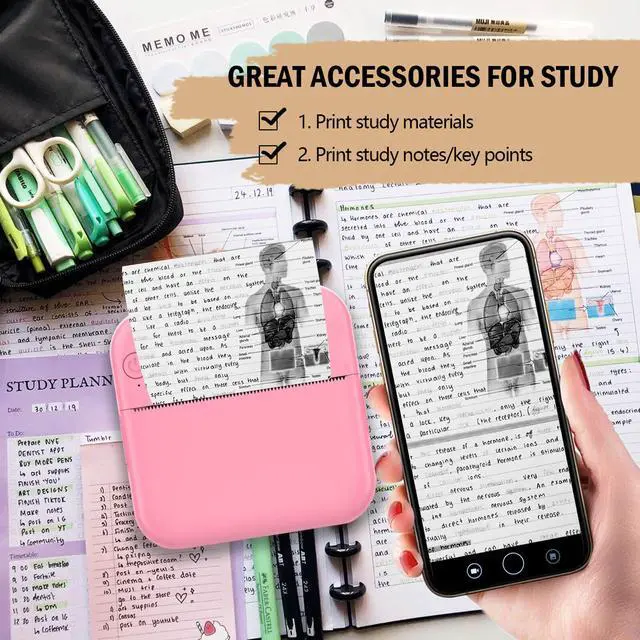
This inkless pocket printer is perfect for printing black and white pictures/photos, shopping lists, memos, study/meeting notes, business and work plans, web pages.

Compatible Type
This note printer supports IOS & Android system, so you can use it freely.

Right Way to Place Paper
please follow the picture to place roll paper

Type C USB Charging Cable
your mini portable printer for iphone will be quickly charged by this charging cable

Please tear it in a right way
tear it downwards
you can use your left hand to hold the mini printer as picture, with the power button on left up direction, then use your right hand to tear it in a downward way, so that you can get a flat cut.
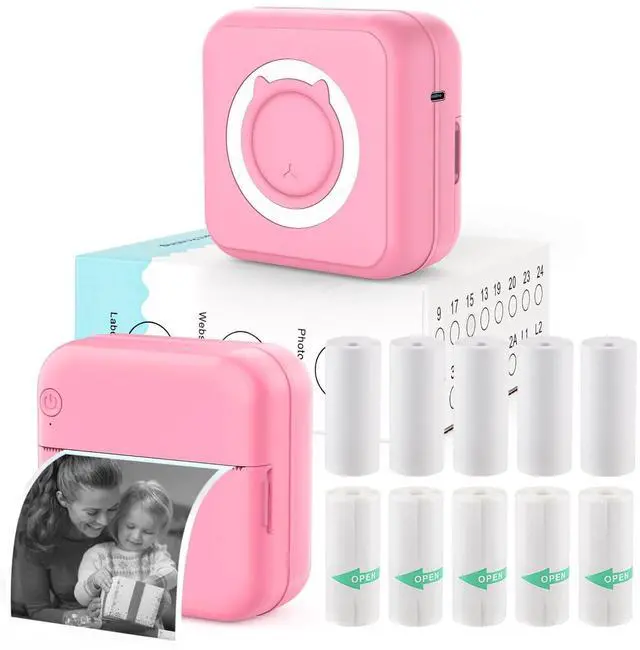
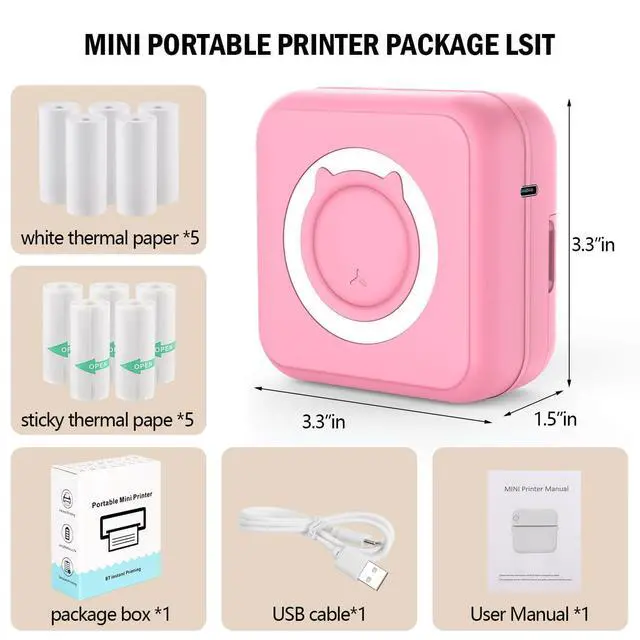
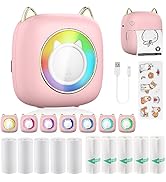
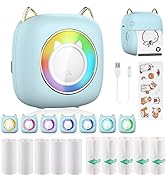
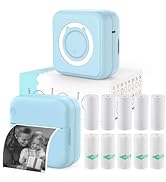
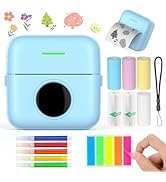
This inkless mini printer package comes with 1 portable mini printer, 10 rolls of 5 ordinary thermal paper and 5 sticker papers with 2.2" wide, 1 USB cable and 1 user guide, which is a great set to meet your diverse needs and they are enough for family use. Any questions about the mini bluetooth printer, please tell us for help.
10 rolls of thermal paper in total
- 5 white thermal paper
- 5 sticky paper

Inkless Instant Bluetooth Mini Sticker Printer
- This mini pocket printer can be easily and quickly connected by wireless bluetooth-compatible, so you can immediately print out memorable text messages from your loved ones, images from your daily life.
3 Ways to download print app "Fun Print"
- Scan the QR code in the included manual.
- Search "Fun Print" in google play
- Search "Fun Print" in the App Store.
You can turn on the wireless sticker printer and open the bluetooth on your phone, open the "funprint" app and connect to "MX06" device.

Multifunctional Print App “funprint’
- This mini pocket printer’s app has many templates, such as holiday themed templates, such as Easter, Halloween, Christmas, other templates like animals, entertainments, letters, characters, plants, foods and so on, very versatile to meet your diverse needs.


Multifuctional Mini Pocket Printer
- This mini thermal printer is very suitable for various applications such as office, home, students, teachers, children and busy moms.
- Our pink mini photo printer also makes an excellent gift for kids espeically for girls on some big halidays, such as Christmas, New Year and even birthdays. This lovely pink color will be loved by your girls.

This inkless pocket printer is perfect for printing black and white pictures/photos, shopping lists, memos, study/meeting notes, business and work plans, web pages.
Compatible Type
This note printer supports IOS & Android system, so you can use it freely.
Right Way to Place Paper
please follow the picture to place roll paper
Type C USB Charging Cable
your mini portable printer for iphone will be quickly charged by this charging cable
Please tear it in a right way
tear it downwards
you can use your left hand to hold the mini printer as picture, with the power button on left up direction, then use your right hand to tear it in a downward way, so that you can get a flat cut.
This inkless mini printer package comes with 1 portable mini printer, 10 rolls of 5 ordinary thermal paper and 5 sticker papers with 2.2" wide, 1 USB cable and 1 user guide, which is a great set to meet your diverse needs and they are enough for family use. Any questions about the mini bluetooth printer, please tell us for help.
10 rolls of thermal paper in total
- 5 white thermal paper
- 5 sticky paper
Inkless Instant Bluetooth Mini Sticker Printer
- This mini pocket printer can be easily and quickly connected by wireless bluetooth-compatible, so you can immediately print out memorable text messages from your loved ones, images from your daily life.
3 Ways to download print app "Fun Print"
- Scan the QR code in the included manual.
- Search "Fun Print" in google play
- Search "Fun Print" in the App Store.
You can turn on the wireless sticker printer and open the bluetooth on your phone, open the "funprint" app and connect to "MX06" device.
Multifunctional Print App “funprint’
- This mini pocket printer’s app has many templates, such as holiday themed templates, such as Easter, Halloween, Christmas, other templates like animals, entertainments, letters, characters, plants, foods and so on, very versatile to meet your diverse needs.
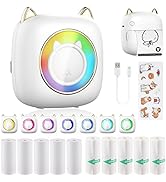
Perfect Gift
Perfect Gift
Perfect Gift
