




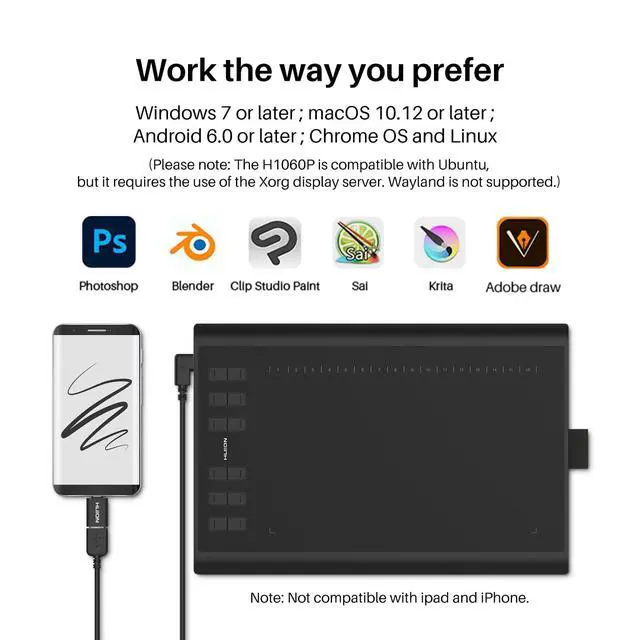


The drawing tablet is compatible with popular apps like Photoshop, Paint Tool Sai, and much more!
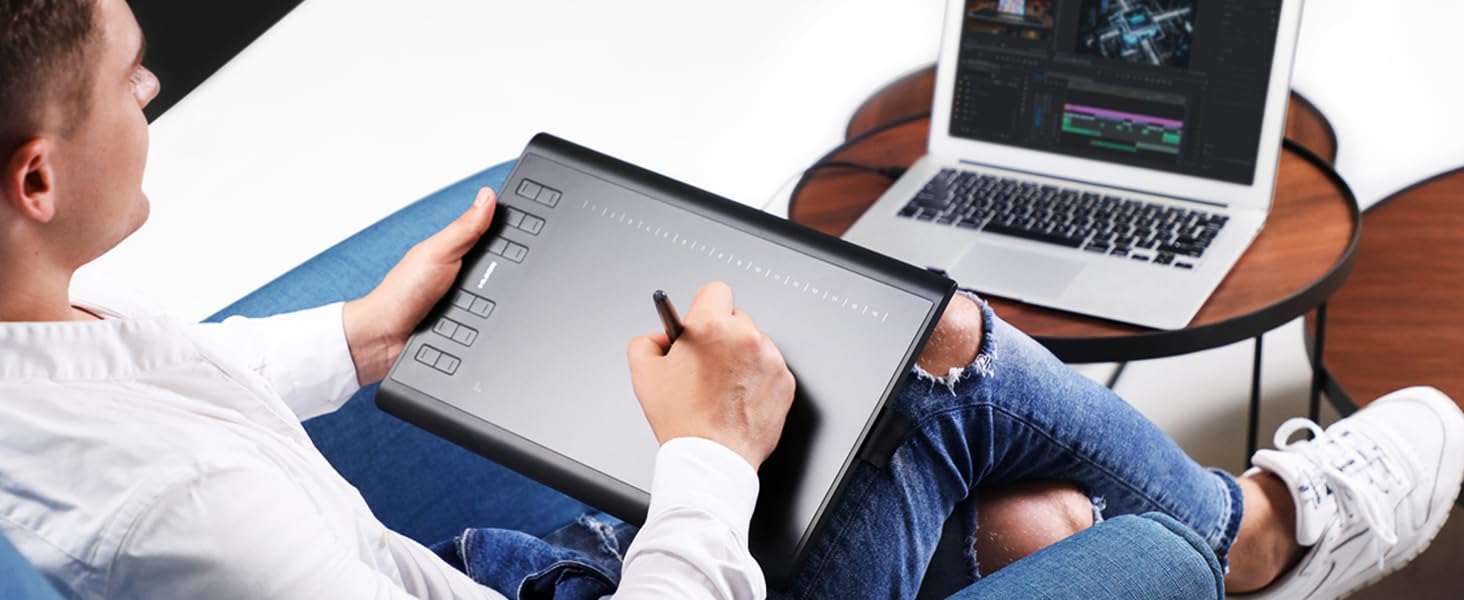
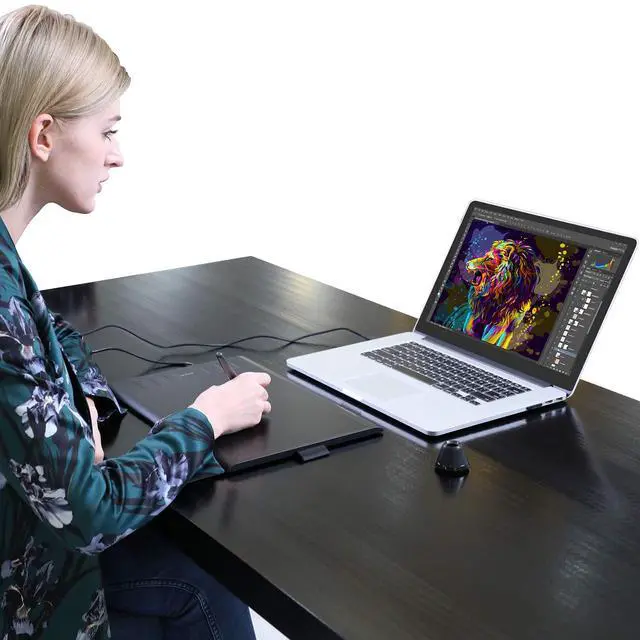
The tablet also can be used for photo editing, graphic design, and Illustration, Animation.
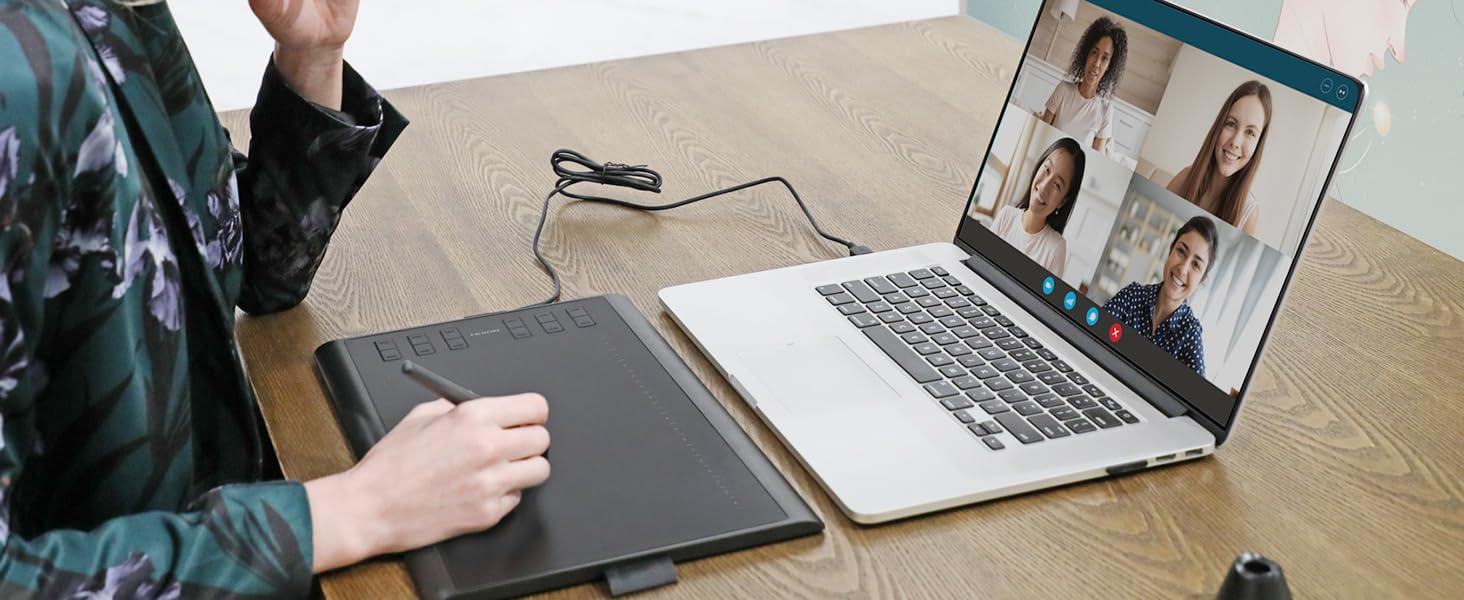
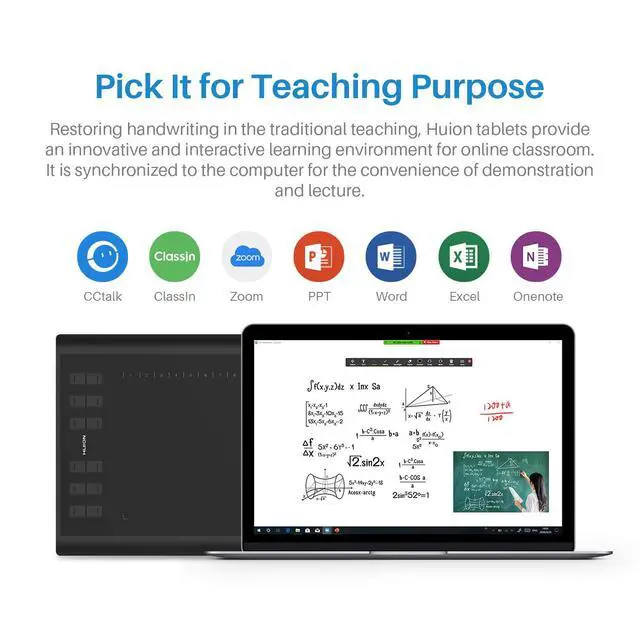
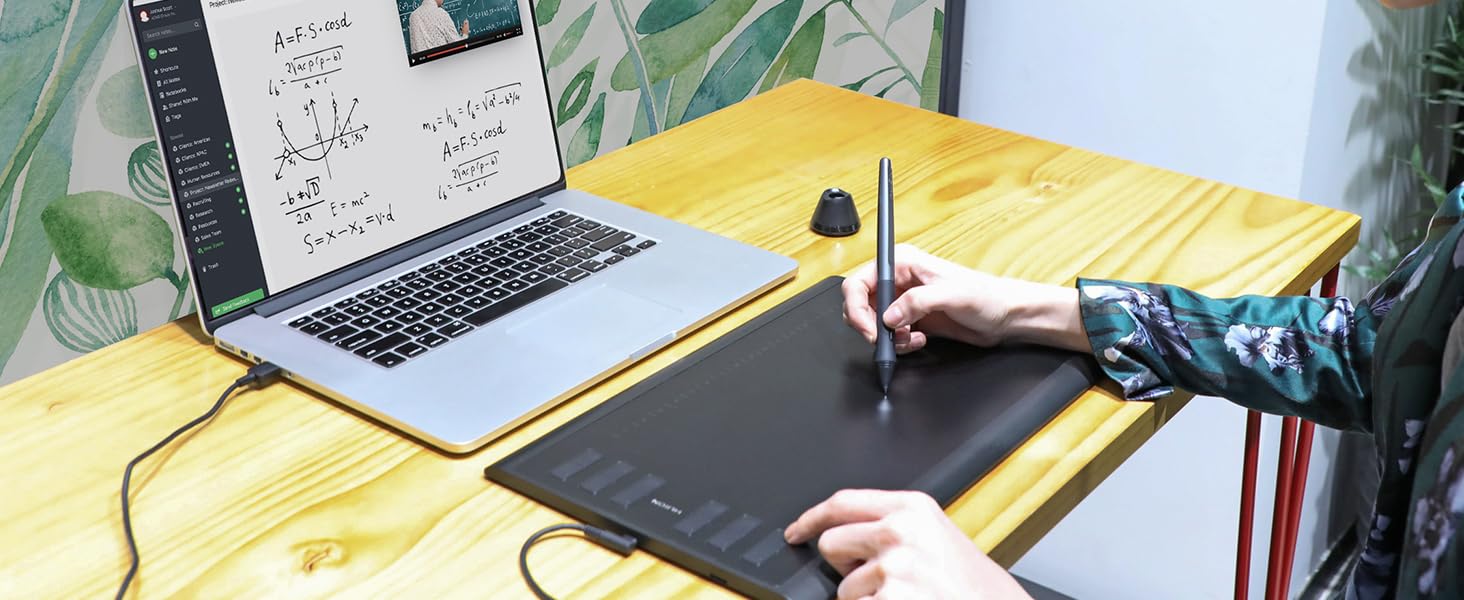
With Huion tablets, you can easily take notes. Make online tutoring more connected and productive.
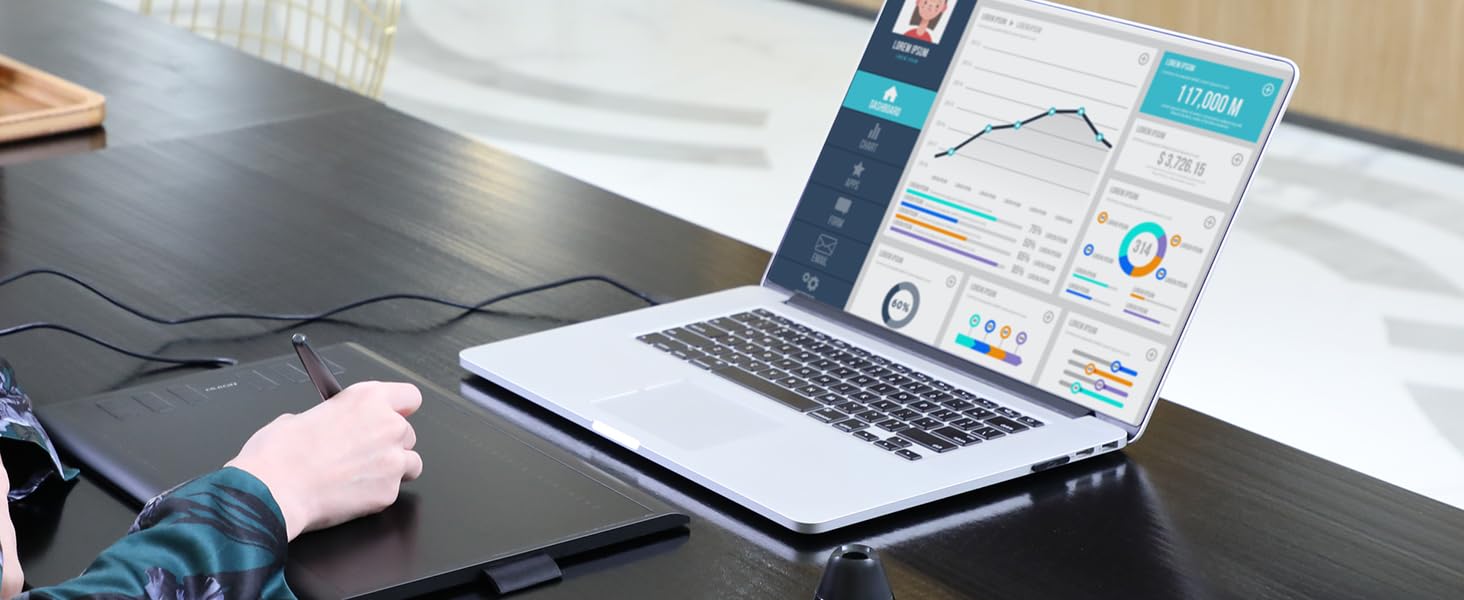
With popular software like Zoom and Microsoft Office, you can easily meet your work-from-home needs.

What can I do if the drawing tablet doesn't work?
1. Make sure the drawing tablet is properly connected to your computer/laptop. 2.Make sure you installed the driver correctly. 3. Replace the USB cable or USB port.
What devices are compatible with the drawing tablet?
Desktop Computer/ Laptop/ Android tablet. (Android 6.0 or later)
What operating systems support the HUION H1060P drawing tablet?
Windows 7 or later/ macOS 10.12 or later/Android 6.0 or later/ Linux(Please note: The H1060P is compatible with Ubuntu, but it requires the use of the Xorg display server. Wayland is not supported.)
Does the HUION H1060P drawing tablet work on Android?
Yes, but not compatible with iPhone and iPad. Please make sure your phone and Android tablet must be Android 6.0 or above and should have OTG function.
What's in the box
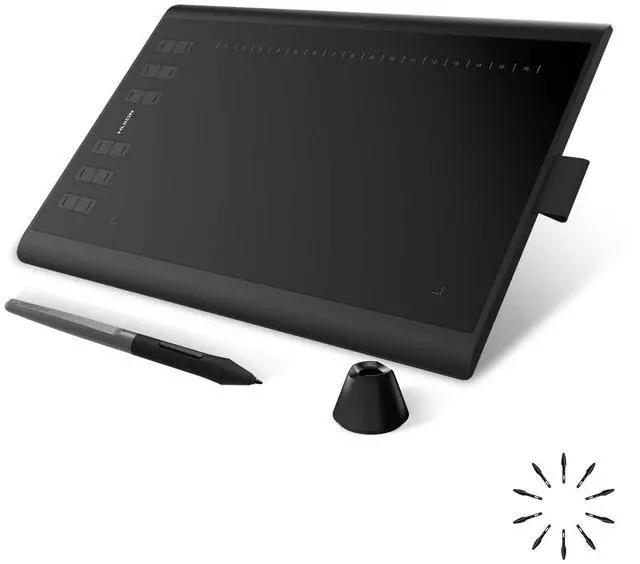
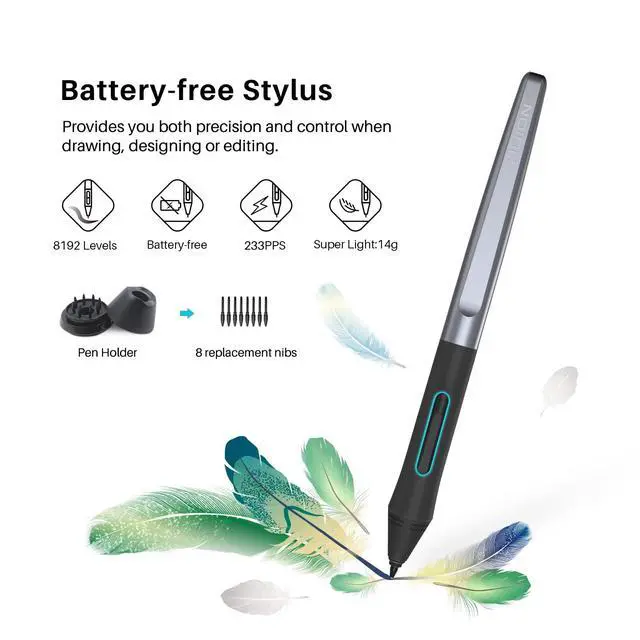
Pen Tablet, Battery-free Pen, Micro USB Cable, USB-C Adapter, Pen Holder, Pen Nibs x 8, Quick Start Guide
Creative Pen Tablets & Pen Displays for Drawing
 H1060P |  Kamvas 22 (Gen 3) |  Inspiroy Dial 2 |  Kamvas Pro 16 V2 |  Kamvas 13(Gen 3) |  Kamvas Pro 16 2.5K |  Kamvas Slate 11 | |
|---|---|---|---|---|---|---|---|
Customer Reviews | — | — | — | — | — | — | — |
Price | — | — | — | — | — | — | — |
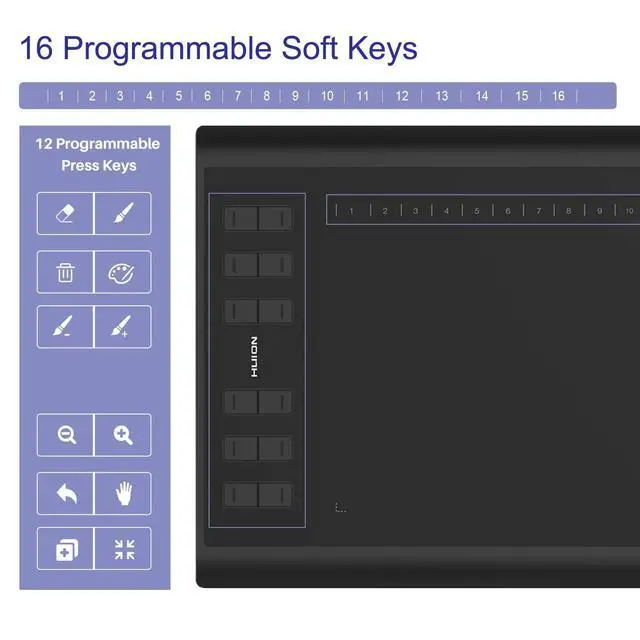
Press Keys | 12 Press Keys +16 Soft Keys | - | 6 Press Keys+2 Dials+2 Switch | 6 Press Keys + 1 Touch Strip | 5 Press Keys +2 Dial | 8 Programmable Press Keys | X |
Android Support | Android 6.0 or later | Android(USB3.1 DP1.2 or later) | Android 6.0 or later | - | Android 6.0 or later | Android(USB3.1 DP1.2 or later) | Android 14 |
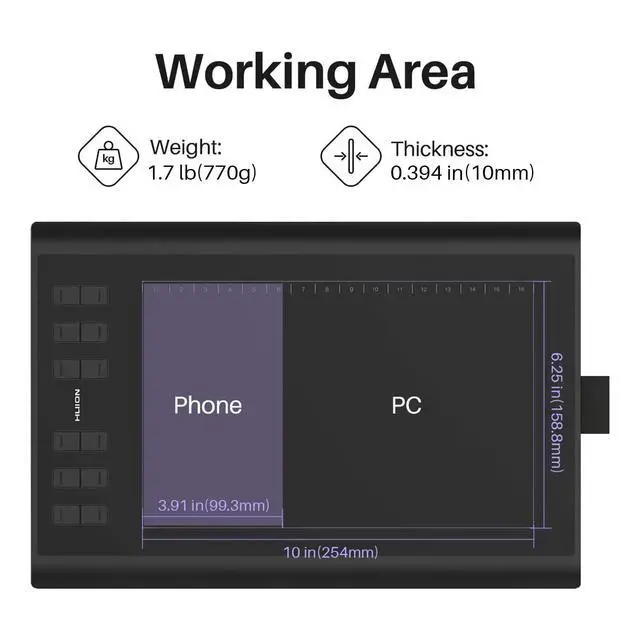
Size | 10 x 6.25inch | 21.5 inch (Diagonal) | 10.5 x 6.56inch | 15.6 inch (Diagonal) | 13.3 inch (Diagonal) | 15.8 inch (Diagonal) | 11 inch |
Interface | Micro USB | HDMI, USB-C | USB-C | USB-C | 3-in-1 HDMI, USB-C | Full-Featured USB-C | ??Type-C |
Digital Pen | PW100 | PW600L | PW517 | PW600A | PW600L | PW517 | H-Pencil |
Pen Pressure | 8192Levels | 16,384 levels | 8192Levels | 16,384 levels | 16384Levels | 8192 Levels | 4096Levels |
Tilt ±60° | ? | ? | ? | ? | ? | ? | ? |


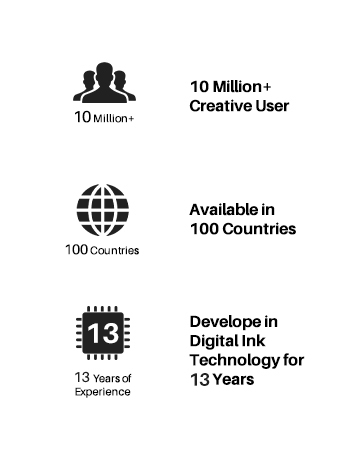
Founded in 2011, Huion has always been dedicated to providing high-quality pen tablets, pen displays, and pen computers to creative users.
And our products not only help artists, designers, and animators to create fantastic digital masterpieces, but also bring digital ink solutions to many people around the world, changing the way they create, learn and work.
We believe the world is in your hands.
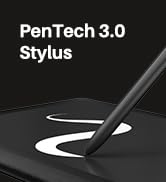
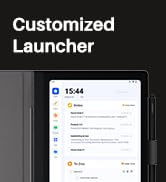
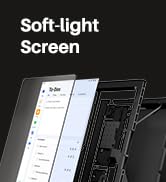
New release-Note E Notebook
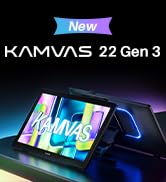
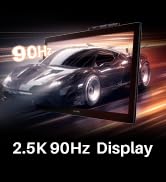
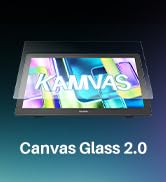
New Release-Kamvas 22 (Gen3)
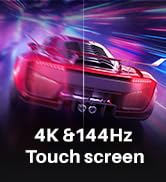
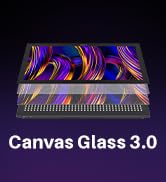
KAMVAS Pro 27 (144Hz) 4K
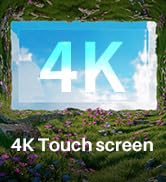
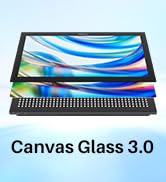
Kamvas Pro 24(Gen3)
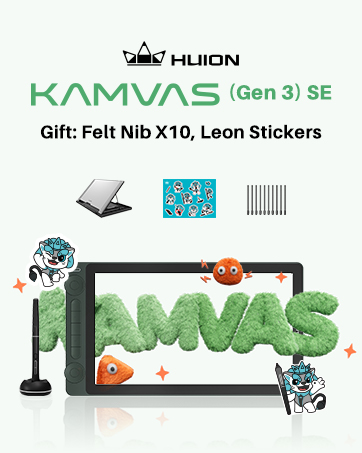
New release-Kamvas 13 (Gen 3) Special Edition

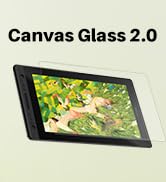
New Release-Kamvas Pro 16 V2
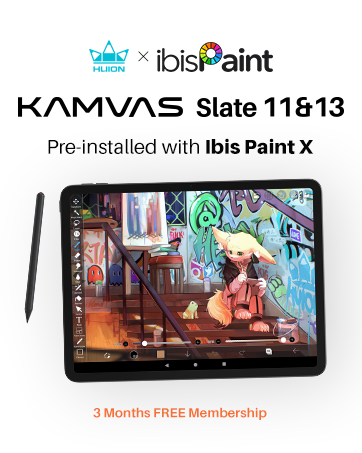



Inspiroy 2
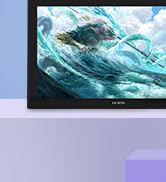
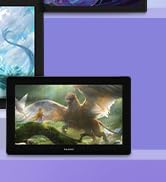
Kamvas Pro | Higher Resolution
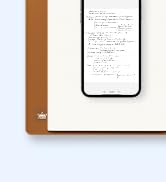

Huion Note Digital Notebook
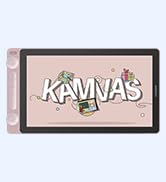
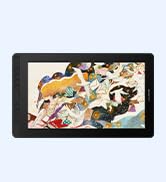
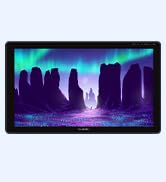
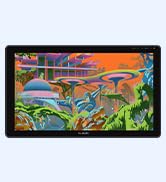
Kamvas Series | Best Price
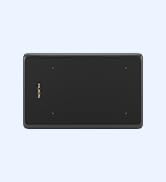
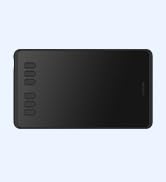
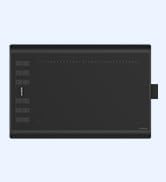
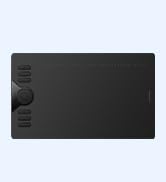
Inspiroy Series | Entry Level


The drawing tablet is compatible with popular apps like Photoshop, Paint Tool Sai, and much more!
The tablet also can be used for photo editing, graphic design, and Illustration, Animation.
With Huion tablets, you can easily take notes. Make online tutoring more connected and productive.
With popular software like Zoom and Microsoft Office, you can easily meet your work-from-home needs.


What can I do if the drawing tablet doesn't work?
1. Make sure the drawing tablet is properly connected to your computer/laptop. 2.Make sure you installed the driver correctly. 3. Replace the USB cable or USB port.
What devices are compatible with the drawing tablet?
Desktop Computer/ Laptop/ Android tablet. (Android 6.0 or later)
What operating systems support the HUION H1060P drawing tablet?
Windows 7 or later/ macOS 10.12 or later/Android 6.0 or later/ Linux(Please note: The H1060P is compatible with Ubuntu, but it requires the use of the Xorg display server. Wayland is not supported.)
Does the HUION H1060P drawing tablet work on Android?
Yes, but not compatible with iPhone and iPad. Please make sure your phone and Android tablet must be Android 6.0 or above and should have OTG function.
What's in the box
Pen Tablet, Battery-free Pen, Micro USB Cable, USB-C Adapter, Pen Holder, Pen Nibs x 8, Quick Start Guide
Creative Pen Tablets & Pen Displays for Drawing
H1060P | Kamvas 22 (Gen 3) | Inspiroy Dial 2 | Kamvas Pro 16 V2 | Kamvas 13(Gen 3) | Kamvas Pro 16 2.5K | Kamvas Slate 11 |
|---|---|---|---|---|---|---|
| Customer Reviews | ||||||
| — | — | — | — | — | — | — |
| Price | ||||||
| — | — | — | — | — | — | — |
| Press Keys | ||||||
| 12 Press Keys +16 Soft Keys | - | 6 Press Keys+2 Dials+2 Switch | 6 Press Keys + 1 Touch Strip | 5 Press Keys +2 Dial | 8 Programmable Press Keys | X |
| Android Support | ||||||
| Android 6.0 or later | Android(USB3.1 DP1.2 or later) | Android 6.0 or later | - | Android 6.0 or later | Android(USB3.1 DP1.2 or later) | Android 14 |
| Size | ||||||
| 10 x 6.25inch | 21.5 inch (Diagonal) | 10.5 x 6.56inch | 15.6 inch (Diagonal) | 13.3 inch (Diagonal) | 15.8 inch (Diagonal) | 11 inch |
| Interface | ||||||
| Micro USB | HDMI, USB-C | USB-C | USB-C | 3-in-1 HDMI, USB-C | Full-Featured USB-C | ??Type-C |
| Digital Pen | ||||||
| PW100 | PW600L | PW517 | PW600A | PW600L | PW517 | H-Pencil |
| Pen Pressure | ||||||
| 8192Levels | 16,384 levels | 8192Levels | 16,384 levels | 16384Levels | 8192 Levels | 4096Levels |
| Tilt ±60° | ||||||
| ? | ? | ? | ? | ? | ? | ? |
Founded in 2011, Huion has always been dedicated to providing high-quality pen tablets, pen displays, and pen computers to creative users.
And our products not only help artists, designers, and animators to create fantastic digital masterpieces, but also bring digital ink solutions to many people around the world, changing the way they create, learn and work.
We believe the world is in your hands.
New release-Note E Notebook
New Release-Kamvas 22 (Gen3)
KAMVAS Pro 27 (144Hz) 4K
Kamvas Pro 24(Gen3)
New release-Kamvas 13 (Gen 3) Special Edition
New Release-Kamvas Pro 16 V2
Inspiroy 2
Kamvas Pro | Higher Resolution
Huion Note Digital Notebook
Kamvas Series | Best Price
Inspiroy Series | Entry Level