





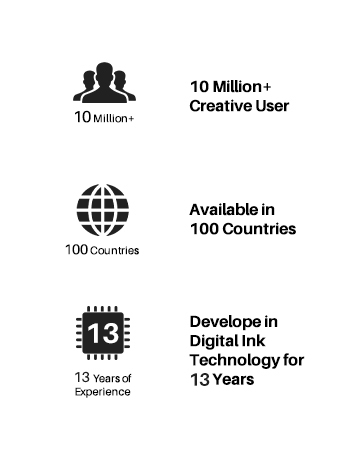
Founded in 2011, Huion has always been dedicated to providing high-quality pen tablets, pen displays, and pen computers to creative users.
And our products not only help artists, designers, and animators to create fantastic digital masterpieces, but also bring digital ink solutions to many people around the world, changing the way they create, learn and work.
We believe the world is in your hands.
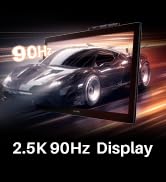
New Release-Kamvas 22 (Gen3)
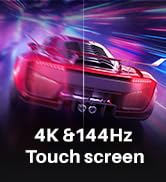
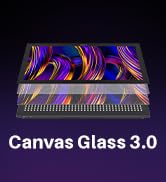
KAMVAS Pro 27 (144Hz) 4K
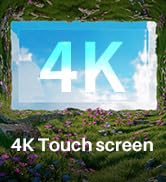
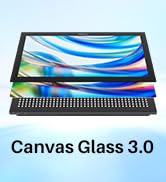
Kamvas Pro 24(Gen3)
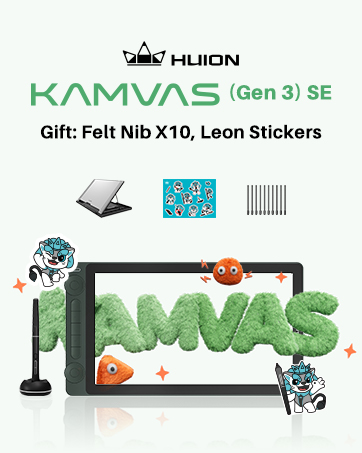
New release-Kamvas 13 (Gen 3) Special Edition

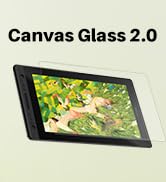
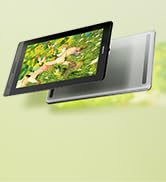
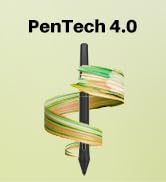
New Release-Kamvas Pro 16 V2
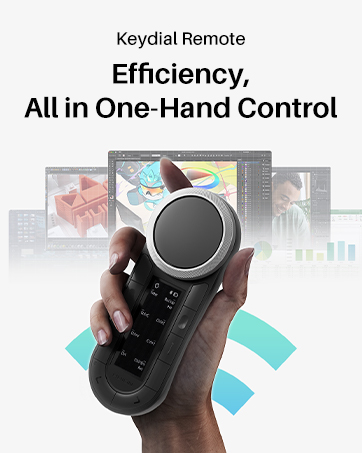
New release-Keydial Remote
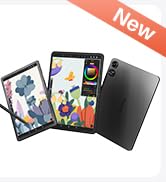
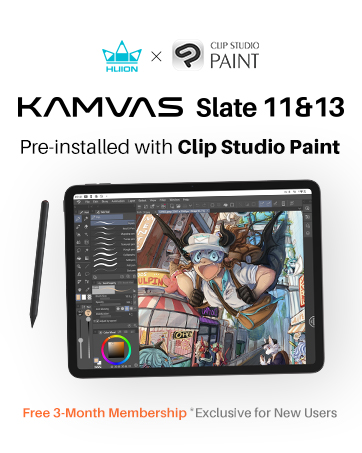
Kamvas slate 11 &13
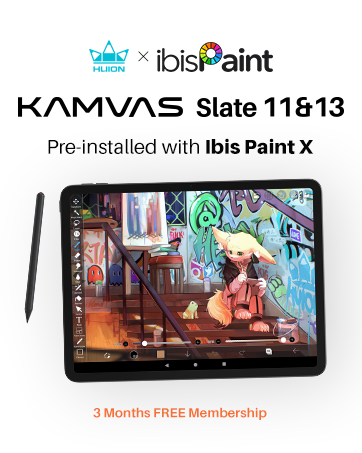
Kamvas 16(Gen 3)


Inspiroy 2
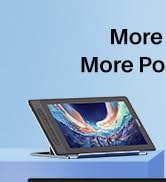
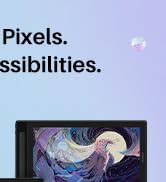
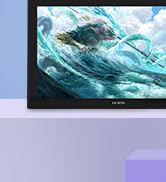
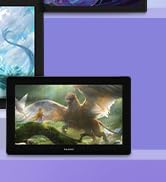
Kamvas Pro | Higher Resolution
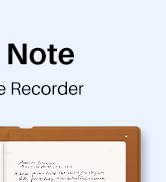
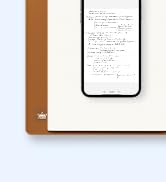
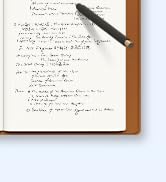
Huion Note Digital Notebook
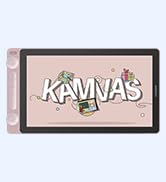
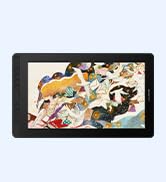
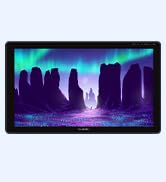
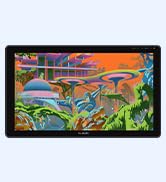
Kamvas Series | Best Price
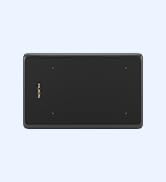
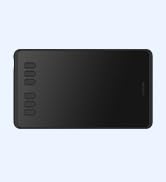
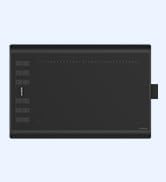
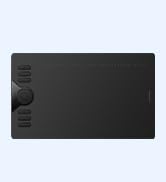
Inspiroy Series | Entry Level
Driver Download and Installation
- Driver Download: Please go to Huion official web to download the latest tablet driver (Driver_15.3.19.151 (Not for 420/H420) for Windows user; Driver_15.4.1.143 (Not for 420/H420) for macOS users).
- Driver Installation: Please make sure there is no other brand driver on the computer and close all drawing programs or protecting programs before installation. Please Run As Administrator when installing the driver.
- Mac OS users need to put the software you newly downloaded into the white list first to normally use it.
Widely Used
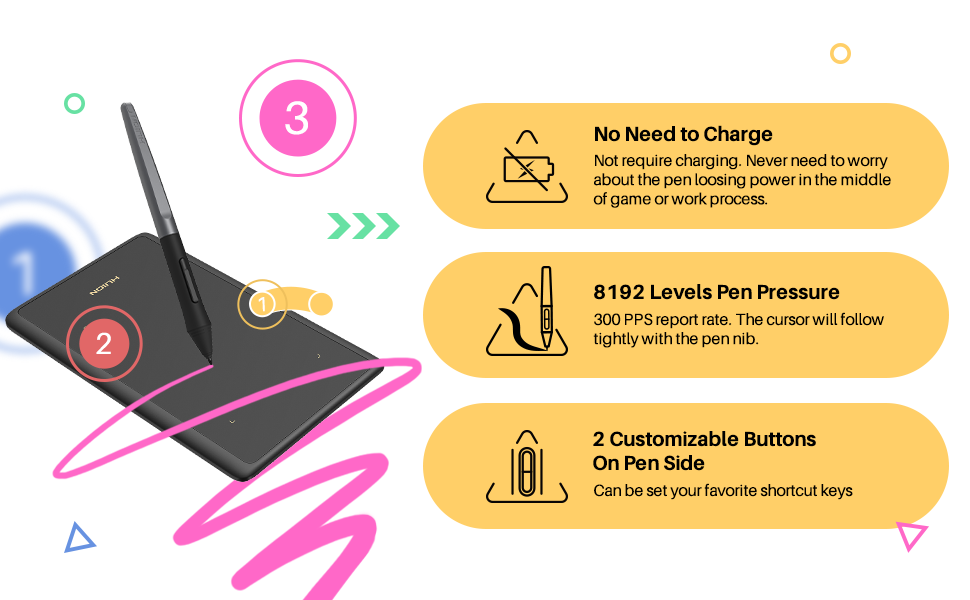
The pen is not only for drawing but also can be used as a mouse and trackpad.
- You can use this pen as a mouse to sign and write on office software, and make any annotations.
- This drawing tablet with pen also can click, slide, scroll and zoom pages like a track pad.
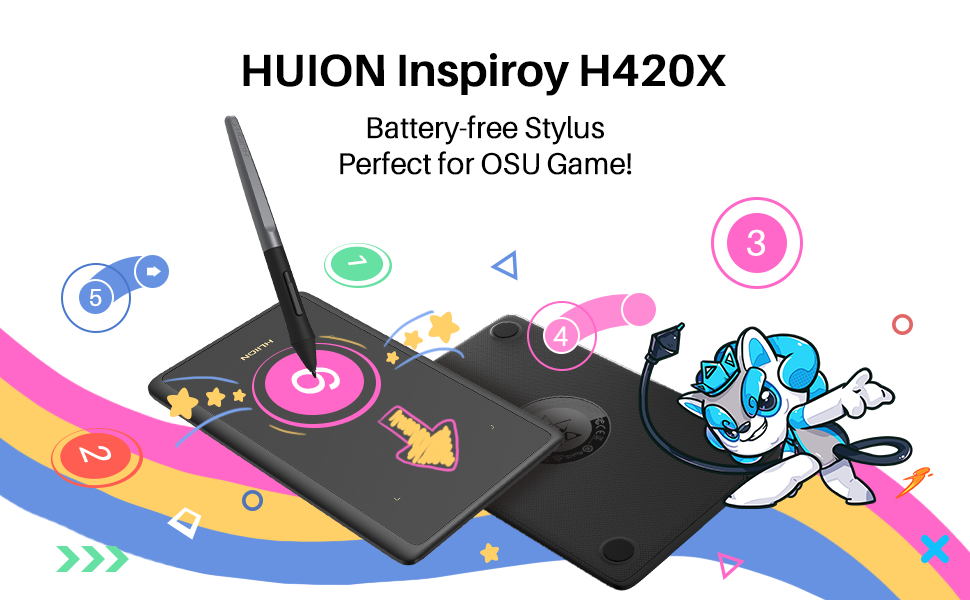
HUION H420X pen tablet=pen mouse + track pad, Small body makes big difference.
Important Notices:
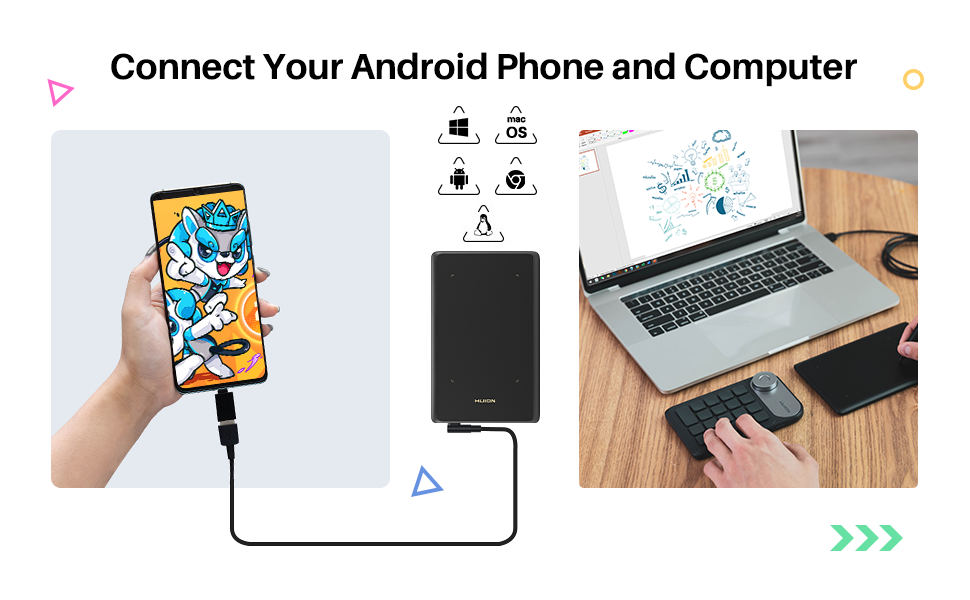
- Before connecting to your android devices, please make sure that your phone or tablet must be equipped with Android 6.0 or above and should have OTG function.
- OTG tablet does not support iPhone or iPad. It only supports Android OS.
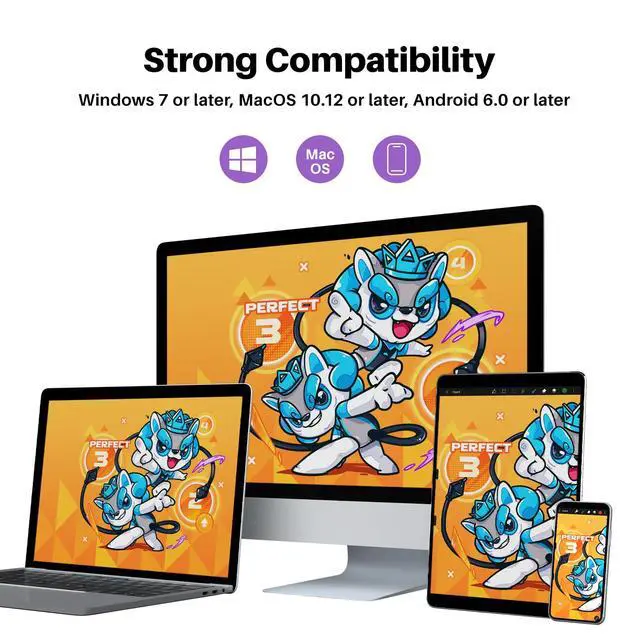
H420X graphics tablets compatible with
- Windows 7 or later
- Mac OS 10.12 or later
- Android 6.0 or later
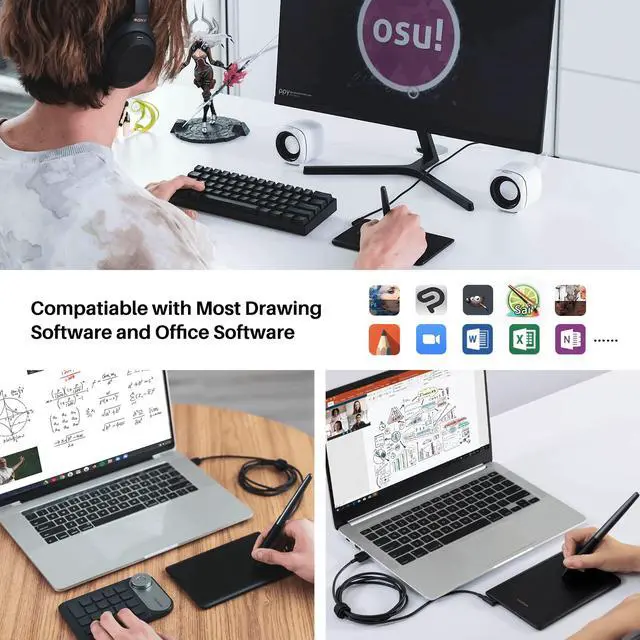
For OSU Games & Online Teaching&Working and Web Conference Use:
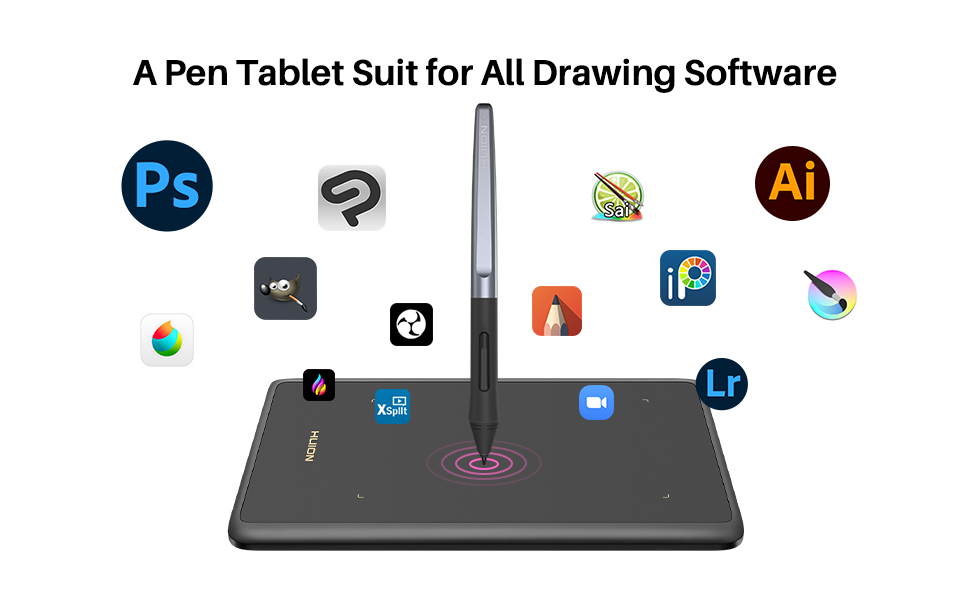
- Huion H420X drawing pad is work with most drawing software including Photoshop, Sai, Clip studio paint, Sketchbook Pro, Corel Painter, OpenCanvas, Comic Studio, Affinity Designer, Krista, Mediband, ibs paint, Adobe Animate, CorelDraw, Illustrator, InDesign, Auto CAD, After Effects, Maya, Premiere, Paint tool sai, Manga Studio, Fireworks, Macromedia Flash, Comic Studio, Infinite Stratos, and other major graphics applications, and more.
- Huion tablets are well compatible with office software like Microsoft Office Word, Excel, PowerPoint. It is ideal for online teaching, remote work, web conference, presentation, playing OSU games, taking notes, and so on.
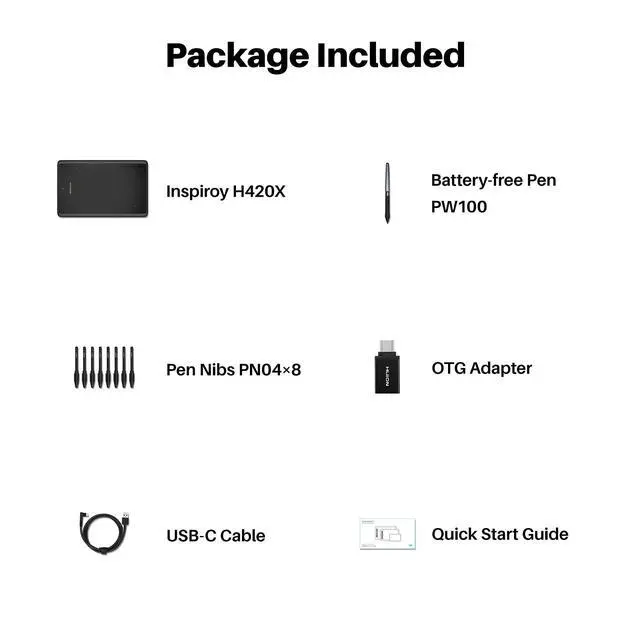
What's in the box:
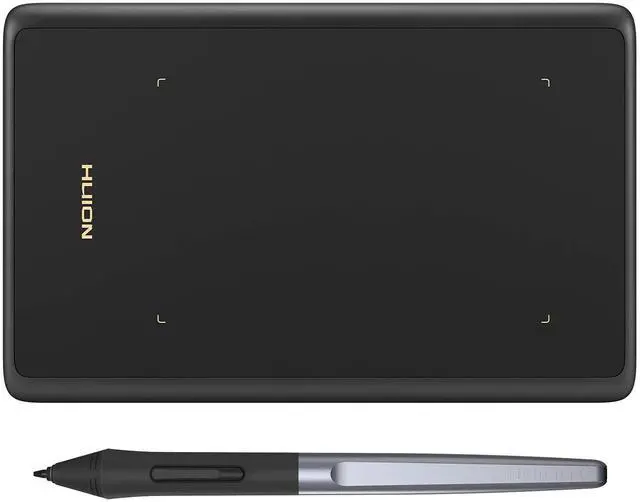
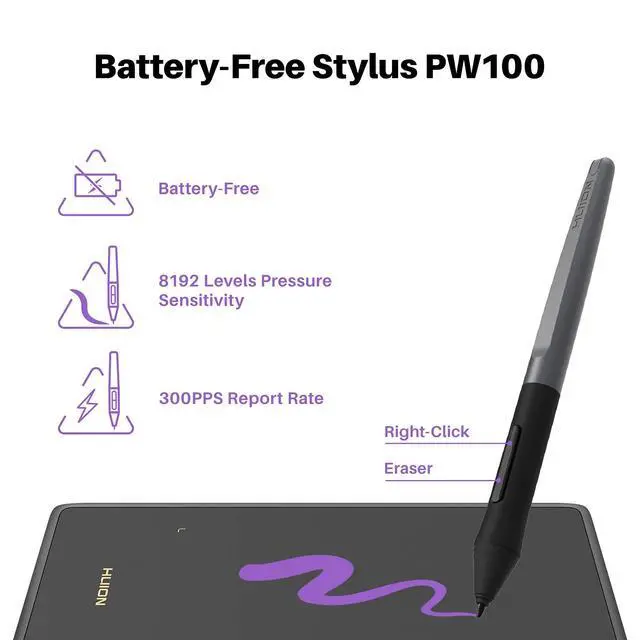
H420X Pen Tablet, Battery-free Pen PW100, USB-C Cable, USB-C Adapter, 8pcs Pen Nibs, Quick Start Guide
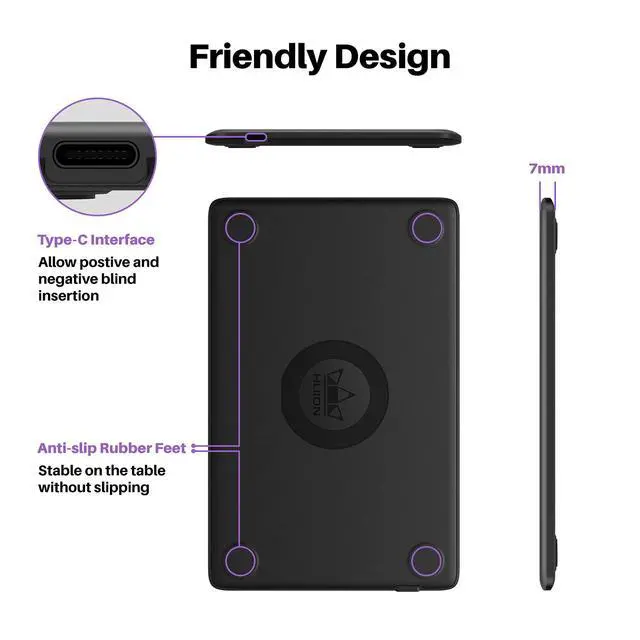
Type-C Interface
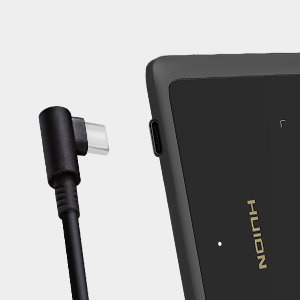
- The USB-C interface has the same direction, which can be connected both positively and negatively, which is extremely convenient to operate.
- At the same time, it has faster data transmission speed and power supply efficiency than Micro USB
Light and Compact Design
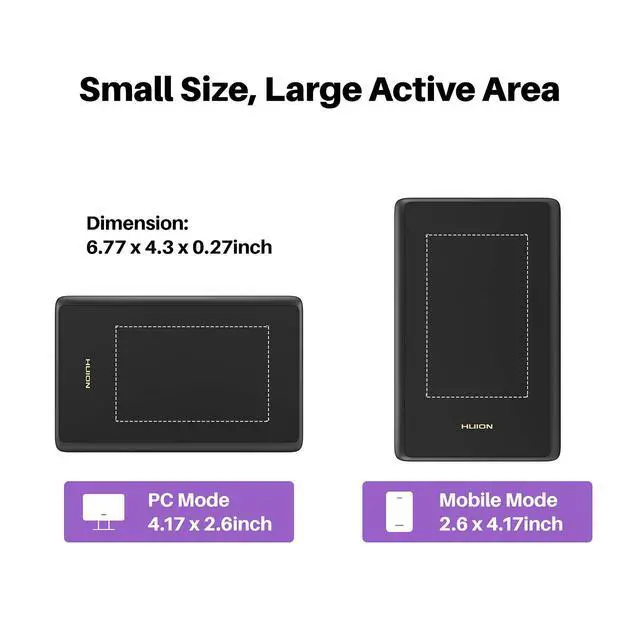
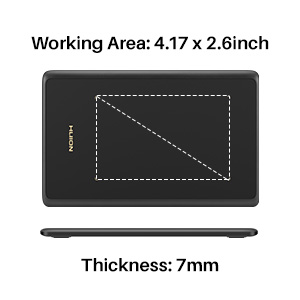
Only 7mm in thickness and 167g in weight.
A slim and compact design with a larger active area of 4.17x2.6 inches makes it perfect for limited desktop space and easy to carry out when on a trip.
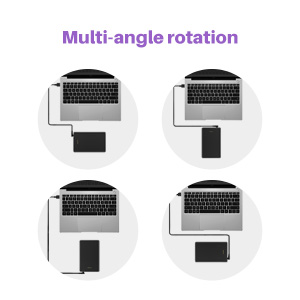
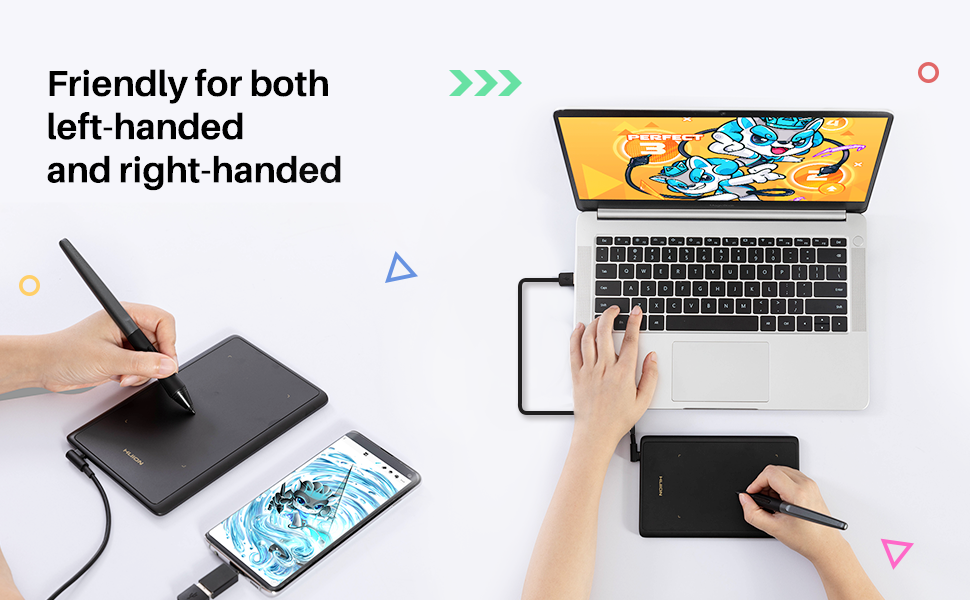
Multi-angle rotation for both left-handed and right-handed users
H420X supports 0°, 90°, 180° and 270° rotations for both left-handed and right-handed users to unleash their creativity freely and to create their best works.
FAQ
Q:How to know if my mobile phone or tablet is compatible with H420X?
A:Your phone or tablet must be Android 6.0 or above and should have an OTG function. List of compatible devices: Galaxy S10/S9/S8, Galaxy Note 8/9, Galaxy Tab S7/S8/S9, HUAWEI Mate 10 Pro/P20 Pro/P30 Pro/P40 Pro, HUAWEI Mate 10/P20/P30/P40.etc.
Q:How to know whether my phone/ tablet has enabled the OTG function or not?
A:Generally speaking, the OTG function has already been enabled, but for some models, you must enable it manually. To enable the OTG function, please go to Settings> Other settings > find the OTG connection and enable it.
Q:Can I connect H420X to iOS system?
A:No, you cannot connect it to an iOS system. Currently, H420X only supports Windows 7 or above, Mac OS 10.12 or above, and Android 6.0 or above.
Q: What to do if your drawing tablet cannot work?
A: 1. check if your computer runs Windows 7 or later, macOS 10.12 or later.
2. Unplug and replug the USB Cable.
3. Try with another computer.
4. Please eliminate electromagnetic interference
If all the method mentioned above cannot fix the issue, the tablet is broken. We will help you replace it.
Q: Which system is Huion H420X compatible with?
A: H420X is compatiable with Windows 7 or later, Mac OS 10.12 or later, and Android 6.0 or later.
WARM TIPS:
H420X is NOT a standalone product, this device must be connected to a computer/laptop to work.
Driver Download and Installation
- Driver Download: Please go to Huion official web to download the latest tablet driver (Driver_15.3.19.151 (Not for 420/H420) for Windows user; Driver_15.4.1.143 (Not for 420/H420) for macOS users).
- Driver Installation: Please make sure there is no other brand driver on the computer and close all drawing programs or protecting programs before installation. Please Run As Administrator when installing the driver.
- Mac OS users need to put the software you newly downloaded into the white list first to normally use it.
Widely Used
The pen is not only for drawing but also can be used as a mouse and trackpad.
- You can use this pen as a mouse to sign and write on office software, and make any annotations.
- This drawing tablet with pen also can click, slide, scroll and zoom pages like a track pad.
HUION H420X pen tablet=pen mouse + track pad, Small body makes big difference.
Important Notices:
- Before connecting to your android devices, please make sure that your phone or tablet must be equipped with Android 6.0 or above and should have OTG function.
- OTG tablet does not support iPhone or iPad. It only supports Android OS.
H420X graphics tablets compatible with
- Windows 7 or later
- Mac OS 10.12 or later
- Android 6.0 or later
For OSU Games & Online Teaching&Working and Web Conference Use:
- Huion H420X drawing pad is work with most drawing software including Photoshop, Sai, Clip studio paint, Sketchbook Pro, Corel Painter, OpenCanvas, Comic Studio, Affinity Designer, Krista, Mediband, ibs paint, Adobe Animate, CorelDraw, Illustrator, InDesign, Auto CAD, After Effects, Maya, Premiere, Paint tool sai, Manga Studio, Fireworks, Macromedia Flash, Comic Studio, Infinite Stratos, and other major graphics applications, and more.
- Huion tablets are well compatible with office software like Microsoft Office Word, Excel, PowerPoint. It is ideal for online teaching, remote work, web conference, presentation, playing OSU games, taking notes, and so on.
What's in the box:
H420X Pen Tablet, Battery-free Pen PW100, USB-C Cable, USB-C Adapter, 8pcs Pen Nibs, Quick Start Guide
Type-C Interface
- The USB-C interface has the same direction, which can be connected both positively and negatively, which is extremely convenient to operate.
- At the same time, it has faster data transmission speed and power supply efficiency than Micro USB
Light and Compact Design
Only 7mm in thickness and 167g in weight.
A slim and compact design with a larger active area of 4.17x2.6 inches makes it perfect for limited desktop space and easy to carry out when on a trip.
Multi-angle rotation for both left-handed and right-handed users
H420X supports 0°, 90°, 180° and 270° rotations for both left-handed and right-handed users to unleash their creativity freely and to create their best works.
FAQ
Q:How to know if my mobile phone or tablet is compatible with H420X?
A:Your phone or tablet must be Android 6.0 or above and should have an OTG function. List of compatible devices: Galaxy S10/S9/S8, Galaxy Note 8/9, Galaxy Tab S7/S8/S9, HUAWEI Mate 10 Pro/P20 Pro/P30 Pro/P40 Pro, HUAWEI Mate 10/P20/P30/P40.etc.
Q:How to know whether my phone/ tablet has enabled the OTG function or not?
A:Generally speaking, the OTG function has already been enabled, but for some models, you must enable it manually. To enable the OTG function, please go to Settings> Other settings > find the OTG connection and enable it.
Q:Can I connect H420X to iOS system?
A:No, you cannot connect it to an iOS system. Currently, H420X only supports Windows 7 or above, Mac OS 10.12 or above, and Android 6.0 or above.
Q: What to do if your drawing tablet cannot work?
A: 1. check if your computer runs Windows 7 or later, macOS 10.12 or later.
2. Unplug and replug the USB Cable.
3. Try with another computer.
4. Please eliminate electromagnetic interference
If all the method mentioned above cannot fix the issue, the tablet is broken. We will help you replace it.
Q: Which system is Huion H420X compatible with?
A: H420X is compatiable with Windows 7 or later, Mac OS 10.12 or later, and Android 6.0 or later.
WARM TIPS:
H420X is NOT a standalone product, this device must be connected to a computer/laptop to work.
Founded in 2011, Huion has always been dedicated to providing high-quality pen tablets, pen displays, and pen computers to creative users.
And our products not only help artists, designers, and animators to create fantastic digital masterpieces, but also bring digital ink solutions to many people around the world, changing the way they create, learn and work.
We believe the world is in your hands.
New Release-Kamvas 22 (Gen3)
KAMVAS Pro 27 (144Hz) 4K
Kamvas Pro 24(Gen3)
New release-Kamvas 13 (Gen 3) Special Edition
New Release-Kamvas Pro 16 V2
New release-Keydial Remote
Kamvas slate 11 &13
Kamvas 16(Gen 3)
Inspiroy 2
Kamvas Pro | Higher Resolution
Huion Note Digital Notebook
Kamvas Series | Best Price
Inspiroy Series | Entry Level