





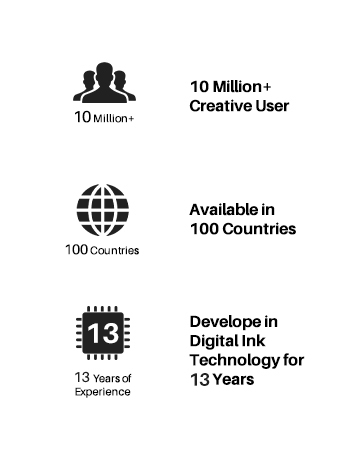
Founded in 2011, Huion has always been dedicated to providing high-quality pen tablets, pen displays, and pen computers to creative users.
And our products not only help artists, designers, and animators to create fantastic digital masterpieces, but also bring digital ink solutions to many people around the world, changing the way they create, learn and work.
We believe the world is in your hands.

New Release-Kamvas 22 (Gen3)


KAMVAS Pro 27 (144Hz) 4K


Kamvas Pro 24(Gen3)
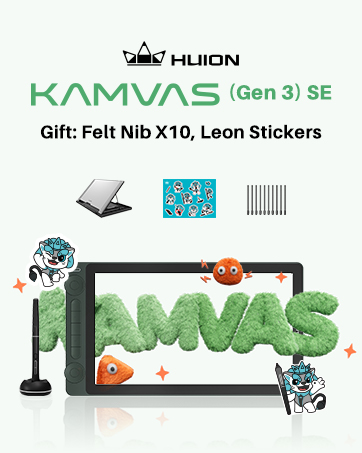
New release-Kamvas 13 (Gen 3) Special Edition

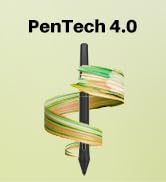
New Release-Kamvas Pro 16 V2
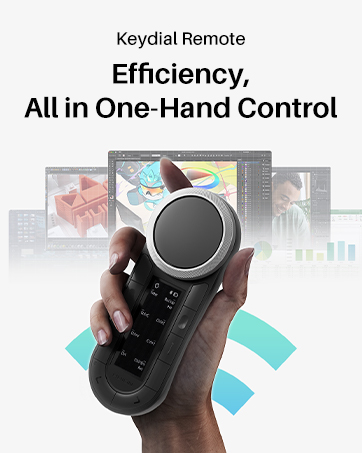
New release-Keydial Remote
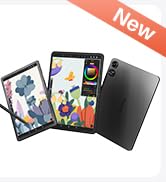
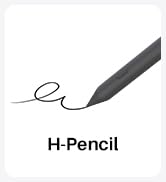
Kamvas slate 11 &13
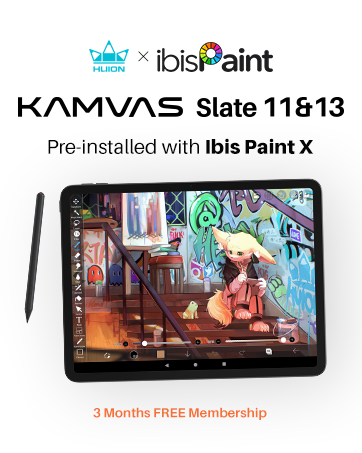
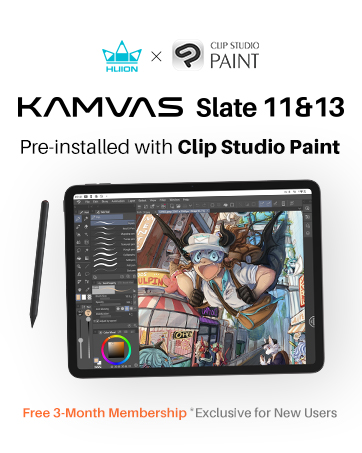


Kamvas 16(Gen 3)



Inspiroy 2

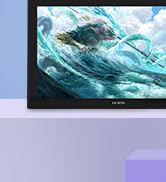
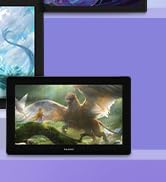
Kamvas Pro | Higher Resolution
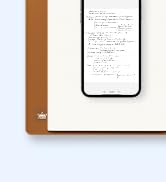

Huion Note Digital Notebook

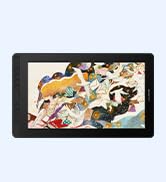
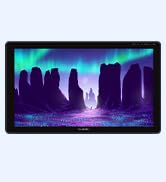
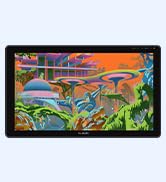
Kamvas Series | Best Price
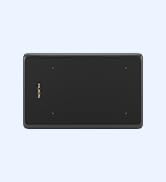
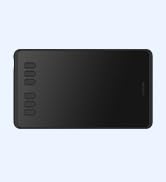
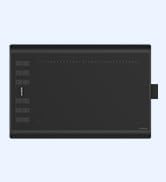
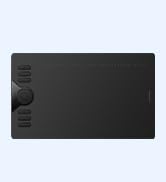
Inspiroy Series | Entry Level



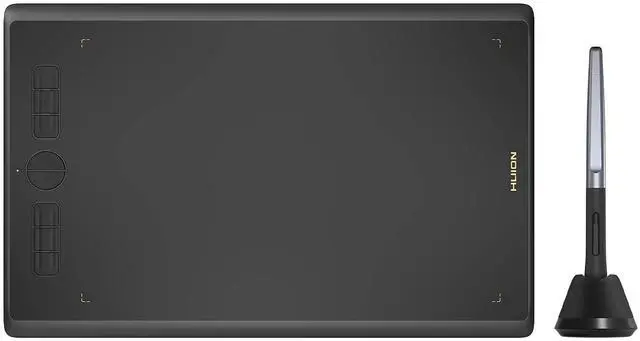
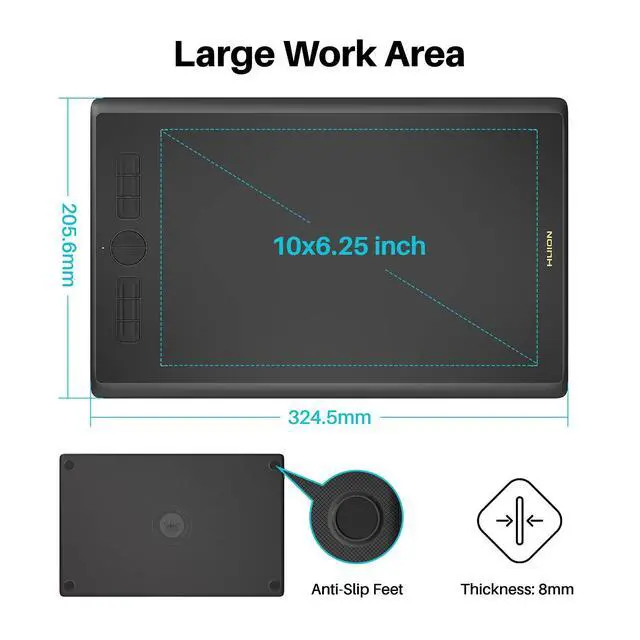
An ntry-level drawing tablet for drawing novices, teachers and students!
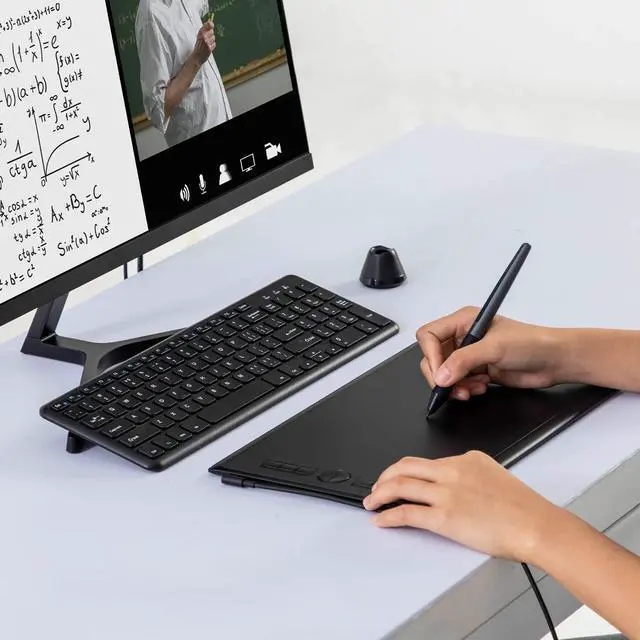
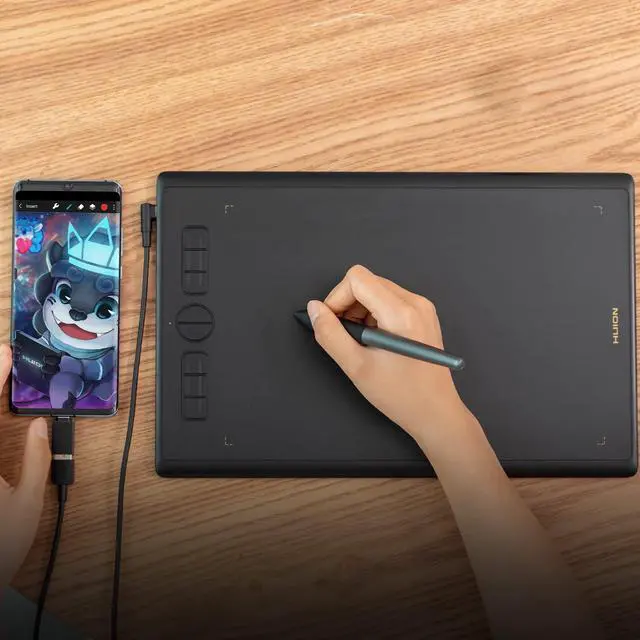
H610X is an ideal partner for teachers and students to overcome the new challenges of remote learning and recreate the classroom experience. After a simple plug-and-play setup, you can share ideas, communicate, and work together with others like before.
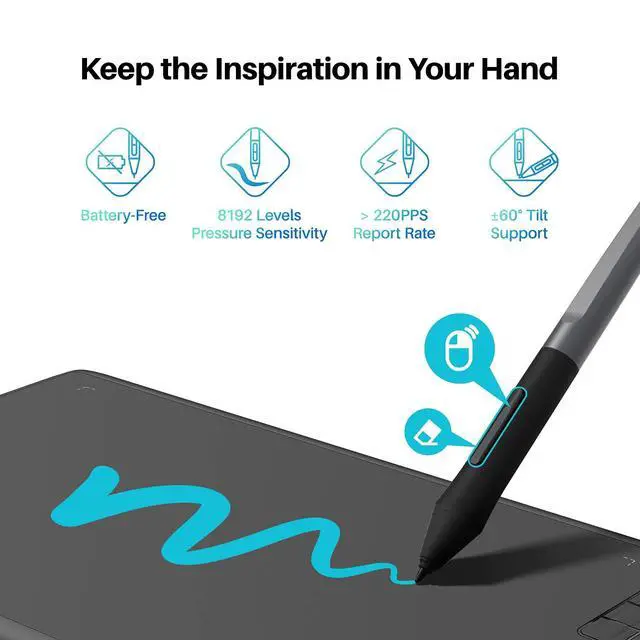
It allows teachers to connect with their students and not change the way they teach. With the battery-free digital pen, teachers can explain complex processes and ideas, correct students’ online homework, and add handwritten notes on PDF, Word, and PowerPoint documents. Especially for scientific subjects, graphs drawings, calculations, and diagrams to explain concepts are essential.
For the students, no matter where you are, you can check the whiteboard through video apps. You can take notes conveniently while the teacher is talking about the key points. It also helps you to write formulas, calculate, and interact with teachers and other students in the classroom.

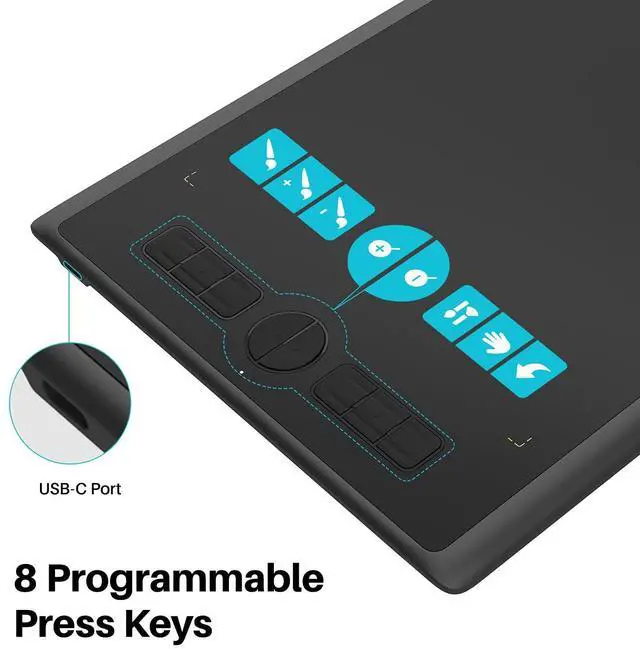
8 Shortcut Keys
The 8 shortcut keys can be customized as common functions like brush switching, canvas zooming, and undo so that you can press a button to access your most frequently-used functions.

Find the best Angle
You can set H610X to 4 different rotation angles in the driver according to your needs. You can rotate it to 180°if you are left-handed, or rotate it to 90°/270°to let the working fit for your portrait monitor.


Step 1
Plug the USB cable into your H610X drawing tablet and computer.
Step 2
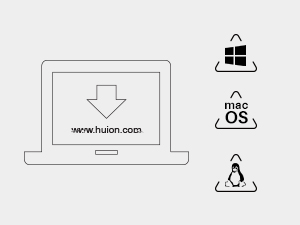
Download and install the Huion driver on your computer.
* For Mac: installing the driver, requires Security 8 Privacy settings.

Step 3
Restart your computer and follow the user manual to set up the shortcut keys, and pen buttons.

Step 4
Start your work/creation/study!


An ntry-level drawing tablet for drawing novices, teachers and students!
H610X is an ideal partner for teachers and students to overcome the new challenges of remote learning and recreate the classroom experience. After a simple plug-and-play setup, you can share ideas, communicate, and work together with others like before.
It allows teachers to connect with their students and not change the way they teach. With the battery-free digital pen, teachers can explain complex processes and ideas, correct students’ online homework, and add handwritten notes on PDF, Word, and PowerPoint documents. Especially for scientific subjects, graphs drawings, calculations, and diagrams to explain concepts are essential.
For the students, no matter where you are, you can check the whiteboard through video apps. You can take notes conveniently while the teacher is talking about the key points. It also helps you to write formulas, calculate, and interact with teachers and other students in the classroom.
8 Shortcut Keys
The 8 shortcut keys can be customized as common functions like brush switching, canvas zooming, and undo so that you can press a button to access your most frequently-used functions.
Find the best Angle
You can set H610X to 4 different rotation angles in the driver according to your needs. You can rotate it to 180°if you are left-handed, or rotate it to 90°/270°to let the working fit for your portrait monitor.

Step 1
Plug the USB cable into your H610X drawing tablet and computer.
Step 2
Download and install the Huion driver on your computer.
* For Mac: installing the driver, requires Security 8 Privacy settings.
Step 3
Restart your computer and follow the user manual to set up the shortcut keys, and pen buttons.
Step 4
Start your work/creation/study!
Founded in 2011, Huion has always been dedicated to providing high-quality pen tablets, pen displays, and pen computers to creative users.
And our products not only help artists, designers, and animators to create fantastic digital masterpieces, but also bring digital ink solutions to many people around the world, changing the way they create, learn and work.
We believe the world is in your hands.
New Release-Kamvas 22 (Gen3)
KAMVAS Pro 27 (144Hz) 4K
Kamvas Pro 24(Gen3)
New release-Kamvas 13 (Gen 3) Special Edition
New Release-Kamvas Pro 16 V2
New release-Keydial Remote
Kamvas slate 11 &13
Kamvas 16(Gen 3)
Inspiroy 2
Kamvas Pro | Higher Resolution
Huion Note Digital Notebook
Kamvas Series | Best Price
Inspiroy Series | Entry Level