





Founded in 2011, Huion has always been dedicated to providing high-quality pen tablets, pen displays, and pen computers to creative users.
And our products not only help artists, designers, and animators to create fantastic digital masterpieces, but also bring digital ink solutions to many people around the world, changing the way they create, learn and work.
We believe the world is in your hands.

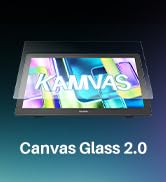
New Release-Kamvas 22 (Gen3)

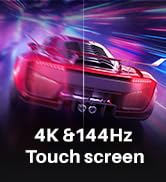
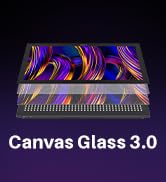
KAMVAS Pro 27 (144Hz) 4K
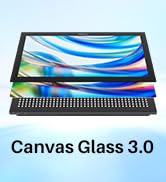
Kamvas Pro 24(Gen3)
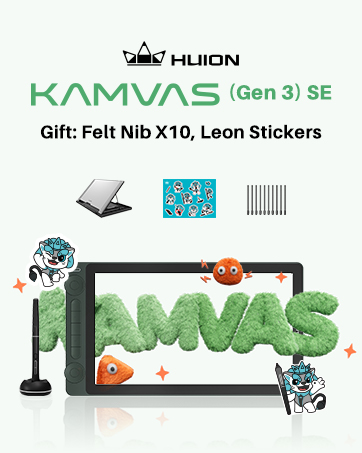
New release-Kamvas 13 (Gen 3) Special Edition

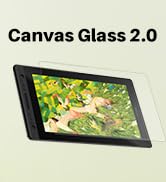
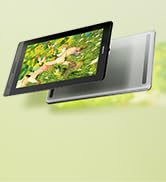
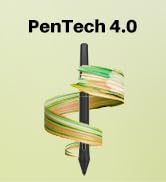
New Release-Kamvas Pro 16 V2
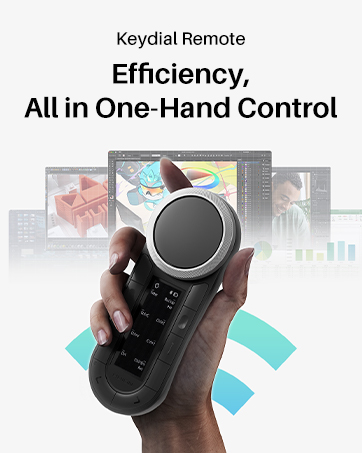
New release-Keydial Remote
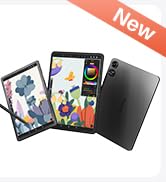
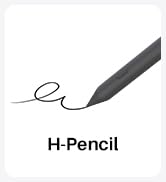
Kamvas slate 11 &13
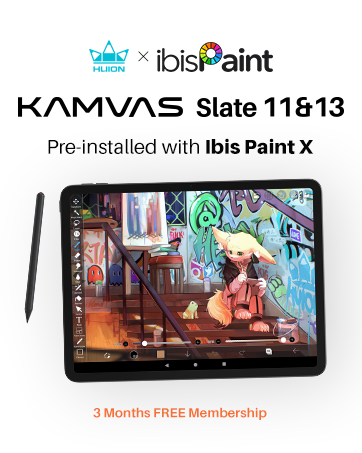
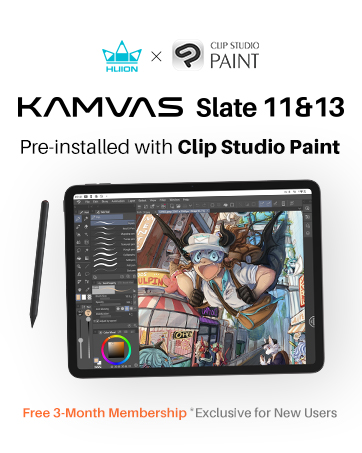
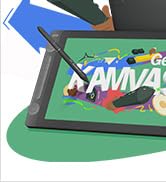
Kamvas 16(Gen 3)


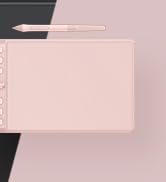
Inspiroy 2
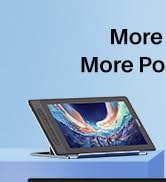
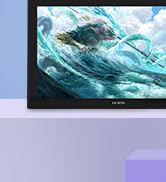
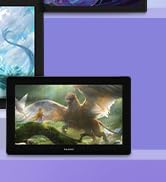
Kamvas Pro | Higher Resolution
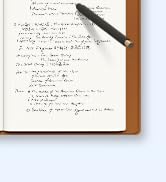
Huion Note Digital Notebook
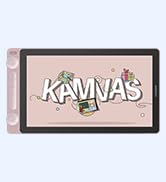
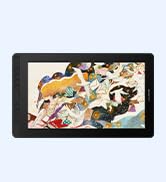
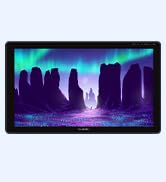
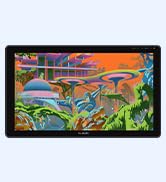
Kamvas Series | Best Price
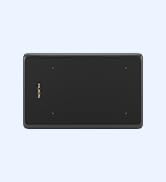
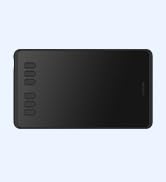
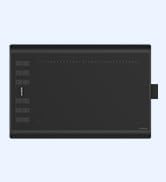
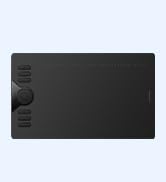
Inspiroy Series | Entry Level
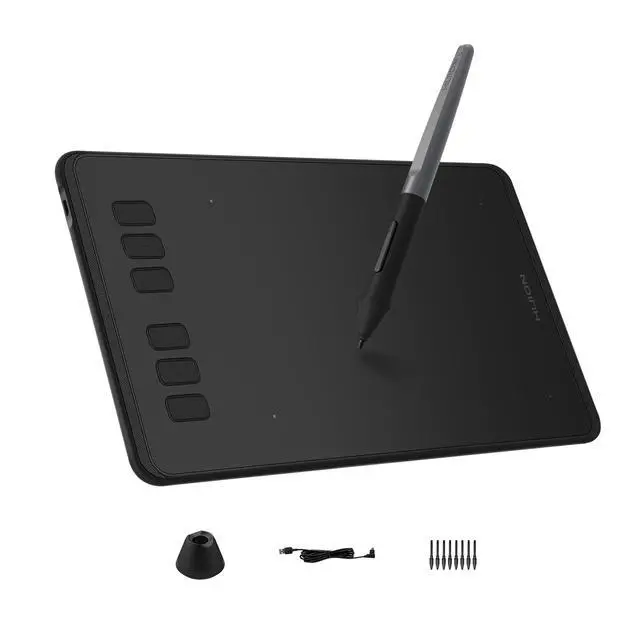
H640P drawing tablet
Merchant Video

Multi-OS Compatibility
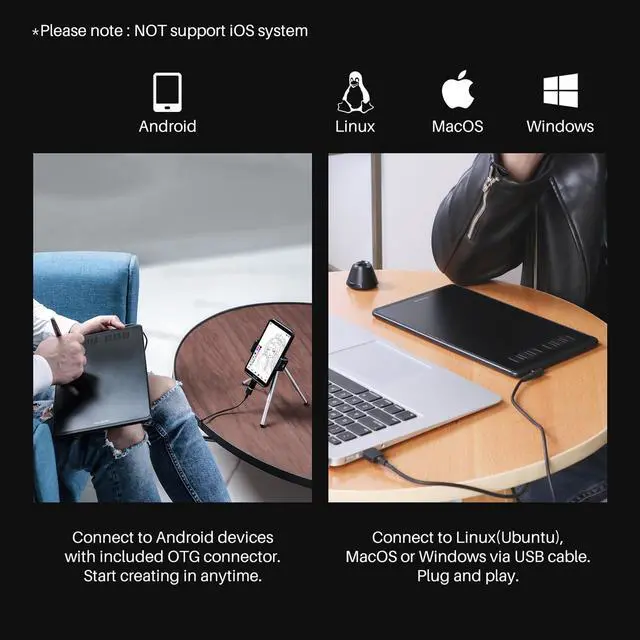
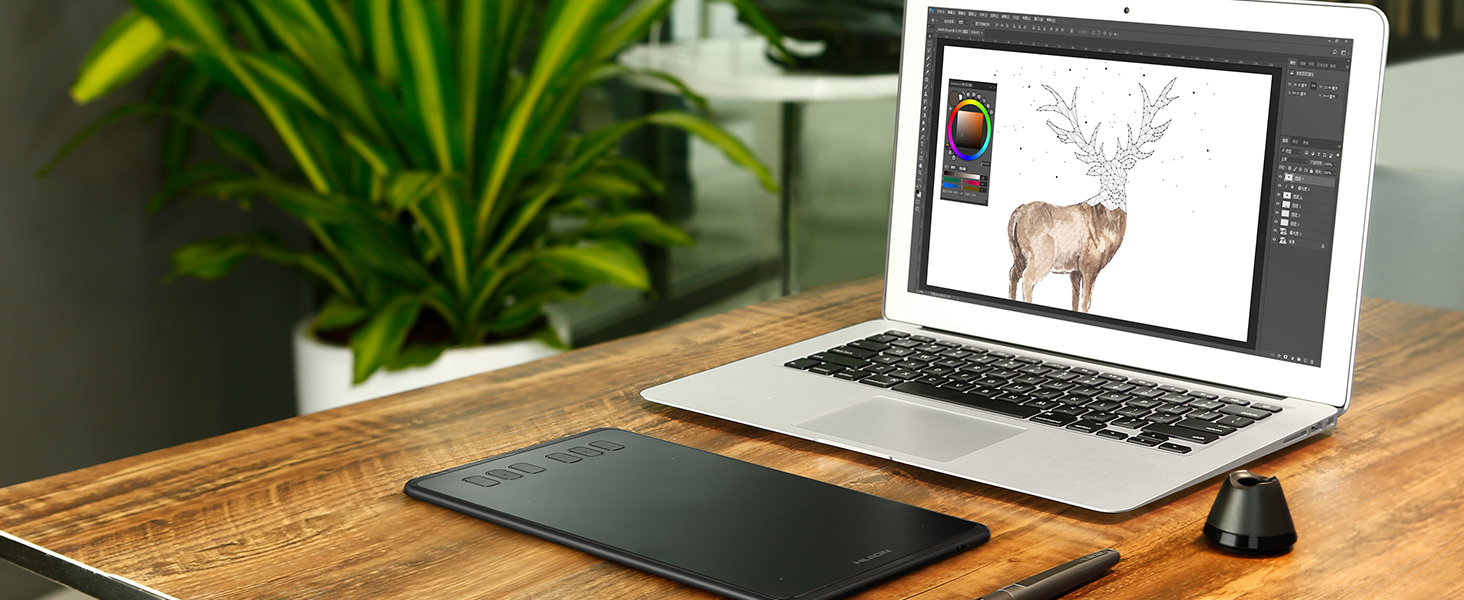
Inspiroy H640P drawing tablet is compatible with Mac (MacOS 10.12 or later),PC (Windows 7 or later),Linux(Ubuntu) and select Android smartphones/tablets (OS version 6.0 or later).
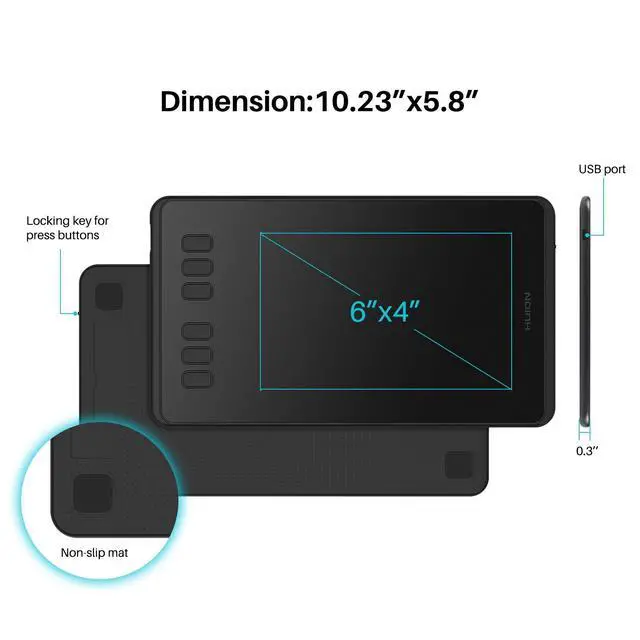
The slim & compact design takes less desk space and makes it easy to carry between home, work and school. It can be easily packed in your laptop bag and connected to Android smartphone for on-the-go creation.
Please note: H640P does NOT suppoer iOS system.

Available In Left
Inspiroy H640P graphics tablet is also available for left-handed users. Simply change the rotate setting in driver and filp the tablet, then you’re ready to go.

Works With Hundreds of Apps
It can be used with most pen-enabled creative software as well as many online learning applications and platforms on PC and Mac.
So Simple To Set Up

Step 1
Plug the USB cable into you Inspiroy H640P drawing tablet and computer.
*The OTG adapter included is for Android phones/tablets connection.

Step 2
Download and install the Huion driver in your computer.
*For Mac: installing the driver, require Security & Privacy settings.

Step 3
Restart your computer and follow the user manual to set up the shortcut keys, pen buttons and working area, then you're ready to go.

How to change pen nibs
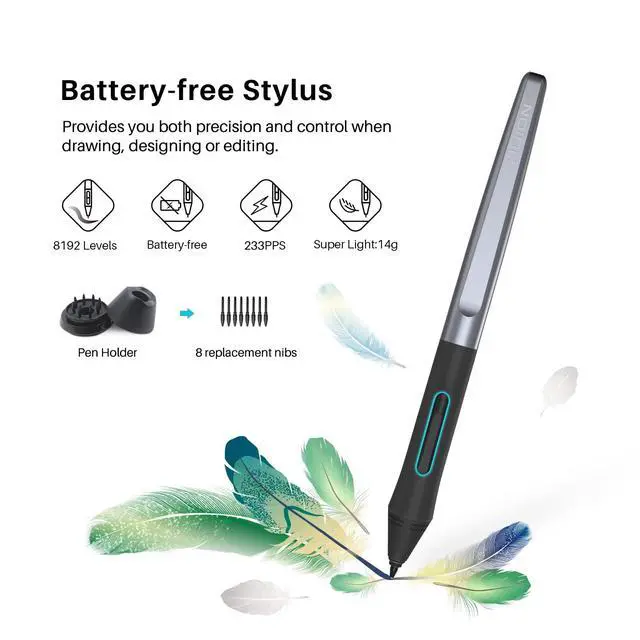
1. Take out the nib via the nib extractor at the bottom of pen holder.
2. Open the pen holer and find the replacement nibs inside.
3. Insert the nib.
For Creators
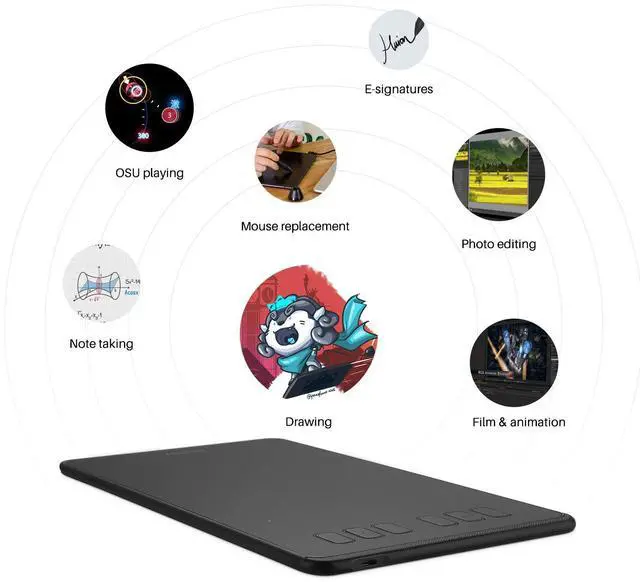
Inspiroy H640P is a creative editing tablet designed to speed up content creation whether it’s illustration, animation, graphic design or photo editing.
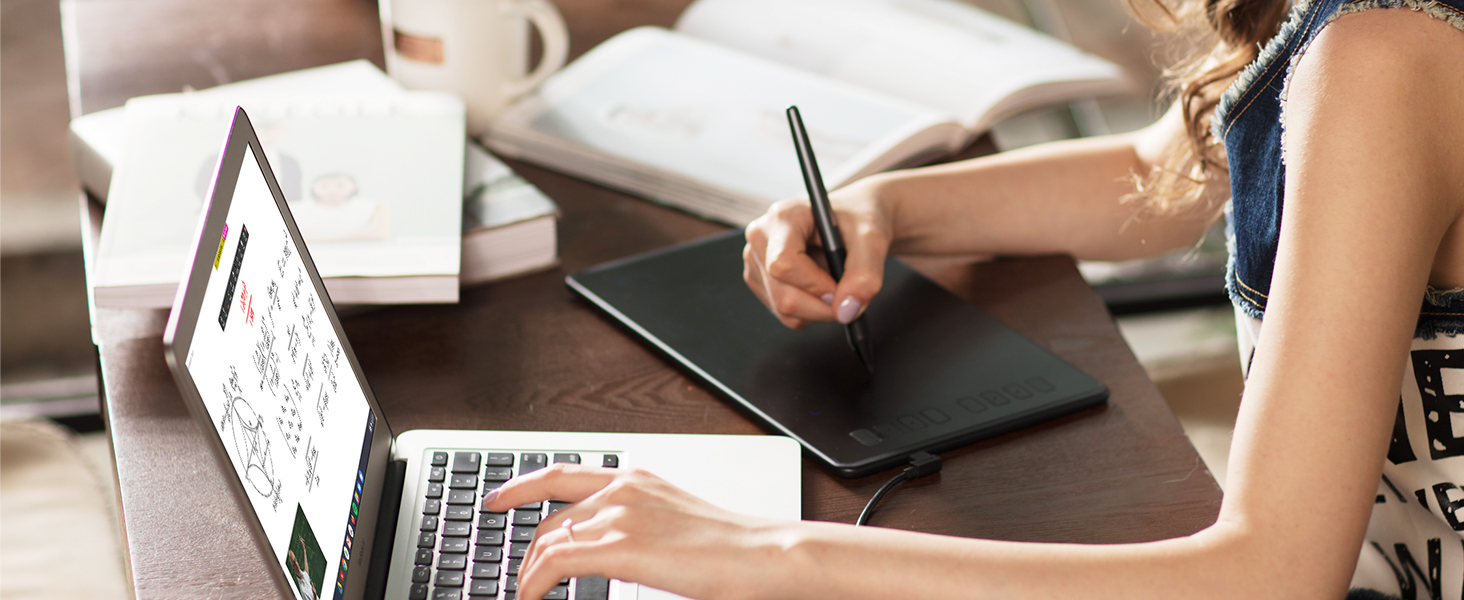
For Students
Learning goes digitally. Huion tablets and pen can help students to draw angles, write formulas, sketch and diagram sentence easily and efficiently in ways they can’t with a keyboard and mouse.

For Teachers
In the classroom, teacher can use digital pen and tablet to explain concepts visually, annotate digital content & illustrate at ease without turning back to class to write on whiteboard or chalkboard.
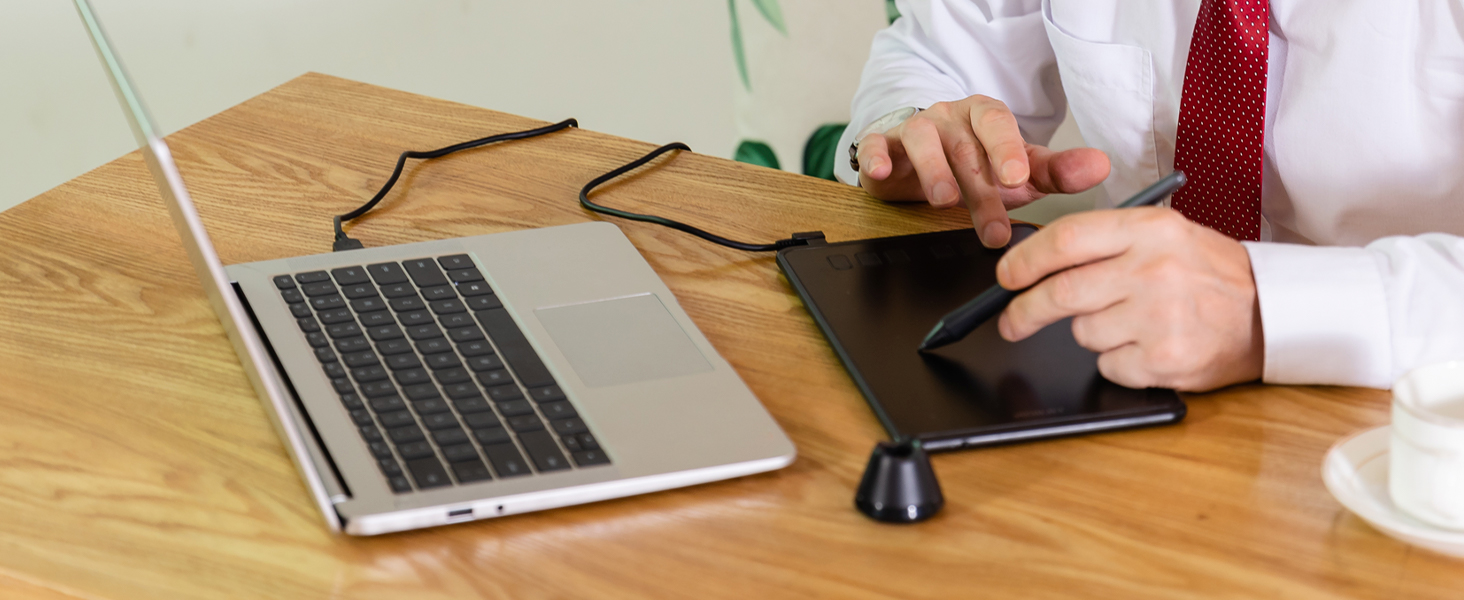
For Work
Digital pen technology is designed for paperless office. You can use the tablet & pen for eletronic signature, annotations & presentation in video conference and more to replae paper-based workflows.
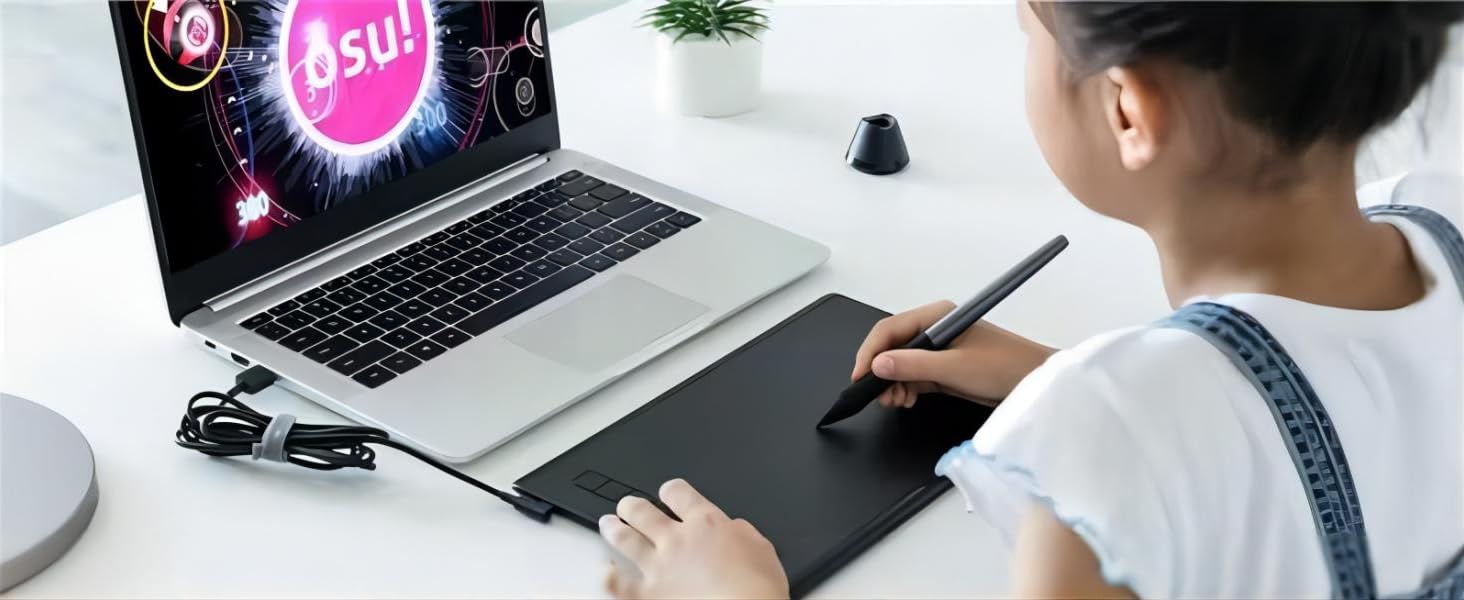
For OSU Playing
The battery-free pen is perfect for fast and precise aims. No more mouse drifts. The Huion driver allows you customize your tablet to your preference, making it suitable for any play style.
Compare Similar Drawing Tablets
 Inspiroy H640P |  Kamvas Slate 11 |  Kamvas Slate 13 |  Kamvas 16(Gen 3) |  Kamvas 13 Gen 3 |  Inspiroy 2 S |  Inspiroy H950P | |
|---|---|---|---|---|---|---|---|
Customer Reviews | — | — | — | — | — | — | — |
Price | — | — | — | — | — | — | — |
Standalone Tablet | ? | ? | ? | ? | ? | ? | ? |
Pen included | PW100 | HS230 | HS230 | Pen Tech 4.0 - PW600L | Pen Tech 4.0 - PW600L | PW110 | PW100 |
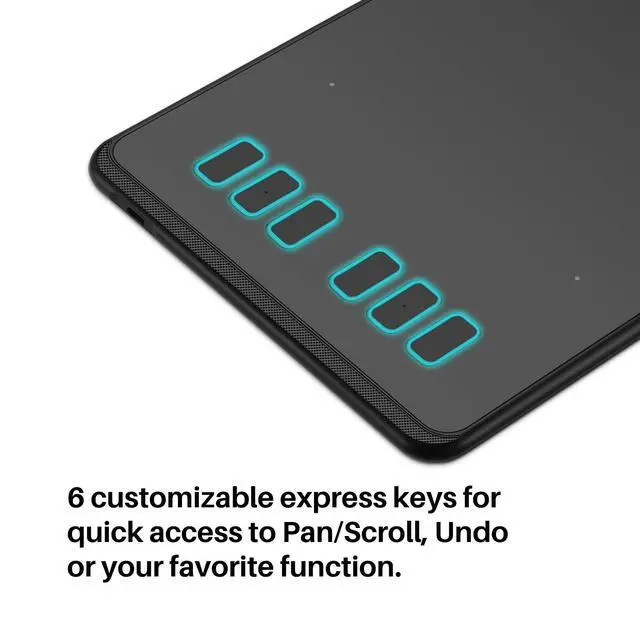
Shortcut Key Buttons | 6 | / | / | 2 dials + 6 press keys | 5 Keys+2 Dials | 6 | 8 |
Scroll Wheel | ? | ? | ? | ? | ? | ? | ? |
Connection Interface | Micro USB | / | / | 3-In-1 Cable or USB-C Cable | 3-in-1 HDMI, USB-C | USB-C | Micro USB |
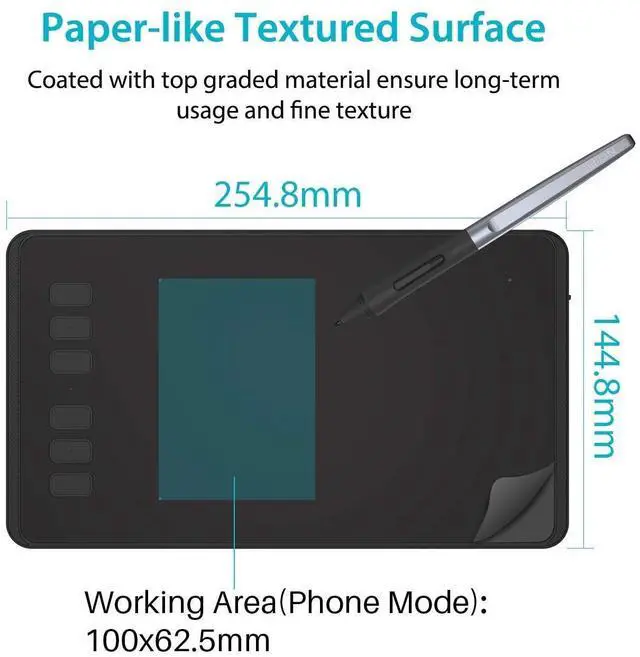
Active Areas (PC mode) | 6.3 x 3.9inch | 10.95inch | 12.7inch | 15.8inch | 13.3inch | 6.3 x 3.9inch | 8.7 x 5.4inch |
Resolution | / | 1920×1200 | 2176×1600 | 2560×1440 | 1920×1080 | / | / |
H640P drawing tablet
Merchant Video
Multi-OS Compatibility
Inspiroy H640P drawing tablet is compatible with Mac (MacOS 10.12 or later),PC (Windows 7 or later),Linux(Ubuntu) and select Android smartphones/tablets (OS version 6.0 or later).
The slim & compact design takes less desk space and makes it easy to carry between home, work and school. It can be easily packed in your laptop bag and connected to Android smartphone for on-the-go creation.
Please note: H640P does NOT suppoer iOS system.
Available In Left
Inspiroy H640P graphics tablet is also available for left-handed users. Simply change the rotate setting in driver and filp the tablet, then you’re ready to go.
Works With Hundreds of Apps
It can be used with most pen-enabled creative software as well as many online learning applications and platforms on PC and Mac.
So Simple To Set Up
Step 1
Plug the USB cable into you Inspiroy H640P drawing tablet and computer.
*The OTG adapter included is for Android phones/tablets connection.
Step 2
Download and install the Huion driver in your computer.
*For Mac: installing the driver, require Security & Privacy settings.
Step 3
Restart your computer and follow the user manual to set up the shortcut keys, pen buttons and working area, then you're ready to go.
How to change pen nibs
1. Take out the nib via the nib extractor at the bottom of pen holder.
2. Open the pen holer and find the replacement nibs inside.
3. Insert the nib.
For Creators
For Students
For Teachers
For Work
For OSU Playing


Inspiroy H640P is a creative editing tablet designed to speed up content creation whether it’s illustration, animation, graphic design or photo editing.
Learning goes digitally. Huion tablets and pen can help students to draw angles, write formulas, sketch and diagram sentence easily and efficiently in ways they can’t with a keyboard and mouse.
In the classroom, teacher can use digital pen and tablet to explain concepts visually, annotate digital content & illustrate at ease without turning back to class to write on whiteboard or chalkboard.
Digital pen technology is designed for paperless office. You can use the tablet & pen for eletronic signature, annotations & presentation in video conference and more to replae paper-based workflows.
The battery-free pen is perfect for fast and precise aims. No more mouse drifts. The Huion driver allows you customize your tablet to your preference, making it suitable for any play style.
Compare Similar Drawing Tablets
Inspiroy H640P | Kamvas Slate 11 | Kamvas Slate 13 | Kamvas 16(Gen 3) | Kamvas 13 Gen 3 | Inspiroy 2 S | Inspiroy H950P |
|---|---|---|---|---|---|---|
| Customer Reviews | ||||||
| — | — | — | — | — | — | — |
| Price | ||||||
| — | — | — | — | — | — | — |
| Standalone Tablet | ||||||
| ? | ? | ? | ? | ? | ? | ? |
| Pen included | ||||||
| PW100 | HS230 | HS230 | Pen Tech 4.0 - PW600L | Pen Tech 4.0 - PW600L | PW110 | PW100 |
| Shortcut Key Buttons | ||||||
| 6 | / | / | 2 dials + 6 press keys | 5 Keys+2 Dials | 6 | 8 |
| Scroll Wheel | ||||||
| ? | ? | ? | ? | ? | ? | ? |
| Connection Interface | ||||||
| Micro USB | / | / | 3-In-1 Cable or USB-C Cable | 3-in-1 HDMI, USB-C | USB-C | Micro USB |
| Active Areas (PC mode) | ||||||
| 6.3 x 3.9inch | 10.95inch | 12.7inch | 15.8inch | 13.3inch | 6.3 x 3.9inch | 8.7 x 5.4inch |
| Resolution | ||||||
| / | 1920×1200 | 2176×1600 | 2560×1440 | 1920×1080 | / | / |
Founded in 2011, Huion has always been dedicated to providing high-quality pen tablets, pen displays, and pen computers to creative users.
And our products not only help artists, designers, and animators to create fantastic digital masterpieces, but also bring digital ink solutions to many people around the world, changing the way they create, learn and work.
We believe the world is in your hands.
New Release-Kamvas 22 (Gen3)
KAMVAS Pro 27 (144Hz) 4K
Kamvas Pro 24(Gen3)
New release-Kamvas 13 (Gen 3) Special Edition
New Release-Kamvas Pro 16 V2
New release-Keydial Remote
Kamvas slate 11 &13
Kamvas 16(Gen 3)
Inspiroy 2
Kamvas Pro | Higher Resolution
Huion Note Digital Notebook
Kamvas Series | Best Price
Inspiroy Series | Entry Level