




 here!
I’m your shopping assistant for PC builds, upgrades, and everything tech.
Got questions? Ask away!
Start a conversation
here!
I’m your shopping assistant for PC builds, upgrades, and everything tech.
Got questions? Ask away!
Start a conversation




Any questions? Ask CelesteSM will help you find out quickly.


Founded in 2011, Huion has always been dedicated to providing high-quality pen tablets, pen displays, and pen computers to creative users.
And our products not only help artists, designers, and animators to create fantastic digital masterpieces, but also bring digital ink solutions to many people around the world, changing the way they create, learn and work.
We believe the world is in your hands.


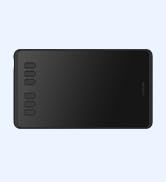
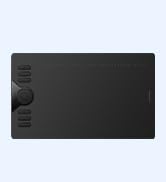
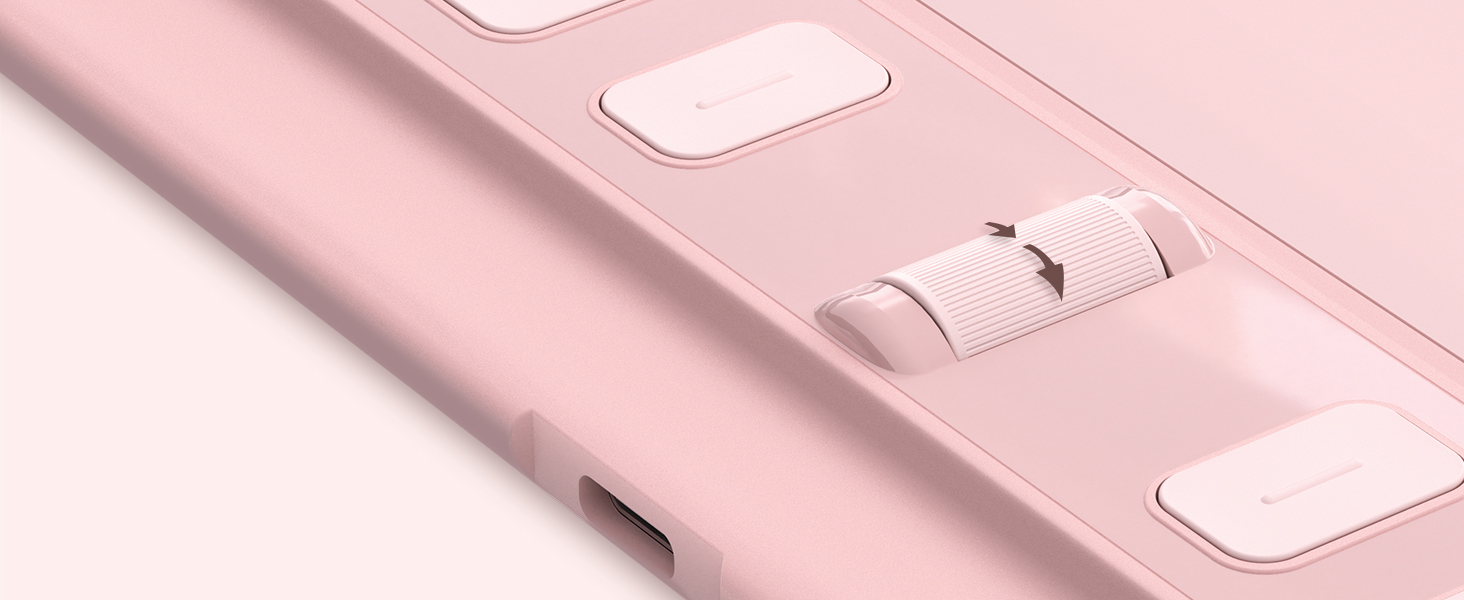
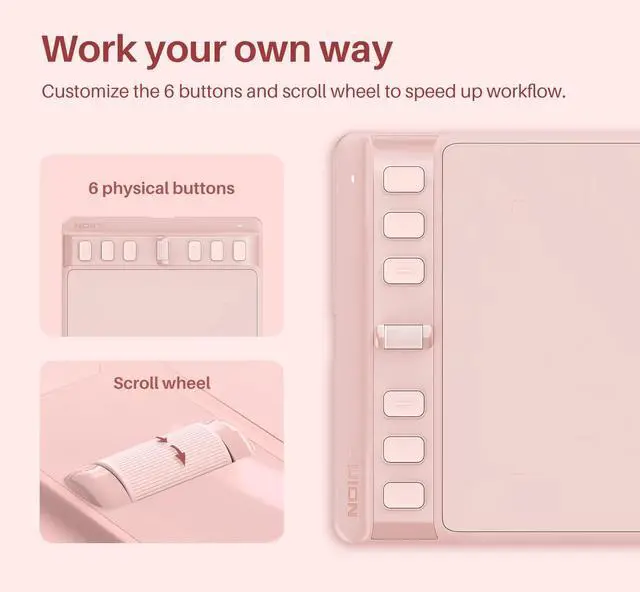
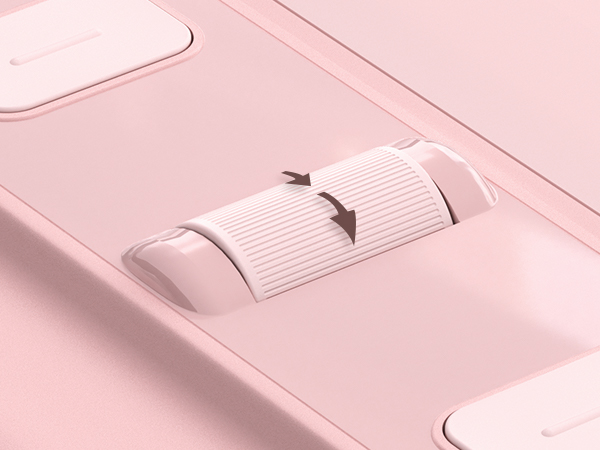
Adjust brush size easily with the intuitive scroll wheel and start painting quickly.
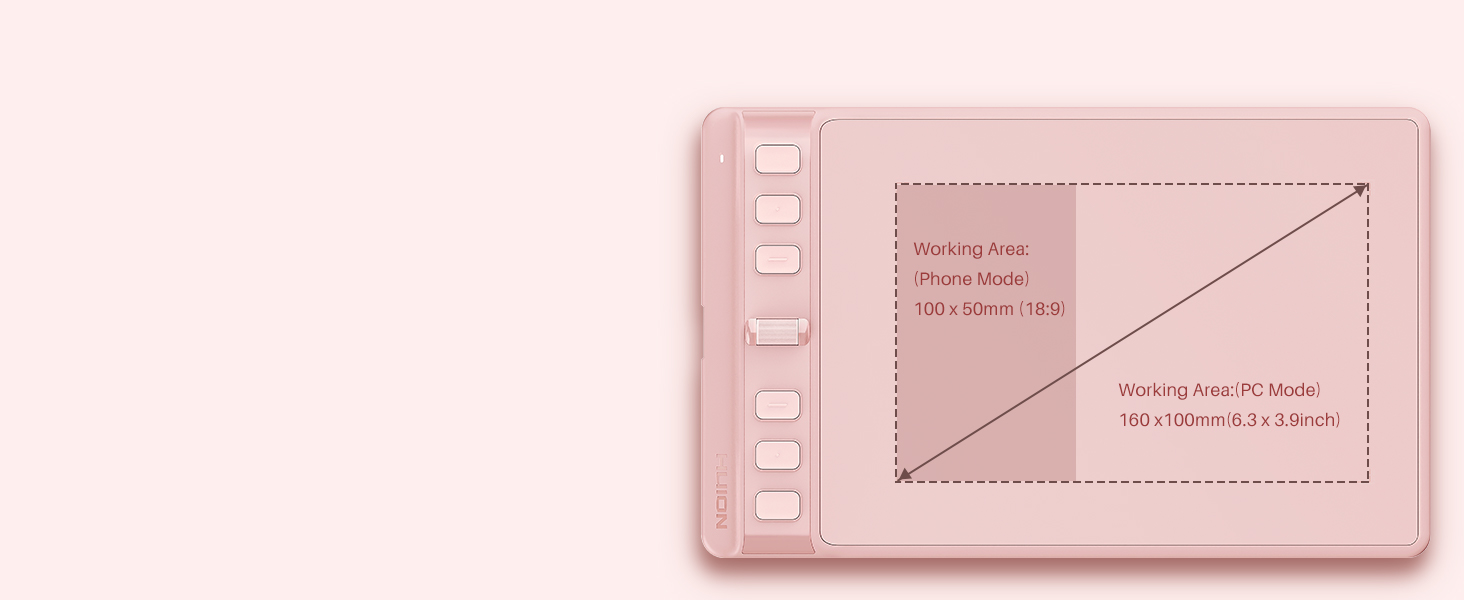
Each one can be customized to your favorite shortcut. Your work will become smoother&more efficient.
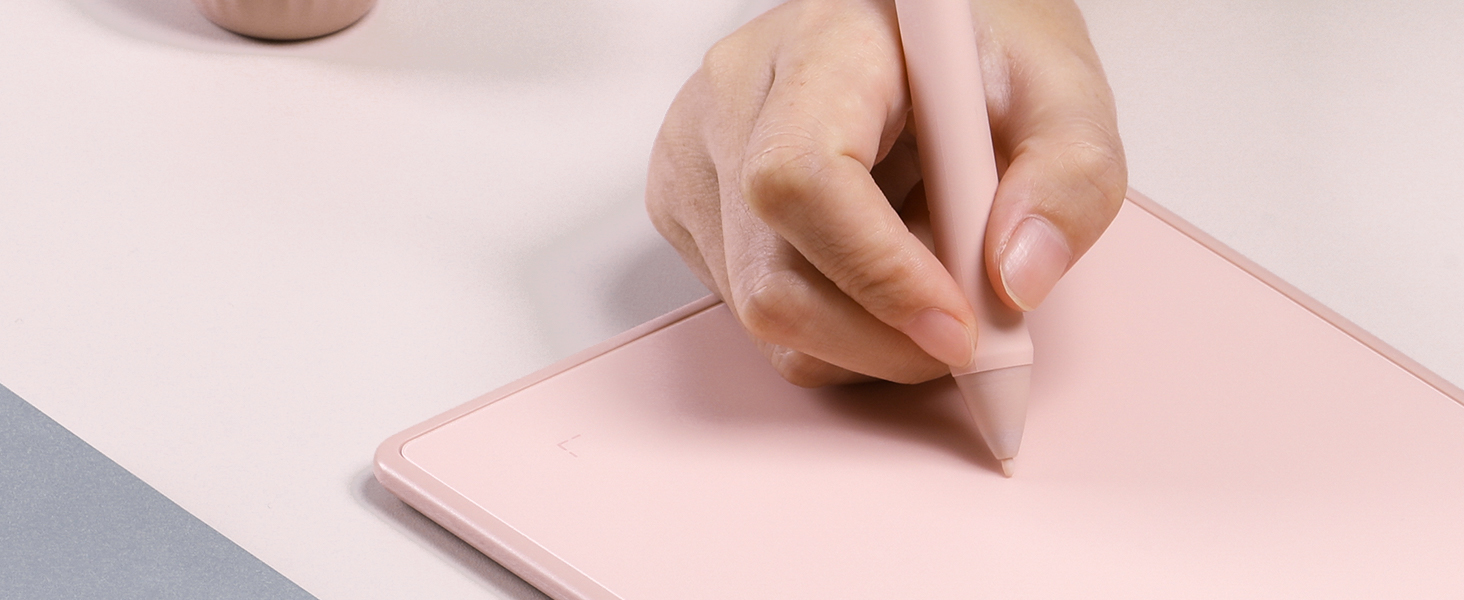
Feel greater friction and bring a paper feel when you draw and write on Inspiroy 2.

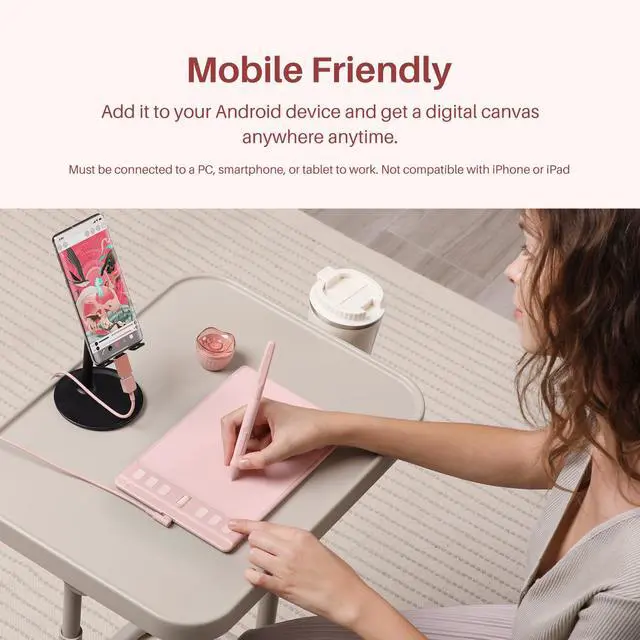
Works seamless with Mac, Windows and Linux PC as well as certain Android smartphones & tablets.
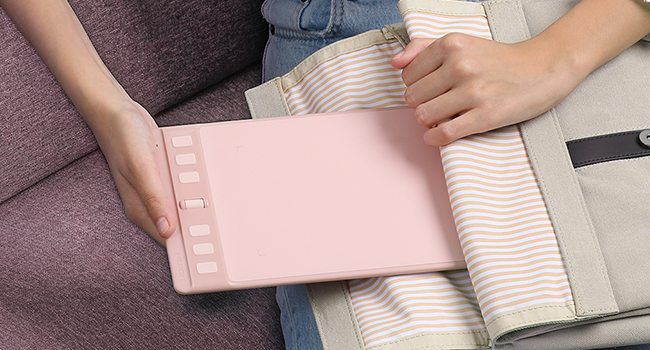
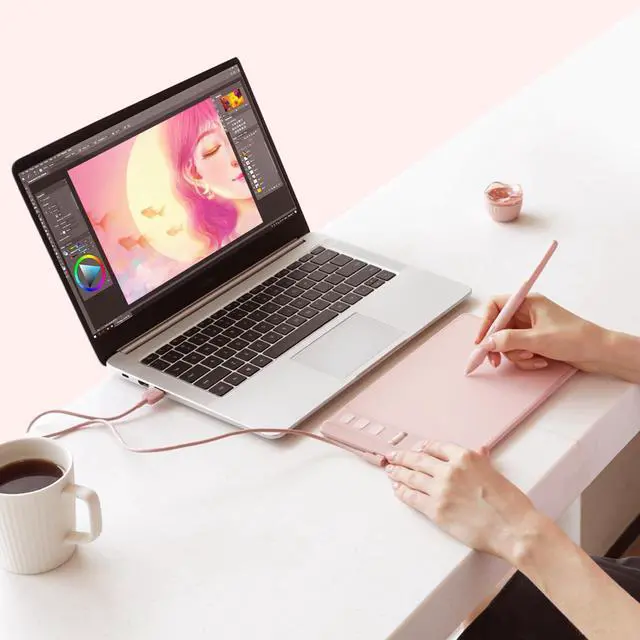
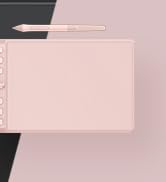
The Inspiroy 2 S uses a portable design. Its small size takes less desk space and makes it easy to carry between home, work and school. You can easily packed in your laptop bag and brought it to coffee shop for on-the-go creation.
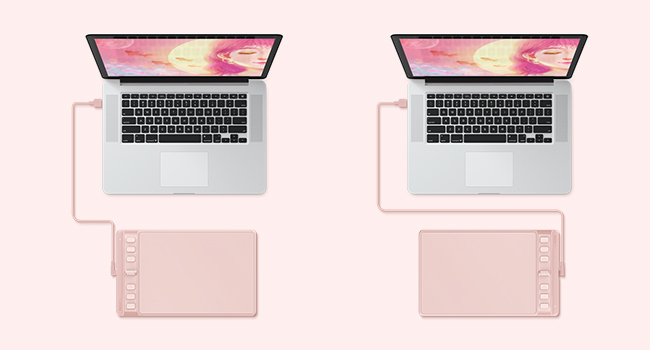
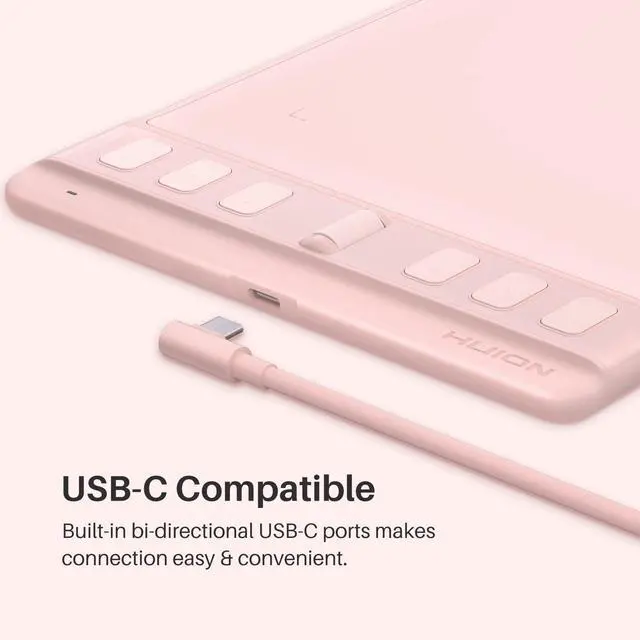
The multi-directional USB-C port makes connection with ease and provide better drawing experience for both right-handed and left-handed user.
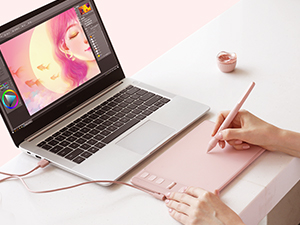
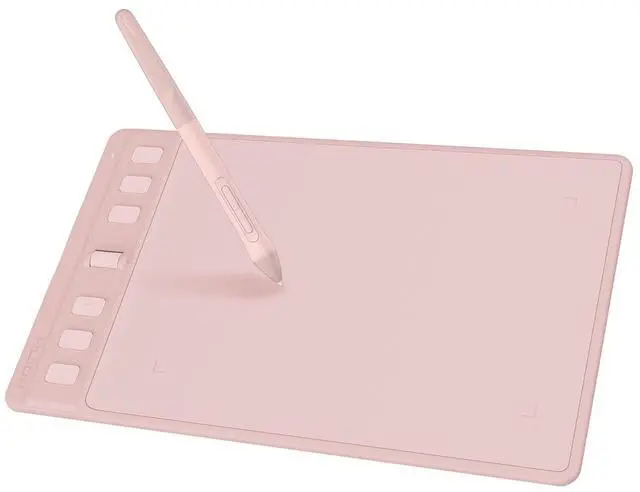
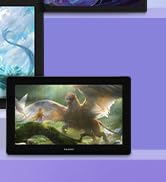
Inspiroy 2 S is a creative editing tablet designed to speed up content creation whether it’s illustration, animation, graphic design or photo editing.
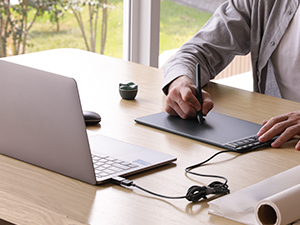
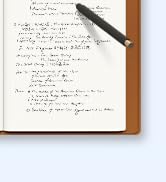
Digital pen technology helps you annotate documents, make presentation with ease while working from home or in a video conference.
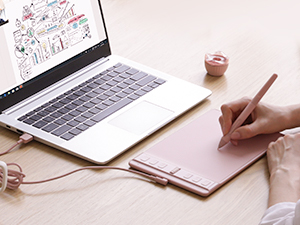
Sketch shapes, write formulas & equations with Huion graphics tablet on computer is easier. It's ideal for subjects like math, biology or physiology.
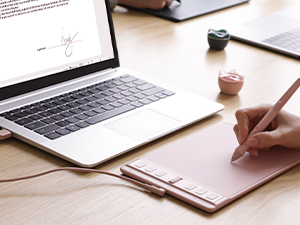
A more convenient solution for signing documents electronically is using Huion pen and tablet. Digital pen technology is designed for paperless office
How to set up left-hand mode?
Step 1. Open the driver interface; click the “Work Area”- Step 2. Select 180° in the “Rotate Set” and click the “OK” or “Apply” button to save changes. - Step 3. Flip the graphic tablet to use.
Is it only for drawing or can I use it with other software?
It can replace computer mouse and be used for image editing, illustration, animation, graphic design, annotation, online learning, remote working with most creative software as well as many online learning applications and platforms on PC and Mac.
Troubleshooting Guide: Cursor/No Response Issues
A. Restart your drawing app.
B. Restart your computer.
C. Reinstall driver from Huion website.
D. Test on another computer.
How to install the Driver on my computer?
Close antivirus/graphic software before installing. Requires Windows 7+. Download and install"Driver-lnspiroy 2 When driver Ul appears,it's connected.Restart PC if issues occur. Uninstalling disables tablet, reinstall to reset.
Does this tablet need to connect to a computer?
Yes, it is not a standalone tablet. It must be connect to PC/smartphone/tablet to work.
Adjust brush size easily with the intuitive scroll wheel and start painting quickly.
Each one can be customized to your favorite shortcut. Your work will become smoother&more efficient.
Feel greater friction and bring a paper feel when you draw and write on Inspiroy 2.
Works seamless with Mac, Windows and Linux PC as well as certain Android smartphones & tablets.
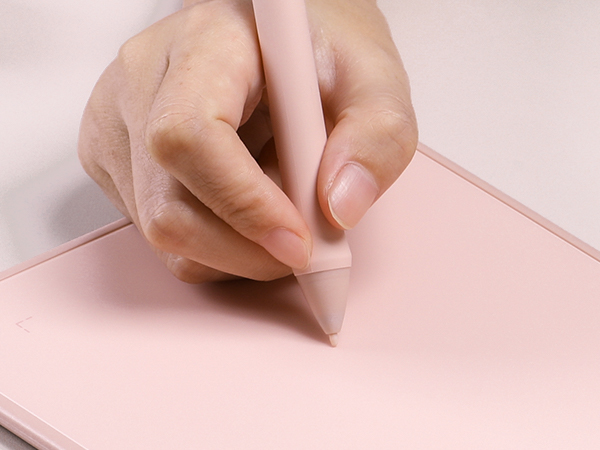

The Inspiroy 2 S uses a portable design. Its small size takes less desk space and makes it easy to carry between home, work and school. You can easily packed in your laptop bag and brought it to coffee shop for on-the-go creation.
The multi-directional USB-C port makes connection with ease and provide better drawing experience for both right-handed and left-handed user.
Inspiroy 2 S is a creative editing tablet designed to speed up content creation whether it’s illustration, animation, graphic design or photo editing.
Digital pen technology helps you annotate documents, make presentation with ease while working from home or in a video conference.
Sketch shapes, write formulas & equations with Huion graphics tablet on computer is easier. It's ideal for subjects like math, biology or physiology.
A more convenient solution for signing documents electronically is using Huion pen and tablet. Digital pen technology is designed for paperless office
| Model name | Inspiroy 2 S |
|---|---|
| Product Size & Weight | 246 x 152 x 7.5mm (9.7 x 6 x 0.3inch); 275g (0.6lb) |
| Shortcut Keys | 1 Scroll wheel & 6 press keys |
| Pen included | PW110 |
| Pen Features | PenTech 3.0, Battery-free EMR, 8192 pen pressure, 5080 LPI pen resolution, >260PPS report rate |
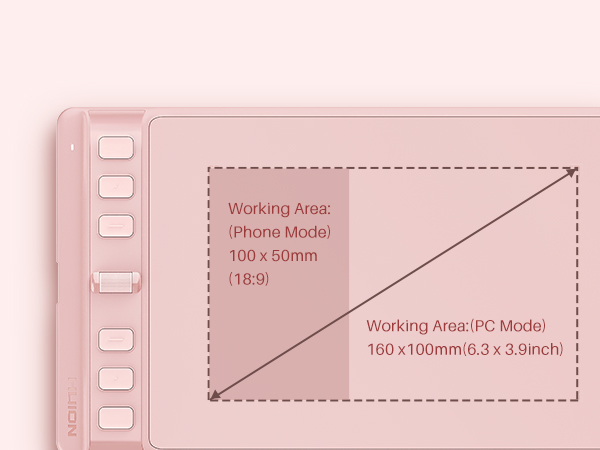
| Working Area | PC Mode: 160 x 100mm (6.3 x 3.9inch); Phone Mode: 100 x 50mm (3.9 x 1.9inch) |
| OS Compatibility | Windows 7 or later, macOS 10.12 or later, Android 6.0 or later, Linux(Ubuntu 20.04 LTS), ChromeOS 88 or later |
| What's in the box | 1x drawing tablet, 1x digital pen, 1x USB-C cable, 1x OTG adapter, 10x replacement nibs, 1x pen holder, 1x quick start guide |
How to set up left-hand mode?
Step 1. Open the driver interface; click the “Work Area”- Step 2. Select 180° in the “Rotate Set” and click the “OK” or “Apply” button to save changes. - Step 3. Flip the graphic tablet to use.
Is it only for drawing or can I use it with other software?
It can replace computer mouse and be used for image editing, illustration, animation, graphic design, annotation, online learning, remote working with most creative software as well as many online learning applications and platforms on PC and Mac.
Troubleshooting Guide: Cursor/No Response Issues
A. Restart your drawing app.
B. Restart your computer.
C. Reinstall driver from Huion website.
D. Test on another computer.
How to install the Driver on my computer?
Close antivirus/graphic software before installing. Requires Windows 7+. Download and install"Driver-lnspiroy 2 When driver Ul appears,it's connected.Restart PC if issues occur. Uninstalling disables tablet, reinstall to reset.
Does this tablet need to connect to a computer?
Yes, it is not a standalone tablet. It must be connect to PC/smartphone/tablet to work.
Founded in 2011, Huion has always been dedicated to providing high-quality pen tablets, pen displays, and pen computers to creative users.
And our products not only help artists, designers, and animators to create fantastic digital masterpieces, but also bring digital ink solutions to many people around the world, changing the way they create, learn and work.
We believe the world is in your hands.
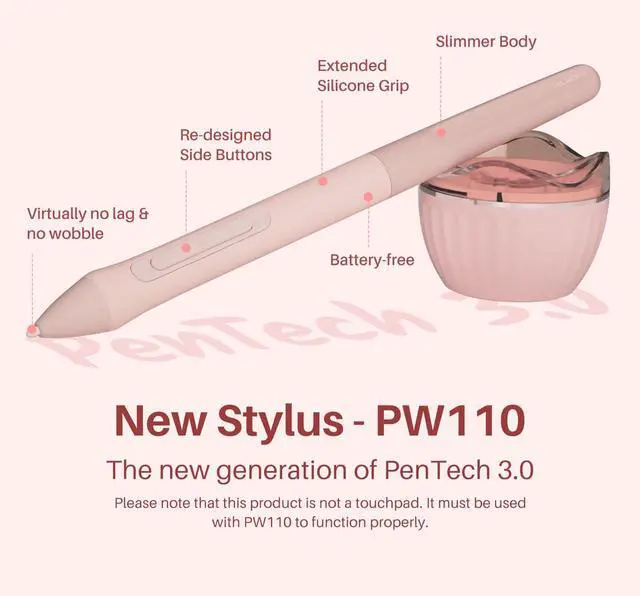
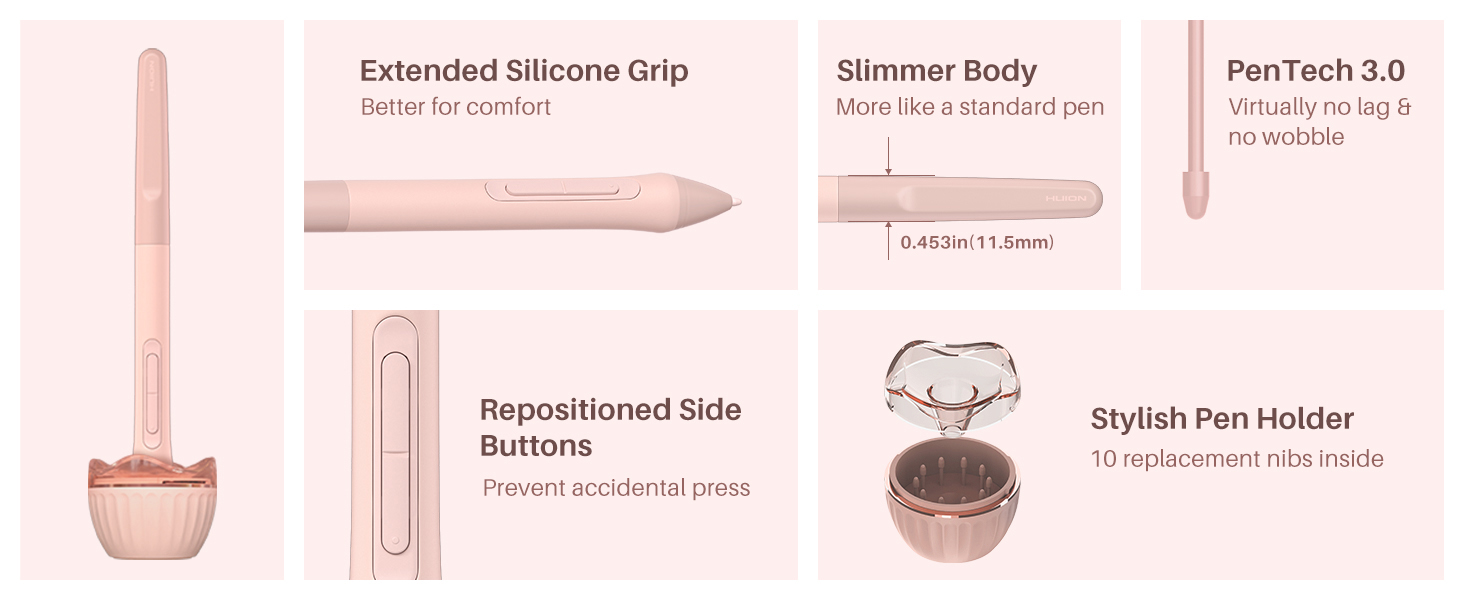
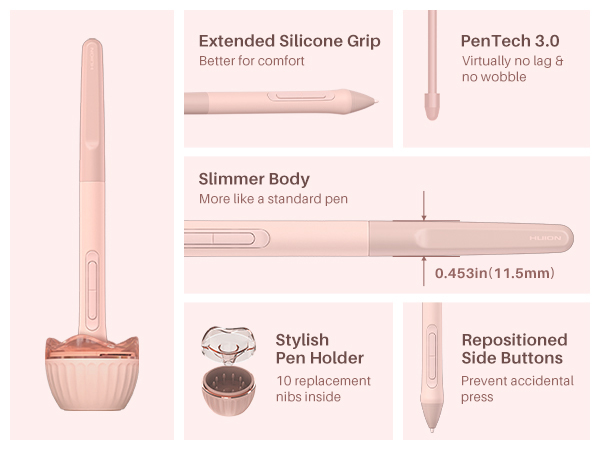
[Advanced PenTech 3.0]: Upgraded from PenTech 2.0 to PenTech 3.0, Inspiroy 2 drawing tablet for pc offers amazing precision & control over every line with no noticeable lag & wobble, just like a standard pen.
[Ergonomics Pen Design]: The new digital stylus PW110 is improved designed with slimmer body, soft silicone grip & accessible side buttons for better ergonomics & comfort.
[Programmable Scroll & Shortcut Keys]: Unique scroll wheel & 6 press keys on the left of this drawing pad for computer can be customized to your favorite shortcut so that your creative work become smoother and more efficient. You also can change the setting for different apps.
[Mobile Friendly]: Enjoy creating on your Inspiroy 2 graphics drawing tablet and see your drawings and paintings come to life on your Android smartphone or tablet (OS version 6.0 or later). It is also available for left-handed user.
[Ultra Portable]: The slim & compact design takes less desk space and makes it easy to carry between home, work and school. Inspiroy 2 Small pen tablet can be easily packed in your laptop bag for on-the-go creation.
[Versatile Digital Canvas]: Huion Inspiroy 2 Small is not only a digital drawing pad, but also a writing pad, signature pad or track pad for your tablet, laptop and desktop. It works well with most creative softwares like Photoshop, SAI, Medibang Paint, as well as many other applications and platforms for online education or remote work like OneNote, Microsoft Whiteboard, Zoom, etc.
[Intuitive Mouse Alternative]: Inspiroy 2 drawing tablet with pen makes a great mouse replacement. With this animation tablet, you can sign document, freehand draw, take digital note and do all of the functions of a mouse but better. It helps do precise work and save your wrist from strain..
[Gifts for Artist Beginner]: Huion Inspiroy 2 digital drawing pad is a great gift for those who are getting started drawing, painting or photo editing with their computer. Draw or write with a digital pen is much more natural and intuitive than using a traditional mouse.


