







Founded in 2011, Huion has always been dedicated to providing high-quality pen tablets, pen displays, and pen computers to creative users.
And our products not only help artists, designers, and animators to create fantastic digital masterpieces, but also bring digital ink solutions to many people around the world, changing the way they create, learn and work.
We believe the world is in your hands.
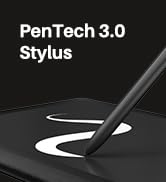
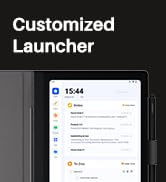
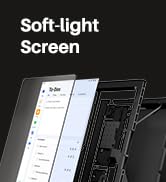
New release-Note E Notebook
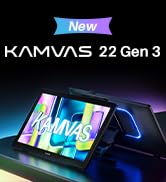

New Release-Kamvas 22 (Gen3)


KAMVAS Pro 27 (144Hz) 4K
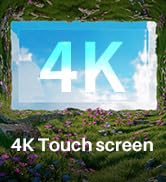
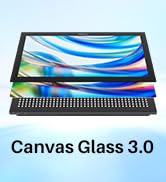
Kamvas Pro 24(Gen3)
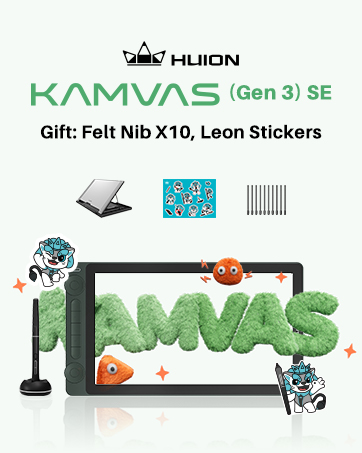
New release-Kamvas 13 (Gen 3) Special Edition

New Release-Kamvas Pro 16 V2
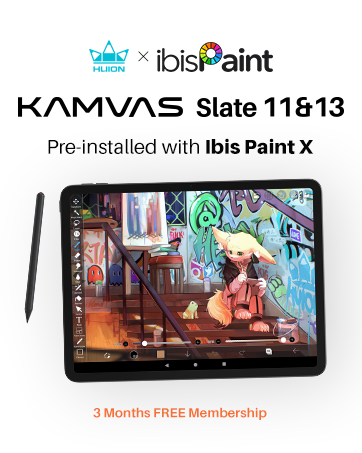
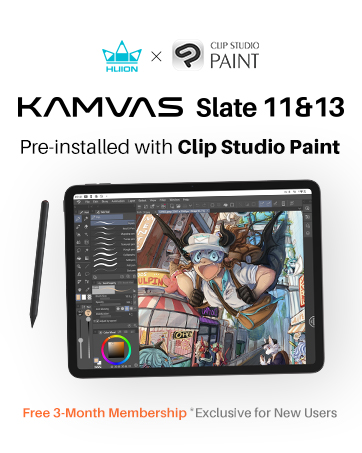



Inspiroy 2
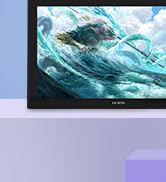
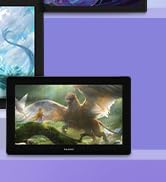
Kamvas Pro | Higher Resolution
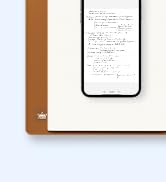

Huion Note Digital Notebook

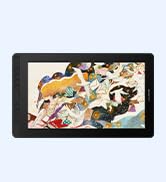
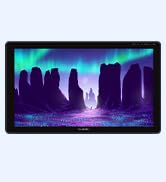
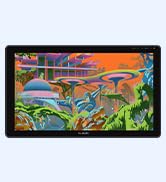
Kamvas Series | Best Price
Inspiroy Series | Entry Level

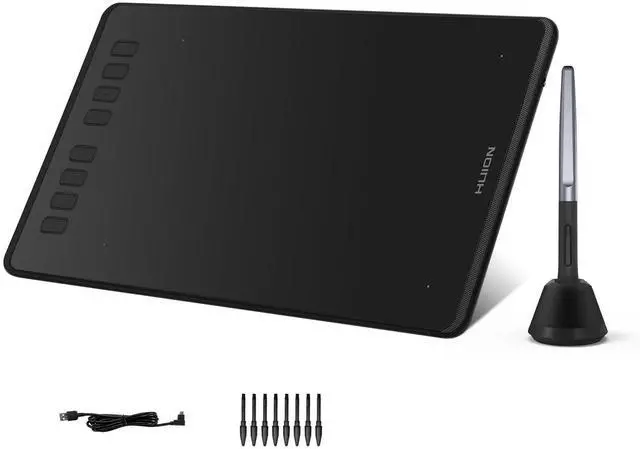
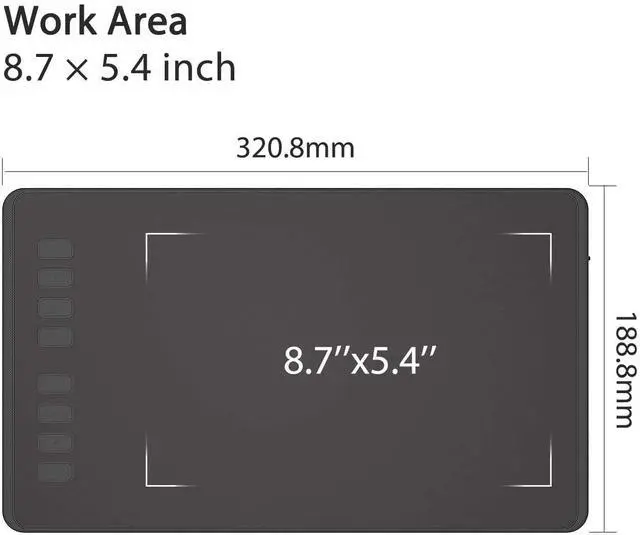
HUION H950P Drawing tablet
Merchant Video
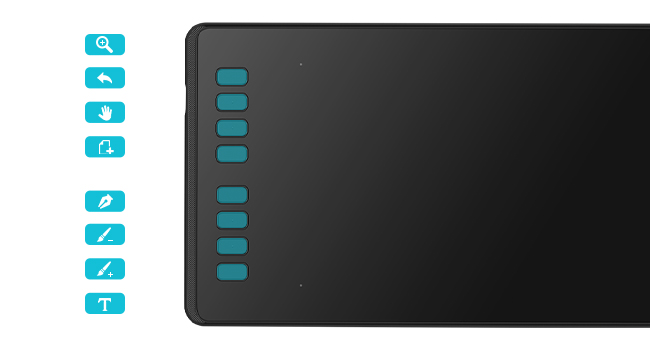
Set Your Own Graphics Tablet
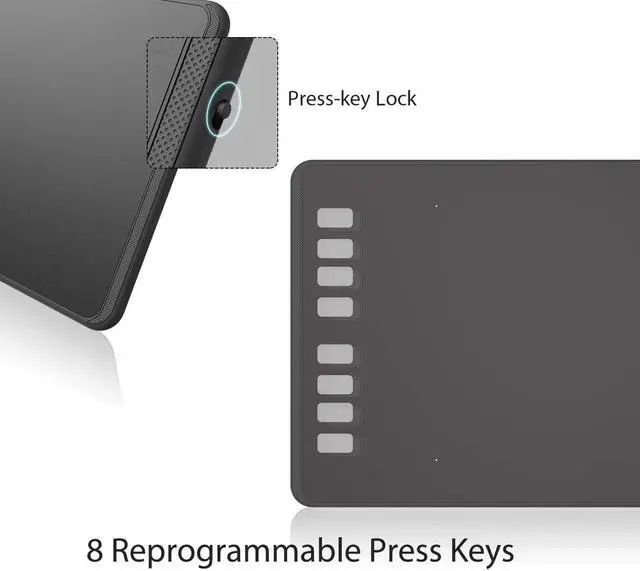
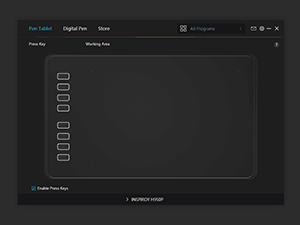
8 programmed shortcut key designs. You can set single keys and multiple combinations of keys to make it easy for your fingers to master your favorite shortcuts and speed up your work/study efficiency.
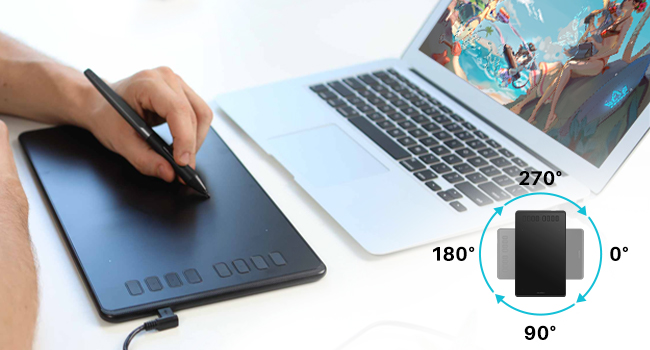
Support for Left-handed Mode
The tablet still supports the left-handed mode. And also supports a selection of angles from 90° to 270°, which can be freely adapted to your work area.
The H950P is a Great Choice!
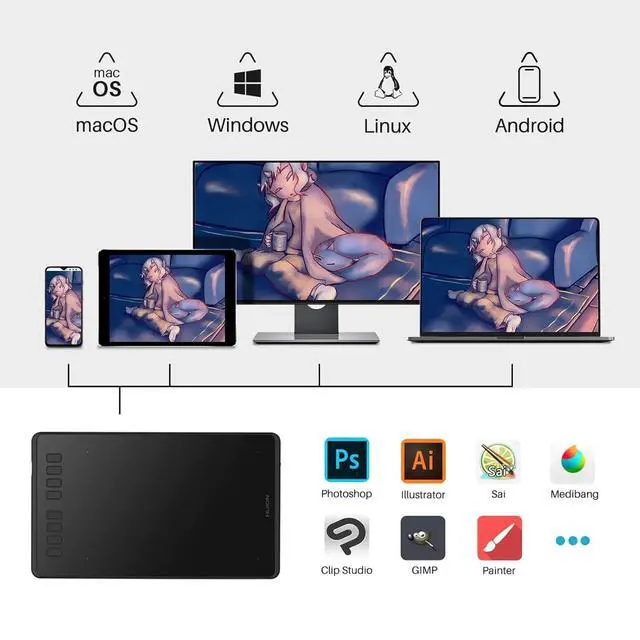
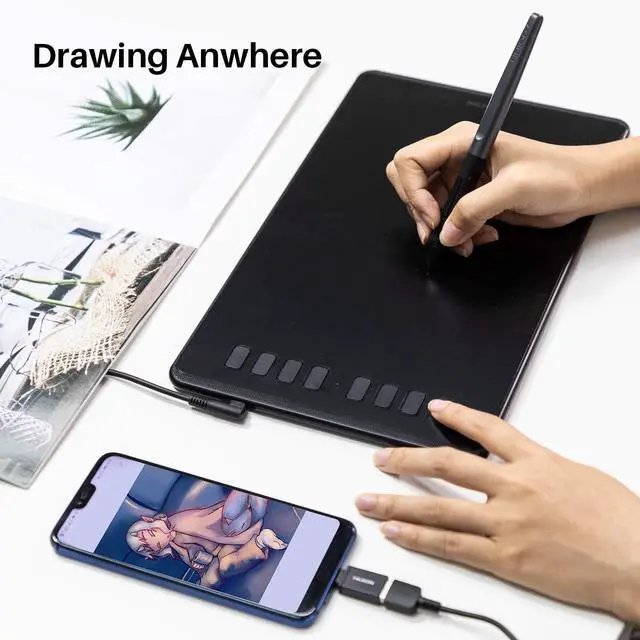
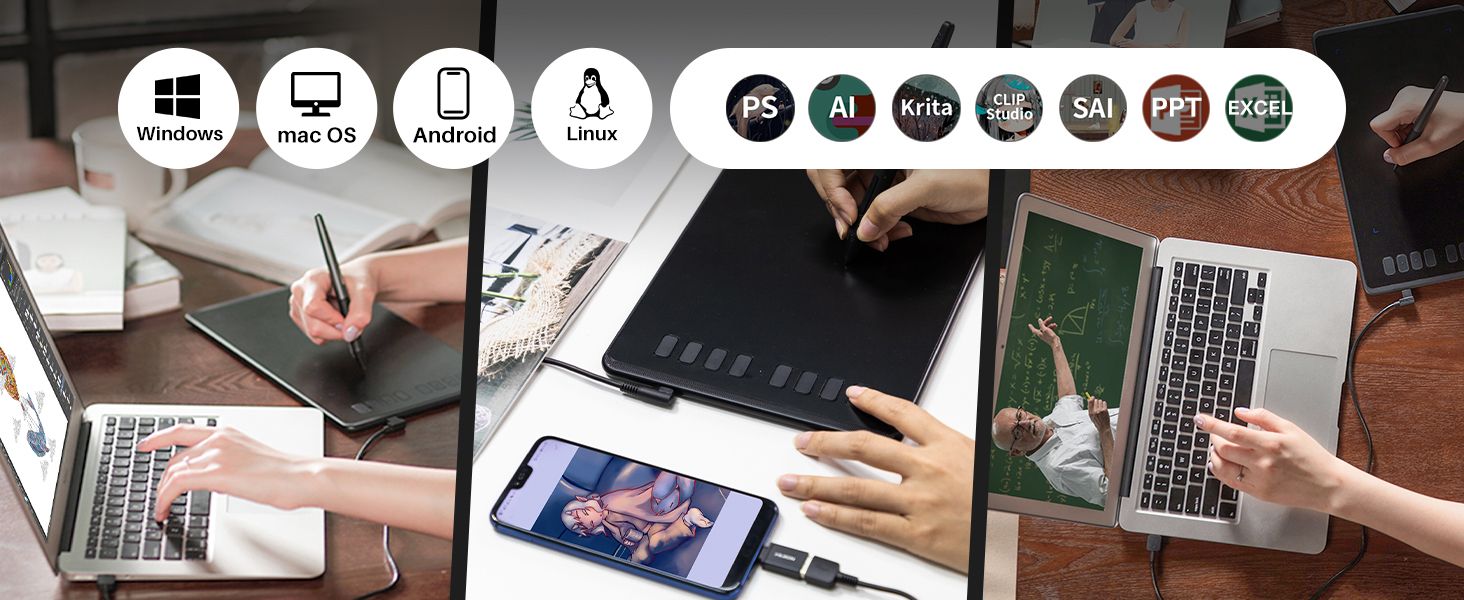
Huion drawing tablet H950P is compatible with a wide range of devices, such as computers, laptops, android phones, and tablets, and it is also compatible with a wide range of systems and almost commercially available software, which can meet most of your needs, such as drawing, distance teaching/learning, note entry, designing, and editing videos, etc.
It is a handy tool and very valuable. Whether you are a student or a teacher at school, an editor or a designer, a master painter, or a novice painter, the H950P is a great choice!
Easy to use!
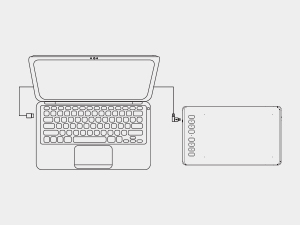
Step 1
Plug the USB cable into your Inspiroy H950P drawing tablet and computer.
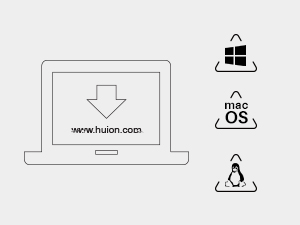
Step 2
Download and install the Huion driver on your computer.
*For Mac: installing the driver, requires Security and privacy settings.
Step 3
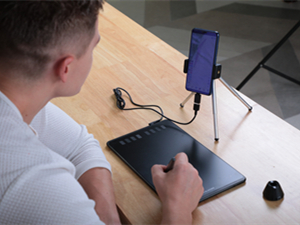
Restart your computer and follow the user manual to set up the shortcut keys, pen buttons, and working area, and then you're ready to go.
Step 4
Start your work/study!
HUION H950P Drawing tablet
Merchant Video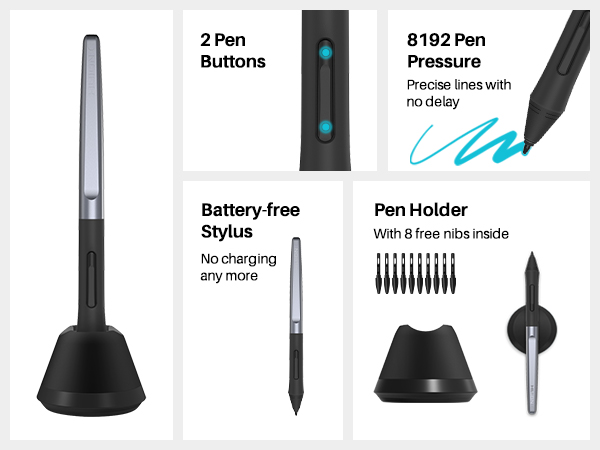
Set Your Own Graphics Tablet
8 programmed shortcut key designs. You can set single keys and multiple combinations of keys to make it easy for your fingers to master your favorite shortcuts and speed up your work/study efficiency.
Support for Left-handed Mode
The tablet still supports the left-handed mode. And also supports a selection of angles from 90° to 270°, which can be freely adapted to your work area.
The H950P is a Great Choice!
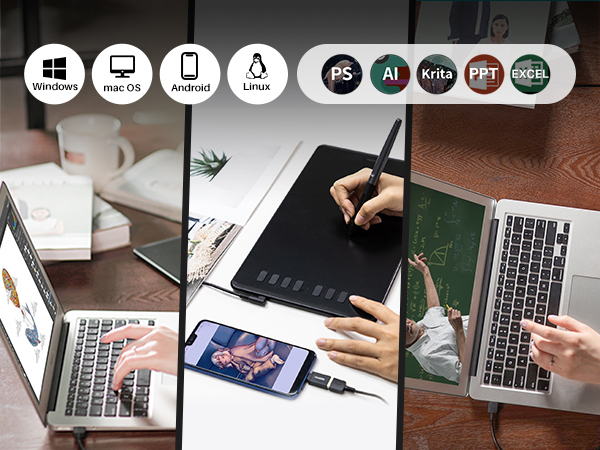
Huion drawing tablet H950P is compatible with a wide range of devices, such as computers, laptops, android phones, and tablets, and it is also compatible with a wide range of systems and almost commercially available software, which can meet most of your needs, such as drawing, distance teaching/learning, note entry, designing, and editing videos, etc.
It is a handy tool and very valuable. Whether you are a student or a teacher at school, an editor or a designer, a master painter, or a novice painter, the H950P is a great choice!
Easy to use!
Step 1
Plug the USB cable into your Inspiroy H950P drawing tablet and computer.
Step 2
Download and install the Huion driver on your computer.
*For Mac: installing the driver, requires Security and privacy settings.
Step 3
Restart your computer and follow the user manual to set up the shortcut keys, pen buttons, and working area, and then you're ready to go.
Step 4
Start your work/study!
Founded in 2011, Huion has always been dedicated to providing high-quality pen tablets, pen displays, and pen computers to creative users.
And our products not only help artists, designers, and animators to create fantastic digital masterpieces, but also bring digital ink solutions to many people around the world, changing the way they create, learn and work.
We believe the world is in your hands.
New release-Note E Notebook
New Release-Kamvas 22 (Gen3)
KAMVAS Pro 27 (144Hz) 4K
Kamvas Pro 24(Gen3)
New release-Kamvas 13 (Gen 3) Special Edition
New Release-Kamvas Pro 16 V2
Inspiroy 2
Kamvas Pro | Higher Resolution
Huion Note Digital Notebook
Kamvas Series | Best Price
Inspiroy Series | Entry Level