






Founded in 2011, Huion has always been dedicated to providing high-quality pen tablets, pen displays, and pen computers to creative users.
And our products not only help artists, designers, and animators to create fantastic digital masterpieces, but also bring digital ink solutions to many people around the world, changing the way they create, learn and work.
We believe the world is in your hands.
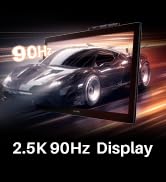
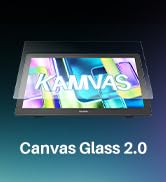
New Release-Kamvas 22 (Gen3)
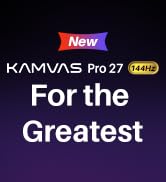
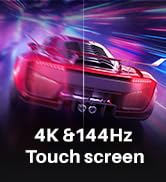
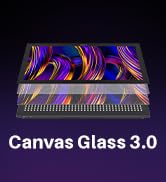
KAMVAS Pro 27 (144Hz) 4K
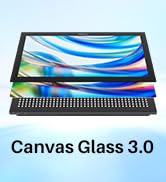
Kamvas Pro 24(Gen3)
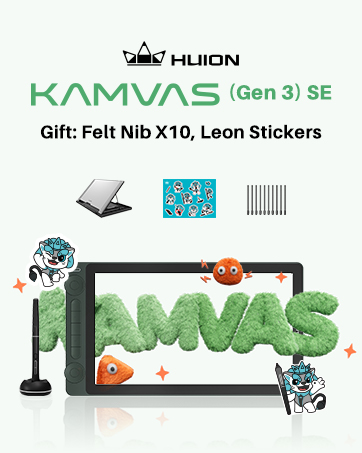
New release-Kamvas 13 (Gen 3) Special Edition

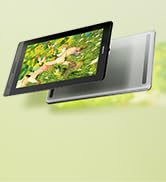
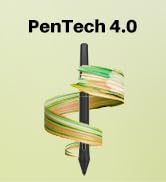
New Release-Kamvas Pro 16 V2
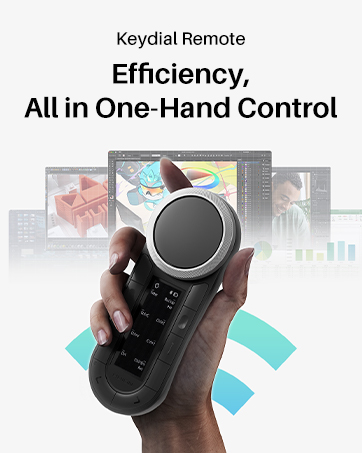
New release-Keydial Remote
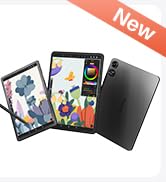
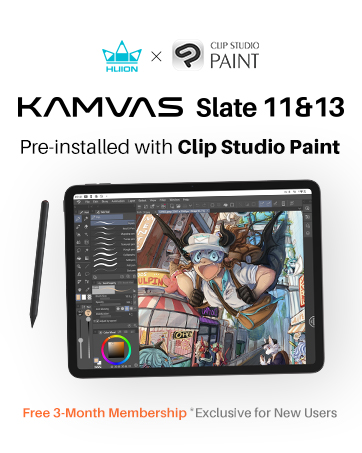
Kamvas slate 11 &13
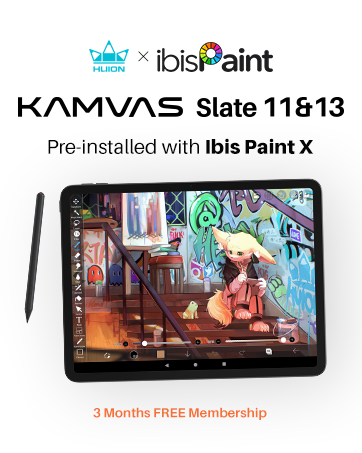
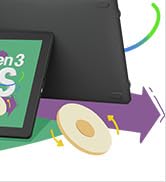
Kamvas 16(Gen 3)


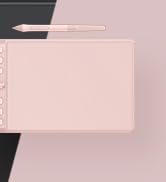
Inspiroy 2
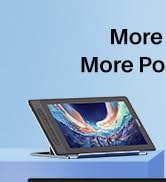
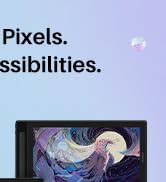
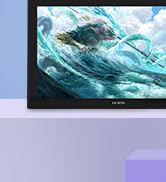
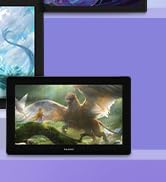
Kamvas Pro | Higher Resolution
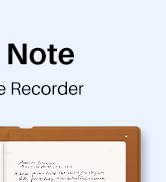
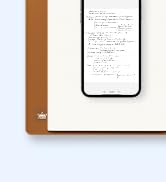

Huion Note Digital Notebook
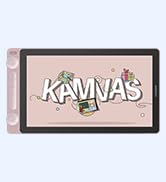
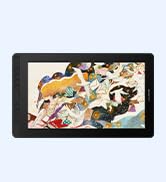
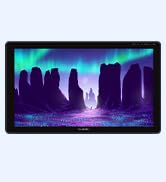
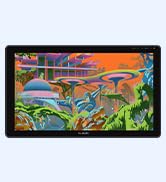
Kamvas Series | Best Price
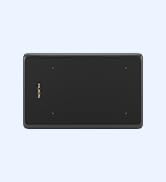
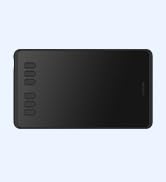
Inspiroy Series | Entry Level

WARM TIPS:
1. HS611 is not a stand-alone product!
- HS611 must be connected to a computer or Android device to use.
2. Connection
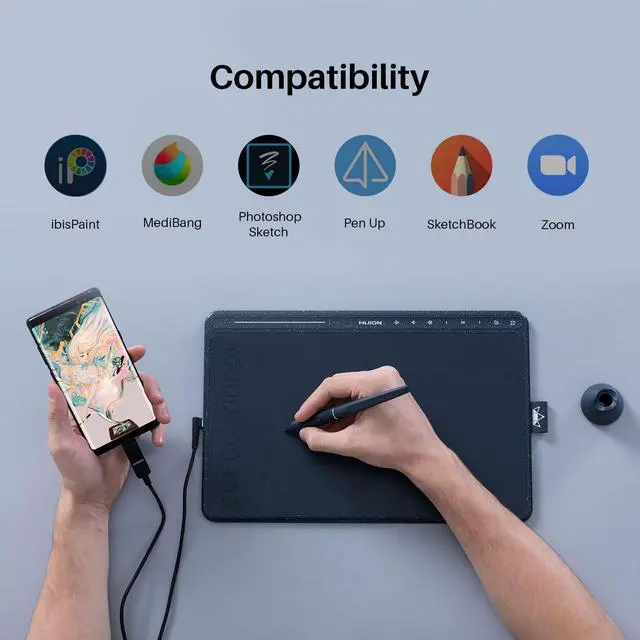
- Please make sure completely plug the USB cable into the tablet. When you need to connect the tablet to a mobile phone, please use the OTG adapter and operate following the user manual.
3. Driver Download and Installation
- Driver Download: Our driver will be regularly updated, so please go to Huion official web to download the newest driver, and install it on your computer.
3.1 For Windows Users:
- Please make sure there is no other brand driver on the computer and close all drawing programs before installation. (IMPORTANT) Please run as administrator when installing the driver.
3.2 For Mac Mojave (10.14), Catalina (10.15) Users:
- Our driver is compatible with Mac OS Mojave (10.14) and Catalina (10.15), please install the newest released driver on your computer and add the "HuionTablet" and "TabletDriverAgent" into the whitelist first after installing the driver.
Reminder:
List of Compatible Android Devices:
Samsung: Galaxy Note 8/9/10/10+/10+ 5G/20/20 Ultra 5G, Galaxy S8/S8+/S9/S9+/S10/S10+/S10e/S20 5G/S20+ 5G/S20 Ultra 5G/S21 5G/S21+ 5G/S21 Ultra 5G, Galaxy Z Fold/Z Fold 2, Galaxy A90 5G, Galaxy Tab S4/Tab S5e/Tab S6/Tab S7/S7+(The Samsung Note series can display the cursor after setting, other series will not)
Huawei: P20/P20 Pro/P20 RS/P30/P30 Pro/P40/P40 Pro/P40 Pro Plus, Mate 30/30 Pro/30 RS/30E Pro/40/40 Pro/40 Pro+/40 RS/X/X2


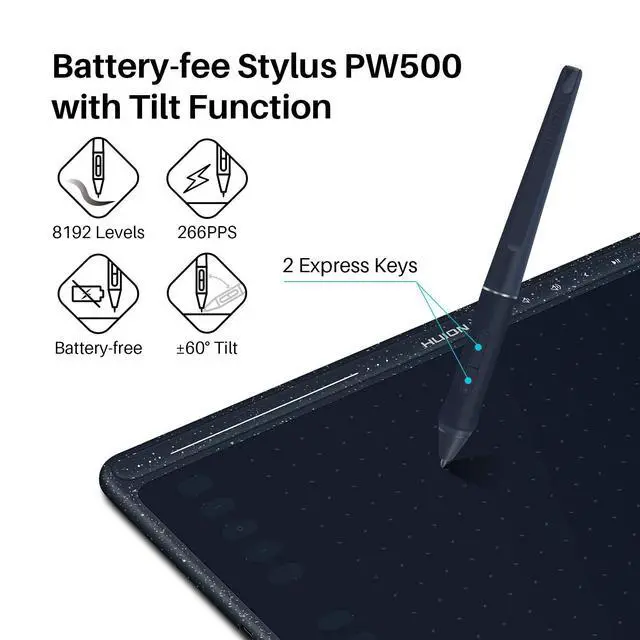
Battery-free Stylus PW500
- Work with battery-free stylus PW500, and say goodbye to charging cables. With 8192 pen pressure, 266 PPS, and 5080 LPI makes every stroke more fluent.
- ±60°tilt support ensures lifelike rendering of shading added to your works, without compromising the delicacy of each line input.

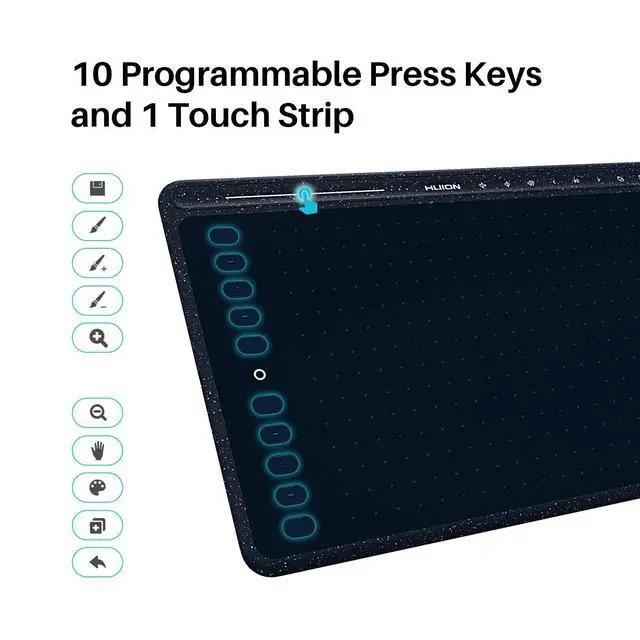
10 Programmable Press Keys
- A combination of 10 press keys is available for shortcut setup, which will outstandingly contribute to your work efficiency.
- The Huion driver allows the shortcut keys to be attuned to much different software.

USB-C Interface
- The foolproof Type-C interface ensures easy and fast connection, which will further optimize the user experience.
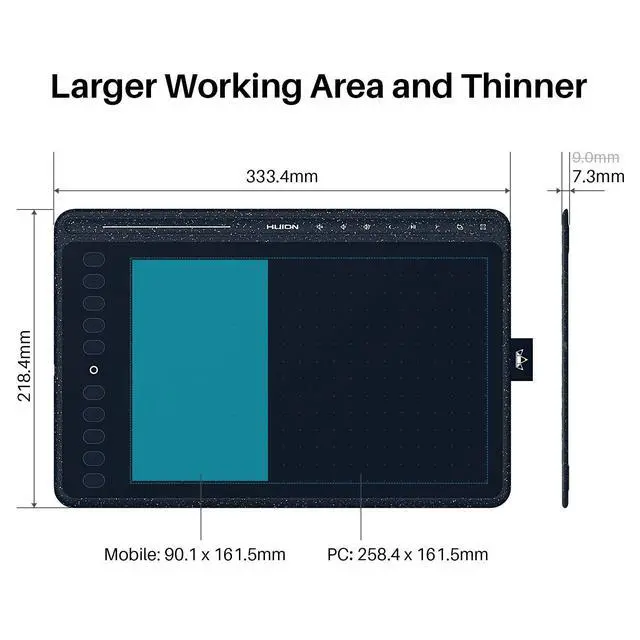
- For an Android phone/tablet connection, the work area will be 161.5 x 90.1mm. ONLY mobile phones and tablets powered by Android 6.0 or above are supported. Choose the most comfortable way you like to create.

Larger and Thinner
- With 7.3mm of thickness, the HS611 allows you to easily put it in your backpack.
- With a 550g lightweight body and a durable loop to hold the pen, the HS611 will turn your idea of outdoor drawing into reality by connecting the Android devices.

User-friendly Design
- Anti-slip rubbers on the back can prevent the tablet from dropping easily down when you focus on drawing.
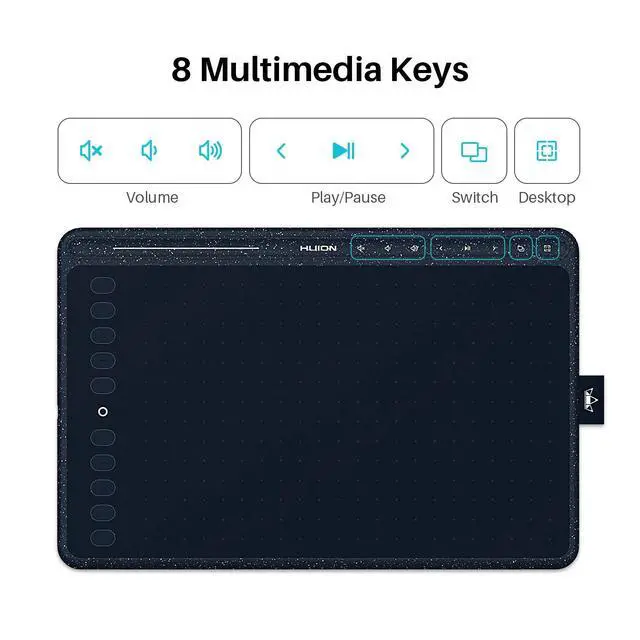
- Only 550g and 7.3mm in thickness, easy to carry. Added pen holder directly improves the look and touch and brings you convenience.

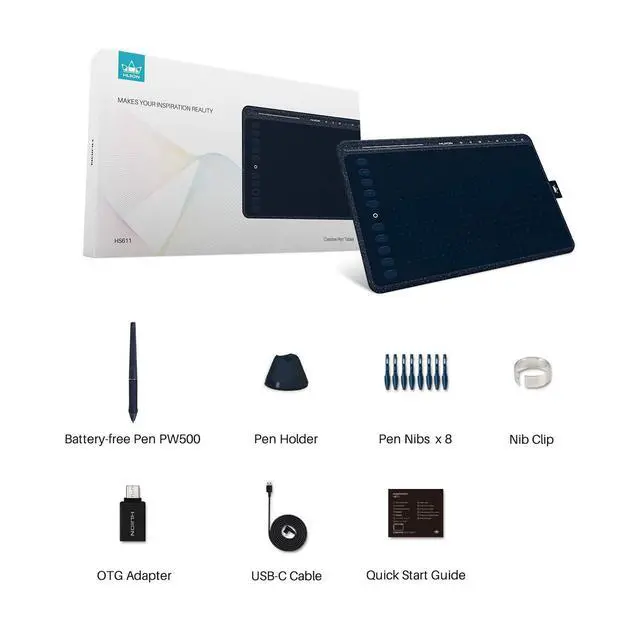
Package Contents
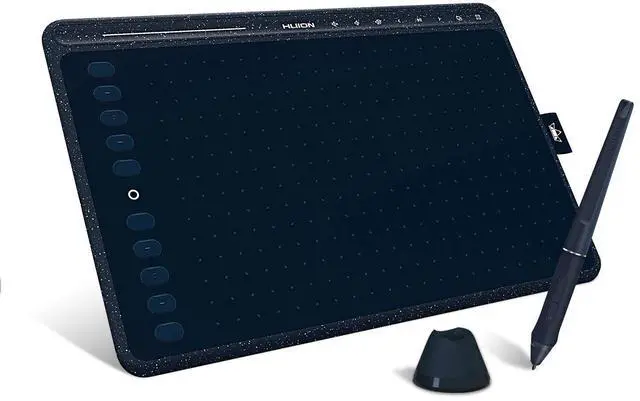
- HUION HS611 Tablet(Starry Blue)
- Battery-free Pen PW500
- Pen Holder PH03
- Pen Nibs x 8
- Nib Clip
- OTG Adapter
- USB-C Cable
- Quick Start Guide
WARM TIPS:
1. HS611 is not a stand-alone product!
- HS611 must be connected to a computer or Android device to use.
2. Connection
- Please make sure completely plug the USB cable into the tablet. When you need to connect the tablet to a mobile phone, please use the OTG adapter and operate following the user manual.
3. Driver Download and Installation
- Driver Download: Our driver will be regularly updated, so please go to Huion official web to download the newest driver, and install it on your computer.
3.1 For Windows Users:
- Please make sure there is no other brand driver on the computer and close all drawing programs before installation. (IMPORTANT) Please run as administrator when installing the driver.
3.2 For Mac Mojave (10.14), Catalina (10.15) Users:
- Our driver is compatible with Mac OS Mojave (10.14) and Catalina (10.15), please install the newest released driver on your computer and add the "HuionTablet" and "TabletDriverAgent" into the whitelist first after installing the driver.
Reminder:
List of Compatible Android Devices:
Samsung: Galaxy Note 8/9/10/10+/10+ 5G/20/20 Ultra 5G, Galaxy S8/S8+/S9/S9+/S10/S10+/S10e/S20 5G/S20+ 5G/S20 Ultra 5G/S21 5G/S21+ 5G/S21 Ultra 5G, Galaxy Z Fold/Z Fold 2, Galaxy A90 5G, Galaxy Tab S4/Tab S5e/Tab S6/Tab S7/S7+(The Samsung Note series can display the cursor after setting, other series will not)
Huawei: P20/P20 Pro/P20 RS/P30/P30 Pro/P40/P40 Pro/P40 Pro Plus, Mate 30/30 Pro/30 RS/30E Pro/40/40 Pro/40 Pro+/40 RS/X/X2
Battery-free Stylus PW500
- Work with battery-free stylus PW500, and say goodbye to charging cables. With 8192 pen pressure, 266 PPS, and 5080 LPI makes every stroke more fluent.
- ±60°tilt support ensures lifelike rendering of shading added to your works, without compromising the delicacy of each line input.
10 Programmable Press Keys
- A combination of 10 press keys is available for shortcut setup, which will outstandingly contribute to your work efficiency.
- The Huion driver allows the shortcut keys to be attuned to much different software.
USB-C Interface
- The foolproof Type-C interface ensures easy and fast connection, which will further optimize the user experience.
- For an Android phone/tablet connection, the work area will be 161.5 x 90.1mm. ONLY mobile phones and tablets powered by Android 6.0 or above are supported. Choose the most comfortable way you like to create.
Larger and Thinner
- With 7.3mm of thickness, the HS611 allows you to easily put it in your backpack.
- With a 550g lightweight body and a durable loop to hold the pen, the HS611 will turn your idea of outdoor drawing into reality by connecting the Android devices.
User-friendly Design
- Anti-slip rubbers on the back can prevent the tablet from dropping easily down when you focus on drawing.
- Only 550g and 7.3mm in thickness, easy to carry. Added pen holder directly improves the look and touch and brings you convenience.
Package Contents
- HUION HS611 Tablet(Starry Blue)
- Battery-free Pen PW500
- Pen Holder PH03
- Pen Nibs x 8
- Nib Clip
- OTG Adapter
- USB-C Cable
- Quick Start Guide
Founded in 2011, Huion has always been dedicated to providing high-quality pen tablets, pen displays, and pen computers to creative users.
And our products not only help artists, designers, and animators to create fantastic digital masterpieces, but also bring digital ink solutions to many people around the world, changing the way they create, learn and work.
We believe the world is in your hands.
New Release-Kamvas 22 (Gen3)
KAMVAS Pro 27 (144Hz) 4K
Kamvas Pro 24(Gen3)
New release-Kamvas 13 (Gen 3) Special Edition
New Release-Kamvas Pro 16 V2
New release-Keydial Remote
Kamvas slate 11 &13
Kamvas 16(Gen 3)
Inspiroy 2
Kamvas Pro | Higher Resolution
Huion Note Digital Notebook
Kamvas Series | Best Price
Inspiroy Series | Entry Level