







-

Founded in 2011, Huion has always been dedicated to providing high-quality pen tablets, pen displays, and pen computers to creative users.
And our products not only help artists, designers, and animators to create fantastic digital masterpieces, but also bring digital ink solutions to many people around the world, changing the way they create, learn and work.
We believe the world is in your hands.
-
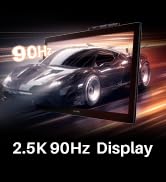
New Release-Kamvas 22 (Gen3)
-
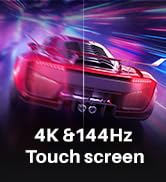
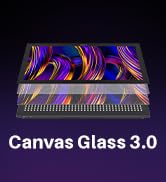
KAMVAS Pro 27 (144Hz) 4K
-
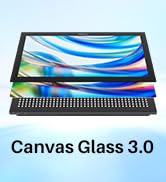
Kamvas Pro 24(Gen3)
-
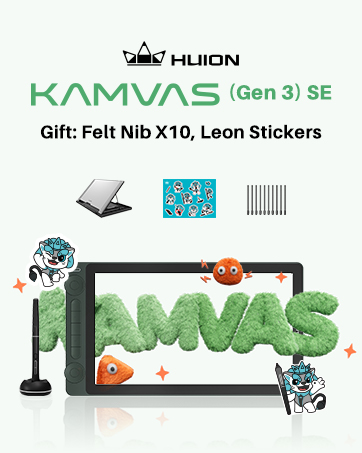
New release-Kamvas 13 (Gen 3) Special Edition
-

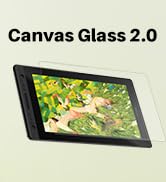
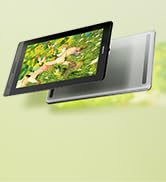
New Release-Kamvas Pro 16 V2
-
-
-



Inspiroy 2
-
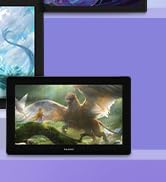
Kamvas Pro | Higher Resolution
-
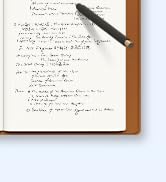
Huion Note Digital Notebook
-
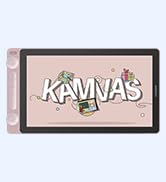
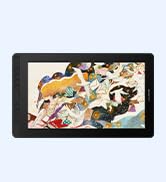
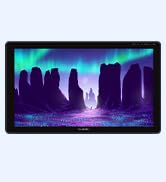
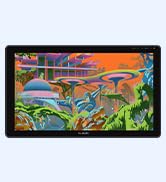
Kamvas Series | Best Price
-
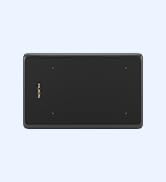
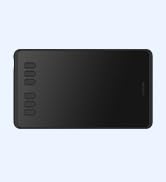
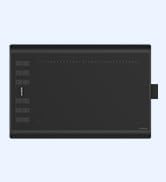
Inspiroy Series | Entry Level
-
-
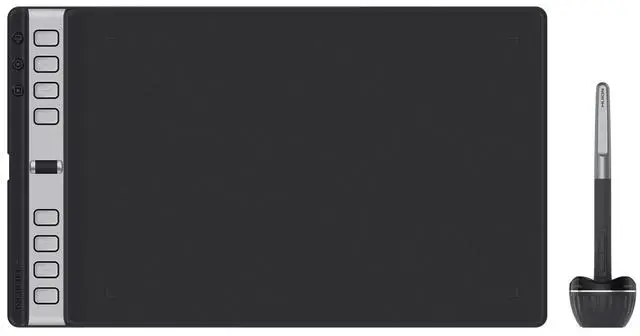
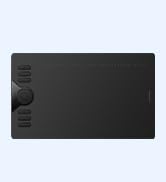
HUION Inspiroy 2 Medium Drawing Tablet with Scroll
Merchant Video
-
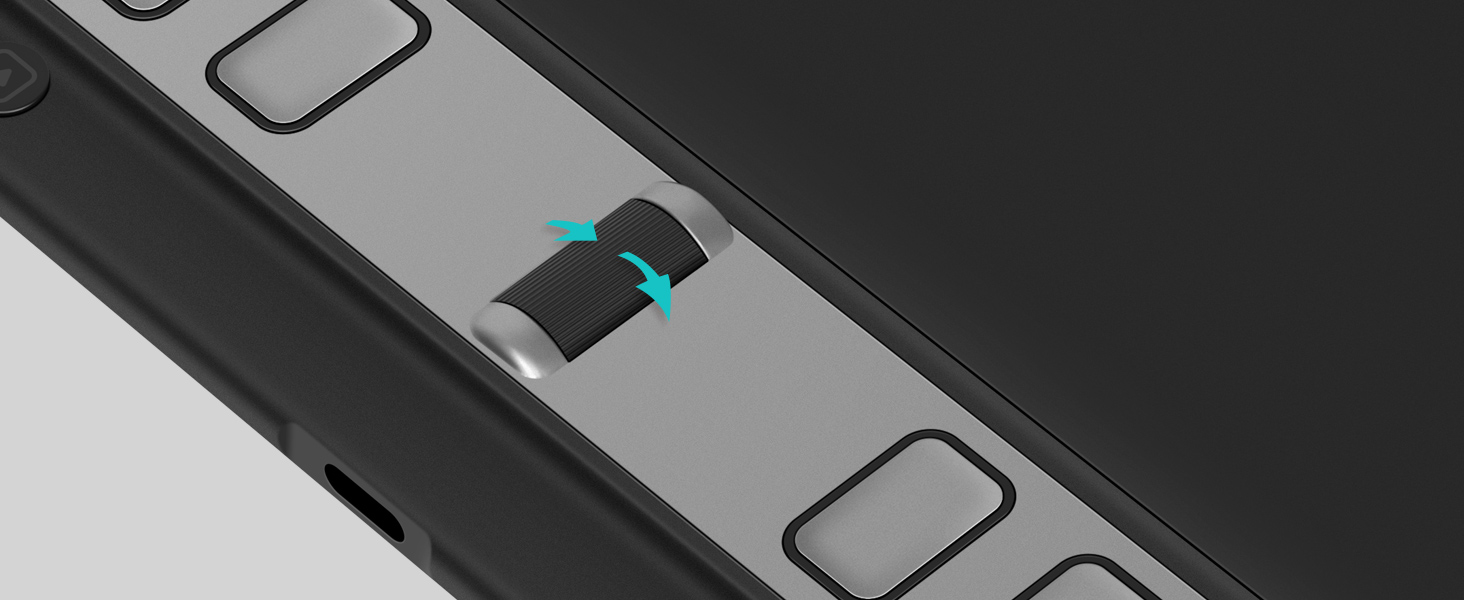
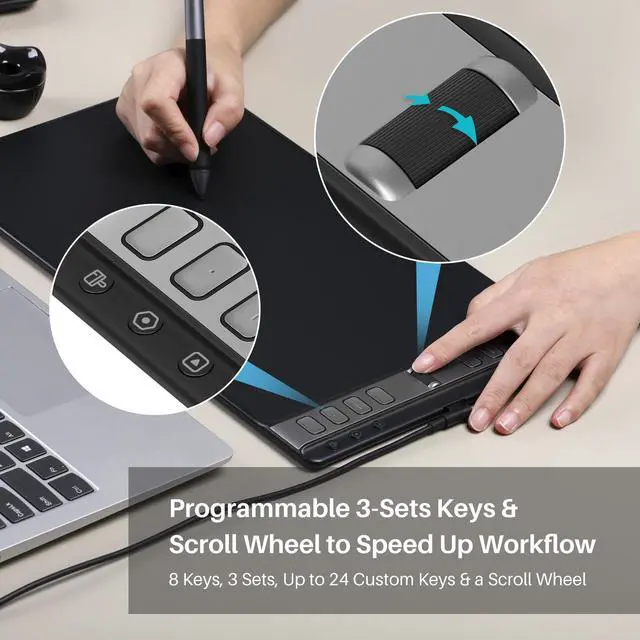
Scroll Into Efficiency
Adjust brush size easily with the intuitive scroll wheel and start painting quickly.
-
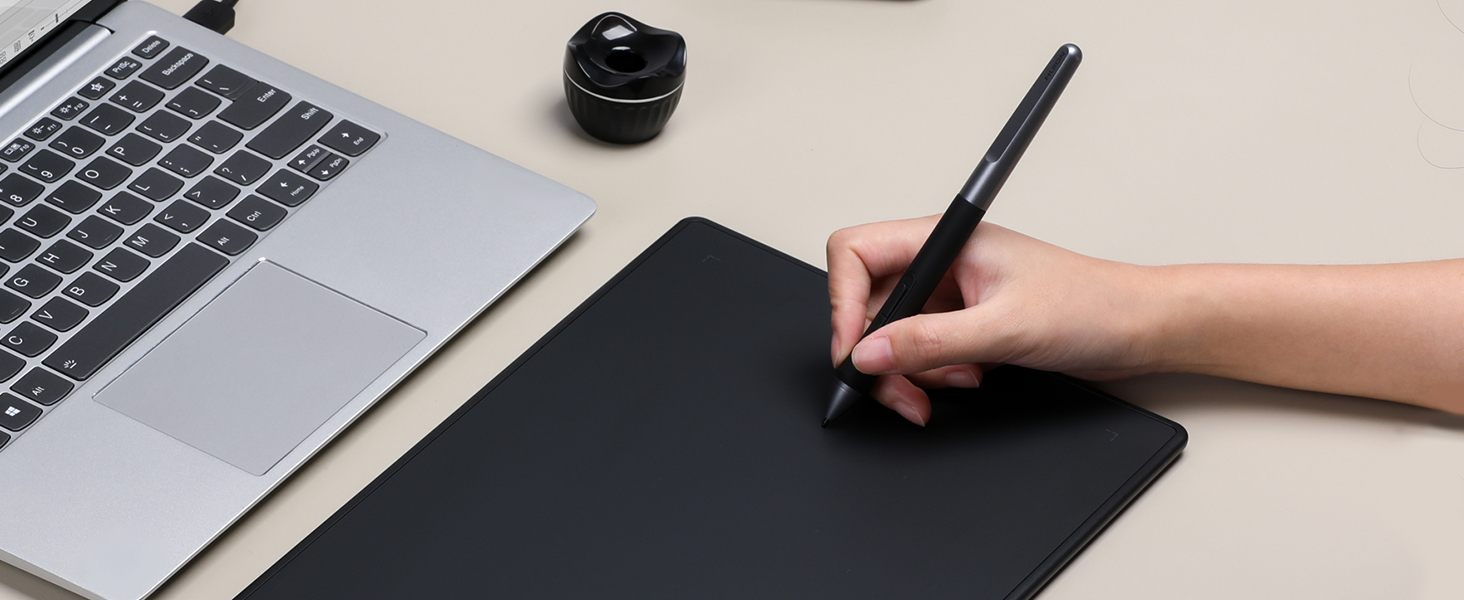
Write And Draw Like On Paper
Feel greater friction and bring a paper feel when you draw and write on Inspiroy 2.
-
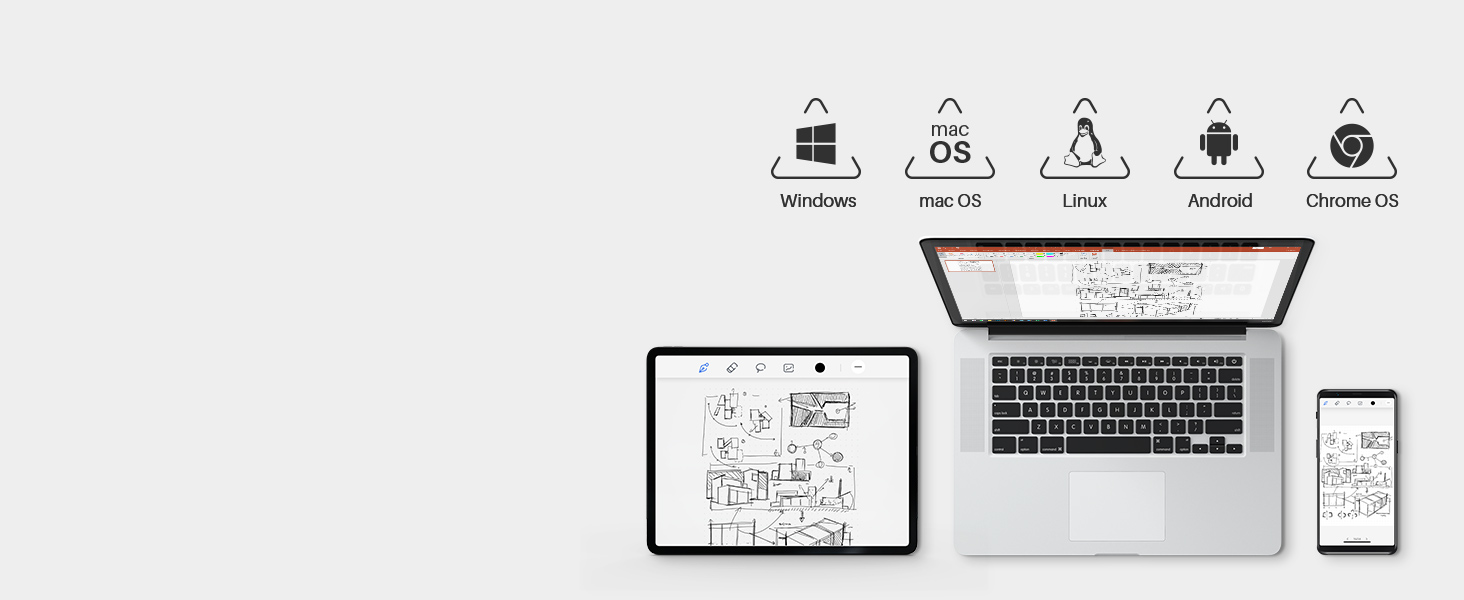
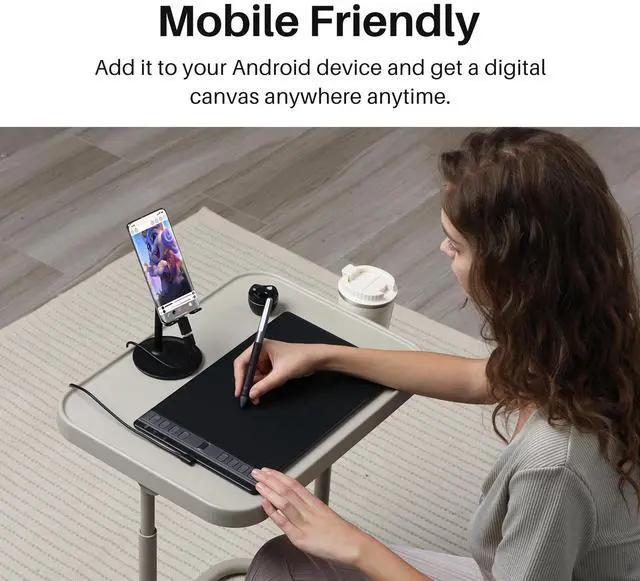
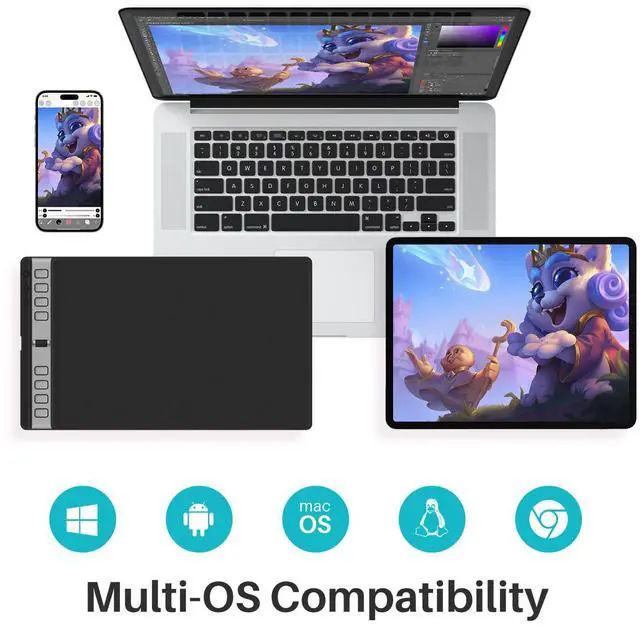
Connect to Your Favorite OS
Works with Mac, Windows, Linux PC, ChromeOS 88 or later as well as certain Android phones & tablets.
-
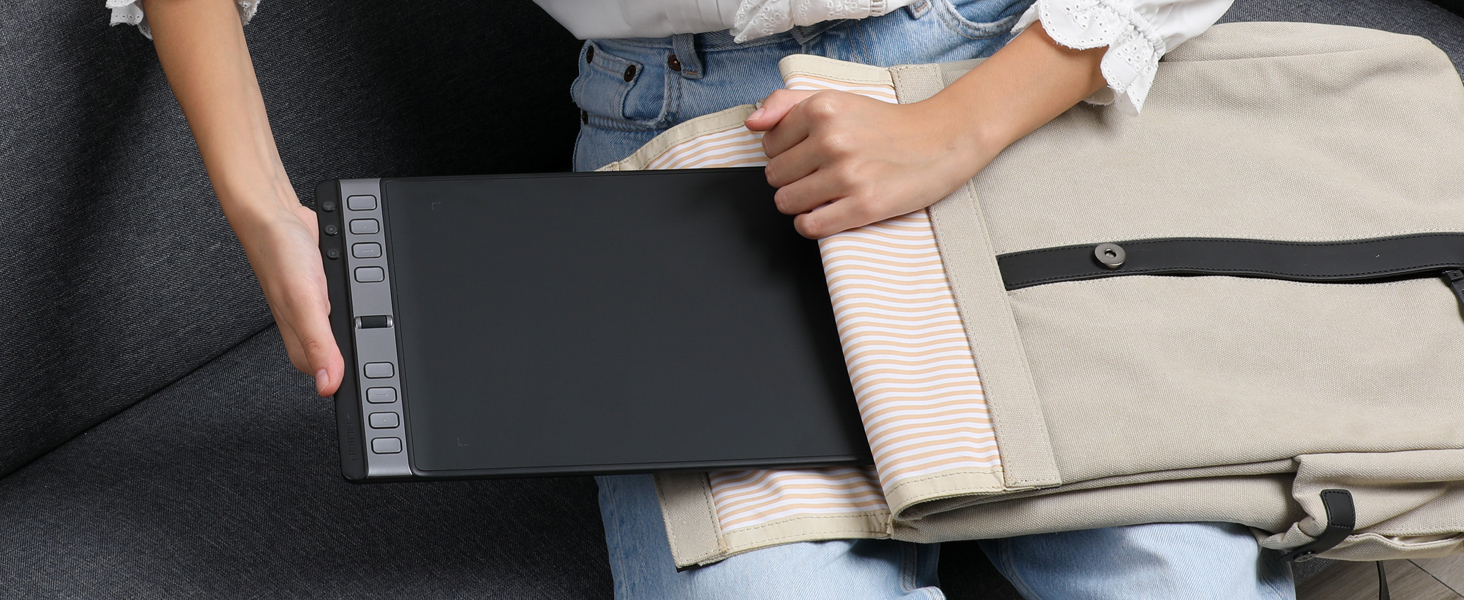
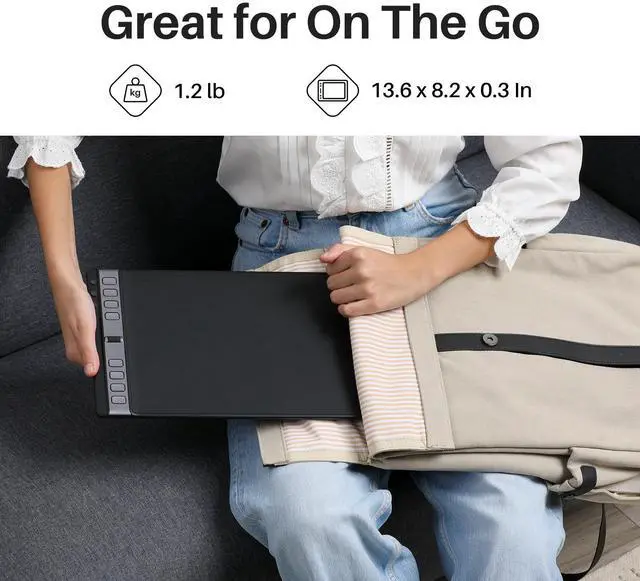
Compact & Slim Design
You can easily pack it in your laptop bag and brought it to the coffee shop for on-the-go creation.
-
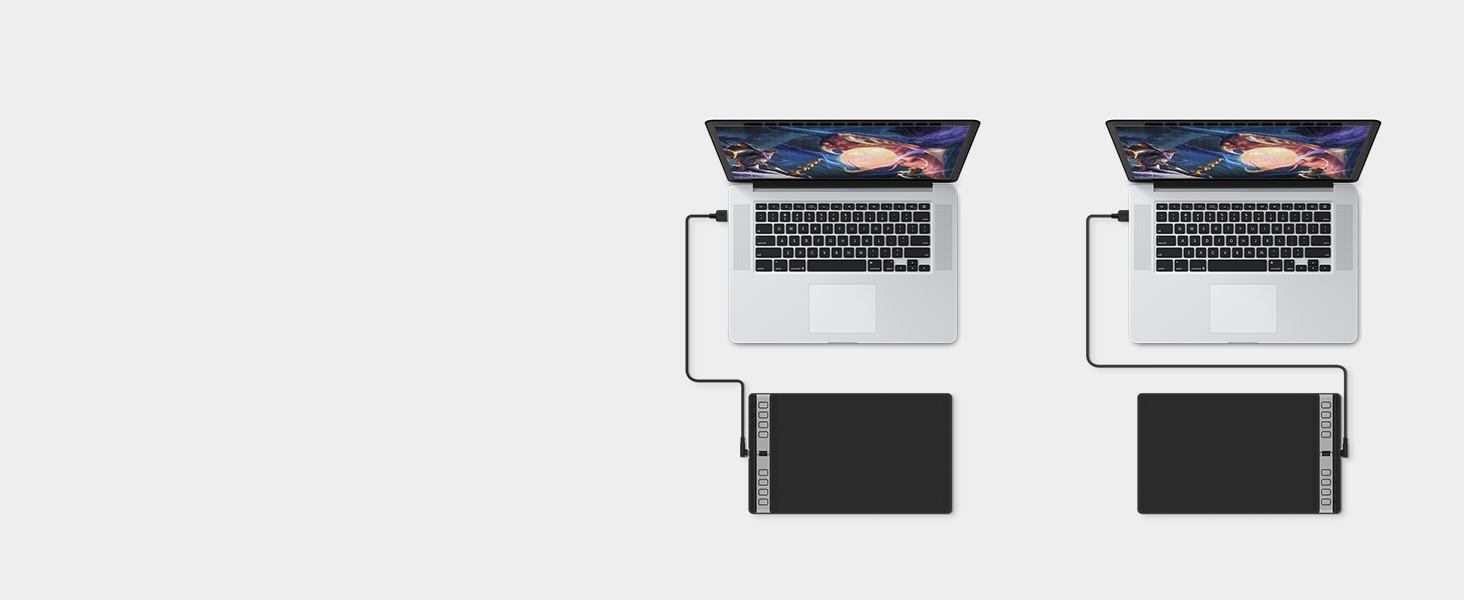
Available for Left-handed Artists
The press keys and Scroller are placed symmetrically, you can adjust the tablet 0°~180°.
-
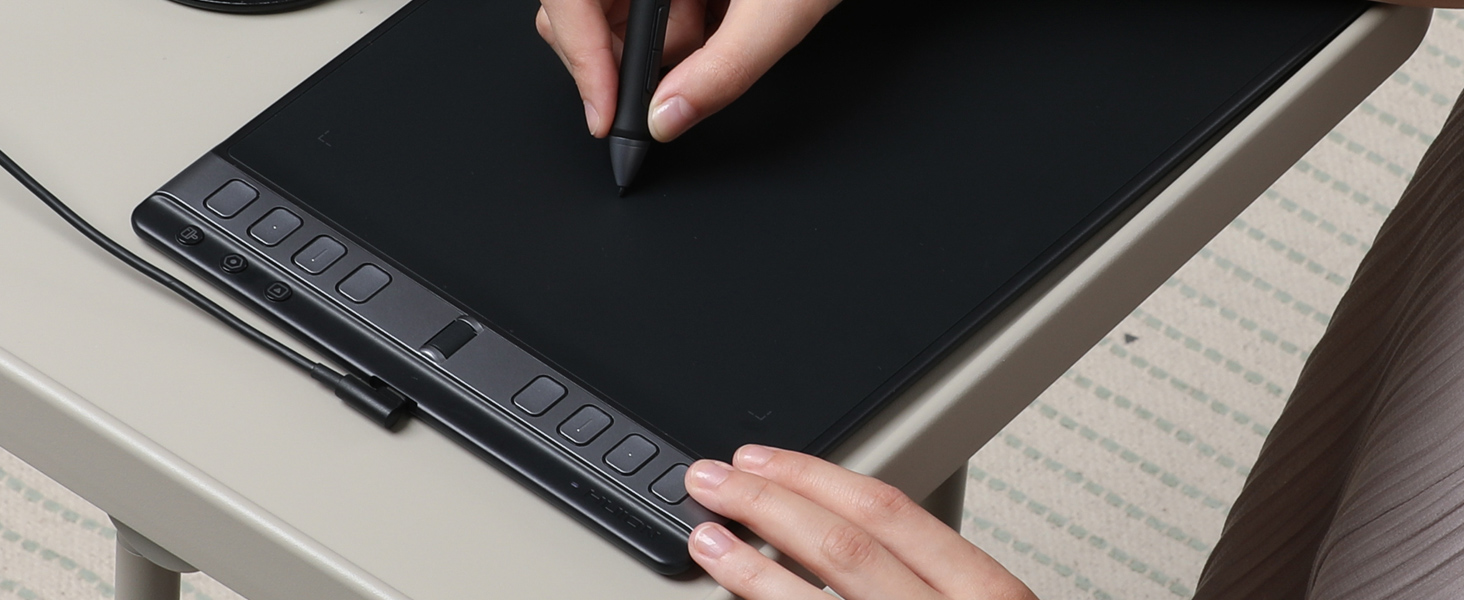
One Press Key, Three Functions
3-Set 8 Customized press keys, with button preview interface, without memorizing it.
-
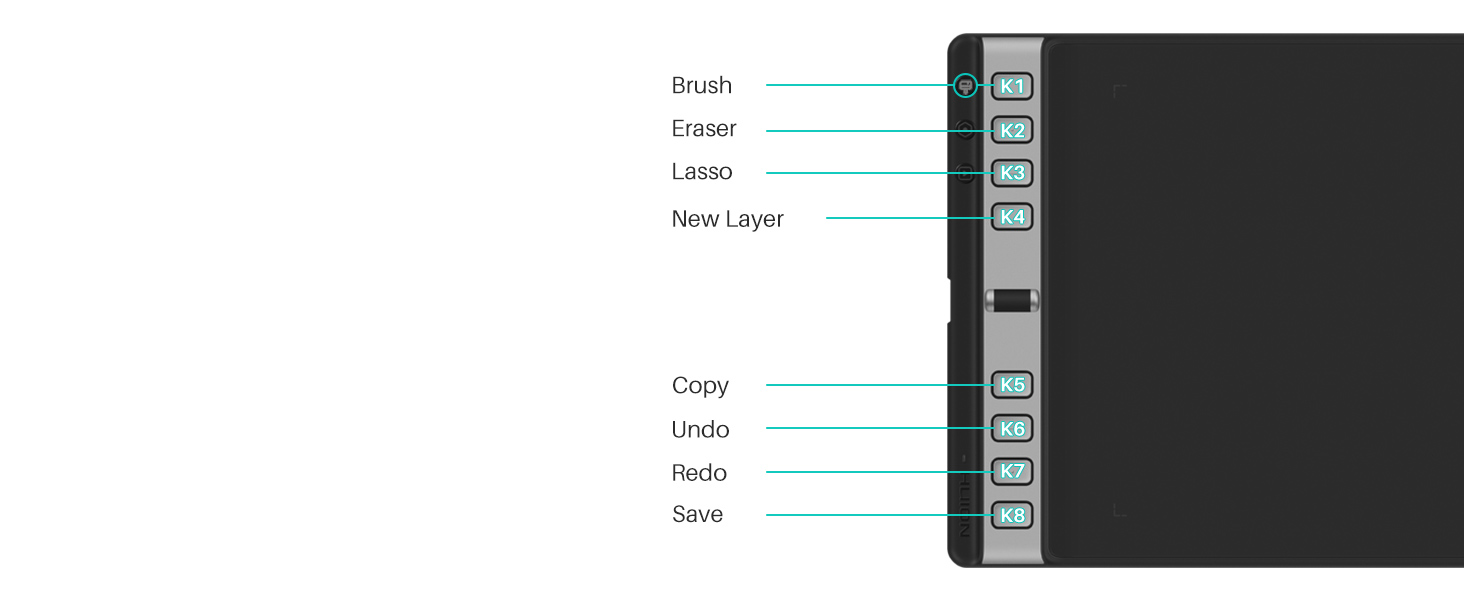
1st Group Keys
By pressing any of the group keys, the corresponding group of shortcuts will be enabled.
-
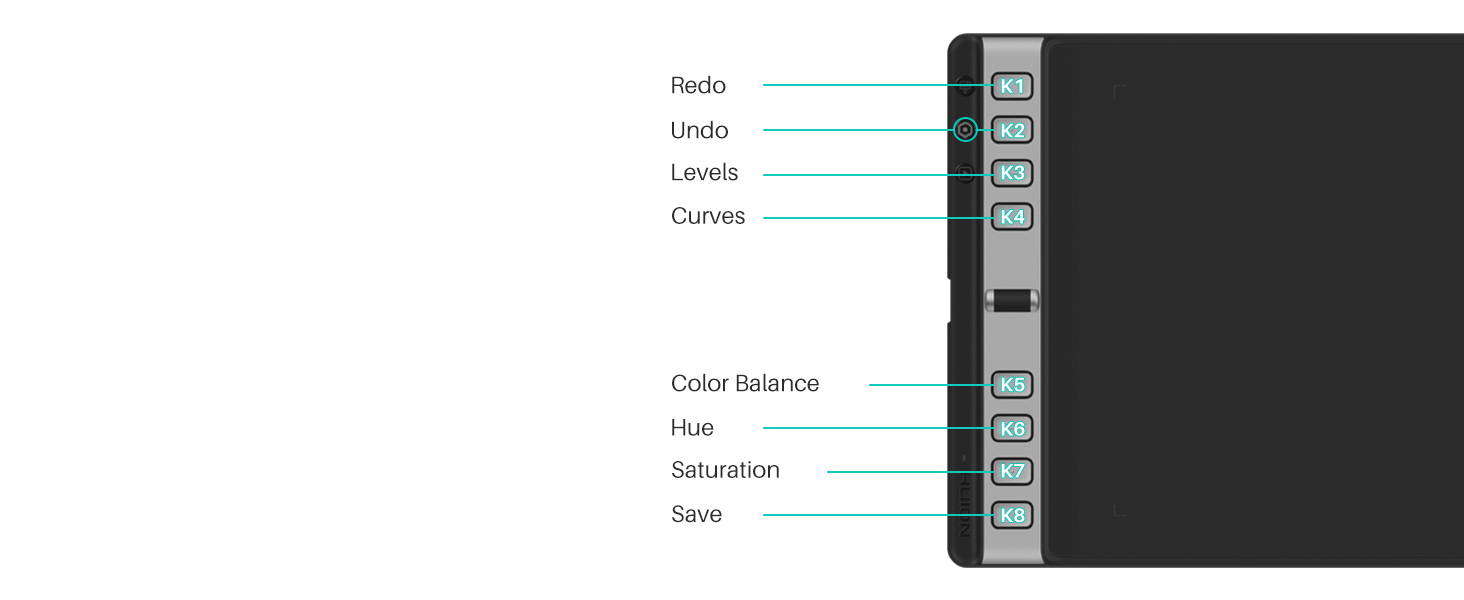
2nd Group Keys
This is only the recommended key, which is different from the actual default key.
-
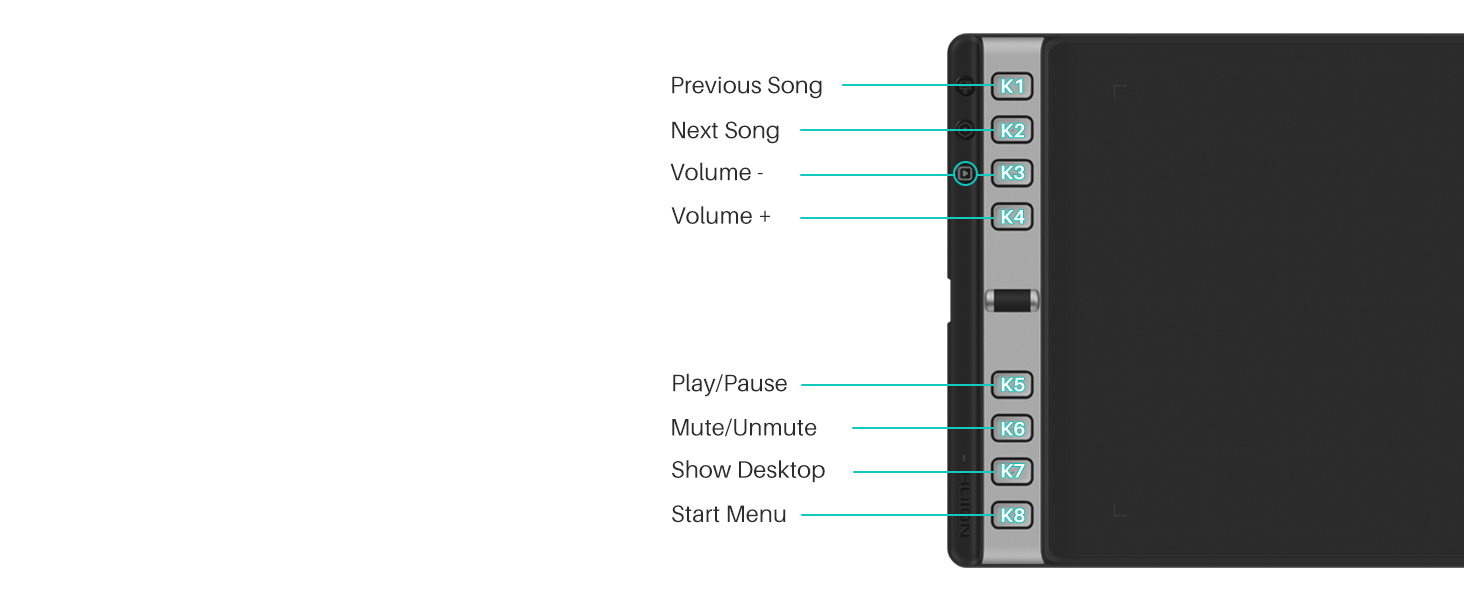
3rd Group Keys
If you like listening to music, you can set up a group of multimedia Keys to have higher creativity.
Get Total Digital Freedom

Digital Creativity
Inspiroy 2 L is a creative editing tablet designed to speed up content creation whether it’s illustration, animation, graphic design or photo editing.

Work From Home
Digital pen technology helps you annotate documents, and make presentations with ease while working from home or in a video conference.

Digital Classroom
Sketch shapes, write formulas & equations with Huion graphics tablet on computer is easier. It's ideal for subjects like math, biology, or physiology.

Electronic Signature
A more convenient solution for signing documents electronically is using Huion pen and tablet. Digital pen technology is designed for paperless office
-
Does this tablet need to connect to a computer? Is it a standalone product?
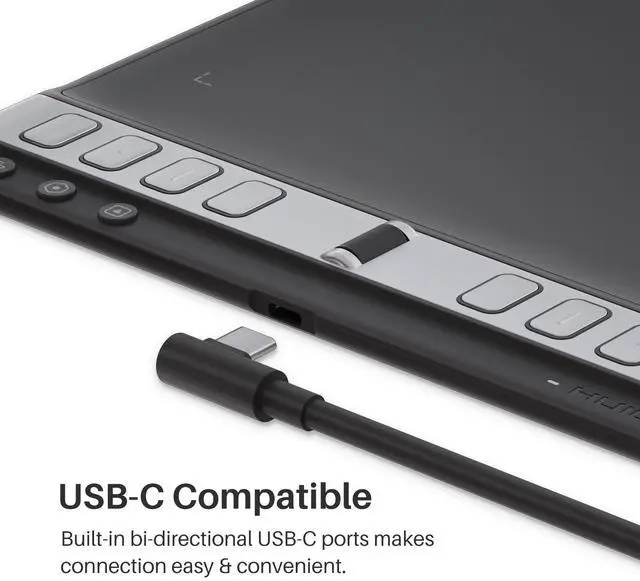
The drawing tablet is not a standalone product and has no internal power source. It must be connected to a computer, laptop, or smartphone using the included cable to work.
-
How to know if my mobile phone or tablet is compatible with this tablet?
Your phone or tablet must be equipped with Android 6.0 or above and should have OTG function. If you are not sure, please consult us for further information.
-
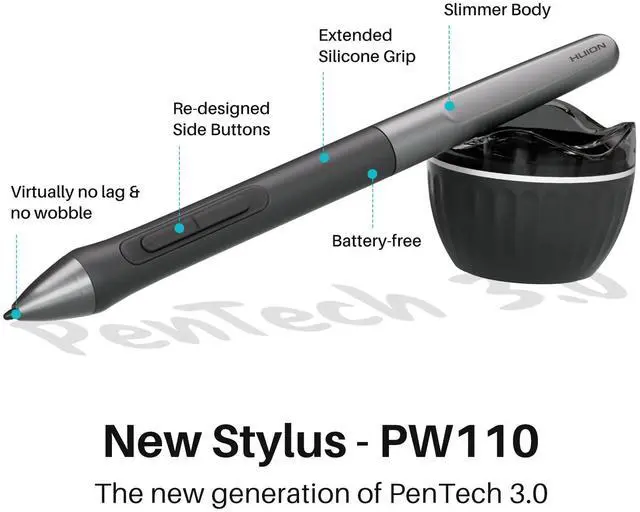
What pen technology does the PW110 employ?
The battery-free pen PW110 is powered by Huion PenTech 3.0, which improves user experience over the previous PenTech 2.0. It has a short retraction distance and can provide a more stable and natural drawing experience with improved accuracy delivery.
-
What are the improvements on the battery-free digital pen PW110?
1.PW110 has a longer silicone grip, which provides a more comfortable grip experience and reduces fatigue after long use.2.Anti-slip grip prevents sweating and slipping.3.The buttons on the pen keep the same height as the pen body against wrong press
-
Is it only for drawing or can I use it with other software?
It can replace computer mouse and be used for image editing, illustration, animation, graphic design, annotation, online learning, remote working with most creative software as well as many online learning applications and platforms on PC and Mac.
HUION Inspiroy 2 Medium Drawing Tablet with Scroll
Merchant Video
Scroll Into Efficiency
Adjust brush size easily with the intuitive scroll wheel and start painting quickly.
Write And Draw Like On Paper
Feel greater friction and bring a paper feel when you draw and write on Inspiroy 2.
Connect to Your Favorite OS
Works with Mac, Windows, Linux PC, ChromeOS 88 or later as well as certain Android phones & tablets.
Compact & Slim Design
You can easily pack it in your laptop bag and brought it to the coffee shop for on-the-go creation.
Available for Left-handed Artists
The press keys and Scroller are placed symmetrically, you can adjust the tablet 0°~180°.


One Press Key, Three Functions
3-Set 8 Customized press keys, with button preview interface, without memorizing it.
1st Group Keys
By pressing any of the group keys, the corresponding group of shortcuts will be enabled.
2nd Group Keys
This is only the recommended key, which is different from the actual default key.
3rd Group Keys
If you like listening to music, you can set up a group of multimedia Keys to have higher creativity.


Get Total Digital Freedom
Digital Creativity
Inspiroy 2 L is a creative editing tablet designed to speed up content creation whether it’s illustration, animation, graphic design or photo editing.
Work From Home
Digital pen technology helps you annotate documents, and make presentations with ease while working from home or in a video conference.
Digital Classroom
Sketch shapes, write formulas & equations with Huion graphics tablet on computer is easier. It's ideal for subjects like math, biology, or physiology.
Electronic Signature
A more convenient solution for signing documents electronically is using Huion pen and tablet. Digital pen technology is designed for paperless office
| Model name | Inspiroy 2 L |
|---|---|
| Product Size & Weight | 352.5 × 208.7 × 7.5mm (13.88 x 8.22 x 0.3inch); 600g (1.32lb) |
| Shortcut Keys | 1 Scroll wheel & 3-Set 8 customized press keys |
| Pen included | PW110 |
| Pen Features | PenTech 3.0, Battery-free EMR, 8192 pen pressure, ±60° tilt, 5080 LPI pen resolution, >260PPS report rate |
| Working Area | PC Mode: 266.7 x 166.7mm (10.5 x 6.56inch); Phone Mode: 166.7 x 83.35mm (6.56 x 3.28inch) |
| OS Compatibility | Windows 7 or later, macOS 10.12 or later, Android 6.0 or later, Linux(Ubuntu 20.04 LTS) |
| What's in the box | 1x drawing tablet, 1x digital pen, 1x USB-C cable, 1x OTG adapter, 10x replacement nibs, 1x pen holder, 1x quick start guide |
-
Does this tablet need to connect to a computer? Is it a standalone product?
The drawing tablet is not a standalone product and has no internal power source. It must be connected to a computer, laptop, or smartphone using the included cable to work.
-
How to know if my mobile phone or tablet is compatible with this tablet?
Your phone or tablet must be equipped with Android 6.0 or above and should have OTG function. If you are not sure, please consult us for further information.
-
What pen technology does the PW110 employ?
The battery-free pen PW110 is powered by Huion PenTech 3.0, which improves user experience over the previous PenTech 2.0. It has a short retraction distance and can provide a more stable and natural drawing experience with improved accuracy delivery.
-
What are the improvements on the battery-free digital pen PW110?
1.PW110 has a longer silicone grip, which provides a more comfortable grip experience and reduces fatigue after long use.2.Anti-slip grip prevents sweating and slipping.3.The buttons on the pen keep the same height as the pen body against wrong press
-
Is it only for drawing or can I use it with other software?
It can replace computer mouse and be used for image editing, illustration, animation, graphic design, annotation, online learning, remote working with most creative software as well as many online learning applications and platforms on PC and Mac.
-
Founded in 2011, Huion has always been dedicated to providing high-quality pen tablets, pen displays, and pen computers to creative users.
And our products not only help artists, designers, and animators to create fantastic digital masterpieces, but also bring digital ink solutions to many people around the world, changing the way they create, learn and work.
We believe the world is in your hands.
-
New Release-Kamvas 22 (Gen3)
-
KAMVAS Pro 27 (144Hz) 4K
-
Kamvas Pro 24(Gen3)
-
New release-Kamvas 13 (Gen 3) Special Edition
-
New Release-Kamvas Pro 16 V2
-
-
-
Inspiroy 2
-
Kamvas Pro | Higher Resolution
-
Huion Note Digital Notebook
-
Kamvas Series | Best Price
-
Inspiroy Series | Entry Level
-
-