




Huion Keydial Mini
Merchant Video
Bluetooth 5.0 Connectivity
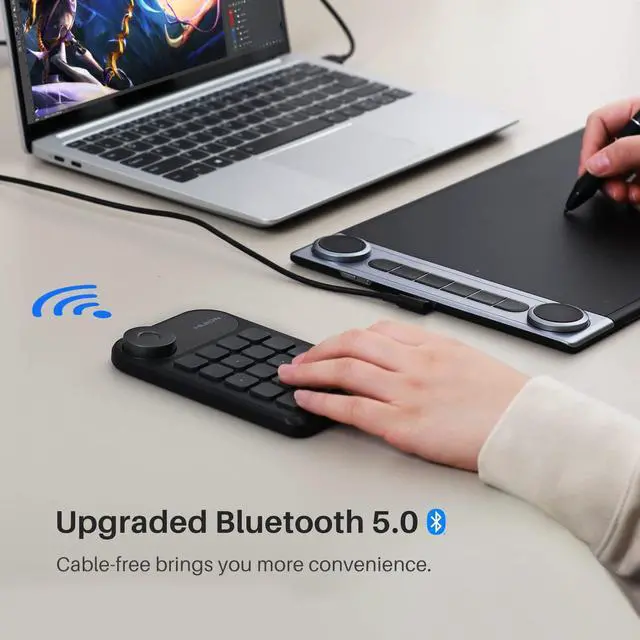
Huion Keydial Mini keyboard is upgraded to support Bluetooth connection bringing you cable-free convenience.
*Operating distance is up to 33 feet.

Multi-Device, Multi OS
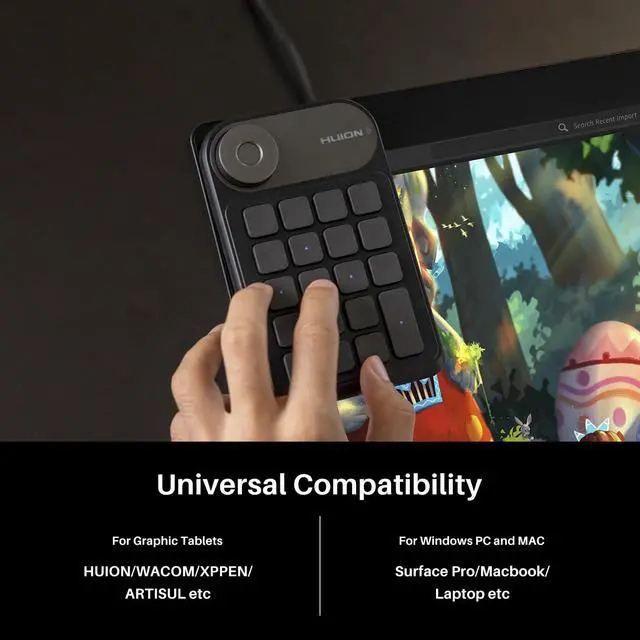
The wireless keyboard is compatible with macOS and Windows. It can work with other brands' graphics tablets, also work with Surface Pro, laptops, etc.

Long-lasting battery life
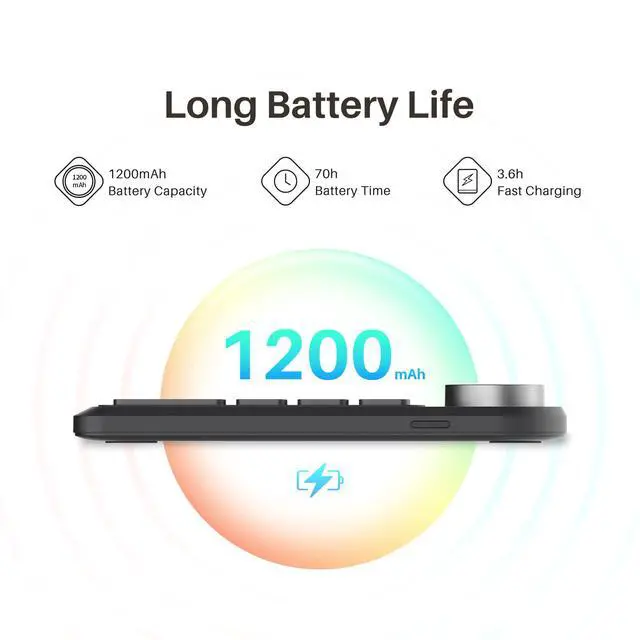
Built-in 1200mAh battery with auto-sleep function ensures continuous working for about 70h and stand by for 3 months on a fast 3.6h full-charging.

Portable Design
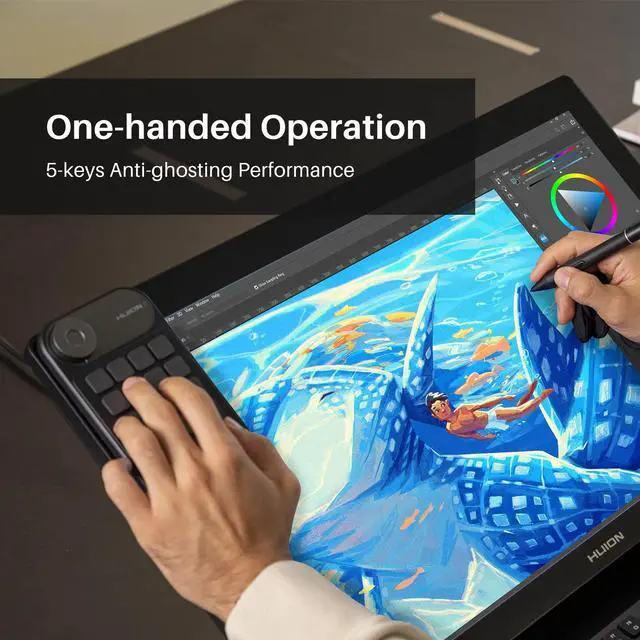
The Keydial mini uses a portable and compact design so it is easy-to-carry and space-saving. It also enable you to control with just one hand at ease.
Dial in Your Creativity
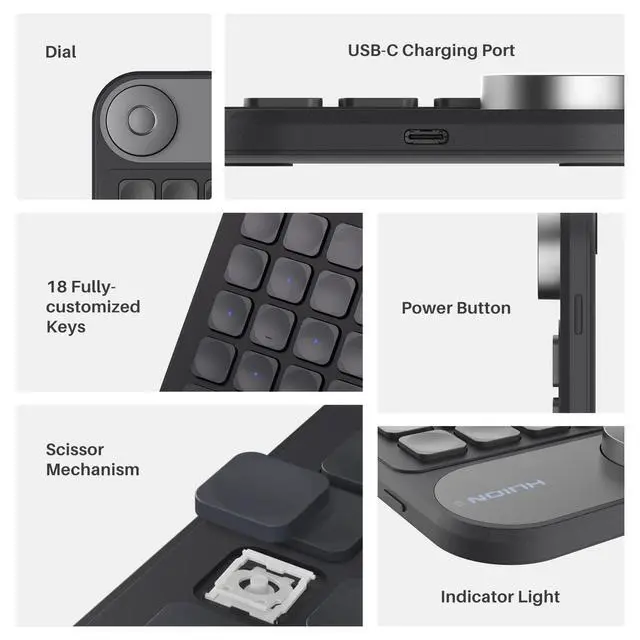
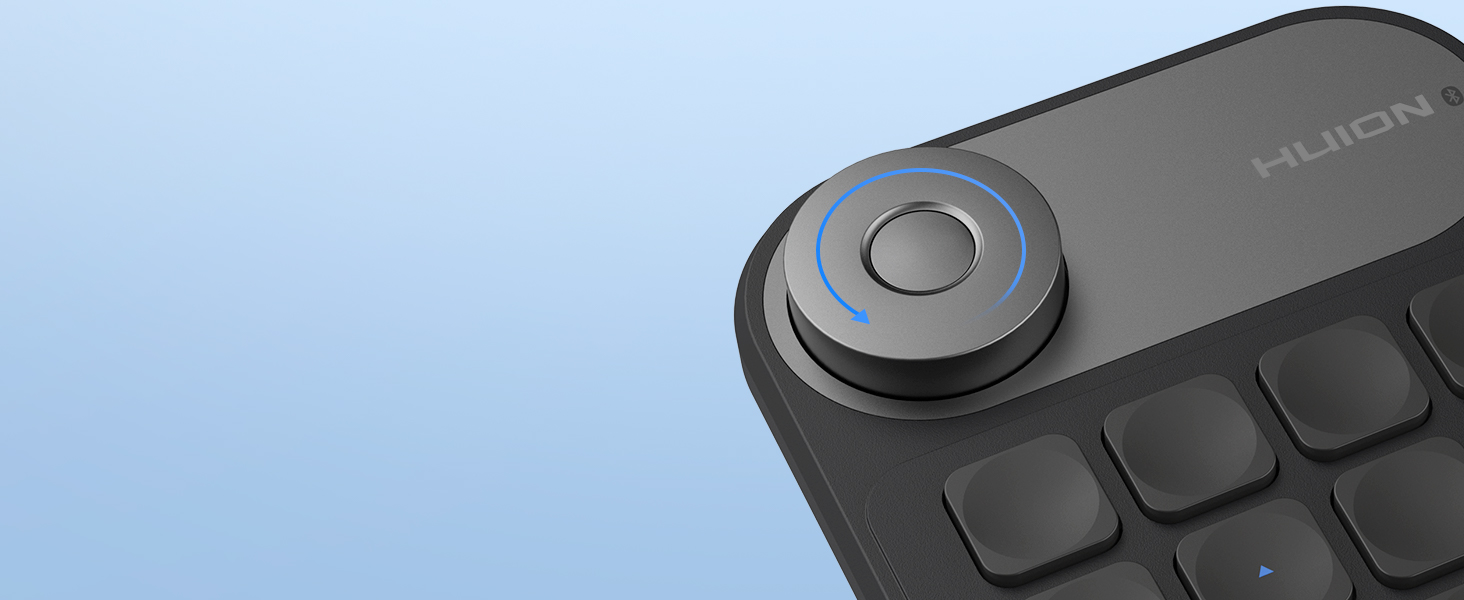
The dial can be set up to 3 different functions and easily switch between them by tapping the middle. With a simple tun of dial, you can get out of the trouble of using complicated shortcut keys.
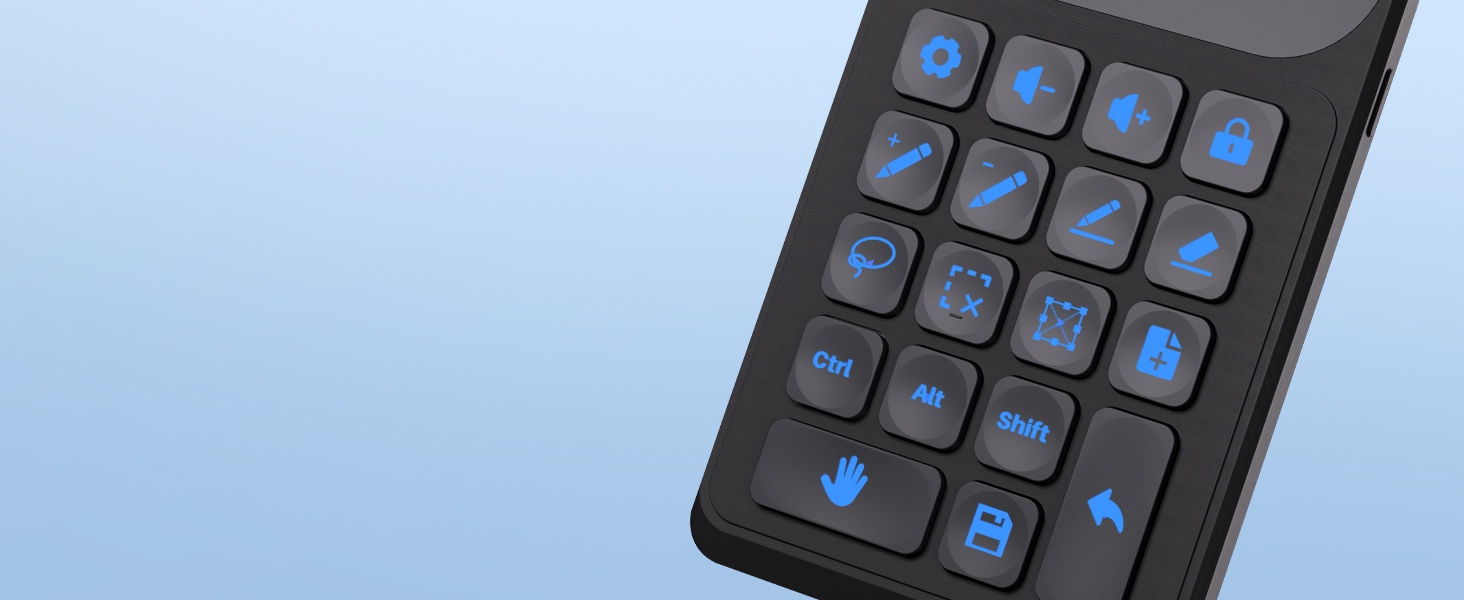
18 Programmable Keys + 5 Anti-ghosting Keys
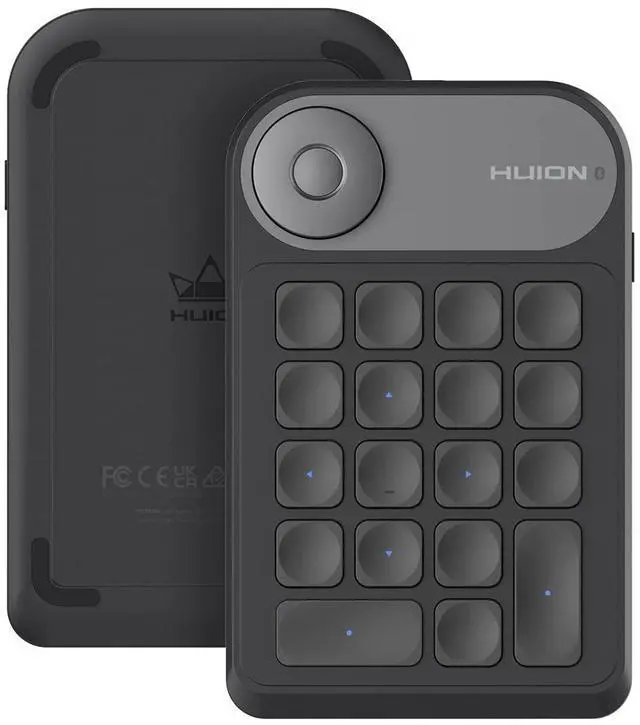
18 button layout offers unparalleled shortcut key customization. Beside, it is updated to support Anti-ghosting technology of up to 5 keys, offering you more possibilities for operation.

Powerful Driver System
The driver allows you to customize function & name of each button & dial, and offers "Setting Preview" to help you memorize them. You also can assign dedicated controls for each application you use.
A Cost-effective Creative Editing Tool For Beginner and Professionals

Digital Drawing
You can easily control brush size or undo each line of drawing step-by-step with the dial. And all these control can be done with just one hand. Unlock your drawing talent in a more intuitive way.

Photo Editing
Use the dial for faster image zooming, and customize the buttons for smoother operation like merging layers, switching tools, etc. Keydial Mini let you edit more efficiently with total focus on works.

Video Editing
The dial and 18 customized keys make time-line control, trimming, editing video frame-by-frame like a breeze within a fingers reach and you don’t need any finger contortions to press them.
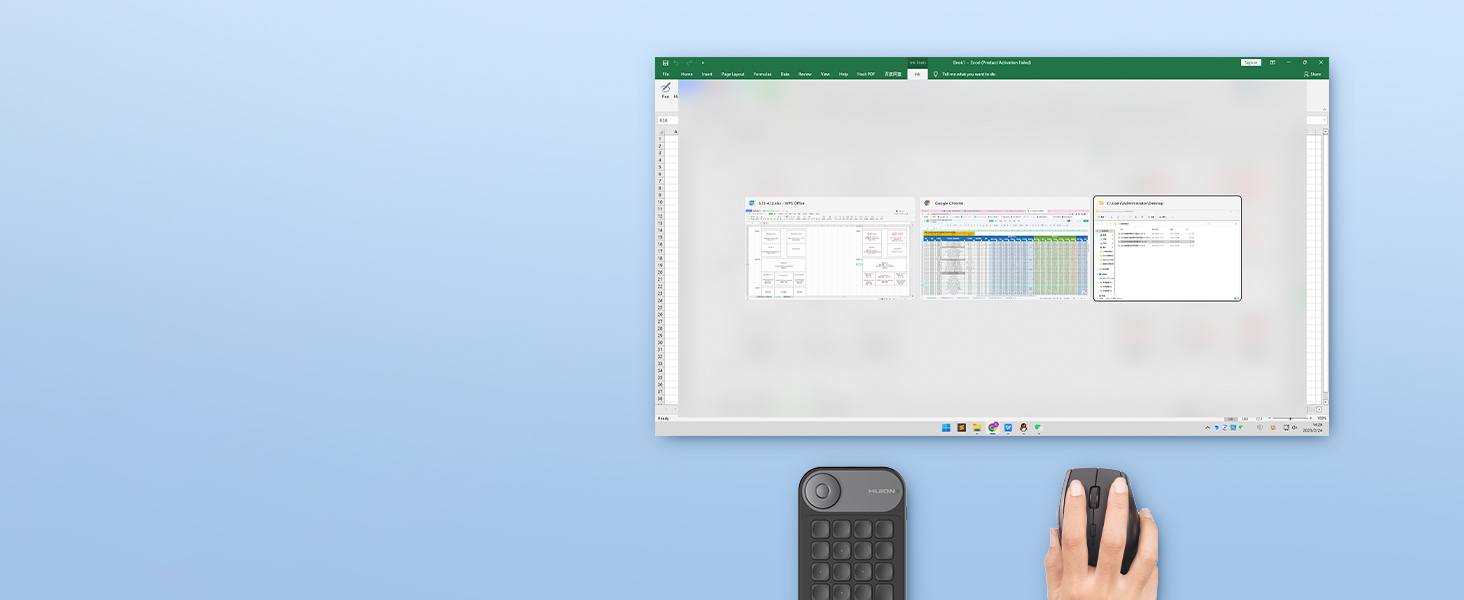
Media Control
Place this mini wireless keyboard next to your mouse, then use it for media playing to play/pause, next/previous, control volume, switch app, browse website, boosting your computer productivity.
Compare Similar Products
Bluetooth 5.0/Wired | Connectivity | 2xBluetooth5.0/Wired |
Programmable Dial | ||
18 Keys | Customized Keys | 48 Keys & Dual Dial |
5 Keys | Anti-ghosting Keys | All Keys |
Mac, Windows | OS Support | Mac, Windows, Mobile |
5.75 x 3.66 x 0.42 | Dimension( inches ) | 5.98 x 2.2 x 0.53 |
4 ounces | Net Weight | 3.84 ounces |
Bluetooth 5.0/Wired | Connectivity | 2.4G Wireless/Wired |
Programmable Dial | ||
18 Keys | Customized Keys | 18 Keys |
5 Keys | Anti-ghosting Keys | None |
Mac, Windows | OS Support | Mac, Windows |
5.75 x 3.66 x 0.42 | Dimension( inches ) | 5.75 x 3.66 x 0.42 |
4 ounces | Net Weight | 4 ounces |


What's the system requirement?
It is compatible with Windows 7 or later, macOS 10.12 or later. You can use the default functions of Keydial without a driver. If you want to customize the functions of the dial controller and press keys, please download the driver from our website.
What can I do if the keyboad doesn't work?
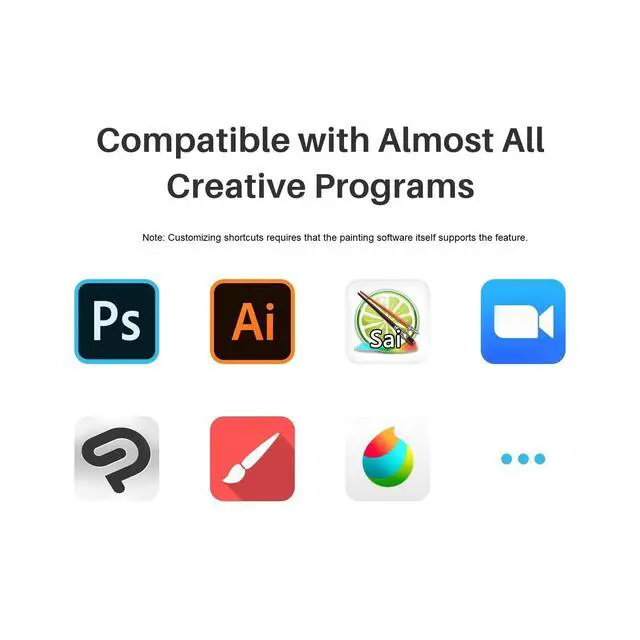
1. Make sure the keyboad is properly connected to your computer/laptop. 2. Make sure the keyboad is fully charged. 3. Make sure your drawing software supports shortcut key customization
Can you set up different shortcuts for different apps?
Yes, you are able to setup application specific settings which allows you to set the keys and dial for different shortcuts based on the active application. But it does not support multiple setting profiles for an app at present.
Does this mini keyboard support using multiple keys inputs?
Yes, the Huion Keydial Mini is upgraded to support 5-keys anti-ghosting. You can be press up to 5 keys at the same time.


Founded in 2011, Huion has always been dedicated to providing high-quality pen tablets, pen displays, and pen computers to creative users.
And our products not only help artists, designers, and animators to create fantastic digital masterpieces, but also bring digital ink solutions to many people around the world, changing the way they create, learn and work.
We believe the world is in your hands.



KAMVAS Pro 27 (144Hz) 4K



New Launch-Kamvas Pro 24(Gen3)

New release-Kamvas 13 (Gen 3) Special Edition



New Release-Kamvas Pro 16 V2
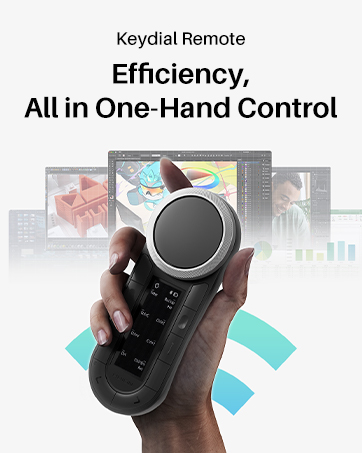
New release-Keydial Remote
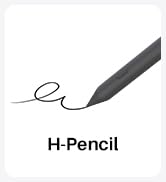
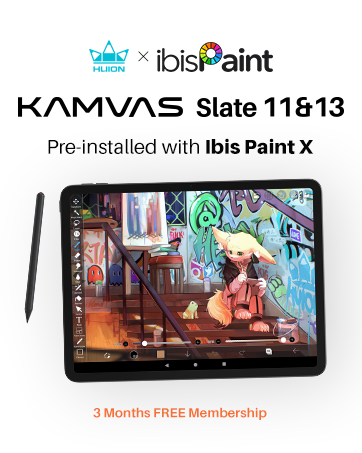
Kamvas slate 11 &13
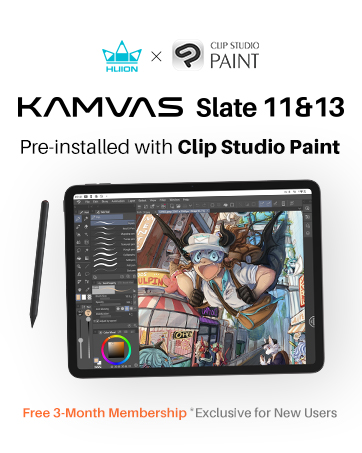


Kamvas 16(Gen 3)



Inspiroy 2



Kamvas Pro | Higher Resolution

Huion Note Digital Notebook


Kamvas Series | Best Price
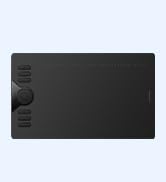
Inspiroy Series | Entry Level
Huion Keydial Mini
Merchant VideoBluetooth 5.0 Connectivity
Huion Keydial Mini keyboard is upgraded to support Bluetooth connection bringing you cable-free convenience.
*Operating distance is up to 33 feet.
Multi-Device, Multi OS
The wireless keyboard is compatible with macOS and Windows. It can work with other brands' graphics tablets, also work with Surface Pro, laptops, etc.
Long-lasting battery life
Built-in 1200mAh battery with auto-sleep function ensures continuous working for about 70h and stand by for 3 months on a fast 3.6h full-charging.
Portable Design
The Keydial mini uses a portable and compact design so it is easy-to-carry and space-saving. It also enable you to control with just one hand at ease.
Dial in Your Creativity
18 Programmable Keys + 5 Anti-ghosting Keys
Powerful Driver System


The dial can be set up to 3 different functions and easily switch between them by tapping the middle. With a simple tun of dial, you can get out of the trouble of using complicated shortcut keys.
18 button layout offers unparalleled shortcut key customization. Beside, it is updated to support Anti-ghosting technology of up to 5 keys, offering you more possibilities for operation.
The driver allows you to customize function & name of each button & dial, and offers "Setting Preview" to help you memorize them. You also can assign dedicated controls for each application you use.
A Cost-effective Creative Editing Tool For Beginner and Professionals
Digital Drawing
Photo Editing
Video Editing
Media Control


You can easily control brush size or undo each line of drawing step-by-step with the dial. And all these control can be done with just one hand. Unlock your drawing talent in a more intuitive way.
Use the dial for faster image zooming, and customize the buttons for smoother operation like merging layers, switching tools, etc. Keydial Mini let you edit more efficiently with total focus on works.
The dial and 18 customized keys make time-line control, trimming, editing video frame-by-frame like a breeze within a fingers reach and you don’t need any finger contortions to press them.
Place this mini wireless keyboard next to your mouse, then use it for media playing to play/pause, next/previous, control volume, switch app, browse website, boosting your computer productivity.
Compare Similar Products
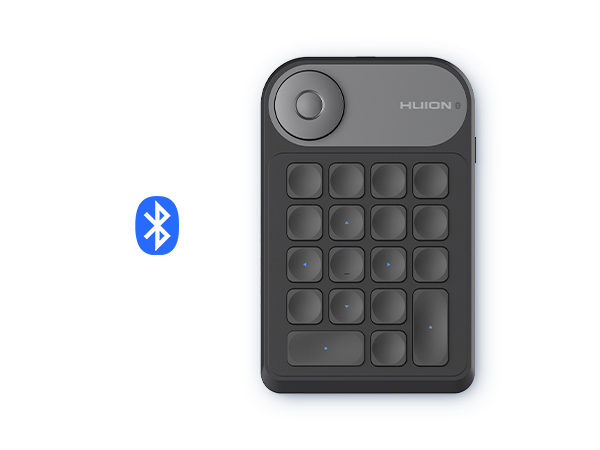
Keydial Mini K20
Connectivity
Bluetooth 5.0/Wired
Programmable Dial
Customized Keys
18 Keys
Anti-ghosting Keys
5 Keys
OS Support
Mac, Windows
Dimension( inches )
5.75 x 3.66 x 0.42
Net Weight
4 ounces
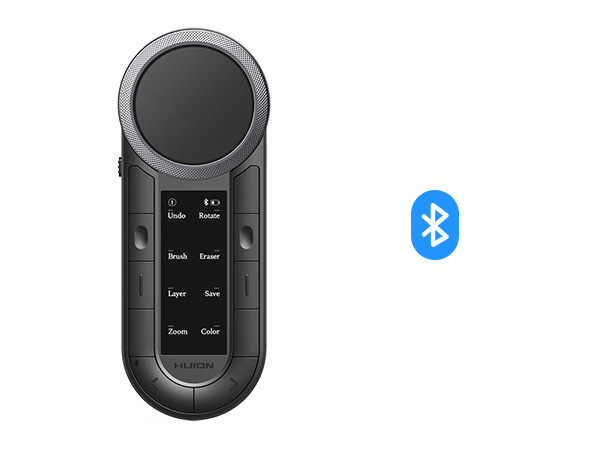
Keydial Remote K40
Connectivity
2xBluetooth5.0/Wired
Programmable Dial
Customized Keys
48 Keys & Dual Dial
Anti-ghosting Keys
All Keys
OS Support
Mac, Windows, Mobile
Dimension( inches )
5.98 x 2.2 x 0.53
Net Weight
3.84 ounces
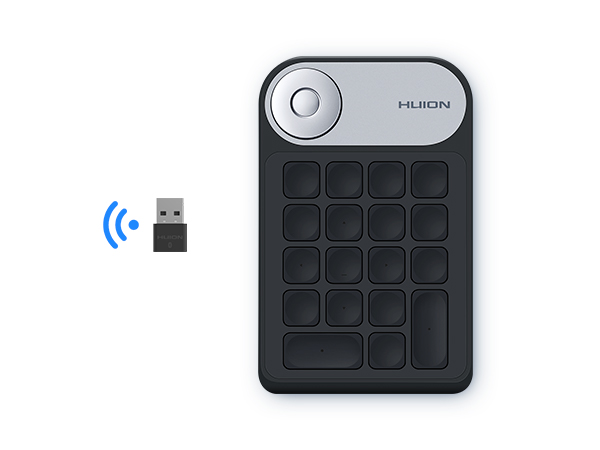
Mini Keydial KD100
Connectivity
2.4G Wireless/Wired
Programmable Dial
Customized Keys
18 Keys
Anti-ghosting Keys
None
OS Support
Mac, Windows
Dimension( inches )
5.75 x 3.66 x 0.42
Net Weight
4 ounces
What's the system requirement?
It is compatible with Windows 7 or later, macOS 10.12 or later. You can use the default functions of Keydial without a driver. If you want to customize the functions of the dial controller and press keys, please download the driver from our website.
What can I do if the keyboad doesn't work?
1. Make sure the keyboad is properly connected to your computer/laptop. 2. Make sure the keyboad is fully charged. 3. Make sure your drawing software supports shortcut key customization
Can you set up different shortcuts for different apps?
Yes, you are able to setup application specific settings which allows you to set the keys and dial for different shortcuts based on the active application. But it does not support multiple setting profiles for an app at present.
Does this mini keyboard support using multiple keys inputs?
Yes, the Huion Keydial Mini is upgraded to support 5-keys anti-ghosting. You can be press up to 5 keys at the same time.
Founded in 2011, Huion has always been dedicated to providing high-quality pen tablets, pen displays, and pen computers to creative users.
And our products not only help artists, designers, and animators to create fantastic digital masterpieces, but also bring digital ink solutions to many people around the world, changing the way they create, learn and work.
We believe the world is in your hands.
KAMVAS Pro 27 (144Hz) 4K
New Launch-Kamvas Pro 24(Gen3)
New release-Kamvas 13 (Gen 3) Special Edition
New Release-Kamvas Pro 16 V2
New release-Keydial Remote
Kamvas slate 11 &13
Kamvas 16(Gen 3)
Inspiroy 2
Kamvas Pro | Higher Resolution
Huion Note Digital Notebook
Kamvas Series | Best Price
Inspiroy Series | Entry Level