






Founded in 2011, Huion has always been dedicated to providing high-quality pen tablets, pen displays, and pen computers to creative users.
And our products not only help artists, designers, and animators to create fantastic digital masterpieces, but also bring digital ink solutions to many people around the world, changing the way they create, learn and work.
We believe the world is in your hands.



New Release-Kamvas 22 (Gen3)


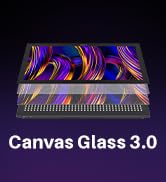
KAMVAS Pro 27 (144Hz) 4K


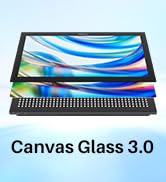

Kamvas Pro 24(Gen3)

New release-Kamvas 13 (Gen 3) Special Edition


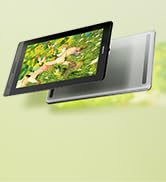

New Release-Kamvas Pro 16 V2
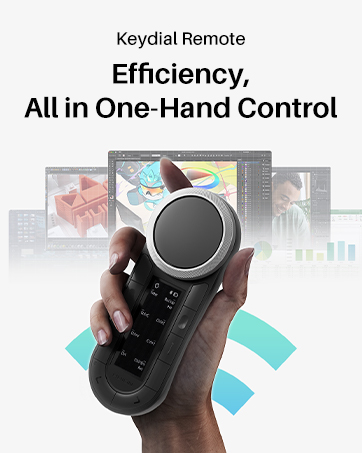
New release-Keydial Remote

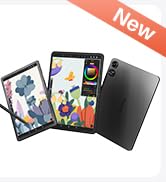
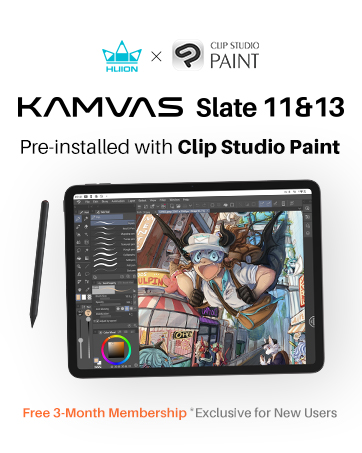
Kamvas slate 11 &13
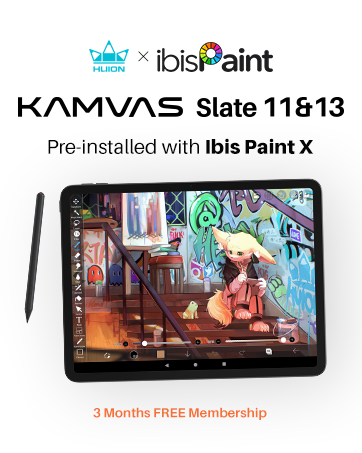


Kamvas 16(Gen 3)



Inspiroy 2

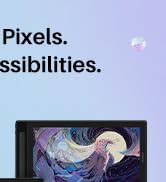
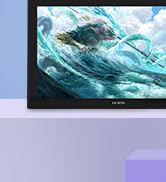
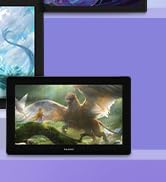
Kamvas Pro | Higher Resolution




Huion Note Digital Notebook

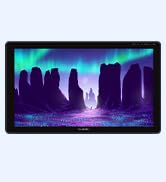
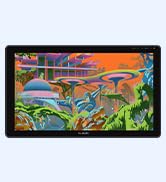
Kamvas Series | Best Price
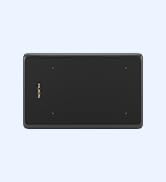
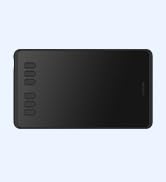
Inspiroy Series | Entry Level




Q1: How big is this tablet? Will it fit on my small desk?
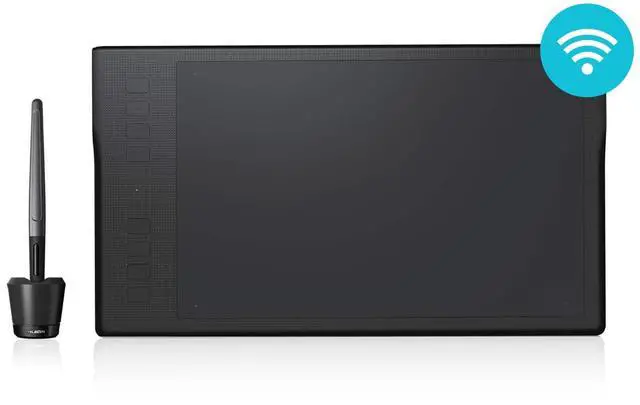
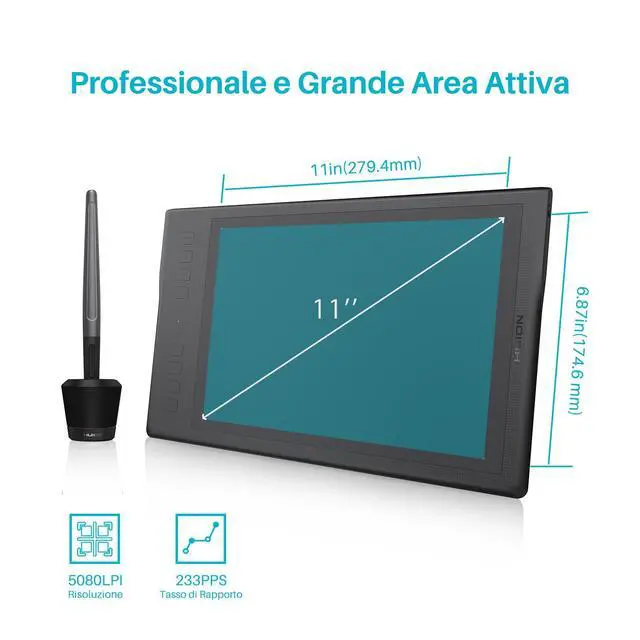
A1: The Huion Q11K measures 390 x 223 x 11mm (approximately 15.35 x 8.78 x 0.43 inches) .
We highly recommend measuring your desk space before purchasing to ensure you have enough room for the tablet.
Q2: What's inside the box? Where are the extra nibs? Why is there no driver CD?
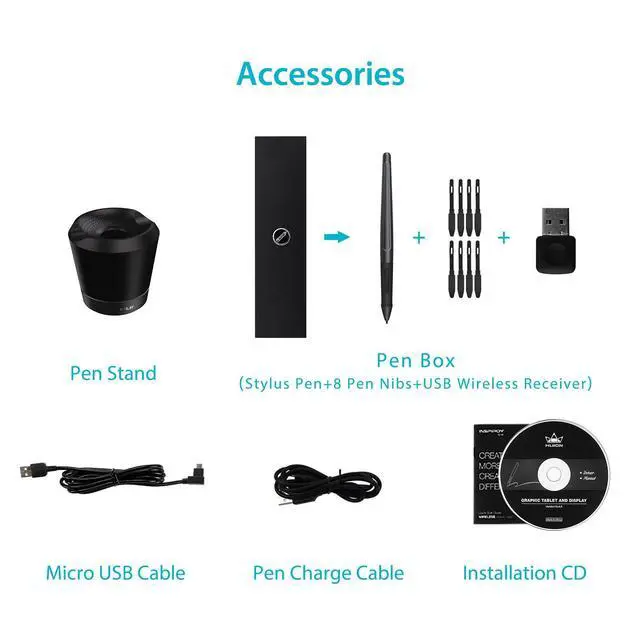
A2: The box contains:
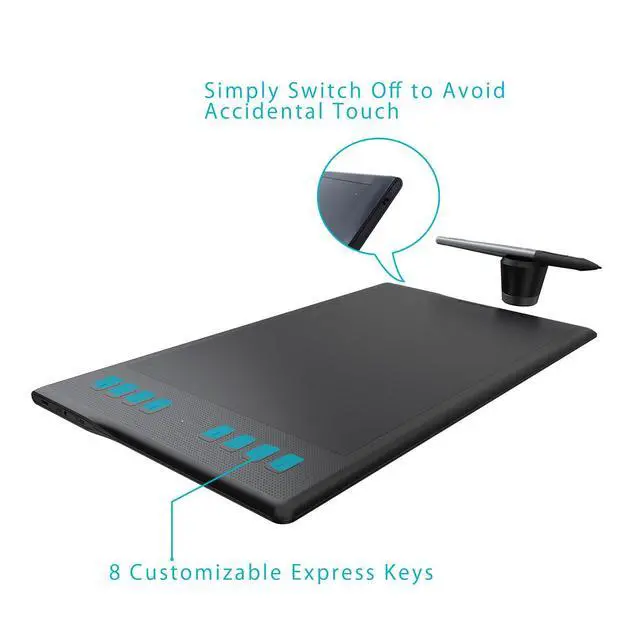
Huion Inspiroy Q11K Graphics Tablet
Quick Start Guide
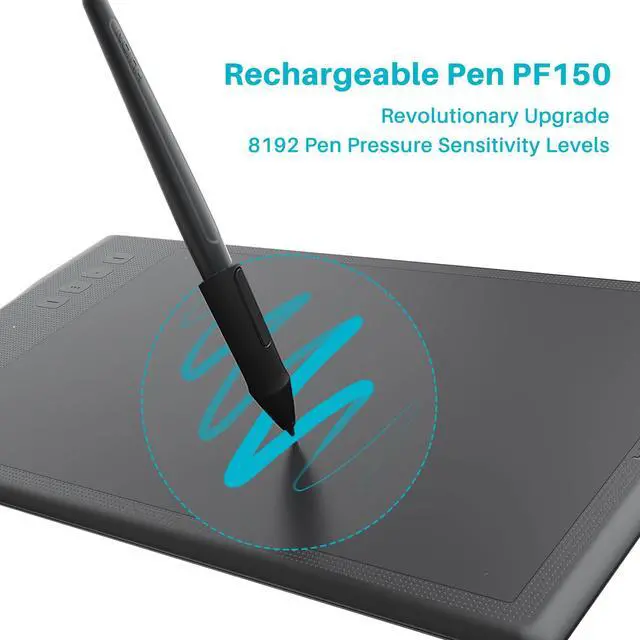
Rechargeable Pen PF150
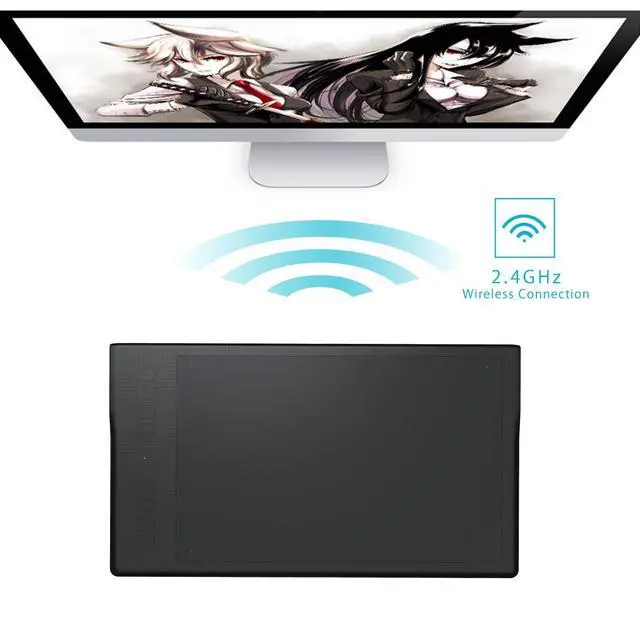
Wireless Receiver
8 Pen tips(Packed inside the Pen Box)
Pen Stand(Unscrew the base to find the built-in nib extractor and 8 replacement nibs!)
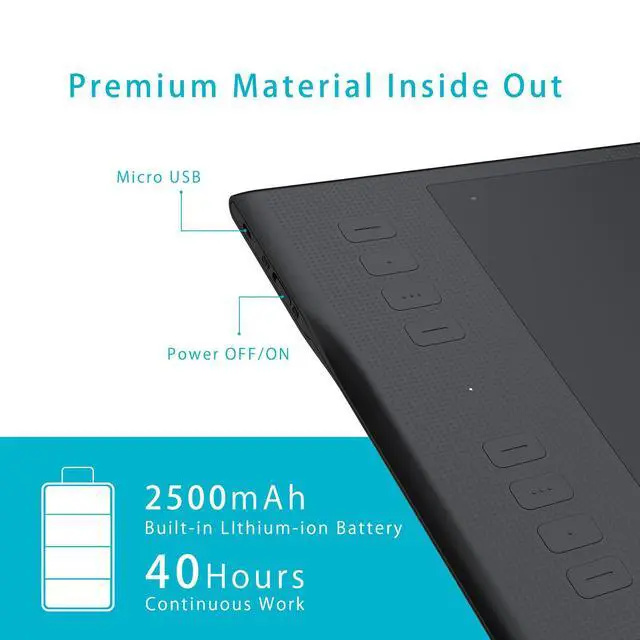
Micro USB Cable
No driver CD is included to support eco-friendliness and modern PCs. Please download the latest driver from the official Huion website.
Q3:Troubleshooting Guide: Cursor/No Response Issues
A. Restart your drawing app.
B. Restart your computer.
C. Reinstall driver from Huion website.
D. Test on another computer.
Q4:How to Install the Driver on my computer?
Close antivirus/graphic software before installing. Requires Windows 7+. Download and install "Driver-Q11K". When driver UI appears, it's connected. Restart PC if issues occur. Uninstalling disables tablet; reinstall to reset.
Q1: How big is this tablet? Will it fit on my small desk?
A1: The Huion Q11K measures 390 x 223 x 11mm (approximately 15.35 x 8.78 x 0.43 inches) .
We highly recommend measuring your desk space before purchasing to ensure you have enough room for the tablet.
Q2: What's inside the box? Where are the extra nibs? Why is there no driver CD?
A2: The box contains:
Huion Inspiroy Q11K Graphics Tablet
Quick Start Guide
Rechargeable Pen PF150
Wireless Receiver
8 Pen tips(Packed inside the Pen Box)
Pen Stand(Unscrew the base to find the built-in nib extractor and 8 replacement nibs!)
Micro USB Cable
No driver CD is included to support eco-friendliness and modern PCs. Please download the latest driver from the official Huion website.
Q3:Troubleshooting Guide: Cursor/No Response Issues
A. Restart your drawing app.
B. Restart your computer.
C. Reinstall driver from Huion website.
D. Test on another computer.
Q4:How to Install the Driver on my computer?
Close antivirus/graphic software before installing. Requires Windows 7+. Download and install "Driver-Q11K". When driver UI appears, it's connected. Restart PC if issues occur. Uninstalling disables tablet; reinstall to reset.
Founded in 2011, Huion has always been dedicated to providing high-quality pen tablets, pen displays, and pen computers to creative users.
And our products not only help artists, designers, and animators to create fantastic digital masterpieces, but also bring digital ink solutions to many people around the world, changing the way they create, learn and work.
We believe the world is in your hands.
New Release-Kamvas 22 (Gen3)
KAMVAS Pro 27 (144Hz) 4K
Kamvas Pro 24(Gen3)
New release-Kamvas 13 (Gen 3) Special Edition
New Release-Kamvas Pro 16 V2
New release-Keydial Remote
Kamvas slate 11 &13
Kamvas 16(Gen 3)
Inspiroy 2
Kamvas Pro | Higher Resolution
Huion Note Digital Notebook
Kamvas Series | Best Price
Inspiroy Series | Entry Level