




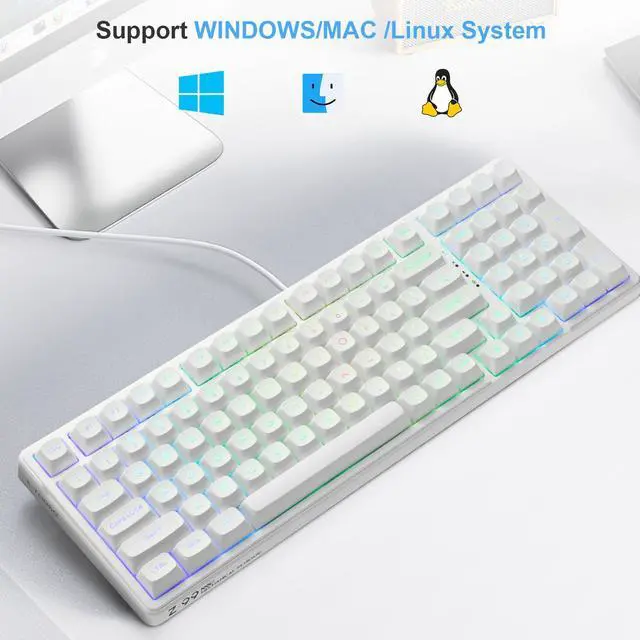


hero-video
Merchant Video


If some key does not work correctly, how to fix?
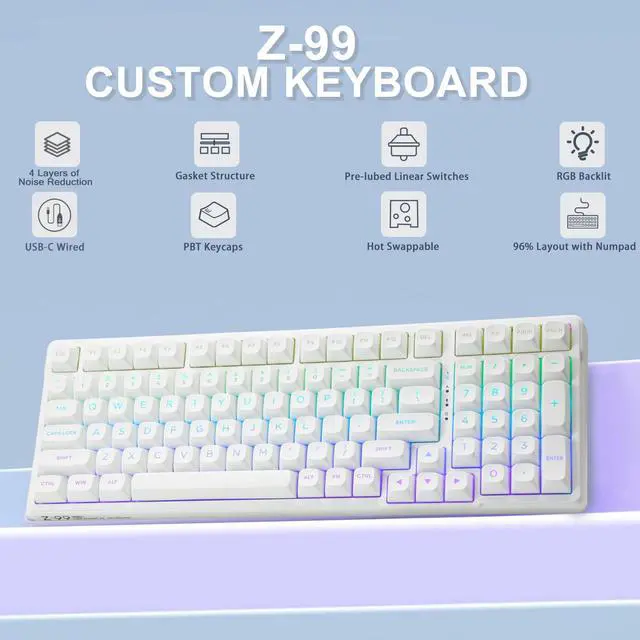
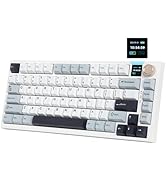
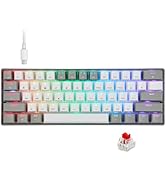
The switches are hot swappable, change the switch with the included spare switches. It will work again.
How to change different RGB light?
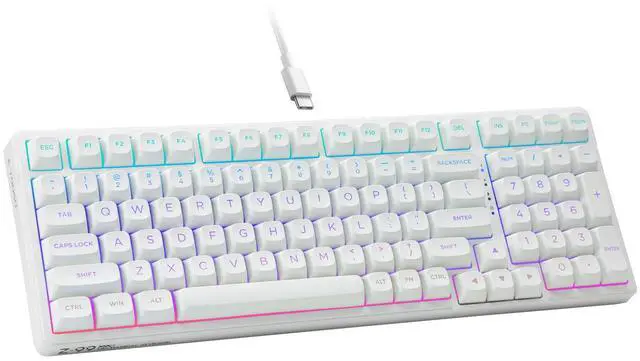
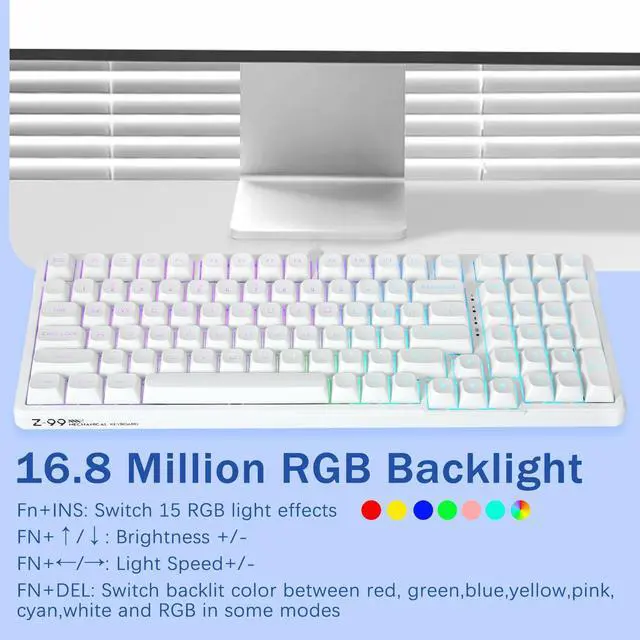
Press FN+INS to change backlit. Please see details in the description. If it does not work, please press FN+ESC for 3 seconds to restore factory setting.
How to turn off the backlit?
Please press FN+? for 4 times. Every time you press FN+?, the light will dim a little, and after 4 times, the backlight will turn off. Press FN+? to increase the backlit. Or you can turn off backlit by software
How to use copy (Ctrl + C) and paste (Ctrl + V) shortcuts on Mac syestem?
First press FN+A to Mac syetem, then press ALT+C to copy and ALT+V to paste

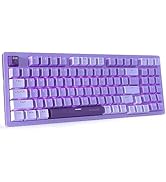
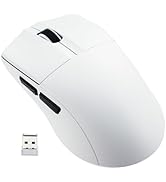
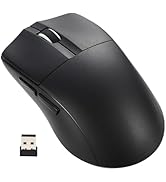
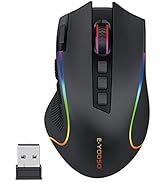
hero-video
Merchant Video


If some key does not work correctly, how to fix?
The switches are hot swappable, change the switch with the included spare switches. It will work again.
How to change different RGB light?
Press FN+INS to change backlit. Please see details in the description. If it does not work, please press FN+ESC for 3 seconds to restore factory setting.
How to turn off the backlit?
Please press FN+? for 4 times. Every time you press FN+?, the light will dim a little, and after 4 times, the backlight will turn off. Press FN+? to increase the backlit. Or you can turn off backlit by software
How to use copy (Ctrl + C) and paste (Ctrl + V) shortcuts on Mac syestem?
First press FN+A to Mac syetem, then press ALT+C to copy and ALT+V to paste
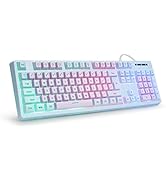
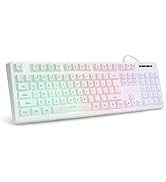
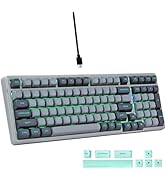
Hot Sale Gaming Keyboard
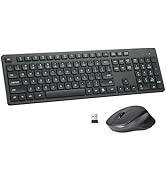
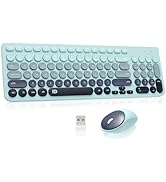
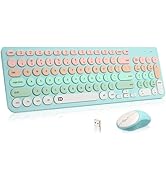
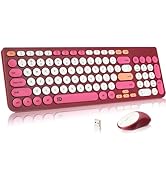
Hot Sale Wireless Keyboard
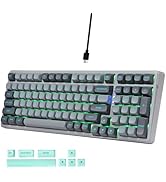
Hot Sale Gaming Keyboard
Hot Sale Gaming Mouse
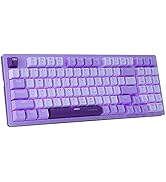
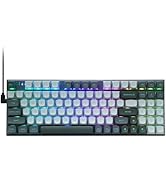
RGB Gaming Keyobard
Wireless Keyboard and Mouse
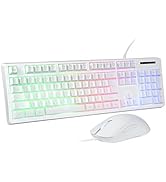
Wired Gaming Keyboard