here!
here!
I’m your shopping assistant for PC builds, upgrades, and everything tech.
Got questions? Ask away!
Start a conversation
here!
I’m your shopping assistant for PC builds, upgrades, and everything tech.
Got questions? Ask away!
Start a conversation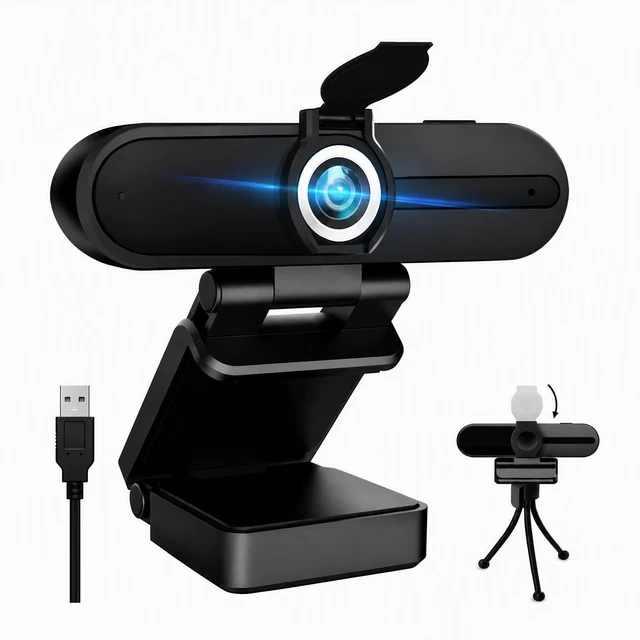
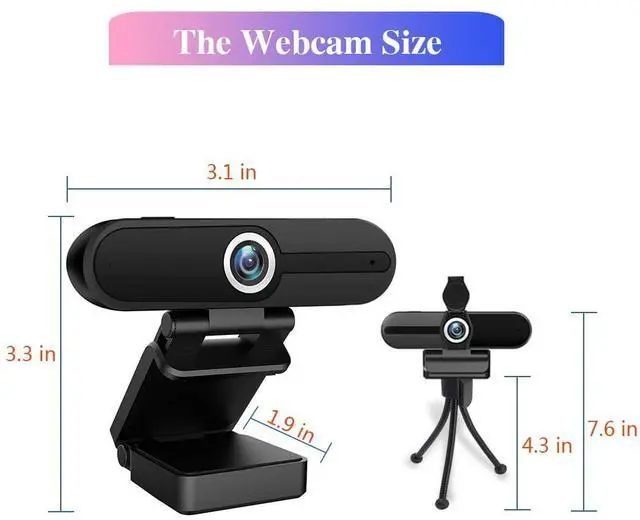



Any questions? Ask CelesteSM will help you find out quickly.
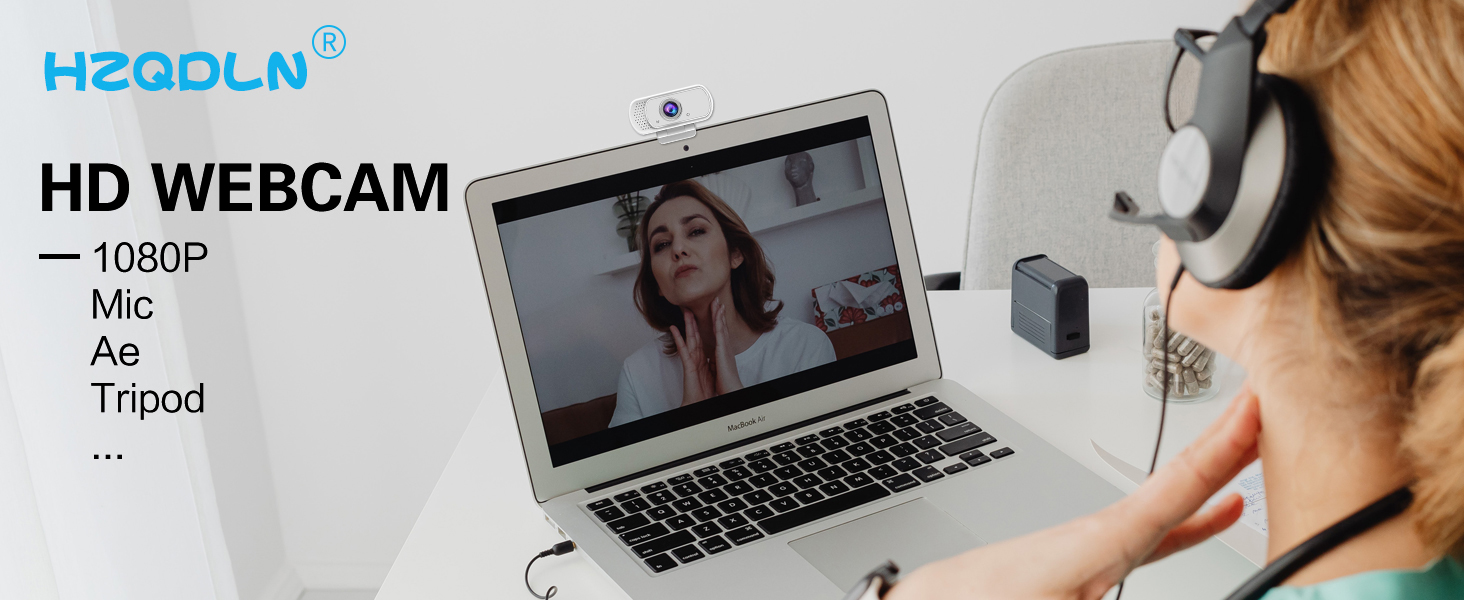
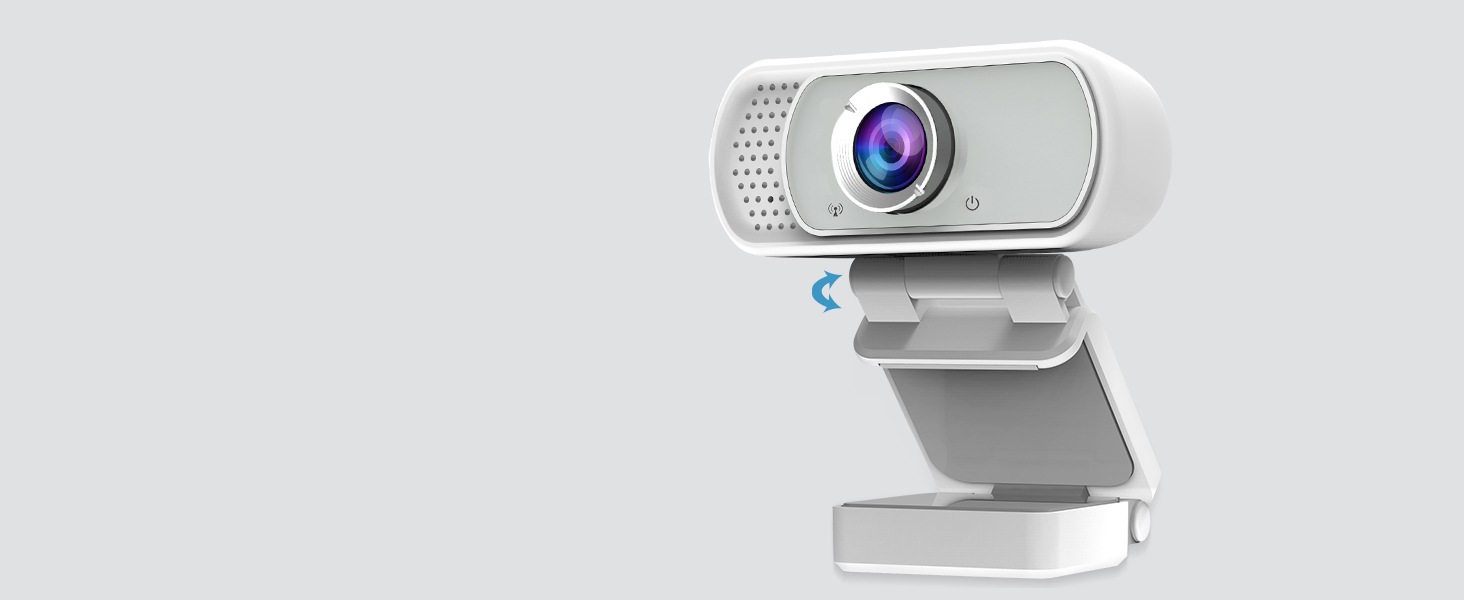
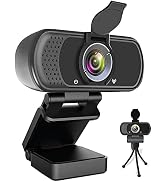
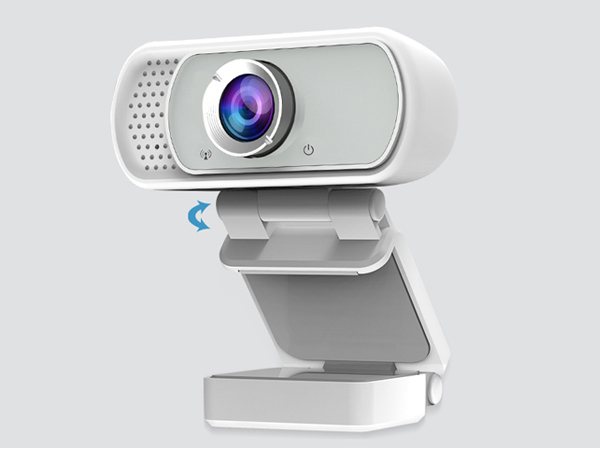
Up and down 160 degrees can be adjusted, with a tripod can be adjusted to any Angle.
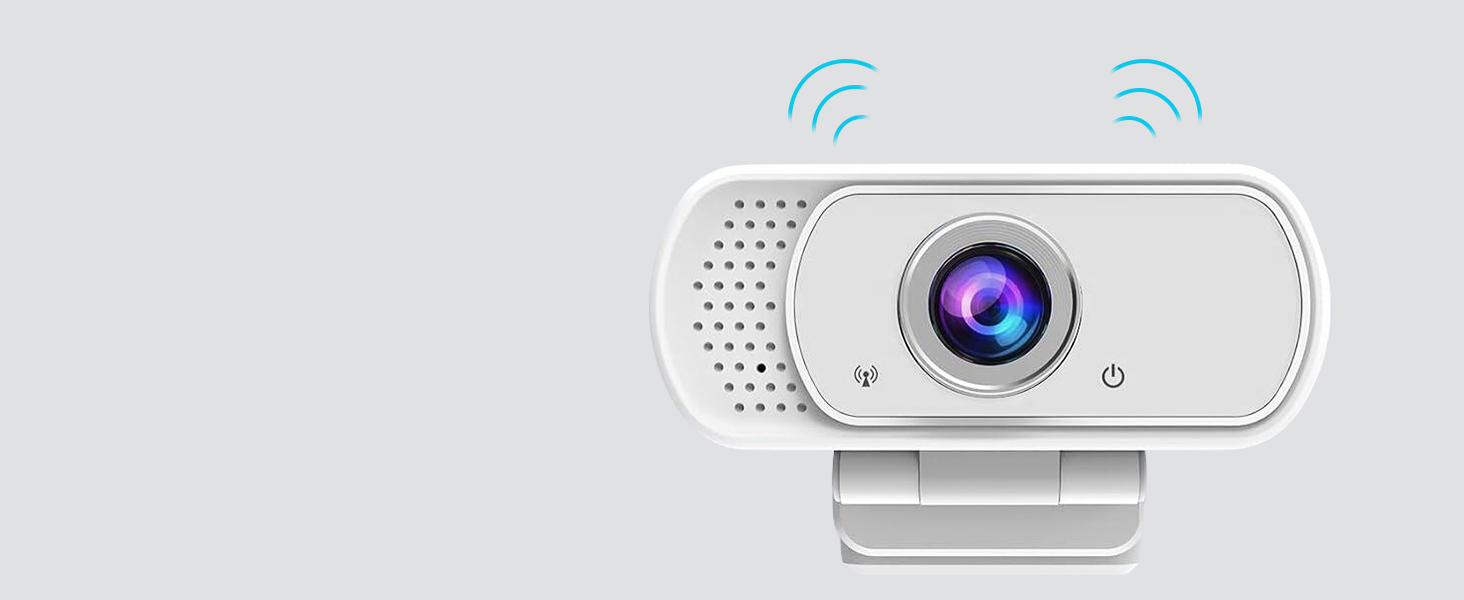
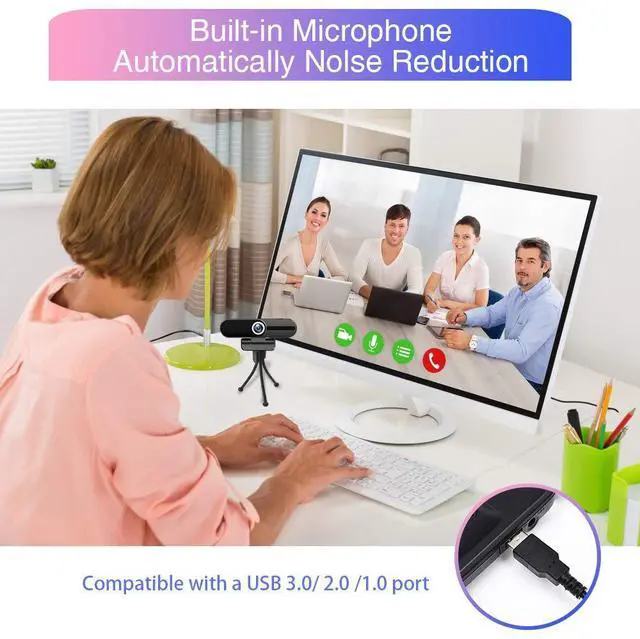
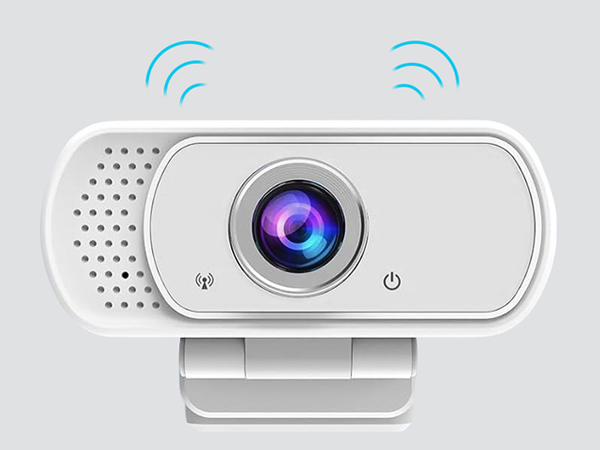
The webcam has a built-in noise-cancelling microphone to provide a clear video experience.
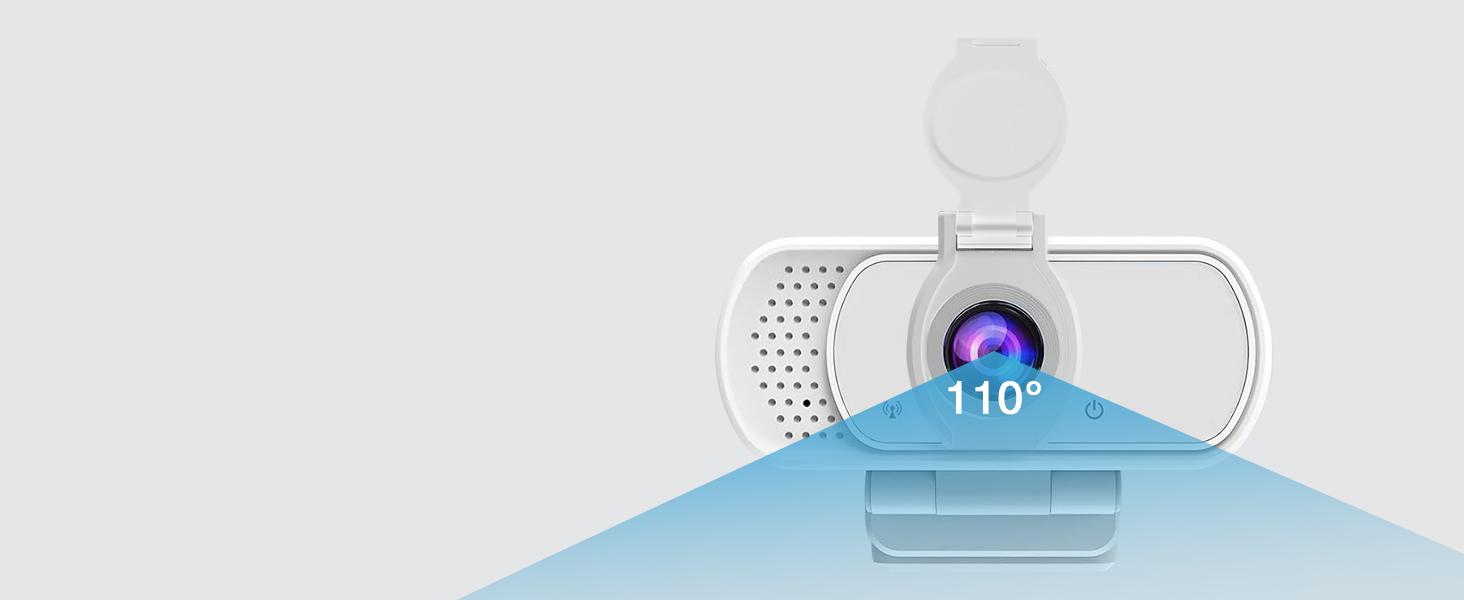
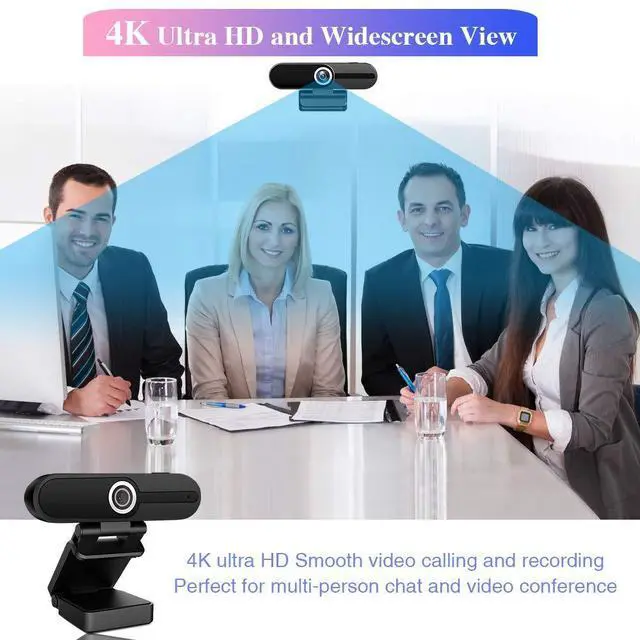
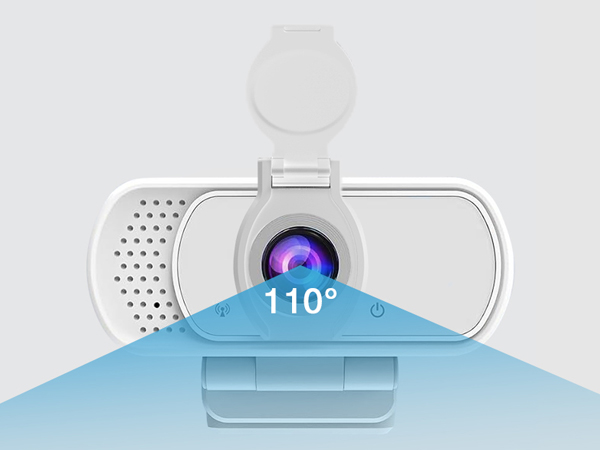
110 degree ultra large wide Angle chip. (slightly fisheye effect)
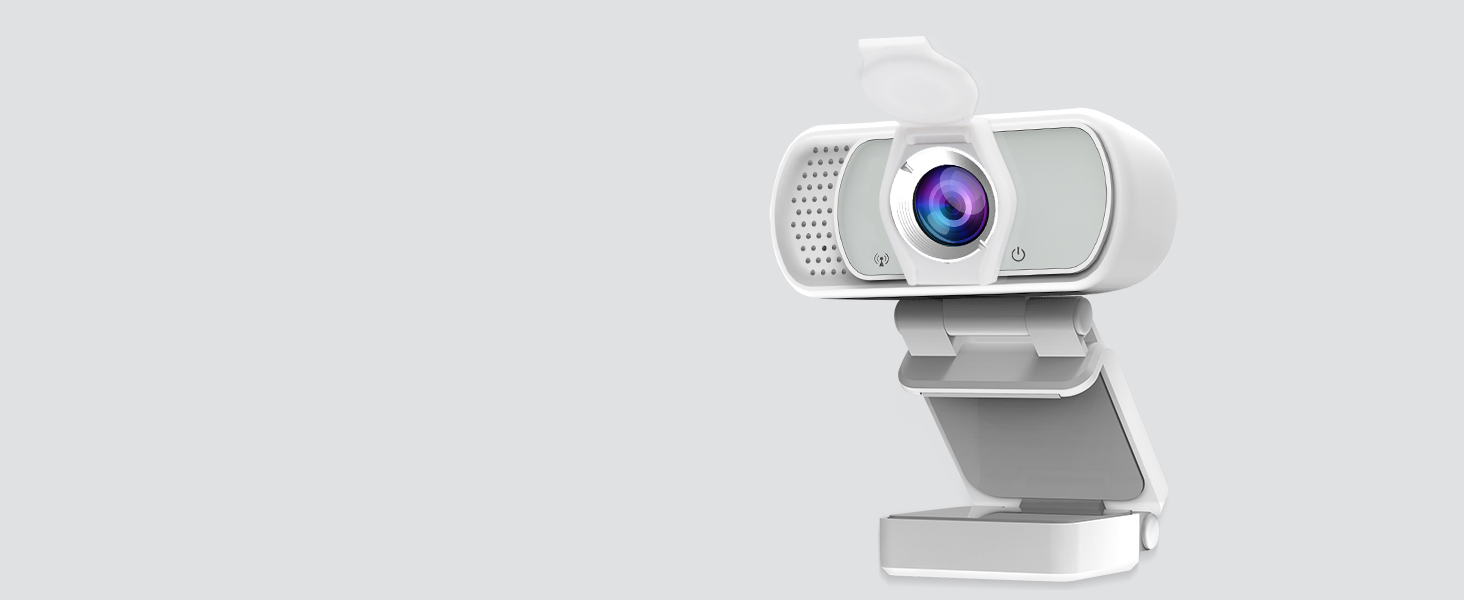
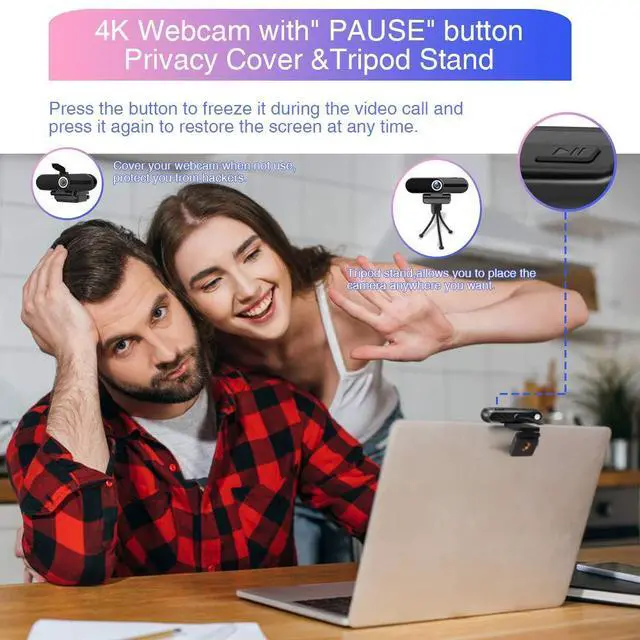
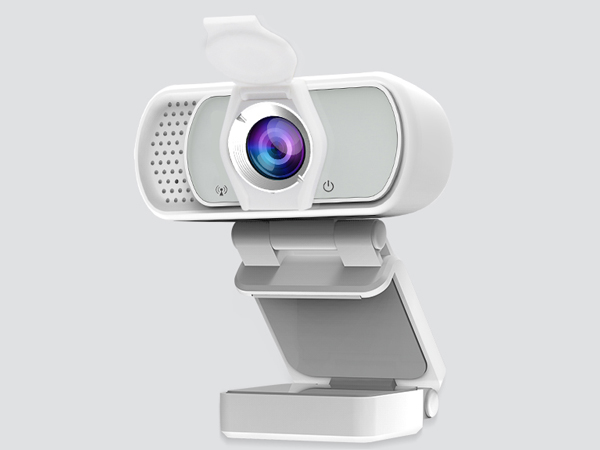
Attached with the privacy shutter, protect your privacy, avoid awkward picture.
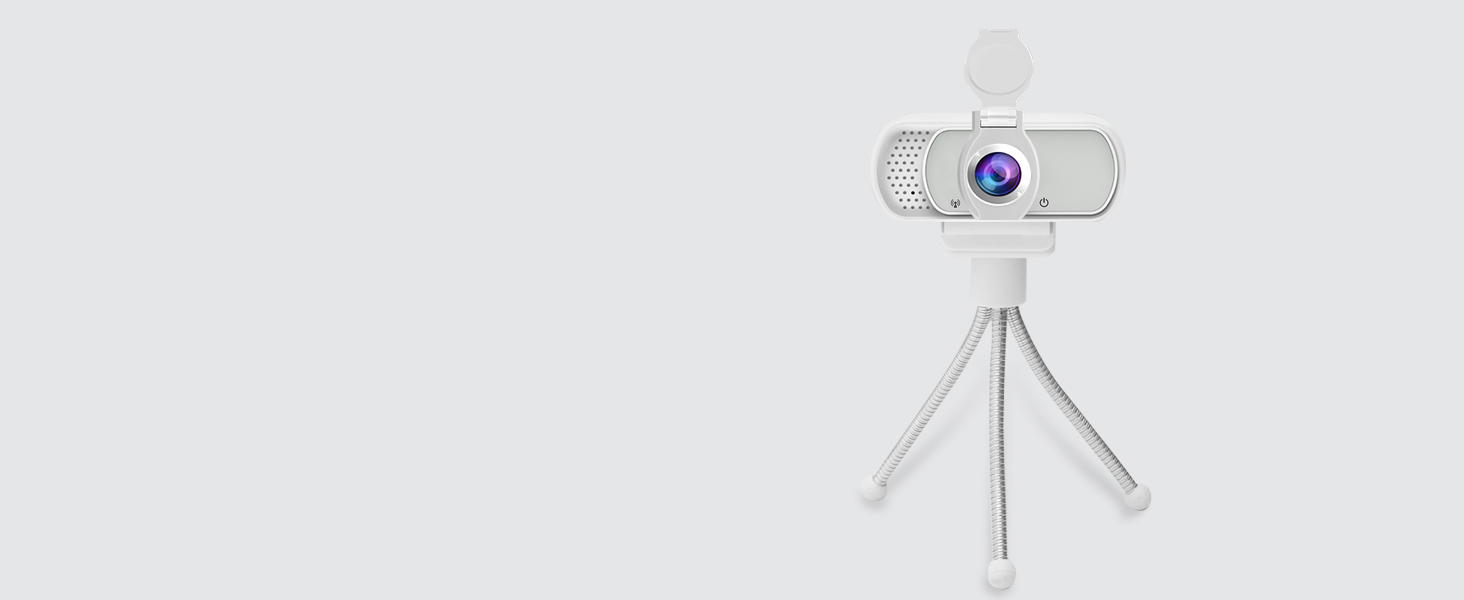
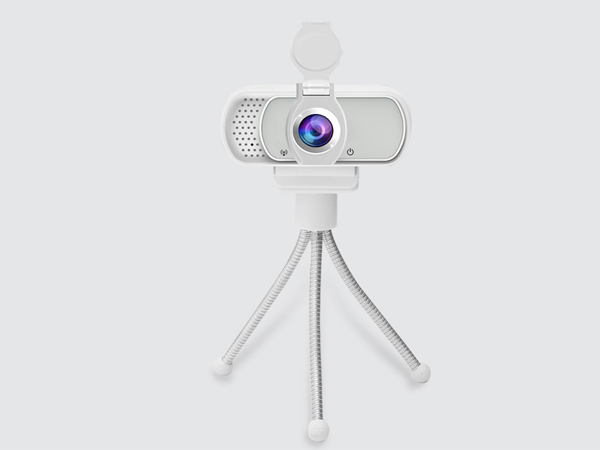
Attached is a 1/4 universal interface tripod.
Will this work in Whatsapp video?
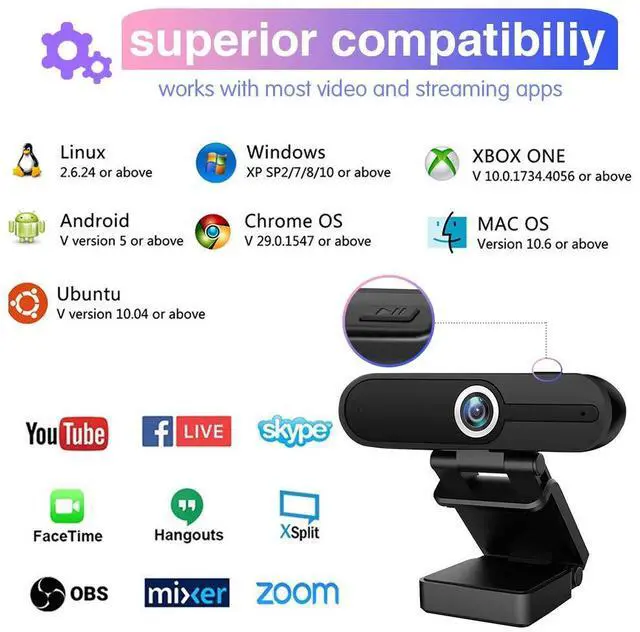
Yes, HZQDLN webcam supports most video apps
Will this webcam work with macOS? Do I need to install any driver?
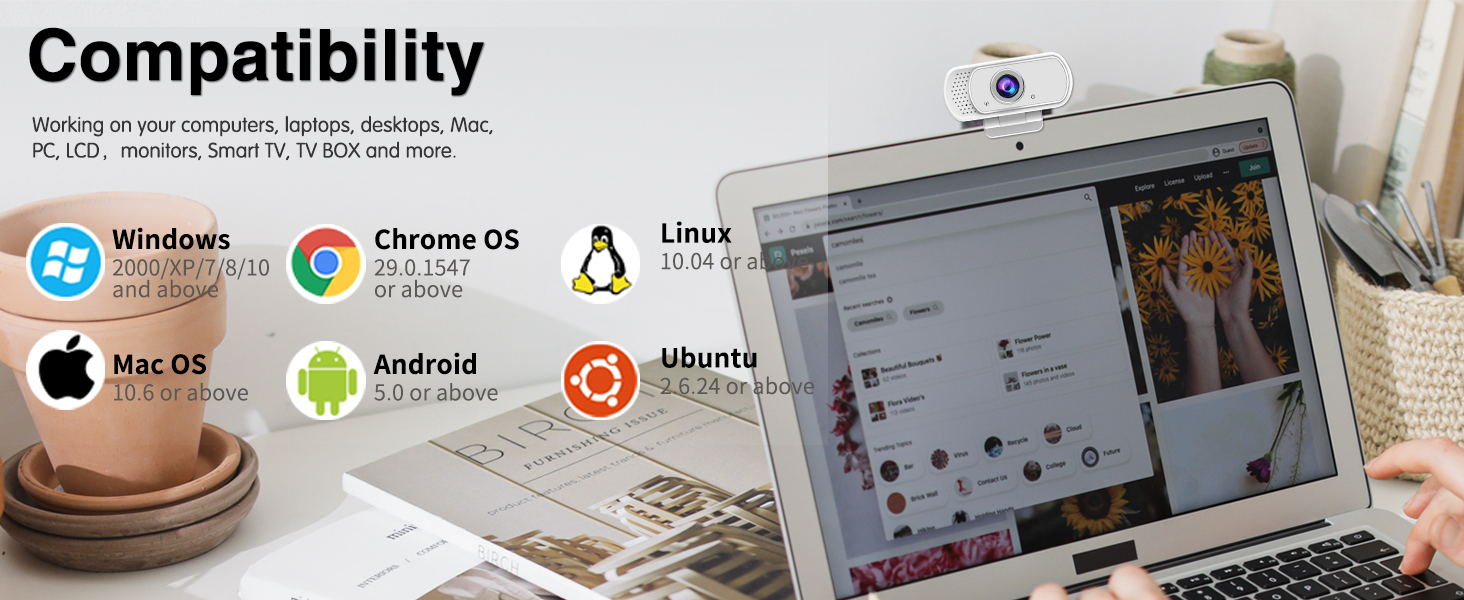
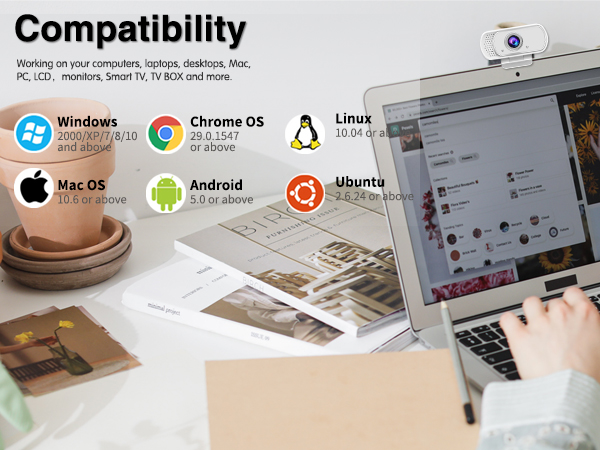
Yes, it works on macOS. It also supports Windows,Ubuntu, etc. The webcam is drive-free, plug and play
Is there any additional/compatible application to this camera to lock the white balance settings?
In OBS, go to Camera Properties > Configure Video to access it
Any option to reduce the wide angle view to a releatively smaller angle?
Unable to adjust wide Angle
I have a microphone. Can I disable the webcam microphone?
Yes, you can. Simply disable the webcam microphone on your system.
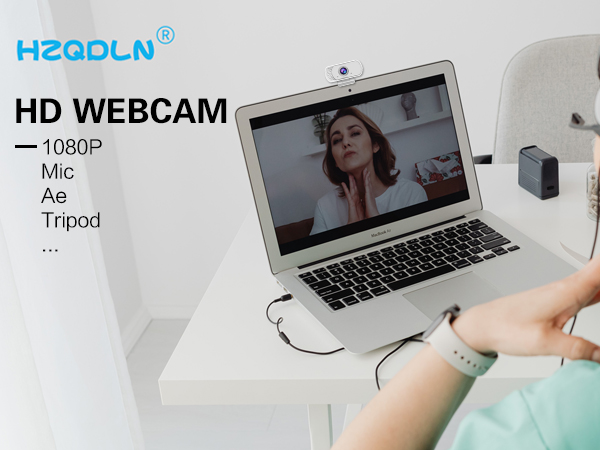
Up and down 160 degrees can be adjusted, with a tripod can be adjusted to any Angle.
The webcam has a built-in noise-cancelling microphone to provide a clear video experience.
110 degree ultra large wide Angle chip. (slightly fisheye effect)
Attached with the privacy shutter, protect your privacy, avoid awkward picture.
Attached is a 1/4 universal interface tripod.
Will this work in Whatsapp video?
Yes, HZQDLN webcam supports most video apps
Will this webcam work with macOS? Do I need to install any driver?
Yes, it works on macOS. It also supports Windows,Ubuntu, etc. The webcam is drive-free, plug and play
Is there any additional/compatible application to this camera to lock the white balance settings?
In OBS, go to Camera Properties > Configure Video to access it
Any option to reduce the wide angle view to a releatively smaller angle?
Unable to adjust wide Angle
I have a microphone. Can I disable the webcam microphone?
Yes, you can. Simply disable the webcam microphone on your system.

HZQDLN focuses on product innovation, quality control, and high capital investment. We strive to providing more stable and cost-effective products to you.
Quality is our first prioritiy.
We promise to provide customers with a high-quality service experience.