





bk10 bluetooth keyboard
Merchant Video
Quiet. Sleek. Smooth Typing.

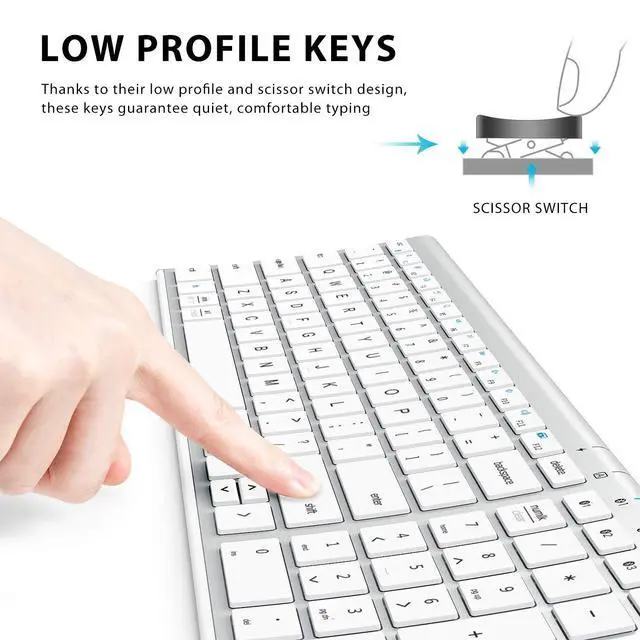
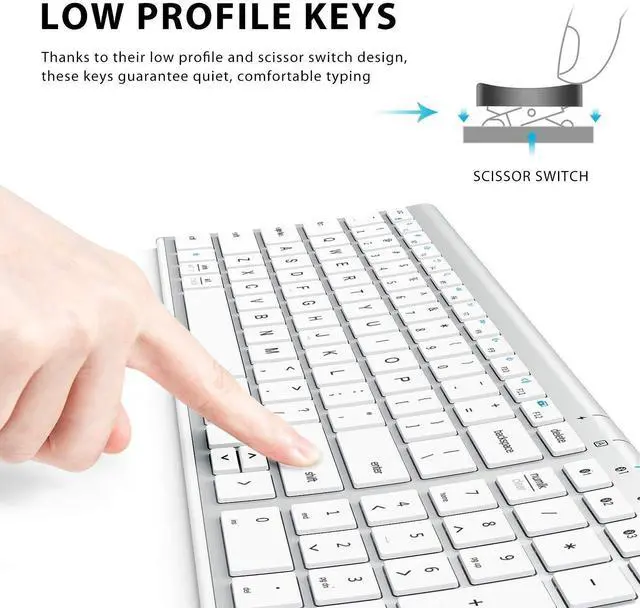
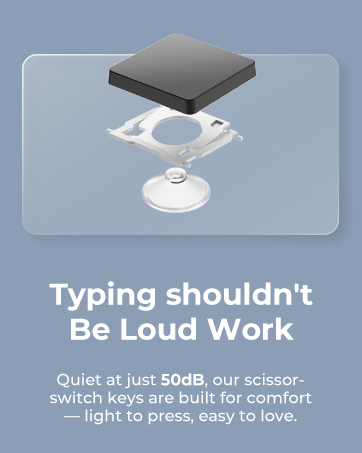
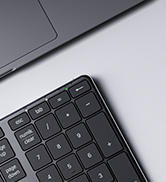
Quiet Scissor-Switch Keys
Soft, precise, and stable typing for effortless comfort.

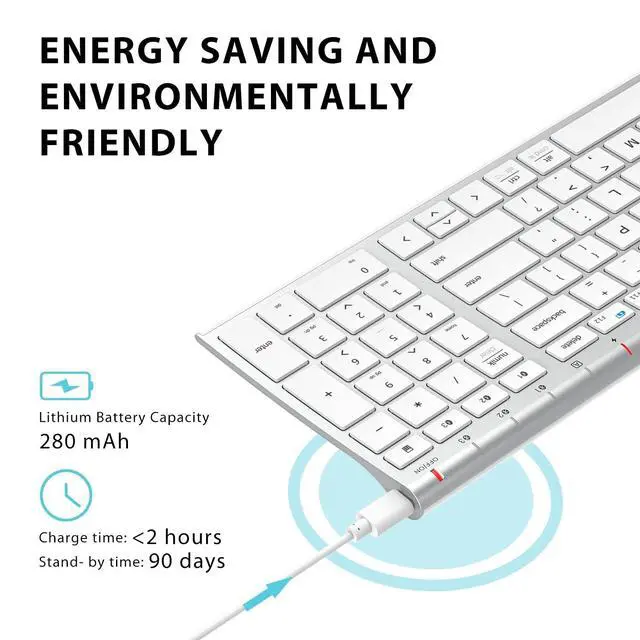
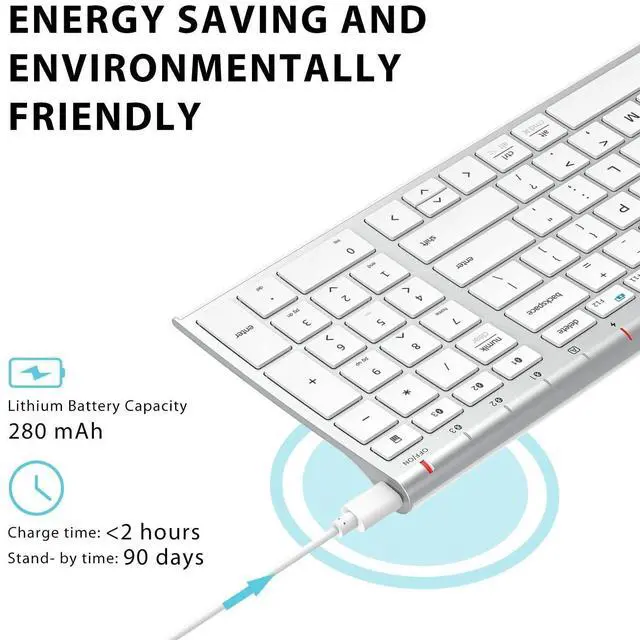
USB-C Rechargeable Power
Power-efficient USB-C charging lasts up to 90 days.

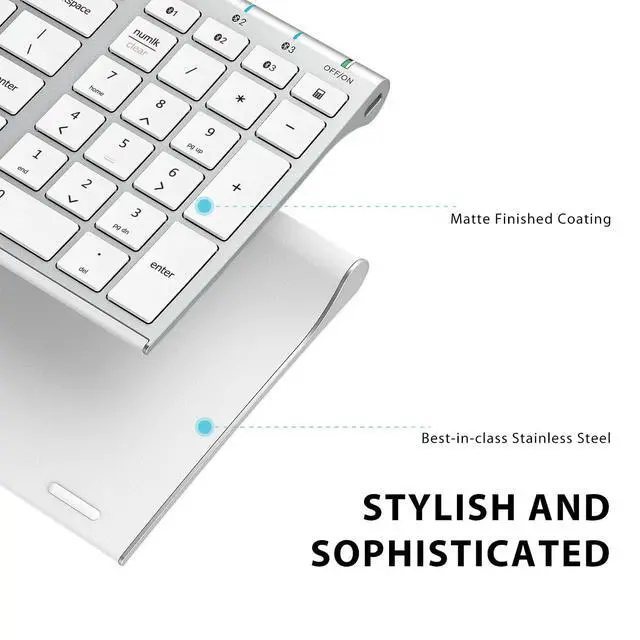
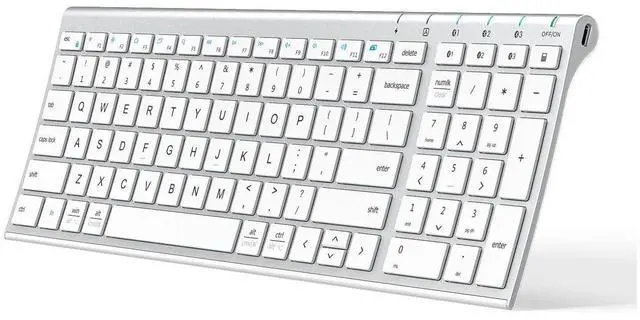
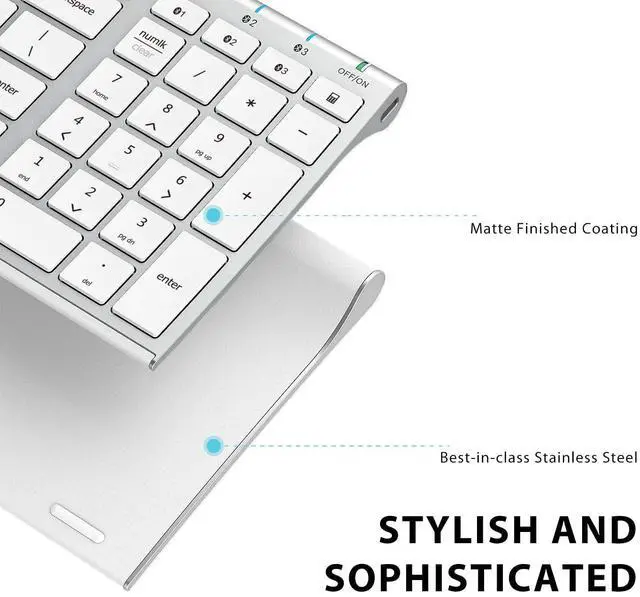
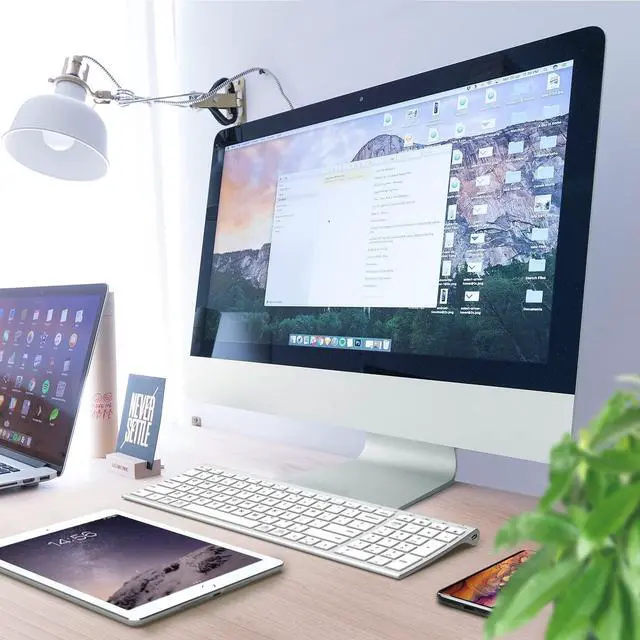
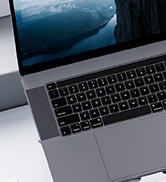
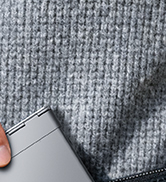
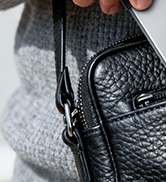
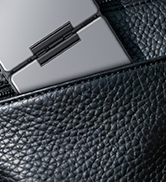
Slim Metal Build. Modern Feel.
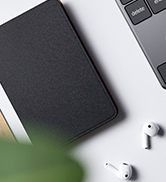
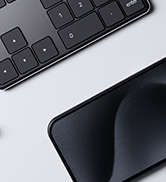
A lightweight aluminum base that upgrades any desk setup.

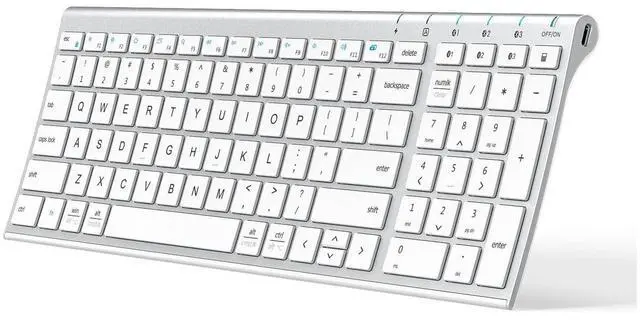
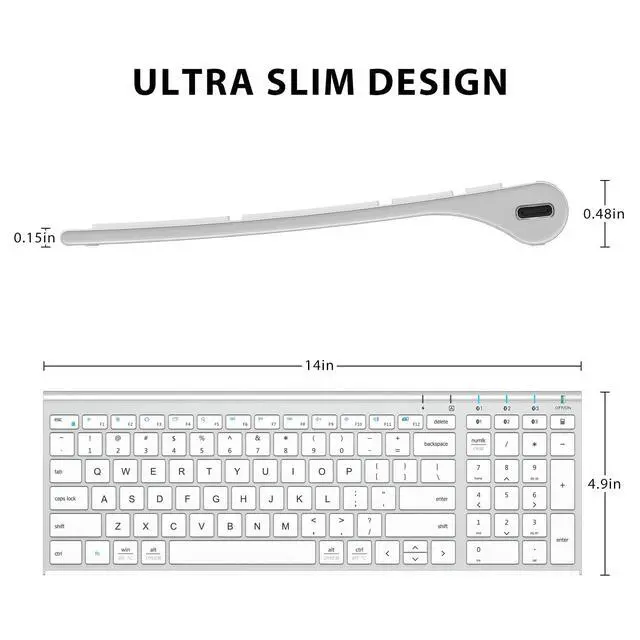
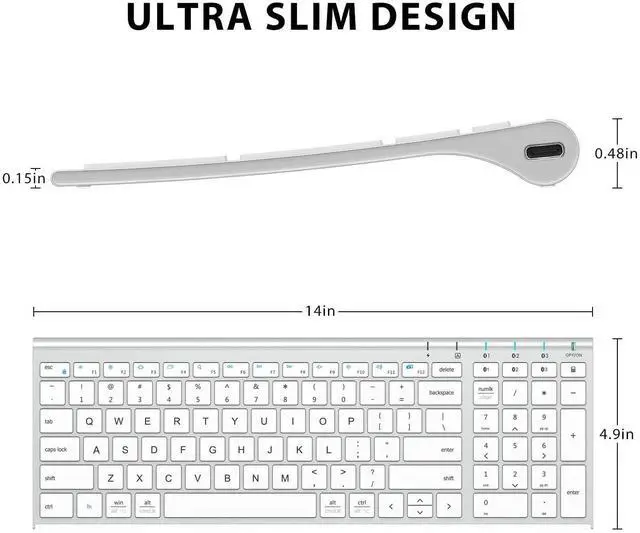
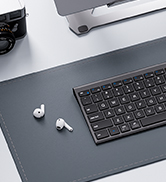
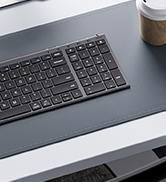
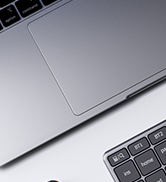
Compact Size. Full Function.
Saves 20% desk space while keeping a full numeric keypad and essentials.


Why won’t the keyboard connect to my device?
BK10 works with devices that support Bluetooth HID. It does not work with Windows 7, Smart TVs, Mac mini without Bluetooth HID, Steam Deck, or some third-party adapters.
Why can’t I connect it to my iMac or MacBook?
Delete old pairings in macOS Bluetooth settings and reconnect as a new device. To enter pairing mode, hold the Bluetooth switch key for three seconds until the light flashes.
Can I use this keyboard to enter passwords or BIOS?
BK10 is Bluetooth only, so it works after your device loads Bluetooth. For BIOS menus or early password screens, you will need a wired keyboard or one with a USB receiver.
Why does the keyboard feel different from my old keyboard?
BK10 uses a compact 99-key layout to save desk space. Some keys are positioned differently from full-size desktop keyboards and may need a short adjustment period.
Why do keys delay, skip, or double-type sometimes?
Interference is the main cause. Keep the keyboard within 10 meters, fully charged, and away from speakers or other wireless devices. Reconnect if lag continues.





bk10 bluetooth keyboard
Merchant Video
Quiet. Sleek. Smooth Typing.
Quiet Scissor-Switch Keys
Soft, precise, and stable typing for effortless comfort.
USB-C Rechargeable Power
Power-efficient USB-C charging lasts up to 90 days.
Slim Metal Build. Modern Feel.
A lightweight aluminum base that upgrades any desk setup.
Compact Size. Full Function.
Saves 20% desk space while keeping a full numeric keypad and essentials.
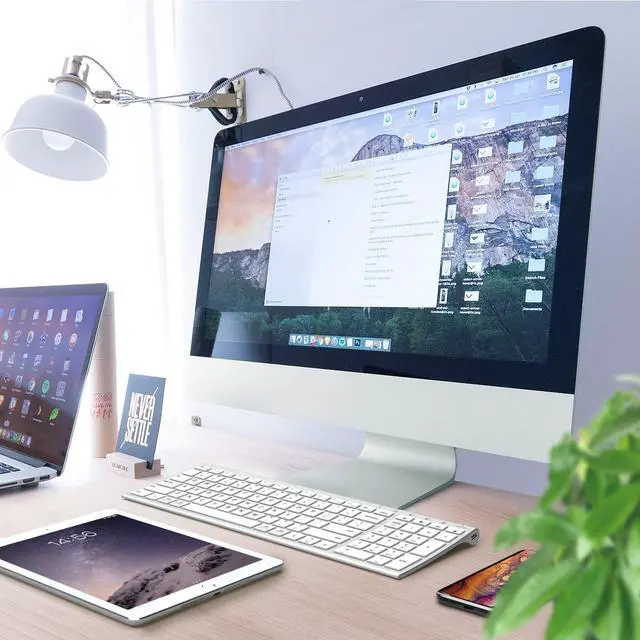
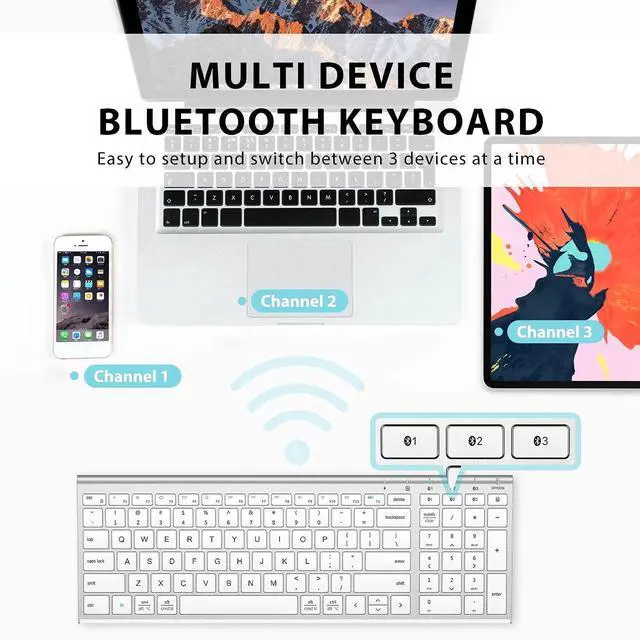
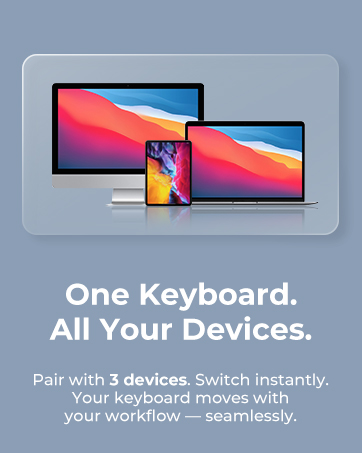
One Keyboard for Every Workspace.
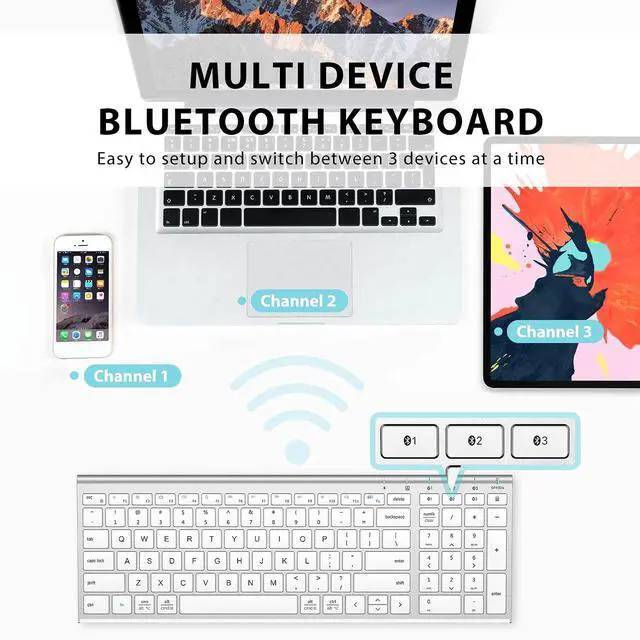
Made for Multi-Device Workflows


Effortless switching across laptop, tablet, and desktop — perfect for home setups.
Move between devices instantly to keep meetings, emails, and multitasking running smoothly.


Why won’t the keyboard connect to my device?
BK10 works with devices that support Bluetooth HID. It does not work with Windows 7, Smart TVs, Mac mini without Bluetooth HID, Steam Deck, or some third-party adapters.
Why can’t I connect it to my iMac or MacBook?
Delete old pairings in macOS Bluetooth settings and reconnect as a new device. To enter pairing mode, hold the Bluetooth switch key for three seconds until the light flashes.
Can I use this keyboard to enter passwords or BIOS?
BK10 is Bluetooth only, so it works after your device loads Bluetooth. For BIOS menus or early password screens, you will need a wired keyboard or one with a USB receiver.
Why does the keyboard feel different from my old keyboard?
BK10 uses a compact 99-key layout to save desk space. Some keys are positioned differently from full-size desktop keyboards and may need a short adjustment period.
Why do keys delay, skip, or double-type sometimes?
Interference is the main cause. Keep the keyboard within 10 meters, fully charged, and away from speakers or other wireless devices. Reconnect if lag continues.
WorkMate
FoldMate
NumMate
SilentTap
