




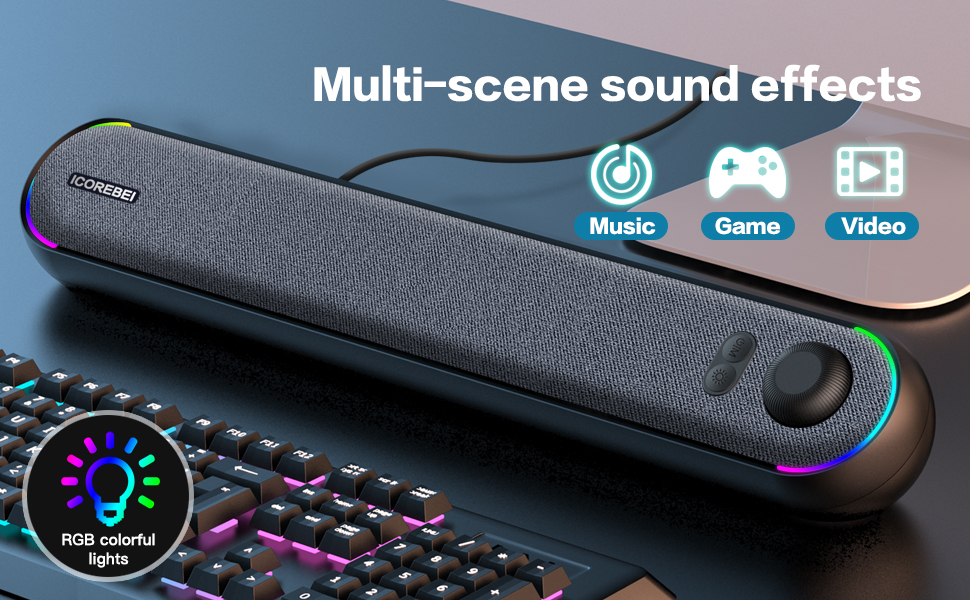
Compatible Devices and Bluetooth Connection Method
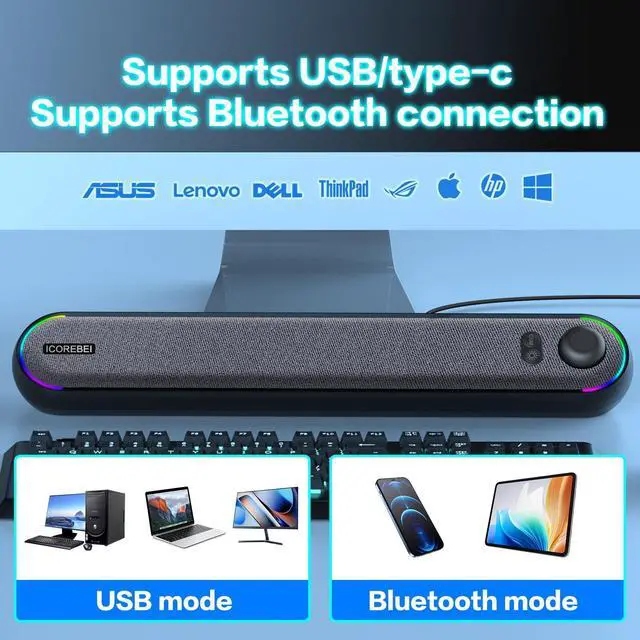
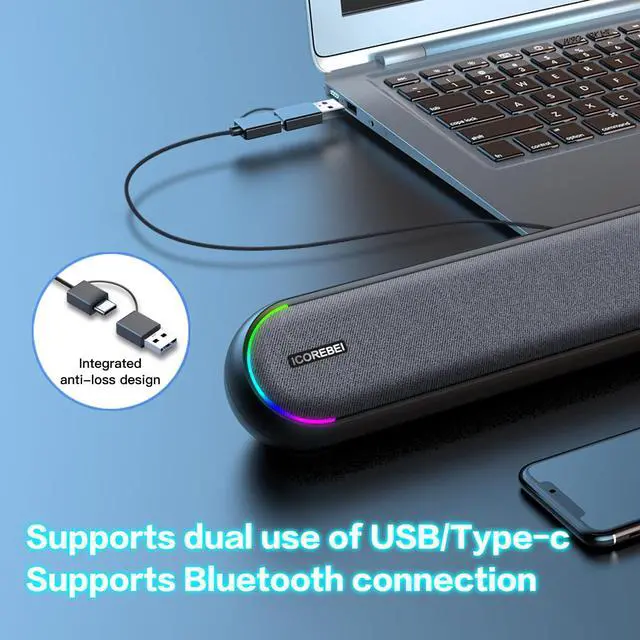
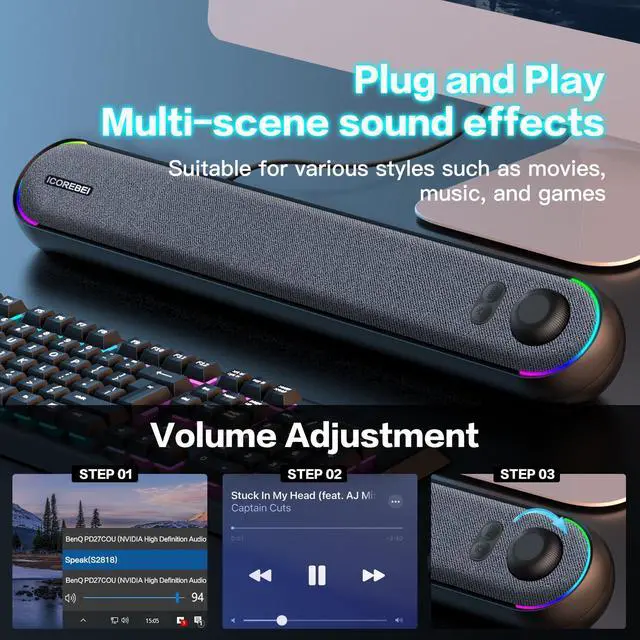
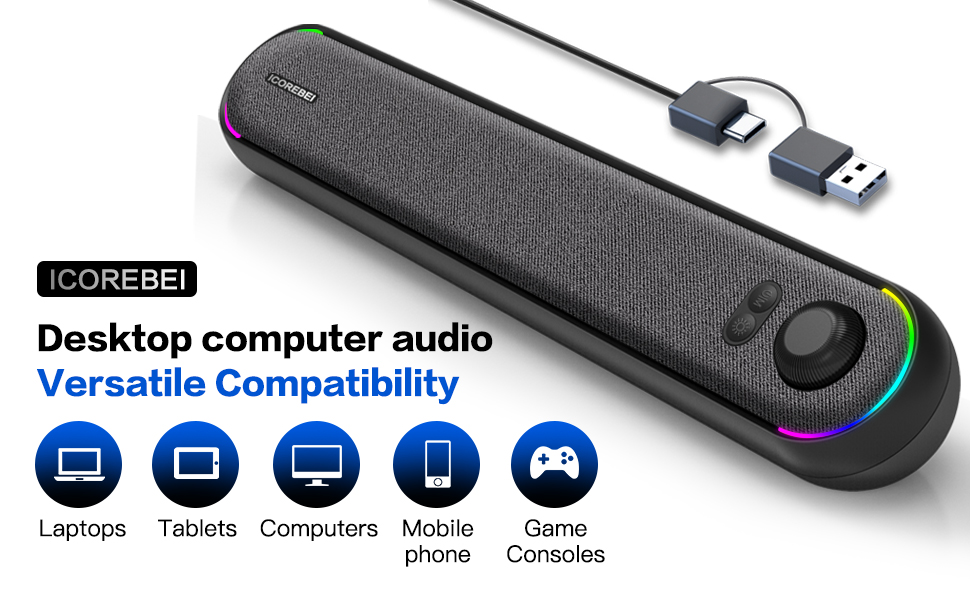
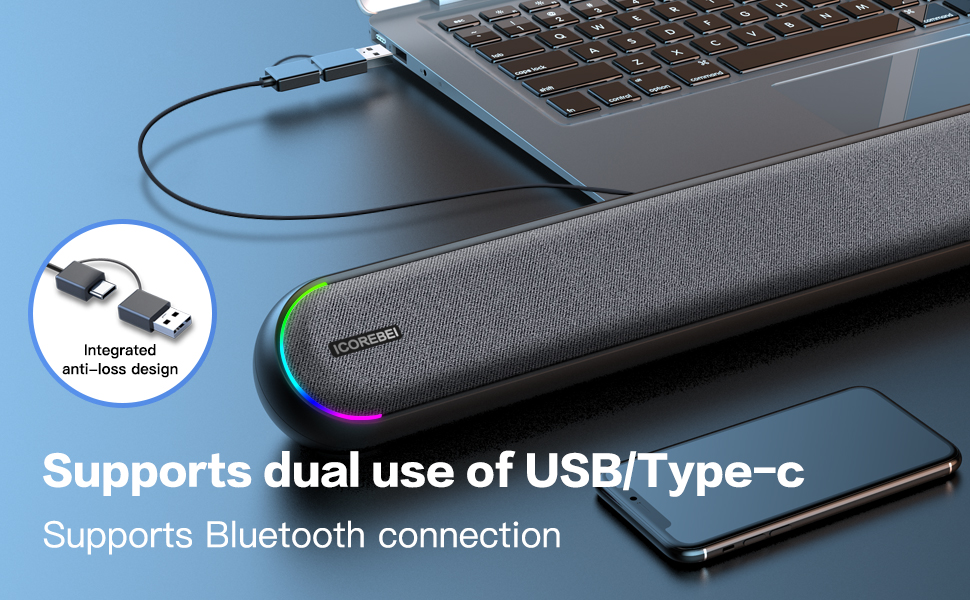
Suitable for desktop computers laptops and Apple computers Use a USB plug or Type C to connect to the device then select the audio output device S2818 Plug and play no complicated settings If there is no sound please check whether the volume of the playback software the computer volume and the speaker volume are turned on
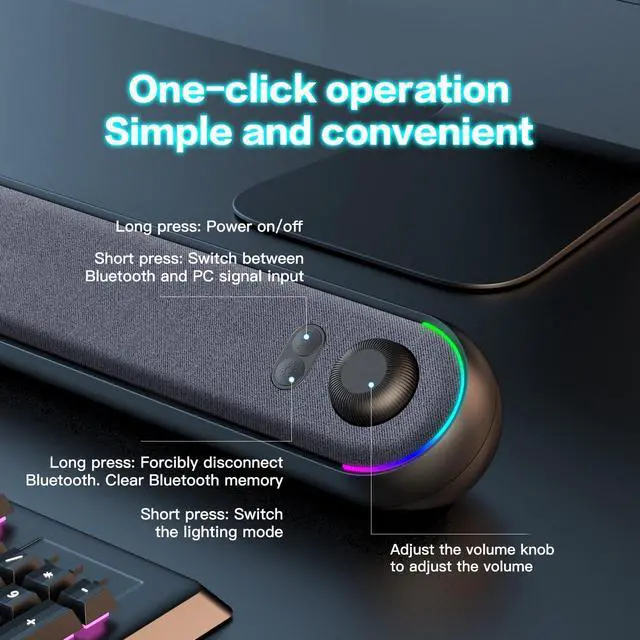
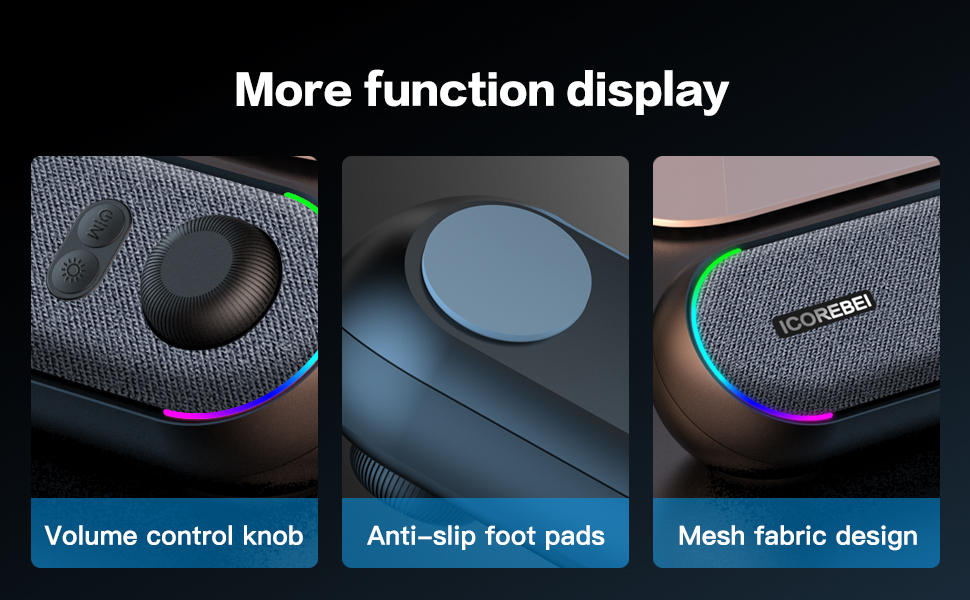
Wireless Bluetooth connection for mobile phones tablets and other devices Just use a USB plug or Type C to connect to a 5V charger or USB power supply device Press the M button on the speaker to switch to Bluetooth Use your phone Bluetooth to search for ICOREBEI and connect
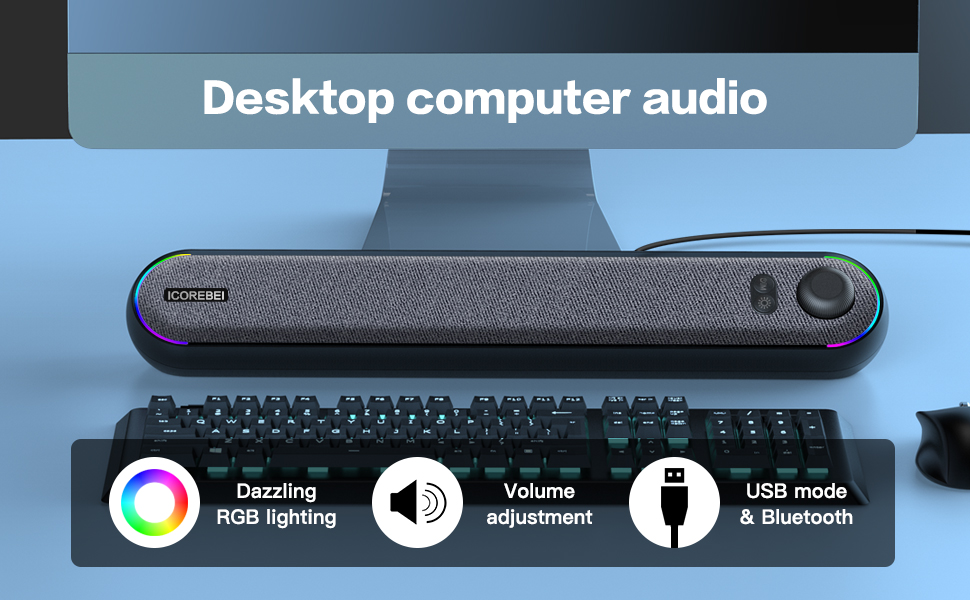
Compatible Devices and Bluetooth Connection Method
Suitable for desktop computers laptops and Apple computers Use a USB plug or Type C to connect to the device then select the audio output device S2818 Plug and play no complicated settings If there is no sound please check whether the volume of the playback software the computer volume and the speaker volume are turned on
Wireless Bluetooth connection for mobile phones tablets and other devices Just use a USB plug or Type C to connect to a 5V charger or USB power supply device Press the M button on the speaker to switch to Bluetooth Use your phone Bluetooth to search for ICOREBEI and connect