



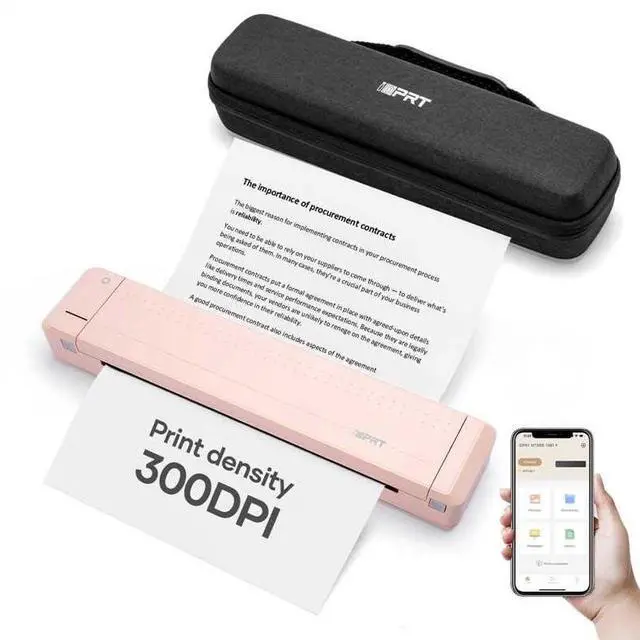

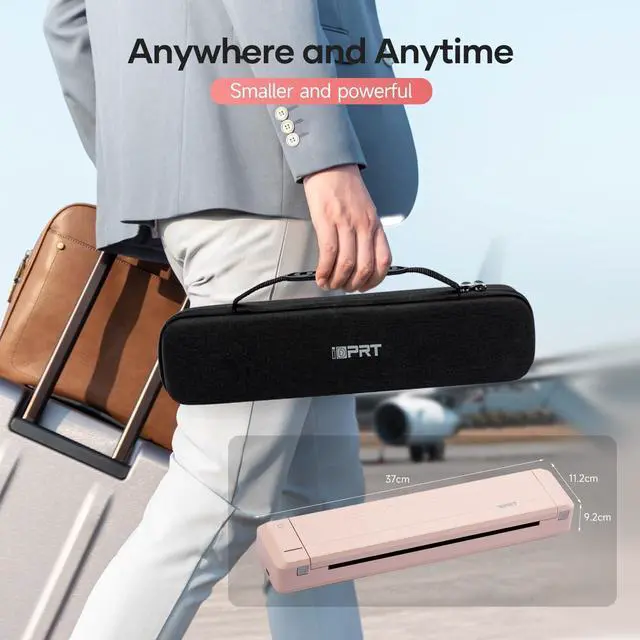


iDPRT A4 Portable Printer
Your future printer, More Creation, More Possibilities
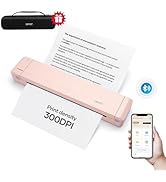
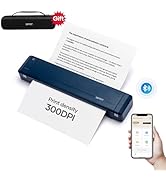
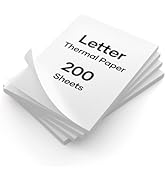
iDPRT MT888 Protable Printer
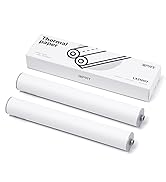
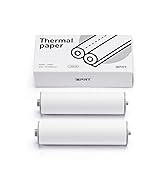
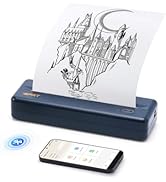
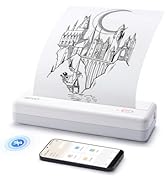
MT890 Inkless Printer
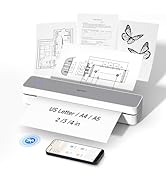
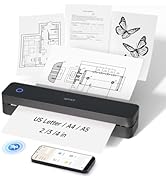
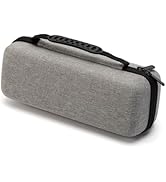
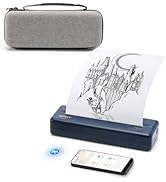
iDPRT More Printer

For School
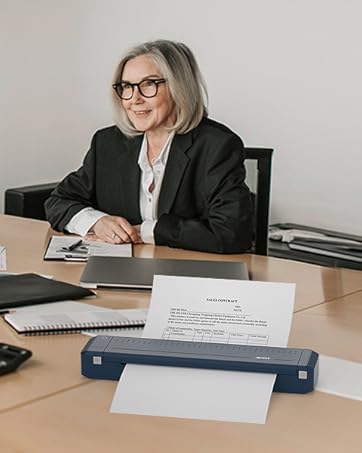
For Office
How did we get our start?
Founded in 2017, “iDPRT” to be specialized in the R&D, manufacturing and sales of the Hardware and Software solutions for the Auto Identification and Data Collection (AIDC) application, such as different types of barcode printers, label printer, card printers, PDA, RFID barcode printers, etc.
What makes our products unique?
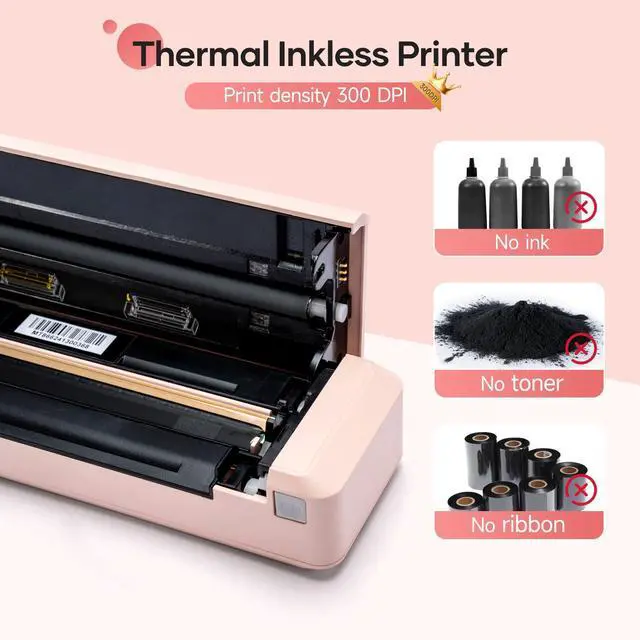
iDPRT's advanced thermal printing technology reduces the cost of ink or toner, and the compact design of the printer makes it the best for individual or corporate use.


iDPRT 888
 MT888 Portable Printer |  MT888 Portable Printer |  Thermal Paper |  Printer Storge Bag | |
|---|---|---|---|---|
Customer Reviews | — | — | — | — |
Price | — | — | — | — |
Color | Pink | Blue | White | Black |
Specificities | Inkless, Portable | Inkless, Portable | Thermal Paper | Portable |
Printing Size | 8.5x11",A4 | 8.5x11",A4 | 8.5x11" | 35*9.5*8.2 cm |
Compatible Devices | iOS,Android, Laptops, PC | iOS,Android, Laptops, PC | Thermal Printer | Portable Printer |
Connectivity Tech | Bluetooth, USB | Bluetooth, USB | Other | Other |


How to Use MT888 on Phone, mac OS and Windows System?

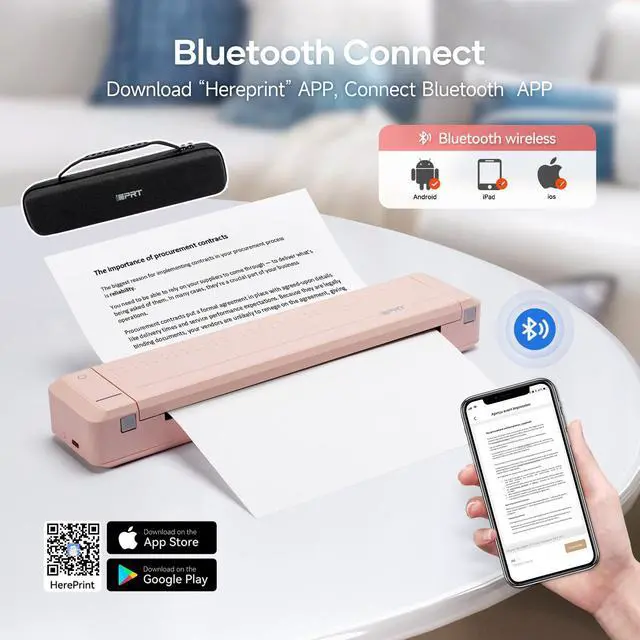
How to Print Via Bluetooth with Phone & Tablet
1.Turn on the Bluetooth of your cell phone and turn on the MT888 printer.
2. Download APP ‘’HerePrint ‘’and make Bluetooth connection in APP.
3.Select Documents/Pictures/Webpages type to print.
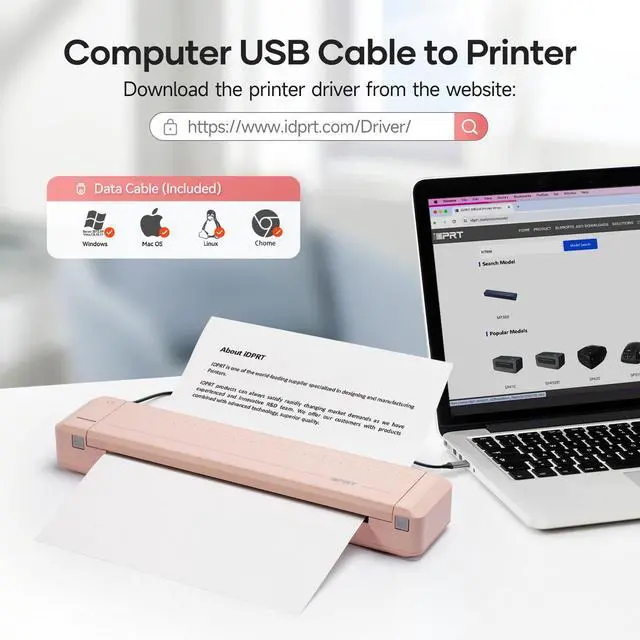
How to Print on Laptop
The computer supports Mac and Windows systems.
You only need to connect the USB cable and go to the official website to download the corresponding printer driver to print


iDPRT 888
MT888 Portable Printer | MT888 Portable Printer | Thermal Paper | Printer Storge Bag |
|---|---|---|---|
| Customer Reviews | |||
| — | — | — | — |
| Price | |||
| — | — | — | — |
| Color | |||
| Pink | Blue | White | Black |
| Specificities | |||
| Inkless, Portable | Inkless, Portable | Thermal Paper | Portable |
| Printing Size | |||
| 8.5x11",A4 | 8.5x11",A4 | 8.5x11" | 35*9.5*8.2 cm |
| Compatible Devices | |||
| iOS,Android, Laptops, PC | iOS,Android, Laptops, PC | Thermal Printer | Portable Printer |
| Connectivity Tech | |||
| Bluetooth, USB | Bluetooth, USB | Other | Other |
iDPRT A4 Portable Printer
Your future printer, More Creation, More Possibilities
iDPRT MT888 Protable Printer
MT890 Inkless Printer
iDPRT More Printer
For School
For Office
How did we get our start?
Founded in 2017, “iDPRT” to be specialized in the R&D, manufacturing and sales of the Hardware and Software solutions for the Auto Identification and Data Collection (AIDC) application, such as different types of barcode printers, label printer, card printers, PDA, RFID barcode printers, etc.
What makes our products unique?
iDPRT's advanced thermal printing technology reduces the cost of ink or toner, and the compact design of the printer makes it the best for individual or corporate use.