




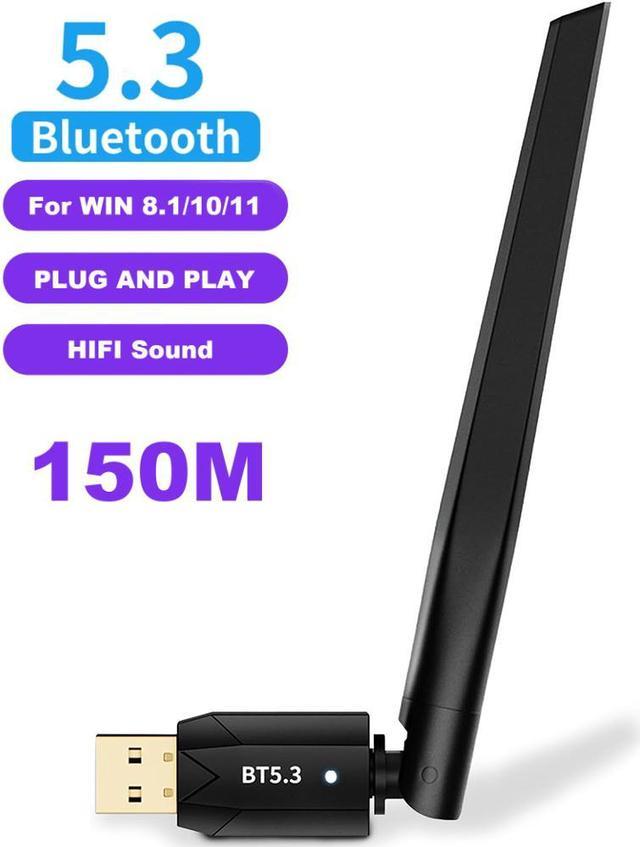
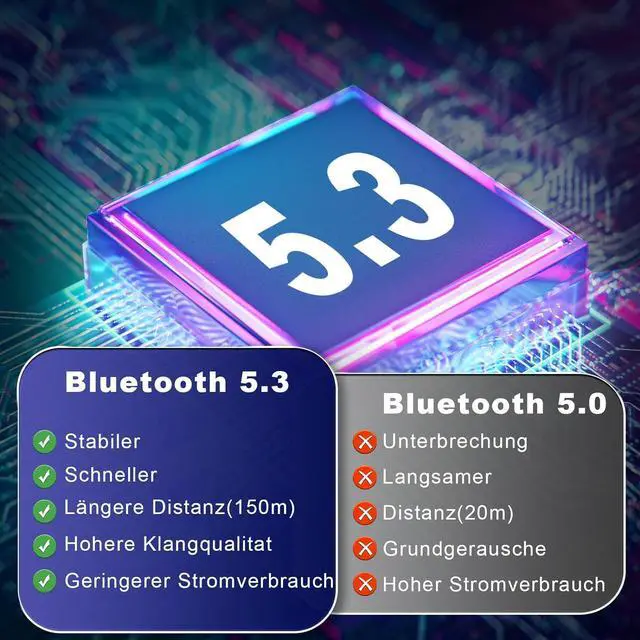
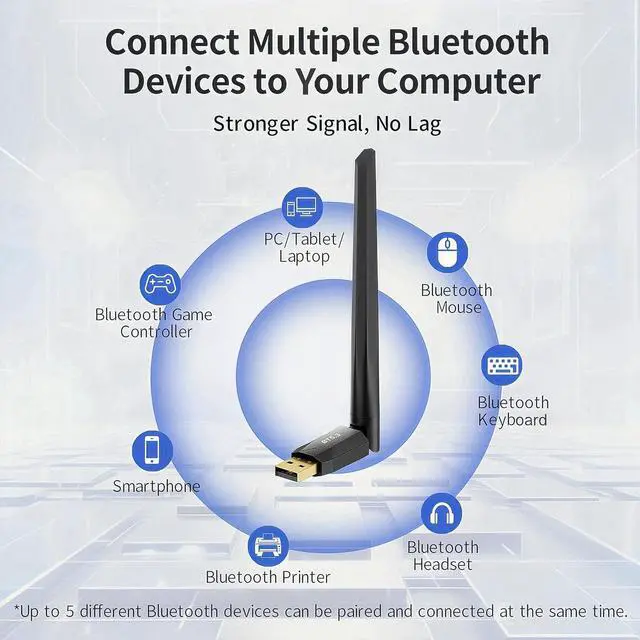
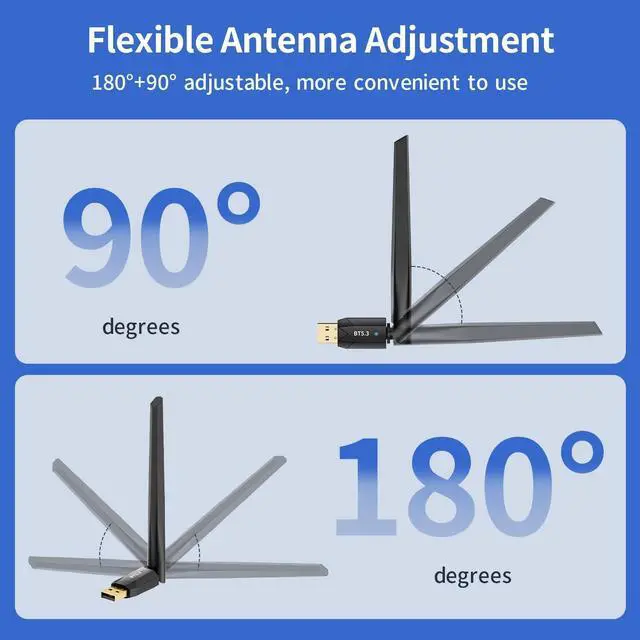
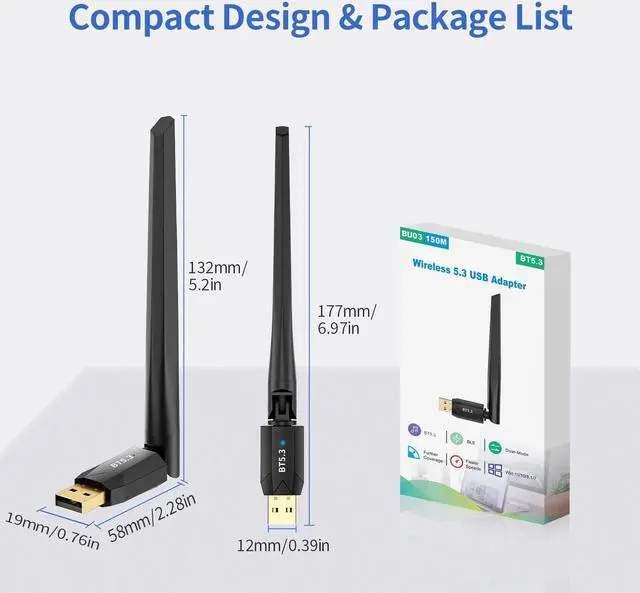


The Bluetooth 5.3 adapter features a cutting-edge Realtek chip that supports dual-mode Bluetooth functionality. This empowers it to achieve lightning-fast data transmission at 3Mbps, significantly reducing both latency and power consumption. Faster responses, less lag from interference.

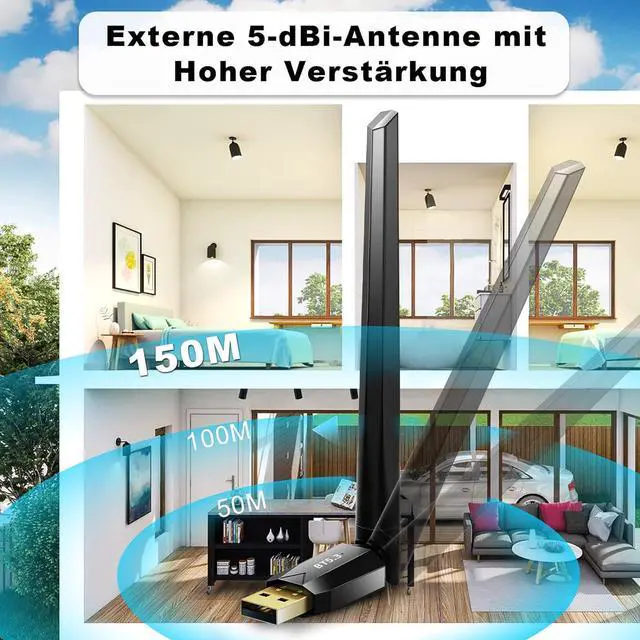
With a built-in enhanced 5dBi external antenna and Class I RF design technology, the transmission range in open areas can reach up to 492FT/150M. Enjoy the joy of wireless at home without having to be around the computer, free from the limits of distance. Note: the effective range is affected by walls, physical obstructions.

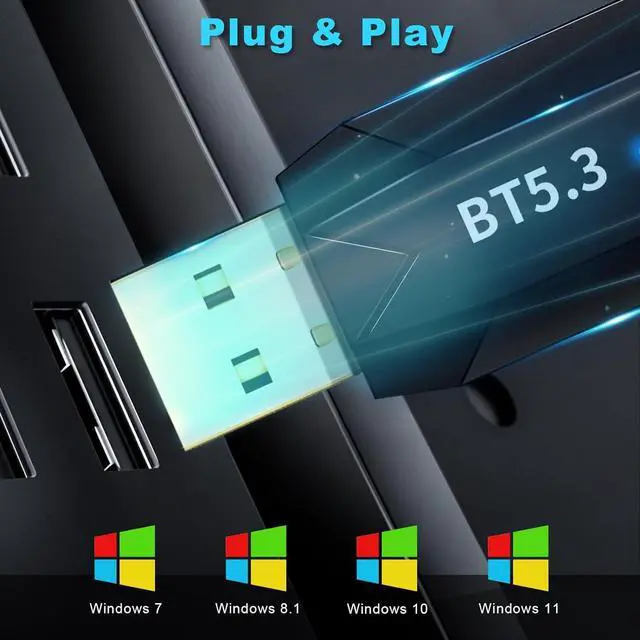
Bluetooth pc adapter supports Windows 11/10/8.1 plug and play.
Windows 7 needs to install the driver manually.
Download link: Please contact us, thanks
Warm Tips:
Not applicable to Mac OS, Linux, TV, Car Radio or Microsoft; If your computer has Bluetooth, please disable Bluetooth first (manage my computer-device management-Bluetooth-right-click and click Disable Bluetooth).

WARM TIPs:
Please disable the Bluetooth function (built-in & third party) in "Device Manager" before inserting this Bluetooth adapter into your computer.
Recommend to Use:
The 5.3 Bluetooth adapter will enhance and Bluetooth-enable any Windows-based PC or laptop, so it can work with:
- Bluetooth headphones and speakers;
- Bluetooth keyboard and mouse;
- Bluetooth smartwatch, printer, Smartphone / tablet, Bluetooth game controller.
Don't Recommend:
- Can't Bluetooth-enable for TVs, speakers or car stereo systems;
- Doesn't support Mac or Linux operating systems;
- Does not work with keyboard / mouse accessories based on 2.4G wireless technology;
- Does not work with gaming consoles.


Q & A
Q1: What should I do if the Bluetooth icon doesn't appear?
A1:1. Make sure you have turned on the Bluetooth in Windows Setting.
2. If there are other Bluetooth devices on the computer, disable them in Device Manager, then insert the adapter and try again.
Q2: Why the adapter is not working with my Bluetooth device?
A2:1. Make sure your device has Bluetooth function.
2. Make sure you have installed Bluetooth driver on the computer.
3. For devices with non-standard Bluetooth protocols, such as Logitech Mouse, there may be some compatibility issue and can't be solved.
Q3: If the Bluetooth connection or reconnection failed, please do the steps:
A3: 1. Please keep the Bluetooth range is within 20m or closer.
2. Please keep your Bluetooth headset is in pairing status.
3. Please delete the Bluetooth devices from the Bluetooth list and restart your Bluetooth device and try again.
4. If still, please turn off the Bluetooth function of your PC or power of your PC and then restart again.
Q4: Can the adapter support more than one device at a time?
A4: Yes and the Bluetooth adapter can support up to 7 devices at a time. However, it can only connect to one BLE device at a time.
Q5: What operating systems are compatible with the bluetooth adapter?
A5: Currently supported OS including Windows 11/10/8.1, Driver is required for Windows 7.
Please note that bluetooth adapter is not compatible with Apple Mac OS/IOS, Linux, TVs or others.
Q6: The bluetooth 5,3 adapter can be compatible with PS/XBOX/Pro Game set?
A6: No, it can't be used directly on PS3, PS4, PS5, Switch, or Xbox Console; but it works with Game Controllers.
Q7: What is EDR and BLE technology?
A7: EDR, Enhanced Data Rate, is a Bluetooth specification that provides faster data rates.
BLE, Bluetooth Low Energy, is the latest technology to lower power consumption to allow the device to operate at the optimal level.
Q8: How far actually the Bluetooth adapter transmission distance is?
A8: The Bluetooth dongle is equipped with an external antenna, and the one-way transmission range in open areas can reach 150m in open area.
Bluetooth range can be affected by physical obstructions (walls, people, etc.), wireless interference (Wi-Fi routers, Wireless TV adapters etc.) also depends on your paired devices.
Q9: Is your Bluetooth driver displaying an error with a yellow exclamation mark?
A9: Windows only supports ONE Bluetooth adapter, so you'll need to disable the built-in Bluetooth function first. Once you've done that, the new dongle should work perfectly fine.