




 here!
here!
I’m your shopping assistant for PC builds, upgrades, and everything tech.
Got questions? Ask away!
Start a conversation
here!
I’m your shopping assistant for PC builds, upgrades, and everything tech.
Got questions? Ask away!
Start a conversation



Any questions? Ask CelesteSM will help you find out quickly.

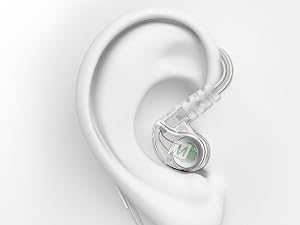
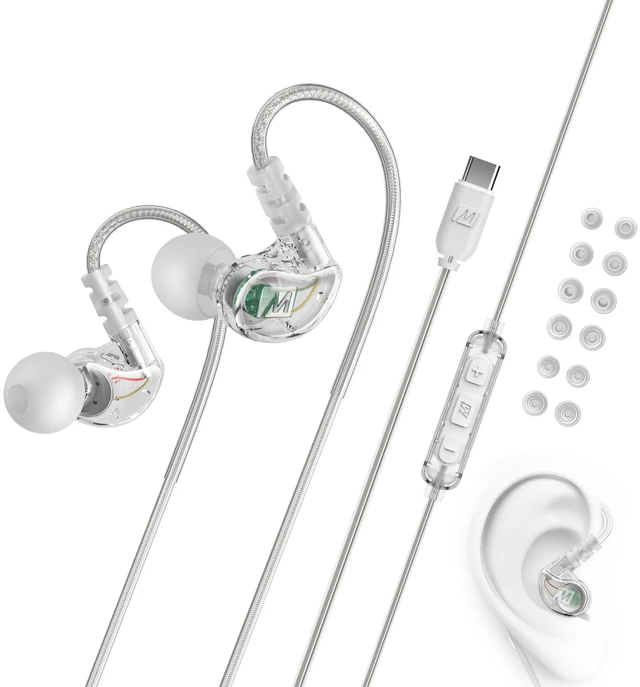
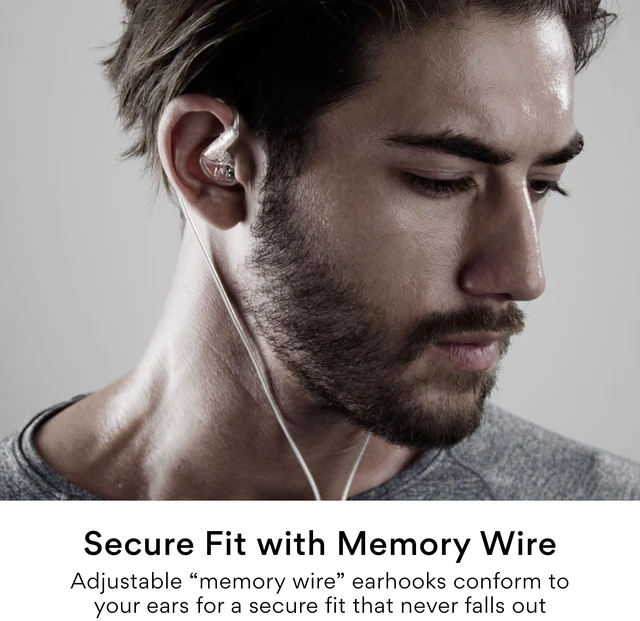
Over-the-ear design with adjustable “memory wire” earhooks and 6 sets of eartips deliver a secure, personalized fit that never falls out

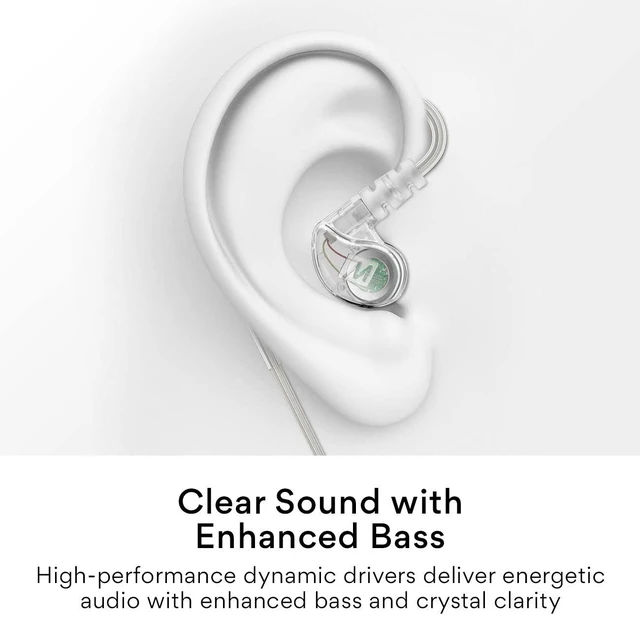
High-performance dynamic drivers deliver an energetic audio experience that motivates you through the most intense workouts
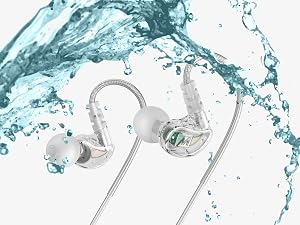
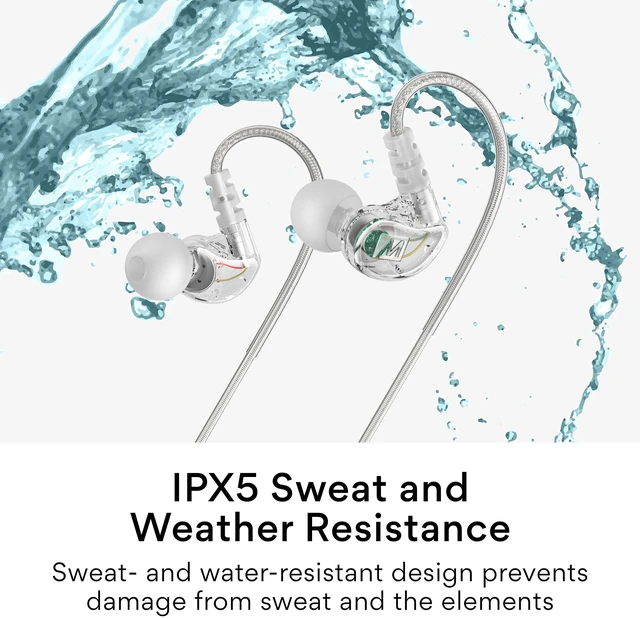
IPX5 sweat- and water-resistant design prevents damage by sweat and the elements
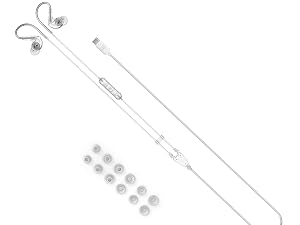
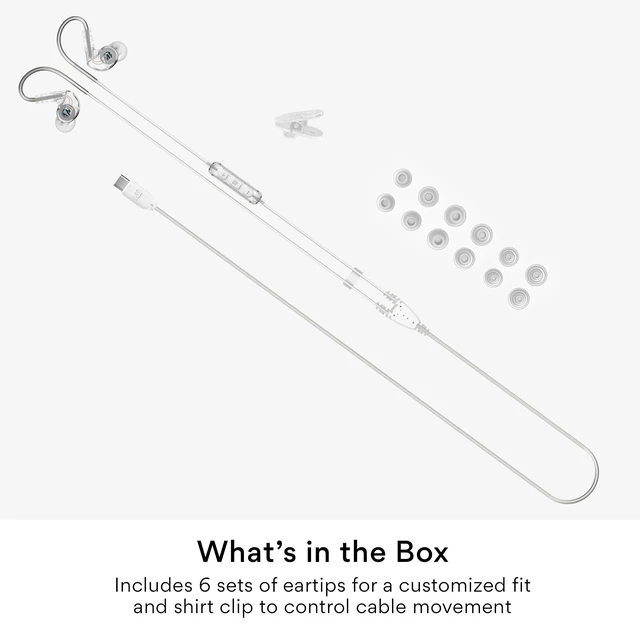
M6 In-Ear Sports Headphones, eartips (6 pairs), shirt clip, user manual
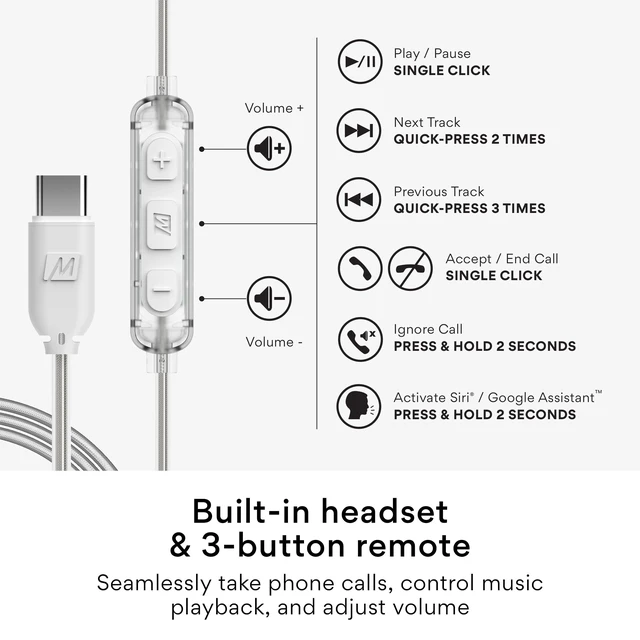
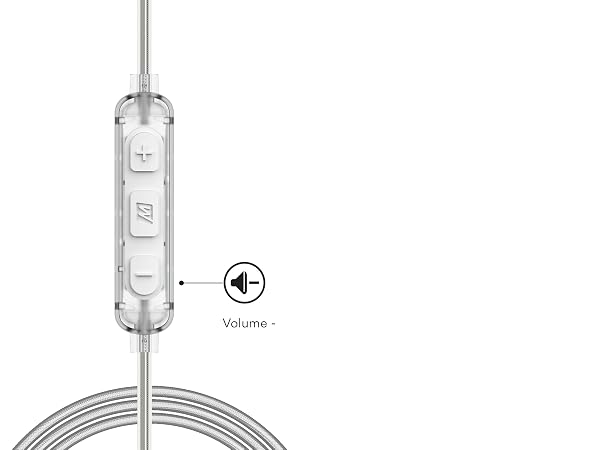
Inline microphone and remote let you take phone calls, control music playback, and adjust volume without getting your phone out
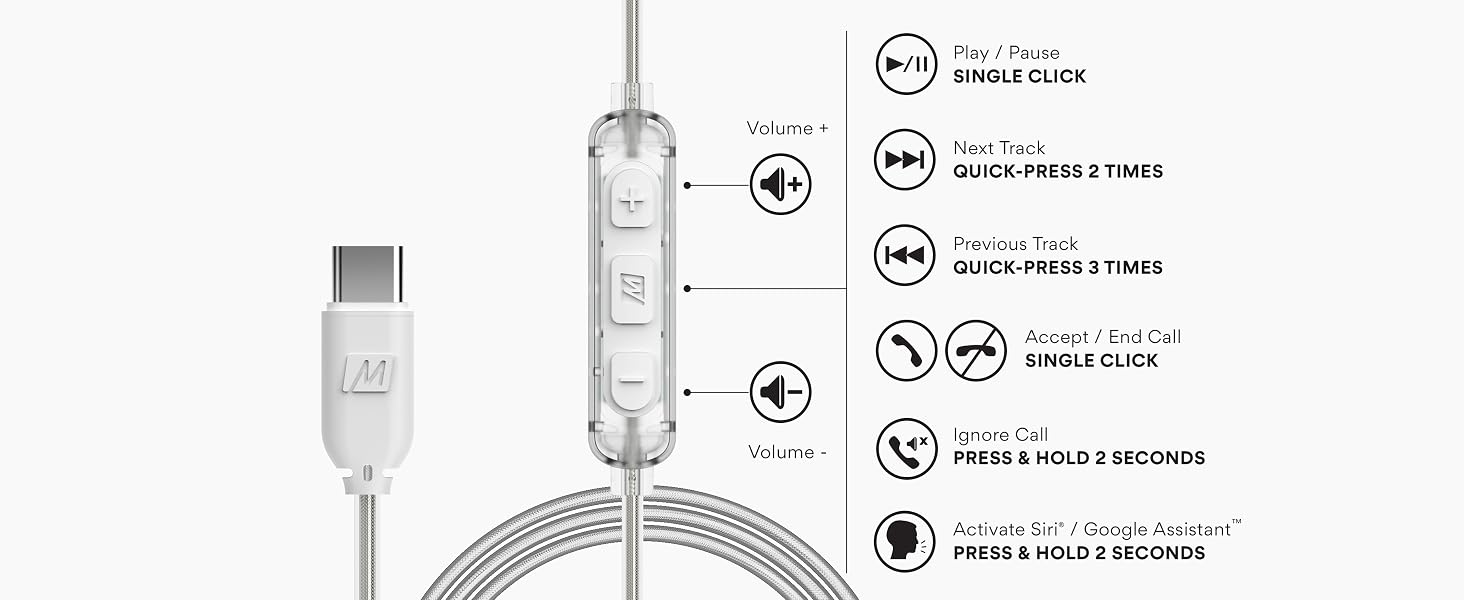
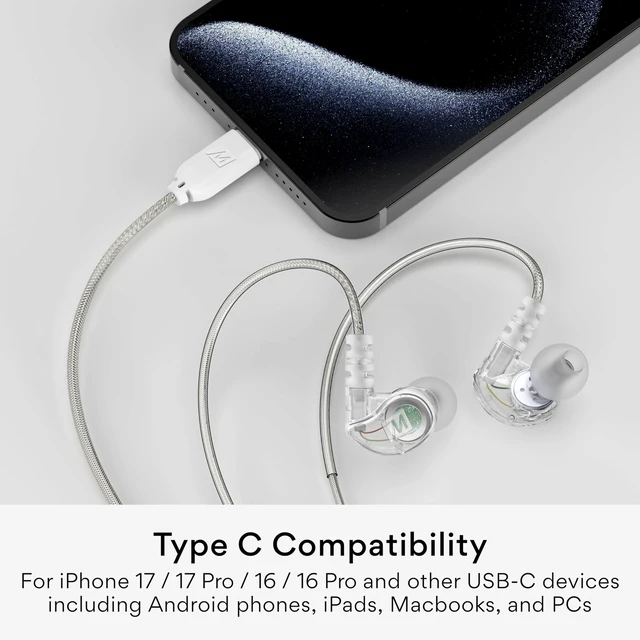
Compatible with iPhone 17 / 17 Pro / 16 / 16 Pro / 15 / 15 Pro, iPads, smartphones, tablets, computers, and other devices with Type C connectors
What is the "Memory Wire" on the M6 earphones?
Memory Wire is a special portion of the cable that fits around your ears and keeps the shape you set. This makes the fit more comfortable and keeps the earpieces securely in place, especially while moving around.
How do I wear Memory Wire?
Straighten the memory wire and put each earpiece in the corresponding ear. Squeeze the memory wire behind your ear until the fit is tight and secure. Use the cable cinch and shirt clip to control cable movement.
What do I do if I do not hear audio after plugging my M6 into my phone with USB-C
Try raising the volume. If you still don't hear any audio with your USB-C headphones, check the USB OTG setting typically found in Settings > Other Settings > OTG Connection. Note: some phones require USB OTG to be re-enabled after each phone reboot
How do I get more bass/a more full-bodied sound?
If your music sounds tinny or lacks bass, the "seal" between your ears and the eartips is imperfect. Test all of the provided eartips and select the ones that provide the best audio. Then, use the memory wire to position the earpieces for best sound.
Q: Will MEE audio USB-C headphones work with the PlayStation 5 (PS5) Gaming console?
Yes, MEE audio USB-C headphones will work with the PS5, but only when plugged into the USB-C jack that's on the PS5 console. If you need headphones that plug in to the PS5 controller, make sure to get the version with the 3.5 mm jack instead.
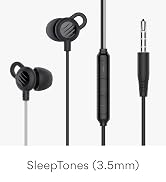
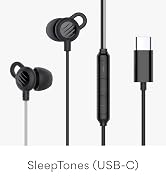
 M6 USB (USB-C + Headset) | 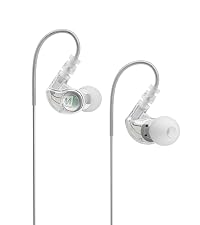 M6 (3.5 mm) | 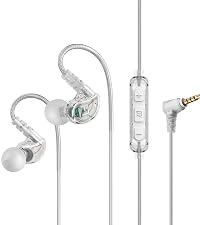 M6 R3 (3.5 mm + Headset) | 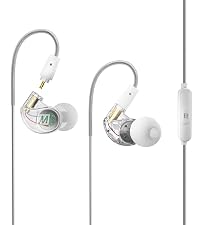 M6 VR (3.5mm for Gaming) | 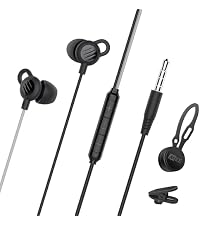 SleepTones (3.5mm) | 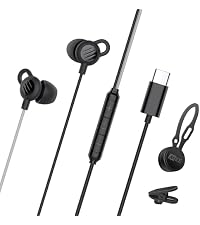 SleepTones (USB-C) | |
|---|---|---|---|---|---|---|
Customer Reviews | — | — | — | — | — | — |
Price | — | — | — | — | — | — |
Compatibility | USB-C (USB Type C) | 3.5 mm / AUX jack | 3.5 mm / AUX jack | 3.5 mm / AUX jack | 3.5 mm / AUX jack | USB-C (USB Type C) |
Inline Headset | ? | ? | ? | ? | ? | ? |
Volume Control | ? | ? | ? | ? | ? | ? |
Earpiece Material | Plastic | Plastic | Plastic | Plastic | Silicone | Silicone |
Earhooks | Memory Wire | Memory Wire | Memory Wire | Memory Wire | — | — |
Designed for Sleep | ? | ? | ? | ? | ? | ? |
IPX Rating | IPX5 | IPX5 | IPX5 | IPX5 | — | — |
Replaceable Cables | ? | ? | ? | ? | ? | ? |
Accessories | 6 eartips | carrying case + 6 eartips | carrying case + 6 eartips | case + 6 eartips + 3 cables | magnetic cord wrap | magnetic cord wrap |

Founded in Los Angeles, California in 2005, MEE audio set out to make high-fidelity portable audio accessible to every music lover.
Specializing in wireless connectivity solutions, in-ear monitoring, and hearing protection, we aim to support our customers' lifelong audio journeys, promoting healthy listening habits and a passion for sound quality.


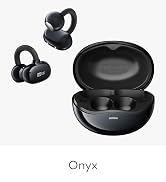
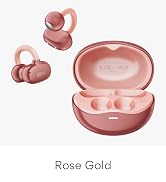
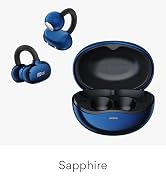
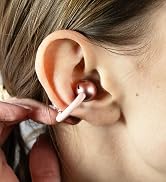
Hear your surroundings with the Pebbles Air and comfortable earclip design
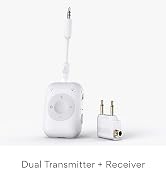
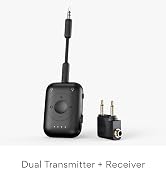
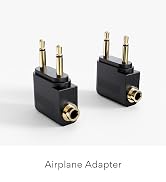
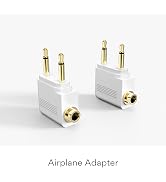
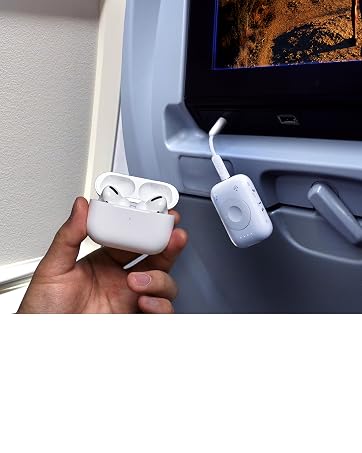
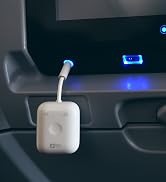
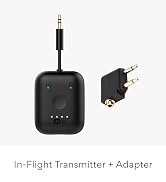
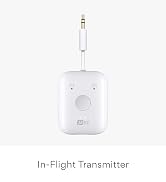
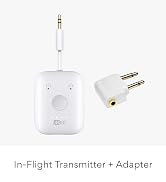
Easily stream wireless audio from in-flight entertainment systems with the Connect Air Pro
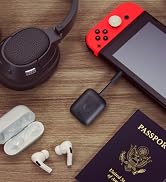
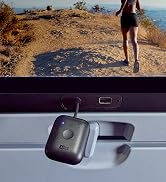

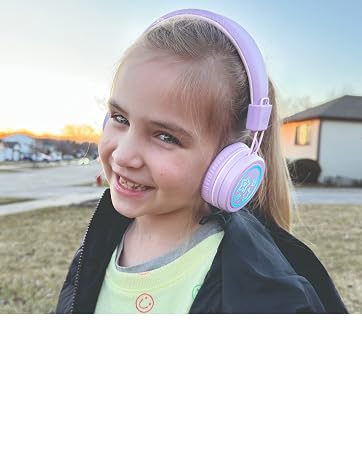
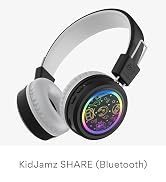
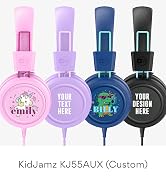
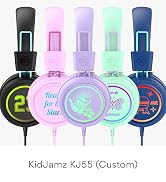
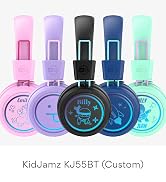
Protect your student and child's hearing with KidJamz headphones
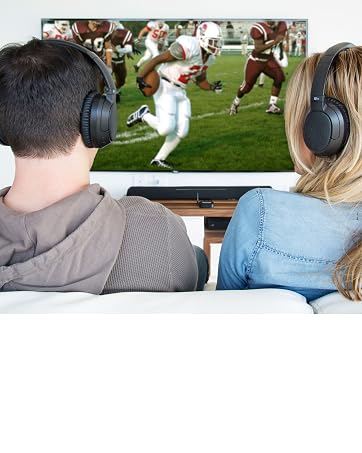
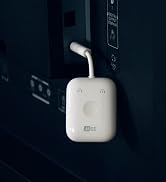
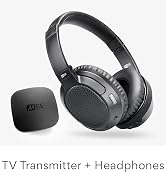
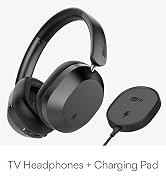
Bluetooth wireless headphone system for TV

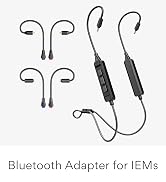
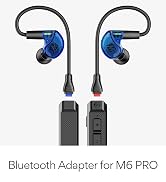
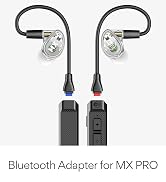

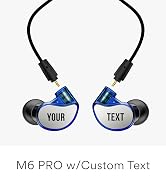
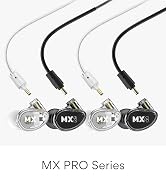
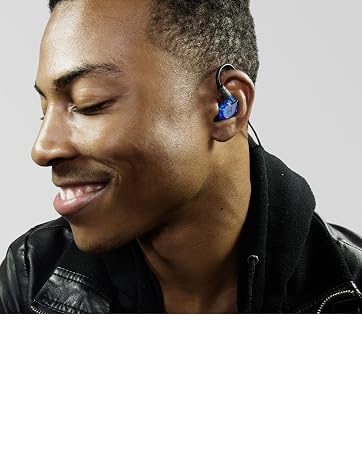
Modular musicians' in-ear monitors that don't miss a beat
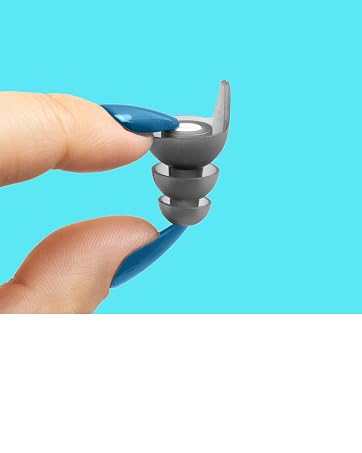
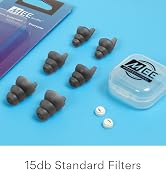
High-fidelity filters make these earplugs perfect for all day use or for sleep

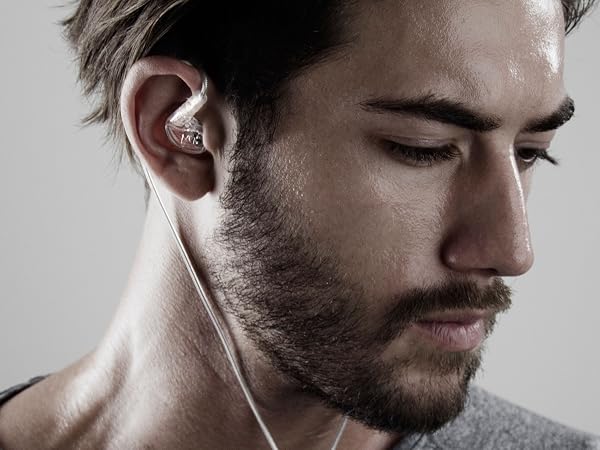
Over-the-ear design with adjustable “memory wire” earhooks and 6 sets of eartips deliver a secure, personalized fit that never falls out
High-performance dynamic drivers deliver an energetic audio experience that motivates you through the most intense workouts
IPX5 sweat- and water-resistant design prevents damage by sweat and the elements
M6 In-Ear Sports Headphones, eartips (6 pairs), shirt clip, user manual
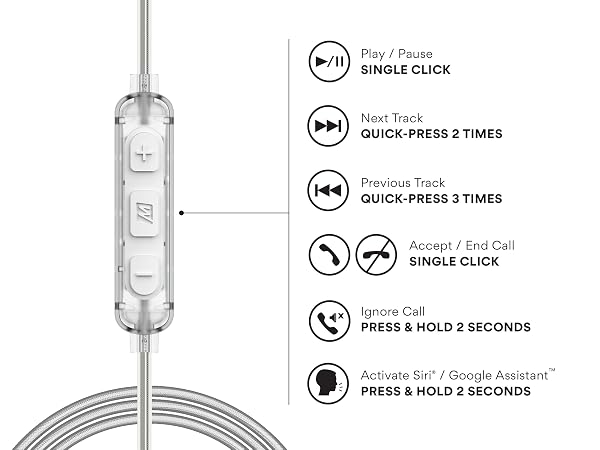
Inline microphone and remote let you take phone calls, control music playback, and adjust volume without getting your phone out
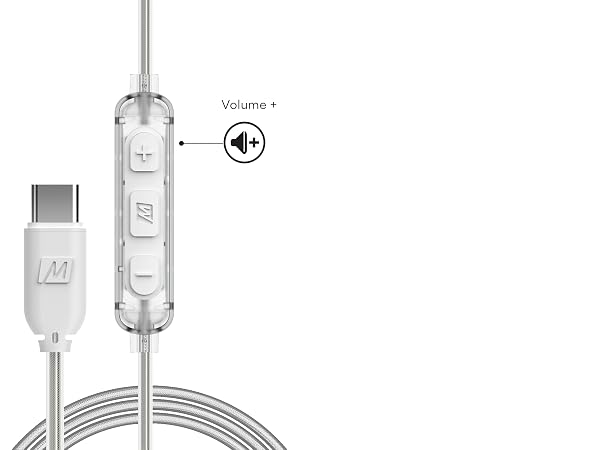
Compatible with iPhone 17 / 17 Pro / 16 / 16 Pro / 15 / 15 Pro, iPads, smartphones, tablets, computers, and other devices with Type C connectors
What is the "Memory Wire" on the M6 earphones?
Memory Wire is a special portion of the cable that fits around your ears and keeps the shape you set. This makes the fit more comfortable and keeps the earpieces securely in place, especially while moving around.
How do I wear Memory Wire?
Straighten the memory wire and put each earpiece in the corresponding ear. Squeeze the memory wire behind your ear until the fit is tight and secure. Use the cable cinch and shirt clip to control cable movement.
What do I do if I do not hear audio after plugging my M6 into my phone with USB-C
Try raising the volume. If you still don't hear any audio with your USB-C headphones, check the USB OTG setting typically found in Settings > Other Settings > OTG Connection. Note: some phones require USB OTG to be re-enabled after each phone reboot
How do I get more bass/a more full-bodied sound?
If your music sounds tinny or lacks bass, the "seal" between your ears and the eartips is imperfect. Test all of the provided eartips and select the ones that provide the best audio. Then, use the memory wire to position the earpieces for best sound.
Q: Will MEE audio USB-C headphones work with the PlayStation 5 (PS5) Gaming console?
Yes, MEE audio USB-C headphones will work with the PS5, but only when plugged into the USB-C jack that's on the PS5 console. If you need headphones that plug in to the PS5 controller, make sure to get the version with the 3.5 mm jack instead.
M6 USB (USB-C + Headset) | M6 (3.5 mm) | M6 R3 (3.5 mm + Headset) | M6 VR (3.5mm for Gaming) | SleepTones (3.5mm) | SleepTones (USB-C) |
|---|---|---|---|---|---|
| Customer Reviews | |||||
| — | — | — | — | — | — |
| Price | |||||
| — | — | — | — | — | — |
| Compatibility | |||||
| USB-C (USB Type C) | 3.5 mm / AUX jack | 3.5 mm / AUX jack | 3.5 mm / AUX jack | 3.5 mm / AUX jack | USB-C (USB Type C) |
| Inline Headset | |||||
| ? | ? | ? | ? | ? | ? |
| Volume Control | |||||
| ? | ? | ? | ? | ? | ? |
| Earpiece Material | |||||
| Plastic | Plastic | Plastic | Plastic | Silicone | Silicone |
| Earhooks | |||||
| Memory Wire | Memory Wire | Memory Wire | Memory Wire | — | — |
| Designed for Sleep | |||||
| ? | ? | ? | ? | ? | ? |
| IPX Rating | |||||
| IPX5 | IPX5 | IPX5 | IPX5 | — | — |
| Replaceable Cables | |||||
| ? | ? | ? | ? | ? | ? |
| Accessories | |||||
| 6 eartips | carrying case + 6 eartips | carrying case + 6 eartips | case + 6 eartips + 3 cables | magnetic cord wrap | magnetic cord wrap |
Founded in Los Angeles, California in 2005, MEE audio set out to make high-fidelity portable audio accessible to every music lover.
Specializing in wireless connectivity solutions, in-ear monitoring, and hearing protection, we aim to support our customers' lifelong audio journeys, promoting healthy listening habits and a passion for sound quality.
Hear your surroundings with the Pebbles Air and comfortable earclip design
Easily stream wireless audio from in-flight entertainment systems with the Connect Air Pro
Protect your student and child's hearing with KidJamz headphones
Bluetooth wireless headphone system for TV
Modular musicians' in-ear monitors that don't miss a beat
High-fidelity filters make these earplugs perfect for all day use or for sleep


