




 here!
here!
I’m your shopping assistant for PC builds, upgrades, and everything tech.
Got questions? Ask away!
Start a conversation
here!
I’m your shopping assistant for PC builds, upgrades, and everything tech.
Got questions? Ask away!
Start a conversation


Any questions? Ask CelesteSM will help you find out quickly.
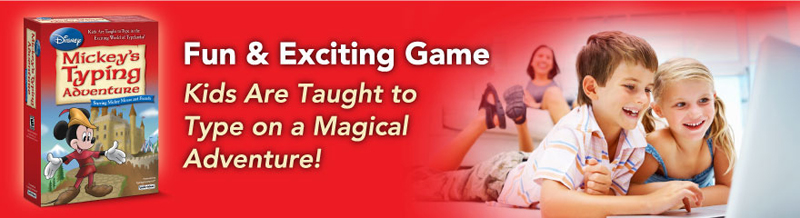
Kids Are Taught to Type With Mickey Mouse & Friends
Play for Hours!
Go on an exciting Typing adventure in Typelandia with Mickey Mouse and friends. Help solve the mysterious enchantment as you are taught to type and help Mickey's friends make it to the Palace. Mickey's friends are in trouble and they need your help. Use the keyboard to type your way around Typelandia. As you learn to type, the keyboard magic will free Mickey's friends from the strange enchantment. You are the hero—Mickey's friends are counting on you to help them.
Animations With Mickey Mouse & Friends
Typelandia is full of exciting animations of Mickey Mouse and friends. Kids will be delighted with Huey, Dewey, Louie, and Daisy in the Garden, Donald at the Cottage, Minnie at the Wishing Well, Pluto at the Big Tree, Goofy at the Mine, and more.
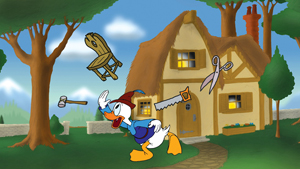
Oh no! Something is not quite right. Donald needs your help. Can you help him?

Minnie is at the Mine and she needs your help.
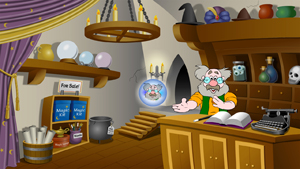
Exciting Adventure
Typelandia is an exciting place. You begin your adventure at the Village where you can visit the Arcade, the Library, the Academy, and Ye Old Magic Shoppe. The Shopkeeper will join you in a crystal ball on your journey through Typelandia and guide you step-by-step.
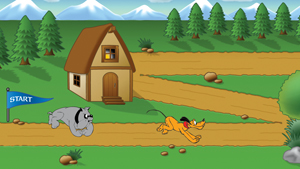
Typing Games
Build your typing speed and accuracy with the 7 exciting Typing Games in Typelandia, including Mickey Mouse and the Pyramid of Peril, Gopher Mania, Run Pluto Run, Coin Catch, Spelunking, Target Typing, and Quack Cottage.
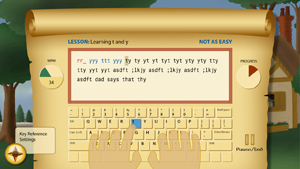
Typing Courses
Kids learn proper typing posture and finger placement following one of eleven Typing Courses for their age and skill level. Lessons include step-by-step instructions with visual guide hands in the proven educational design. Kids are taught all of the letters on the keyboard as they type their way to each exciting destination in Typelandia.
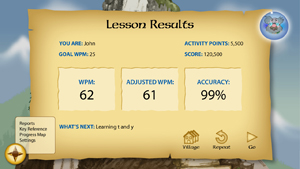
Lesson Results
The Lesson Results provide instant feedback on words per minute, adjusted words per minute, and accuracy. When kids pass the lessons and challenges at proficient speed and accuracy, they help Mickey’s friends escape the magical enchantment—and become touch-typists.
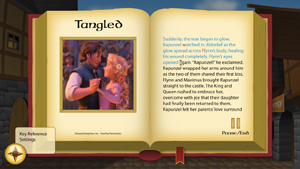
Disney Stories
Select from any of the 10 passages from Disney Stories, like Tangled. Typelandia is a fun place to practice typing. Kids reinforce finger-to-key memory skills by playing typing games in the Arcade with just the keys they have learned. When they learn the entire keyboard they can practice typing their favorite Disney Stories in the Library.
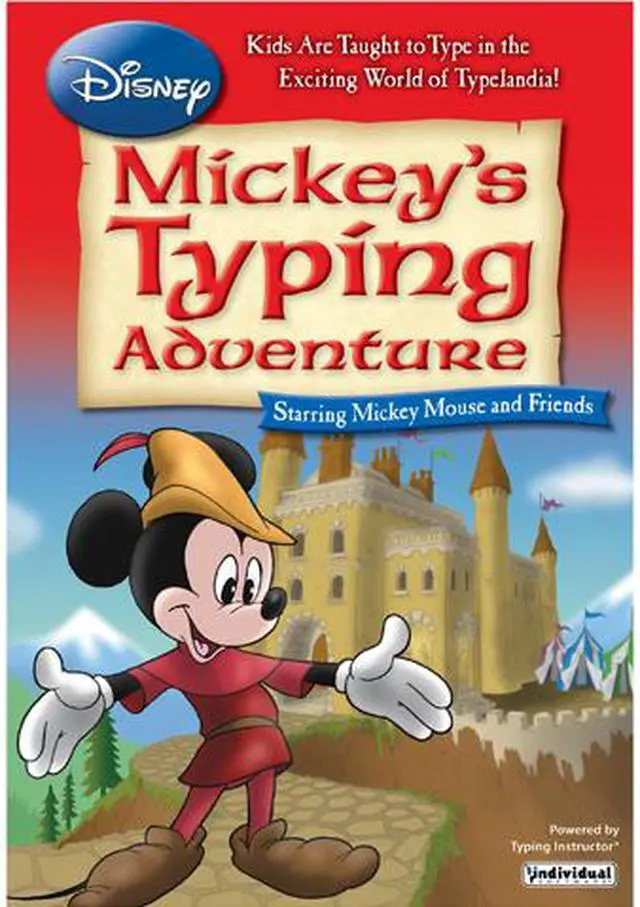
Individual Software Disney: Mickey’s Typing Adventure is downloadable Windows typing-learning software that teaches children keyboard skills through a Mickey Mouse story, structured courses, lessons, and games, making it suited to young beginners who learn well through themed activities.
| Attribute | Value |
|---|---|
| Best For | Children learning keyboard typing through guided courses, lessons, games, and Disney story-based practice |
| Learning Content And Activities | Includes 11 typing courses, hundreds of lessons and challenges, progress, speed, and accuracy reports, 7 typing games, practice passages from 10 Disney stories, and a Disney character coloring book |
| Platform And System Requirements | Supports Microsoft Windows 10, 8, 7, Vista, or XP; requires a Pentium P4 processor, 700 MB of hard drive space, DVD-ROM drive, mouse, and internet access for activation. A 1280 × 720, 16-bit-or-higher display is recommended; a 16-bit sound card and speakers or headphones are listed |
| Delivery Format | Download |
| Product Identity | Individual Software Disney: Mickey's Typing Adventure, model 8112009; classified as learning software |


