





Multifunctional Socket
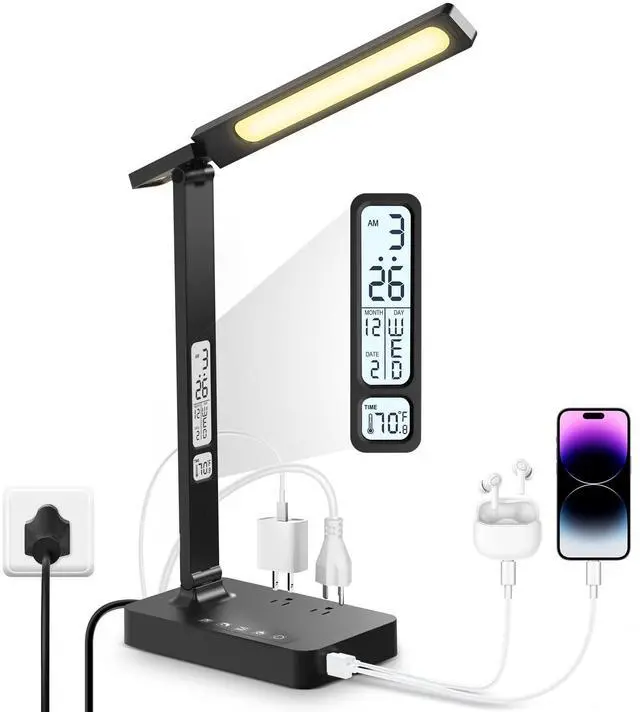
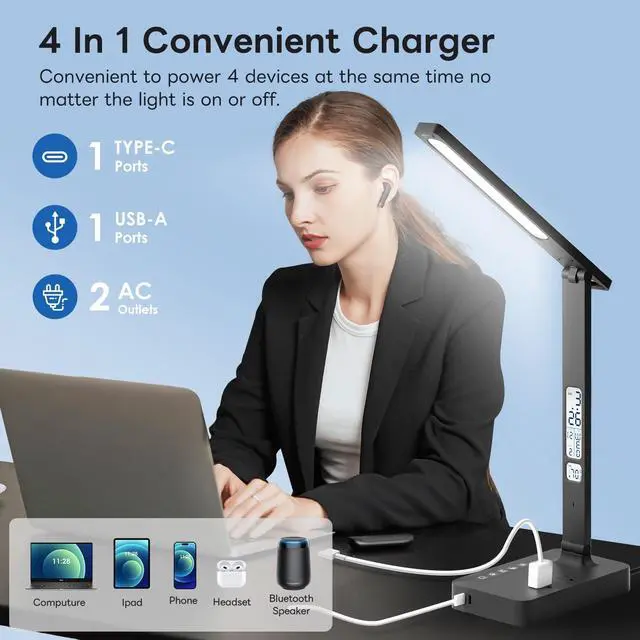
They are designed with 2 AC Outlets on the lamp base and 1 USB 1 Type-c Charging Ports.

No Video Flash
Avoid excessive eye fatigue caused by frequent pupil constriction, and make your eyes more comfortable and healthier.

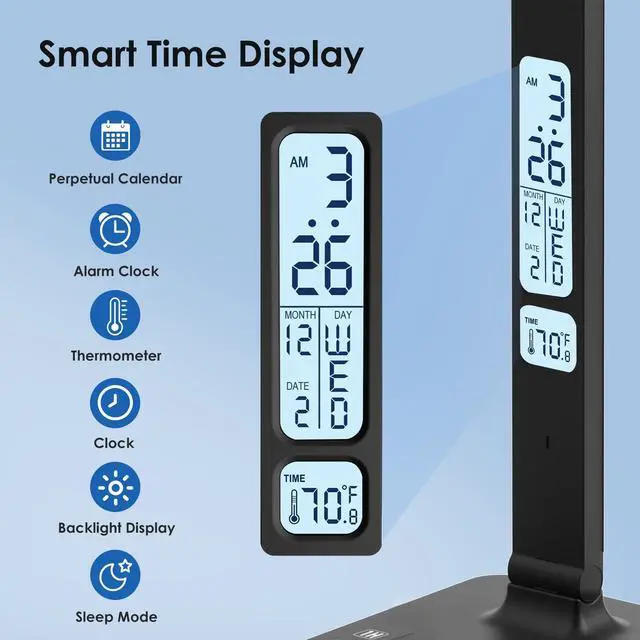
Screen Features
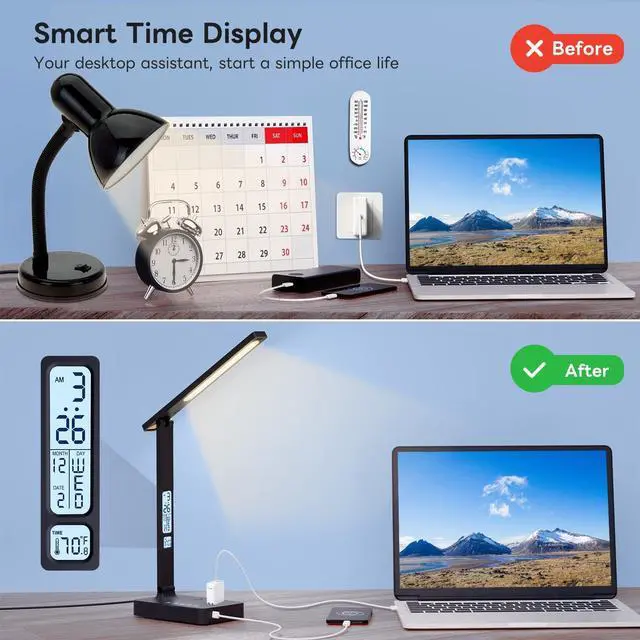
The display shows time, date, week, and temperature respectively.

Screen Brightness Switch
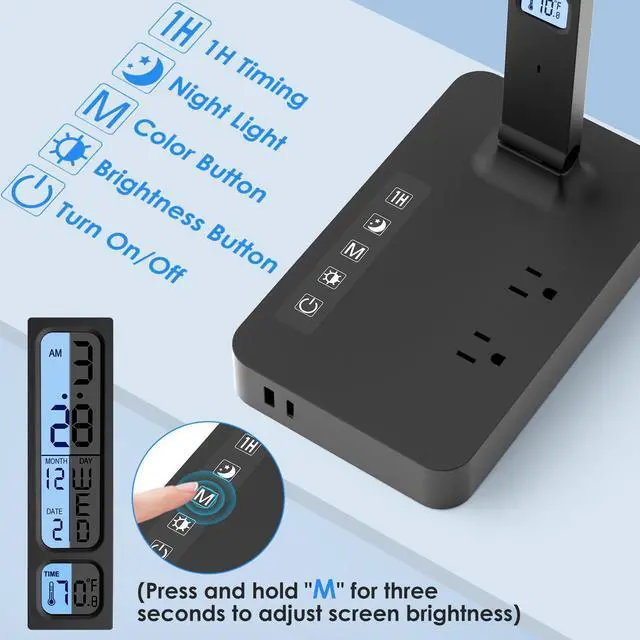
Intimate design, Long press the power button for 3 seconds to turn on / off the LCD display white light.
Bedside Lamp
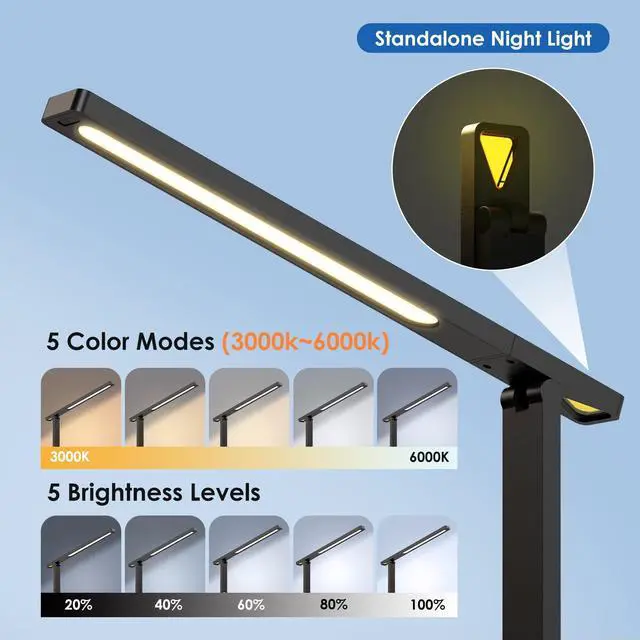
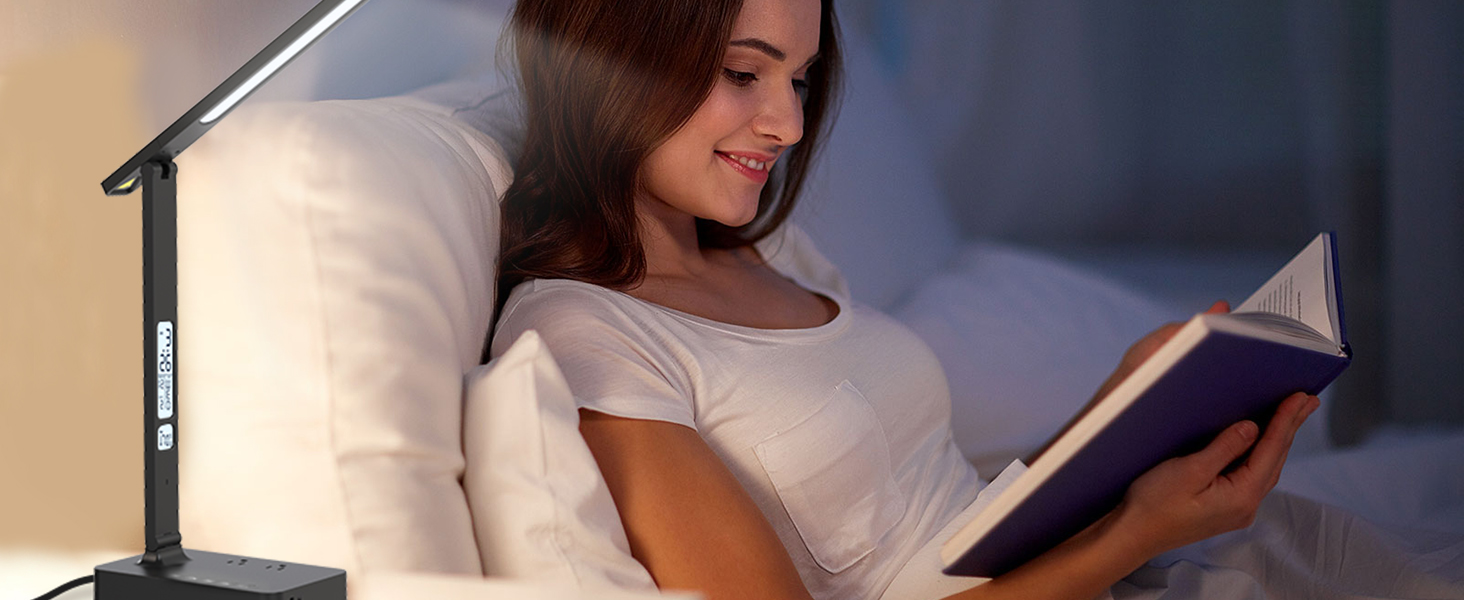
Warm night light great for reading & sleeping
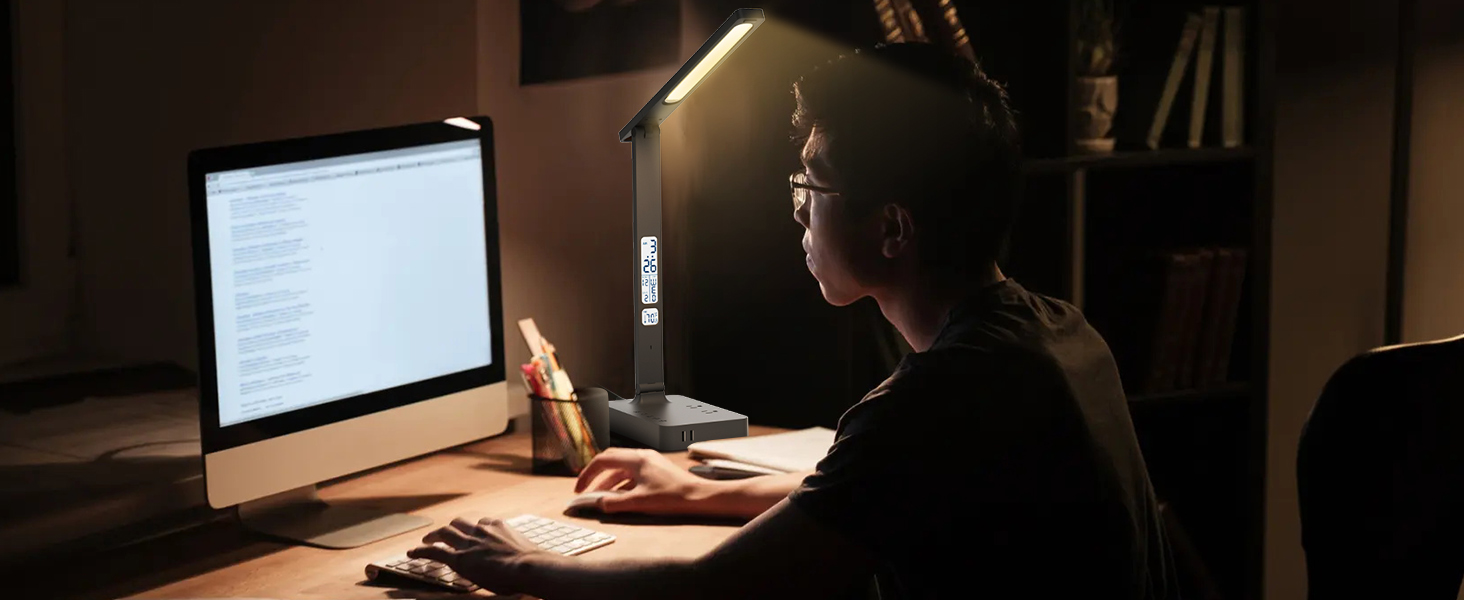
Dorm Room Essentials
LED Desk lamp with usb ports, desk essentials must haves for student
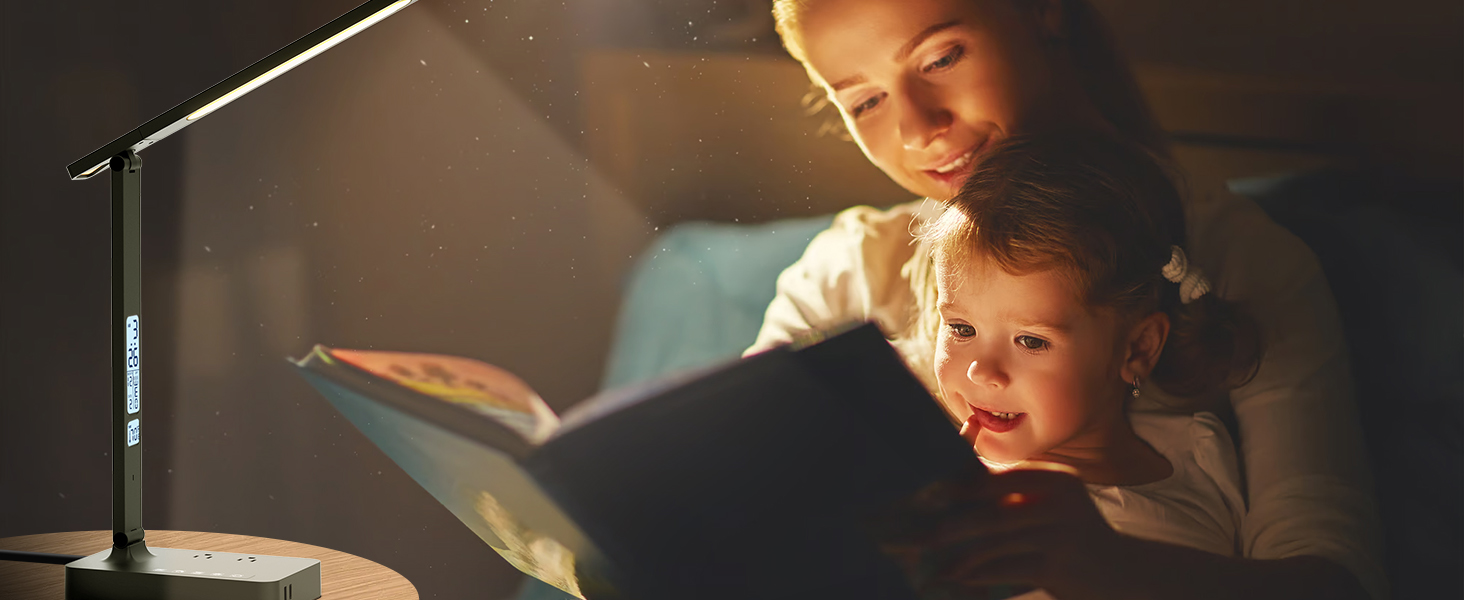
Lamp for Living Room
Touch Control Dimmable and Eye-caring Led Desk Light
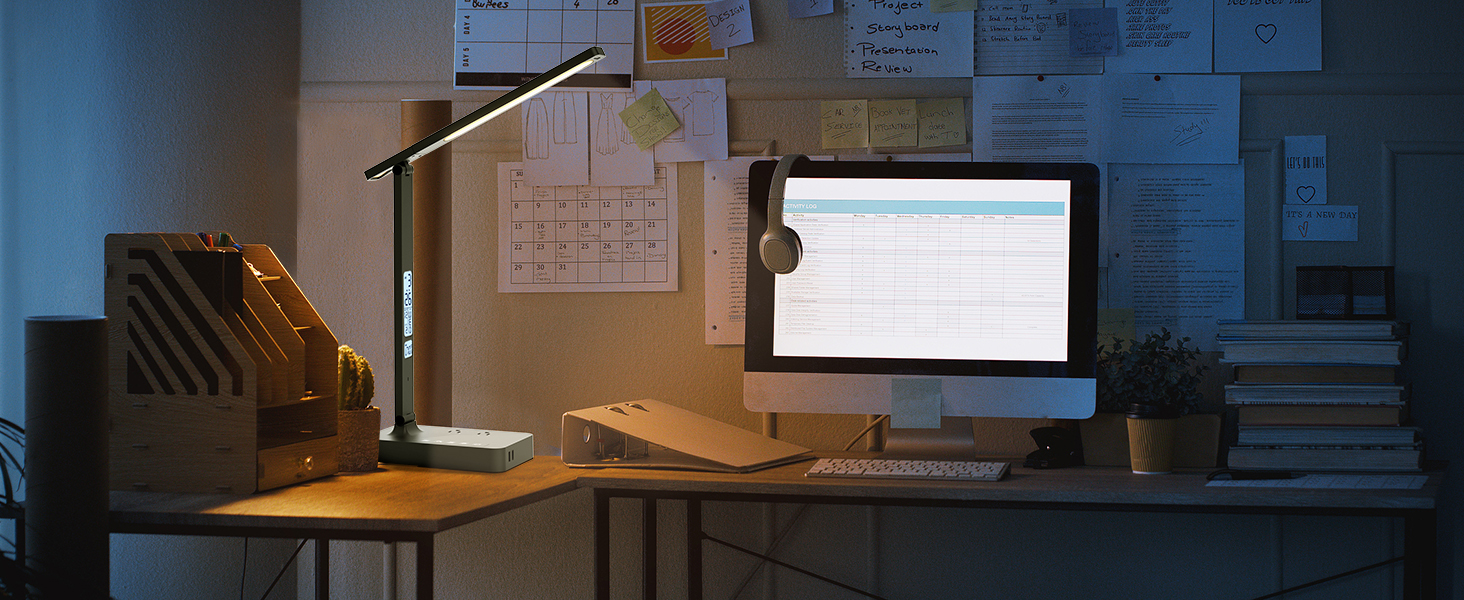
Multi-Function Desk Lamp
The desk lamp has multiple sockets and USB ports, saving space and meeting different works needs.


How to set the alarm clock on the desk lamp display screen?
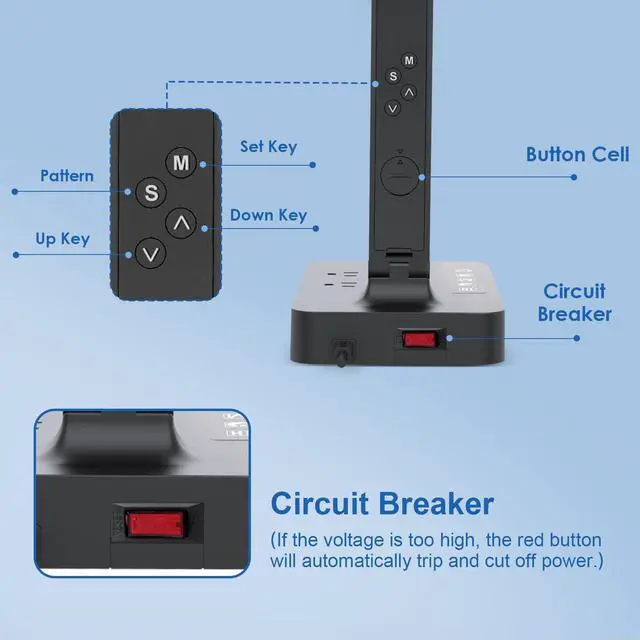
Key “M”? Switch to Alarm Mode.
Key “?” or “?”? Adjust the value of the current state.
How to set the time, date and year on the table lamp display screen?
In the time mode, press "S" continuously, and press [Hour-Minute-Year-Month-Day-Exit] to switch the current state. After selecting the state, press "?" "?" to adjust the current value, then press "S" to save and exit the setting.
What is the function of the red button on the back of the desk lamp?
This is the overvoltage protection button of the desk lamp. When the voltage exceeds the range that the desk lamp can withstand, the desk lamp will automatically cut off the power to protect the safety of electrical appliances and circuits.
How to turn off the LCD brightness?
By default, the LCD screen will light up when the lamp is plugged in. Long press "M" above the touchpad to turn the brightness of the LCD screen on or off.
How do I change from Celsius to Fahrenheit?
In time mode, press "?" key directly to switch between Celsius and Fahrenheit.


Multifunctional Socket
They are designed with 2 AC Outlets on the lamp base and 1 USB 1 Type-c Charging Ports.
No Video Flash
Avoid excessive eye fatigue caused by frequent pupil constriction, and make your eyes more comfortable and healthier.
Screen Features
The display shows time, date, week, and temperature respectively.
Screen Brightness Switch
Intimate design, Long press the power button for 3 seconds to turn on / off the LCD display white light.
Bedside Lamp
Warm night light great for reading & sleeping
Dorm Room Essentials
LED Desk lamp with usb ports, desk essentials must haves for student
Lamp for Living Room
Touch Control Dimmable and Eye-caring Led Desk Light
Multi-Function Desk Lamp
The desk lamp has multiple sockets and USB ports, saving space and meeting different works needs.


How to set the alarm clock on the desk lamp display screen?
Key “M”? Switch to Alarm Mode.
Key “?” or “?”? Adjust the value of the current state.
How to set the time, date and year on the table lamp display screen?
In the time mode, press "S" continuously, and press [Hour-Minute-Year-Month-Day-Exit] to switch the current state. After selecting the state, press "?" "?" to adjust the current value, then press "S" to save and exit the setting.
What is the function of the red button on the back of the desk lamp?
This is the overvoltage protection button of the desk lamp. When the voltage exceeds the range that the desk lamp can withstand, the desk lamp will automatically cut off the power to protect the safety of electrical appliances and circuits.
How to turn off the LCD brightness?
By default, the LCD screen will light up when the lamp is plugged in. Long press "M" above the touchpad to turn the brightness of the LCD screen on or off.
How do I change from Celsius to Fahrenheit?
In time mode, press "?" key directly to switch between Celsius and Fahrenheit.