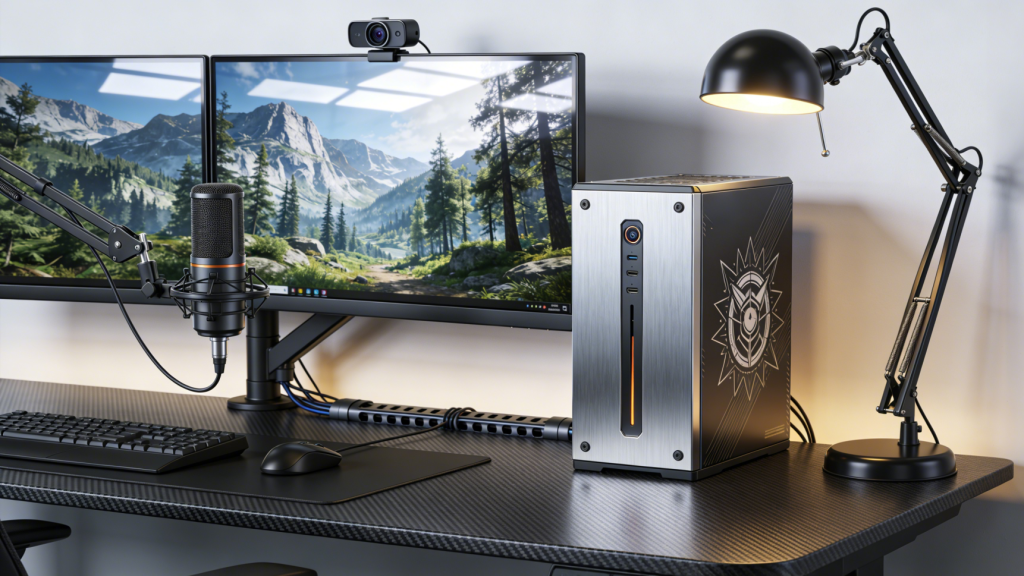
4K gaming monitors are no longer rare, but in 2026 the real question is how to use them wisely. 4K resolution looks fantastic for open-world games, sharp UI elements, and detailed textures, yet it also demands much more GPU power. As a result, the best 4K setup is not just a monitor choice. It is a system balance: resolution, refresh rate, and GPU capacity all need to fit together.
This article focuses on the 4K gaming monitor landscape in 2026 and how to pair it with the right graphics hardware. If you want to explore current 4K gaming monitor options and GPU ranges, these Newegg collections are good starting points: 4K gaming monitors and GPU ranges.
Why 4K Feels Different
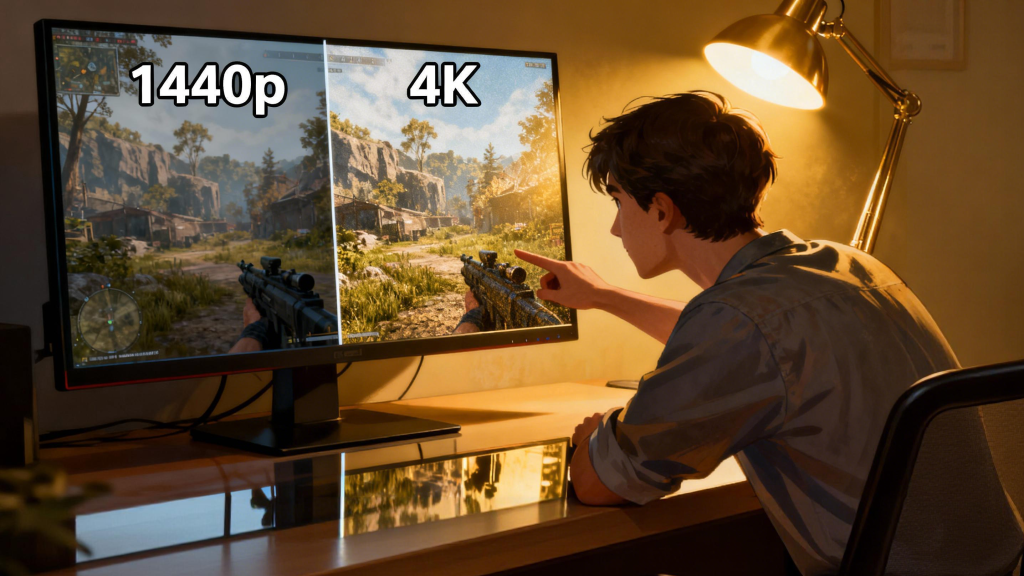
4K (3840 x 2160) brings four times the pixels of 1080p. That pixel density makes textures, HUD elements, and fine geometry appear smoother and more detailed. It also helps with non-gaming tasks like productivity and content consumption, which is one reason 4K monitors have become popular in mixed-use setups.
The trade-off is workload. Rendering four times the pixels is heavy, and in 2026 even high-end GPUs can struggle to deliver high frame rates at native 4K in the most demanding titles. The solution is not to avoid 4K but to plan your balance: select a GPU that matches your performance goals, and choose a monitor refresh rate that you can actually sustain.
 The 2026 4K Monitor Landscape
In 2026, 4K gaming monitors fall into three main groups:
- 60Hz to 75Hz: ideal for cinematic single-player gaming, lower GPU requirements.
- 120Hz to 144Hz: a balanced segment that feels smooth without being extreme.
- 160Hz and above: premium and demanding, mainly for high-end GPUs and competitive gamers.
The 120Hz to 144Hz range is now the most practical target for many players. It offers clear motion without forcing the absolute highest frame rates. The key is to know what your GPU can consistently deliver at 4K.
GPU Pairing: Set Expectations Early
A 4K monitor paired with a weak GPU can feel underwhelming. Frame rates may drop, and you might rely heavily on resolution scaling or performance modes. That is not necessarily bad, but it changes the experience. Before buying, scan the GPU category to understand what level of performance is realistic for your budget.
A simple framework:
- Midrange GPU: 4K at 60Hz with optimized settings, often with upscaling.
- Upper midrange GPU: 4K at 90 to 120Hz in many titles, especially with DLSS or FSR.
- High-end GPU: 4K at 120Hz or higher in most modern games.
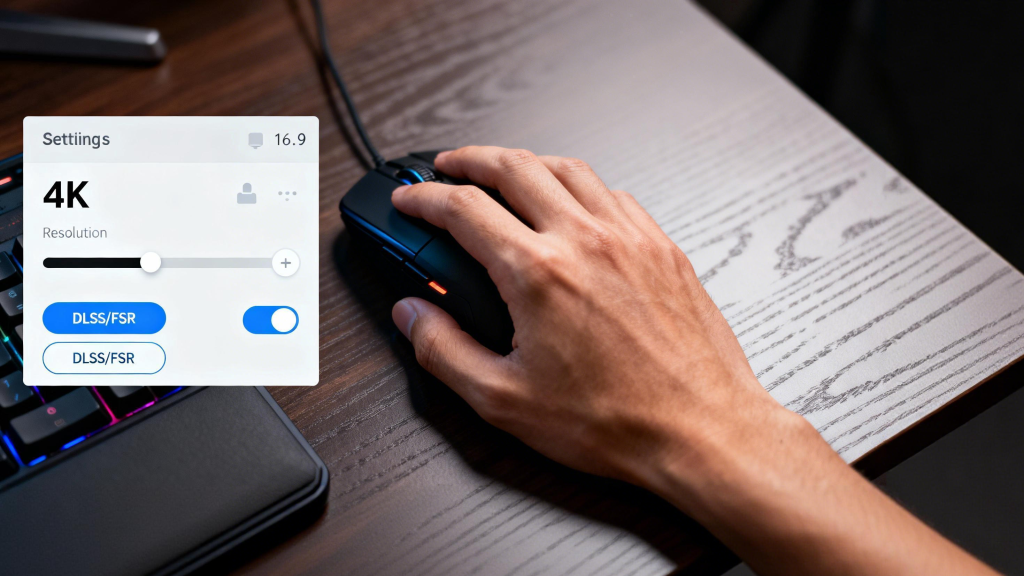
This framework helps you decide whether you should prioritize resolution, refresh rate, or visual effects. In 2026, upscaling technologies are widely supported, which makes 4K more accessible, but a strong GPU still matters for consistent performance.
 Why 4K Is Not Only for Gaming
Many buyers choose a 4K gaming monitor because it doubles as a productivity display. The extra detail is excellent for editing, spreadsheets, and media. This mixed-use value is part of the reason 4K monitors remain popular despite the GPU demands. If you want a display that looks sharp in both games and daily tasks, 4K is a strong candidate.
Newegg’s 4K gaming monitor listings provide a practical snapshot of what the market looks like now: 4K gaming monitor listings. It is helpful to look at specs like refresh rate, panel type, and HDR support together, because those are the areas where 4K models differentiate.
4K Settings Strategy for 2026
For best results, most players adopt a layered approach:
- Start with native 4K at medium to high settings.
- Use upscaling to improve frame rates without a large quality loss.
- Prioritize stable frame times rather than chasing peak numbers.
This approach yields a smoother experience and avoids the sudden dips that can be more noticeable at higher resolutions. The goal is a consistent visual flow rather than maximum benchmarks.
 Connectivity and Panel Considerations
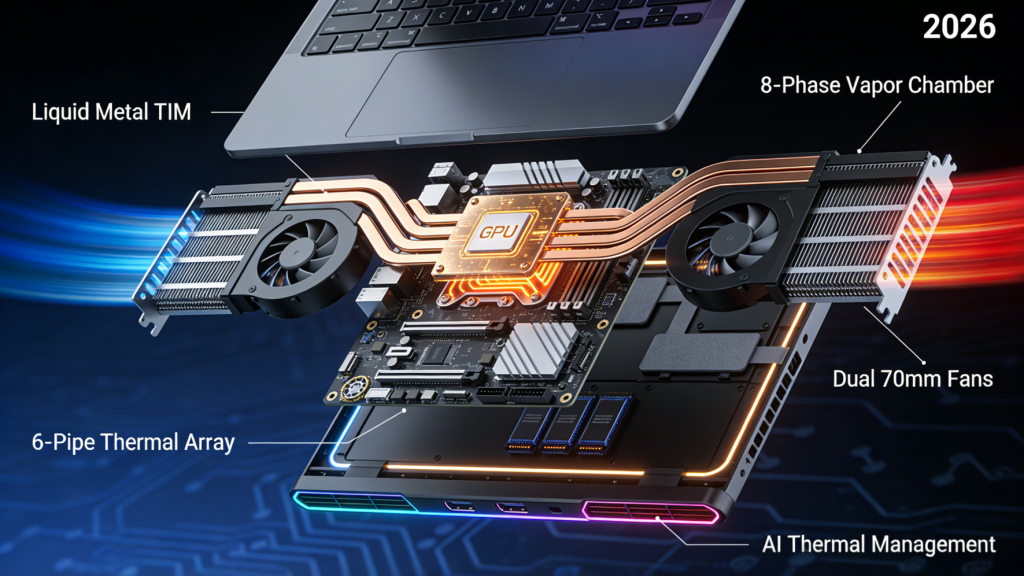
4K at high refresh rates requires enough bandwidth from your GPU and cable. In 2026, DisplayPort 1.4 with compression and newer HDMI standards can handle 4K at 120Hz or 144Hz, but older laptops or docks may not. If you plan to run 4K at high refresh, confirm that both the monitor and the GPU output support the needed bandwidth. This is a common hidden limitation that can cap refresh rate even when the panel is capable.
Panel type also affects the feel of 4K gaming. IPS panels are popular for their color and viewing angles, while VA panels offer stronger contrast. OLED options deliver instant response and deep blacks but may carry a higher price. The best choice depends on whether you value contrast, color accuracy, or competitive response time.
Buying Tips for 2026
- Choose a refresh rate you can realistically maintain at 4K.
- Pair the monitor with a GPU that fits your target frame rate.
- Consider HDR and panel quality, not just resolution.
- If you use the monitor for work and play, 4K is one of the most versatile choices.
 Summary
4K gaming in 2026 is about smart balance, not just chasing the highest specs. The best setup pairs a capable GPU with a refresh rate that fits your game library and performance targets. With the right combination, 4K delivers a clear, immersive experience that also benefits everyday productivity.
If you want to explore current options, start with 4K gaming monitor listings and compare them alongside GPU categories to see what matches your budget and goals. The right balance makes 4K feel less like a compromise and more like a premium upgrade you can actually sustain.