Best Specs for Art and Animation
CPU
When looking at CPU specs for creative, pay attention to clock speeds over core count. That's because CPUs only have so much power to work with, so core count comes at the cost of clock speeds. Many programs for graphic design and animation, as well as games, tend to utilize a single core for the bulk of their work. Thus, it's important for the processor to be able to utilize more of that power on a single core to more efficiently tackle those tasks.GPU
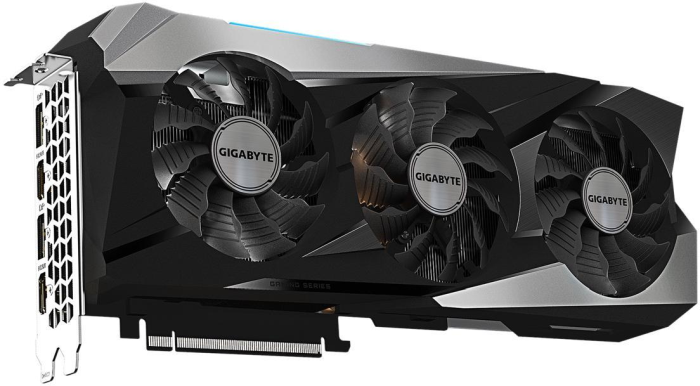 GIGABYTE GeForce RTX 3070 Ti
For art and animation, the GPU is rarely ever the bottleneck. Having a powerful GPU can help with working with and rendering 3D spaces, but a lighter GPU can also work in most cases. However, for gaming, having a powerful GPU is crucial for peak performance in demanding titles.
If you're mostly looking to do creative work with some casual gaming on the side, then a system with a less powerful GPU should work just fine and can save you some money. But if you're a serious gamer, you'll want to shell out for a system with more power.
GIGABYTE GeForce RTX 3070 Ti
For art and animation, the GPU is rarely ever the bottleneck. Having a powerful GPU can help with working with and rendering 3D spaces, but a lighter GPU can also work in most cases. However, for gaming, having a powerful GPU is crucial for peak performance in demanding titles.
If you're mostly looking to do creative work with some casual gaming on the side, then a system with a less powerful GPU should work just fine and can save you some money. But if you're a serious gamer, you'll want to shell out for a system with more power.
RAM
When it comes to RAM, having more won't really affect performance, unless you don't have enough. For gaming and other everyday tasks, 8 GB is generally enough. But for creatives, having more RAM can be essential, especially for large 3D animation projects. For art and animation, we recommend you go with at least 16 GB of RAM.With PC Builder, you dream it, they assemble it!
Storage
Modern games can take up a lot of storage space on your computer. Project files can also take up a lot of room, especially if you're a prolific creator. That's why it's important to get a computer that has adequate storage on it. And even better if you can find one with additional drive slots for further expansion. Of course, you can always use an external hard drive to supplement limited space. But internal drives are much faster and work better for both gaming and editing.Display Specs
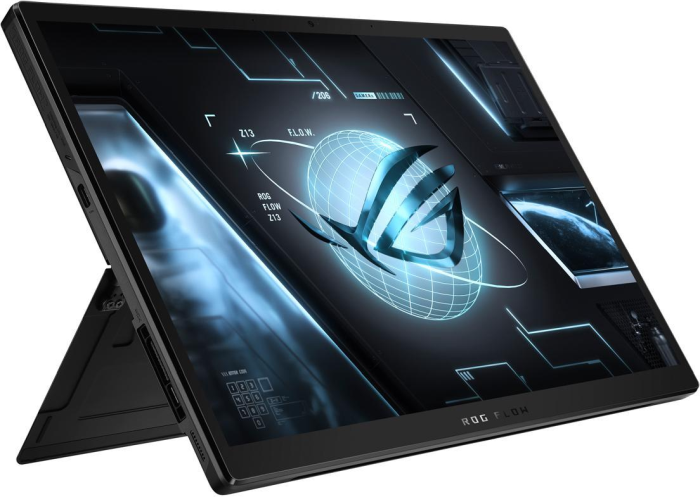 You need a display that can work as well as play
Whether you're a serious artist or gamer, buying a laptop with a good display can make a world of difference. For artists, finding a color-accurate display is necessary, and having a touchscreen can make creating artwork so much easier. For gaming, a screen with a high refresh rate is essential, especially in fast-paced competitive games.
You need a display that can work as well as play
Whether you're a serious artist or gamer, buying a laptop with a good display can make a world of difference. For artists, finding a color-accurate display is necessary, and having a touchscreen can make creating artwork so much easier. For gaming, a screen with a high refresh rate is essential, especially in fast-paced competitive games.
Cooling
It's no secret that computers can run hot when under load. But for high-end gaming laptops, this problem is especially prevalent, since manufacturers cram powerful components inside such a tiny space with little breathing room. Of course, you want a laptop that has a good cooling system, which will help you take advantage of that powerful hardware. But you can also help keep your machine cool by using a laptop cooling pad, which can help ward off thermal throttling.Our Gaming Laptop Picks for Art and Animation
With that in mind, let's look at some of the best laptops for art, animation, and gaming.HIDevolution MSI Creator Z16
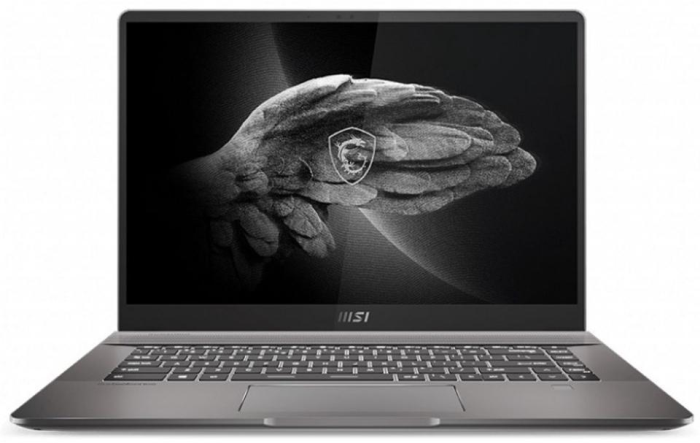 MSI Creator
- CPU: 11th Gen Intel Core i9-11900H (2.5-4.9 GHz)
- GPU: NVIDIA GeForce RTX 3060 6 GB (max 65W)
- RAM: 64 GB DDR4
- Storage: 2 TB NVMe SSD
- Display: 16" QHD+ 120Hz Touchscreen
- Price: $2,889.00
- High-end hardware in a thin and portable package
- Excellent audio quality
- Colorful and vibrant QHD+ touchscreen
- Runs hot in prolonged CPU-intensive tasks
- Comparably poor battery life
ASUS ROG Flow Z13
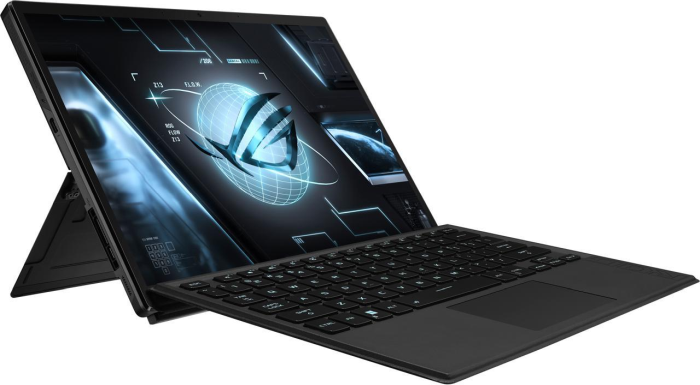 ASUS ROG Flow Z13
- CPU: 12th Gen Intel Core i7-12700H (2.3-4.7 GHz)
- GPU: NVIDIA GeForce RTX 3050 4 GB (max 40W)
- RAM: 16 GB DDR5
- Storage: 512 GB NVMe SSD
- Display:4" FHD+IPS 120Hz Pantone-validated Touchscreen
- Price: $1,799.99
- Offers moderate power for its size
- Pantone-validated touchscreen makes it great for artwork
- More versatile than a traditional gaming laptop
- Low-powered graphics hold it back for high-end gaming
- Battery life is relatively short
GIGABYTE AORUS 15P
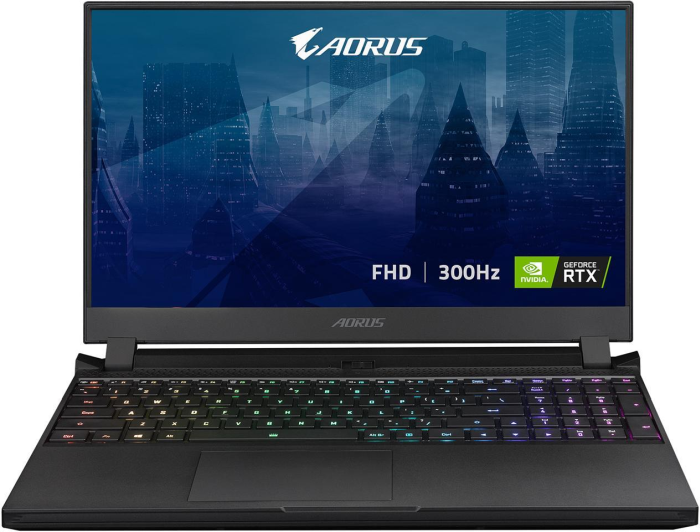
- CPU: 11th Gen Intel Core i7-11800H (2.3-4.6 GHz)
- GPU: NVIDIA GeForce RTX 3080 8 GB (max 130W)
- RAM: 32 GB DDR4
- Storage: 1 TB SSD
- Display:6" 300 Hz FHD IPS
- Price: $2,399.00
- 8 GB RTX 3080 makes it a gaming and rendering beast
- Fast processor for rendering
- Plenty of RAM to handle large projects
- Fans are a bit loud
- No mux switch
We've got a whole lot of Gaming Laptops
Dell XPS 15
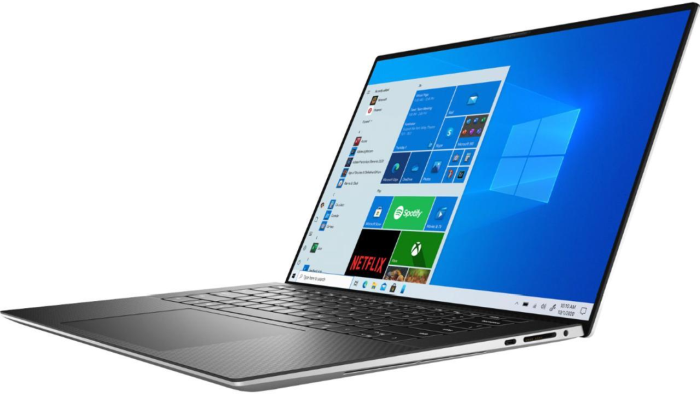 Dell XPS 15
- CPU: Intel Core i7-11800H (2.3-4.6 GHz)
- GPU: NVIDIA GeForce RTX 3050 Ti 4 GB (max 45W)
- RAM: 16 GB DDR4
- Storage: 512 GB M.2 PCIe NVMe
- Display:6" FHD+ InfinityEdge 500-Nit Display
- Price: $1,164.99
- Bright beautiful display is perfect for art projects
- Great balance between performance and thermals
- 2 M.2 SSD Slots
- Vent design causes the fan to make a high-pitched sound
- Keys are a bit soft
Lenovo Legion 5
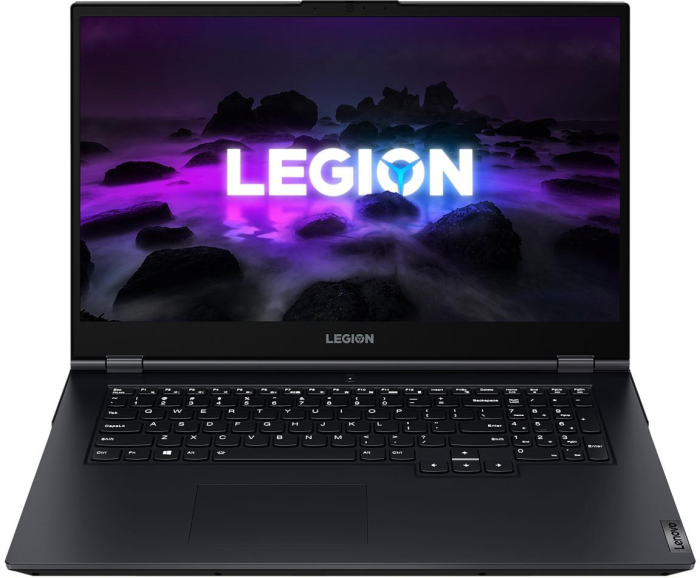
- CPU: 11th Gen i7-11800H (2.4-4.6 GHz)
- GPU: NVIDIA GeForce RTX 3060 6 GB (max 135W)
- RAM: 16 GB DDR4
- Storage: 512 GB PCIe M.2 SSD
- Display:3" 144 Hz FHD IPS
- Price: $1,360.99
- Good value to performance
- High TGP graphics for optimal gaming and rendering performance
- Runs relatively cool under load
- Short battery life
- A little bulky
Revolutionize your laptop, Shop Helix.
MSI GF63
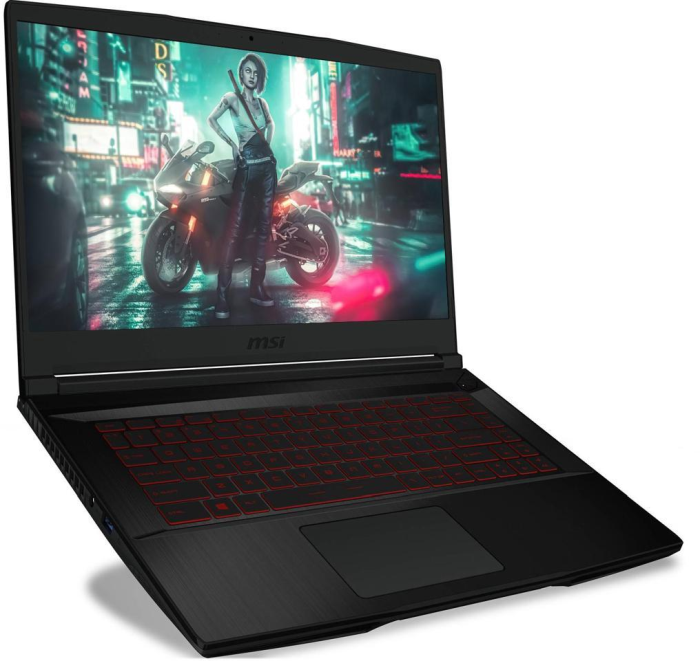 MSI GF63
- CPU: Intel Core i5-10300H (2.5-4.5 GHz)
- GPU: NVIDIA GeForce GTX 1650 4 GB (max 35W)
- RAM: 32 GB DDR4
- Storage: 512 GB NVMe SSD
- Display:6" IPS FHD
- Price: $949.99
- 2 and SATA drive slots for extra storage
- Plenty of RAM for larger projects
- Excellent price to performance
- Short battery life
- Can run a bit hot under load
Acer ConceptD 3 Ezel
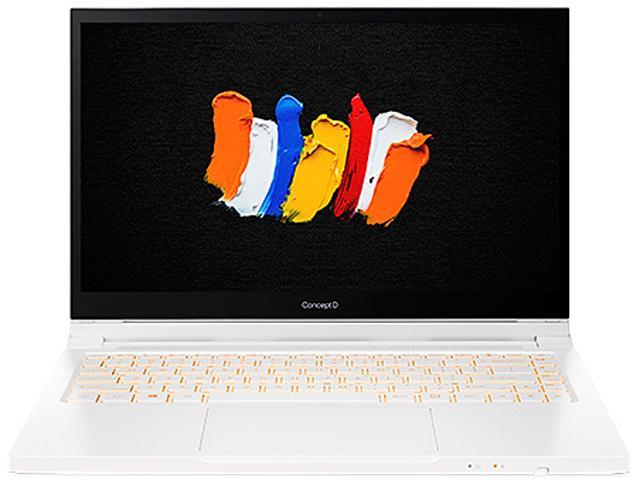
- CPU: Intel Core i7 10th Gen 10750H (2.6-5 GHz)
- GPU: NVIDIA GeForce GTX 1650 Ti Max-Q 4 GB (max 35W)
- RAM: 16 GB DDR4
- Storage: 512 GB PCIe SSD
- Display: 14" IPS Pantone-validated Touchscreen
- Price: $1,656.99
- Snappy and responsive
- Gorgeous PMS color-accurate display
- Unique easel design for greater flexibility
- Heavy for its size
- Keyboard backlight is orange on white keys
For all your tech needs, think Newegg