
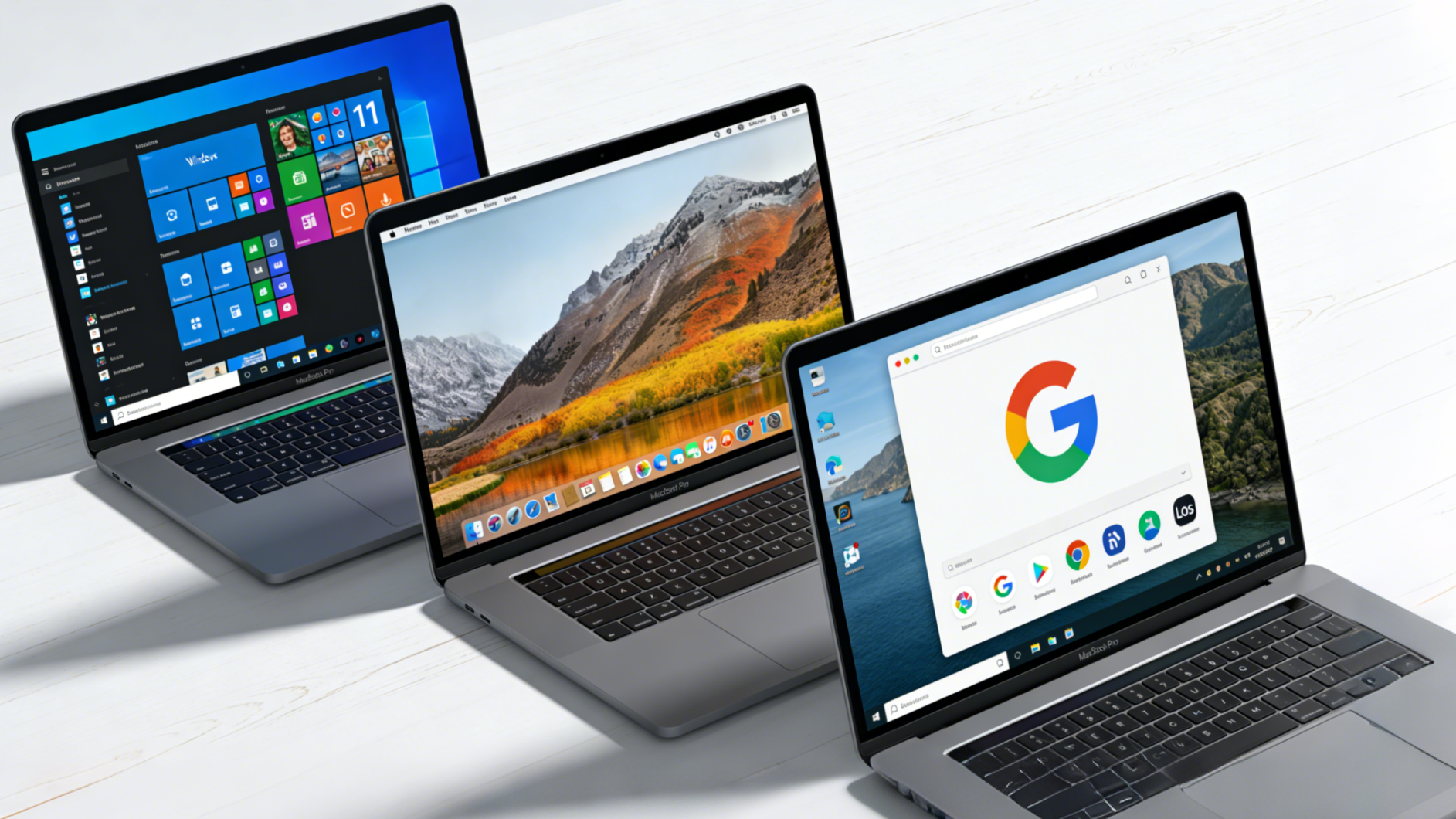
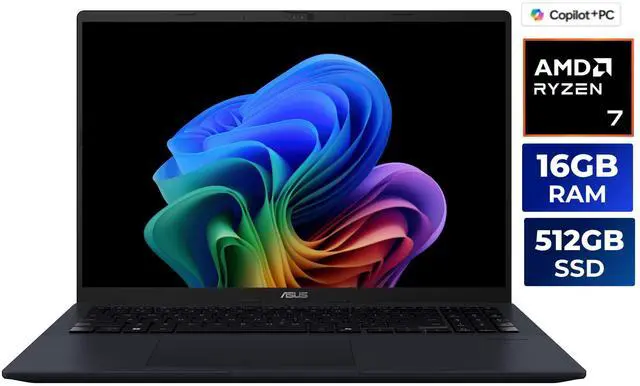
The operating system you choose for your laptop in 2026 is more than just a preference—it’s a decision that shapes your entire computing experience. With Windows continuing to dominate the market, macOS refining its ecosystem integration, and ChromeOS expanding beyond education, understanding the strengths and limitations of each platform has never been more critical. This comprehensive guide explores how these three major operating systems stack up in 2026, helping you make an informed choice for your next laptop purchase.
The Windows Advantage: Versatility and Power
Windows remains the most versatile operating system for laptop users in 2026, offering unparalleled software compatibility and hardware options. Microsoft’s latest iterations have refined the user experience while maintaining backward compatibility with decades of applications, making it the go-to choice for professionals, gamers, and general users alike.
The Windows ecosystem excels in several key areas. First, hardware diversity is unmatched—you can find Windows laptops ranging from budget-friendly options under $400 to high-performance machines exceeding $3,000. This flexibility means you’re not locked into a single manufacturer’s vision of what a laptop should be.
Software availability is another major strength. Whether you need professional tools like AutoCAD, Adobe Creative Suite, or specialized engineering software, Windows typically offers native support. Gaming performance on Windows laptops also remains superior, with full DirectX support and compatibility with virtually every PC game ever released. The platform’s openness allows users to customize their systems extensively, from deep system tweaks to hardware upgrades in many models.

However, Windows isn’t without challenges. The platform can be resource-intensive, requiring more powerful hardware to run smoothly compared to its competitors. Security concerns, while improved, still demand user vigilance and regular updates. The user experience, despite improvements, can sometimes feel less polished than macOS, with occasional driver issues or software conflicts.
macOS: Premium Integration and Creative Excellence
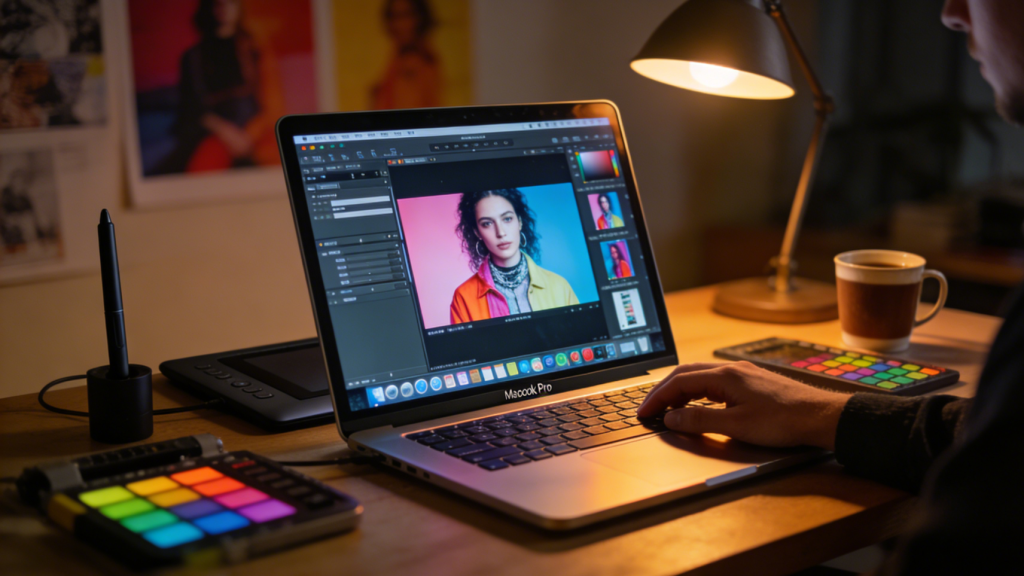
Apple’s macOS has carved out a distinct position in 2026 as the premium choice for creative professionals and users deeply invested in the Apple ecosystem. The operating system’s strength lies not just in its elegant interface, but in how seamlessly it integrates with other Apple devices and services.
For creative professionals working in video editing, music production, graphic design, or photography, macOS offers optimized workflows that competitors struggle to match. Applications like Final Cut Pro, Logic Pro, and the broader Adobe suite run exceptionally well on Apple silicon. The color accuracy of Apple displays, combined with macOS’s color management system, makes these machines indispensable for professionals requiring precise visual work.
The ecosystem integration is macOS’s killer feature in 2026. Features like Universal Control, which lets you use a single mouse and keyboard across your Mac, iPad, and other Apple devices, create a seamless workflow impossible to replicate on other platforms. AirDrop, iMessage, and FaceTime integration across all Apple devices provide convenience that Windows and ChromeOS can’t match without third-party solutions.
Security and privacy are built into macOS’s DNA. Apple’s vertical integration means they control both hardware and software, resulting in a more secure platform with fewer vulnerabilities. Regular, seamless updates keep the system protected without disrupting workflow.
The downsides? Price is the most obvious barrier. MacBooks represent a significant investment, with entry-level models starting well above budget Windows alternatives. Gaming support remains limited, though improving. Software availability, while excellent for creative work, can be restrictive for specialized professional or engineering applications. Hardware upgradeability is essentially non-existent—what you buy is what you’re stuck with for the laptop’s lifetime.
ChromeOS: Cloud-First Computing Evolved
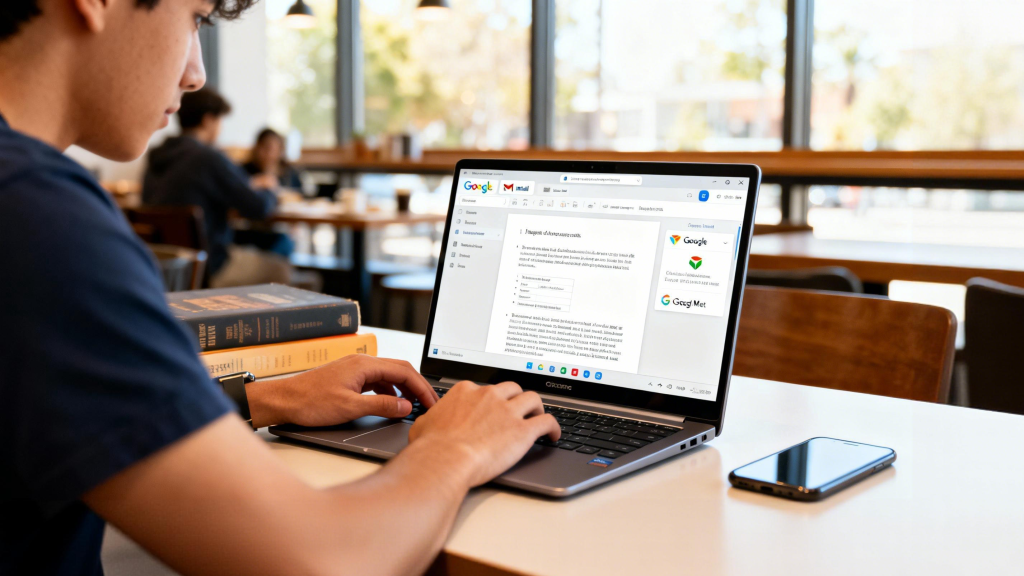
ChromeOS has evolved dramatically from its education-focused origins to become a legitimate contender for mainstream laptop users in 2026. Built around Google’s ecosystem and web-based applications, ChromeOS offers a streamlined, security-focused experience that works exceptionally well for specific use cases.
The platform’s greatest strength is simplicity. ChromeOS boots in seconds, updates seamlessly in the background, and requires minimal maintenance. For users whose work lives primarily in web browsers—writers, students, business professionals using cloud-based tools—Chromebooks provide everything needed at a fraction of the cost and complexity of traditional operating systems.
Security is another major advantage. ChromeOS’s sandboxed architecture means malware and viruses are virtually non-existent. Each tab runs in isolation, and the system verifies itself every time it boots. For organizations managing multiple devices, ChromeOS offers straightforward administration tools that reduce IT overhead.
Battery life on ChromeOS devices typically exceeds Windows laptops with similar hardware. The lightweight operating system sips power, with many Chromebooks achieving 12+ hours of real-world use. Android app support through the Google Play Store has expanded ChromeOS’s capabilities significantly, though the experience varies depending on how well apps adapt to laptop form factors.
The limitations are significant for certain users. Offline functionality, while improved, remains weaker than traditional operating systems. Professional software like Adobe Creative Suite or CAD applications either doesn’t exist or requires clunky workarounds. Gaming is limited to Android games and cloud gaming services. Power users requiring local processing for video editing, 3D rendering, or data analysis will find ChromeOS frustrating.
Making Your Choice in 2026
Selecting an operating system ultimately depends on your specific needs, budget, and existing technology ecosystem. Consider these decision factors:
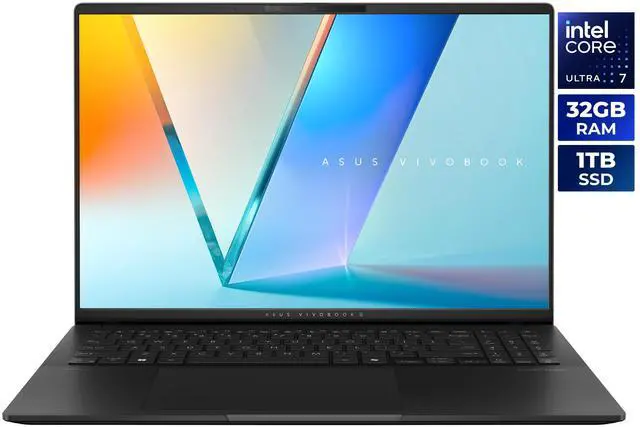
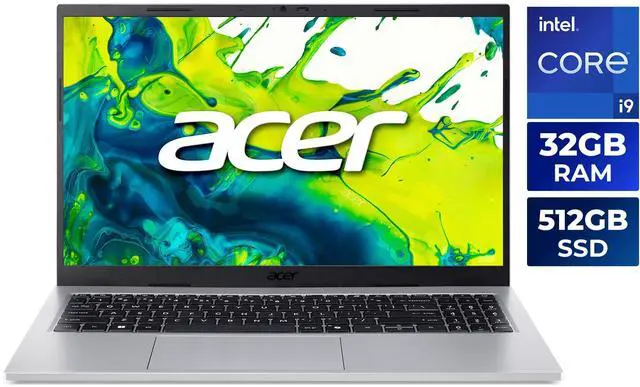
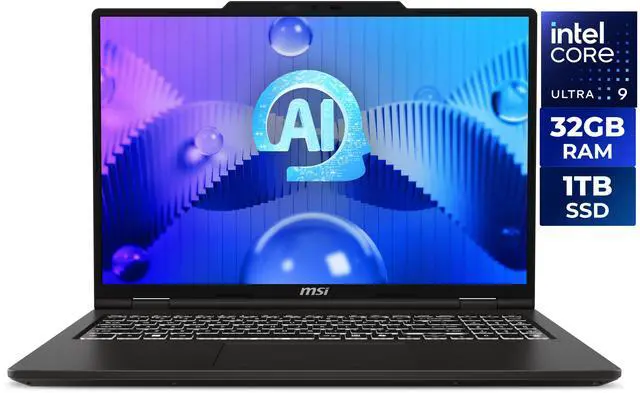
Choose Windows if: You need maximum software compatibility, want hardware flexibility, enjoy gaming, or require specialized professional applications. Windows offers the broadest appeal and most options at every price point. Tools like Newegg’s Laptop Finder can help you navigate the vast selection of Windows machines available.
Choose macOS if: You’re invested in the Apple ecosystem, prioritize creative work, value seamless device integration, or want a premium user experience. Budget permitting, macOS delivers unmatched polish and ecosystem synergy.
Choose ChromeOS if: Your computing needs are primarily web-based, you prioritize simplicity and security, need excellent battery life, or work within Google’s ecosystem. Chromebooks excel as secondary devices or for users with straightforward computing needs.

The good news? All three platforms have matured significantly, offering reliable, secure experiences. Your choice comes down to matching the operating system’s strengths with your workflow, budget, and preferences. In 2026, there’s no single “best” operating system—only the best choice for you.
The Future of Laptop Operating Systems
Looking ahead, expect continued convergence of features across platforms. Windows continues integrating cloud services and improving touch interfaces. macOS expands iOS and iPadOS integration while refining Apple silicon optimization. ChromeOS adds more offline capabilities and better Android/Linux integration.
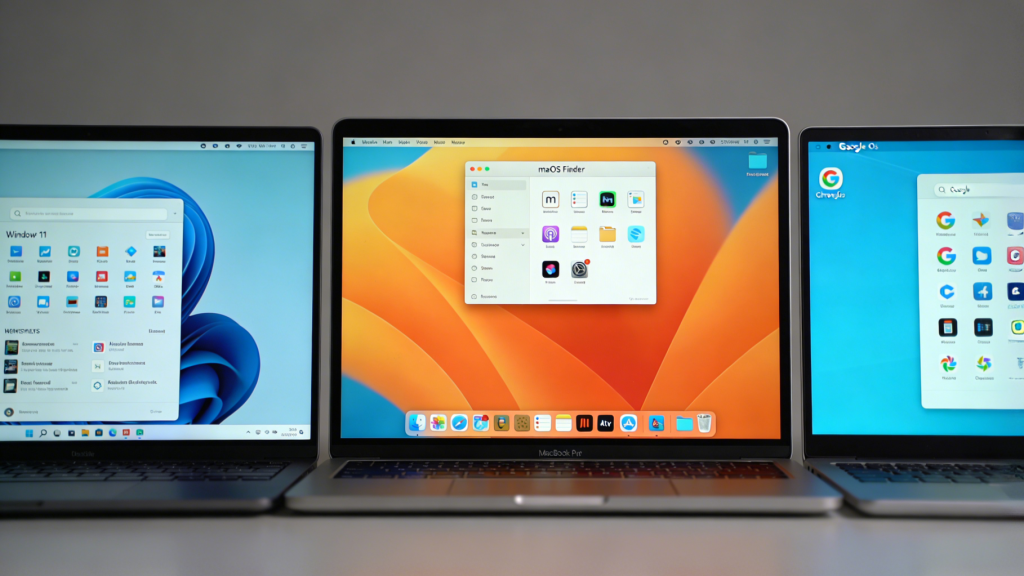
The operating system you choose today should serve you well for 3-5 years. Consider not just your current needs, but where your workflow might evolve. Whether you opt for Windows’s versatility, macOS’s premium experience, or ChromeOS’s simplicity, understanding each platform’s philosophy helps ensure you make a choice you’ll be satisfied with throughout your laptop’s lifespan.
Related Posts
- Touchscreen vs Non-Touch Laptops in 2026: Making the Right Choice for Your Needs
- Travel-Ready Computing: Best Laptops for Constant Travelers in 2026
- Right-Sizing Your Laptop: How Your Home Space Influences the Perfect Computing Choice in 2026
- Intel vs AMD: The 2026 Laptop Processor Showdown
- Newegg’s “Laptop Finder”: A Smarter Way to Choose the Perfect Laptop