
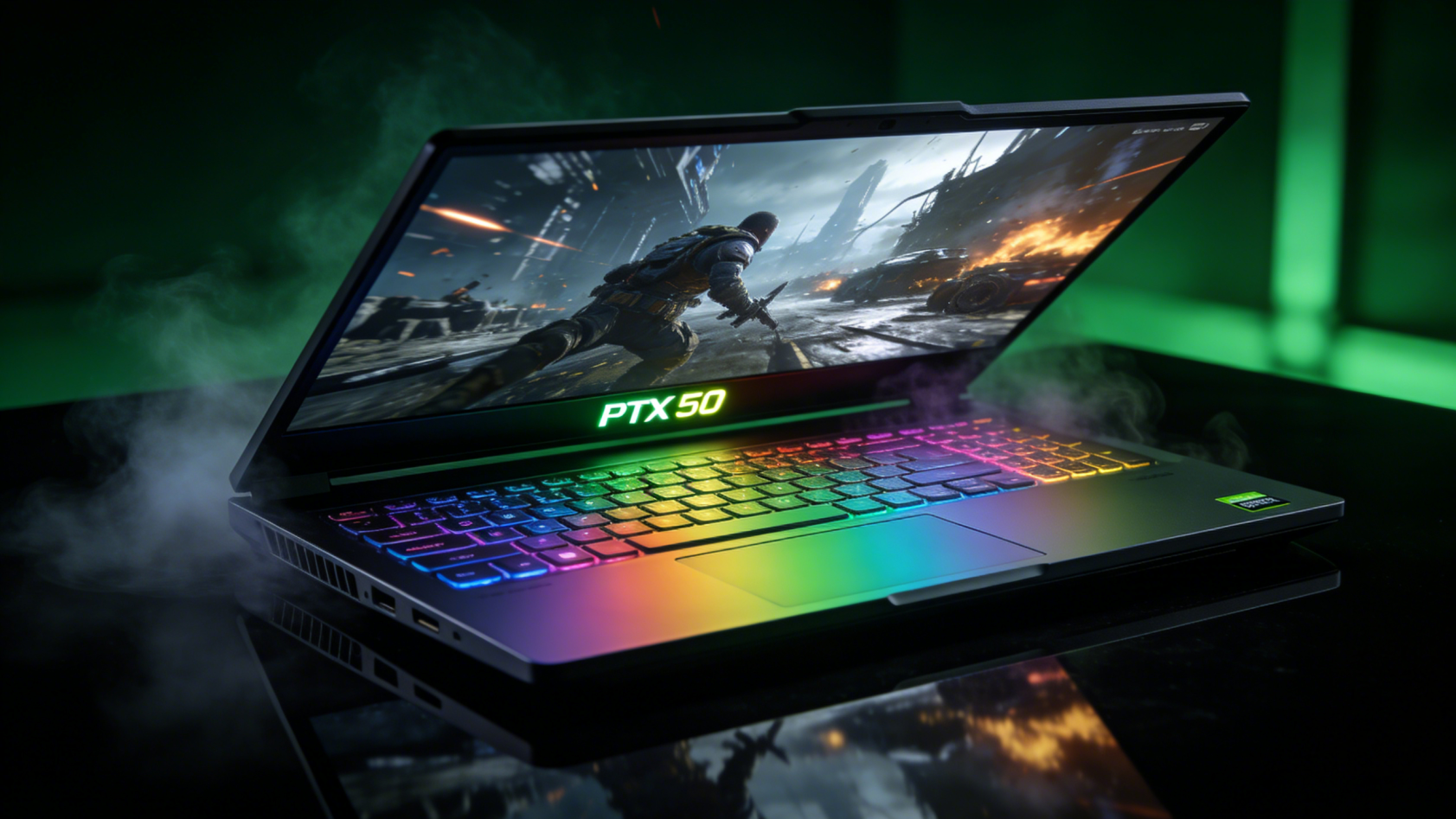
The launch of NVIDIA’s GeForce RTX 50 series has fundamentally transformed the gaming laptop landscape. These GPUs deliver a generational leap that occurs perhaps once every five years—the kind of advancement that redefines expectations for mobile gaming performance. With ray tracing becoming standard rather than aspirational, frame generation reaching new levels of sophistication, and AI-powered features enhancing every aspect of gaming, the RTX 50 series represents the most significant upgrade to gaming laptops since dedicated graphics became standard. Understanding what these new GPUs offer, who benefits most, and whether now is the right time to upgrade requires looking beyond marketing claims to real-world gaming experiences.
Understanding the RTX 50 Series Architecture
NVIDIA’s RTX 50 series isn’t simply faster—it’s architecturally different in ways that enable capabilities impossible on previous generations. Built on a refined manufacturing process, these GPUs pack significantly more computational units into mobile form factors while actually improving power efficiency.
The core advancement centers on fourth-generation ray tracing cores and enhanced Tensor cores. Ray tracing, which simulates realistic light behavior for incredibly lifelike graphics, previously demanded performance compromises even on high-end hardware. RTX 50 series GPUs handle ray tracing with minimal performance impact, making it viable even in competitive gaming where every frame matters.
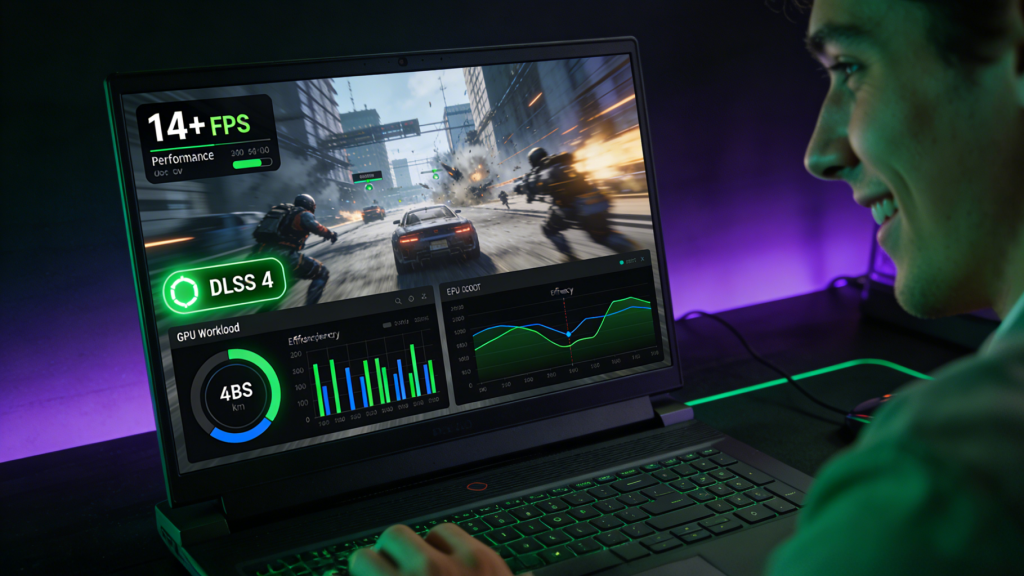
DLSS (Deep Learning Super Sampling) has evolved to version 4, introducing frame generation technology that produces multiple frames for each rendered frame. This isn’t simple interpolation—AI analyzes motion, lighting, and geometry to generate authentic-looking frames that maintain visual quality while dramatically increasing frame rates. Games running at 60fps can effectively display at 120fps or higher with DLSS 4 enabled, providing silky smooth experiences that were impossible previously.
The AI integration extends beyond graphics. RTX 50 series laptops feature enhanced NPUs working in concert with the GPU to optimize game settings dynamically, reduce latency in online gaming, improve voice chat quality, and even provide real-time strategy suggestions in supported titles. Gaming becomes not just visually superior but more responsive and intelligent.
Power efficiency improvements mean these performance gains don’t come with proportional increases in heat and battery drain. The latest NVIDIA GeForce RTX 50 Series laptops deliver desktop-class gaming performance while maintaining thermal characteristics appropriate for laptop form factors.
 Real-World Gaming Performance
Specifications matter less than actual gaming experiences. The RTX 50 series delivers measurable improvements across the board, but the impact varies by game, resolution, and settings.
1080p Gaming: At 1920×1080 resolution, RTX 50 series GPUs are frankly overpowered for most current games. Even the entry-level RTX 5060 easily maintains 144fps in competitive titles like Valorant, CS2, and Fortnite at maximum settings. More demanding AAA games run at 100+ fps with ray tracing enabled. For esports-focused gamers prioritizing frame rates over visual fidelity, these GPUs eliminate performance concerns entirely.
1440p Gaming: The sweet spot for gaming laptops in 2026. RTX 5070 and 5080 GPUs deliver exceptional 1440p experiences, maintaining 100+ fps in most titles with high or maximum settings and ray tracing enabled. This resolution provides noticeably sharper visuals than 1080p without the extreme GPU demands of 4K, matching the capabilities of these powerful mobile GPUs perfectly.
4K Gaming: Previously challenging on gaming laptops, 4K becomes genuinely viable with RTX 50 series hardware. The RTX 5080 and flagship 5090 handle 4K gaming at 60+ fps in most titles with high settings. With DLSS 4 enabled, performance often exceeds 100fps even in demanding games. For users with 4K gaming laptop displays, these GPUs finally deliver experiences that justify the high-resolution screens.
VR Gaming: Virtual reality demands exceptional performance—high frame rates at high resolutions rendered twice simultaneously. RTX 50 series GPUs handle VR smoothly, maintaining the consistent frame rates essential for comfortable VR experiences. Latency improvements reduce motion sickness, while AI features optimize performance per eye independently.
Ray Tracing: From Gimmick to Standard
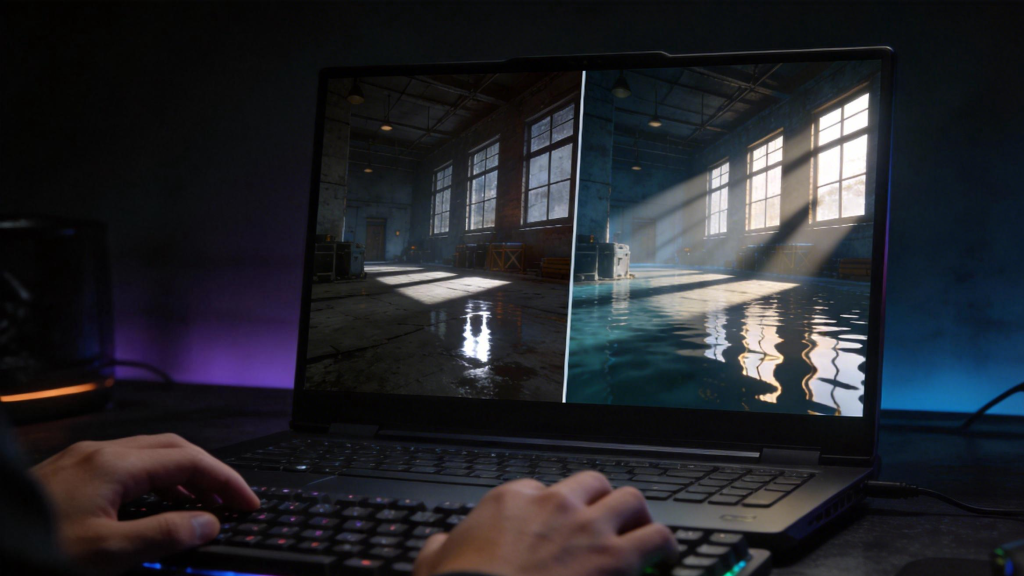
Previous generation GPUs supported ray tracing, but enabling it often halved frame rates, forcing players to choose between visual fidelity and smooth gameplay. RTX 50 series makes that choice obsolete.
Modern games increasingly rely on ray tracing for lighting, reflections, and shadows that simply look better than traditional rendering techniques. With RTX 50 series performance, you can enable ray tracing without meaningful compromises. The difference is immediately noticeable—reflections in water and glass behave realistically, lighting wraps around objects naturally, and shadows respond authentically to dynamic light sources.
Competitive gamers historically disabled ray tracing for maximum performance. RTX 50 series changes that calculus. Even in competitive titles, ray tracing overhead has shrunk to negligible levels. The enhanced visual clarity from realistic lighting can actually improve competitive performance by making enemies more visible in complex lighting scenarios.
For content creators who game, ray-traced gaming experiences provide better understanding of lighting for their own 3D work. The educational value of seeing realistic light behavior in real-time shouldn’t be underestimated for anyone working with 3D graphics or rendering.
DLSS 4 and Frame Generation Technology
DLSS 4 represents the most impactful gaming technology advancement in the RTX 50 series. Understanding what it does and when to use it maximizes your gaming experience.
Traditional rendering generates every frame from scratch—the GPU calculates geometry, textures, lighting, and effects for each frame displayed. This is computationally expensive, limiting frame rates. DLSS 4 renders at lower internal resolutions, then uses AI to upscale intelligently to your display resolution. The AI has been trained on countless high-quality images, learning to generate detail that genuinely looks better than naive upscaling.
Frame generation takes this further. After rendering one frame, DLSS analyzes that frame plus previous frames to generate entirely new intermediate frames. These AI-generated frames look authentic because the algorithm understands motion, occlusion, and lighting behavior. The result: your RTX 50 laptop can display 120fps while the GPU only renders 60fps natively, with visual quality remaining excellent.
The practical impact is profound. Games that would struggle to reach 60fps instead run at 100+ fps smoothly. The responsiveness improvement makes even single-player games feel better, while competitive gaming benefits from the smoothness without introducing meaningful latency.
DLSS 4 works best in fast-paced games with camera movement. Static scenarios show fewer benefits. Competitive gamers should test whether they prefer native rendering for the absolute minimal latency or DLSS for the smoother experience—personal preference varies.
 Memory Configurations: VRAM Matters
Graphics memory (VRAM) determines how much texture and geometry data your GPU can access instantly. Modern games at high settings, especially at 1440p or 4K, demand substantial VRAM.
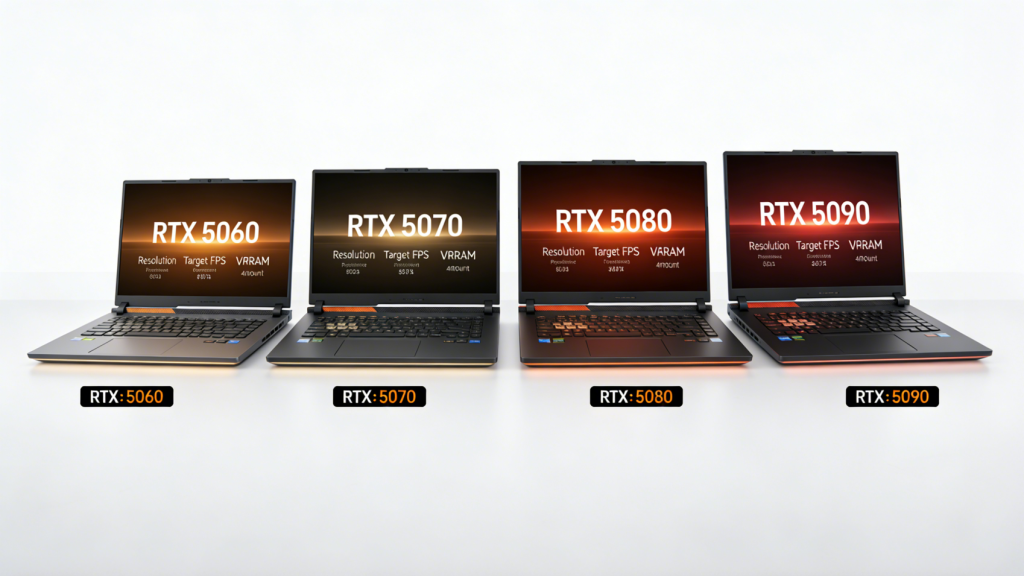
RTX 5060 laptops typically feature 8GB VRAM, adequate for 1080p gaming and most 1440p gaming at high settings. Users planning to play at 1440p or 4K, or who want to max out settings in every game, should consider 12GB minimum.
RTX 5070 configurations usually offer 12GB VRAM—the sweet spot for 1440p gaming. This capacity handles virtually any current game at high or maximum settings without VRAM limitations causing texture pop-in or stuttering.
RTX 5080 and 5090 laptops feature 16-24GB VRAM, necessary for 4K gaming, VR, and professional creative work. Gamers won’t fully utilize this capacity in most games today, but it provides headroom for increasingly demanding future titles.
Content creators should prioritize higher VRAM capacities. Video editing, 3D modeling, and rendering workflows benefit directly from additional VRAM, making the 5080 or 5090 worthwhile investments even if gaming performance differences from the 5070 aren’t dramatic.
Thermal Management and Sustained Performance
Raw GPU power means nothing if thermal throttling reduces performance after minutes of gaming. RTX 50 series efficiency improvements help, but laptop design matters tremendously.
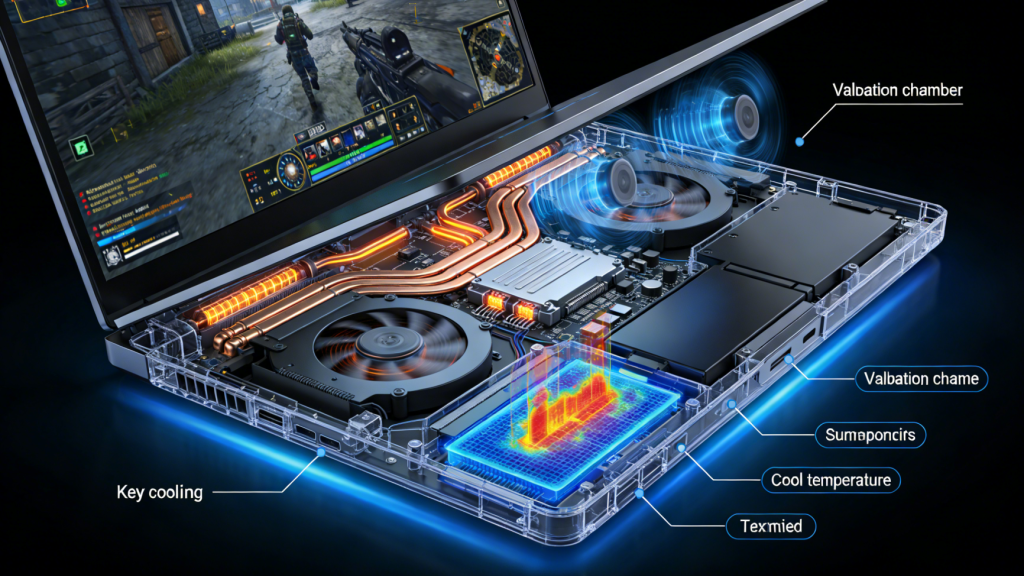
Quality gaming laptops feature robust cooling systems—multiple heat pipes, large fans, substantial ventilation. These systems maintain GPU temperatures around 70-80°C under load, allowing sustained maximum performance. Budget gaming laptops might feature identical GPUs but with inadequate cooling, leading to thermal throttling that reduces performance by 20-30% during extended gaming sessions.
When evaluating gaming laptops, research thermal performance specifically. Reviews that test sustained performance over 30+ minutes reveal whether cooling systems can actually handle the powerful GPUs they’re paired with. The fastest GPU means little if it throttles after 10 minutes.
Fan noise correlates with cooling capacity—powerful cooling systems move substantial air, creating noise. Some gaming laptops prioritize silence with reduced cooling capacity. Others maximize cooling performance at the expense of acoustics. Match these priorities to your gaming environment—public spaces or shared rooms might favor quieter systems, while private gaming spaces can accommodate more aggressive cooling.
 CPU Pairing and System Balance
A powerful GPU requires an appropriate CPU to avoid bottlenecks. RTX 50 series GPUs deserve quality processors that won’t limit performance.
For RTX 5060 and 5070 laptops, Intel Core i7 or AMD Ryzen 7 processors provide excellent pairing. These CPUs handle game logic, physics, and system management while the GPU focuses on graphics rendering. Less powerful CPUs can bottleneck these GPUs in CPU-intensive games, wasting the GPU’s potential.
RTX 5080 and 5090 configurations should feature Intel Core i9 or AMD Ryzen 9 processors. The most powerful GPUs deserve equally capable CPUs to prevent bottlenecks in demanding scenarios. High frame rate gaming, VR, and complex simulation games can stress CPUs significantly—under-speccing the CPU to save costs on a high-end gaming laptop defeats the purpose.
System memory (RAM) matters too. 16GB represents the minimum for gaming laptops, handling most current games adequately. 32GB provides comfortable headroom for gaming while running streaming software, Discord, browser tabs, and other background applications. Content creators should prioritize 32GB given the demands of editing and rendering alongside gaming.
Storage Considerations for Modern Gaming
Modern games occupy tremendous storage space—100GB+ installations are common. Storage speed affects load times, texture streaming, and even frame times in some games.
Gaming laptops need fast NVMe SSDs as primary storage. The speed difference between SATA SSDs and NVMe is dramatic for gaming. Look for PCIe 4.0 NVMe drives offering 5,000+ MB/s read speeds. These drives load games in seconds and eliminate stuttering from texture streaming.
Capacity matters. 512GB feels cramped once you install a few modern games—1TB represents the minimum comfortable capacity for dedicated gaming laptops. Power users might want 2TB or look for systems with dual M.2 slots allowing SSD expansion.
Some gaming laptops include secondary storage bays for 2.5″ SATA drives. Adding a large SATA SSD or traditional hard drive for game libraries you play less frequently makes sense economically. Keep your most-played games on fast NVMe storage while archiving others on cheaper secondary storage.
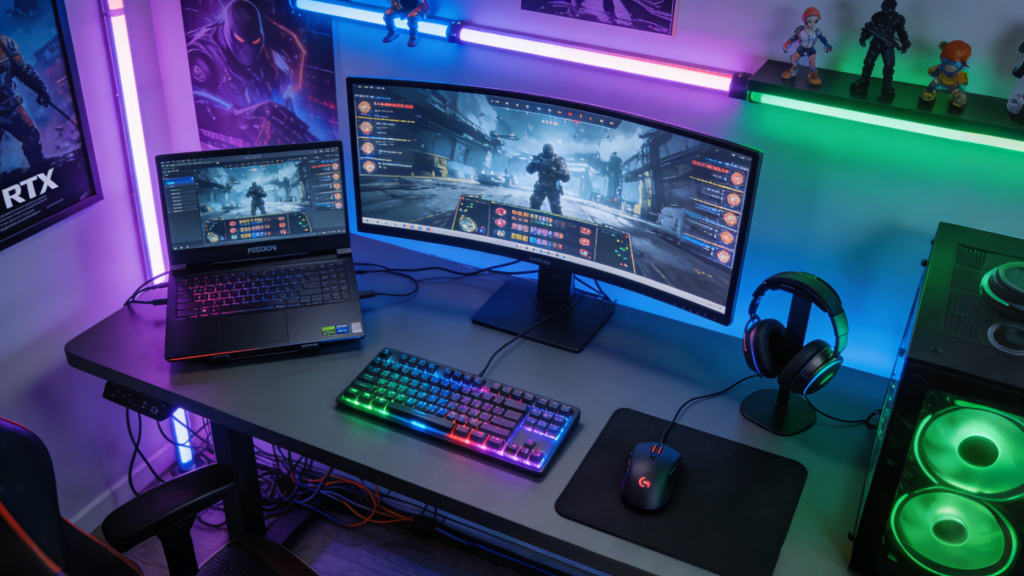 Display Technology: Matching GPU to Screen
The best GPU performs poorly if paired with an inadequate display. RTX 50 series capabilities demand quality screens that showcase their performance.
Refresh Rate: 144Hz represents the minimum for gaming laptops with RTX 50 series GPUs. These powerful graphics cards can easily exceed 144fps, so 165Hz or 240Hz displays better showcase their capabilities, especially in competitive gaming. The smoothness difference between 60Hz and 144Hz is dramatic; going beyond 144Hz provides diminishing but still noticeable improvements.
Resolution: Match display resolution to GPU tier. RTX 5060 pairs well with 1080p 144Hz+ displays. RTX 5070 and 5080 shine on 1440p 165Hz screens. RTX 5080 and 5090 justify 4K displays, though consider whether 4K makes sense on laptop screen sizes—at 15-17 inches, the difference between 1440p and 4K is subtle.
Panel Technology: IPS panels offer better color accuracy and viewing angles than TN panels. Modern IPS gaming panels achieve 3-5ms response times, eliminating the historical advantage of TN panels. Some premium gaming laptops feature OLED displays with incredible contrast and color, though watch for burn-in concerns if you use your laptop for productivity work with static UI elements.
Adaptive Sync: G-Sync or FreeSync technology eliminates screen tearing and stuttering by synchronizing display refresh to GPU output. This feature is essential for optimal gaming experience—verify any gaming laptop supports adaptive sync technology.
Upgradeability and Future-Proofing
Unlike desktop gaming PCs, laptops offer limited upgrade paths. Understanding what can be upgraded helps future-proof your investment.
GPUs in gaming laptops are not upgradeable—you’re locked into the GPU you purchase. This makes choosing the right RTX 50 tier critical. Consider your gaming ambitions 2-3 years forward when selecting. An RTX 5070 that’s perfect today might struggle with games in 2028, while a 5080 provides more headroom.
RAM is often upgradeable in gaming laptops, though some manufacturers solder memory to the motherboard. If possible, verify whether your prospective laptop allows RAM upgrades—starting with 16GB and upgrading to 32GB later can make sense economically.
Storage is typically upgradeable. Most gaming laptops expose M.2 slots for adding or replacing SSDs. Starting with smaller capacity and adding storage later is more affordable than configuring maximum storage initially.
The 3-5 year useful lifespan of gaming laptops means GPU selection matters most for longevity. CPUs, RAM, and storage can sometimes be upgraded, but the GPU determines gaming capability throughout the laptop’s life.
 Is Now the Right Time to Buy?
RTX 50 series represents a generational leap that happens infrequently. The performance and feature improvements over RTX 40 series are substantial enough to recommend upgrading even if you purchased relatively recently—something that wasn’t true for previous generational transitions.
Pricing has stabilized after launch volatility. Early 2026 pricing reflects mature availability without the desperation of launch-day purchases. Gaming laptops with RTX 50 series GPUs span from $1,200 for RTX 5060 configurations to $3,500+ for maxed-out RTX 5090 systems.
Future-proofing considerations favor purchasing now. These GPUs handle every current game at high settings and will remain capable for 3-5 years. Waiting for next generation means foregoing years of superior gaming experiences for modest future improvements.
The RTX 50 series has delivered the revolution NVIDIA promised. Gaming laptops in 2026 finally offer no-compromise experiences that previously required desktop gaming rigs. For anyone serious about mobile gaming, content creation, or wanting a single powerful machine that handles everything, RTX 50 series gaming laptops represent the best mobile computing investment available.
Related Posts
- Best Gaming Laptops for Students in 2026: Picks for Every Budget
- Why Gaming Laptop Prices Are Rising in 2026 — and Why Waiting Will Cost You
- Best Gaming Laptops in 2026: RTX 50-Series Showdown Across Every Budget
- Best Gaming Laptops Under $1,200 in 2026: RTX 5070 Laptop Picks
- How to Choose the Right Gaming Laptop in 2026
Frequently Asked Questions
Answers to the most common questions about this topic.