
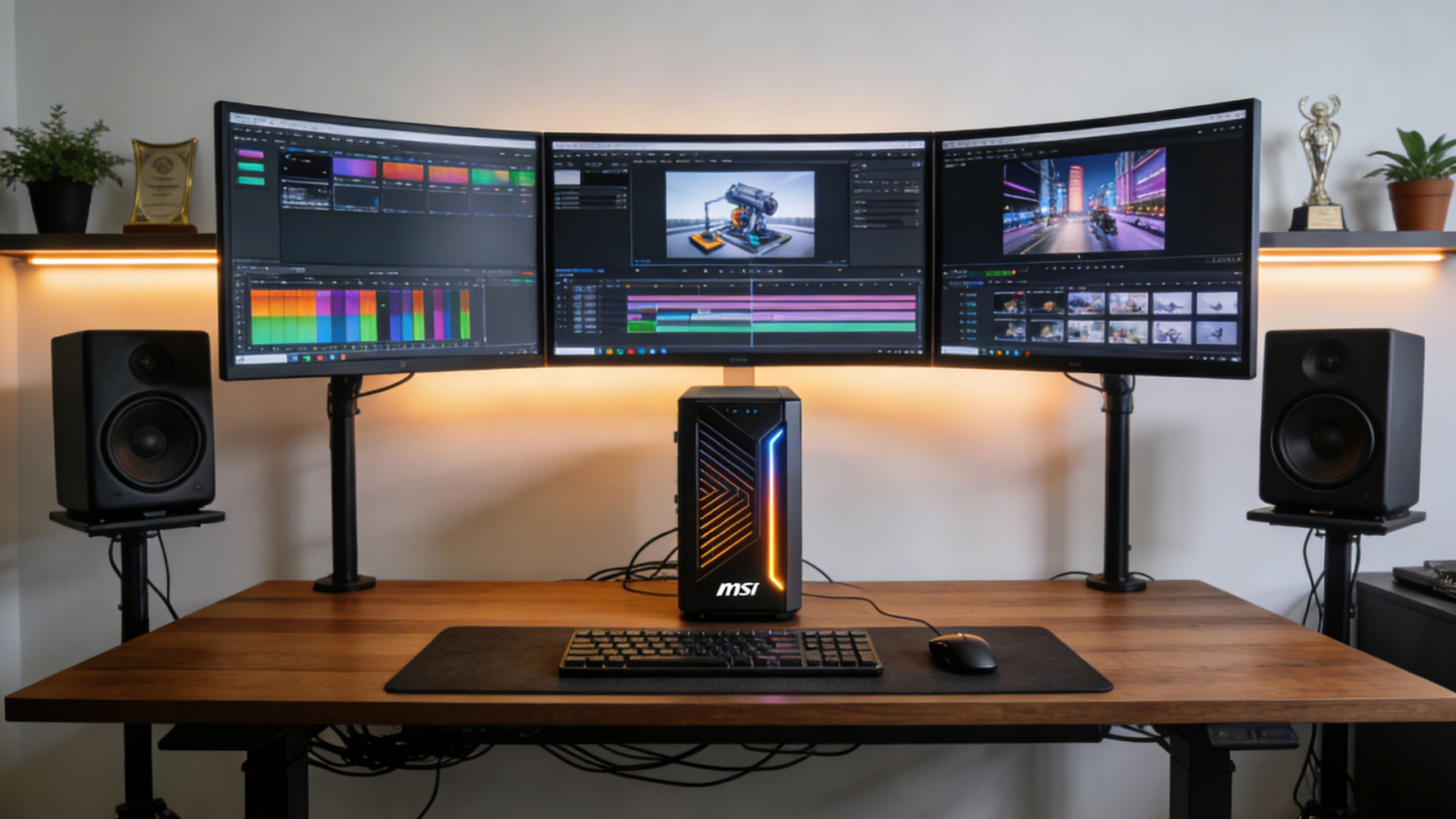
The landscape of professional desktop computing has transformed dramatically in 2026, with AI-powered workstations becoming the cornerstone of creative and technical workflows. Whether you’re a 3D artist, video editor, data scientist, or software developer, understanding the capabilities of modern AI workstations is essential for maximizing productivity and staying competitive in today’s fast-paced digital environment.
What Makes an AI Workstation Different?
An AI workstation is fundamentally different from traditional desktop PCs. These machines are specifically designed to handle artificial intelligence workloads, including machine learning model training, real-time AI inference, and generative AI applications. The key distinction lies in their specialized hardware configuration, particularly their emphasis on parallel processing capabilities and massive memory bandwidth.
At the heart of these systems are powerful processors designed for multi-threaded workloads. AMD’s Threadripper PRO series has become a favorite among professionals, offering up to 64 cores and 128 threads of processing power. These CPUs excel at tasks like video rendering, 3D modeling, and running multiple virtual machines simultaneously.
 The DGX Spark Revolution
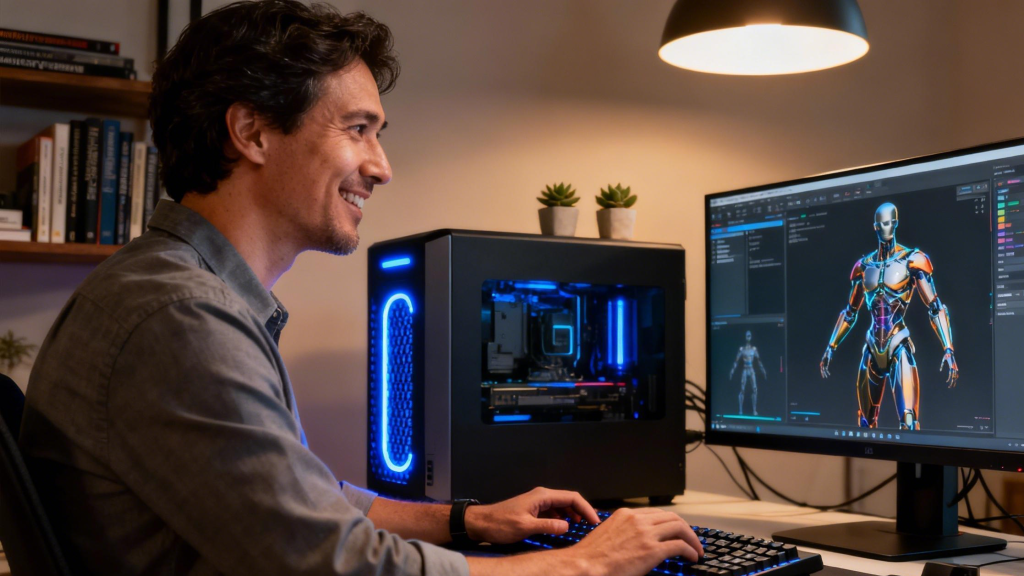
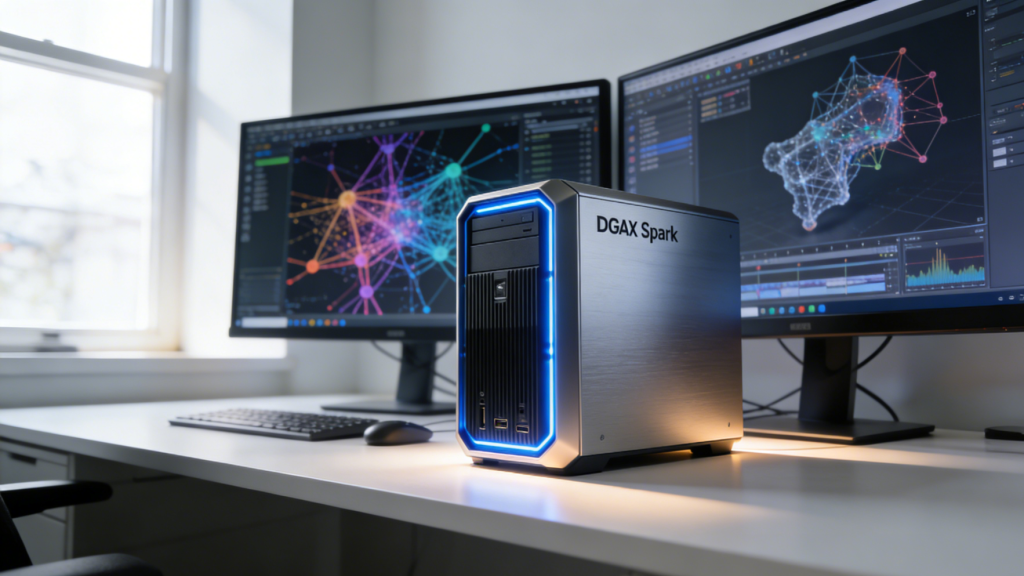
One of the most exciting developments in 2026 is the democratization of enterprise-level AI computing through products like the NVIDIA DGX Spark Personal AI computer. This compact powerhouse brings datacenter-grade AI capabilities to individual creators and small studios, making it possible to train complex neural networks and run large language models locally without relying on cloud services.
Major manufacturers have embraced this technology. The MSI Personal AI DGX Spark Supercomputer EdgeXper represents a perfect balance between performance and accessibility, offering incredible AI processing capabilities in a form factor that fits comfortably in most home offices. For teams requiring even more power, the MSI 2-pack EdgeXpert configuration allows for distributed computing setups that can tackle truly massive datasets.
 GPU Selection: The Engine of Creative Power
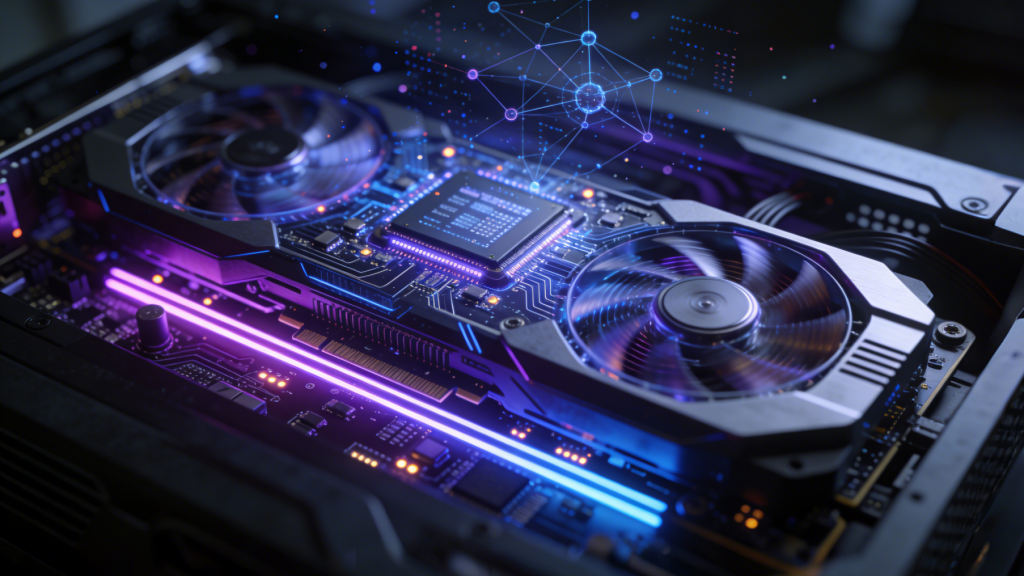
When building or purchasing an AI workstation, the graphics processing unit is arguably the most critical component. Modern creative applications leverage GPU acceleration for everything from real-time video effects to AI-powered image enhancement. The GPUs and Video Graphics Cards available in 2026 offer unprecedented parallel processing capabilities.
For professionals working with 3D rendering or machine learning, NVIDIA’s latest offerings provide specialized tensor cores optimized for AI operations. Browse the NVIDIA brand store to explore options ranging from mid-range workstation cards to high-end professional GPUs. AMD also offers compelling alternatives through their AMD brand store, particularly for users who prioritize raw compute performance and memory capacity.
Memory and Storage: The Foundation of Smooth Workflows
Professional workstations in 2026 demand substantial memory configurations. Most AI and creative applications benefit from at least 64GB of RAM, with many professionals opting for 128GB or more. The Memory category on Newegg offers extensive options for DDR5 memory kits that provide the bandwidth these demanding applications require.
Storage architecture is equally important. AI workstations benefit from a tiered approach: fast NVMe SSDs for active projects and operating system files, combined with high-capacity Hard Drives for archival purposes. Many professionals are also incorporating dedicated AI storage solutions that can quickly feed training data to GPUs without creating bottlenecks.
 Specialized AI Hardware: Beyond Traditional Components
The emergence of specialized AI mini-computers represents a significant trend in 2026. The HP ZGX Nano G1n AI Station exemplifies this category, offering AI inference capabilities in an incredibly compact package. These devices excel at running pre-trained models for tasks like voice recognition, image classification, and natural language processing.
For those seeking maximum capability, the GIGABYTE AI TOP ATOM Personal AI Supercomputer represents the cutting edge of personal AI computing. This system integrates multiple AI accelerators with traditional computing components, creating a unified platform capable of handling everything from routine office work to cutting-edge AI research.
Building Your Own AI Workstation
For those who prefer a custom approach, Newegg’s Custom PC Builder tool makes it easy to design a workstation tailored to your specific needs. The tool helps ensure component compatibility while allowing you to optimize your budget allocation based on your primary use cases.
When building an AI workstation, prioritize the GPU and CPU first, as these components have the most significant impact on performance. Select a motherboard with sufficient PCIe lanes to support multiple GPUs if needed, and ensure your power supply can handle the substantial power requirements of high-end components.
 Use Case Scenarios: Matching Hardware to Workflow
Different creative and technical workflows demand different hardware priorities. Video editors benefit most from fast storage and powerful GPUs with substantial VRAM. 3D artists need strong multi-core CPU performance combined with professional-grade graphics cards. Data scientists working with large language models require maximum system memory and GPU memory capacity.
For generative AI workflows, including stable diffusion and large language model fine-tuning, the combination of high-core-count CPUs and multiple GPUs provides the best performance. The Acer Veriton VGN100-UD11 DGX Spark Workstation offers an excellent starting point for these demanding applications, with a balanced configuration that addresses multiple workflow requirements simultaneously.
The Future of Professional Computing
The integration of AI capabilities into desktop workstations represents more than just incremental improvement—it’s a fundamental shift in how we approach professional computing. As AI models become increasingly sophisticated and accessible, having local processing power for these tasks provides significant advantages in terms of data privacy, iteration speed, and long-term cost efficiency.
Whether you’re upgrading an existing system or building from scratch, the key is understanding your specific workflow requirements and selecting components that align with those needs. The AI workstation market in 2026 offers unprecedented options for professionals at every level, from entry-level creators to enterprise-scale operations. By investing in the right hardware today, you’re positioning yourself for success in an increasingly AI-driven creative landscape.
Related Posts
- AI PC Store Is the Smartest Starting Point for 2026 Builders
- Acer Aspire Go 15 Intel i9 vs Ryzen 7: Which One Fits Your Campus Routine?
- Gaming Laptop TGP Explained: How to Pick a Laptop That Actually Performs
- Acer Aspire Go 15 RAM Buyer’s Guide: 16GB vs 32GB vs 48GB
- Samsung 9100 Pro vs Crucial T705: The Fastest PCIe 5.0 SSDs for Creators