
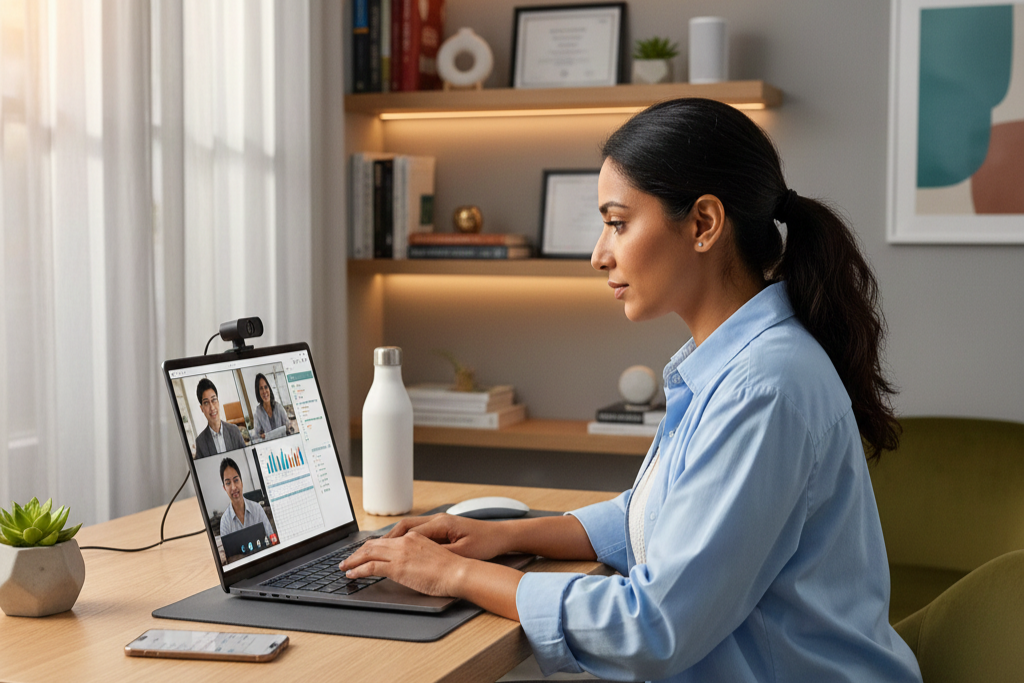
The hybrid revolution has fundamentally reshaped how we work and learn in 2026. No longer confined to traditional offices or classrooms, millions of professionals and students now navigate between coffee shops, home offices, corporate spaces, and campus libraries throughout their day. This fluid lifestyle demands computing devices that seamlessly adapt to every environment—machines powerful enough for demanding professional applications, portable enough for constant mobility, and versatile enough to handle everything from video conferences to creative projects. Today’s best hybrid laptops represent far more than compromised middle-ground solutions; they’re purpose-built powerhouses designed specifically for the unique demands of modern flexible lifestyles. Whether you’re a graduate student balancing research and part-time work, a creative professional managing client projects from multiple locations, or a business executive coordinating teams across time zones, the right laptop transforms hybrid challenges into seamless opportunities.
What Hybrid Work and Learning Really Demands
Understanding the specific requirements of hybrid environments helps identify which laptop features matter most and which represent unnecessary expense.
Flexibility Without Compromise
Traditional laptop categories—ultraportables sacrificing power, or workstations sacrificing portability—no longer serve hybrid users adequately. Modern hybrid demands require machines that deliver professional-grade performance while maintaining all-day battery life and genuinely portable form factors. The latest Copilot+ PC devices exemplify this evolution, integrating AI-powered features that intelligently adapt to your workflow, automatically optimizing performance and battery consumption based on current tasks. These systems recognize when you’re in a video conference versus editing documents, allocating resources accordingly.
The intersection of portability and capability defines success in 2026’s hybrid landscape. Laptops weighing under three pounds with 14-15 inch displays have become the sweet spot, offering substantial screen real estate without the back strain of hauling heavy workstations between locations. Combined with rapid charging technology that delivers 50% battery capacity in 30 minutes, these machines eliminate the anxiety of finding power outlets during marathon work sessions across multiple venues.
 Communication and Collaboration Excellence
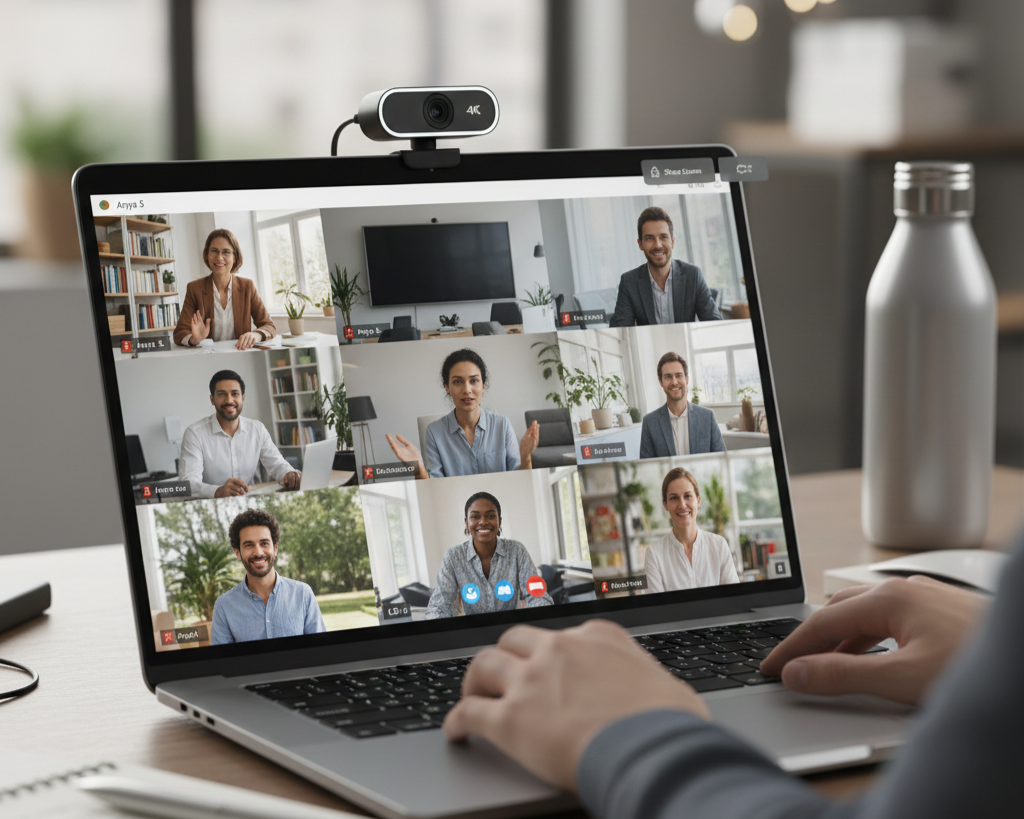
Video conferencing has evolved from occasional convenience to daily necessity, making webcam and microphone quality non-negotiable features rather than afterthoughts. Premium 1080p or even 4K webcams with AI-enhanced background blur and lighting adjustment ensure you appear professional regardless of your current environment. Advanced microphone arrays with AI noise cancellation filter out coffee shop chatter, keyboard typing, and ambient noise, ensuring your voice comes through clearly even in challenging acoustic environments.
Modern hybrid laptops increasingly feature dedicated communication hardware—specialized NPU processors that handle video processing, voice isolation, and real-time transcription without burdening the main CPU. This architectural approach delivers smooth, lag-free video calls while simultaneously running resource-intensive applications, eliminating the frustrating choice between participating in meetings and continuing productive work.
Essential Technical Specifications Decoded
Navigating technical specifications requires understanding which components genuinely impact hybrid productivity and which represent marketing distractions.
Processor Selection Strategy
Processor choice dramatically influences both performance capability and battery longevity—the two most critical factors for hybrid computing. Intel’s latest architectures feature hybrid core designs with performance cores handling demanding tasks and efficiency cores managing background processes, delivering impressive computational power while extending battery life to 12-15 hours of mixed productivity work. Meanwhile, AMD’s newest processors leverage advanced manufacturing processes and architectural innovations to deliver exceptional multi-threaded performance particularly valuable for creative professionals running video editing, 3D rendering, or software development environments.
Shoppers exploring Intel Gaming Laptops or AMD Gaming Laptops will find these processors deliver far more than gaming capability—their robust multi-core performance excels at complex spreadsheet modeling, high-resolution photo editing, virtual machine management, and other professional workloads that hybrid professionals frequently encounter.
Memory and Storage Configuration
Memory represents the difference between smooth multitasking and frustrating slowdowns when switching between browser tabs, applications, and documents. 16GB has become the practical minimum for hybrid users managing typical productivity workloads, video conferencing, and moderate creative applications. Power users handling large datasets, extensive Chrome tab collections, or creative software should prioritize 32GB configurations, as insufficient RAM forces constant disk swapping that dramatically degrades performance and responsiveness.
Storage technology matters equally for hybrid productivity. Modern NVMe SSDs deliver instantaneous application launches and file access, eliminating the waiting that plagued traditional hard drive systems. For hybrid users frequently working with large files—presentations with high-resolution images, video projects, design assets—512GB represents the practical minimum, with 1TB configurations offering comfortable headroom for growing libraries without constant file management anxiety. Many current laptops include secondary M.2 slots allowing future Hard Drive expansion when your storage needs inevitably grow.
Display Quality and Eye Comfort
When spending 8-12 hours daily staring at your laptop screen across variable lighting conditions, display quality transcends luxury to become a health necessity. Prioritize panels offering 300+ nits brightness for visibility in bright coffee shops or outdoor spaces, combined with anti-glare coatings that reduce eye strain and eliminate distracting reflections during video calls. Resolution matters—1920×1080 suffices for 13-14 inch displays, while 15-16 inch screens benefit from 2560×1440 or higher resolutions that provide additional screen real estate for multitasking without requiring scaling adjustments.
Color accuracy particularly matters for creative professionals handling photography, design, or video work. Look for displays covering 100% sRGB color gamut as a minimum, with DCI-P3 or Adobe RGB coverage for professional color-critical applications. Blue light filtering technologies and adaptive brightness adjustment reduce eye fatigue during extended work sessions, while high refresh rates (90Hz or 120Hz) create noticeably smoother scrolling and interface interactions that reduce visual strain.
 Matching Laptops to Hybrid Scenarios
Different hybrid lifestyles demand different laptop priorities, making scenario-specific selection crucial for optimal satisfaction.
Professional Business Users
Corporate professionals prioritizing reliability, security features, and professional aesthetics should explore dedicated Business Laptops designed specifically for enterprise environments. These machines emphasize build quality with durable materials, comprehensive port selections including legacy connections for projectors and peripherals, enterprise security features like TPM chips and biometric authentication, and extensive warranty and support options. While less flashy than consumer models, business laptops deliver the dependability and longevity that professionals require for daily mission-critical work.
Battery longevity takes precedence for professionals moving between client meetings, office spaces, and travel. Premium business laptops routinely deliver 12-16 hours of real-world usage, eliminating power anxiety during full workdays away from desks. Features like instant wake from sleep, rapid charging, and sophisticated power management ensure these machines remain productive tools rather than becoming logistics challenges.
Students and Educators
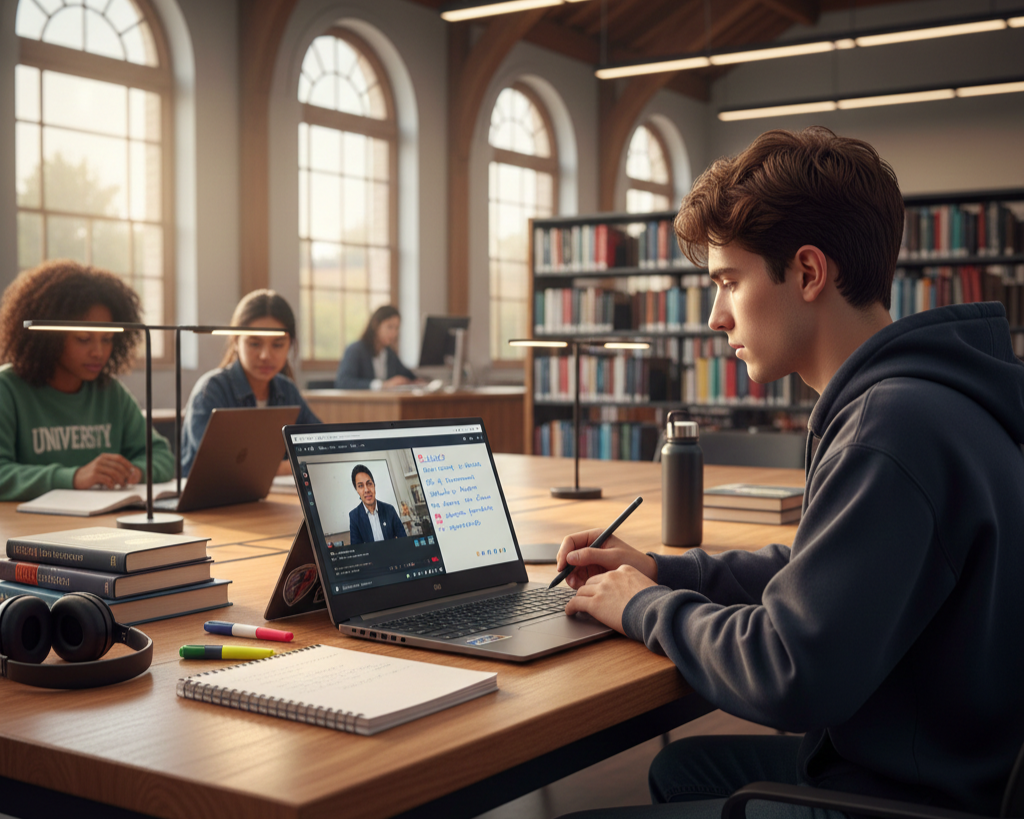
Academic users benefit tremendously from 2-in-1 Laptops that transform between traditional laptop and tablet modes. These versatile devices excel at note-taking with stylus input during lectures, fold into comfortable reading positions for digital textbooks, and convert to standard laptop configuration for writing papers or coding assignments. The flexibility matches the varied demands of academic life—attending classes, studying in libraries, collaborating on group projects, and completing assignments from dorm rooms.
Students should prioritize affordable configurations that nonetheless avoid frustrating performance limitations. Modern entry and mid-range processors handle typical academic workloads—research, writing, presentations, video streaming—without difficulty, making expensive flagship processors unnecessary. However, don’t skimp on RAM and storage, as these directly impact daily usability and multitasking capability that students constantly require when managing multiple courses simultaneously.
Creative Professionals and Hybrid Creators
Content creators, designers, photographers, and video editors working across locations need machines that rival desktop workstation capability while maintaining reasonable portability. Surprisingly, modern Gaming Laptops often represent ideal solutions for creative professionals, as their powerful processors and discrete graphics cards excel at creative applications while their robust cooling systems maintain performance during sustained rendering workloads.
The latest NVIDIA GeForce RTX 50 Series Laptops deliver transformative creative capabilities through dedicated hardware acceleration for video encoding, AI-powered image enhancement, 3D rendering, and real-time effects processing. These GPUs dramatically accelerate export times in Adobe Premiere, enable complex layer manipulation in Photoshop without lag, and provide smooth real-time previews in 3D modeling applications—productivity improvements that quickly justify the investment for professionals whose time carries monetary value.
Operating System Ecosystem Considerations
Choosing the right operating system fundamentally shapes your daily workflow experience, software compatibility, and ecosystem integration.
Windows: Versatility and Compatibility
Windows OS laptops dominate hybrid environments due to unmatched software compatibility, particularly for specialized professional applications, legacy enterprise software, and vertical market tools. Windows 11’s enhanced virtual desktop management, improved touch and stylus support, and native Teams integration make it increasingly well-suited for hybrid productivity. The platform’s hardware diversity means you’ll find Windows laptops at every price point and specification level, offering options unavailable in more restricted ecosystems.
Windows particularly excels for users requiring specific professional software—CAD applications, engineering tools, specialized statistical packages, or industry-specific platforms—that simply don’t exist on alternative operating systems. The platform’s backwards compatibility ensures even older specialized tools continue functioning, protecting your software investments and specialized skillsets.
macOS: Integration and Ecosystem
MAC OS provides unparalleled ecosystem integration for users invested in Apple’s product family. The seamless continuity between MacBook, iPhone, iPad, and Apple Watch creates genuine productivity advantages—starting emails on iPhone and finishing on MacBook, universal clipboard sharing, instant AirDrop file transfers, and automatic iCloud synchronization. For creative professionals working in photography, video, music production, or design, macOS’s color management, typography rendering, and creative application optimization deliver tangible workflow benefits.
Apple Silicon’s remarkable battery efficiency and performance density has transformed MacBooks into genuine all-day computing devices that maintain desktop-class performance while unplugged. The fanless designs in entry models eliminate noise distractions during meetings or quiet study environments, while the unified memory architecture delivers impressive multitasking capability within efficient power envelopes.
Chrome OS: Simplicity and Value
Chromebooks serve specific hybrid use cases remarkably well, particularly for users whose workflows center primarily around web applications, Google Workspace, and cloud-based tools. The streamlined operating system boots instantly, updates automatically without interruption, and provides inherent security through sandboxed architecture. Battery life frequently exceeds Windows laptops at comparable price points, while the simplified interface reduces technical management overhead.
Chrome OS particularly suits educational institutions deploying hundreds or thousands of devices, as centralized cloud management eliminates traditional IT administration complexity. Students benefit from affordable access to capable computing, while the enforced cloud-based workflow ensures files remain accessible regardless of device loss or damage. However, recognize the limitations—specialized software compatibility remains restricted, and offline capability, while improved, still lags traditional operating systems.
 Smart Shopping and Optimization Strategies
Making the most of your laptop investment requires strategic shopping and thoughtful configuration decisions.
Leveraging Selection Tools
Rather than scrolling through thousands of laptop listings, use Newegg’s intelligent Laptop Finder tool to quickly narrow options based on your specific priorities. Filter by battery life estimates, processor family, RAM capacity, storage size, display quality, and budget constraints to generate a curated list of candidates matching your actual requirements. This systematic approach prevents both overspending on unnecessary capabilities and accidentally overlooking crucial features that impact daily usability.
The Premium Laptop Upgrades Deal section frequently features flagship models with substantial discounts, often bundled with accessories like USB-C hubs, laptop bags, wireless mice, or extended warranties. These packages provide exceptional value, potentially saving hundreds compared to purchasing items separately while ensuring you acquire essential accessories immediately rather than discovering their necessity after frustrating experiences.
Future-Proofing Your Investment
Laptops represent significant investments that you’ll likely use for 3-5 years, making future-proofing considerations crucial for long-term satisfaction. When choosing between configurations at similar price points, prioritize more RAM and storage over minor processor upgrades—memory and storage directly impact daily usability and longevity, while processor differences often prove negligible in real-world hybrid workloads. Consider configurations with user-accessible expansion slots that allow future RAM or storage upgrades, extending your laptop’s viable lifespan as software demands inevitably grow.
Port selection matters more than many shoppers realize. Ensure adequate USB-C ports (ideally supporting Thunderbolt for future peripheral compatibility), traditional USB-A ports for legacy devices, HDMI or DisplayPort for external monitors, and SD card readers if you work with cameras. Dongles and hubs solve connectivity limitations, but they add cost, clutter, and points of failure that create friction in daily hybrid workflows.
Your Hybrid Success Starts Here
The hybrid work and learning revolution isn’t waiting for perfect solutions—it’s happening now, reshaping how millions approach their professional and educational lives every day. The right laptop transforms hybrid challenges into seamless experiences, providing the performance, portability, and reliability that flexible lifestyles demand. Whether you prioritize professional business capabilities, academic versatility, or creative powerhouse performance, 2026’s laptop market offers exceptional options at every price point.
Begin your search with confidence using Newegg’s comprehensive selection and intelligent shopping tools. The perfect hybrid laptop that matches your specific needs, workflow patterns, and budget is ready to empower your success wherever your day takes you.
Related Posts
- How Much RAM Do You Need in a Laptop? The 2026 Complete Memory Guide
- Gaming Laptop vs. Business Laptop: What’s the Real Difference — and Which One Do You Actually Need?
- Power Through Your Day: The Ultimate Guide to Long-Battery Laptops in 2026
- The Complete 2026 Laptop Buying Guide: Making the Right Choice
- Ultimate Guide to Laptops 2022