Solid state drives come in many shapes and sizes, but the most fundamental purchasing decision is often the simplest: do you need an internal SSD or an external one? The right answer depends on how you use your computer, where your data needs to live, and how much mobility matters to your workflow. This guide breaks down both categories clearly so you can shop with confidence.

The Core Difference

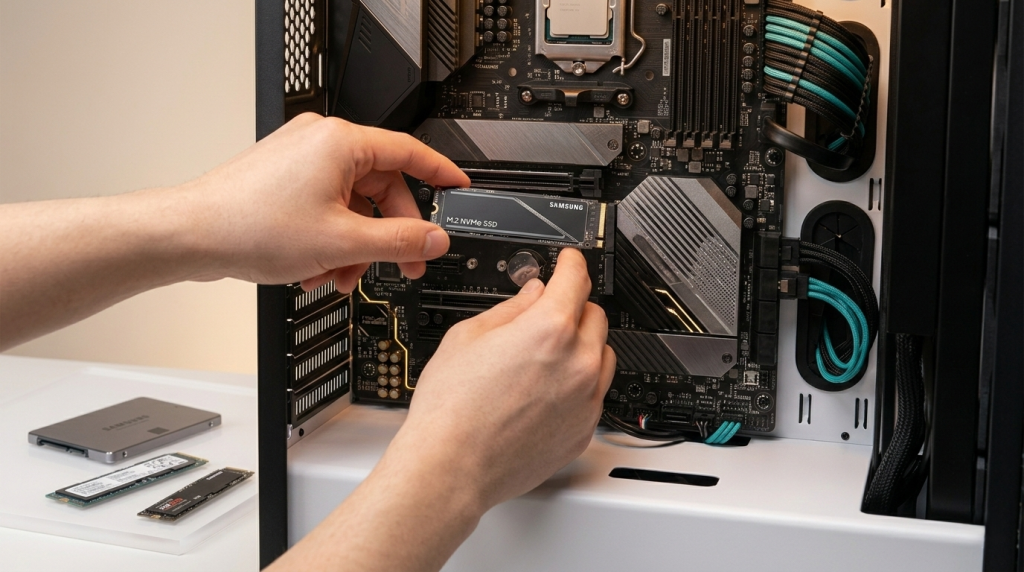
An internal SSD installs directly inside your computer. It connects to the motherboard through an M.2 slot, PCIe slot, or SATA port and delivers the highest possible read/write speeds because it uses direct, high-bandwidth interfaces.
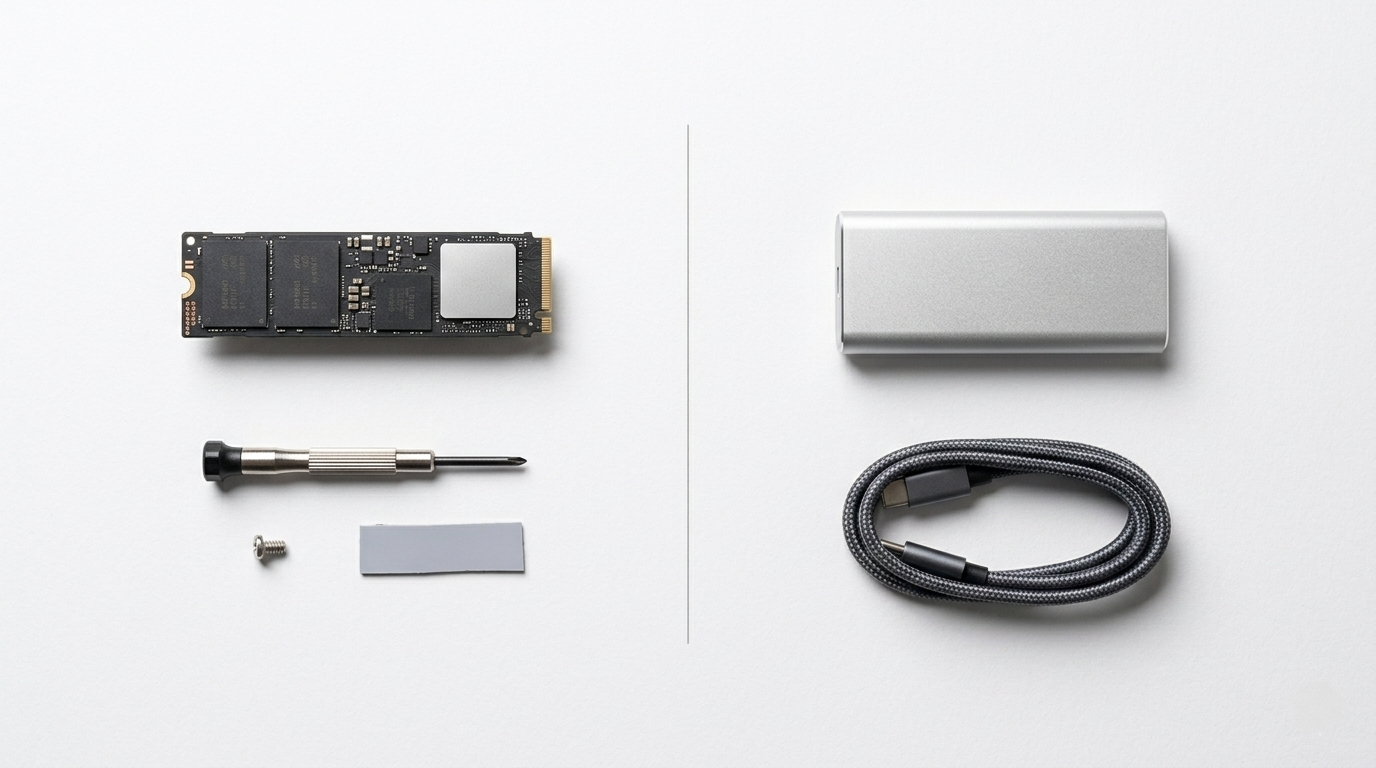
An external SSD is a portable drive that connects via a USB or Thunderbolt cable. It sits outside the machine, making it easy to carry between locations, share files across devices, or serve as a dedicated backup medium. Modern external SSDs are remarkably compact — some hold up to 4 TB of data in a device smaller than a deck of cards.
Both types are genuinely useful. Many people benefit from owning both. The question is which one addresses your current need.

Thunderbolt 5 Cable Connection Close-UpWhen an Internal SSD Is the Right Choice

Internal SSDs are the best option whenever performance is the top priority and the drive will primarily live inside a single system.
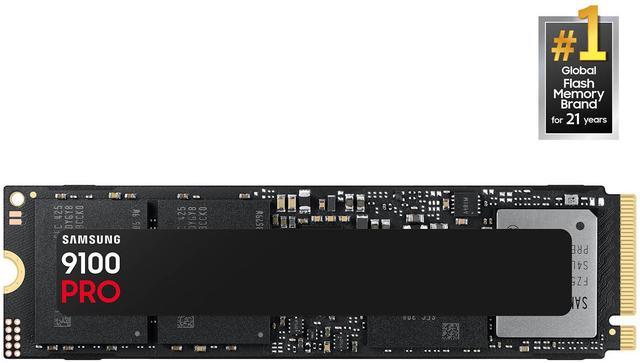
Operating system and application storage is the clearest case. A PCIe 4.0 or PCIe 5.0 NVMe internal drive will boot your OS in seconds and launch applications almost instantly. Top PCIe 5.0 drives like the Samsung 9100 PRO and WD Black SN8100 deliver sequential reads up to 14,800 MB/s — speeds no current external drive can match.
Gaming is another strong use case. Modern titles regularly exceed 100 GB, and open-world games with real-time asset streaming actively benefit from fast storage. Games installed on a quick NVMe internal drive load faster and stutter less during open-world traversal than games stored on slower media.
Content creation workstations demand internal drives for serious work. Scrubbing through 4K or 8K timeline footage, rendering complex 3D scenes, and batch-processing RAW photography all require the sustained throughput that internal NVMe storage provides. An external drive connected via USB simply cannot deliver the consistent bandwidth needed for uninterrupted professional workflows.
Newegg’s internal SSD category covers the full range — from budget SATA 2.5-inch drives for older laptops all the way to PCIe 5.0 M.2 NVMe drives for high-end workstations. Filtering by interface type makes it easy to find exactly what your motherboard supports.

When an External SSD Makes More Sense

External SSDs excel in scenarios where portability, flexibility, and convenience outweigh raw throughput.
Backup and data protection is perhaps the strongest use case. External SSDs are fast enough to back up hundreds of gigabytes in minutes, far more durable than external hard drives (no moving parts to fail from drops), and compact enough to store offsite or in a bag. Following the 3-2-1 backup rule — three copies, two media types, one offsite — makes an external SSD a natural part of any serious data protection strategy.
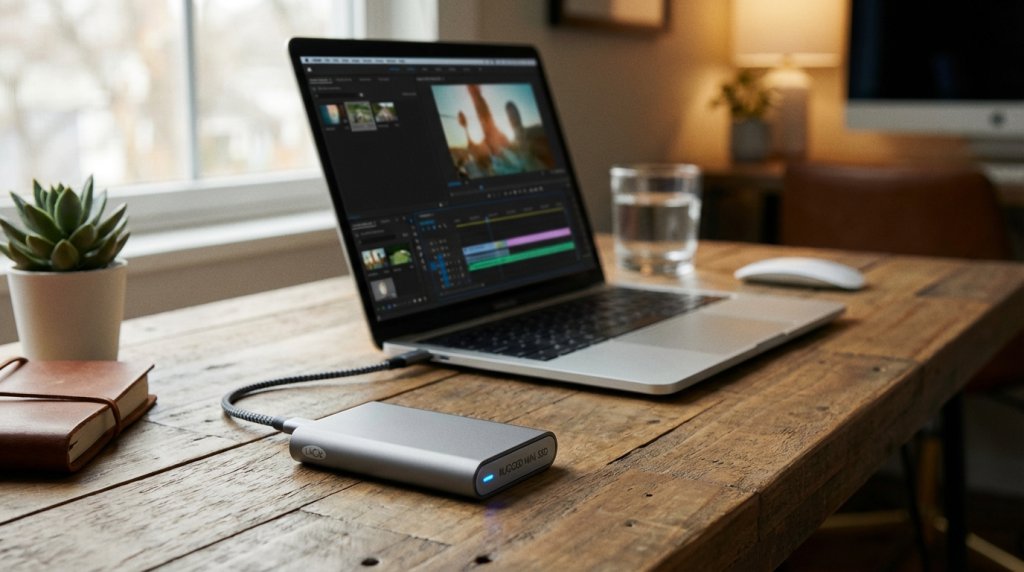
Multi-device workflows are where external SSDs save significant time. Designers, videographers, and consultants who move between a home studio, client offices, and a laptop can carry an entire active project directory — including large media files — in a drive that weighs under 100 grams. Popular options like the Samsung T9, WD My Passport SSD, and Crucial X9 Pro pair 1–4 TB of storage with pocket-friendly form factors.
Laptop storage expansion is another practical scenario. Many ultrabooks ship with 256 or 512 GB of internal storage, with no option to add more internally. A fast external SSD extends your effective storage immediately, with no tools or warranty concerns involved.
You can browse a wide selection of external SSDs on Newegg, including options across all major speed tiers and capacity points.

Internal SSD Installation Scene2026 Development: External SSD Speeds Are Catching Up

The performance gap between internal and external storage has narrowed meaningfully in 2026. USB4 Gen 3×2, capable of 40 Gbps bandwidth, is now supported across a growing number of laptops, desktop motherboards, and docking stations. High-performance portable drives paired with USB4 connections can achieve external sequential reads approaching 4,000 MB/s on compatible hardware — comparable to mid-range PCIe 4.0 internal drives.
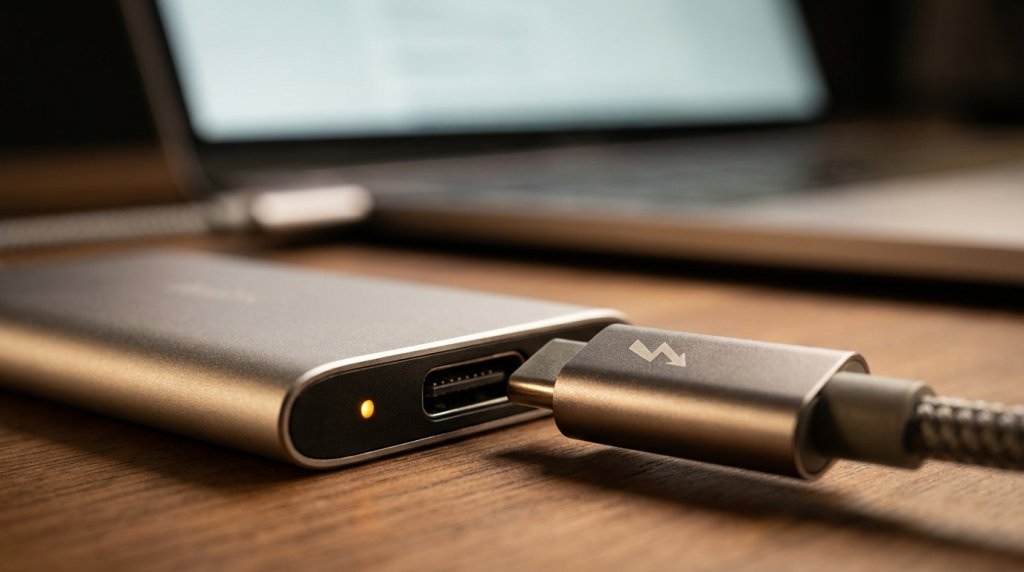
Thunderbolt 5, offering up to 80 Gbps, is beginning to appear on premium ultrabooks and professional workstations. As external SSDs designed for Thunderbolt 5 enter the market in 2026, portable read speeds could exceed 6,000 MB/s — effectively closing the gap with PCIe 4.0 internal drives entirely.

Understanding SSD Form Factors

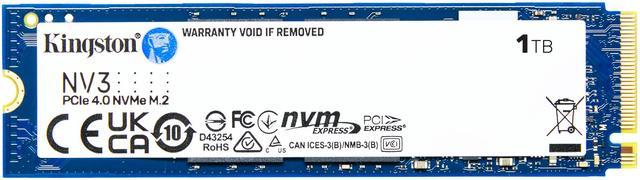
For internal drives, M.2 is the dominant standard. M.2 drives are thin cards roughly the size of a stick of gum, available in 2230, 2242, 2260, and 2280 lengths (2280 being most common). They support both SATA and NVMe interfaces depending on the specific drive and slot configuration.
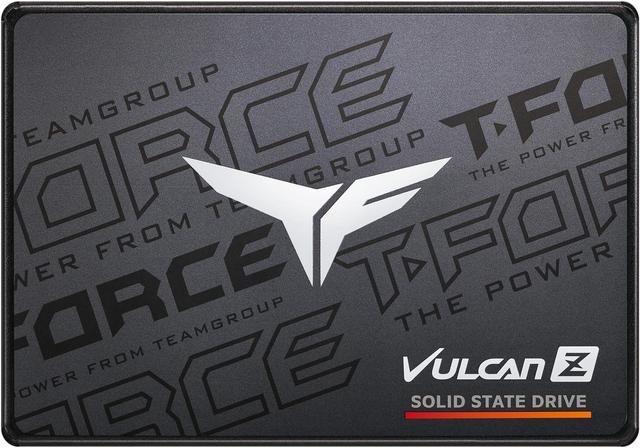
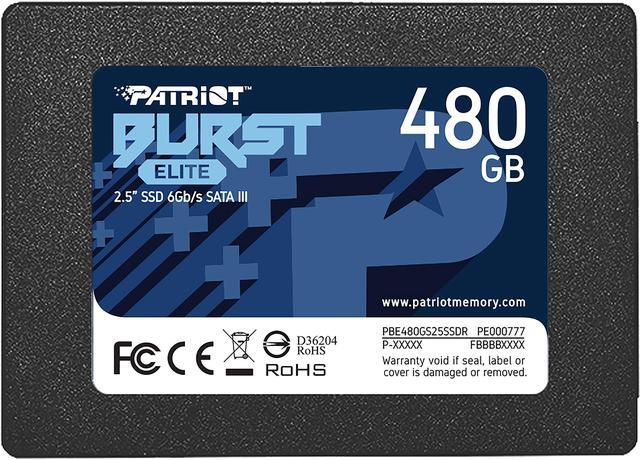
Older 2.5-inch SATA SSDs remain relevant for laptops and desktops that lack M.2 slots. They offer a massive speed improvement over traditional hard drives at budget-friendly prices, making them ideal for upgrading aging machines.
For external drives, the key connectors to understand are:

  • USB-A / USB-C (USB 3.2 Gen 2): Up to 10 Gbps — the most universally compatible option
  • USB-C (USB4 / Thunderbolt 3 or 4): Up to 40 Gbps — requires compatible ports on your device
  • Thunderbolt 5: Up to 80 Gbps — emerging standard on premium 2025–2026 hardware
Always confirm that your computer’s port supports the drive’s connector speed. If you need to bridge older USB-A ports to a newer USB-C drive, or want a protective case for a bare M.2 drive, Newegg’s SSD accessories section has adapters, enclosures, and cables for every configuration.

External SSD Lifestyle ShotThe Practical Answer for Most People

The most versatile setup for most users in 2026 combines both types: a fast internal NVMe SSD for the operating system and active projects, paired with an external SSD for backup, portability, and overflow storage. This approach costs less than it once did, given how far SSD pricing has fallen across both categories.
Explore the complete SSD catalog on Newegg to compare internal and external models across brands, speeds, and capacities — all in one place.