
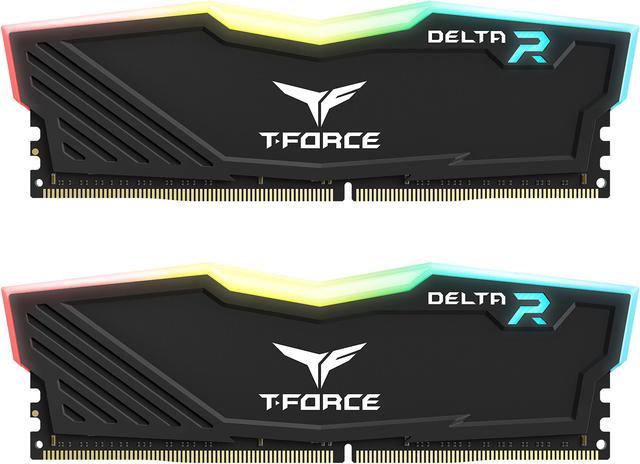
Buying gaming RAM used to be simple: pick the fastest kit your motherboard supports and move on. In 2026, however, the landscape involves a more nuanced set of decisions. Two competing one-click overclocking standards, a wide range of speed tiers with very different latency profiles, and a growing gap between 32 GB and 64 GB builds all shape which kit is actually right for you. This guide cuts through the noise and helps you make a confident choice.
What Are XMP 3.0 and AMD EXPO?
When a DDR5 memory kit is installed in a new system, it defaults to JEDEC specification speeds — typically DDR5-4800 or DDR5-5600. These are safe, standardized speeds guaranteed to work across virtually all compatible hardware. However, they are not where the kit’s actual performance potential lies.
Intel XMP 3.0 (Extreme Memory Profile) and AMD EXPO (Extended Profiles for Overclocking) are manufacturer-defined profiles stored on the memory module itself. Enabling one of them in your BIOS tells the memory controller to apply a tested set of timings, voltages, and frequencies that unlock the kit’s rated speed. The process takes about 30 seconds and requires no technical expertise — just a single toggle in the BIOS or UEFI interface.
XMP 3.0, introduced with DDR5, supports up to three writable user profiles in addition to the manufacturer’s pre-defined profiles. This gives enthusiasts room to fine-tune settings without overwriting the factory configuration. AMD EXPO is specifically optimized for Ryzen processors and the AM5 platform, where the Infinity Fabric interconnect means that memory speed and latency have a more direct impact on overall system performance than on Intel platforms.
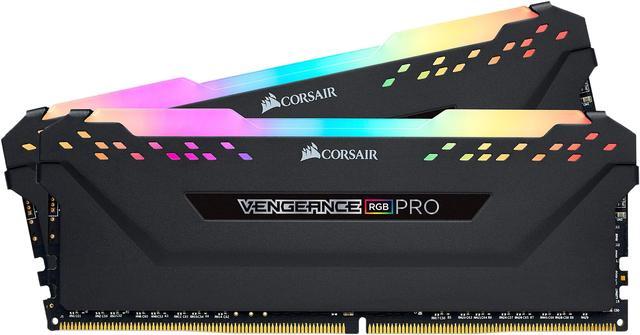
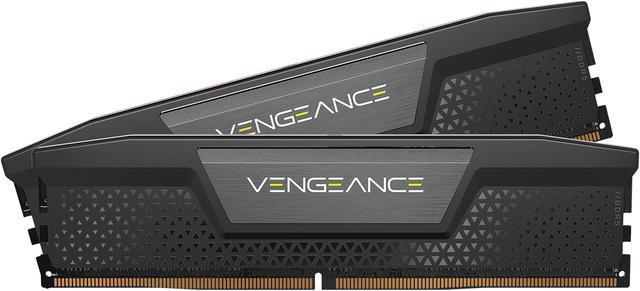
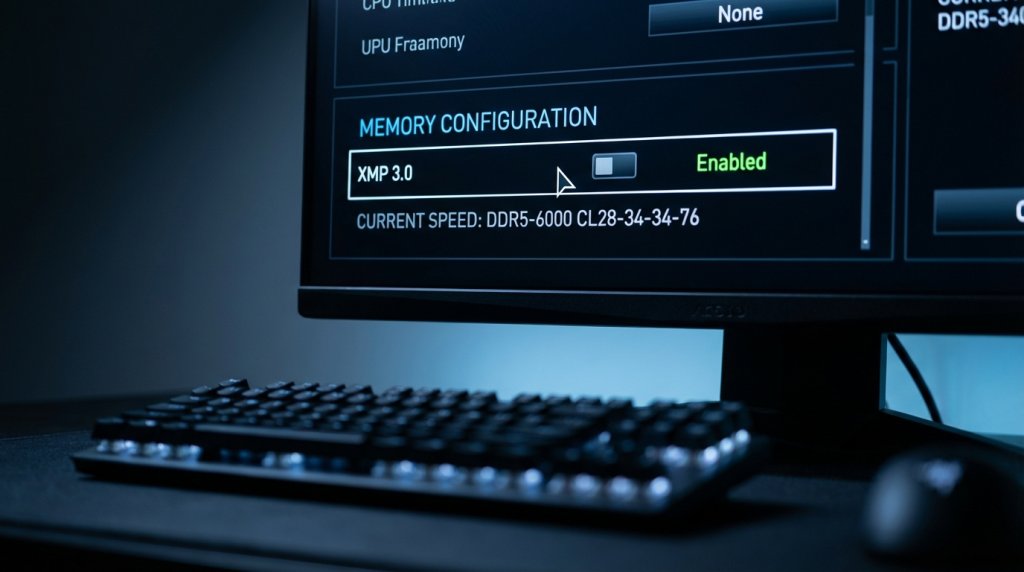 Most premium gaming kits in 2026 support both standards simultaneously — a designation often labeled as dual-platform compatibility. The Corsair Vengeance DDR5-6000 CL28 and the Crucial Pro 64 GB DDR5-5600 are examples of kits that include both XMP 3.0 and EXPO profiles, making them viable for either AMD or Intel builds without compatibility concerns.
Browsing Newegg’s gaming RAM selection lets you filter specifically for XMP and EXPO support to narrow down compatible options quickly.
Speed vs. Latency: The Tradeoff That Actually Matters
When comparing gaming RAM, two numbers define performance: frequency (measured in MT/s or MHz) and CAS latency (CL). Higher frequency means more data transferred per second. Lower CL means shorter delay before a read or write operation begins. These two values move in tension with each other — pushing frequency up typically requires accepting higher latency, and vice versa.
Here is how to interpret the most common configurations in 2026:
DDR5-5600 CL46 — Entry-level DDR5 speeds with conservative timings. The Crucial Pro 64 GB kit at this tier is a popular budget choice, though the high CL46 latency means real-world gaming performance is noticeably behind tighter-tuned kits despite the reasonable frequency.
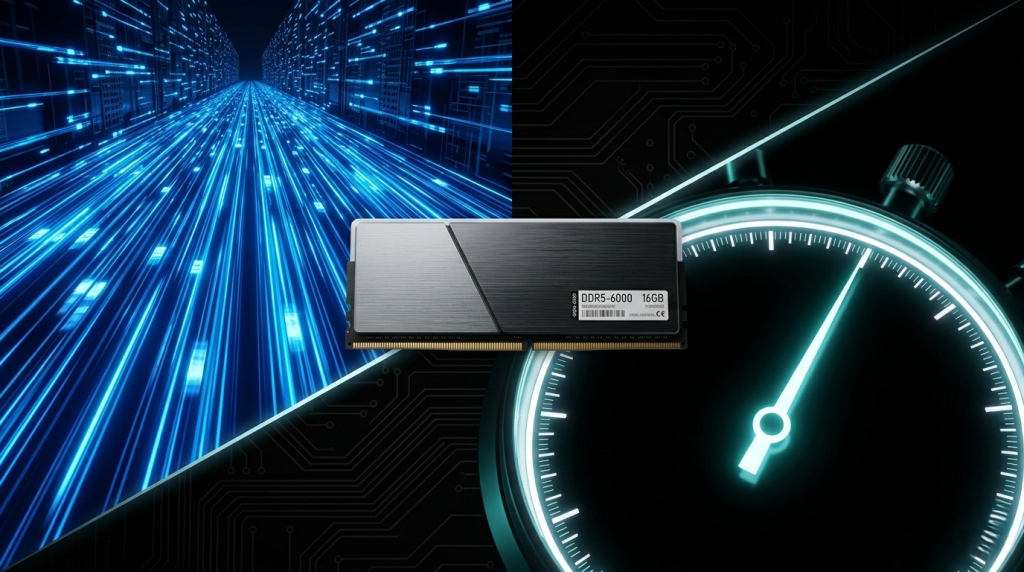
DDR5-6000 CL28 to CL30 — This is the performance sweet spot that most experts recommend in 2026. At CL28, Corsair’s Vengeance DDR5-6000 delivers both high bandwidth and tight enough latency to give AMD Ryzen 9000 systems a tangible performance lift. On AMD platforms, DDR5-6000 aligns the memory controller’s Infinity Fabric at 2000 MHz in a 1:1 ratio, minimizing latency penalties and maximizing real-world throughput.
DDR5-7200 CL34 to CL36 — High-performance territory with strong bandwidth for memory-intensive applications. The latency trade-off at this tier is moderate, and real-world gaming gains over DDR5-6000 are measurable but incremental for most titles. Content creation, 3D rendering, and AI-assisted software show more consistent improvement.
DDR5-9600 CL38 to CL42 — Extreme enthusiast territory. Patriot’s Viper Xtreme 5 CKD reaches 9600 MT/s with hand-tested, precisely binned memory ICs. The Patriot Viper Xtreme 5 Aurum Edition reaches 8000 MT/s with an unlocked PMIC (Power Management IC) for pushing performance beyond standard profiles. These kits require premium motherboards with robust memory subsystems and are not guaranteed to reach their rated speeds on all hardware configurations.
The practical takeaway: for gaming, DDR5-6000 CL28 or CL30 delivers the best balance of speed, latency, and stability. Going higher introduces diminishing returns unless your workloads specifically benefit from extreme bandwidth.
 32 GB vs. 64 GB: Choosing the Right Capacity for Gaming in 2026
Capacity is the other axis of the gaming RAM decision, and 2026 has shifted the consensus upward from where it stood just two years ago.
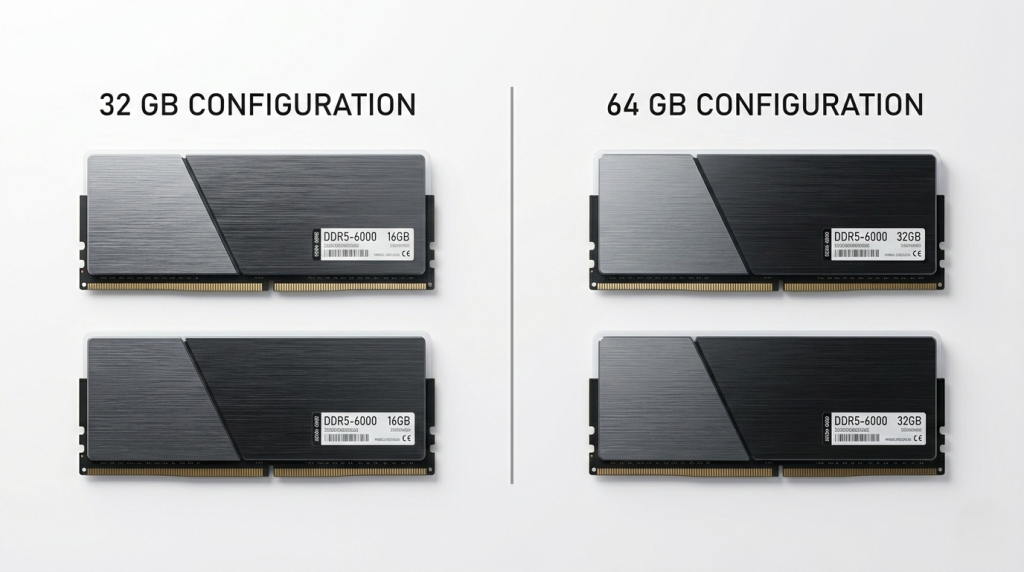
32 GB remains the standard recommendation for the majority of gamers. It provides enough headroom for the most demanding AAA titles (several of which now recommend 16 GB minimum and benefit from 32 GB), background streaming software, Discord, a browser with multiple tabs, and other common multitasking scenarios. A 2×16 GB dual-channel kit at DDR5-6000 CL28 is the configuration most PC builders default to in 2026.
64 GB is increasingly justified for a specific type of gaming user: the content creator who streams and records gameplay while simultaneously running video editing or encoding software; the modder who keeps large game editors and asset management tools open alongside the game; and the emerging category of gamers running local AI tools such as real-time voice changers, AI upscalers, or local LLM assistants alongside games. For these users, 64 GB removes a real bottleneck rather than simply providing theoretical headroom.
A 2×32 GB dual-channel configuration is preferable to a 4×16 GB setup on most consumer platforms, as two DIMMs allow for easier memory frequency tuning and reduce strain on the memory controller. Check Newegg’s desktop memory selection to compare 32 GB and 64 GB kit pricing side by side.
 RGB and Aesthetics: More Than Just Looks
RGB lighting on RAM sticks is often dismissed as purely cosmetic, but it has become a meaningful differentiator in the gaming market — and not just for aesthetics.
Premium RGB kits from Corsair (Dominator Platinum RGB), G.Skill (Trident Z5 RGB), and Kingston (Fury Beast RGB) use addressable LEDs that synchronize with motherboard RGB ecosystems like ASUS Aura Sync, MSI Mystic Light, and Gigabyte RGB Fusion. This synchronization is a genuine usability feature in builds where unified lighting is part of the intended design.
From a performance standpoint, the taller heatspreaders required to house RGB components also provide modestly better thermal performance, which matters most on kits running at high frequencies with elevated voltages. The Corsair Dominator Platinum RGB’s DHX cooling system, for instance, uses an aluminum top bar that dissipates heat more effectively than the thin stamped heatspreaders found on budget kits.
If RGB isn’t a priority, non-RGB kits like the Corsair Vengeance DDR5 or G.Skill Ripjaws S5 often deliver identical performance at slightly lower prices — a worthwhile tradeoff for builders focused purely on value.
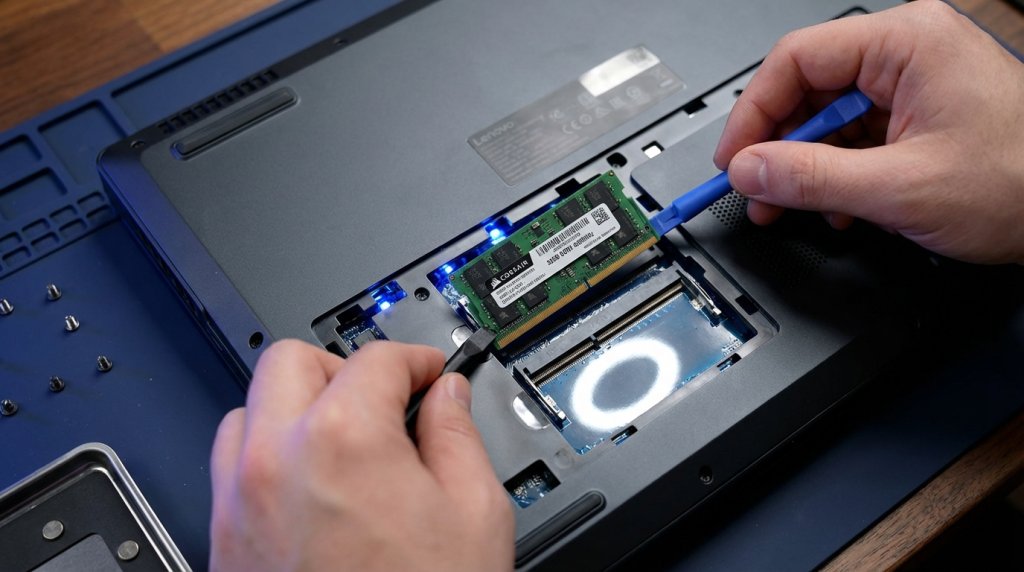 Laptop Gaming Memory: A Different Set of Considerations
Gaming laptops have their own memory ecosystem. Most modern gaming laptops use SO-DIMM DDR5 modules in upgradeable slots, though an increasing number of thin-and-light gaming designs now use soldered LPDDR5 or LPDDR5X memory that cannot be upgraded after purchase.
For laptops with upgradeable memory, the calculus is simpler than on desktops: capacity matters more than speed, since laptop memory controllers are more conservative about pushing high frequencies due to thermal and power constraints. Adding a second SO-DIMM to enable dual-channel mode typically delivers a larger performance improvement than swapping single-channel memory for a faster-clocked single stick.
Newegg’s laptop memory section covers SO-DIMM DDR5 upgrades from all major brands, with filtering by capacity and speed to find compatible options for your specific laptop model.
 How to Choose: A Practical Summary
The right gaming RAM kit in 2026 comes down to a handful of clear decisions:
- Platform first: Confirm whether your motherboard uses AMD AM5 or Intel LGA1851, and choose a kit that includes the corresponding EXPO or XMP 3.0 profile. Dual-certified kits work on both.
- Speed tier: DDR5-6000 CL28 or CL30 is the right choice for most gaming builds. It offers the best real-world performance, especially on Ryzen platforms.
- Capacity: 32 GB for standard gaming setups, 64 GB if you create content, stream, or run AI tools simultaneously.
- RGB: Choose based on whether your build has an RGB ecosystem to sync with. Performance differences between RGB and non-RGB are negligible.
- Budget: Use Newegg’s Memory Finder tool to filter options by your specific system and find kits that combine compatibility, speed, and value within your price range.