
For video editors and content creators, a laptop isn’t just a computer — it’s a professional tool. In 2026, the creator laptop market has never been stronger. This guide breaks down the best creator laptops for video editing in 2026, covering display quality, CPU/GPU rendering power, and portability for every workflow.
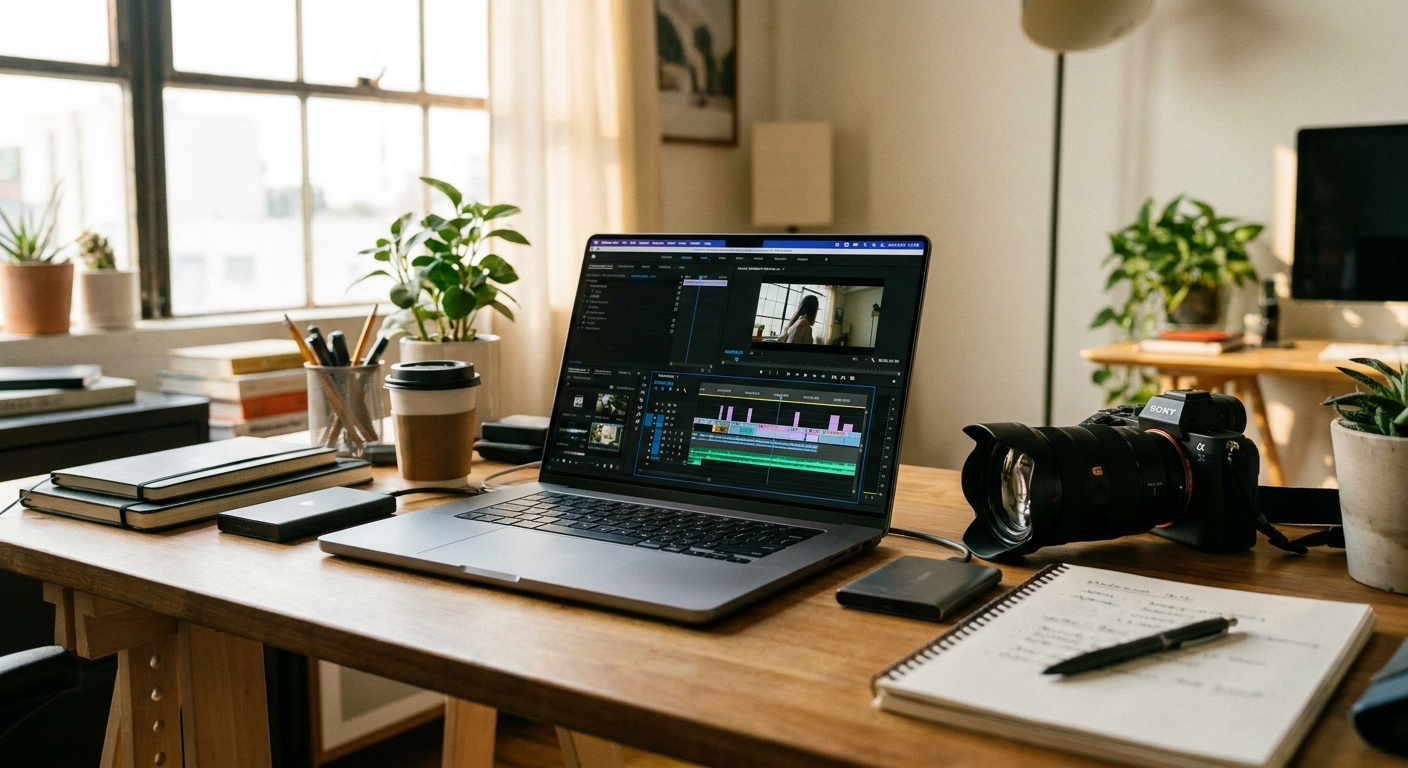
What Makes a Laptop Great for Video Editing?
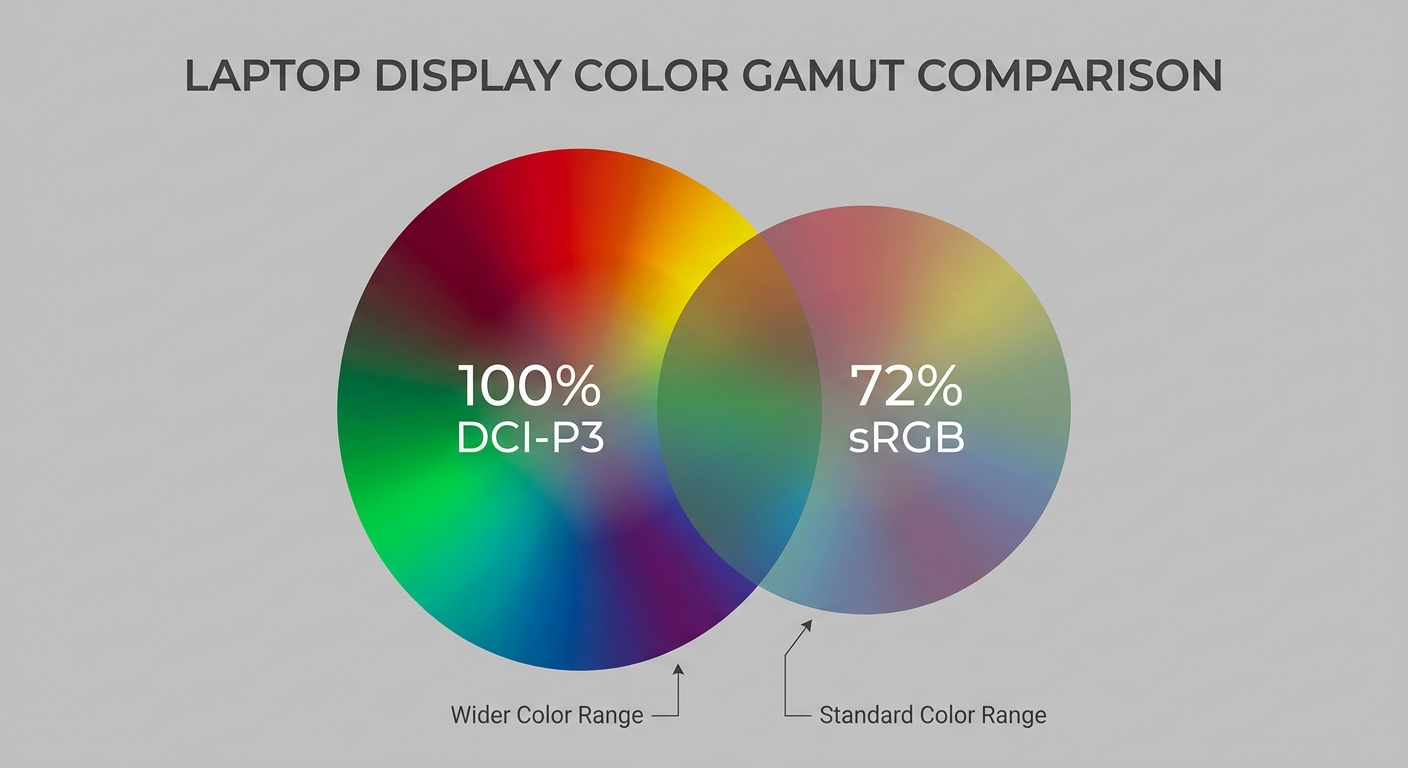
Display Quality: Factory-calibrated, 100% DCI-P3 or sRGB is critical for color grading. OLED panels offer exceptional contrast. CPU: Multi-threaded performance is king — look for Intel Core Ultra 9 or AMD Ryzen AI 9. RAM: 32GB minimum for 4K; 64GB for 6K/8K workflows. GPU: NVIDIA NVENC encoder accelerates Premiere Pro and DaVinci Resolve. Storage: Fast NVMe SSD; 2TB or more is ideal.
Best Creator Laptops for Video Editing 2026
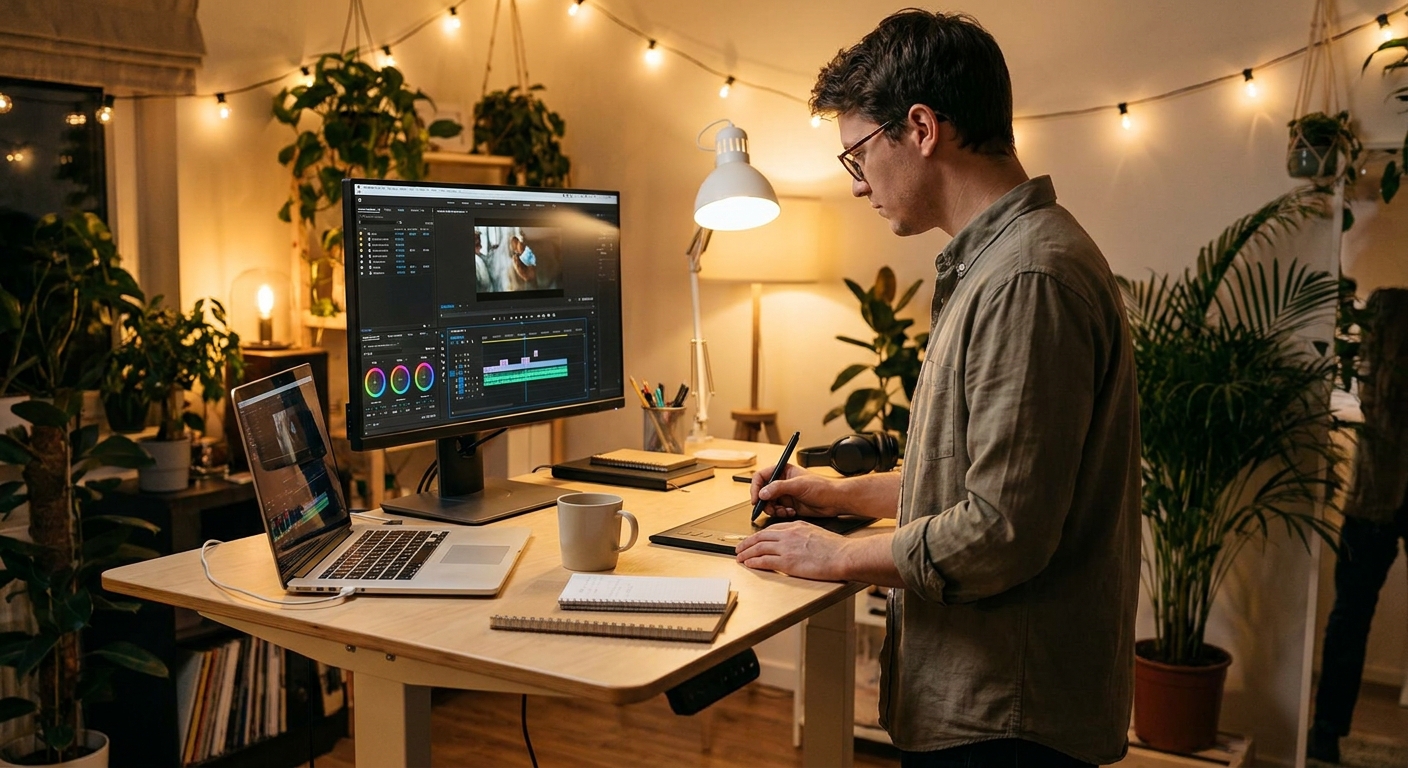
| Laptop | CPU | GPU | Display | RAM | Best For |
|---|---|---|---|---|---|
| Apple MacBook Pro 16″ (M4 Pro) | M4 Pro 14-core | M4 Pro 20-core | 16.2″ Liquid Retina XDR | 24GB unified | Final Cut Pro / Mac |
| ASUS ProArt Studiobook 16 OLED | Core Ultra 9 285H | RTX 5070 Ti Mobile | 16″ 4K OLED 120Hz | 64GB DDR5 | Windows pro powerhouse |
| Dell XPS 15 (2026) | Core Ultra 7 265H | RTX 5060 Mobile | 15.6″ OLED 3.5K 120Hz | 32GB DDR5 | Thin & portable |
| Lenovo ThinkPad X1 Extreme Gen 7 | Core Ultra 7 265H | RTX 5060 Mobile | 16″ IPS 2.5K 165Hz | 32GB DDR5 | Business + creative |
| MSI Creator Z16 HX Studio | Core Ultra 9 285HX | RTX 5070 Mobile | 16″ QHD+ 240Hz | 32GB DDR5 | High refresh + creator |
Our Detailed Recommendations
Best for Mac Workflows: Apple MacBook Pro 16″ (M4 Pro)
Apple Silicon continues to dominate creator workflows, and the M4 Pro MacBook Pro 16″ is the gold standard for Final Cut Pro editors and anyone working in the Apple ecosystem. Its Liquid Retina XDR display is factory-calibrated and reference-grade. The M4 Pro’s 14-core CPU and 20-core GPU handle 4K and even 8K ProRes footage with ease, and battery life routinely exceeds 12 hours in real-world creative tasks.
Shop MacBook Pro M4 Pro on Newegg
Best Windows Powerhouse: ASUS ProArt Studiobook 16 OLED
For Windows users who want no compromises, the ASUS ProArt Studiobook 16 OLED is extraordinary. The 4K OLED display covers 100% DCI-P3 and comes factory-calibrated with a PANTONE-validated report. Paired with a Core Ultra 9 285H and RTX 5070 Ti Mobile, it chews through heavy DaVinci Resolve and Adobe Premiere timelines without hesitation. The dedicated physical dial for color/brightness adjustments is a genuinely useful creative tool.
Shop ASUS ProArt Studiobook 16 OLED on Newegg
Best Thin & Portable: Dell XPS 15 (2026)
The Dell XPS 15 remains one of the most beautiful and portable creator laptops available. Its 3.5K OLED display is phenomenal for color work, and the slim chassis makes it easy to carry to client meetings or shoots. The RTX 5060 Mobile handles 4K editing comfortably, though heavy 8K work is better suited to the heavier ProArt or MacBook Pro.
Best Business/Creative Dual-Use: Lenovo ThinkPad X1 Extreme Gen 7
The ThinkPad X1 Extreme Gen 7 bridges the gap between enterprise reliability and creative capability. It’s ISV-certified for Adobe and DaVinci Resolve, ships with excellent enterprise security features, and is built to MIL-SPEC durability standards. For professionals who edit video but also live in spreadsheets and video calls, it’s the most versatile option on this list.
Shop ThinkPad X1 Extreme Gen 7 on Newegg
Final Verdict
Video editing laptop choice ultimately comes down to your ecosystem and workflow. Mac users should reach for the MacBook Pro M4 Pro without hesitation. Windows pro editors who demand the most powerful machine should look at the ASUS ProArt Studiobook. Those prioritizing portability will love the Dell XPS 15. And for professionals who need both enterprise and creative credibility, the ThinkPad X1 Extreme delivers it all. Your next great edit starts here.
Read More
- Newegg Insider Laptop Buying Guide — How to choose the right laptop for your specific use case and budget.
- ASUS ProArt Studiobook 16 OLED Review (YouTube) — In-depth look at the display quality, performance, and creative features of the ProArt Studiobook.
- DPReview: Best Laptops for Photo and Video Editing — Professional photographer and videographer perspective on creator laptop selection.
- Apple MacBook Pro Official Page — Full specs and video editing performance data for the M4 Pro MacBook Pro.
- ASUS ProArt Studiobook Series Official Page — Detailed overview of the ProArt lineup and its creator-focused features.
Related Posts
- Creator Laptops vs. Consumer Laptops: What’s the Real Difference?
- Turn a Mini PC into a Local AI Edge Computer
- 2-in-1 vs Traditional Laptop for Students: Which Should You Buy?
- Best USB-C Docks and Hubs for Students in 2026
- Wi-Fi 8 Is Almost Here: What ASUS’s Wi-Fi 8 Routers Actually Mean
Frequently Asked Questions
Answers to the most common questions about this topic.