
Building a PC is exciting — but it can feel overwhelming when you’re staring at thousands of component listings. The good news: Newegg has built a comprehensive suite of shopping tools specifically designed to make PC building simpler, smarter, and more affordable. In this guide, we’ll walk through how to use Newegg’s tools to build your perfect PC in 2026 — from first search to checkout.
Start with Newegg’s PC Builder Tool
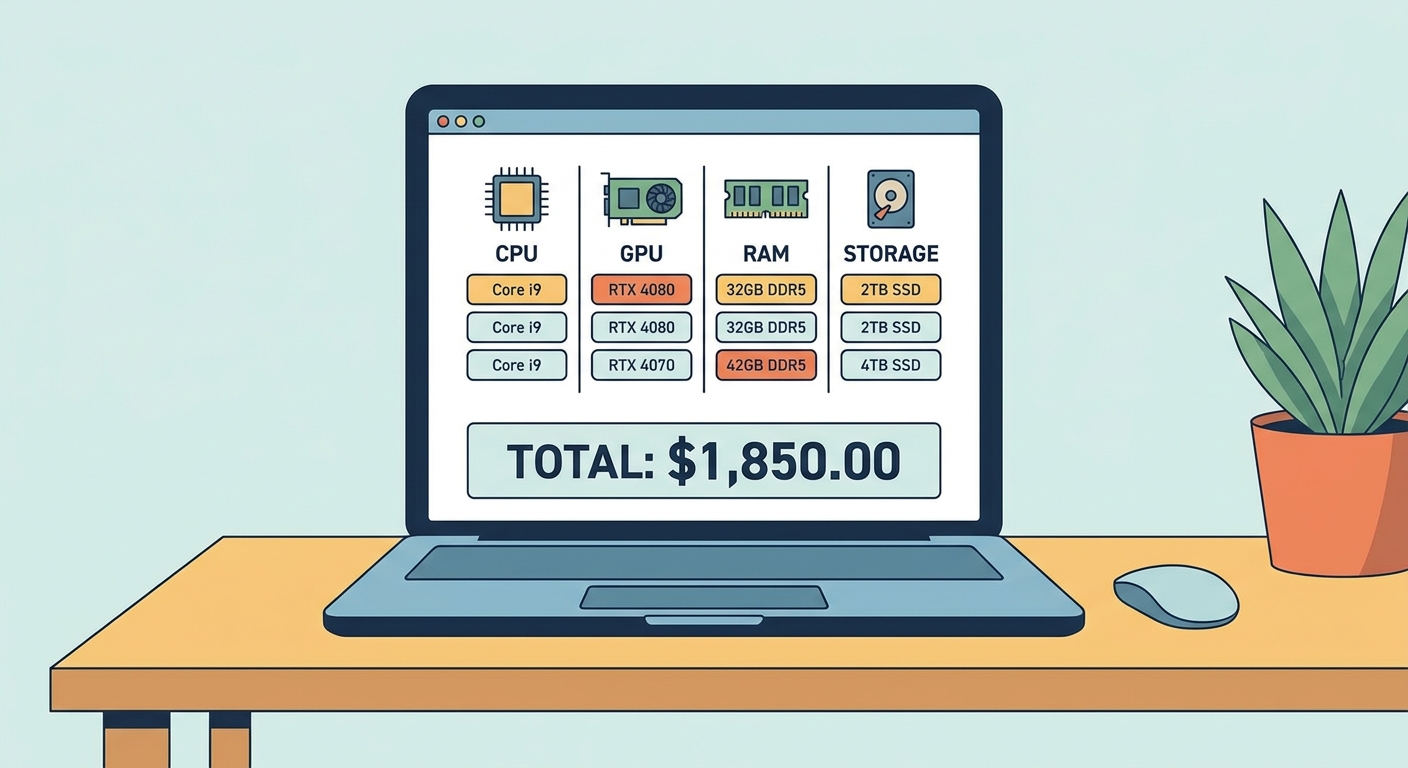
The Newegg PC Builder is your first stop. It walks you through selecting each component category in order — CPU, motherboard, RAM, GPU, storage, case, PSU, and cooling — with automatic compatibility filtering at each step. Once you’ve selected a CPU, the tool automatically filters to show only compatible motherboards. A running total shows your build cost in real time. Save and share your build list with friends or come back later.
Pro tip: Start from the CPU and work outward. Your CPU determines motherboard socket (AM5 for AMD Ryzen 9000, LGA1851 for Intel Core Ultra 200/300), which constrains RAM type and chipset tier.
Mastering Newegg’s Filters and Search
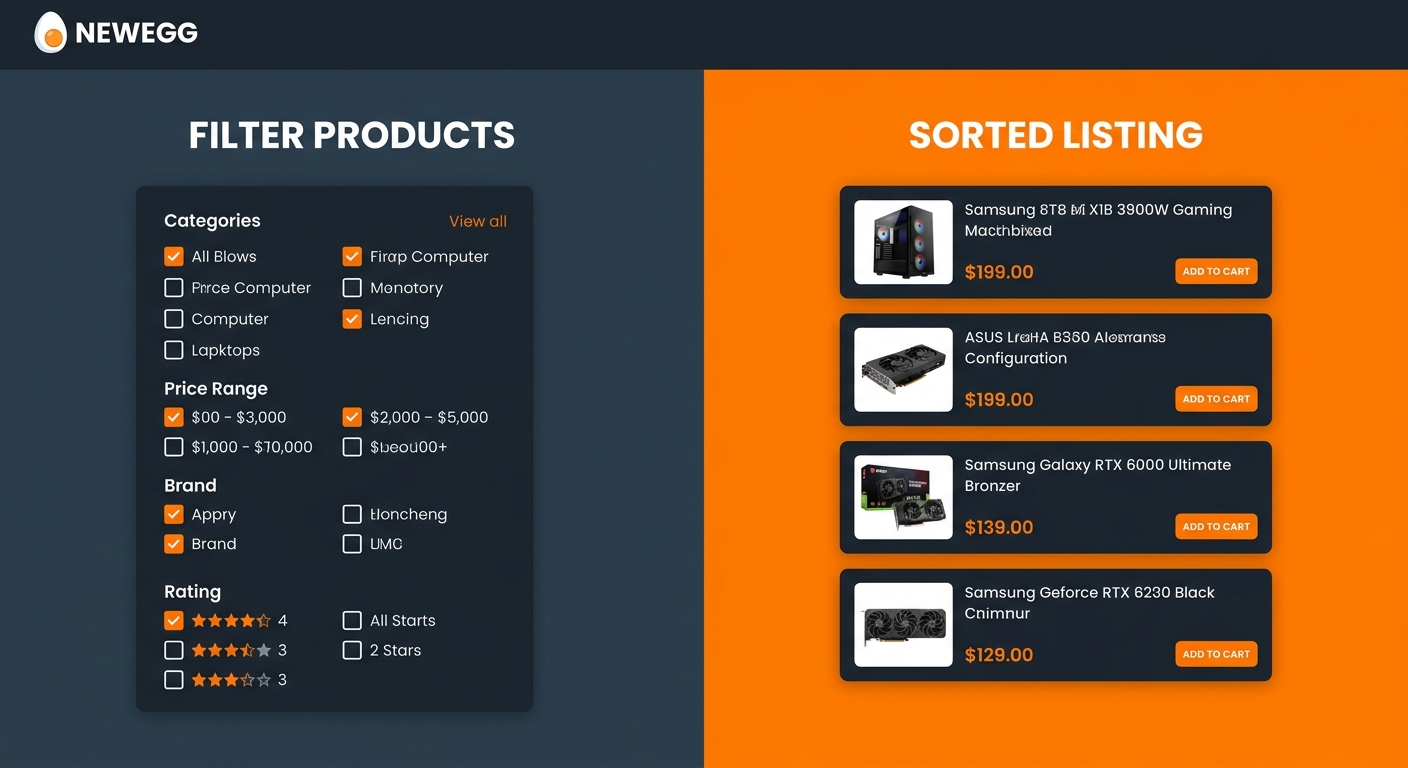
Newegg’s category pages have powerful filter options most shoppers underutilize. Use the Price Range Slider to eliminate out-of-budget options immediately. Brand Filters narrow to your preferred vendors. For GPUs, filter by VRAM size; for RAM, by speed and capacity; for storage, by interface (PCIe 5.0 NVMe vs SATA). Sort by Best Rating with at least 50 reviews to surface the most trusted products. Look for the EggXpert badge — these reviews come from verified power users with the most technically detailed assessments.
Finding the Best Deals on Newegg
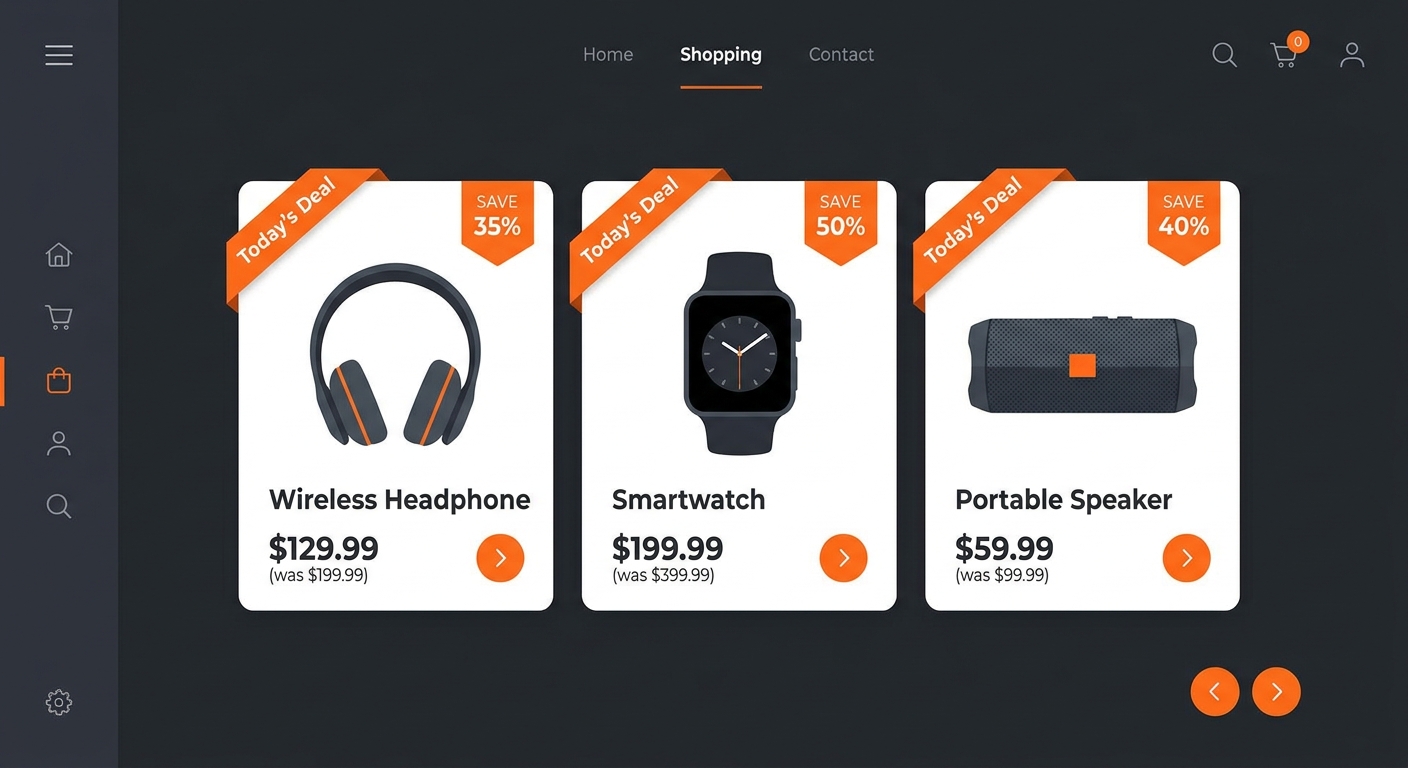
Newegg offers several ways to save money: Shell Shocker Deals — check the Shell Shocker page daily for 20–40% off time-limited hardware deals. Combo Deals — buying a CPU and motherboard together often unlocks an extra $20–50 discount. Check the “Combo” tab on product pages. Rebate Center — tracks your eligible manufacturer rebates and submission deadlines in one place. Price History — check the price history chart on product pages to confirm the current price is a genuine deal.
| Tool | Best For | Where to Find |
|---|---|---|
| PC Builder | Planning compatible builds step-by-step | newegg.com/tools/pc-builder |
| Shell Shocker | Daily deal hunting for specific components | newegg.com/promotions/shell-shocker |
| Combo Deals | Bundling components for discounts | Product page “Combo” tab |
| Price History Chart | Verifying genuine sales | Product page (scroll down) |
| Wish List + Price Alert | Tracking price drops | Product page heart icon / Account |
| Newegg Mobile App | On-the-go tracking and push notifications | iOS / Android app stores |
Using Wish Lists and Price Alerts
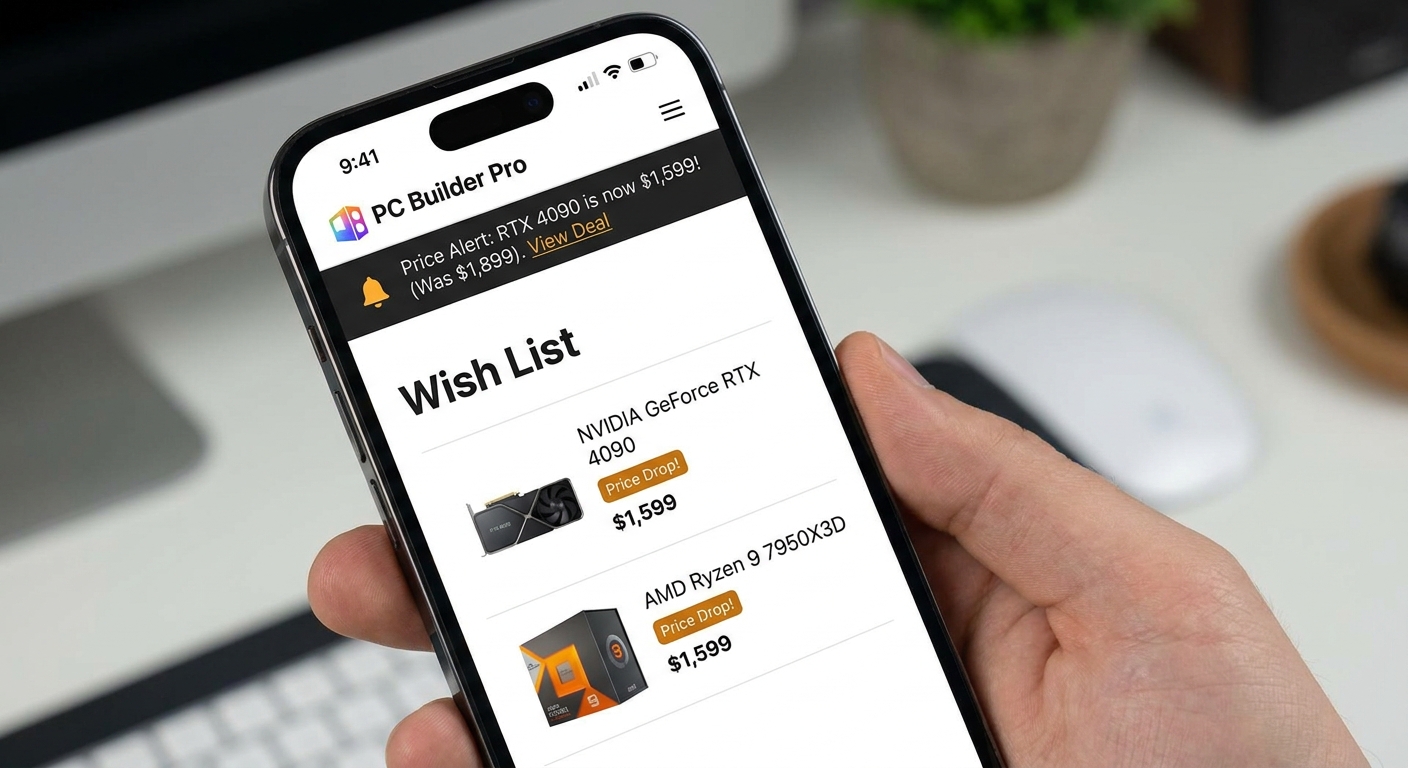
Add components to your Newegg Wish List by clicking the heart icon on any product page. Enable Price Alerts to be notified when an item drops to your target price. The Newegg Mobile App (iOS and Android) brings all these tools to your phone with push notifications for price drops, flash sales, and order tracking.
Reading Reviews Like a Pro
Sort by “Most Helpful” for the most detailed feedback. Read negative reviews — they reveal real-world issues marketing materials don’t mention. Check review dates — manufacturing quality can change over time. Browse the Q&A section for compatibility concerns experienced users have already investigated.
Put It All Together
Start in PC Builder to plan a compatible build, use filters to narrow within your budget, monitor Shell Shocker and combo deals for savings, and set price alerts on anything you’re not buying immediately. With the right tools and a little patience, you can build an outstanding PC at the best possible price.
Read More
- Newegg Insider: How to Build a PC — Complete Guide — Step-by-step assembly guide with photos for every stage.
- How to Use Newegg PC Builder — Full Walkthrough (YouTube) — Video tutorial demonstrating every feature from start to checkout.
- Newegg Shell Shocker Daily Deals — Today’s time-limited deals on PC components and peripherals.
- r/buildapc Wiki — PC Building Resources — Community-curated guides on component selection and troubleshooting.
- PCPartPicker Compatibility Checker — Cross-reference your component list for compatibility issues.
Related Posts
- Recent Developments in Artificial Intelligence: From Algorithms to Everyday Computing
- Differences Between AI PCs and Traditional PCs
- Best PC Cases for Airflow and Aesthetics in 2026: Build It Beautiful
- Best PSUs for High-End Gaming Builds in 2026: Don’t Cheap Out on Power
- Best Budget Desktop PCs Under $800 in 2026: Big Performance, Small Price
Frequently Asked Questions
Answers to the most common questions about this topic.