
The Case Is More Than Just a Box
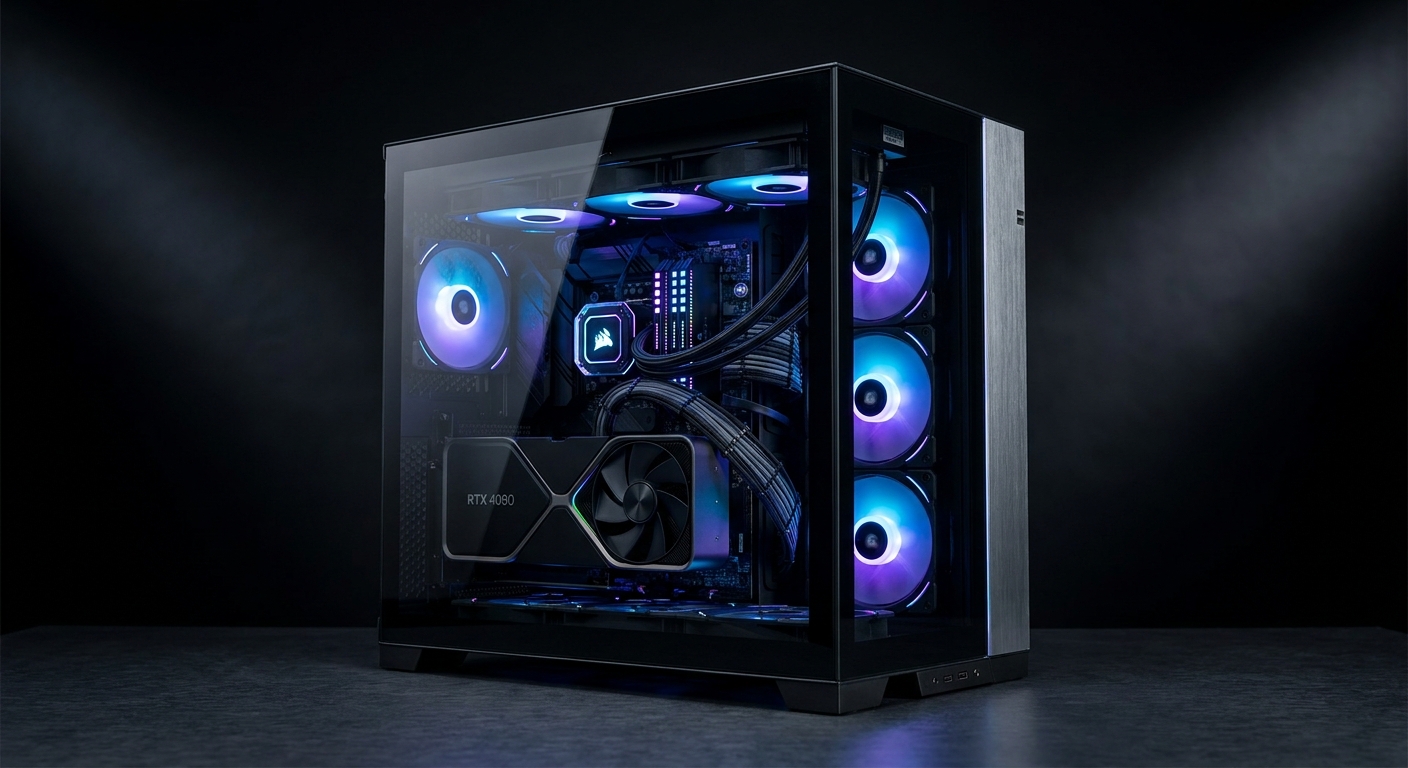
In 2026, a mid-tower PC case serves three critical functions: housing and protecting your components, managing airflow to keep them cool, and presenting them aesthetically. With high-end GPUs drawing 250-400W and CPUs hitting 170W+ under sustained loads, a case with poor airflow is no longer acceptable in a premium build.
Key Questions About Choosing a PC Case
Does case airflow actually matter for gaming?
Yes, significantly. Inadequate airflow can push CPU temperatures 10-15 degrees C higher and GPU temperatures 5-10 degrees C higher. Modern CPUs and GPUs activate thermal throttling at elevated temperatures, reducing clock speeds to stay within safe limits. The difference between the best and worst airflow cases can be 5-10 fps in sustained gaming sessions.
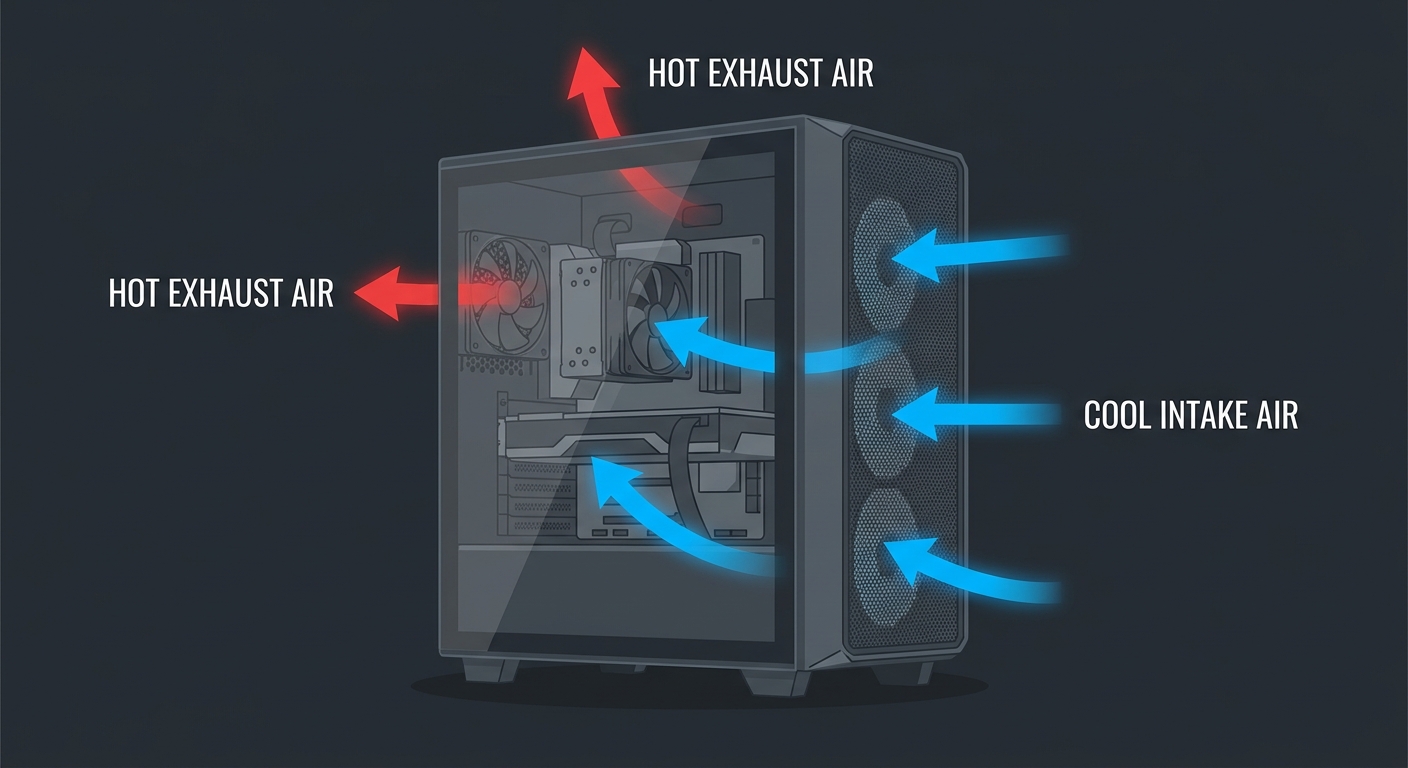
What makes a case good for airflow?
Three main factors: a front intake with minimal obstruction (mesh panels vs solid panels), fan mounting positions that create a front-to-back airflow path, and adequate clearance between the GPU and bottom intake fans. Cases with mesh front panels consistently outperform glass-front cases by 3-8 degrees C average at the GPU under sustained load.
How big should my case be for a mid-tower build?
Standard ATX mid-towers typically measure around 450mm tall, 210mm wide, and 400-500mm deep. Always cross-reference the maximum GPU length and CPU cooler height in the case specifications against your planned components before buying.
Do I need a case with a tempered glass side panel?
Only if you want to display your components. Tempered glass panels add weight, cost, and slightly increase temperatures inside the case. If you prioritize maximum airflow, a solid mesh panel often outperforms glass by a small margin.
Product Spotlight: Best Mid-Tower Cases in 2026
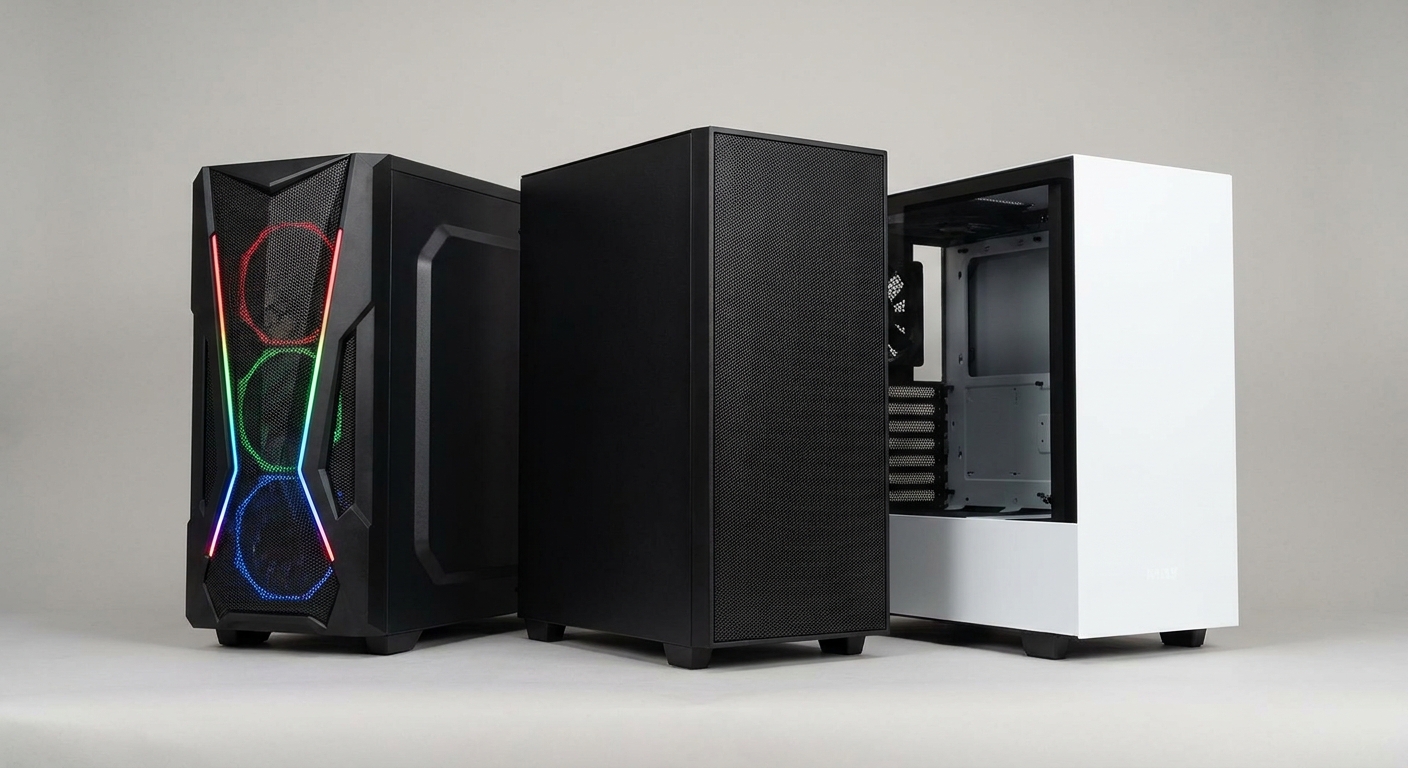
| Case | Front Panel | Max GPU Length | Price (approx) | Best For |
|---|---|---|---|---|
| Fractal Design Torrent | Open mesh | 461mm | ~$140 | Best airflow overall |
| Corsair 4000D RS Frame | 3D mesh | 360mm | ~$100 | Best value mid-tower |
| Lian Li Lancool III | Mesh | 435mm | ~$100 | Best builder experience |
| Fractal Design Meshify 2 | Mesh | 467mm | ~$110 | Best quiet+airflow balance |
| Lian Li Lancool 207 | Mesh + RGB fans | 380mm | ~$80 | Best budget airflow |
Best Overall Airflow: Fractal Design Torrent (~$140)
The Fractal Design Torrent remains the benchmark for airflow performance. Its chimney-style design with large 180mm front intake fans and open mesh front panel creates powerful positive pressure that consistently delivers the best thermals. Check it on Newegg.
Best Value: Corsair 4000D RS Frame (~$100)
The Corsair 4000D RS Frame brings a unique modular design that allows you to reconfigure internal layouts for different build types. Its 3D Y-Pattern mesh front panel provides unrestricted airflow while maintaining a clean aesthetic. Check it on Newegg.
Best Builder Experience: Lian Li Lancool III (~$100)
Exceptional build quality with tool-free drive installation, pre-routed cable paths, and magnetic dust filters make this the most comfortable case to build in at this price. Check it on Newegg.
Best Budget: Lian Li Lancool 207 (~$80)
Includes four pre-installed fans (two RGB and two aimed directly at the GPU), a full mesh front panel, and enough GPU clearance for even the longest triple-fan cards. Exceptional value. Check it on Newegg.
Final Verdict
For a high-end gaming build where thermal performance is the priority, the Fractal Design Torrent is the case to beat in 2026. For most mid-range builds where value and build experience balance, the Lian Li Lancool III or Corsair 4000D RS Frame at around $100 will serve you well. All of these cases provide significantly better thermals than glass-front alternatives.
Read More
- Best PC Cases 2026 (Tom’s Hardware) – Tested airflow, thermal, and build quality rankings for mid-tower and full-tower cases.
- Best PC Cases 2025 (GamersNexus) – Engineering-focused thermal testing with hard temperature numbers for each case.
- Fractal Design Torrent Official Page – Full specs, fan configuration options, and availability.
- Lian Li Official Product Pages – Full Lian Li case lineup including Lancool III, Lancool 207 variants.
- Browse PC Cases on Newegg – Full selection of mid-tower cases with filters for size, airflow style, and price.
Related Posts
- Best PC Cases in 2026: Mid-Tower and Mini-ITX Picks
- Best PC Cases for Airflow and Aesthetics in 2026: Build It Beautiful
- Rosewill ATX Mid-Tower PC Cases: Practical Design for Gaming Builds That Grow With You
- Computer Case Size Buying Guide: A Technical Overview for PC Builders
- The Montech Air900 case and Z3 ARGB fans are great for PC building beginners
Frequently Asked Questions
Common questions about choosing the right PC case for airflow and aesthetics.