
The Ryzen 7 7700X3D arrived on July 16 at $329 and quickly became the chip a lot of people point to when someone asks for a gaming CPU that does not require a flagship budget. It is also, mechanically speaking, one of the easiest upgrades AMD has shipped in a while: it uses Socket AM5, the same socket that has been in service since 2022, so the board you already own may well run it. The one thing that trips people up is firmware. A CPU can be physically compatible with a socket and still refuse to post if the motherboard is running an older BIOS that has never heard of it. This guide walks through how to confirm official support for your exact board, how to update firmware safely, and what to look for if you are buying a new board from scratch.
Why the 7700X3D Is an Easy Drop-In
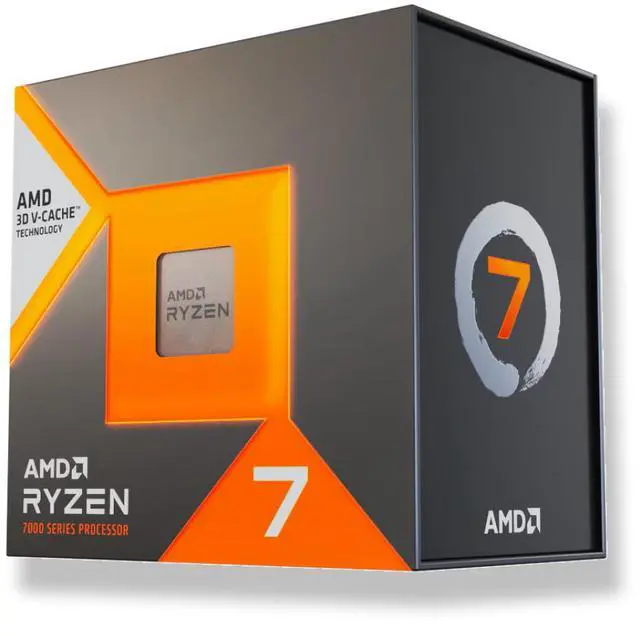
The Ryzen 7 7700X3D is a Zen 4 processor in the Ryzen 7000 series, with 8 cores and 16 threads, a 4.0 GHz base clock, a 4.5 GHz boost clock, and 104MB of total cache, of which 96MB is L3 thanks to AMD’s 3D V-Cache. Its TDP is 120W and it supports PCIe 5.0. Because it belongs to the 7000 series rather than a brand-new architecture, it is not asking your motherboard to learn a new socket or a new memory standard. Any AM5 board, from an entry-level A620 through B650, B650E, X670 and X670E, and on to the newer B840, B850, X870 and X870E, is built around the same socket and the same DDR5 memory. Support therefore comes down to whether the board’s firmware includes the microcode for this specific model number, and that is delivered through a normal BIOS update.
There is useful precedent here. When AMD shipped earlier X3D chips, board makers made the same commitment across their whole AM5 stacks. ASRock, for example, has publicly stated that its entire AM5 lineup, spanning X870E, X870, B850, B840, X670E, B650E, B650 and A620, supports new X3D processors with a simple BIOS update available from its website. The other major vendors follow the same pattern. That is good news, but it comes with one important caveat: support is published per board model, not per chipset. So the only answer that actually matters is the one on your board’s own support page.
Step 1: Find Your Board’s Official CPU Support List
Every motherboard vendor maintains a page for each individual model with a tab labeled CPU Support, CPU Support List, or Supported CPU. That page lists every processor the board can run, and next to each one it names the minimum BIOS version required. This is the authoritative source, and it is worth trusting over forum posts, retailer spec sheets, or a compatibility checker on a third-party site.
To use it, first identify your exact board model, including any suffix. A B650M-HDV and a B650M Pro RS are different products with different firmware. The model name is silkscreened on the board itself, usually between the CPU socket and the memory slots, and it is also reported by Windows if you open System Information and look at BaseBoard Product. Search the vendor’s site for that exact string, open the support tab, and find the 7700X3D entry. Note the minimum BIOS version listed beside it, because that number is what you are aiming for in the next step.
Step 2: Check the BIOS Version You Are Running Now
You do not need to open your case for this. In Windows, press Windows and R, type msinfo32, and read the BIOS Version and Date fields. Alternatively, restart, enter the firmware setup with Delete or F2, and read the version from the top of the main screen. Compare it against the minimum version from the support list. If your version is equal or newer, you are already done and the chip will post. If it is older, you need to flash.
Step 3: Flash Safely, Even With No CPU Installed
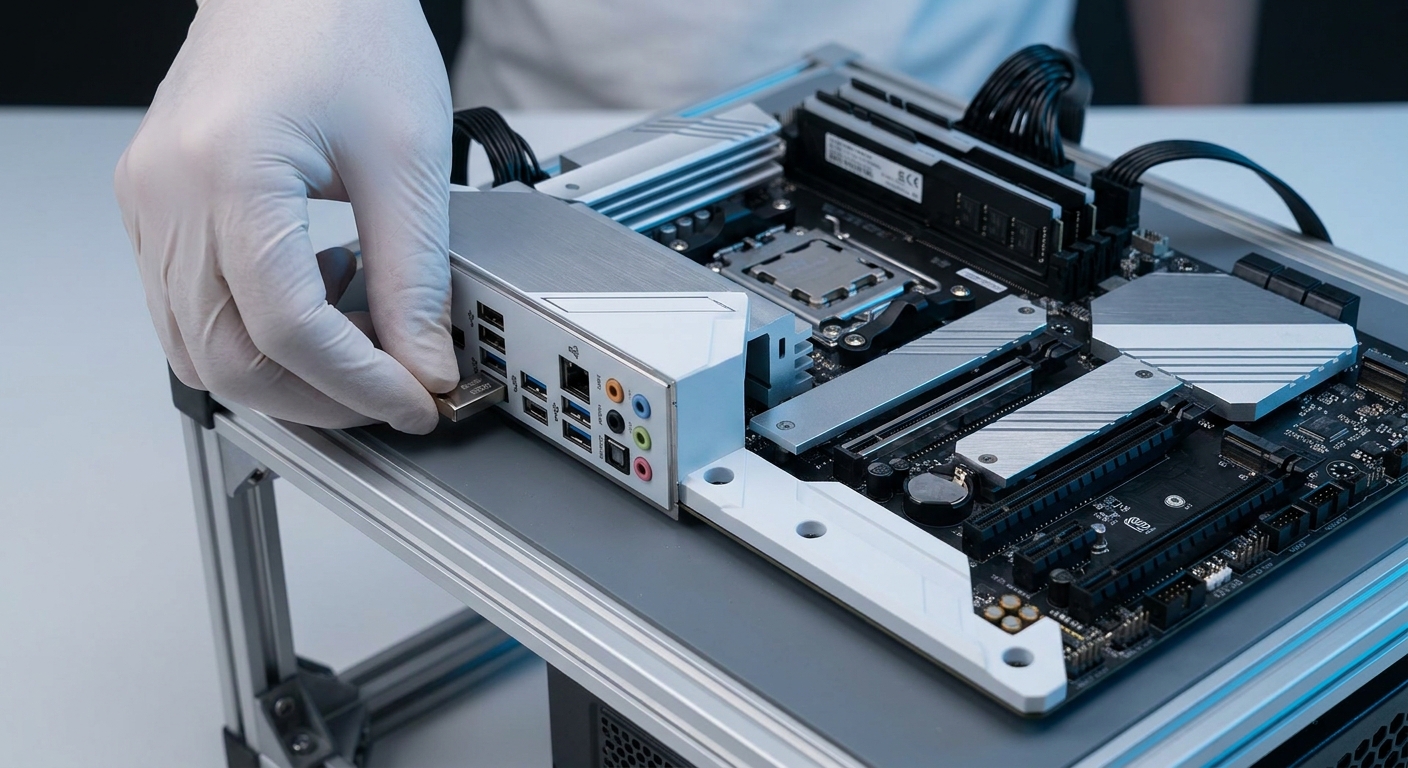
The chicken-and-egg problem for upgraders is real: if the board needs a newer BIOS to recognize the CPU, how do you update it when the CPU cannot boot the board? Every major vendor solves this with a USB flashing feature that runs off standby power with no processor, no memory, and no graphics card installed. ASUS calls it BIOS FlashBack, ASRock calls it BIOS Flashback with Instant Flash for in-BIOS updates, MSI calls it the Flash BIOS Button, and GIGABYTE calls it Q-Flash Plus. Boards that include it have a dedicated USB port on the rear I/O, usually marked in a contrasting color, plus a small button nearby.
The procedure is consistent across vendors. Download the BIOS file for your exact model, rename it as the manual specifies, place it in the root directory of a FAT32-formatted USB drive, connect the power supply and switch it on at the wall without pressing the case power button, insert the drive into the marked port, and hold the flash button until the indicator LED begins blinking. Let it finish, which typically takes several minutes, and do not cut power. If your board lacks the feature, the alternative is to borrow any older AM5 processor for a few minutes, boot with it, update from inside the BIOS, and then swap in the 7700X3D.
Step 4: If You Are Buying New, Which Chipset?
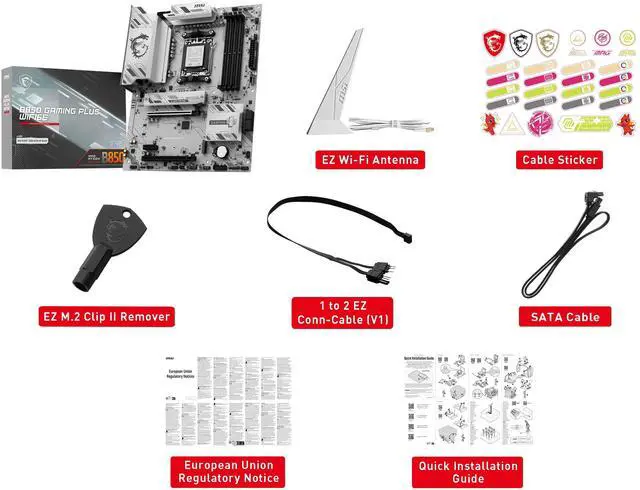
Buying a board released after the 7700X3D removes most of the risk, because recent stock is far more likely to ship with firmware that already lists the chip. For a straightforward eight-core gaming build, a B850 board is the sensible middle: ASRock B850 PRO RS WIFI at $139.99, MSI PRO B850-S WIFI6E at $142.98, or MSI B850 GAMING PLUS WIFI6E at $151.98 all give you DDR5, PCIe 5.0 graphics support, M.2 storage and built-in wireless without paying for features a gaming rig will not use.
If the budget is tight, a 600-series board still works and saves real money: the ASRock B650M PRO RS at $109.99 is a compact micro-ATX option, just plan on checking its BIOS version first. At the other end, if you want more M.2 slots, USB4 and Wi-Fi 7 for a build you intend to keep for years, look at MSI X870E GAMING PLUS WIFI at $199.99 or the GIGABYTE X870E AORUS ELITE WIFI7 at $279.99. You can compare the full range on Newegg’s AM5 motherboard listings.
Step 5: After the Chip Is In, Do These Two Things
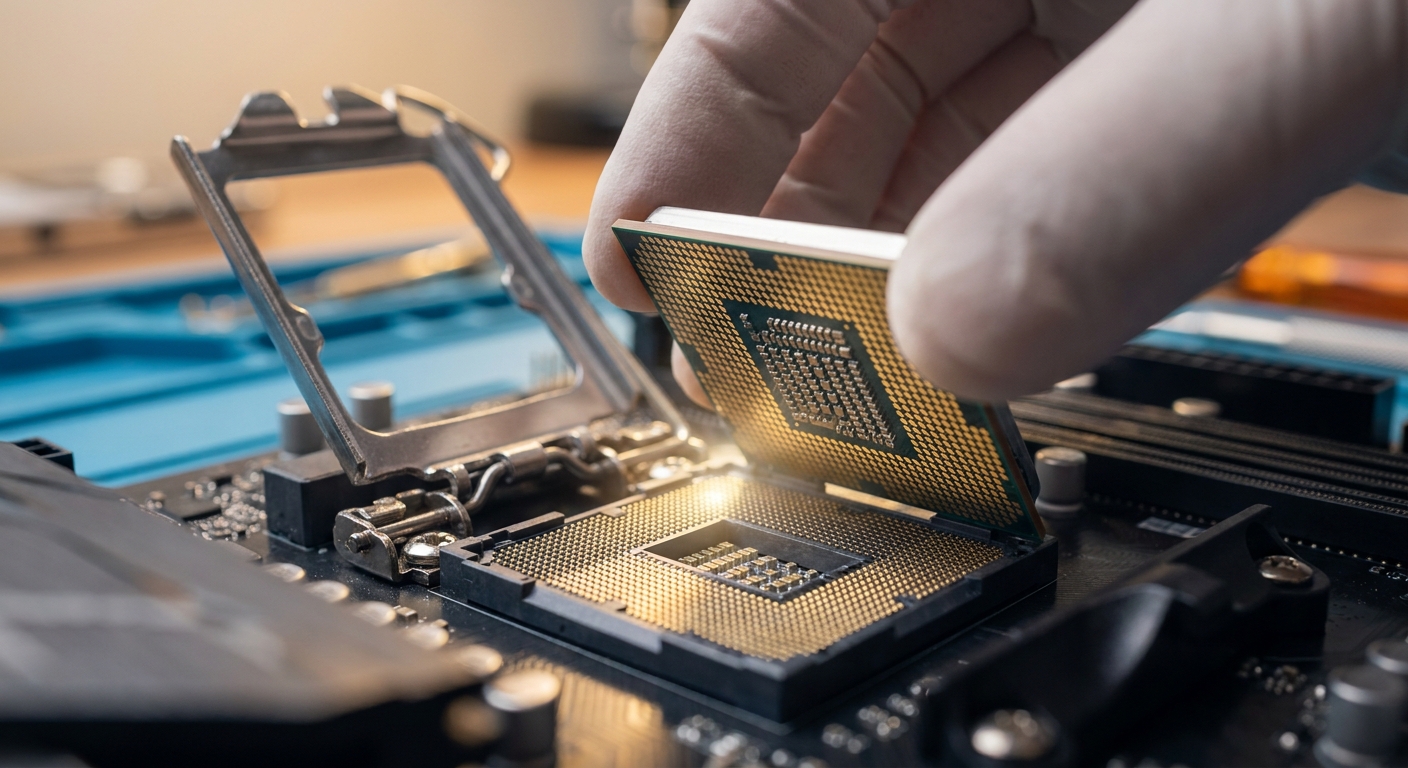
First, enable your memory’s EXPO profile in the BIOS. DDR5 kits default to a slow JEDEC speed until you turn on the profile they were sold with, and leaving it off quietly costs you performance on an X3D chip. Second, sort out cooling before you close the case. The 7700X3D does not include a cooler in the box, so plan for one. Its 120W TDP is modest enough that a good tower air cooler is plenty, and at the moment the Newegg product page is running a limited-time offer that includes a Cooler Master Elite Liquid 240 AIO with purchase, along with a 4% off coupon in the buy box. The listing is sold and shipped by Newegg with free shipping, which keeps returns and warranty handling simple.
The Short Version
Look up your exact board model on the vendor’s CPU Support List, note the minimum BIOS version, compare it with the version you are running, and flash using your board’s no-CPU USB feature if you are behind. If you are building new, a current B850 board is the path of least resistance. Do that, enable EXPO, fit a cooler, and the 7700X3D is genuinely a fifteen-minute upgrade rather than a weekend project.
Read More
- AMD Official: Ryzen 7 7700X3D — Manufacturer specifications, clock speeds, cache and socket details.
- AMD: Socket AM5 Chipset Comparison — Official feature breakdown across A620, B650, X670, B850 and X870 tiers.
- ASRock: AM5 Boards Support New X3D Chips With a BIOS Update — Vendor statement showing how AM5 support is delivered via firmware.
- TechSpot: Guide to AMD Ryzen AM5 Motherboard Chipsets — Independent explanation of what each chipset actually gives you.
- Newegg: AM5 Motherboards — Browse current AM5 boards by chipset, form factor and price.
Related Posts
- Get Your AM5 Rig Ready: Motherboards to Buy Before AMD’s Next X3D CPU Lands
- Best AM5 Motherboards for Ryzen 9000 Series in 2026
- Back to School 2026: Which Laptop Should You Actually Buy?
- Celebrity Gaming Setups: The PCs That Keep the Spotlight Running
- Best Home and Small-Office NAS in 2026: Pick by Scenario
Frequently Asked Questions
Answers to the most common questions about Ryzen 7 7700X3D motherboard and BIOS compatibility.