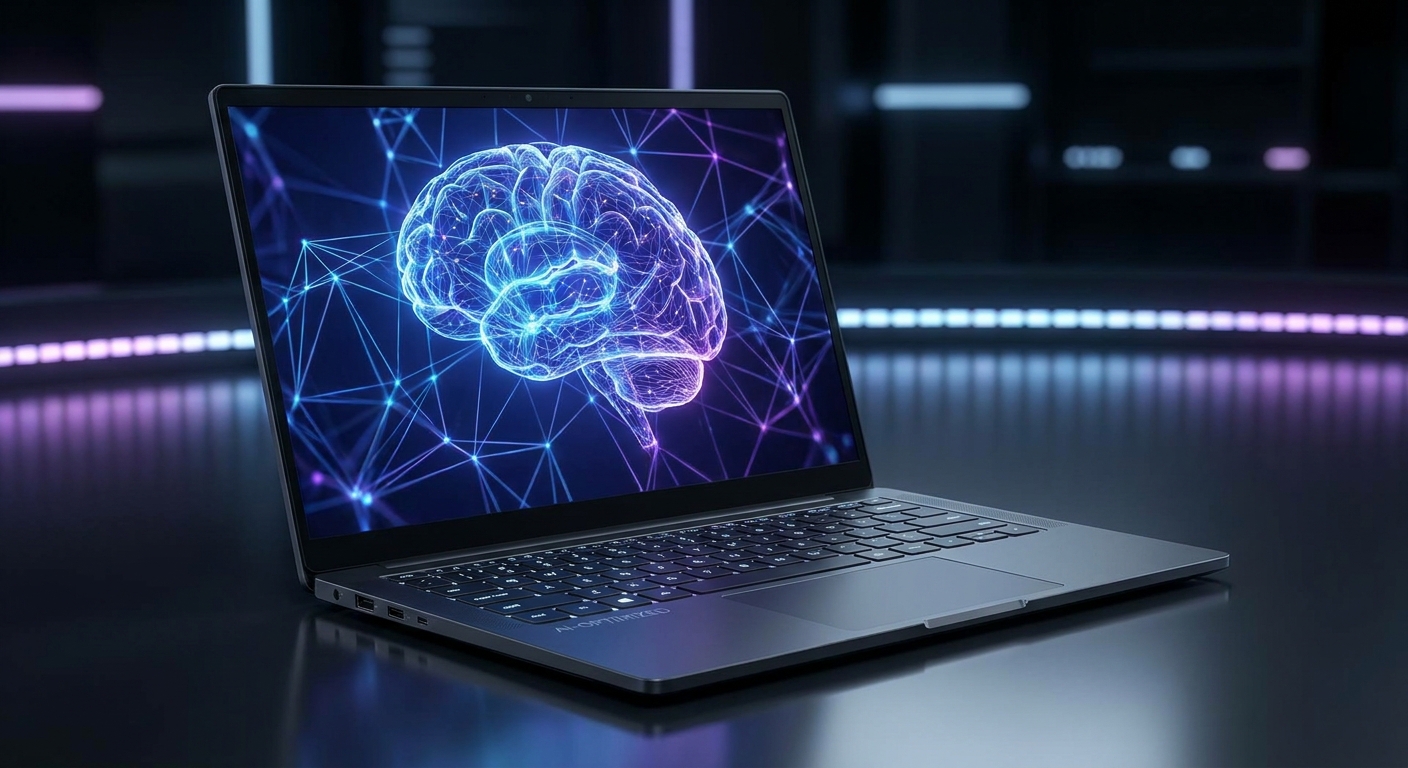
"AI PC" has become one of the most overused marketing terms in 2026. Nearly every new laptop and desktop now carries the label -- but the actual AI capabilities vary enormously between products. Some AI PCs offer meaningful on-device AI features that improve your daily workflow. Others are conventional hardware with a sticker and a chatbot app pre-installed.
This guide cuts through the marketing to explain what actually differentiates a capable AI PC, which specs to prioritize, and which products genuinely deliver value for different use cases in 2026.
Background: What Is an AI PC, Really?
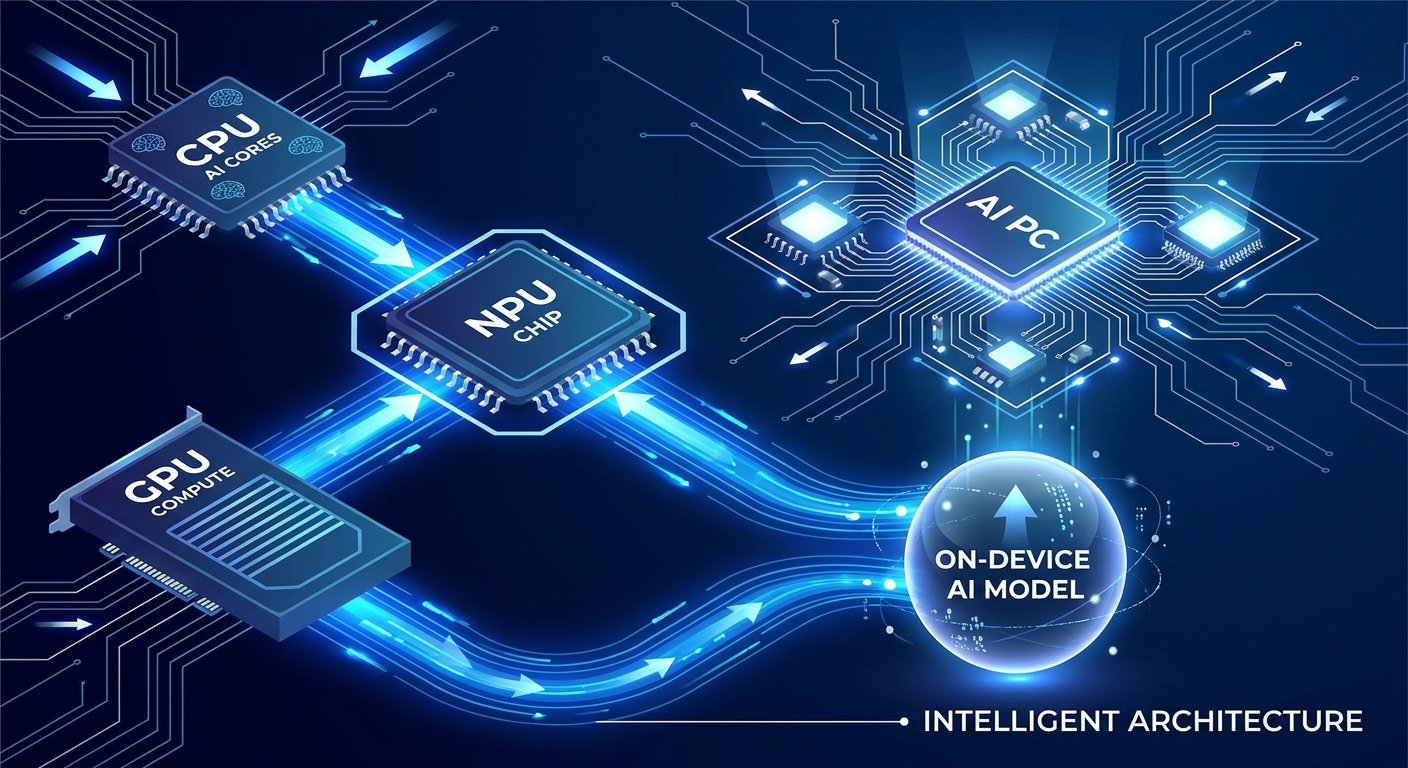
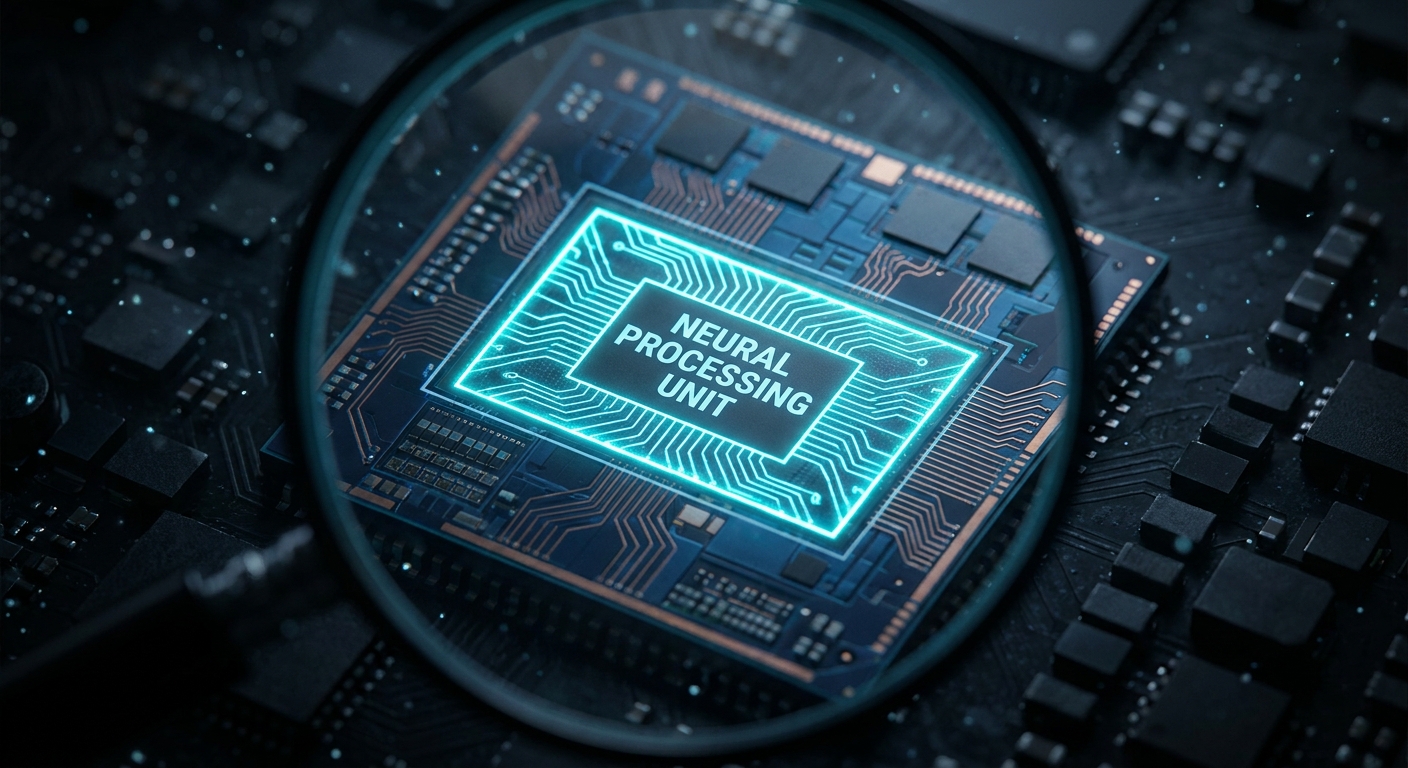
An AI PC is, at its core, a computer equipped with a dedicated NPU -- Neural Processing Unit -- alongside the standard CPU and GPU. The NPU is a specialized processor optimized for the matrix math operations that power AI inference (running AI models locally, rather than in the cloud). By offloading AI tasks to the NPU, the system can run features like real-time transcription, image generation, background removal, and AI-assisted writing without draining the CPU/GPU or sending data to a cloud server.
The key distinction that matters in 2026: NPU performance (measured in TOPS -- Tera Operations Per Second). Microsoft's Copilot+ PC program requires a minimum of 40 TOPS from the NPU to qualify for its most advanced AI features.
Step 1: Understand Your AI Use Cases
Productivity AI: Real-time meeting transcription and summarization, AI-assisted document drafting, intelligent search across local files, live translation. These features benefit from NPU offloading and work best on Copilot+ certified platforms.
Creative AI: Local image generation (Stable Diffusion, Flux), video background effects, AI-upscaling in media players. These are more demanding tasks that benefit from a capable iGPU or discrete GPU in addition to the NPU.
Privacy-First AI: Users who want AI-powered features (transcription, document analysis, chat) without sending data to cloud services. On-device processing via NPU keeps all data local -- increasingly important for enterprise and healthcare users.
Step 2: Evaluate NPU Performance (TOPS)
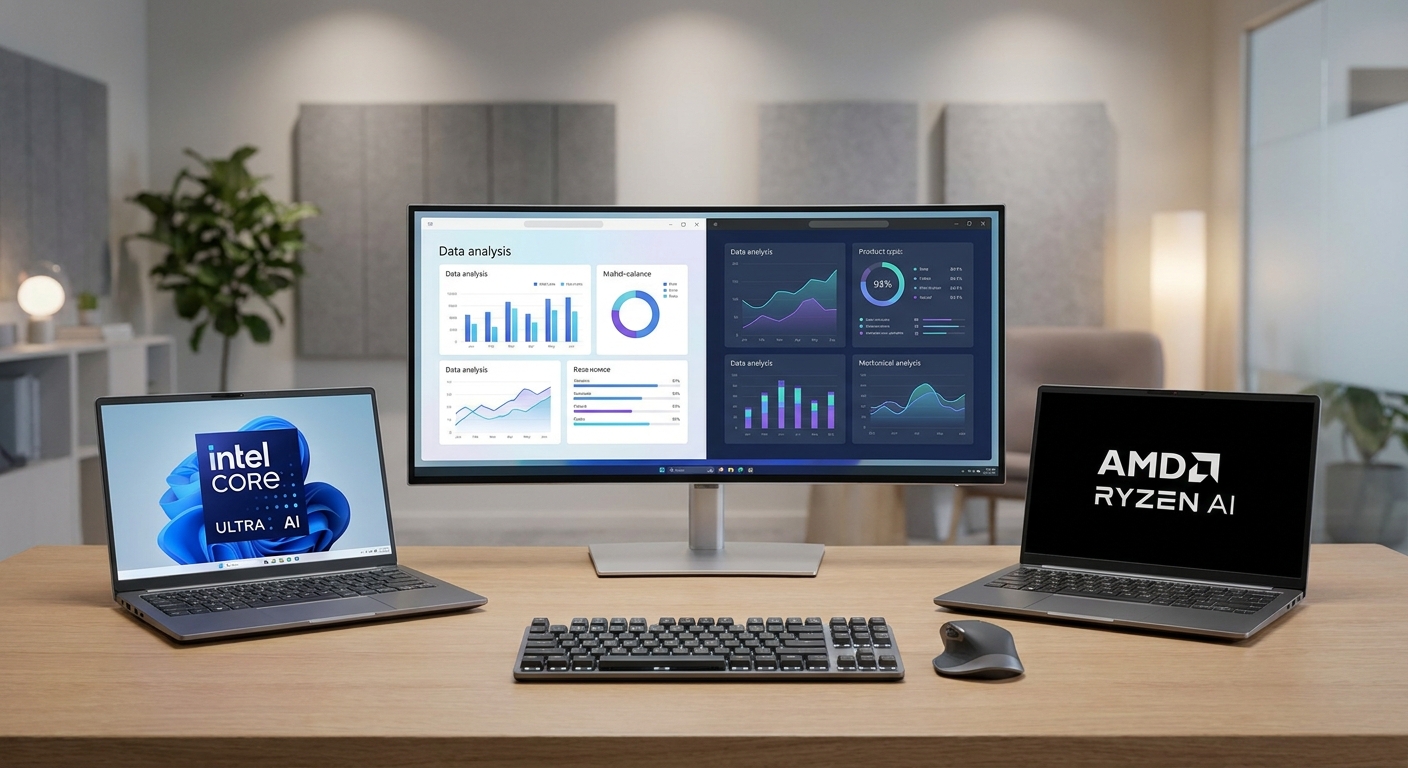
For Copilot+ PC features and most productivity AI workloads: 40+ TOPS is the minimum threshold. Intel Core Ultra 200V series (Lunar Lake), AMD Ryzen AI 300 series (Strix Point), and Qualcomm Snapdragon X Elite all meet or exceed this threshold. For creative AI (local image generation, video AI): NPU TOPS matter less than GPU compute. A discrete GPU dramatically outperforms NPU or iGPU for image generation workloads.
Step 3: Check RAM for AI Model Loading
On-device AI models are loaded into system RAM. Many capable local LLMs require 16GB minimum and run better with 32GB. If you're planning to run local AI models of any meaningful capability, 32GB RAM should be a hard requirement -- not a nice-to-have.
Step 4: Choose Between Thin-and-Light AI vs. Discrete GPU AI
Thin-and-Light AI (NPU-focused): Intel Core Ultra 200V, AMD Ryzen AI 300, Qualcomm Snapdragon X Elite laptops -- thin, light, 20+ hour battery life, strong NPU for productivity AI. Best for: business professionals, students, remote workers who want AI productivity features.
Discrete GPU AI (Creative/Developer-focused): RTX 4070/4080 laptop + AI features -- heavier, shorter battery, but massive GPU compute for image generation, video AI, and running large local language models. Best for: content creators, AI developers, designers.
Product Recommendations
Best Thin-and-Light AI PC: ASUS Zenbook 14 OLED AI (Intel Core Ultra 7 258V, 32GB LPDDR5X, 40+ TOPS NPU) -- Copilot+ certified, stunning 3K OLED display, exceptional battery life.
Browse ASUS Zenbook 14 OLED AI on Newegg
Best for Creative AI: Lenovo ThinkBook 16p Gen 6 (AMD Ryzen AI 9 HX 375 + RTX 4070) -- Combines a capable 50 TOPS NPU with a discrete RTX 4070 for powerful local image generation and video AI.
Browse Lenovo ThinkBook 16p Gen 6 on Newegg
Summary
Buying an AI PC in 2026 is worth it if you have specific on-device AI use cases in mind. For productivity users who want transcription, smart search, and AI writing assistance with maximum battery life, a Copilot+ certified thin-and-light laptop (40+ TOPS NPU) delivers genuinely useful features. For creators who want to run image generation and local AI models seriously, a discrete GPU is the more important specification. Avoid any laptop that merely claims "AI" without specifying NPU TOPS -- those are marketing claims, not meaningful hardware differentiation.
Read More
- PCWorld: AI PC Buying Guide -- Practical guidance on evaluating AI PC claims, Copilot+ certification requirements, and real-world AI feature testing.
- Notebookcheck: Best AI Laptops -- Lab-tested AI laptop reviews with NPU benchmark data and productivity AI feature performance comparisons.
- Intel AI PC Official Page -- Intel's official documentation on Core Ultra AI PC features and NPU capabilities.
- AMD Ryzen AI Official Page -- AMD's Ryzen AI platform details including TOPS ratings and software ecosystem.
- Newegg Business Laptops Category -- Browse AI-ready and Copilot+ certified laptops with NPU-enabled processors.
Frequently Asked Questions
Answers to the most common questions about this topic.