
Why 27-Inch 1440p Is the Sweet Spot in 2026
The 27-inch 1440p gaming monitor has firmly established itself as the go-to choice for PC gamers who want a meaningful upgrade from 1080p without committing to the GPU demands of 4K. At 2560×1440 resolution on a 27-inch panel, you get approximately 109 pixels per inch — sharp enough that individual pixels are invisible at normal viewing distances, yet demanding enough to give a modern mid-range GPU like the RTX 5060 Ti or RX 9060 XT a proper workout.
In 2026, quality 27-inch 1440p monitors have come down significantly in price. You can now get a solid IPS or fast VA panel with 144Hz to 180Hz refresh rates for well under $300.
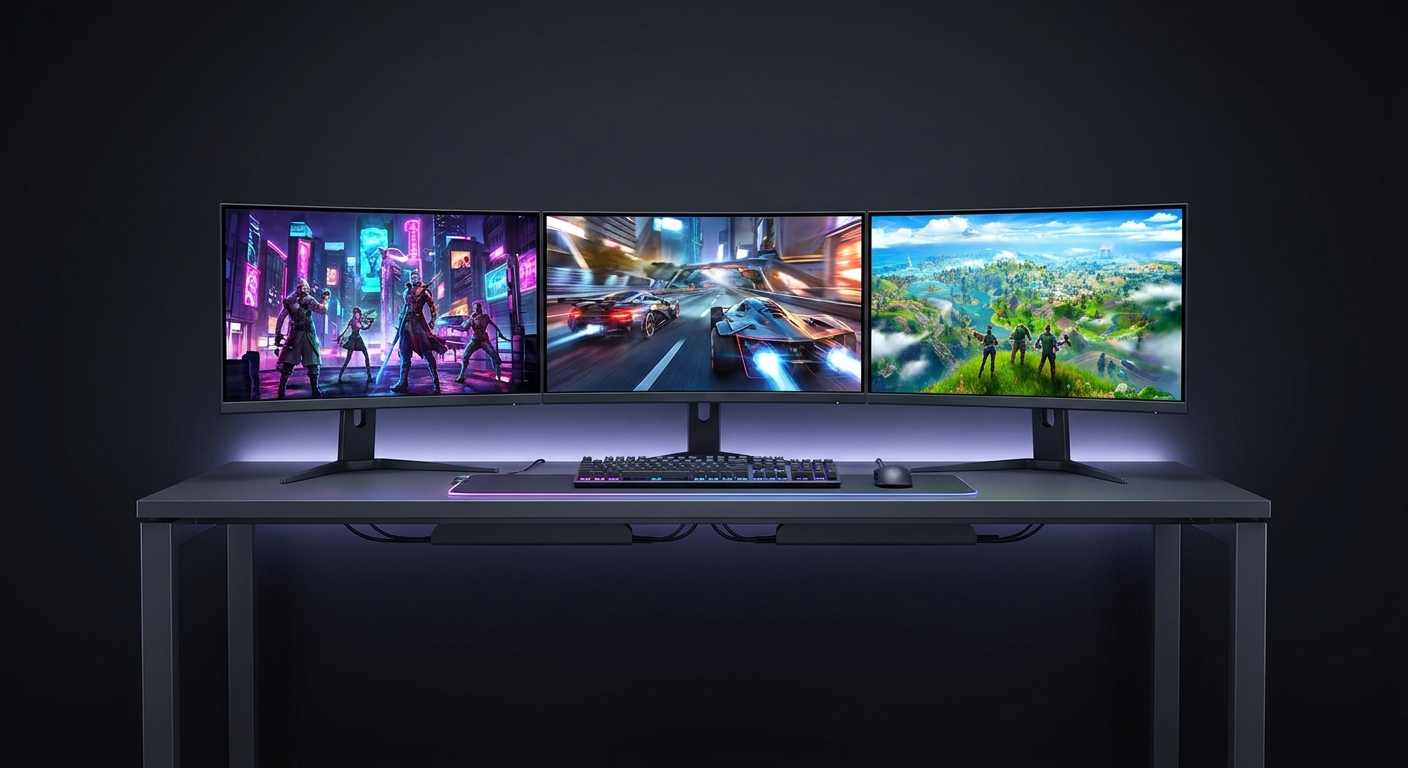
What to Look For in a 27-Inch Gaming Monitor
Panel Type: IPS panels offer the best color accuracy and viewing angles, ideal for single-player games and productivity. VA panels deliver deeper contrast ratios for movies and atmospheric games. Fast IPS combines IPS color with response times previously only possible on TN.
Refresh Rate: 144Hz is the baseline minimum in 2026. Many sub-$300 monitors now reach 170Hz or 180Hz. For competitive FPS gaming, prioritize refresh rate over other features.
Response Time: Look for 1ms GTG or MPRT. Most modern IPS panels achieve this with overdrive enabled.
Adaptive Sync: Both AMD FreeSync Premium and NVIDIA G-Sync Compatible are standard at this price tier. Either works regardless of your GPU brand.
Ergonomics: Height adjustment, tilt, and swivel matter more than you might think for long gaming sessions.
Top Picks Comparison Table
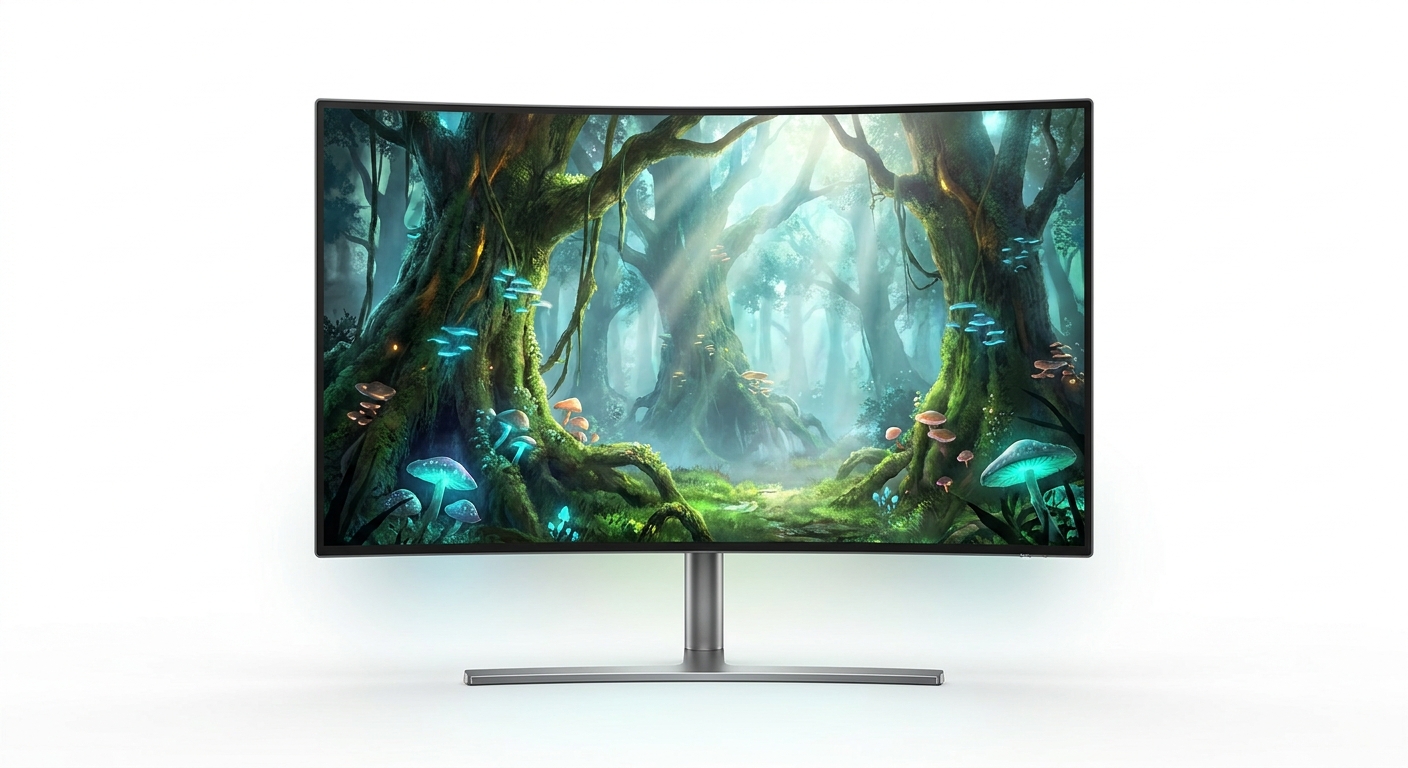
| Monitor | Panel | Refresh Rate | Response Time | Price (Newegg) | Best For |
|---|---|---|---|---|---|
| ASUS ROG Strix XG27ACG | Fast IPS | 180Hz | 1ms | $199.99 | Best overall value |
| Acer Nitro XV272U W2 | IPS | 240Hz | 0.5ms | $199.99 (sale) | Best for competitive FPS |
| ASUS TUF VG27AQA1A | IPS | 170Hz | 1ms | $229.99 | Best for mixed use |
| Z-EDGE AGEX A27Q | Fast IPS | 144Hz | 1ms | $149.99 | Best budget pick |
Detailed Picks
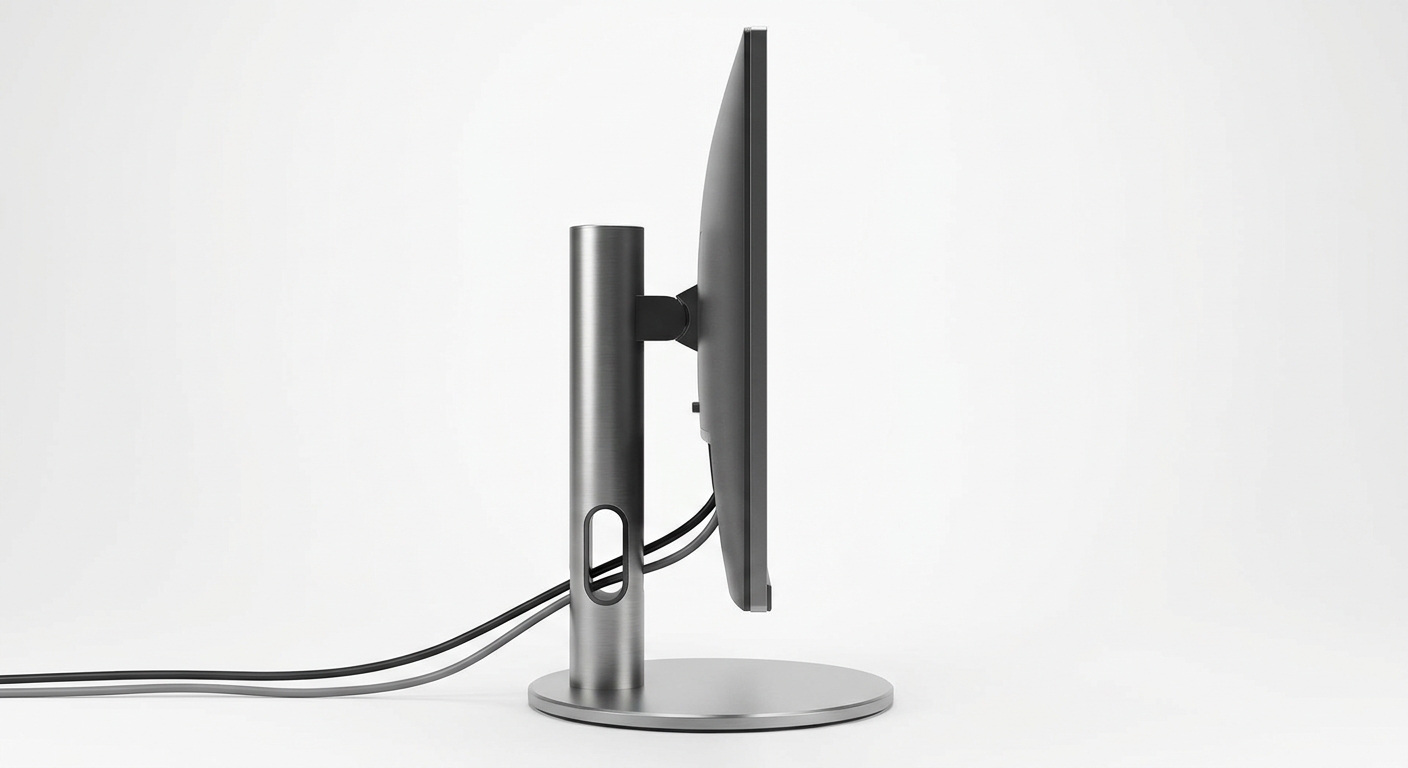
Best Overall: ASUS ROG Strix XG27ACG — $199.99
The ASUS ROG Strix XG27ACG delivers 180Hz refresh rate, a Fast IPS panel with 1ms response time, and AMD FreeSync Premium along with G-Sync compatibility for $199.99. The 95% DCI-P3 color coverage makes this monitor equally capable for gaming and content work. The built-in USB-C port adds versatility for laptop users. Check current price on Newegg.
Best for Competitive FPS: Acer Nitro XV272U W2 — $199.99 (sale)
The Acer Nitro XV272U W2 delivers 240Hz with a 0.5ms response time at a sale price of $199.99. At 240Hz, motion blur nearly disappears in fast-paced games. The HDR400 certification adds some punch to games with HDR support. Check current price on Newegg.
Best for Mixed Use: ASUS TUF Gaming VG27AQA1A — $229.99
The ASUS TUF VG27AQA1A offers a well-rounded package: 170Hz IPS panel, 1ms response time, HDR400 support, and a height-adjustable stand with full ergonomic range. The 130% sRGB color coverage means it handles work tasks and movie watching well. Check current price on Newegg.
Budget Pick: Z-EDGE AGEX A27Q — $149.99
At $149.99, the Z-EDGE A27Q delivers a Fast IPS panel, 144Hz, and 1ms response time with 100% sRGB coverage. The only compromise is no height adjustment. For pure gaming performance, you get 95% of what the $200 options offer. Check current price on Newegg.
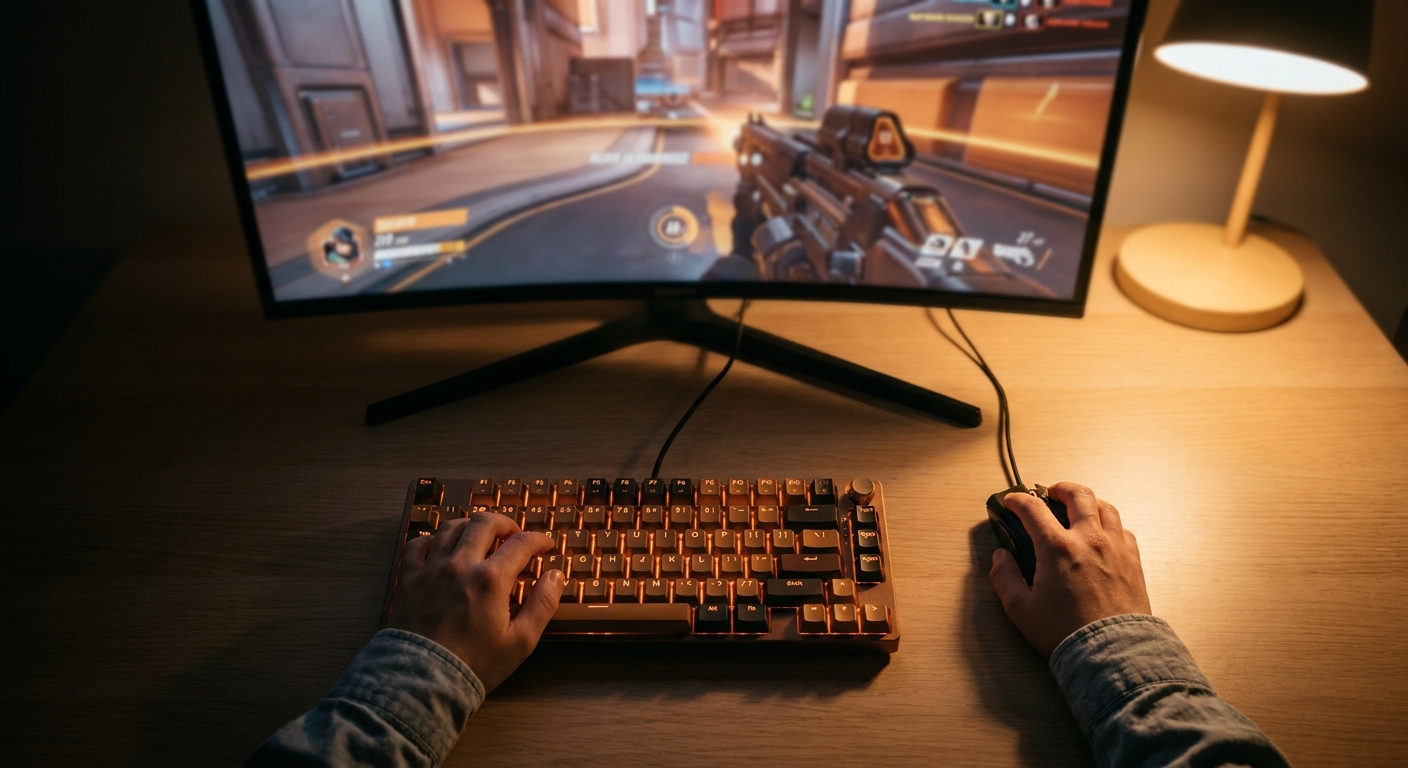
Final Verdict
For most people, the ASUS ROG Strix XG27ACG at $199.99 is the ideal recommendation. It balances refresh rate, color performance, features, and ergonomics in a package that handles every gaming genre well. If you are on a tight budget, the Z-EDGE A27Q at $149.99 is the most capable option under $200. The jump from 1080p to 1440p at 27 inches is one of the most impactful upgrades you can make to your gaming setup in 2026.
Read More
- Best Gaming Monitors 2026 (Tom’s Hardware) – Comprehensive tested rankings of gaming monitors across all sizes and budgets.
- ASUS ROG Strix XG27ACG Official Page – Full specs, warranty info, and features.
- What Is HDR and Does It Matter for Gaming? (Digital Foundry YouTube) – Explains HDR gaming in practical terms.
- Gaming Monitor Buying Guide 2026 (Newegg Insider) – Newegg guide to picking the right monitor specs.
- 27-Inch Monitor Roundup (Rtings.com) – Objective tested scores and rankings for 27-inch monitors.
Related Posts
- Best Monitors for Dorm Rooms and Study in 2026
- Best Gaming Monitors Under $300 in 2026
- Best Gaming Monitors for Competitive Play in 2026
- 60Hz vs. 144Hz Gaming Monitor: Does Refresh Rate Really Matter for Gaming?
- What Size Gaming Monitor Should You Buy? 24, 27, 32-Inch and Ultrawide Compared (2026)
Frequently Asked Questions
Common questions about buying a 27-inch gaming monitor under $300.