Open-world games are where gaming laptops get found out. A laptop that looks fine in a quick benchmark can struggle once you spend an hour driving across a large map, with textures streaming in and the cooling working hard the whole time. So when people ask me which laptop to buy for the next wave of big games, I care less about the headline GPU and more about memory, cooling room and whether I can upgrade it later.
A quick reality check for GTA fans: GTA 6 launches on PS5 and Xbox Series X|S on 19 November 2026, and there is no announced PC version. Buy a laptop for the open-world games already on PC, not for a port with no date.
One Thing Before the Picks: Laptop GPUs Are Different
An RTX 5070 Laptop GPU is not the same chip as a desktop RTX 5070, and the memory is a good example. The laptops below with the RTX 5070 Laptop GPU list 8GB of video memory, while the RTX 5070 Ti Laptop GPU lists 12GB and the RTX 5080 Laptop GPU lists 16GB. For big open worlds at high texture settings, that VRAM gap matters more than the model number suggests.
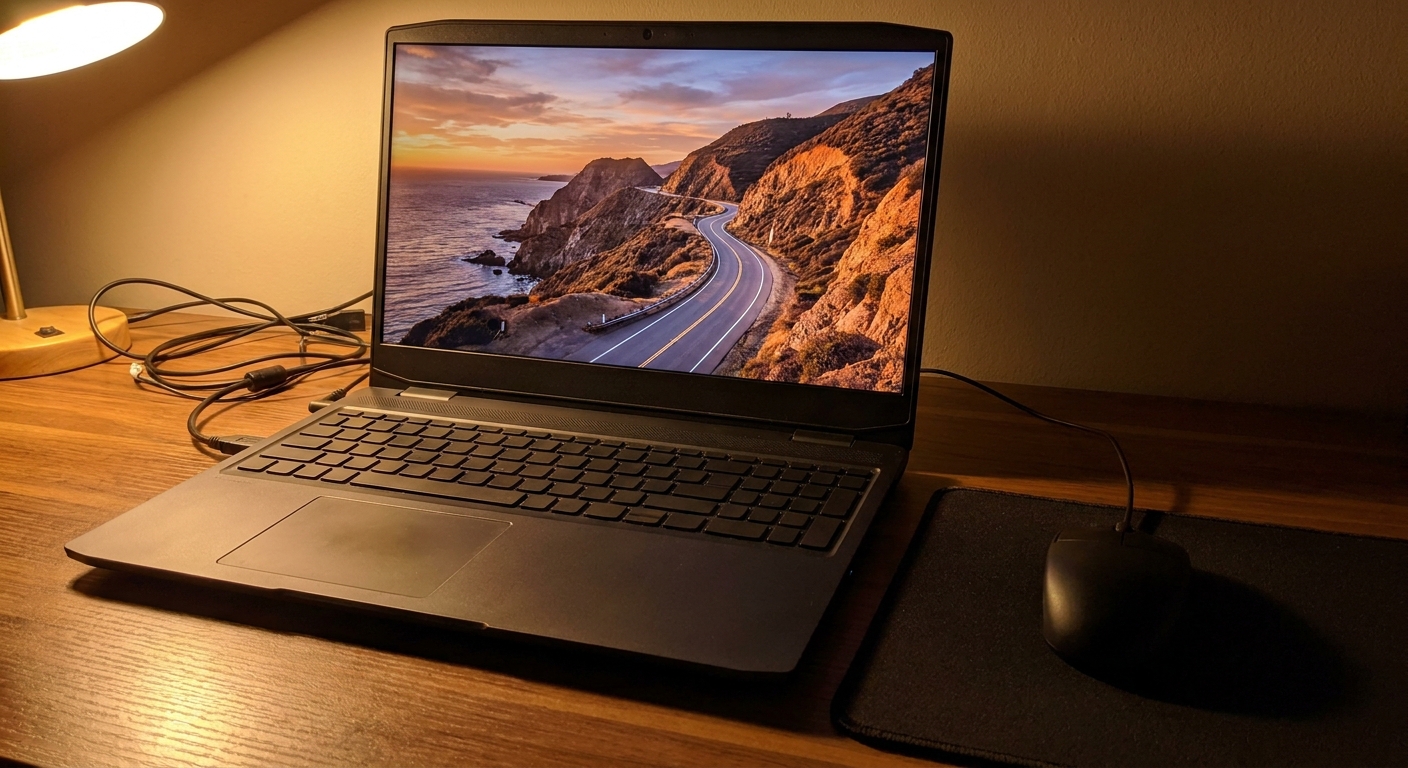
If It Rarely Leaves the Desk
An 18-inch laptop is really a portable desktop. It gives the cooling more room and the screen is big enough to play on without a monitor.
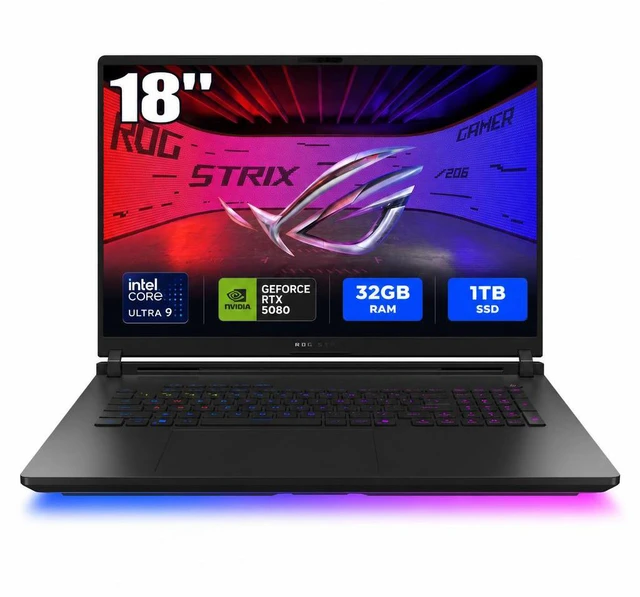
The ASUS ROG Strix 18 with RTX 5080 is the one I would choose if budget allows. It pairs an Intel Core Ultra 9 290HX Plus with the RTX 5080 Laptop GPU and 16GB of VRAM, a 3840 x 2400 display at 240Hz, and 32GB of DDR5-6400 in two SO-DIMM slots, so the memory can be changed later. At 8.16 lbs, it is not something you carry casually.
The Acer Predator Helios Neo 18 AI with RTX 5070 Ti is the step down I would take: Core Ultra 9 275HX, RTX 5070 Ti Laptop GPU with 12GB, and an 18-inch 2560 x 1600 panel at 240Hz. It ships with 16GB of DDR5 and lists 32GB as the maximum, so I would plan to add memory at some point.
The MSI Crosshair A18 HX takes a different route, with an AMD Ryzen 9 8940HX, the RTX 5070 Laptop GPU and 32GB of DDR5 out of the box. Along with the Strix, it is the 18-inch option here that ships with 32GB, and the listing supports up to 96GB if you ever replace the sticks.
If You Move Between Rooms
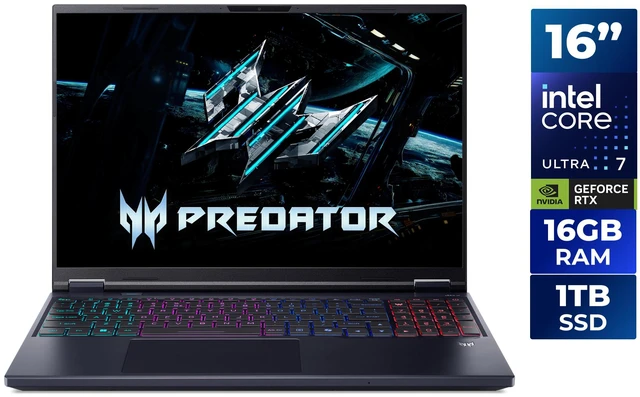
A 16-inch laptop is the sensible middle ground. The Acer Predator Helios Neo 16 AI has a Core Ultra 7 270HX Plus, the RTX 5070 Laptop GPU, a 2560 x 1600 display at 180Hz, and a 92Wh battery, at 5.95 lbs. Its 16GB is two 8GB sticks with no free slot, but the listing supports up to 64GB, so the upgrade path is to replace both sticks.
If I wanted the most graphics power in a 16-inch body, the ASUS ROG Zephyrus Duo with RTX 5090 would be my pick, with one big caveat: it is a dual-screen laptop. It has two 16-inch 2880 x 1800 OLED panels at 120Hz, the RTX 5090 Laptop GPU with 24GB of VRAM, an Intel Core Ultra 9 386H and a weight of 6.22 lbs. The second screen is great for a stream chat or a map while you play, and pointless if you will never use it. Its 32GB of LPDDR5X is also soldered onboard, so the memory you buy is the memory you keep.
If It Goes in a Backpack
The HP OMEN 14 with RTX 5060 is the laptop I would actually carry every day. It has a 14-inch 2880 x 1800 120Hz display, a Core Ultra 7 255H, a 71Wh battery and 16GB of LPDDR5x. Like the Zephyrus Duo, that memory is not upgradeable, which is the price of a thin chassis. I would treat it as a capable 1080p-to-1440p machine for games rather than an open-world powerhouse.
If the Budget Is Tight
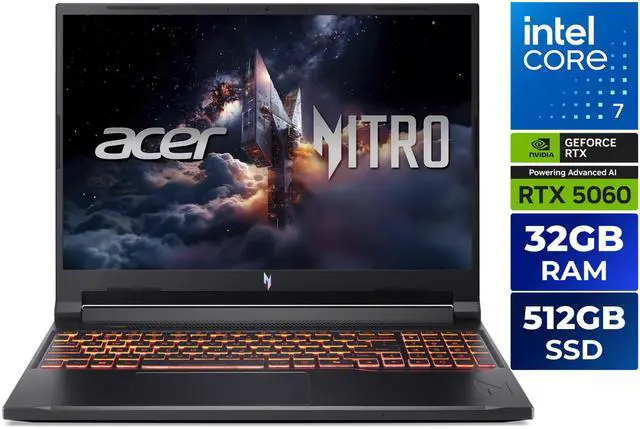
The Acer Nitro V16 with RTX 5060 stands out because it ships with 32GB of DDR5, alongside an Intel Core 7 240H and a 1920 x 1200 180Hz screen. Its 512GB SSD is the weak spot, so I would plan on a second drive for big games. The MSI Cyborg 15 with RTX 5050 is the entry point: Core 7 240H, 16GB of DDR5-5600, a 1TB SSD and a 15.6-inch 1080p 144Hz screen. Expect to run newer open-world games at medium settings.
What I Would Buy
Desk replacement: ASUS ROG Strix 18 RTX 5080. Best value 18-inch: Helios Neo 18 with RTX 5070 Ti. Most power in 16 inches, with a second screen: Zephyrus Duo RTX 5090. Daily carry: OMEN 14. Budget: Nitro V16 for its 32GB. Compare more in Newegg's RTX 50 gaming laptop listings.
Frequently Asked Questions
Can I play GTA 6 on a gaming laptop? Not at launch. GTA 6 arrives on PS5 and Xbox Series X|S on 19 November 2026, and Rockstar has not announced a PC version.
Is an RTX 5070 laptop the same as an RTX 5070 desktop card? No. Laptop GPUs share names with desktop cards but have different power limits and, in this case, less memory. The RTX 5070 Laptop GPUs here list 8GB of VRAM.
How much RAM should a gaming laptop have? I recommend 32GB for big open-world games. If a laptop ships with 16GB, check whether it has SO-DIMM slots so you can upgrade later.
Can I upgrade the RAM in the ASUS Zephyrus Duo or HP OMEN 14? Both listings show LPDDR5X memory, which is soldered to the board rather than fitted in slots, so it cannot be upgraded. Choose the memory size you want at purchase.
Is 18 inches too big for a gaming laptop? For a laptop that mostly stays on a desk, 18 inches gives a better screen and more cooling room. If you carry it daily, a 14- or 16-inch model is far easier to live with.
Read More
- RTINGS: The Best Gaming Laptops -- Lab-tested gaming laptop picks with thermals and display results.
- NVIDIA: GeForce RTX 50 Series Laptops -- NVIDIA's overview of RTX 50 Laptop GPUs and features.
- Wikipedia: GeForce RTX 50 Series -- Specifications for desktop and laptop RTX 50 GPUs side by side.
- Rockstar Games: Grand Theft Auto VI -- Official GTA VI page with platform information.
- Newegg: RTX 50 Gaming Laptops -- Compare RTX 50 gaming laptops by GPU, screen and memory.