
A new SSD is the single most satisfying upgrade you can make to a laptop or desktop, and it is usually the cheapest. Where a faster processor or more memory can cost hundreds of dollars, a modern NVMe drive turns a machine that takes a minute to boot into one that is ready before you have set down your coffee. For students, that means faster start-ups between classes, room for years of assignments, project files, media and games, and a laptop that feels new again without the price of a new laptop. This guide answers the questions students ask most before upgrading, then spotlights the best drives on Newegg right now. All prices were checked on Newegg on August 15, 2026.
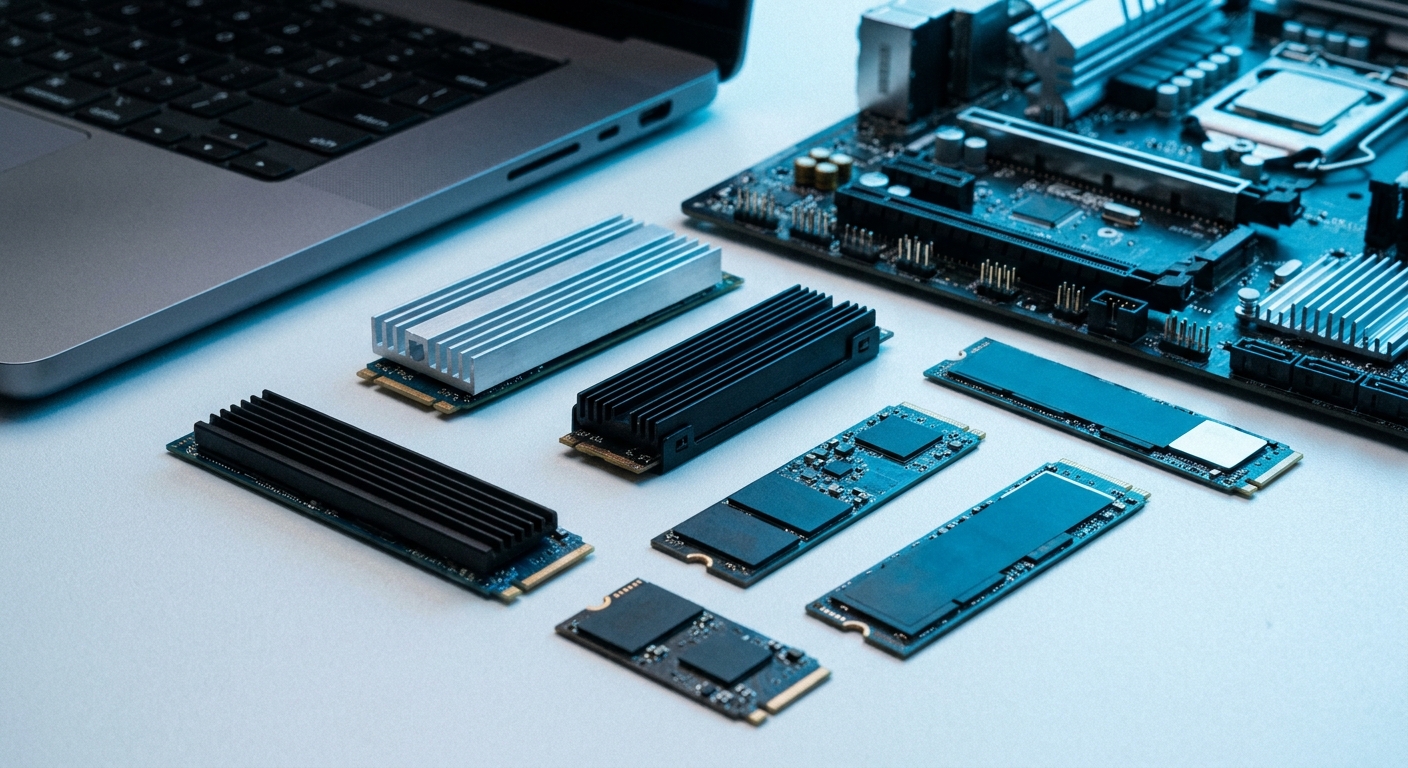
Why upgrade your SSD?
Two reasons: speed and space. If your machine still uses a hard drive or an aging entry-level SSD, a current NVMe drive can be several times faster at loading Windows, opening large files and installing software. And if you are constantly deleting downloads to make room, more capacity ends that daily battle. A drive like the Patriot P410 1TB at $154.99 is an easy, affordable way to double or triple your storage while making everything feel snappier. On an older machine, moving your operating system to a fresh NVMe drive is often the difference between a laptop you are ready to replace and one that comfortably lasts another two years. It is the kind of upgrade you notice every single day.
What is the difference between PCIe Gen4 and Gen5?
NVMe SSDs connect over the PCIe bus, and the generation number describes how much bandwidth that connection has. A good PCIe Gen4 drive reads at roughly 7,000 MB/s, which is already far faster than most students will ever notice in daily use. PCIe Gen5 roughly doubles the ceiling for tasks that move huge files, such as 8K video editing or large data sets. The catch is that Gen5 needs a compatible motherboard or laptop that supports the Gen5 slot; plug a Gen5 drive into a Gen4 board and it simply runs at Gen4 speeds. Something like the Samsung 9100 PRO 1TB Gen5 at $249.99 is a great choice if your system is Gen5-ready, but for most students a Gen4 drive is the smarter buy.
How much capacity do I need?
We recommend 1TB as the practical minimum in 2026. A 512GB drive fills up quickly once Windows, a few big apps and a game or two are installed, and 256GB is uncomfortable within a semester. 1TB leaves comfortable room for coursework, media and a game library, while 2TB is the sweet spot if you record video, keep large photo archives or install several modern games. For creators and anyone who never wants to think about space again, a WD_BLACK SN850X 4TB at $609.99 holds essentially everything a student will produce in four years.
Will an SSD speed up my laptop?
Yes, dramatically, as long as your laptop has a user-accessible M.2 slot. Most laptop NVMe drives use the M.2 2280 form factor, a small stick 22mm wide and 80mm long that screws directly onto the board. The important thing to know is that most laptops take a single M.2 drive, so upgrading usually means cloning to or replacing the existing SSD rather than adding a second one. A drive such as the WD_BLACK SN7100 1TB at $181.38 runs cool and efficiently, which makes it an excellent match for thin laptops that have little room for airflow.
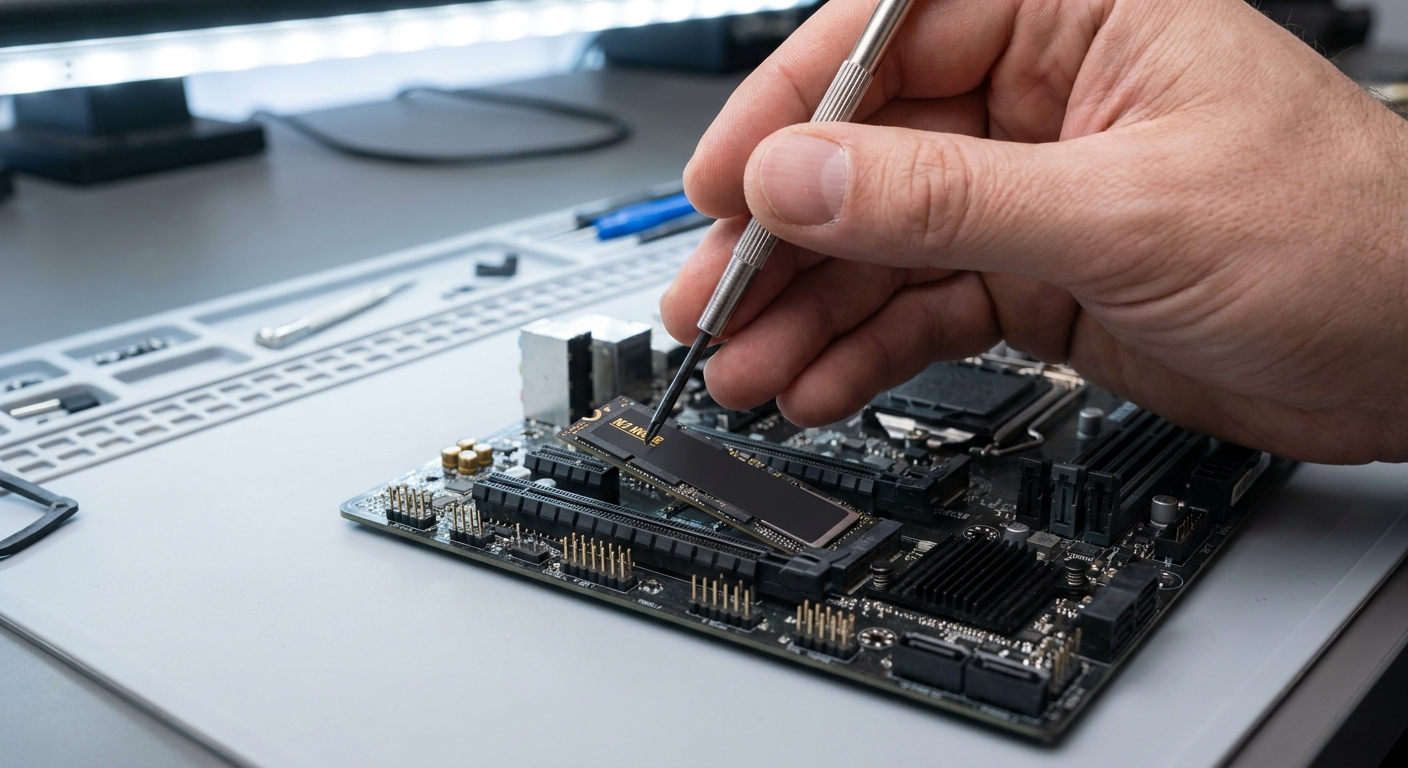
Product Spotlight
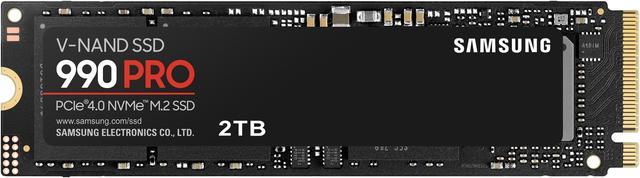
For the best balance of speed, reliability and price, the Samsung 990 PRO 1TB at $234.99 is a standout Gen4 choice with a long track record. Need more room? The Samsung 990 PRO 2TB at $388.00 doubles the capacity for heavier workloads and large game installs.
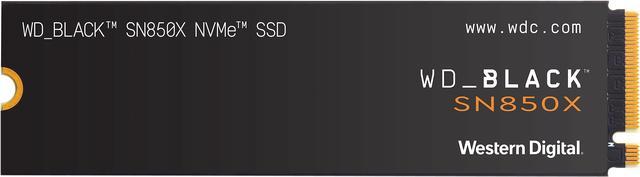
Gamers who want fast load times and a big library should look at the WD_BLACK SN850X 2TB at $349.00. It is tuned for gaming workloads and includes an optional Game Mode that keeps performance consistent during long sessions, and the same drive is available in a 4TB version if your library keeps growing.
The Field at a Glance
| SSD | Price | Capacity | Interface | Best for |
|---|---|---|---|---|
| Patriot P410 | $154.99 | 1TB | PCIe Gen4 | Tightest budget |
| WD_BLACK SN7100 | $181.38 | 1TB | PCIe Gen4 | Thin laptops |
| Samsung 990 PRO | $234.99 | 1TB | PCIe Gen4 | All-round pick |
| Samsung 9100 PRO | $249.99 | 1TB | PCIe Gen5 | Gen5-ready systems |
| WD_BLACK SN850X | $349.00 | 2TB | PCIe Gen4 | Gaming library |
| Samsung 990 PRO | $388.00 | 2TB | PCIe Gen4 | Heavy multitasking |
| WD_BLACK SN850X | $609.99 | 4TB | PCIe Gen4 | Creators and archives |
Recommendations
For most students, the Samsung 990 PRO 1TB at $234.99 is the smart choice: fast, reliable and sized right for four years of coursework. If money is tight, the Patriot P410 1TB at $154.99 delivers the same everyday feel for less, and the WD_BLACK SN7100 1TB at $181.38 is ideal for slim laptops. Step up to a 2TB drive if you game or edit video, and reach for the SN850X 4TB only if you truly need the space. If your system supports it, the Samsung 9100 PRO 1TB Gen5 is a forward-looking pick. You can compare current capacities and prices across the full range in Newegg’s NVMe SSD listings.
Read More
- Tom’s Hardware: Best SSDs — Independent benchmarks and picks across every price tier.
- How to Install an M.2 SSD — A step-by-step walkthrough for adding or replacing an M.2 drive.
- Samsung 990 PRO Official Page — Manufacturer specifications for Samsung’s flagship Gen4 drive.
- PCIe Gen4 vs Gen5 Explained — What the extra bandwidth means and when it is worth paying for.
- Newegg: NVMe SSDs — Browse and filter current drives by capacity, interface and price.