Black Friday lands on November 27, and prebuilt gaming PCs are one of the categories where it's easy to make the same mistake: comparing the CPU and the graphics card, picking the one with the bigger numbers, and never reading the rest of the spec sheet.
The rest of the spec sheet is where prebuilts differ. So here's my checklist, written as the questions I ask before I'd buy one, with real Newegg listings as examples.
How many memory sticks does it have?
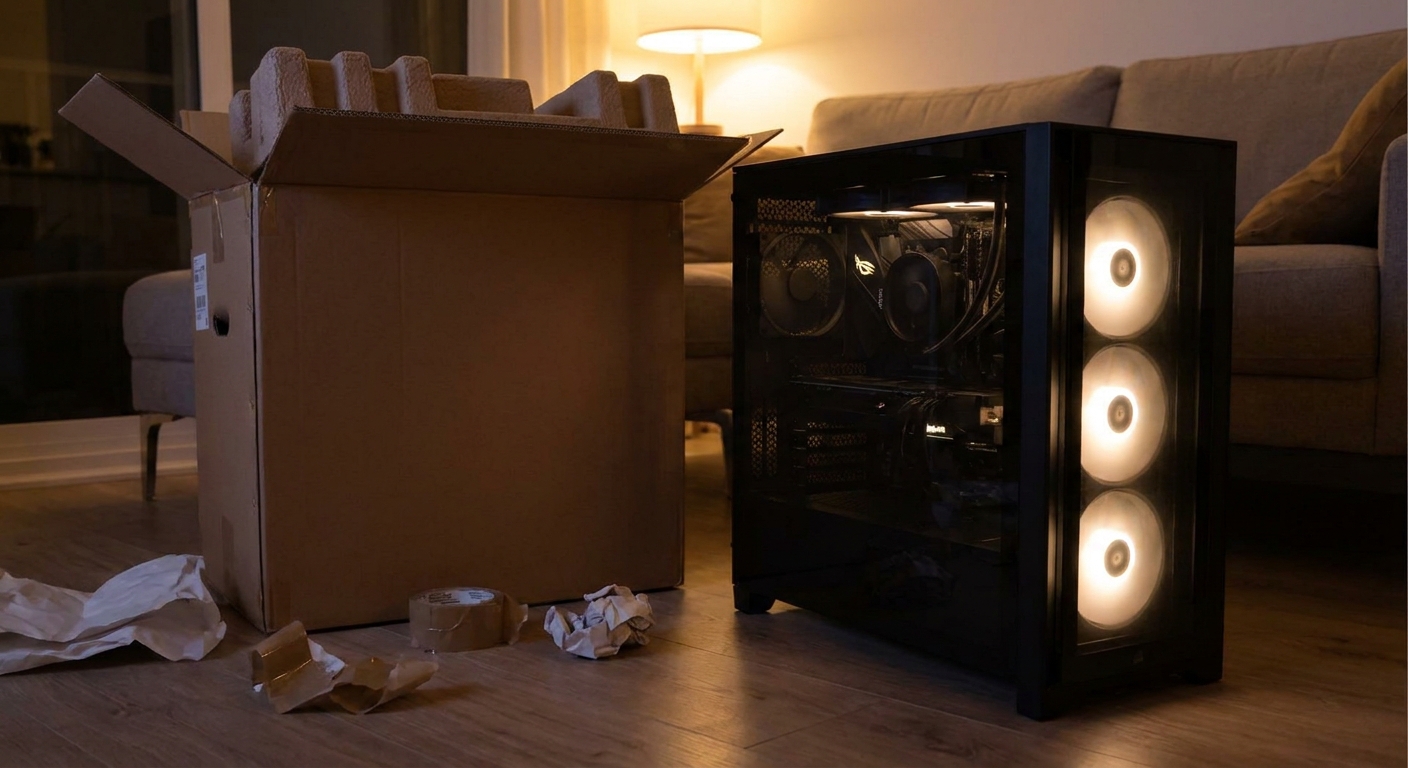
This is the first thing I check. Two sticks run in dual-channel mode. One stick runs in single-channel mode with half the memory bandwidth, which can hold back CPU-heavy games.
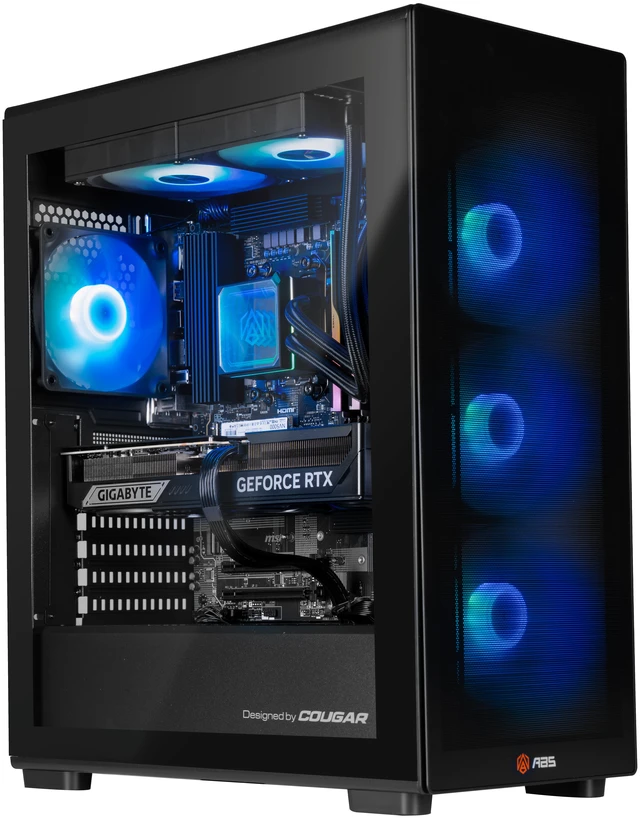
The ABS Cyclone Aqua is a good example of why reading matters. It has a Core i7-14700F and an RTX 5060 Ti 16GB, but its listing shows 16GB as a single 16GB DDR5-6000 stick, with three of four slots open. That's not a dealbreaker, since adding a matching second stick is easy, but you should budget for it.
Compare that with the ABS Stratos II Ruby, which lists 32GB as two 16GB G.Skill DDR5-6000 sticks, with two slots still free.
What speed is the memory running at?
Capacity gets the headline, speed gets buried. The STORMCRAFT Phantom pairs a Core Ultra 7 265F with an RTX 5070 Ti and 32GB as two 16GB sticks, which is a solid start, but its spec table lists the memory speed as DDR5-4800. On an Intel Core Ultra 200S system, I'd want to know whether that's the kit's rating or just a default, and whether an XMP profile is available.
Is 16GB enough?
For a gaming PC bought for the next few years, I'd rather have 32GB. The Skytech O11 Vision has a Ryzen 7 7700X, an RX 9070 XT with 16GB of VRAM and an 850W power supply, but 16GB of DDR5-6000 system memory. The Andromeda Spectra also uses an RX 9070 XT, with a Ryzen 5 9600X and 16GB as two 8GB sticks. Both are capable, but I'd plan to move to 32GB at some point, and with an 8GB-stick kit that usually means replacing both sticks.

Is the power supply sized for the graphics card?
A bigger GPU needs a bigger, better PSU. The CyberpowerPC GM70928 pairs a Ryzen 7 7800X3D and RTX 5070 with a 1000W supply, which leaves plenty of room for a future GPU upgrade. The iBUYPOWER system with a 7800X3D and RTX 5060 Ti 16GB uses a 600W unit, which is reasonable for that card but tighter if you want to drop in something much bigger later.
I also look for the brand and efficiency rating. The Stratos II Ruby lists an 850W ATX 3.1 80 Plus Gold unit, and the Cyclone Aqua lists a 650W 80 Plus Gold unit. A listing that only says "850W" tells me less.
Which motherboard and chipset are inside?
The chipset decides your upgrade path. The Skytech Shadow uses an AMD B550 board with a Ryzen 7 5700 and DDR4-3200, which is the older AM4 platform. It's fine for 1080p gaming, but it won't take a newer AM5 CPU or DDR5 later. Its RTX 5060 Ti also has 8GB of VRAM, so I'd treat it as a 1080p machine. Newer AM5 systems on B650 or B850 boards leave that door open.
Does the listing name the SSD?
"1TB SSD" can mean a fast Gen4 drive or a slow budget one. The Stratos II Ruby names a 2TB TEAMGROUP NV5000 PCIe 4.0 drive, and the Cyclone Aqua names a 1TB Patriot P410. When a listing doesn't name the drive, I assume the cheapest option and plan to add a second SSD for games.
Air or liquid cooling?
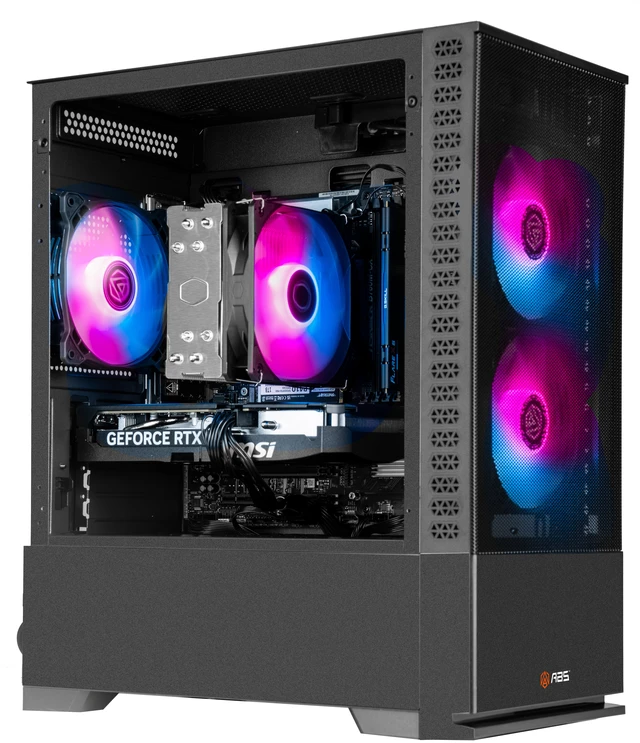
I don't treat an AIO as automatically better. The Cyclone Aqua uses a Cooler Master Hyper 212 air cooler, the Stratos II Ruby uses a 240mm AIO, and the Phantom and iBUYPOWER use 360mm radiators. What I check is whether the case has room for the cooler it ships with and decent front intake, because an AIO in a case with poor airflow is still a hot PC.
My checklist, in short
- Two memory sticks, ideally 32GB total, and a listed speed.
- A PSU from a named brand with headroom for your next GPU.
- A current chipset (B650, B850 or B860 and newer) if you plan to upgrade.
- A named SSD, or a plan to add one.
- 16GB of VRAM if you play big new games.
None of these are reasons to skip a good deal. They're the questions I'd want answered before the sale timer runs out.
Frequently Asked Questions
When is Black Friday 2026? Black Friday 2026 falls on Friday, November 27, the day after Thanksgiving on November 26.
Is single-channel RAM bad in a gaming PC? A single memory stick runs in single-channel mode, which halves memory bandwidth compared with two sticks. It can cost performance in CPU-heavy games, so I prefer prebuilts with two matched sticks or plan to add a matching second stick.
How big should a prebuilt's power supply be? Size it for the graphics card. A 600W to 650W unit is reasonable for an RTX 5060 Ti class system, while an RX 9070 XT or RTX 5070 Ti system is better served by about 750W to 850W from a known brand.
Should I avoid prebuilts that only say 1TB SSD? Not automatically, but I like listings that name the exact drive. If it is not listed, ask the seller or plan to add a second drive for games.
Is an 8GB graphics card OK in a new prebuilt? For 1080p and lighter games it works, but for big new releases I would choose a 16GB card so the PC stays useful longer.
Read More
- Best Prebuilt Gaming PCs in 2026 (Newegg Insider): Our broader list of prebuilt systems worth considering.
- Buying a Kid's First Gaming PC for the Holidays (Newegg Insider): What I'd look for in a first gaming PC as a gift.
- DDR5-6000 or DDR5-8000? (Newegg Insider): Why DDR5-6000 is the sweet spot for AM5 builds.
- GPU Benchmarks Hierarchy (Tom's Hardware): Compare the graphics card in any prebuilt against current GPUs.
- CPU Benchmarks Hierarchy (Tom's Hardware): Check where a prebuilt's processor lands for gaming.