A gaming desktop PC is built to run modern games with higher frame rates, richer graphics, and more responsive controls than a typical office computer. Unlike a basic desktop, it generally combines a dedicated graphics processing unit (GPU), a performance-focused central processing unit (CPU), fast memory, solid-state storage, and cooling hardware designed for sustained workloads. If you are comparing a gaming desktop PC with a console, laptop, or standard home computer, start with four questions: Which games do you play? What resolution and refresh rate do you want? How much performance do you need? And how important are future upgrades?
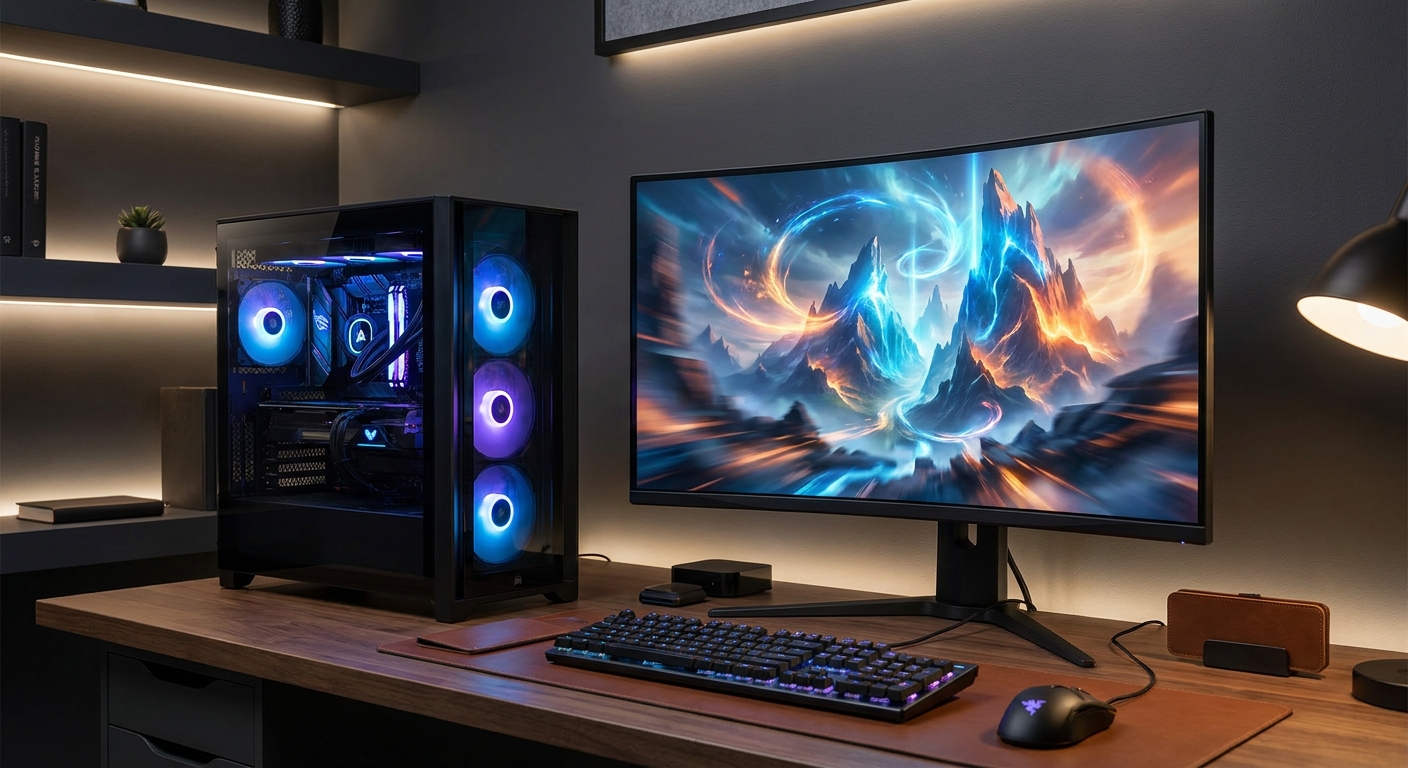
Gaming desktops span a wide range of configurations. An entry-level system may be designed for esports and 1080p gaming, while a high-end tower can handle high-refresh-rate 1440p play, 4K gaming, streaming, video editing, virtual reality, and demanding creative software. This guide breaks down the components, features, and buying considerations that matter most so you can compare complete systems instead of relying on vague performance claims.
Why a Gaming Desktop PC Matters
The biggest advantage of a gaming desktop PC is dedicated performance. Most general-purpose desktops depend on integrated graphics built into the processor. Integrated graphics can handle everyday applications and some less demanding games, but a dedicated GPU has its own graphics memory and processing resources. That extra hardware helps the system render complex 3D environments, lighting effects, high-resolution textures, and high frame rates more effectively.
Desktop systems also have more physical room for powerful components than most laptops. A larger case can accommodate a full-size graphics card, a tower CPU cooler or liquid cooling system, additional storage drives, and a power supply with enough capacity for performance hardware. That added space can improve thermals and make future upgrades more practical.
- Higher gaming performance: Dedicated graphics hardware is designed for real-time 3D rendering and can support features such as hardware-accelerated ray tracing.
- More upgrade flexibility: Many desktops let owners replace the graphics card, add memory, install more storage, or improve cooling.
- Better multitasking: A capable CPU and sufficient RAM can support gaming alongside voice chat, browser tabs, recording software, or a stream.
- Better sustained performance: Larger cooling systems can help a desktop maintain performance during extended gaming or rendering sessions.
- More display options: Desktops commonly support multiple monitors, high refresh rates, ultrawide displays, and high-resolution televisions.
Who Should Buy a Gaming Desktop PC?
A gaming desktop PC is a strong choice for shoppers who want control over performance, graphics quality, and future upgrades. It is particularly appealing if you already have a desk, monitor, keyboard, and mouse, since you can choose the computer separately from the rest of the setup. When portability is not a priority, a desktop can also deliver more performance per dollar than a similarly powerful gaming laptop.
That does not mean every gamer needs a premium tower. The right configuration depends on the games and applications you use. Someone who mainly plays competitive esports titles may benefit more from a fast CPU, a high-refresh-rate monitor, and stable frame rates than from an expensive 4K graphics card. A player who prefers visually demanding single-player games may want to prioritize GPU performance, graphics memory, and support for 1440p or 4K resolution.
- PC gamers: Players who want access to a large PC game library, adjustable graphics settings, mods, and detailed control options.
- Competitive players: Users looking for high frame rates and low input latency in first-person shooters, racing games, and esports titles.
- Streamers and content creators: Buyers who need enough CPU, GPU, memory, and storage for gameplay capture, broadcasting, and editing.
- Students and professionals: Users who want one computer for gaming, productivity, programming, 3D work, or other demanding applications.
- Families and shared households: Buyers seeking a versatile desktop for games, schoolwork, media, and general computing.
- Upgrade-minded enthusiasts: People who would rather replace individual components than buy a completely new computer as their needs change.
A gaming desktop may be less convenient for someone who moves frequently, travels for school or work, or needs to play away from a desk. In those situations, a gaming laptop provides built-in portability, a display, keyboard, and battery power. The tradeoff is that laptop components are usually harder to upgrade, and a laptop may cost more than a desktop with comparable peak performance.
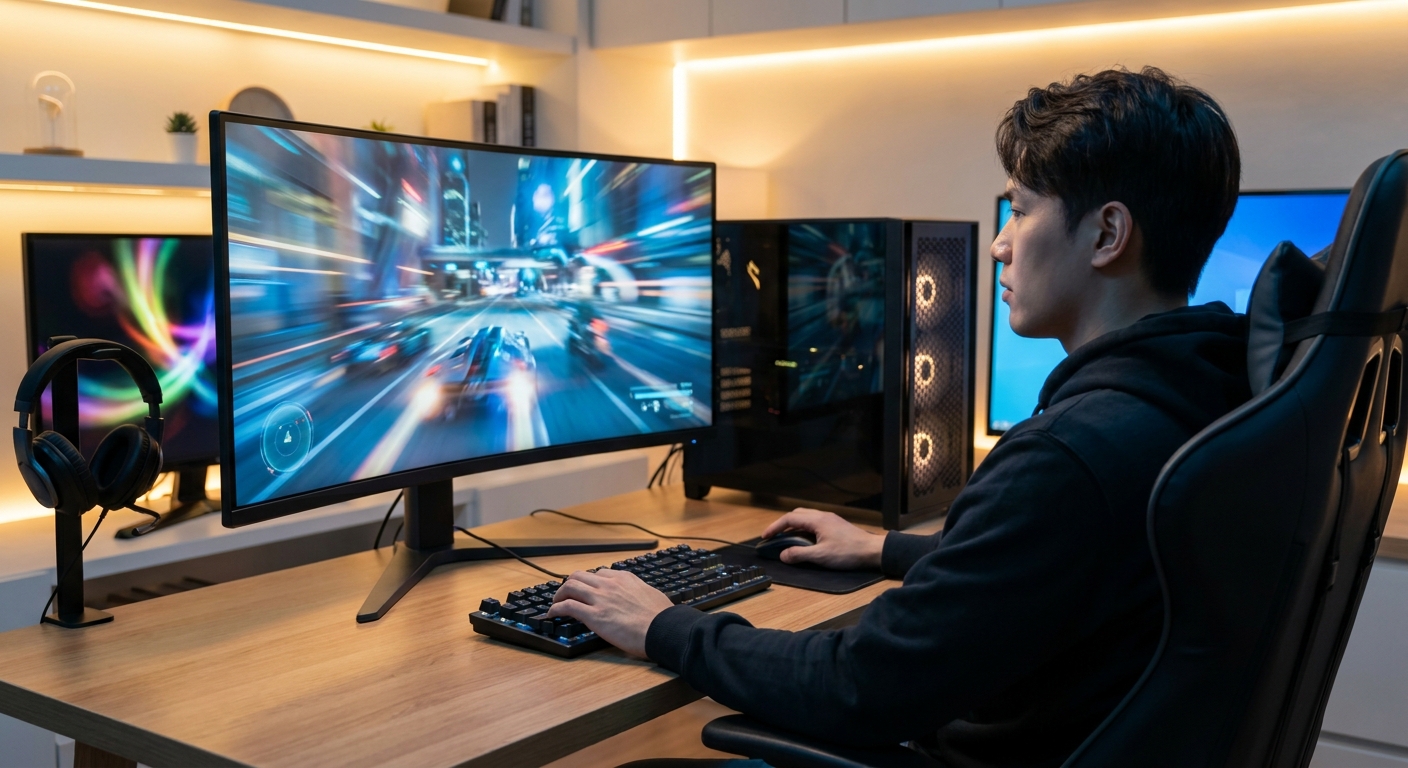
Gaming Desktop PC Capabilities Explained
A gaming desktop's capabilities depend on how well its components work together. A fast graphics card paired with a weak processor can create bottlenecks in some games. Likewise, a powerful CPU with insufficient graphics hardware may not deliver the visual quality you expect. Looking at the complete configuration is more useful than focusing on a single headline component.
Gaming performance and frame rates
Frame rate is the number of images a computer renders each second. Higher frame rates can make movement and action feel smoother, especially when paired with a high-refresh-rate monitor. A 60 Hz display can show up to 60 refreshes per second, while 144 Hz, 165 Hz, 240 Hz, and faster displays can show more updates when the computer produces enough frames.
Performance varies with the game, resolution, graphics preset, drivers, and features such as ray tracing. A gaming desktop that performs well at 1080p may not provide the same experience at 4K because 4K renders four times as many pixels as 1080p. Match the GPU to the monitor and target resolution rather than evaluating the hardware in isolation.
Ray tracing and upscaling
Ray tracing simulates how light behaves to create more realistic reflections, shadows, and global illumination. It can improve image quality, but it also adds to the rendering workload. Modern graphics cards may include hardware for accelerating ray-traced effects, while technologies such as NVIDIA DLSS, AMD FSR, and Intel XeSS can reconstruct a higher-resolution image from a lower internal rendering resolution. Support and visual results vary by game.
Streaming and creation
A gaming desktop can double as a streaming and content-creation workstation. Streaming software may use the CPU or a hardware encoder available on some GPUs. A system with at least 16 GB of RAM can handle many gaming tasks, while 32 GB provides more headroom for a game, browser tabs, recording software, editing applications, and communication tools running together. Video editors and creators may also benefit from a fast secondary SSD for project files.
What to Look For in a Gaming Desktop PC
When shopping for a gaming desktop PC, begin with your intended resolution and refresh rate. The same graphics card may be an excellent choice for 1080p, a balanced option for 1440p, or a compromise for 4K, depending on the game and desired settings. Once you have chosen a target display, evaluate the GPU, CPU, memory, storage, power supply, cooling, case, and upgrade options as one complete system.
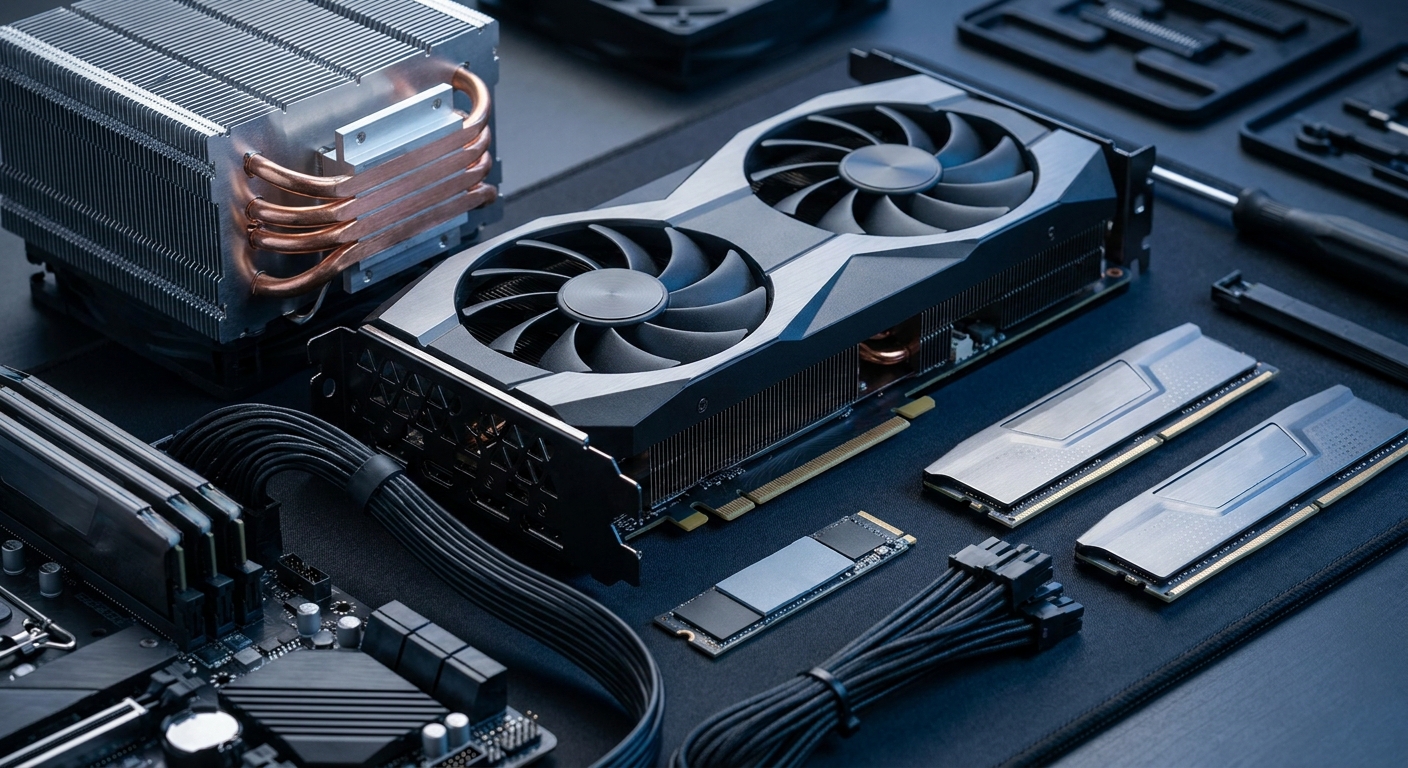
- Graphics card: The GPU is usually the most important component for gaming image quality and frame rate. Check its graphics memory capacity, supported technologies, display outputs, and intended resolution target.
- Processor: The CPU affects game logic, simulation, minimum frame rates, application performance, and multitasking. Modern desktop processors range from mainstream multi-core models to high-core-count chips for streaming and creation.
- Memory: 16 GB of system RAM is a practical baseline for many current gaming systems, while 32 GB is more comfortable for new builds, multitasking, mods, and content creation. Memory speed and the number of installed modules can also affect performance.
- Storage: An NVMe solid-state drive using PCIe 3.0, PCIe 4.0, or PCIe 5.0 can provide faster game loading and application responsiveness than a traditional hard disk drive, although actual gains vary by game and system. Capacity matters because modern games can occupy tens or more than 100 GB each.
- Power supply: The power supply should provide enough wattage for the CPU and GPU with reasonable headroom. Also check efficiency certification, protections, connector compatibility, and whether the unit comes from a reputable manufacturer.
- Cooling: Look for a suitable CPU cooler, front-to-back airflow, dust filters, and enough case fans. Cooling affects noise, sustained performance, and component longevity.
- Motherboard: The motherboard determines processor compatibility, memory support, expansion slots, storage interfaces, networking, and the number of available USB ports.
- Operating system and warranty: Confirm whether Windows is included, what warranty coverage applies, and whether technical support is available from the system builder.
Gaming Desktop PC Resolution and Performance Comparison
Resolution is one of the clearest ways to compare gaming desktop configurations. The categories below are general buying guidelines, not guaranteed frame-rate results. Actual performance depends on the game engine, graphics settings, driver updates, CPU and GPU combination, cooling, and whether features such as ray tracing or upscaling are enabled.
- 1080p gaming desktop: A practical starting point for esports, popular multiplayer games, and buyers using a standard 60 Hz to 165 Hz monitor. The system can emphasize value, high frame rates, and low latency instead of maximum texture detail.
- 1440p gaming desktop: A balanced choice for sharper image quality than 1080p while maintaining strong performance. This resolution is popular with 144 Hz and 165 Hz monitors and often benefits from a midrange or upper-midrange dedicated GPU.
- 4K gaming desktop: Designed for players who prioritize image detail and use a 4K monitor or television. A stronger GPU, more graphics memory, and careful graphics-setting choices become increasingly important.
- High-refresh competitive desktop: Built around high frame rates at 1080p or 1440p. The CPU, memory configuration, display refresh rate, and input devices all matter because the goal is responsiveness rather than maximum cinematic effects.
- Creator and streaming desktop: Combines gaming performance with additional CPU cores, 32 GB or more of RAM, fast storage, and an efficient hardware encoder or capture workflow.
Resolution is not the only factor that determines visual quality. A 1440p display can offer an appealing balance of clarity and performance, while a high-refresh 1080p monitor may be preferable for competitive play. Also consider adaptive-sync support, response time, panel type, and the physical size of the display.
Gaming Desktop PC Components: How They Work Together
The GPU renders images, while the CPU prepares game instructions, manages simulation, and handles many background tasks. In a fast competitive game, a stronger CPU can help maintain high minimum frame rates. In a visually demanding game at high resolution, the GPU generally carries more of the workload. Because the balance changes from title to title, a well-matched configuration is usually a better choice than spending nearly the entire budget on one component.
System memory supports active applications, while graphics memory stores textures, frame data, and other assets used by the GPU. If a game requires more graphics memory than the card provides, the system may experience stuttering or require lower texture settings. Storage does not usually determine average frame rate directly, but an SSD can reduce boot and loading times and make the overall computer feel faster.
- CPU and GPU balance: Avoid pairing a very high-end graphics card with an entry-level processor if your goal is high-refresh gaming.
- RAM capacity: Choose enough memory for the games and applications you expect to run simultaneously, with 32 GB providing useful multitasking headroom.
- SSD capacity: A 1 TB SSD may be a practical starting point, but larger libraries and creative projects may justify 2 TB or additional drives.
- Expansion planning: Check for open M.2 slots, SATA ports, memory slots, PCIe slots, and available power connectors before planning upgrades.
- Thermal design: Performance components need adequate airflow so they can sustain their intended speeds during long sessions.
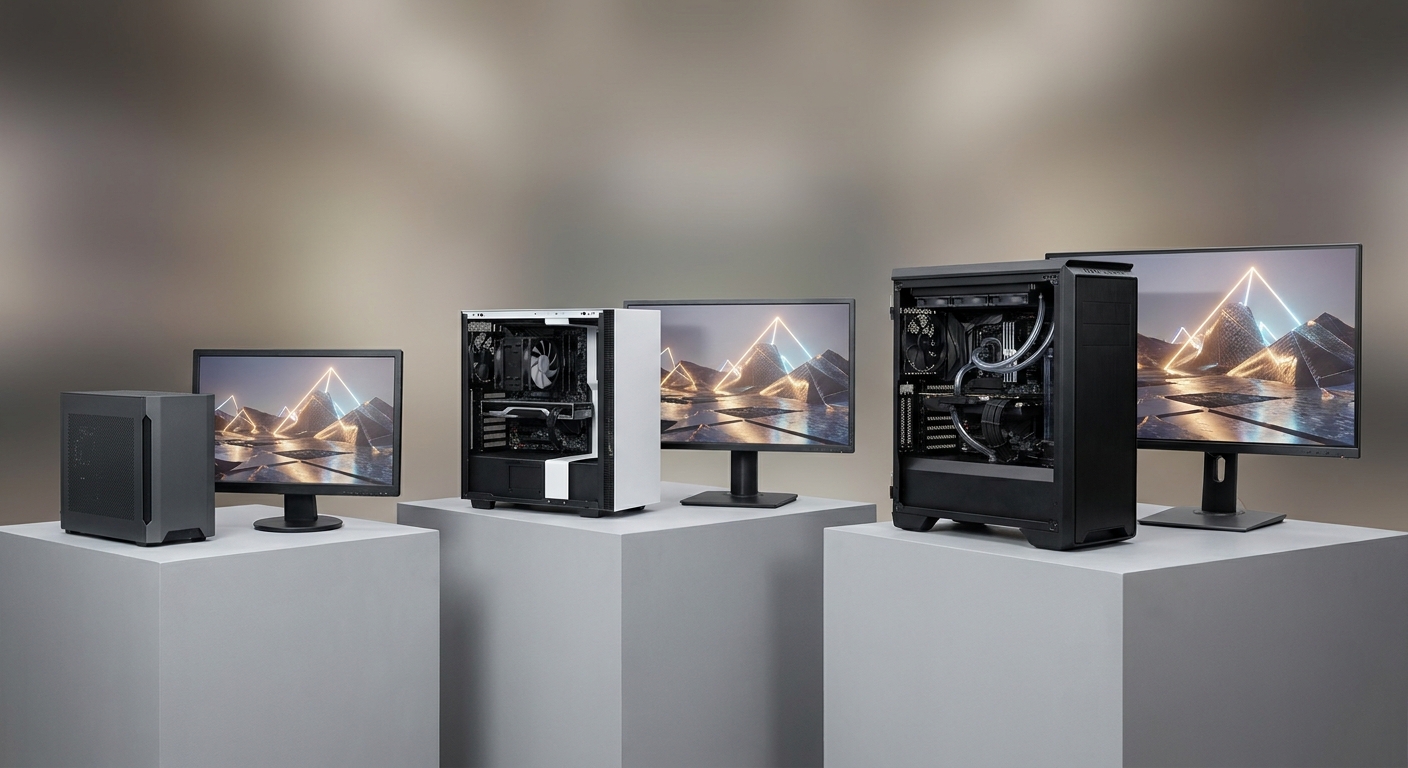
Gaming Desktop PC Form Factors and Design Choices
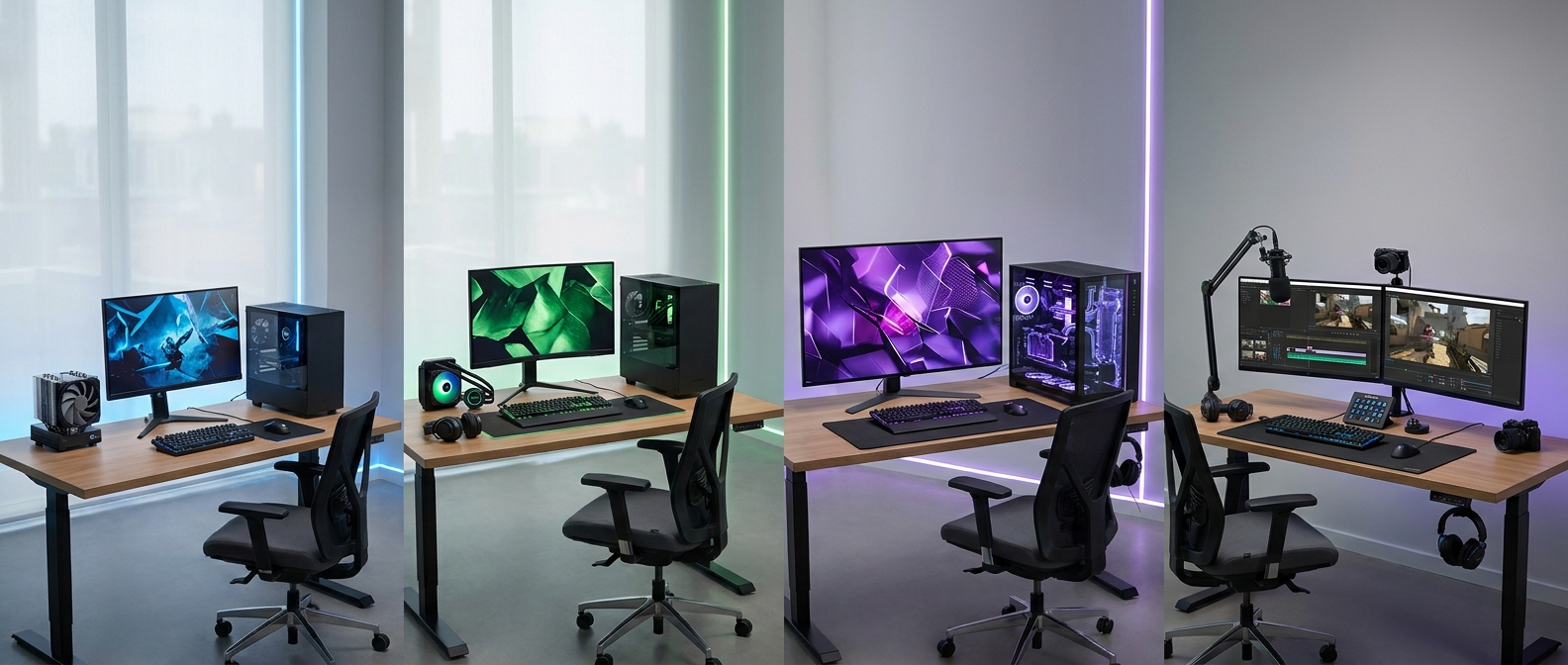
Most gaming desktops use a mid-tower case because it balances internal space with desk footprint. Full-tower systems provide more room for large graphics cards, additional drives, radiators, and expansion cards, but they require more physical space. Compact desktops can work well in smaller rooms, although their upgrade options and cooling arrangements may be more restricted.
Prebuilt gaming desktops simplify the shopping process because the processor, graphics card, memory, storage, operating system, and warranty arrive as one tested system. Custom-built systems offer more control over component selection. In either case, inspect the exact model numbers and specifications instead of relying only on a product name or case design.
- Mid-tower: A versatile format for mainstream gaming, multiple storage drives, full-size GPUs, and future upgrades.
- Full-tower: Useful for complex builds, extensive cooling, multiple expansion cards, and large component configurations.
- Small-form-factor: A space-saving option that may require careful attention to GPU length, power supply size, cooling, and upgrade limitations.
- RGB and tempered glass: Appearance features can personalize a setup, but airflow, component quality, and serviceability should remain higher priorities.
Top Gaming Desktop PC Buying Profiles
Rather than choosing a desktop based only on price, match the system to a specific use case. These profiles highlight what to prioritize without tying the advice to one brand or product generation.
Entry-level 1080p gaming
This profile fits players who mainly enjoy esports, indie games, older AAA releases, and popular multiplayer titles. Prioritize a modern multi-core CPU, a dedicated GPU with enough graphics memory for your games, 16 GB of RAM, and at least a 512 GB SSD. A 1 TB SSD is more convenient if your library includes several large installations.
Mainstream 1440p gaming
This is a strong all-around choice for players who want sharper graphics and a high-refresh monitor. Look for a balanced CPU and GPU, 16 GB or 32 GB of RAM, a 1 TB NVMe SSD, and a case with dependable airflow. Adaptive sync and modern upscaling technologies can help maintain a smooth experience in demanding games.
High-end 4K gaming
A 4K-focused desktop should emphasize a powerful current-generation GPU, sufficient graphics memory, a capable processor, 32 GB of RAM, and fast storage. High-end parts can produce more heat and require a stronger power supply and better cooling. Budget for a 4K display that supports an appropriate refresh rate as well.
Streaming and content creation
Streamers and creators should consider CPU core count, hardware encoding support, 32 GB or more of memory, fast project storage, and a motherboard with useful connectivity. A separate SSD for recordings and editing files can reduce clutter on the operating-system drive. A strong network connection and quality microphone are also important parts of the complete setup.
Upgradeable long-term system
For long-term ownership, look beyond current benchmark results. A case with room for larger graphics cards, a modular power supply, additional memory slots, extra M.2 storage support, and an accessible motherboard can make future improvements easier. Warranty terms and standard component selection also matter if serviceability is a priority.
Common Gaming Desktop PC Buying Mistakes
Many disappointing purchases result from evaluating one specification instead of the complete system. A large amount of RAM does not make up for an entry-level GPU when the goal is 4K gaming, and a premium GPU may be underused if the monitor has a low refresh rate or the processor creates a bottleneck.
- Buying by RGB lighting: Lighting affects appearance, not frame rate. Prioritize the GPU, CPU, cooling, memory, storage, and power supply first.
- Ignoring the monitor: A powerful desktop cannot show the benefit of high frame rates if the display has a low refresh rate or lacks suitable synchronization features.
- Choosing too little storage: Large modern games can quickly fill a small drive. Confirm usable capacity and available expansion options.
- Overlooking cooling: A compact case with restricted airflow may create unnecessary noise or reduce sustained performance.
- Assuming all upgrades are easy: Check proprietary components, motherboard slots, power connectors, internal clearance, and warranty policies before planning replacements.
- Comparing only CPU names: Processor generation, architecture, core configuration, cooling, and the specific workload all influence real results.
- Forgetting peripherals: A complete gaming setup may also require a monitor, keyboard, mouse, headset, speakers, webcam, and surge protection.
Gaming Desktop PC Setup and Maintenance
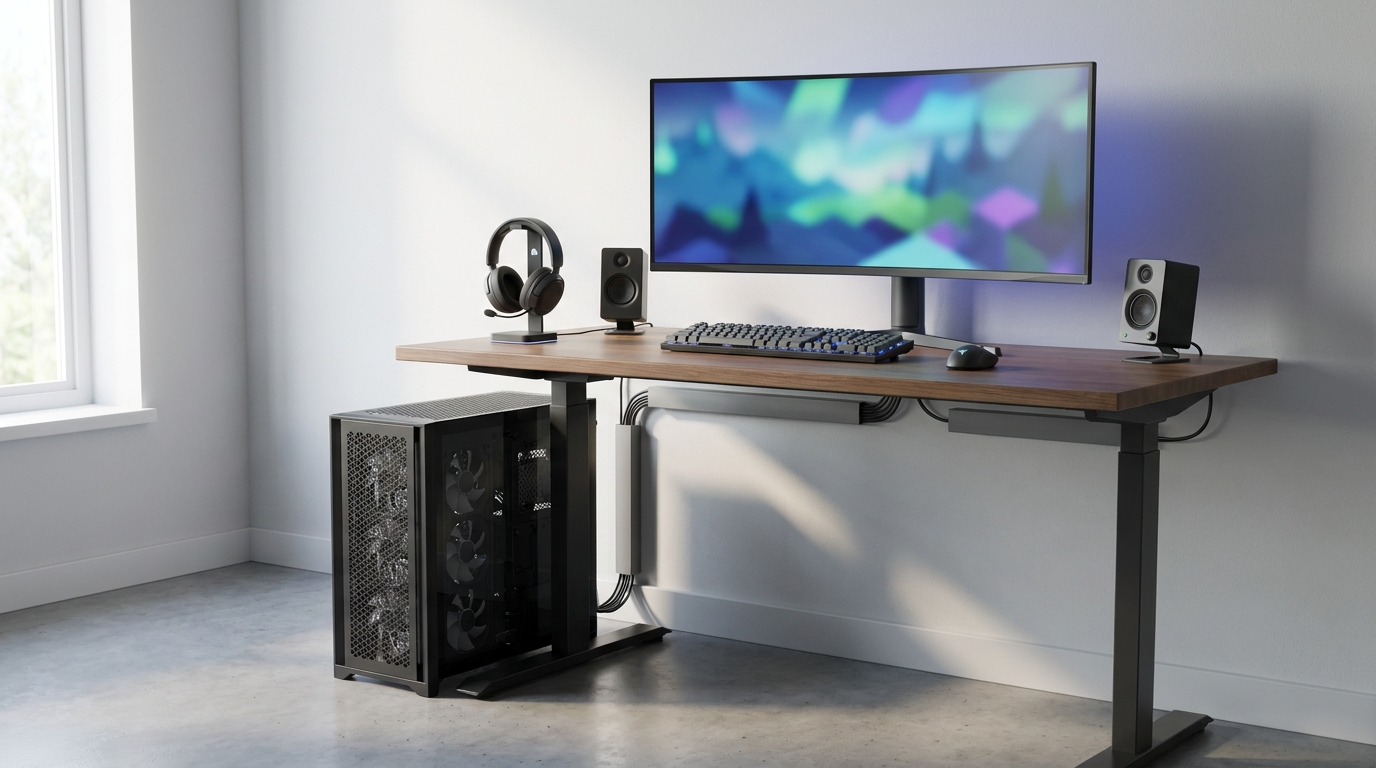
After buying your desktop, place it where the intake and exhaust vents have clear space. Do not block ventilation with a wall, cabinet, or pile of cables. Keeping the computer elevated from dusty flooring can help reduce dust buildup, while regular cleaning of filters and vents supports airflow.
Software maintenance matters too. Install operating-system updates, graphics drivers, manufacturer-recommended firmware updates, and security patches. Monitor temperatures and fan behavior if the system becomes unusually loud or unstable. Back up important documents and creative projects separately from the gaming computer so a hardware failure does not remove the only copy.
- Use a stable surface with adequate ventilation on all sides.
- Keep cables organized so they do not obstruct fans or airflow paths.
- Clean dust filters and vents periodically using appropriate equipment.
- Keep important files on a separate backup device or trusted cloud service.
- Review warranty requirements before opening or modifying the system.
Is a Gaming Desktop PC Worth It?
A gaming desktop PC is worth considering when performance, upgradeability, and flexibility matter more than portability. One system can serve as a gaming machine, streaming setup, school or work computer, and creative workstation. The wide range of configurations also lets shoppers choose for 1080p value, 1440p balance, 4K image quality, high-refresh competition, or demanding productivity.
The best purchase is not necessarily the most expensive desktop. It is the one that matches your display, games, applications, available space, and upgrade plans. Start with the target resolution and refresh rate, select a balanced CPU and GPU, choose enough RAM and SSD capacity, confirm cooling and power requirements, and review the warranty before buying.
Final Verdict on Choosing a Gaming Desktop PC
A gaming desktop PC delivers the performance and flexibility needed for modern games while remaining useful for streaming, content creation, productivity, and everyday computing. Dedicated graphics, desktop cooling, expandable storage, and replaceable components make the format especially appealing to players who want more control than a console or laptop typically provides.
For most shoppers, a balanced 1440p-oriented system is a practical middle ground, while 1080p desktops can provide excellent value and high-refresh responsiveness. Enthusiasts targeting 4K, ray-traced effects, virtual reality, or professional creative workloads should plan for stronger graphics hardware, additional memory, more storage, and robust cooling. Evaluate the entire configuration rather than one specification, and you can choose a gaming desktop that meets today's needs while remaining useful for years.
Frequently Asked Questions
What gaming desktop PC should I choose for 1080p, 1440p, or 4K gaming?
Choose a value-focused system with a dedicated GPU for 1080p, a balanced midrange configuration for 1440p, and a higher-end GPU with more graphics memory for 4K. Your target monitor refresh rate, graphics settings, ray tracing preferences, and the games you play should guide the final choice.
Is a prebuilt gaming desktop PC worth the money compared with building one?
A prebuilt gaming desktop can be worthwhile because it includes tested components, an operating system, assembly, and warranty support. Building your own PC usually provides more control over component selection, but you must verify compatibility, install the system, troubleshoot problems, and manage individual component warranties.
How much RAM and storage does a gaming desktop PC need?
Sixteen gigabytes of RAM is a practical baseline for many gaming systems, while 32 GB offers more headroom for streaming, browser tabs, mods, editing software, and multitasking. A 1 TB SSD is a useful starting point, but a 2 TB drive or additional storage may be better for large game libraries and creative projects.
How can I check whether a gaming desktop PC is upgradeable?
Review the exact motherboard, power supply, case dimensions, memory slots, M.2 slots, SATA ports, PCIe slots, and available power connectors. Also check graphics card clearance, cooler support, proprietary components, and whether opening the system or replacing parts affects the warranty.
What should I do if the gaming desktop PC I want is out of stock?
Compare alternative systems by their exact CPU, GPU, RAM, storage, power supply, cooling, and warranty rather than by brand name or case design alone. Inventory and pricing can change quickly, so consider a similar configuration from another reputable system builder or wait for a restock if the original model has unusually strong value.
Read More
- Best Gaming PCs in 2026 — PC Gamer compares tested gaming desktops across different budgets and performance categories.
- How to Buy Your First Gaming PC — This beginner-friendly guide explains the main components and decisions involved in choosing a gaming PC.
- NVIDIA DLSS Technology — NVIDIA explains how DLSS uses AI-powered rendering technologies to improve performance and image quality in supported games.
- AMD FidelityFX Super Resolution — AMD details FSR upscaling and frame-generation technologies designed to increase gaming performance in supported titles.
- AMD Radeon Desktop Graphics Cards — AMD's official Radeon graphics card page provides product information for comparing GPU features and supported technologies.