"SSD" is one of the steadiest searches on Newegg. On paper, the jump is huge. Good Gen4 drives are rated around 7,000MB/s, and the newest Gen5 drives are rated at up to 14,900MB/s.
In games, the gap is a lot smaller than those numbers suggest. Here's when I think Gen5 is worth it and when I'd save the money for something else.
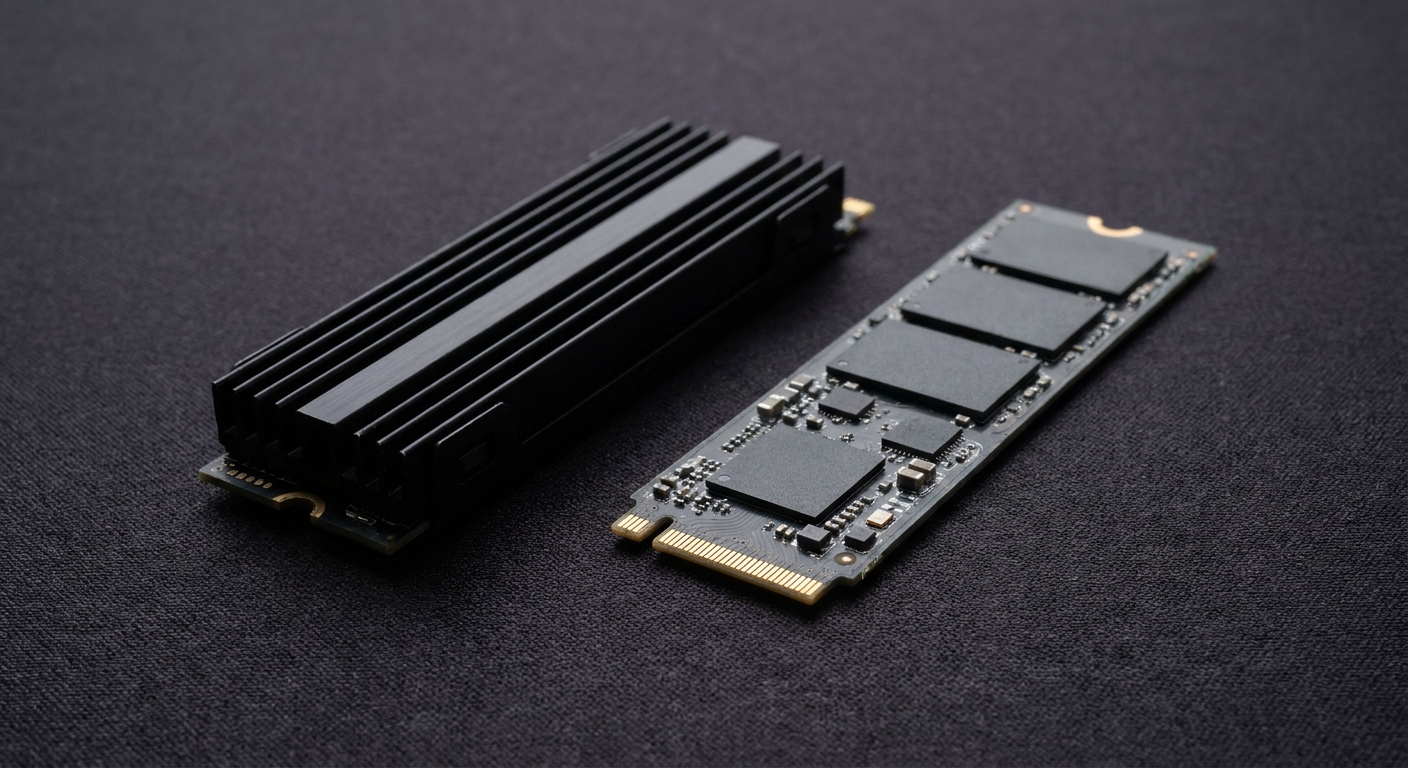
Why games don't double their load speed
Loading a game isn't just reading files. The CPU decompresses assets, the game builds its world and shaders get compiled or loaded. Once a drive is fast enough, those other steps become the bottleneck.
Microsoft's DirectStorage API is meant to change that by letting games stream assets more efficiently, with GPU decompression in newer versions. But games have to be built to use it, so most of your library won't see a big difference.
If you're building a new AM5 or high-end PC
This is where Gen5 makes the most sense. If your board has a PCIe 5.0 M.2 slot, a Gen5 drive gives you headroom for games that make heavier use of fast storage.
The Samsung 9100 PRO 2TB is rated up to 14,700MB/s reads, with V8 TLC NAND and 2GB of LPDDR4X cache. The WD_BLACK SN8100 2TB is rated up to 14,900MB/s reads and 14,000MB/s writes, with a 2GB DRAM cache.

The Crucial T710 2TB is rated up to 14,900MB/s reads and 13,800MB/s writes and ships without a heatsink, so it's a good match for boards with a built-in M.2 cooler. The Kingston FURY Renegade G5 2TB is rated up to 14,700MB/s reads and 14,000MB/s writes. The Crucial T705 2TB, rated up to 14,500MB/s, is another option.

If your motherboard only has Gen4 slots
Buy Gen4. A Gen5 drive will work in a Gen4 slot, but it runs at Gen4 speeds, so you pay for performance you can't use.
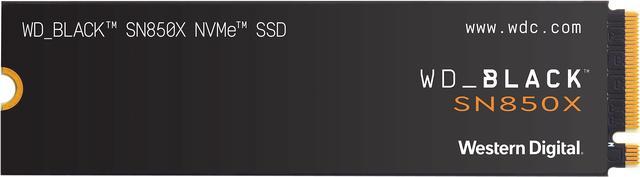
The WD_BLACK SN850X 2TB is rated up to 7,300MB/s reads with a 2GB DRAM cache. The Samsung 990 PRO 2TB with Heatsink is rated up to 7,450MB/s. The Kingston FURY Renegade 2TB with heatsink is rated up to 7,300MB/s reads and is listed as PS5-ready, so it's a flexible choice.
If you're adding a second drive for your game library
I'd buy Gen4 here even on a Gen5 board. A big library drive spends most of its time sitting there, and a good Gen4 drive loads games nearly as fast. Put the Gen5 drive in the main slot for Windows and your most-played games.
Capacity matters more than the PCIe generation
If I had to choose between a 1TB Gen5 drive and a 2TB Gen4 drive, I'd take the 2TB Gen4 for gaming. Big games keep growing, and a drive that's nearly full is a hassle no matter how fast it is. SSDs also tend to perform better with some free space, so leaving room on the drive helps too. That's why every drive I've listed here is 2TB.
Installing a Gen5 drive
Check your motherboard manual for which M.2 slot is wired for PCIe 5.0, since it's usually the one closest to the CPU. On some boards, using that slot or certain other M.2 slots can share lanes with the graphics card slot or SATA ports, so read the lane-sharing notes before you install. Remove the plastic film from the thermal pad on the M.2 heatsink, too. It's an easy step to miss.
If your case runs warm
Gen5 controllers can get hot and throttle under long transfers. Use the motherboard's M.2 heatsink or a drive that ships with one, and make sure there's airflow over the M.2 area. If your case is cramped and warm, a Gen4 drive is the less fussy choice.
What I'd actually buy
- New high-end build with a Gen5 slot: Samsung 9100 PRO or WD_BLACK SN8100 for the boot drive.
- Gen4-only board: WD_BLACK SN850X or Samsung 990 PRO.
- Second drive for games: a 2TB Gen4 drive.
- PS5 storage you might move to a PC later: a Gen4 drive with a heatsink.
My take
Gen5 SSDs are fast, and in a new high-end build they're a reasonable long-term choice. But in most games, the jump from a good Gen4 drive to Gen5 is small. If budget is tight, a fast Gen4 drive and a better GPU will do more for your gaming than a Gen5 drive alone.
Frequently Asked Questions
Do Gen5 SSDs make games load faster? Sometimes, but usually by less than the rated speeds suggest. Game loading also depends on CPU work like decompression and shader setup, so the difference between a good Gen4 drive and a Gen5 drive is often small.
Does my motherboard support PCIe 5.0 SSDs? Check for an M.2 slot labeled PCIe 5.0. On AMD AM5, X870 and B850 boards include at least one PCIe 5.0 NVMe slot. A Gen5 drive in a Gen4 slot still works, but at Gen4 speeds.
Do Gen5 SSDs need a heatsink? Most benefit from one. Use your motherboard's M.2 heatsink or buy a version with a heatsink, because Gen5 controllers can throttle when they get hot.
Is a Gen4 SSD still good for gaming? Yes. A fast Gen4 drive with DRAM cache, such as the WD_BLACK SN850X or Samsung 990 PRO, is still an excellent game drive.
What is DirectStorage? DirectStorage is a Microsoft API that lets games stream assets from NVMe SSDs more efficiently, including GPU decompression in newer versions. Games have to be built to use it.
Read More
- DirectStorage 1.2 Available Now (Microsoft DirectX Blog): Microsoft's update on the API games use to load data from NVMe SSDs.
- Crucial T710 2TB (Crucial): Crucial's official specs for its Gen5 T710.
- Best SSDs (Tom's Hardware): Independent SSD testing and recommendations.
- Best Portable SSDs in 2026 (Newegg Insider): Fast external storage for game libraries and backups.
- B850 vs X870: Which AM5 Motherboard I'd Actually Buy (Newegg Insider): How AM5 chipsets handle PCIe 5.0 storage.