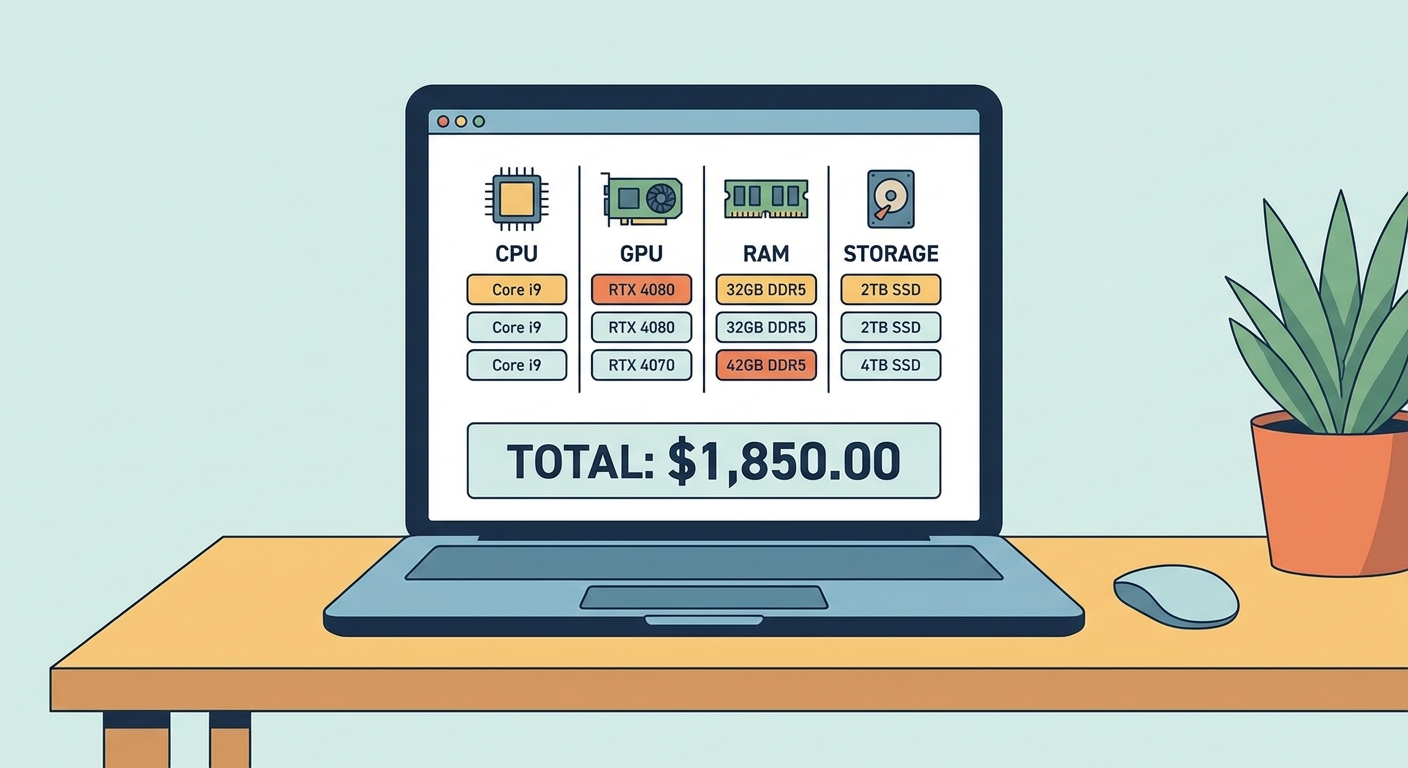
Start with Newegg's PC Builder Tool
The Newegg PC Builder is your first stop. It walks you through selecting each component category in order — CPU, motherboard, RAM, GPU, storage, case, PSU, and cooling — with automatic compatibility filtering at each step. Once you've selected a CPU, the tool automatically filters to show only compatible motherboards. A running total shows your build cost in real time. Save and share your build list with friends or come back later. Pro tip: Start from the CPU and work outward. Your CPU determines motherboard socket (AM5 for AMD Ryzen 9000, LGA1851 for Intel Core Ultra 200/300), which constrains RAM type and chipset tier.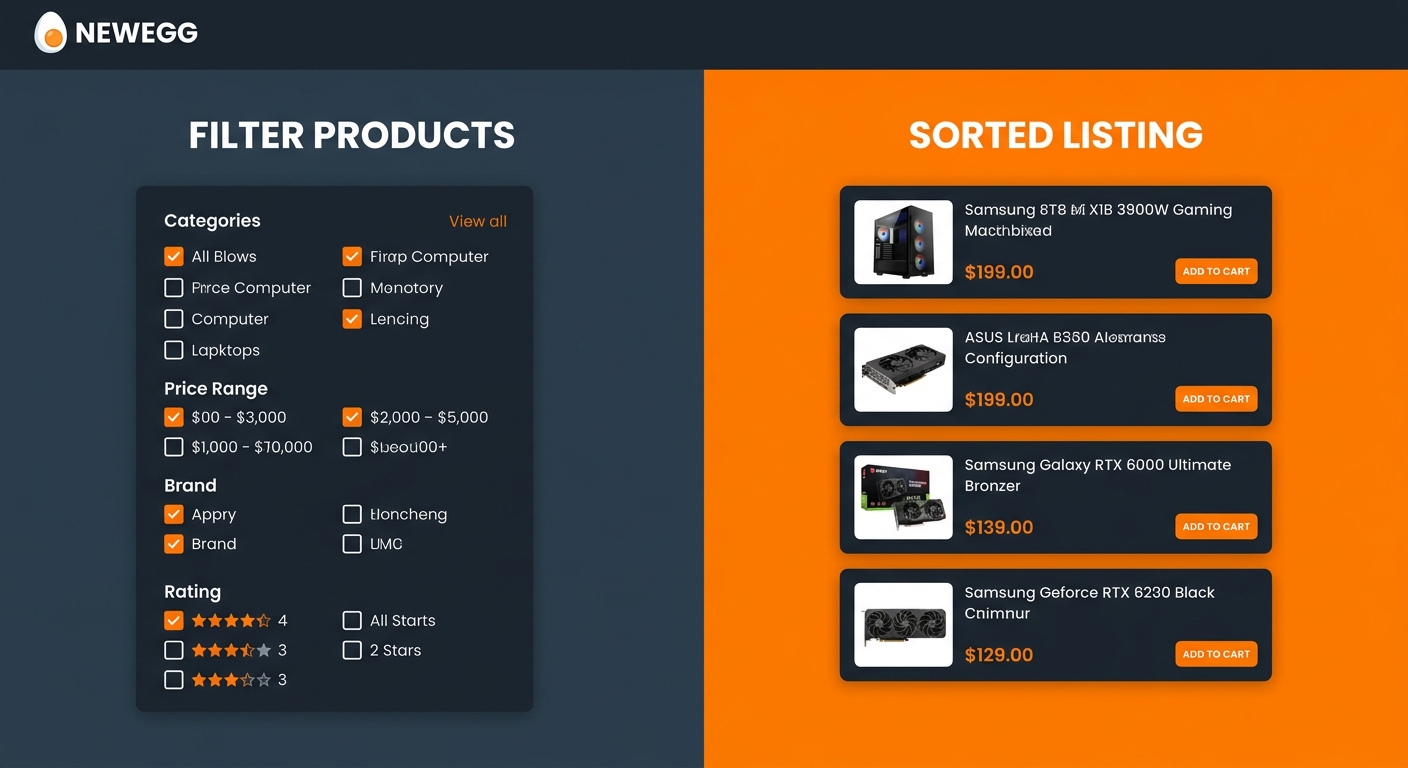
Mastering Newegg's Filters and Search
Newegg's category pages have powerful filter options most shoppers underutilize. Use the Price Range Slider to eliminate out-of-budget options immediately. Brand Filters narrow to your preferred vendors. For GPUs, filter by VRAM size; for RAM, by speed and capacity; for storage, by interface (PCIe 5.0 NVMe vs SATA). Sort by Best Rating with at least 50 reviews to surface the most trusted products. Look for the EggXpert badge — these reviews come from verified power users with the most technically detailed assessments.Finding the Best Deals on Newegg
| Tool | Best For | Where to Find |
|---|---|---|
| PC Builder | Planning compatible builds step-by-step | newegg.com/tools/pc-builder |
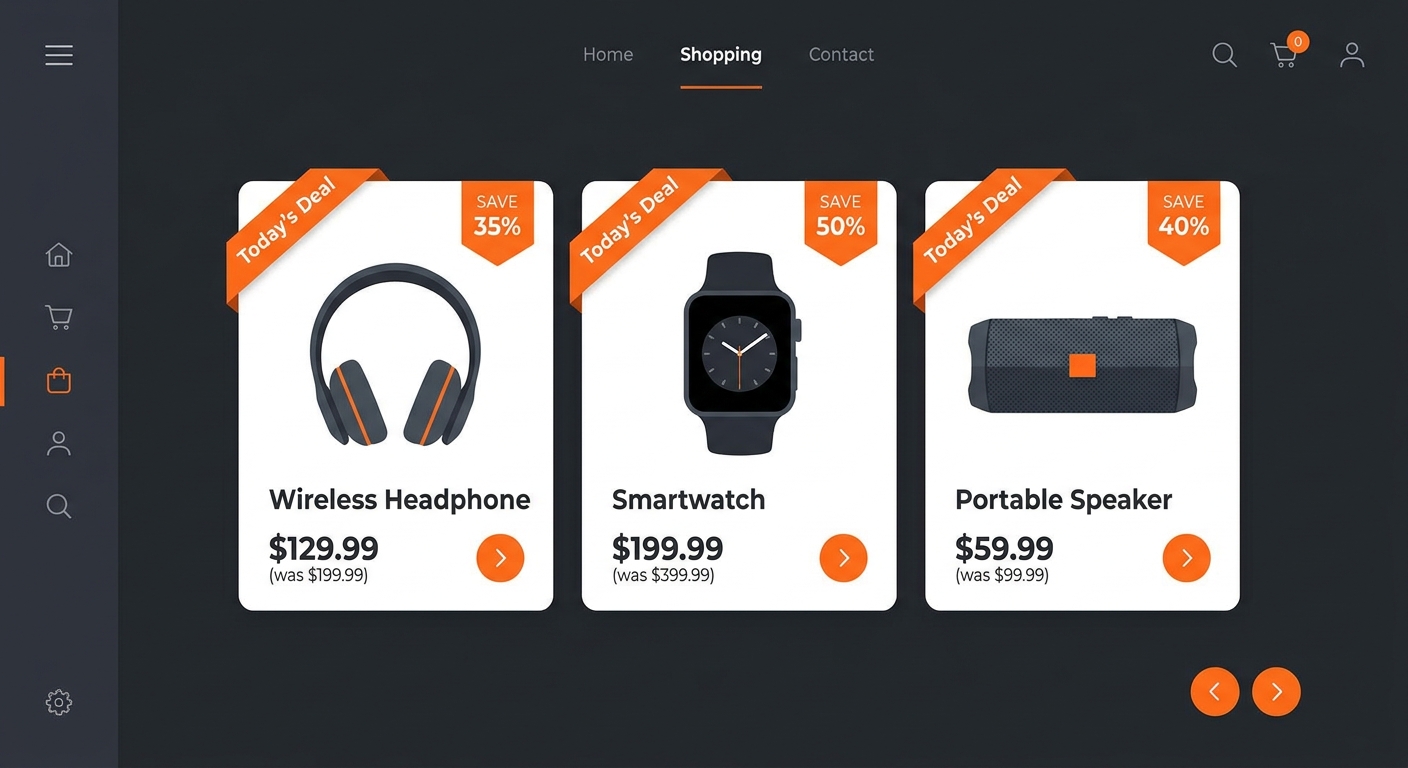
| Shell Shocker | Daily deal hunting for specific components | newegg.com/promotions/shell-shocker |
| Combo Deals | Bundling components for discounts | Product page "Combo" tab |
| Price History Chart | Verifying genuine sales | Product page (scroll down) |
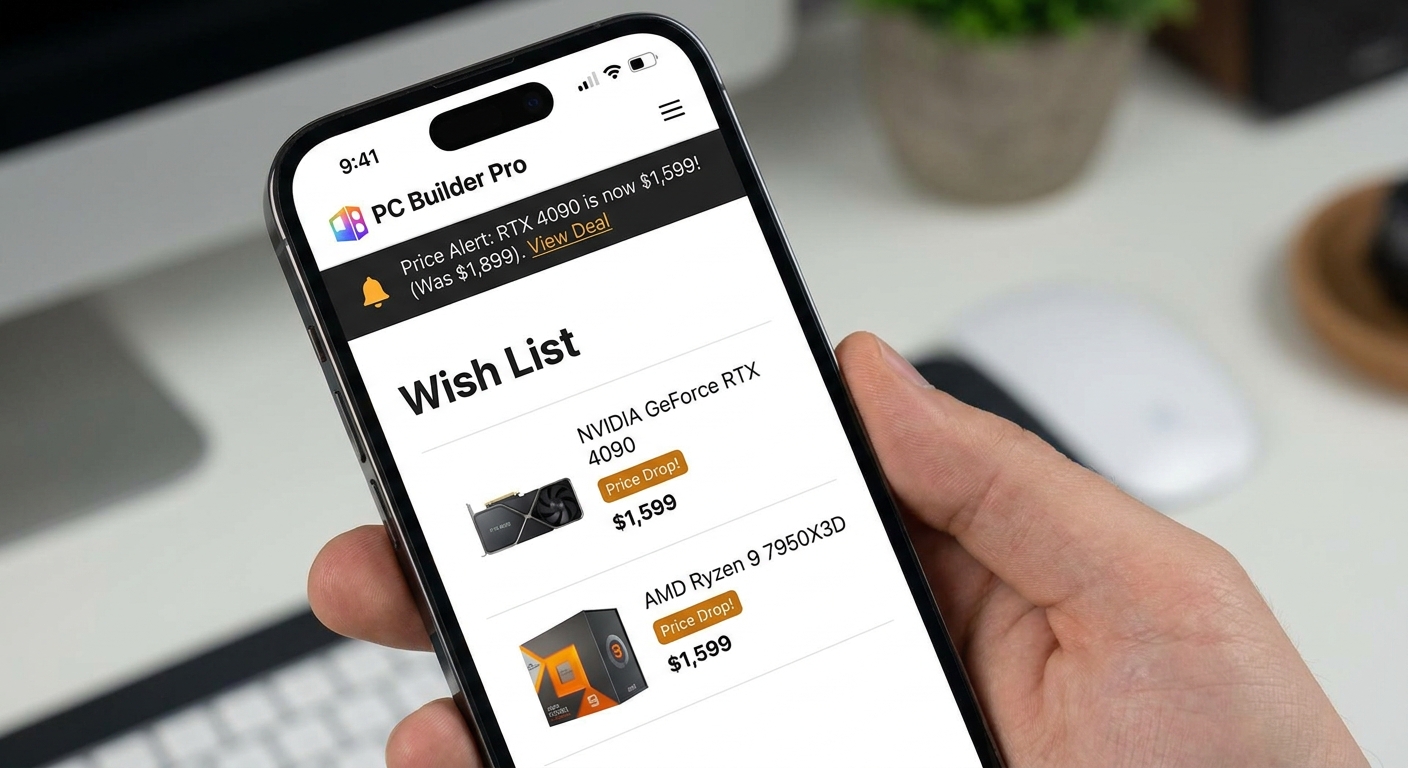
| Wish List + Price Alert | Tracking price drops | Product page heart icon / Account |
| Newegg Mobile App | On-the-go tracking and push notifications | iOS / Android app stores |
Using Wish Lists and Price Alerts
Reading Reviews Like a Pro
Sort by "Most Helpful" for the most detailed feedback. Read negative reviews — they reveal real-world issues marketing materials don't mention. Check review dates — manufacturing quality can change over time. Browse the Q&A section for compatibility concerns experienced users have already investigated.Put It All Together
Start in PC Builder to plan a compatible build, use filters to narrow within your budget, monitor Shell Shocker and combo deals for savings, and set price alerts on anything you're not buying immediately. With the right tools and a little patience, you can build an outstanding PC at the best possible price.Read More
- Newegg Insider: How to Build a PC — Complete Guide — Step-by-step assembly guide with photos for every stage.
- How to Use Newegg PC Builder — Full Walkthrough (YouTube) — Video tutorial demonstrating every feature from start to checkout.
- Newegg Shell Shocker Daily Deals — Today's time-limited deals on PC components and peripherals.
- r/buildapc Wiki — PC Building Resources — Community-curated guides on component selection and troubleshooting.
- PCPartPicker Compatibility Checker — Cross-reference your component list for compatibility issues.
Frequently Asked Questions
Answers to the most common questions about this topic.
Does Newegg have a PC builder tool?
Yes, Newegg has a PC Builder tool that lets you select compatible components for a custom build, check compatibility, and add everything to your cart at once.
How do I find the best deals on Newegg?
Use the Daily Deals and Shell Shocker sections on Newegg for time-limited discounts. You can also filter products by discount percentage and check the Combo Deals section for bundle savings on components.
Can I compare products on Newegg?
Yes, Newegg allows you to compare up to four products side by side using the Compare feature on category and product pages, showing specs, prices, and ratings in a single table.